10 wallpapers in 1 collections · last added 3 Oct 2026 · sizes for iPhone, Android, desktop and tablet
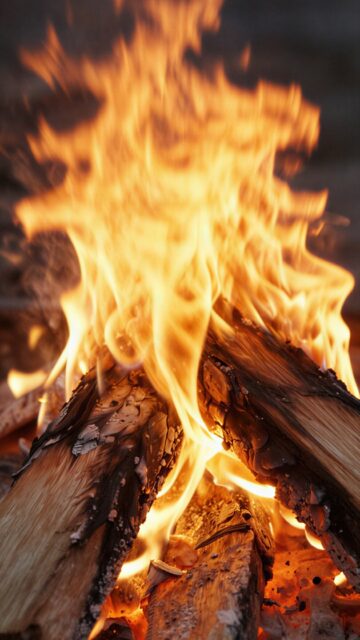
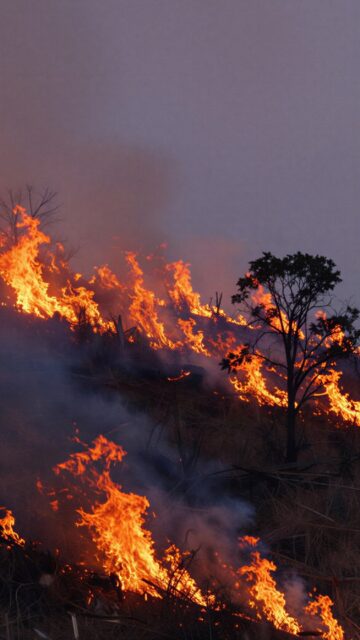
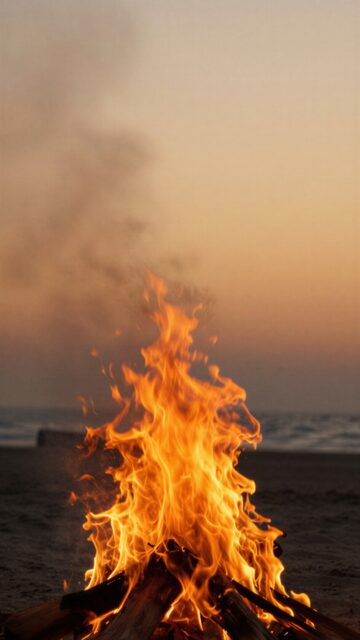
A fire wallpaper brings heat, motion and drama to your screen. These fire wallpapers cover roaring flames against pitch-black backgrounds, glowing campfire embers, sparks rising into the night, close-up candle flames, blue-hot gas flames, swirling fire abstractions and fiery elements wrapped around shapes and silhouettes. Some designs are intense and full of orange and red, others are calm and cozy, like a fireplace glow on a winter night. The collection belongs to our wider nature wallpapers.
Every collection holds 10 images in one size. Phone portrait sets suit the lock screen on iPhone (1170x2532) and Android (1080x2400), and iPad, laptop and 4K desktop sizes let a blaze fill a bigger display. Each design is original and checked by hand before it is published, and weak images are removed, so flame edges stay crisp instead of muddy. Because flames are usually shown against darkness, these backgrounds look especially vivid on OLED screens with deep blacks.
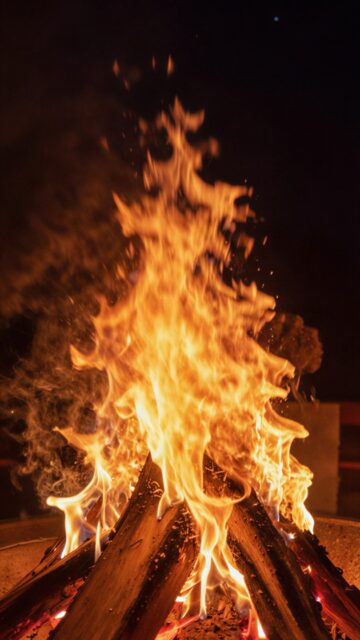
Flame designs swing between two moods. Hot and intense scenes, with tall orange tongues and flying sparks, feel energetic and suit gaming setups or anyone who likes a bold screen. Warm and cozy scenes, like embers in a fire pit or a single candle, feel calm and work well through fall and winter. For a lock screen, a fire rising from the bottom leaves dark space above for a bright clock. On a home screen, embers and sparks scattered across black stay visible between icons. Orange and black is the classic pairing, while blue flames feel cool and high-tech. Pair this theme with:
Pick a fire design where the flames rise from the bottom edge and fade to black near the top; the clock then sits on pure dark space and the blaze frames your dock.
Use the 1170x2532 iPhone version so flickering edges and sparks stay sharp. Flames naturally rise upward, so they fit the tall portrait screen well. On the lock screen, choose a design where the flames reach about halfway up, leaving dark space at the top where the clock stands out clearly.
Yes. Android sets are 1080x2400, which fits most current Android phones. Set a fixed crop so a central flame stays in place as you switch pages. Many Android phones use OLED screens, where the deep black around the fire looks especially rich. See our Android guide for setup.
Blue flames usually come from fuel burning cleanly with plenty of oxygen, like a gas stove. Orange and yellow flames get much of their color from tiny soot particles glowing as they heat up, as in a campfire or candle. That is why blue fire designs feel sleek and hot, while orange ones feel warm and natural.
Usually, yes. Most fire designs show flames against a lot of black, and on OLED screens true black pixels are turned off. That means a dark fire wallpaper uses a little less power than a bright, full-color image. On LCD screens the backlight stays on, so there is no real battery difference.
Fire has long stood for energy, passion, transformation and renewal, as well as warmth and home. In many myths it is a gift or a power to be tamed, and the phoenix rising from its own ashes is a famous symbol of rebirth. That range is why fire designs can feel either intense or comforting.
The lock screen is ideal for a big, dramatic blaze, because nothing covers it and the dark top area keeps the clock readable. On the home screen, a softer ember pattern or a flame low in the frame works better, since icons will cover the middle. White icons stand out well against dark fiery scenes.
Yes. They are free for personal use on your own phone, tablet, computer or watch, with no sign up and no watermark. You may not use them in commercial work, such as stream overlays you sell, product designs, ads or redistributed packs. The full rules are in our terms of use.
Download the 3840x2160 desktop version, which also looks sharp on 1080p and 1440p monitors. On Windows, open Settings, Personalization, Background; on a Mac, go to System Settings, Wallpaper, and choose Fill. Our desktop wallpaper guide covers both systems step by step.
Every wallpaper is reviewed by a person before it goes live: we remove images with odd details or blur and check the crop for each device. How we check wallpapers
Something wrong with an image? Report an image · Free for personal use, see the Terms.