Palm Tree Wallpaper iPhone
Palm tree wallpaper for iPhone brings tropical scenes to your lock and home screens with free designs you can download instantly. These vertical wallpapers show palm trees in natural settings: sandy beaches, calm waters, golden sunlight and clear skies. Each design is original artwork, curated by hand. The palm tree wallpaper collection suits any iPhone screen and works year-round.
10 wallpapers at 1170 × 2532 px for iPhone. Checked by hand on 9 Oct 2026.
About this set
These palm tree designs feature tropical scenes with natural light and calm, open skies. The style is soft and realistic, showing palm trees in their native settings: beaches, sandy shores and peaceful waters. Colors are warm and inviting, with blues, greens and sandy tones that feel peaceful and coastal.
Lock screen wallpapers work best when the subject is in the middle or lower half, leaving the top clear for notifications and the time. Home screen wallpapers can show more detail since your apps and icons will cover part of the image. Pair these with tropical themes, beach photos or warm-toned app icons for a cohesive look.
Which palm stands where
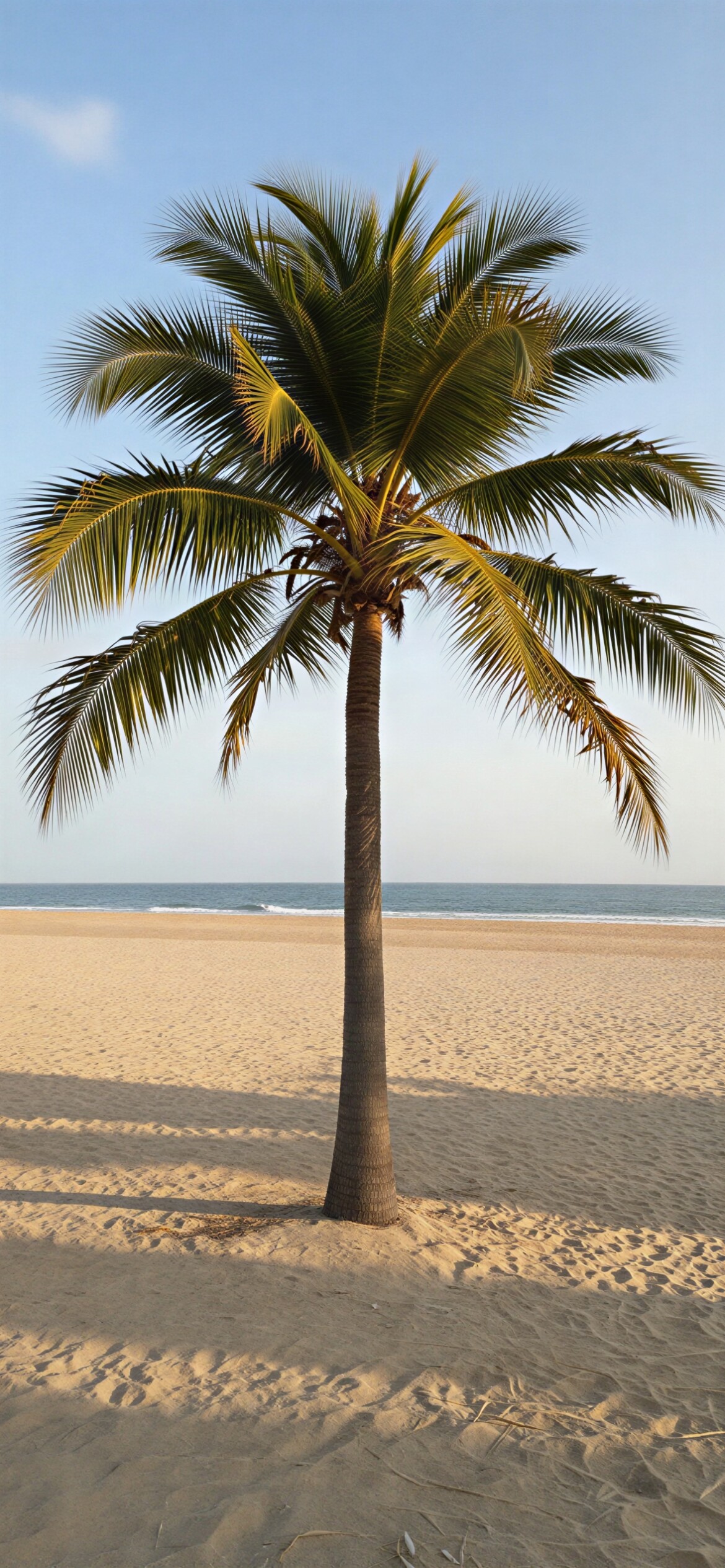
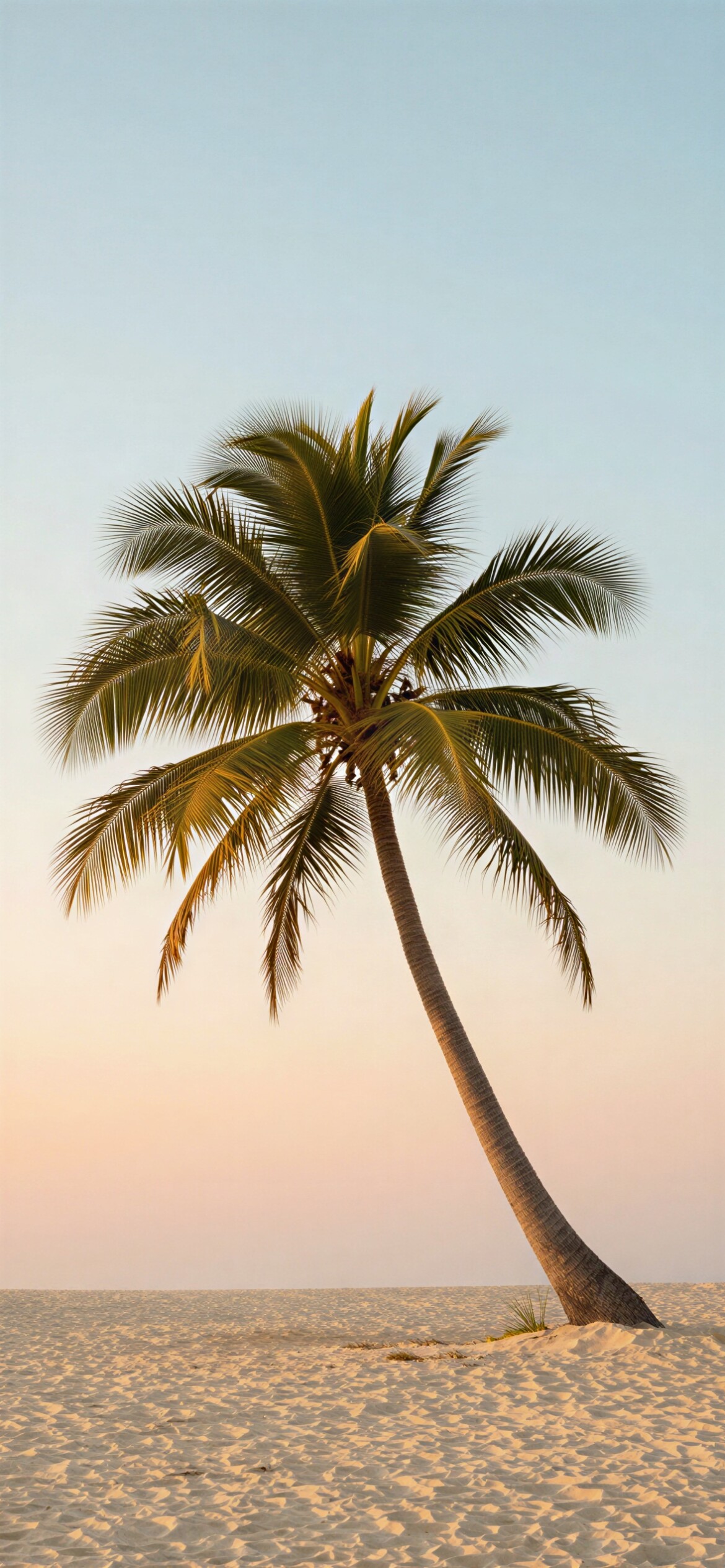
- 1. One palm on a sandy beach in golden sunlight under a blue sky. The lone trunk leaves plenty of open sky, so it sits cleanly behind a lock screen clock.
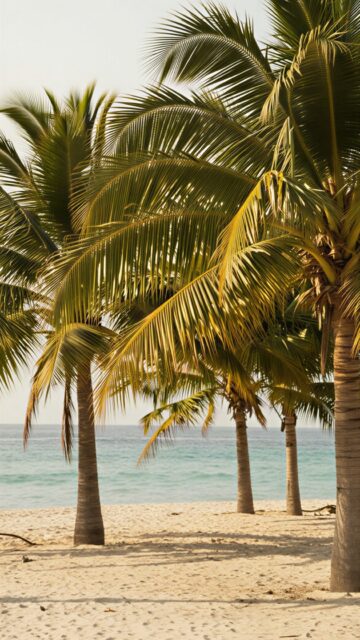
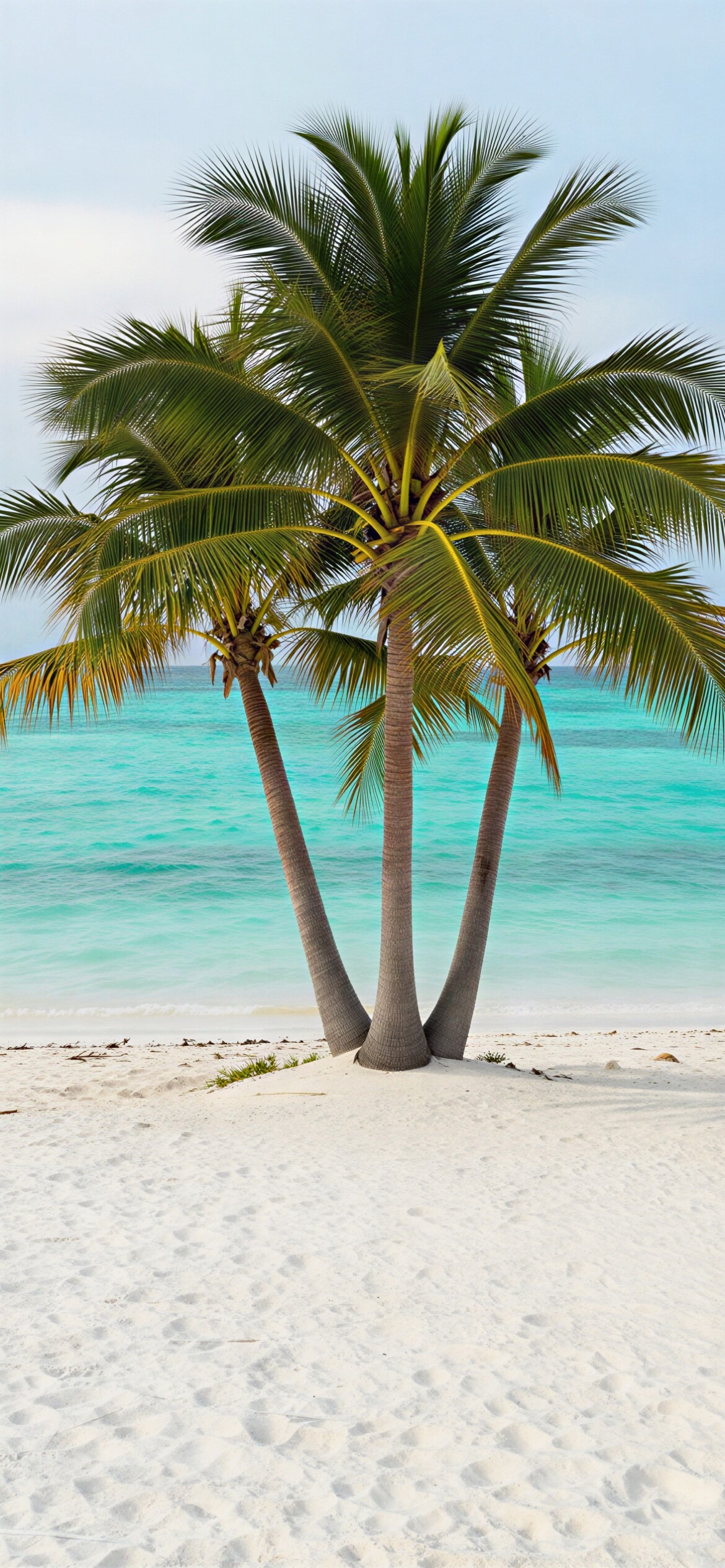
- 2. Three palms beside turquoise water and white sand. Bright and full, best on a home screen with only a few icons.
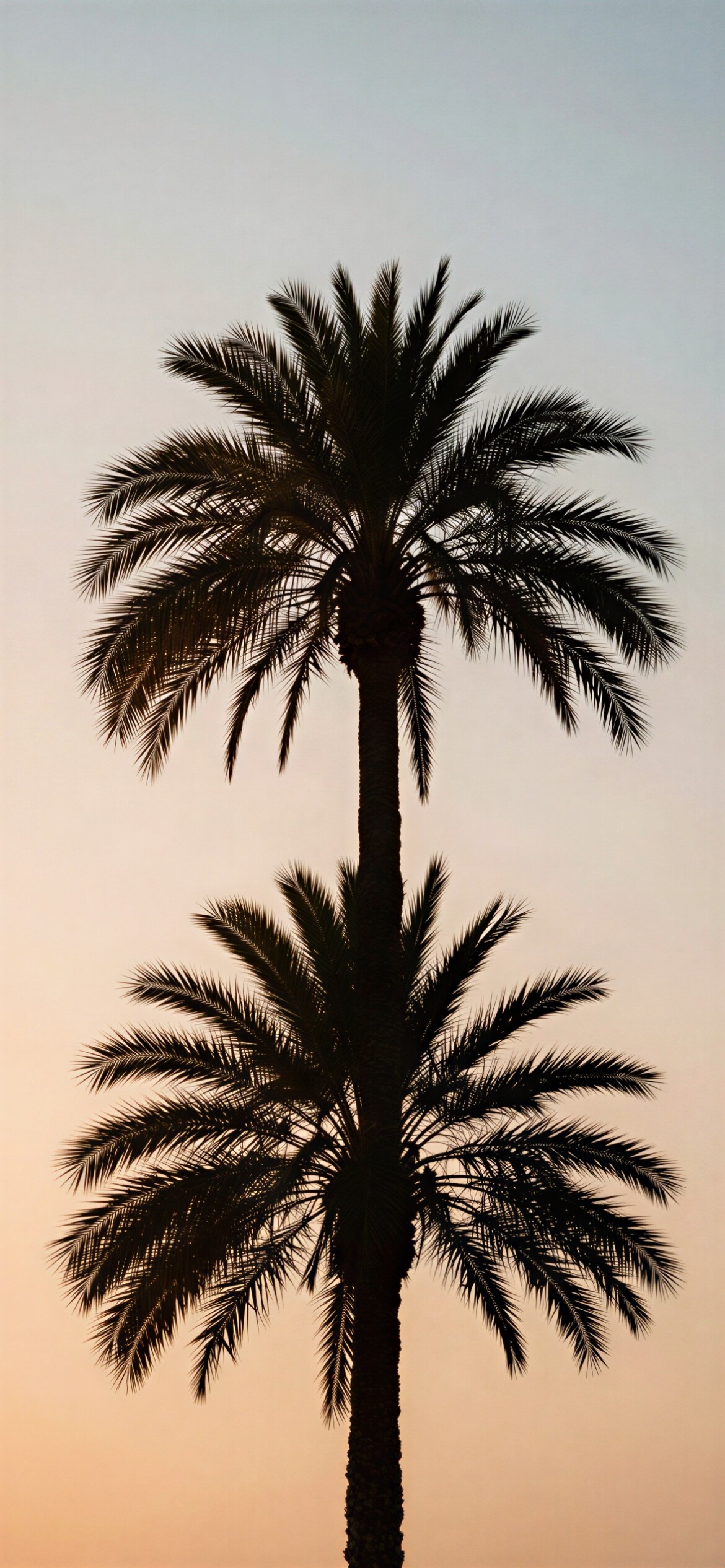
- 3. A palm silhouette against a sunset gradient. The dark shape on soft colour keeps the time easy to read.
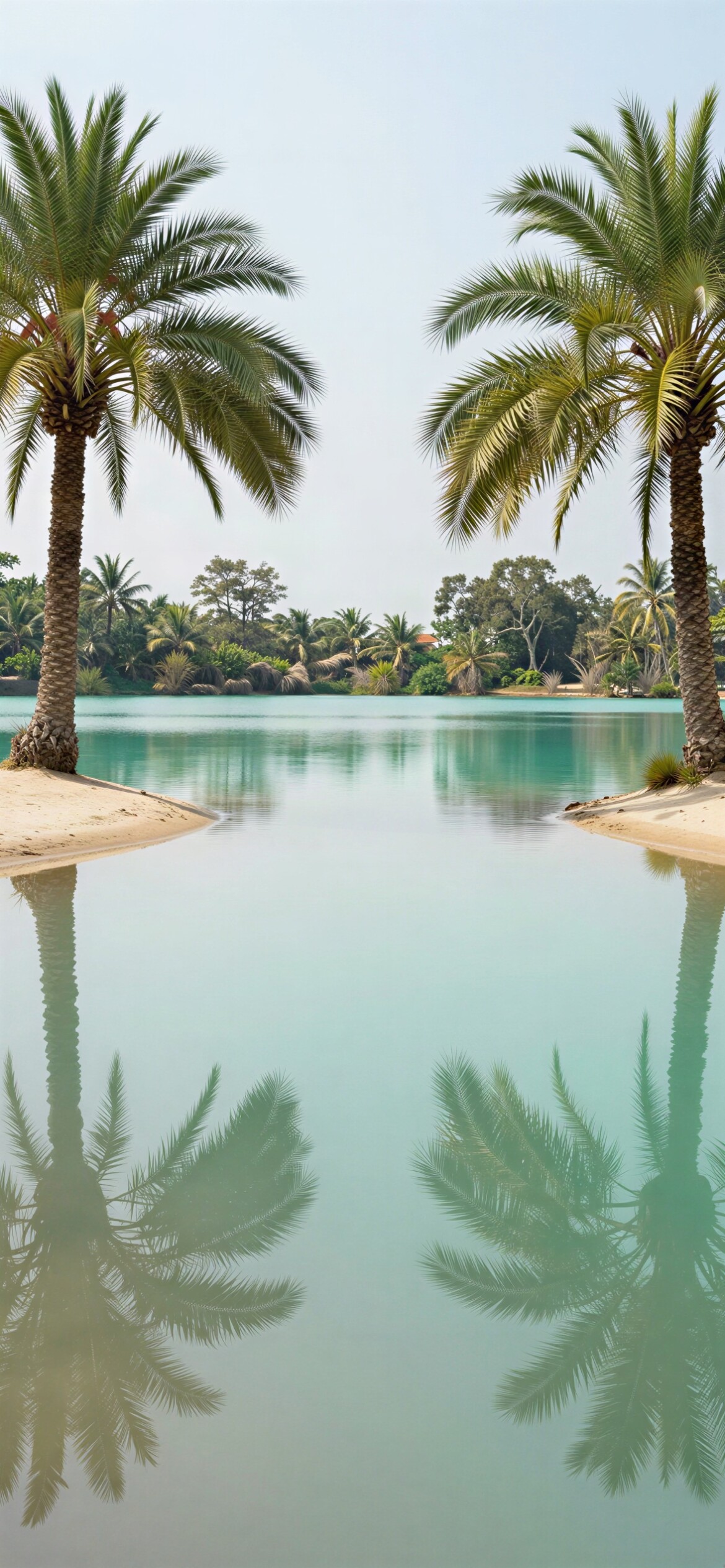
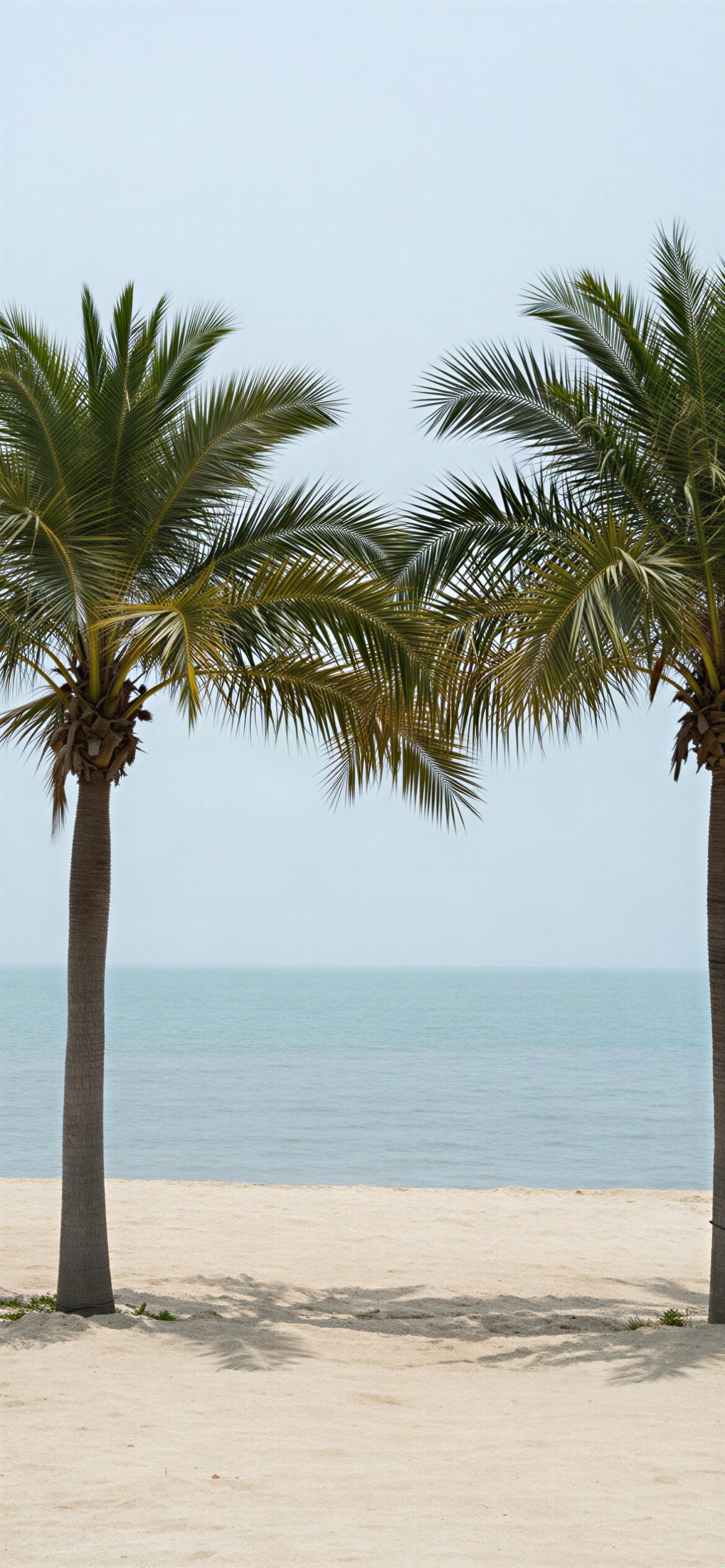
- 4. Two palms framing a calm lagoon with mirror-still water. The balanced framing suits a centred lock screen.
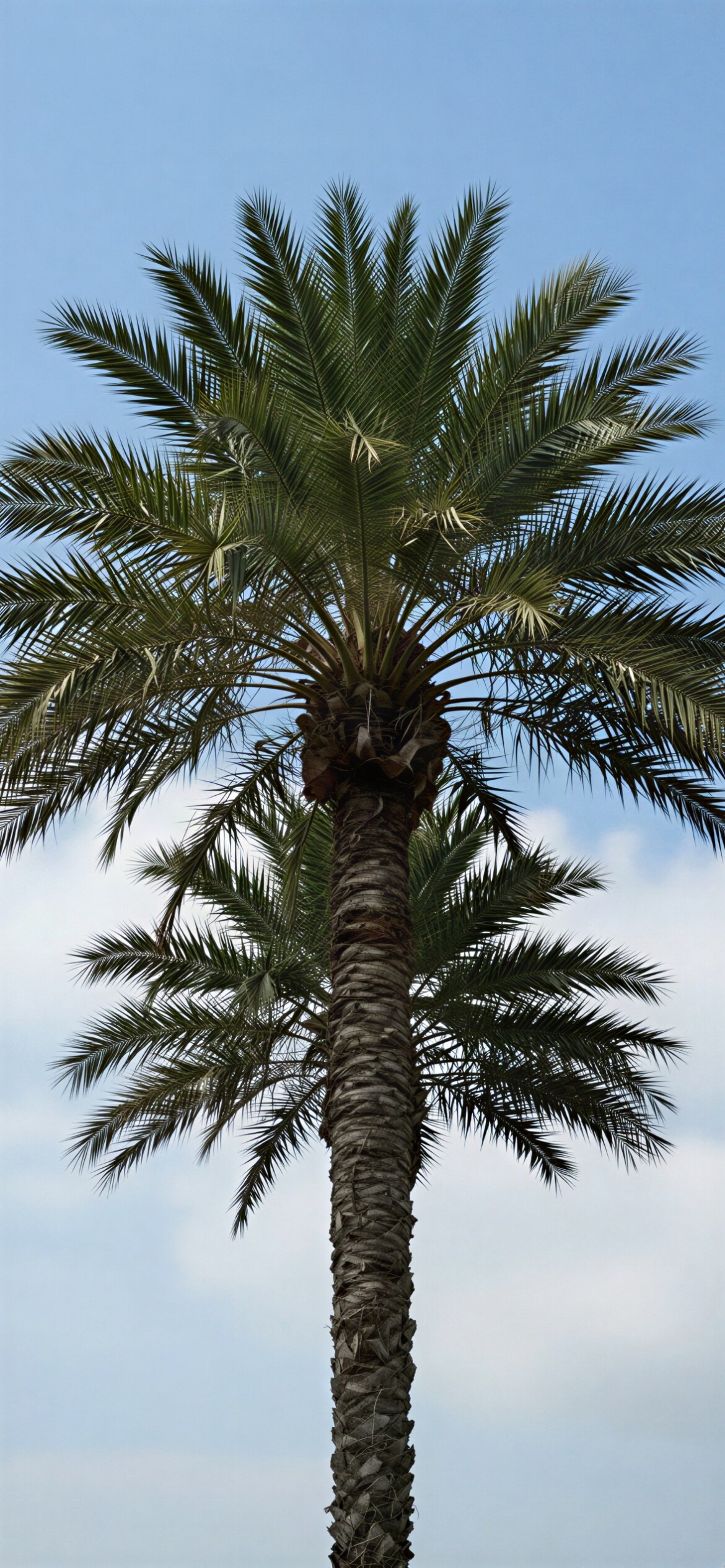
- 5. A palm seen from below against bright blue sky and clouds. Looking straight up gives the most sky of any design here.
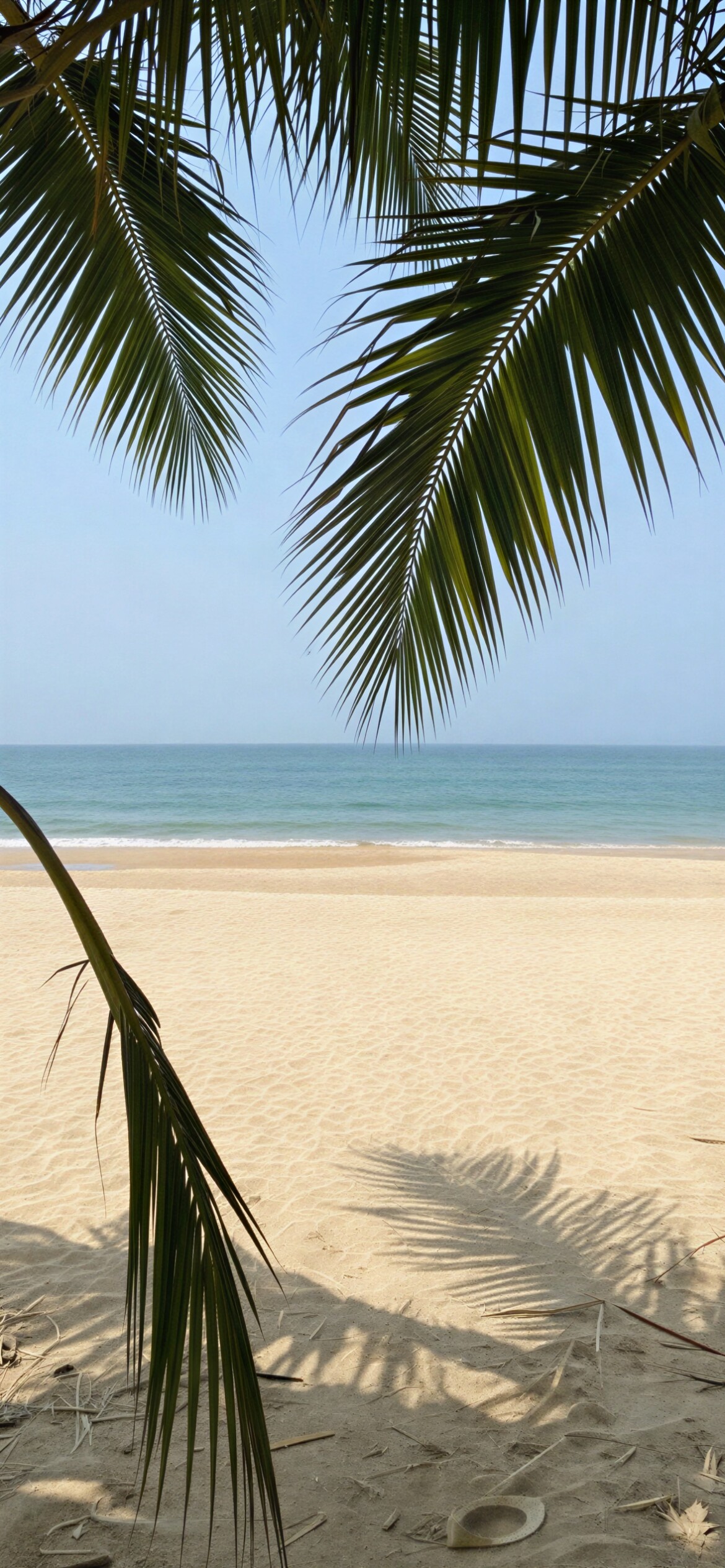
- 6. Fronds hanging above the beach and ocean. A closer, leafier view than the rest of the set.
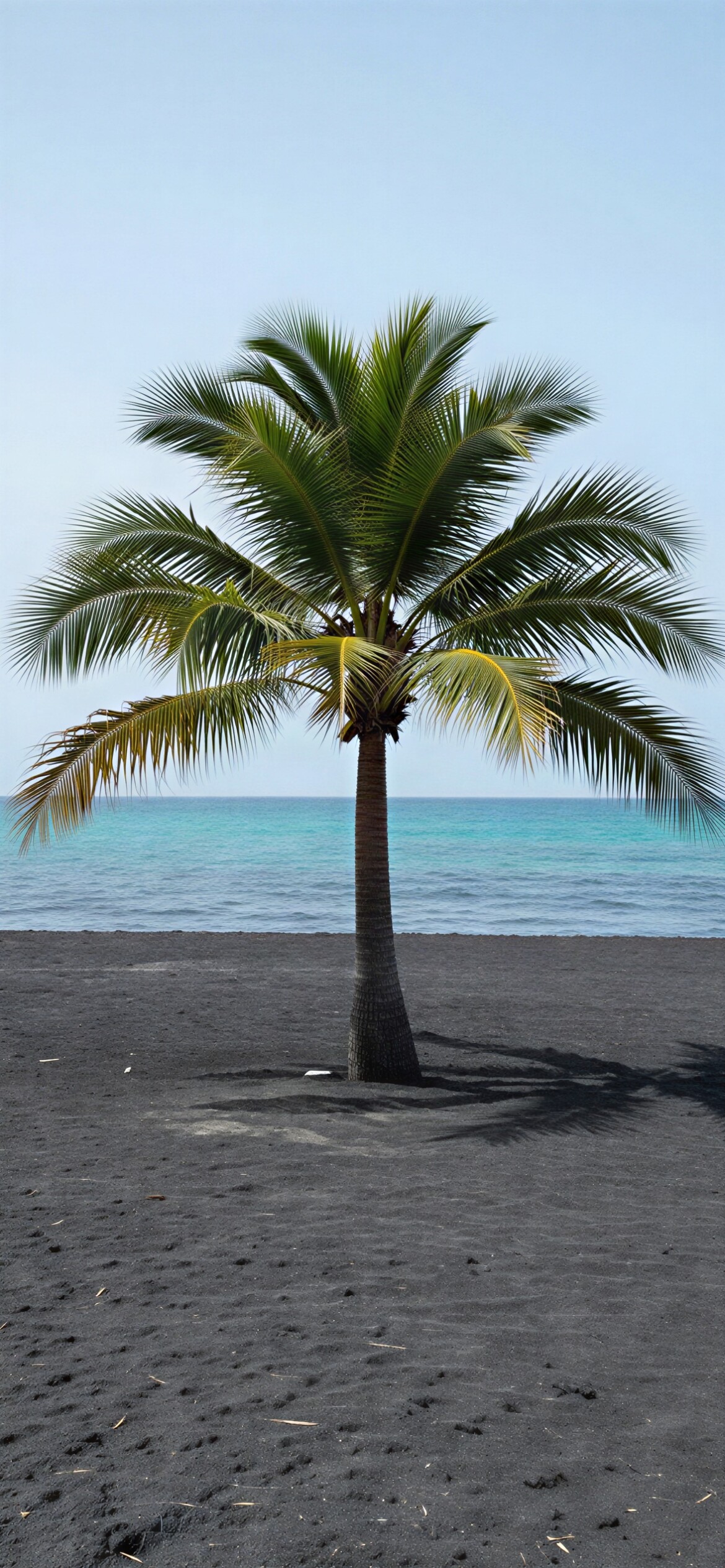
- 7. A palm on black volcanic sand, looking out over turquoise ocean. The strongest contrast of the ten.
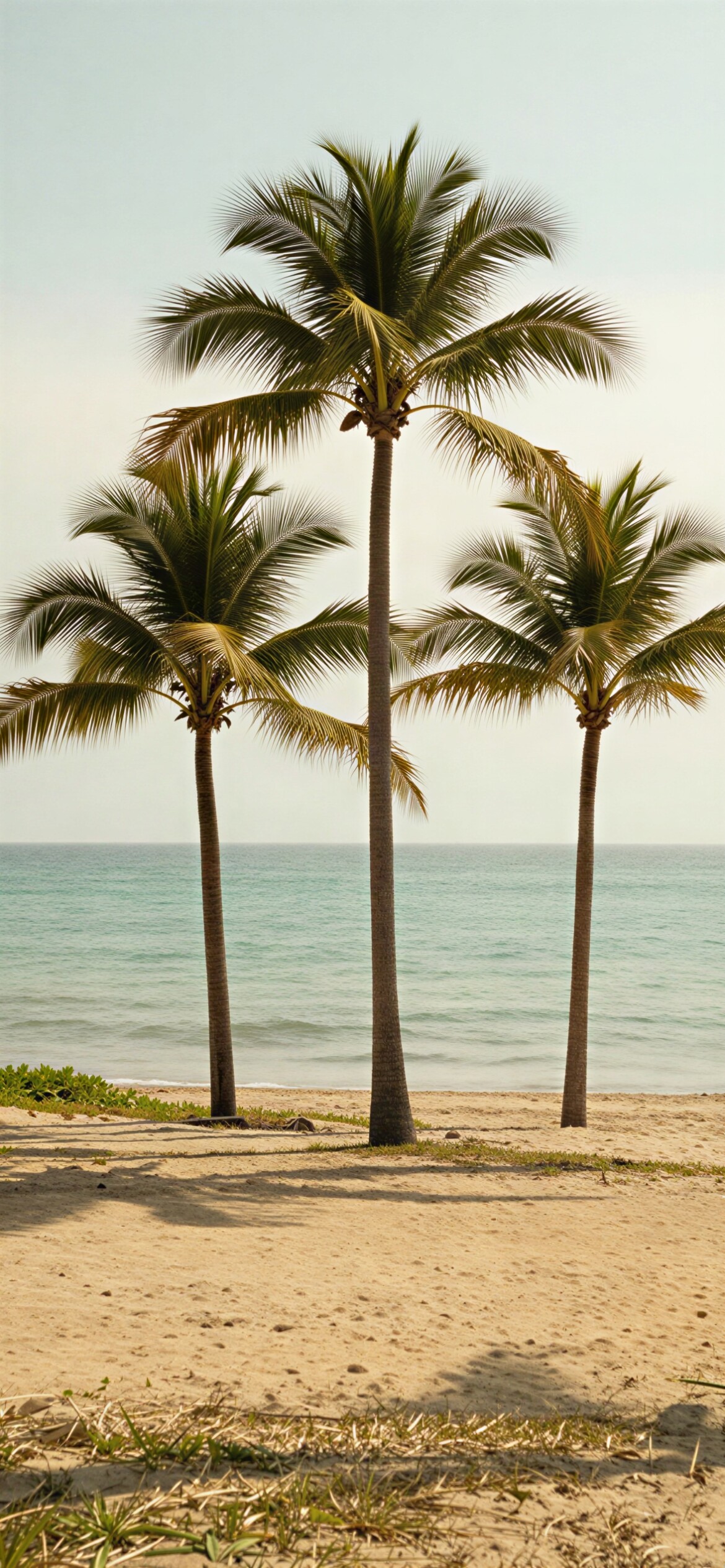
- 8. Three palms of different sizes on a sandy slope above a calm bay. A relaxed, wide view for the home screen.
- 9. A curved palm against a coral and blue sky. The bend in the trunk gives the picture movement without clutter.
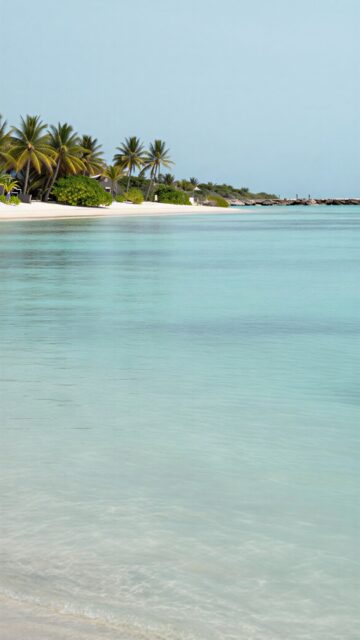
- 10. Palms framing distant water and the horizon. A quiet, open choice for the lock screen.
Closer to grass than to oak
Palms are monocots, the same broad plant group as grasses, lilies and orchids, and that explains a lot about how they look. A palm trunk has no growth rings and no true bark, and once it reaches its full width it does not get much thicker as it grows taller. Its fibres run in long bundles, so the trunk can bend in strong coastal wind instead of snapping. That flexibility is why tall palms can lean and curve, like the one in #9, and still stand.
The coconut palm is the classic beach tree. Its fruit floats, can drift across stretches of sea and still sprout on a new shore, which is part of the reason coconut palms line so many tropical coasts. The black sand in #7 forms where waves grind down dark volcanic rock.
Midday blue, sunset coral or black sand
For full daylight and bright colour, look at #1, #2, #5 and #6. If you want something calmer, the still water in #4, #8 and #10 has the softest feel. #3 and #9 bring warm sunset and coral tones, nice for evenings or a phone with a warm-coloured case. #7 stands on its own: dark sand against a bright sea makes it the boldest of the group.
For more coastline, browse the beach wallpapers, the leafier tropical set or the sea-coloured turquoise collection.
How to set it on your iPhone
- Tap Download and save the image to Photos.
- Open Settings, tap Wallpaper, then Add New Wallpaper, and choose Photos.
- Pick the wallpaper, pinch to position it, then tap Add and choose the lock screen, home screen or both.
Stuck on a step? The iPhone and iPad guide has screenshots for each one.
Questions
What size are these palm tree wallpapers for iPhone?
All wallpapers in this set are 1170x2532 pixels, sized for modern iPhones. Some older models may crop slightly at the edges. When you download, you can adjust the zoom and position in your iPhone settings to frame the palm tree exactly how you want.
Can I use these wallpapers for personal use?
Yes, these wallpapers are free to download and use on your own iPhone, tablet or computer for personal use. You cannot sell them, print them for sale, repost them on other wallpaper sites or use them commercially. See our Terms page for full details on acceptable use.
Which wallpapers are best for my lock screen versus home screen?
Lock screen wallpapers work best when the palm tree is in the lower half, keeping the top clear for the time and notifications. Any design in this set works for lock screen. For home screen, choose designs where the tree is more centered or spread out, since your app icons will cover part of the image.
Do these palm tree wallpapers work in dark mode?
These designs feature bright, tropical scenes with natural daylight, so they're optimized for light mode and standard iPhone display. They will display beautifully in standard mode. If you use dark mode, you may want to toggle to standard mode when using these wallpapers for the best visual effect.