Sky Wallpaper iPhone
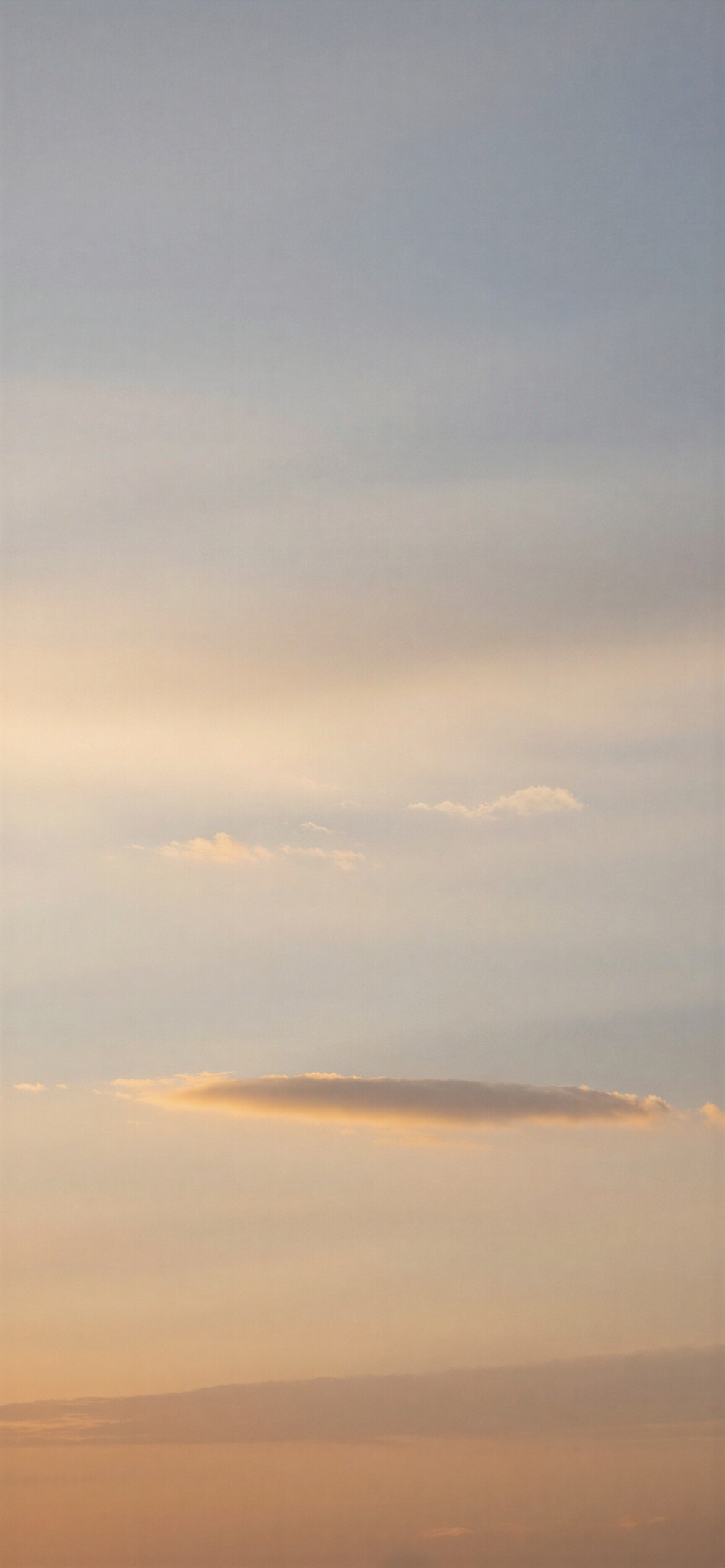
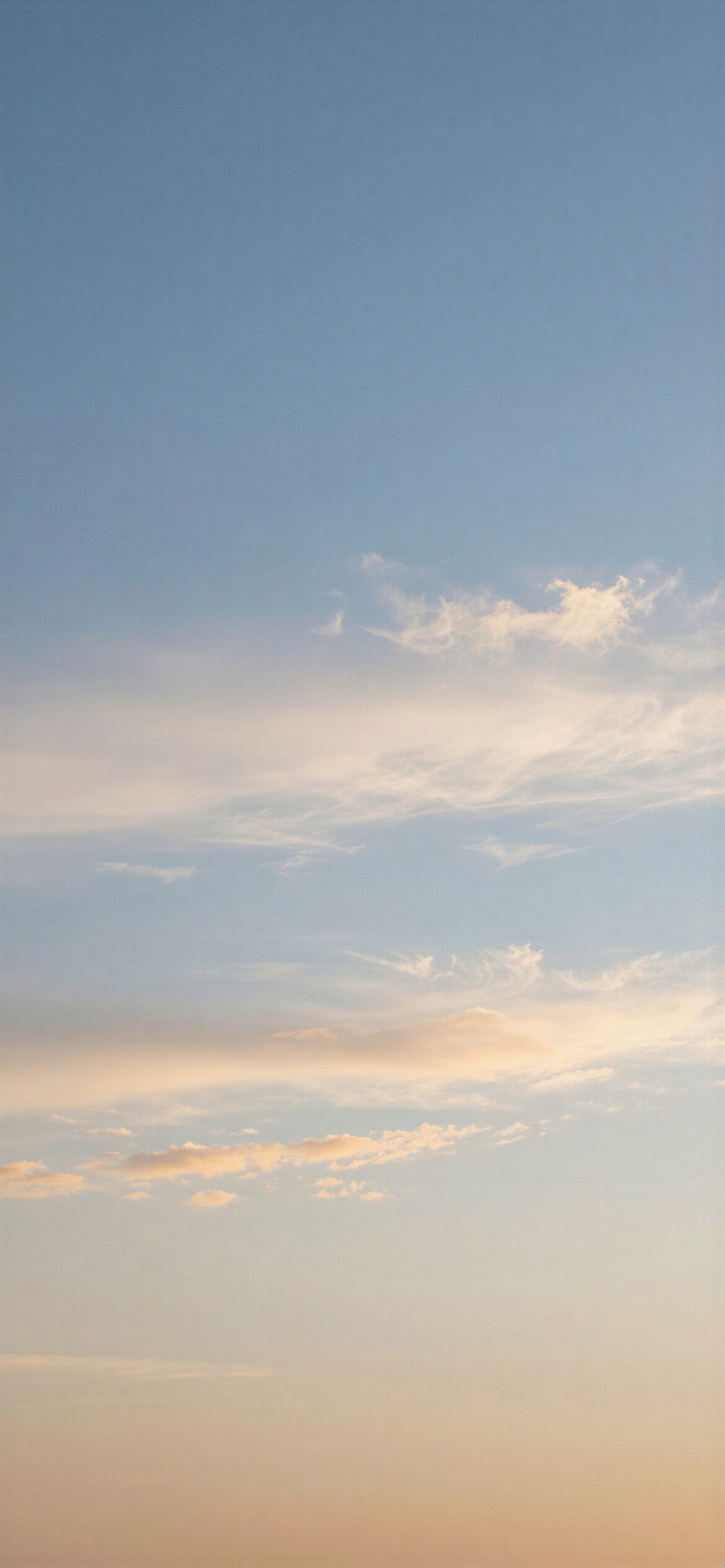
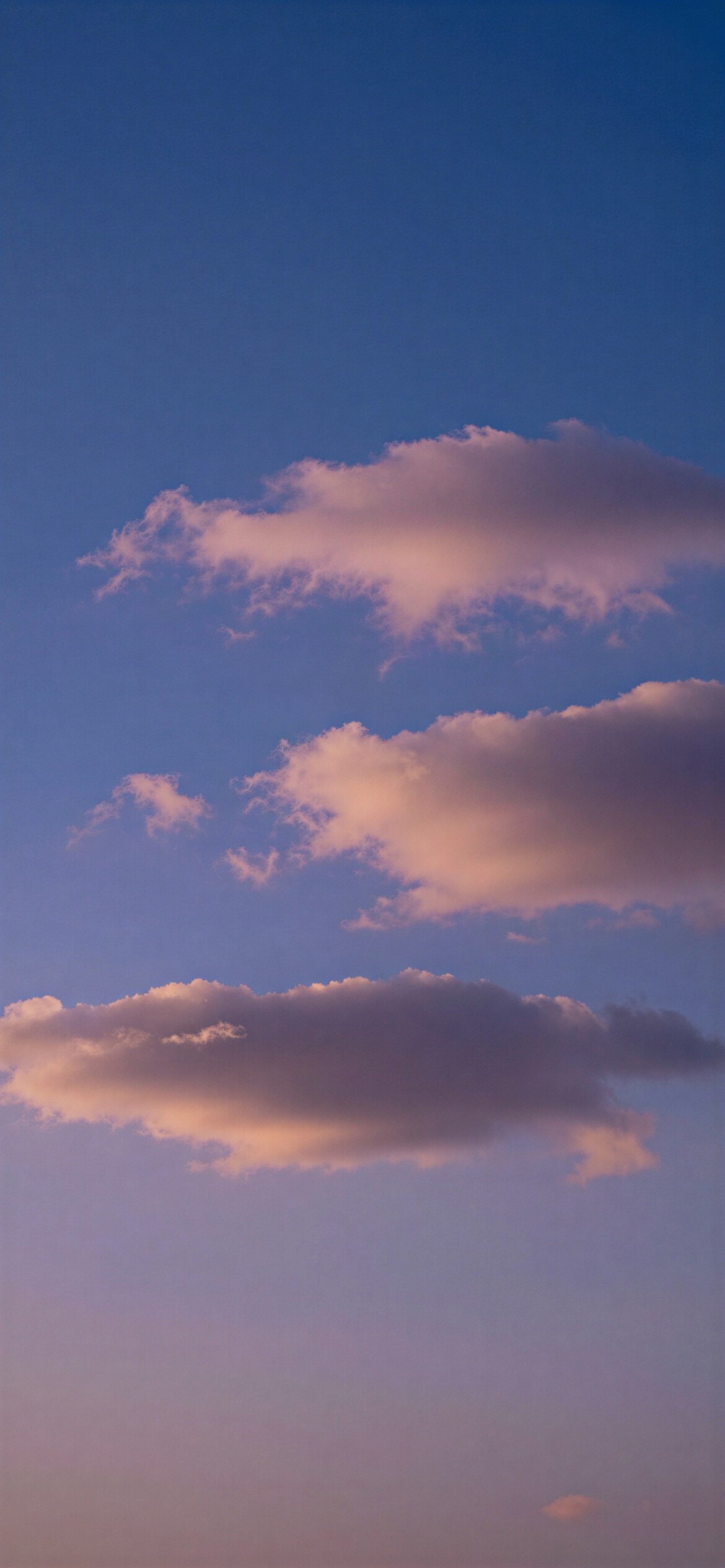
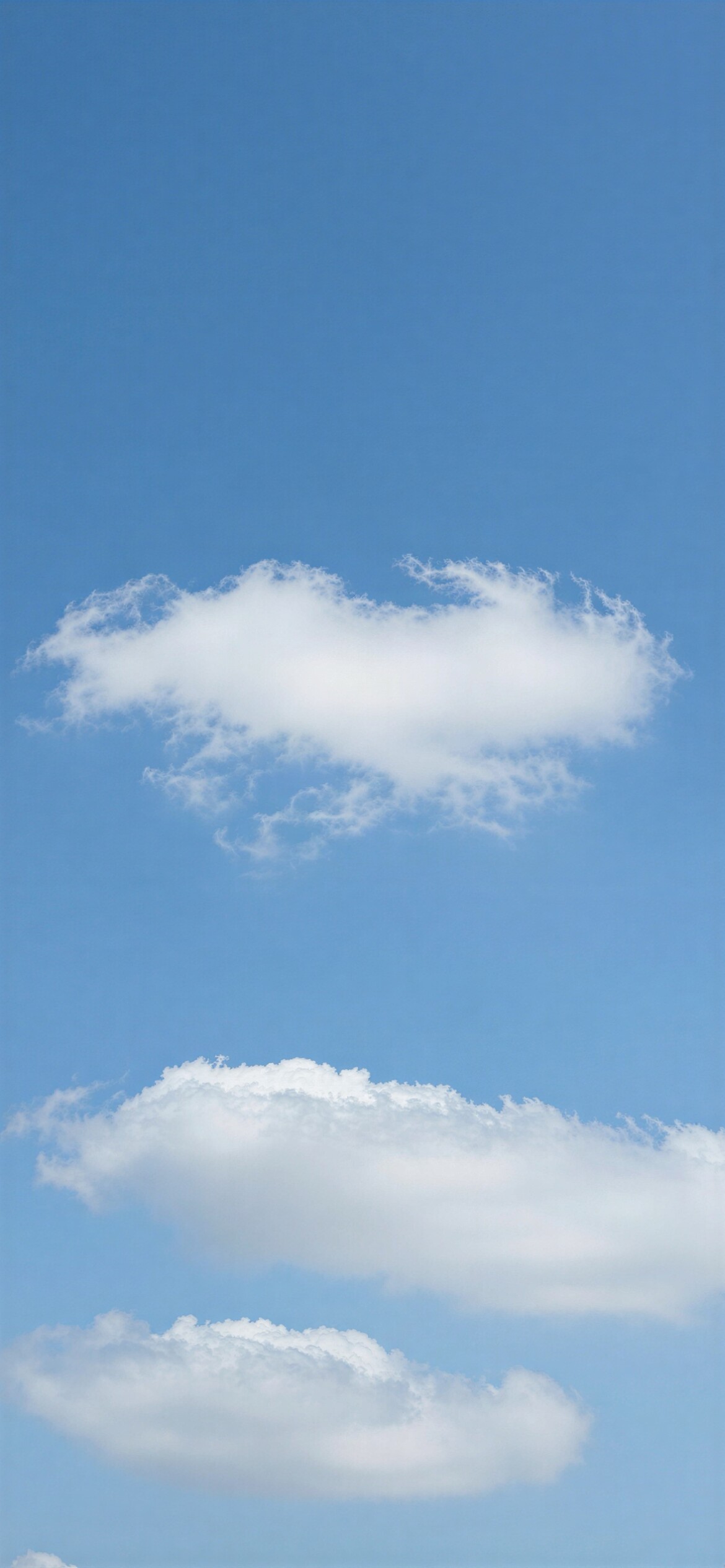
Sky wallpaper for iPhone shows clouds, sunsets and open horizons in vertical layouts that fit your screen. These free wallpapers work on any iPhone model and download instantly with no account required. Each design captures a different sky mood, from soft dawn light to dramatic cloud formations. The set includes blue hour scenes, golden hour views and clear daytime skies that suit both lock and home screens.
10 wallpapers at 1170 × 2532 px for iPhone. Checked by hand on 8 Oct 2026.
About this set
This set focuses on open sky views in tall vertical compositions that fill your iPhone screen. Each design keeps the top quarter simple and uncluttered, so your lock screen time and widgets stay readable and clean. The lower half contains the main sky interest—clouds, light and color—so these work well as home screen wallpapers too, leaving room for app icons at the bottom.
The collection ranges from soft pastels and dawn light to dramatic sunset gradients and moody dusk tones. Pair these with minimal icon sets or organize your home screen into clear zones. Many designs work equally well in light and dark mode since the sky itself provides the color and mood. Choose a design that matches your preferred time of day or the seasonal light you want to see on your phone.
Ten skies, sorted by the hour
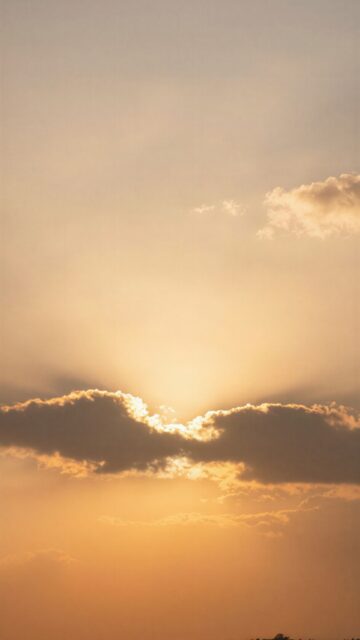
- Golden hour, with warm orange clouds and blue fading to pale yellow at the horizon. A warm all-rounder for the lock screen.
- Sunset clouds glowing peach and orange on a blue gradient. White icons read well over it.
- Dusk, with purple, pink and gold clouds kept to the lower half and plain dark blue above, so the clock has a clean spot to sit.
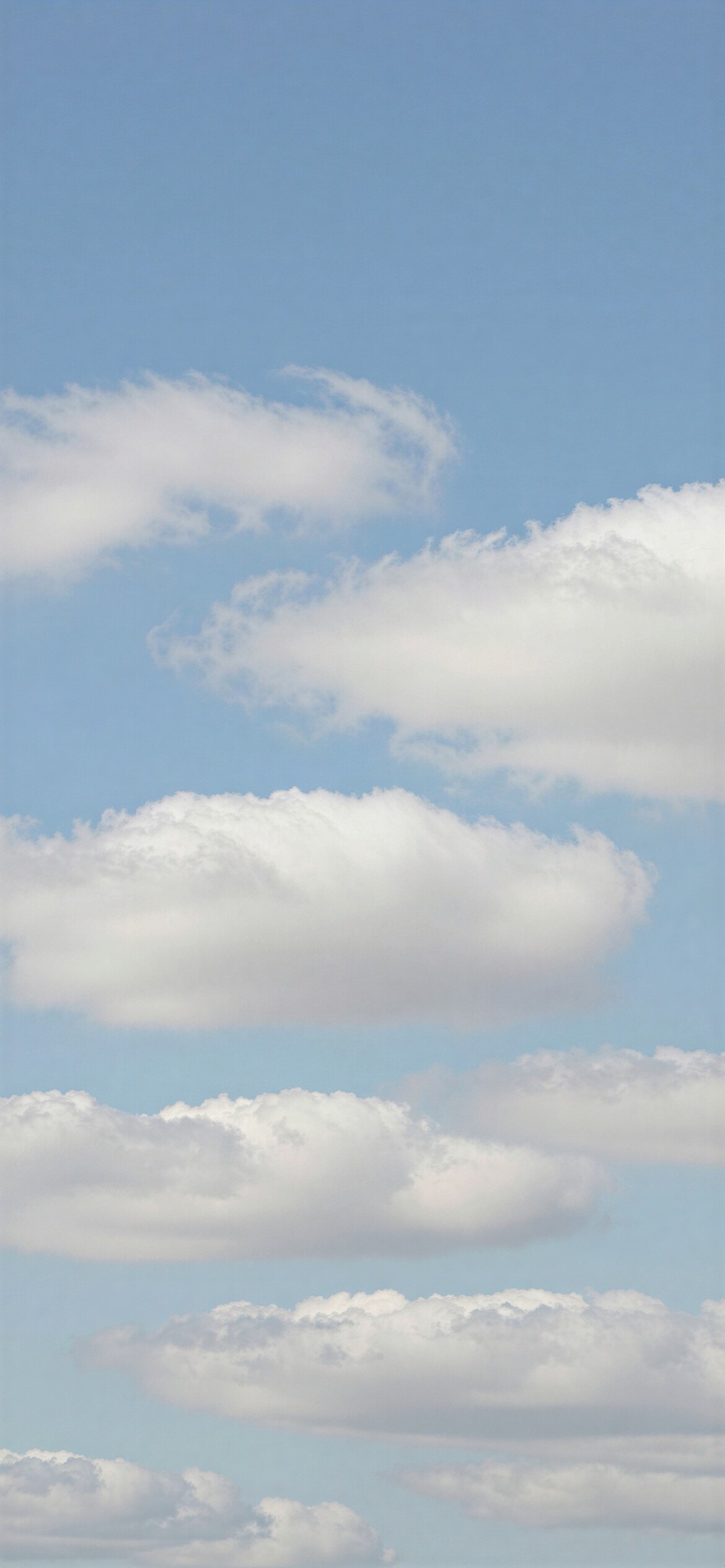
- Clear midday blue with a few small white clouds in the centre and lower part. Bright and simple, good in light mode.
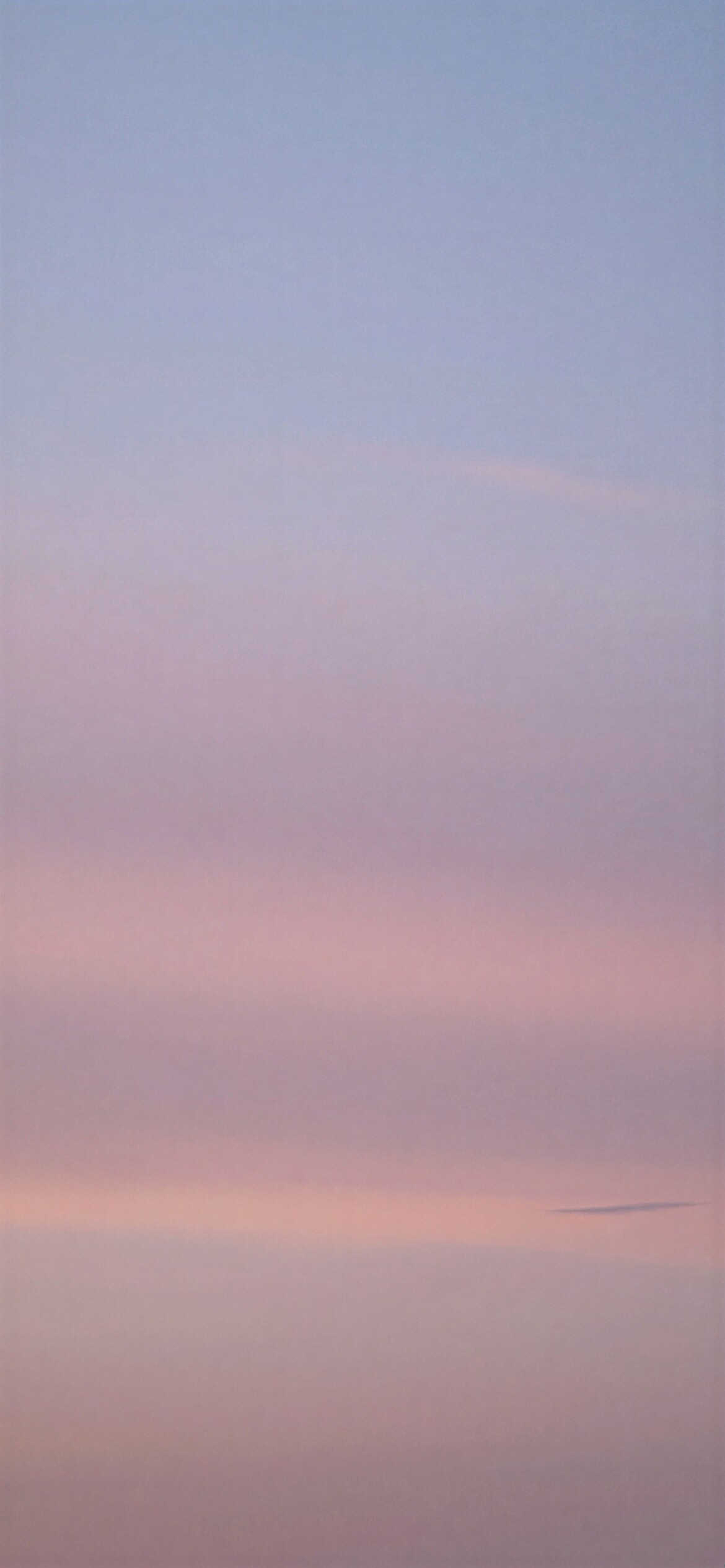
- A pink and lavender dawn, its wispy clouds catching the first light. The gentlest picture here.
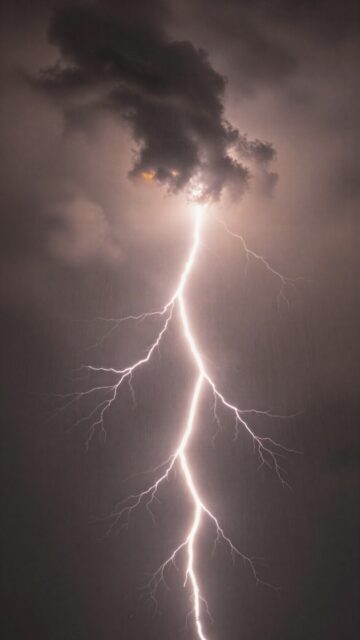
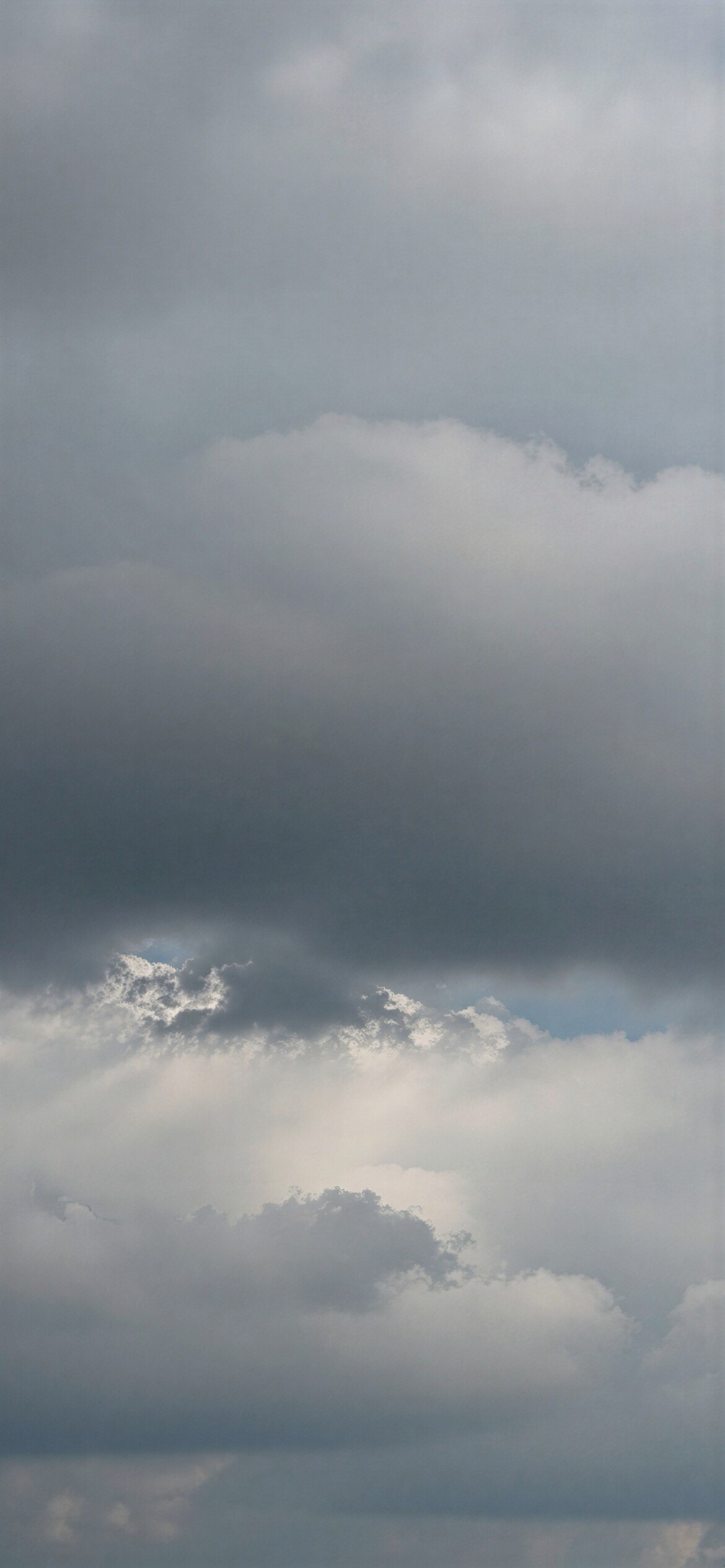
- Layered grey storm clouds with small breaks of light. The moodiest choice, and a natural fit for dark mode.
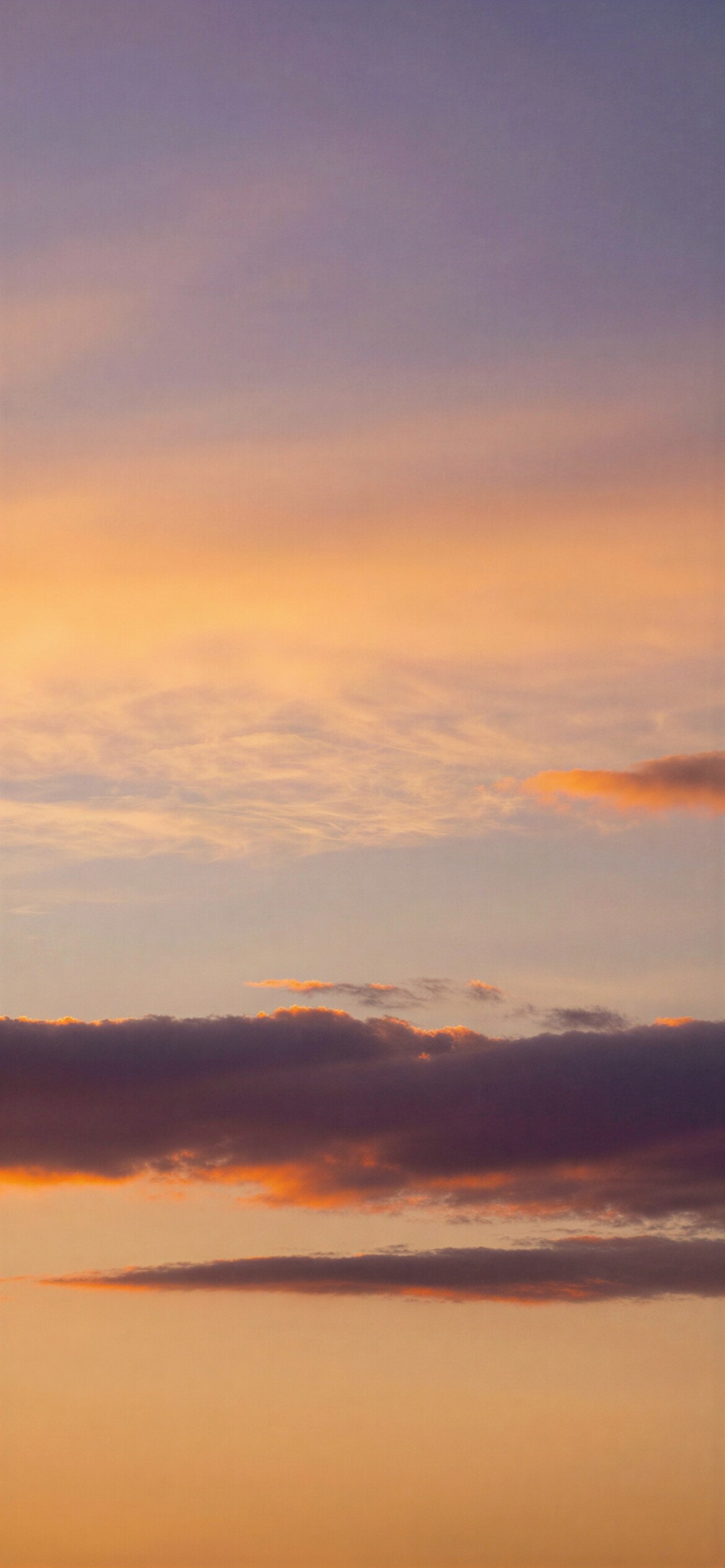
- A long gradient from cream through orange to deep purple, with glowing clouds. The most colour in the set.
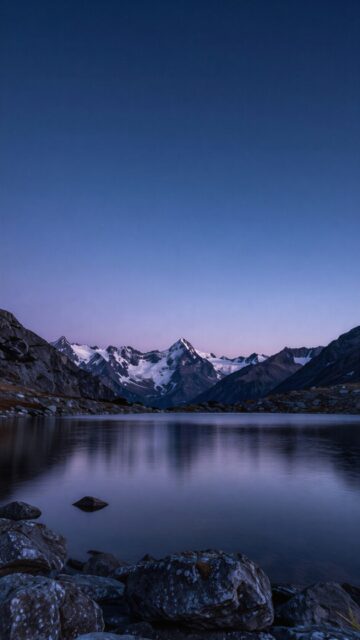
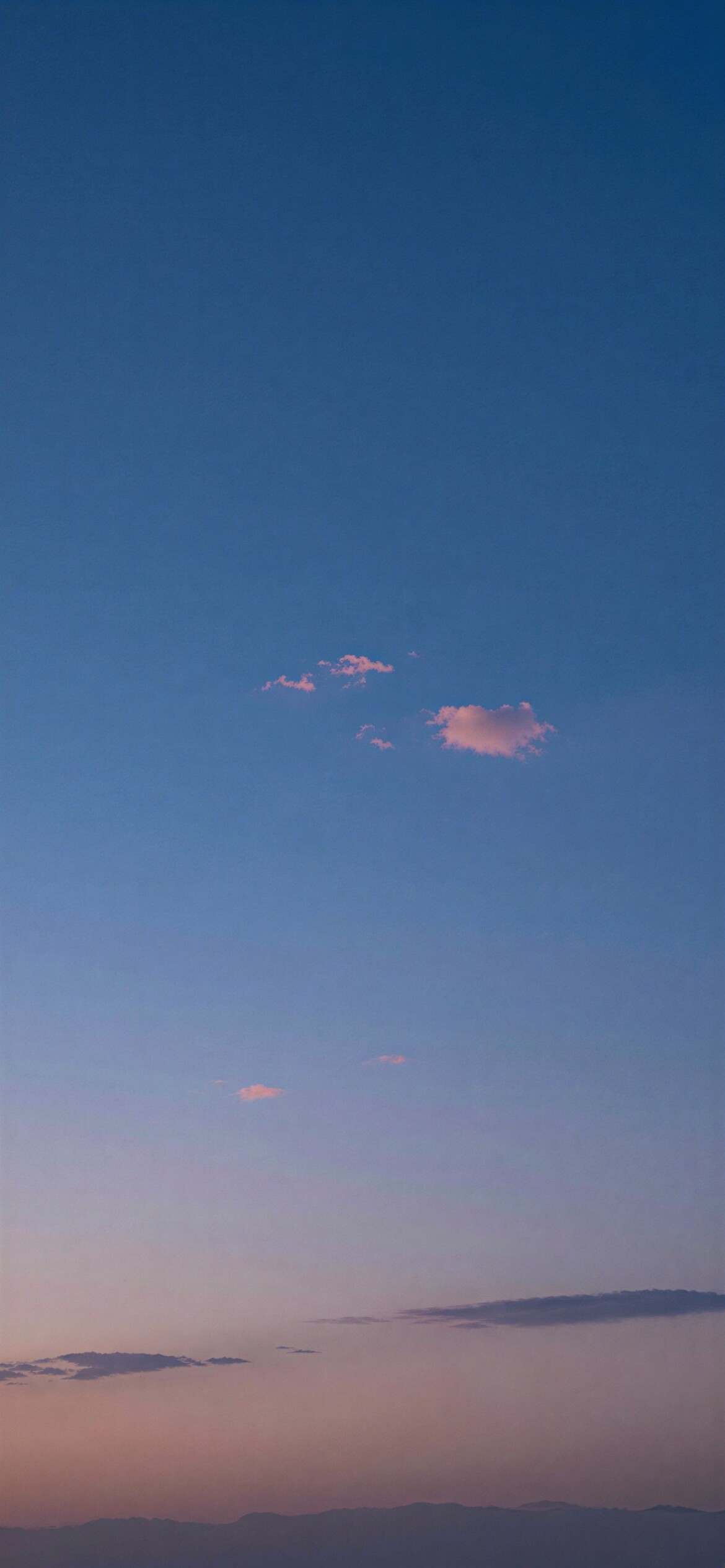
- Deep blue twilight with a pink band along the horizon and a few lit clouds. Calm enough for evening use.
- Bright white and grey clouds scattered over soft blue. Busier than the rest, so it suits a home screen with fewer icons.
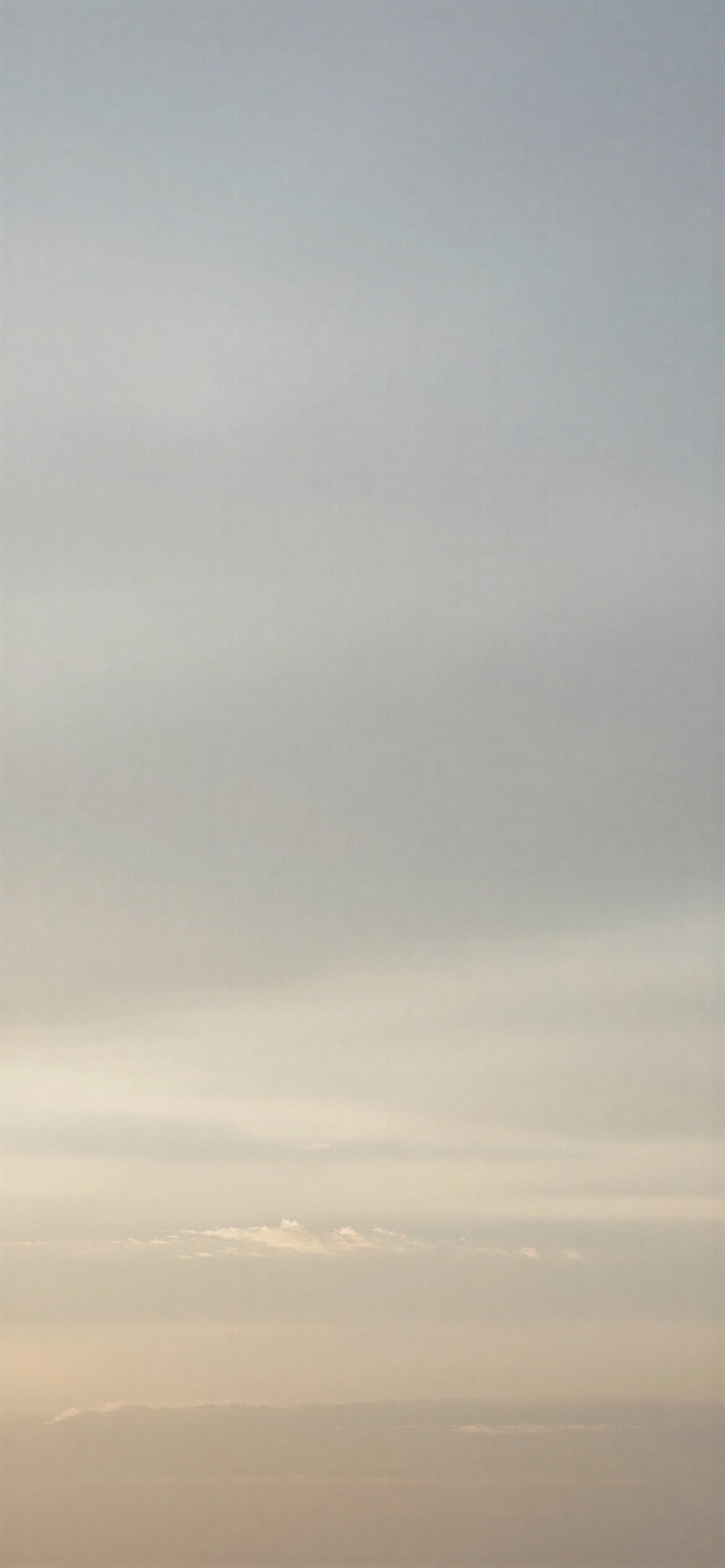
- A pale blue-grey overcast sky with faint cloud shapes and a warm horizon. Icons and widgets stay easy to read on it.
Why the blue fades near the horizon
Sunlight holds every colour, and the molecules in air scatter short blue wavelengths far more than long red ones. That scattered blue reaches your eyes from every direction, which is why the sky overhead looks blue in #4 and #9. Near the horizon you are looking through much more air, the blue is scattered away along the way, and the sky turns paler, the soft band you can see low down in #1 and #10.
The same physics colours twilight. After the sun drops below the horizon, the sky above can stay a deep blue for a while, the stretch photographers call the blue hour, which is the mood of #8. Storm clouds like the ones in #6 look grey because they are thick enough to block and scatter most of the light passing through, while thin wisps such as those in #5 stay bright.
Warm evenings or cool daylight?
For warmth, stay with #1, #2, #3 and #7, all orange, peach and gold. #5 and #8 are the softer pinks, framed by lavender or deep blue. #4 and #9 are the daytime blues and the most cheerful of the ten, while #6 and #10 are the grey ones, heavy in the first case and restful in the second.
If you want to stay up in the air, the clouds set looks closer at single cloud types, the sun wallpapers follow the light itself, and the sunset collection stays with the evening colours.
How to set it on your iPhone
- Tap Download and save the image to Photos.
- Open Settings, tap Wallpaper, then Add New Wallpaper, and choose Photos.
- Pick the wallpaper, pinch to position it, then tap Add and choose the lock screen, home screen or both.
Stuck on a step? The iPhone and iPad guide has screenshots for each one.
Questions
What size are these sky wallpapers for iPhone?
All wallpapers in this set are 1170 by 2532 pixels, the standard resolution for iPhone screens. They download ready to use and are sized for modern iPhones, though some older models may crop slightly at the edges.
Can I use these wallpapers commercially or share them elsewhere?
These wallpapers are free for personal use on your own devices only. You cannot sell them, print them for sale, or repost them on other wallpaper sites or social media. See our Terms page for the full license details.
Which sky wallpapers work best as lock screen backgrounds?
The designs with visual interest in the bottom half—like the sunset gradients and cloud formations—work best as lock screens since your time display sits at the top. The simpler, cleaner sky designs also work well because they do not distract from readability.
Can I use the same wallpaper for both lock and home screens?
Yes. Many designs in this set work on both. For lock screens, choose ones where clouds or color sit lower. For home screens, pick designs where the sky is evenly distributed so app icons stay visible. Some people use the same wallpaper on both for a unified look.