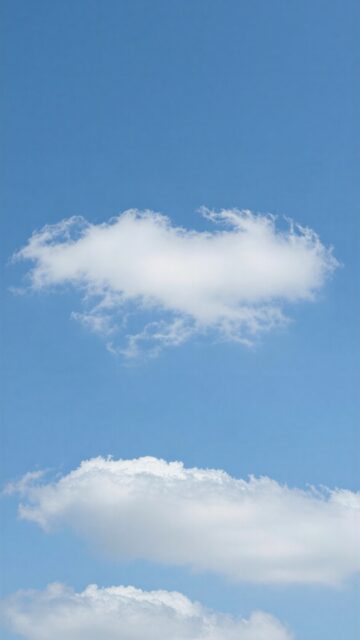
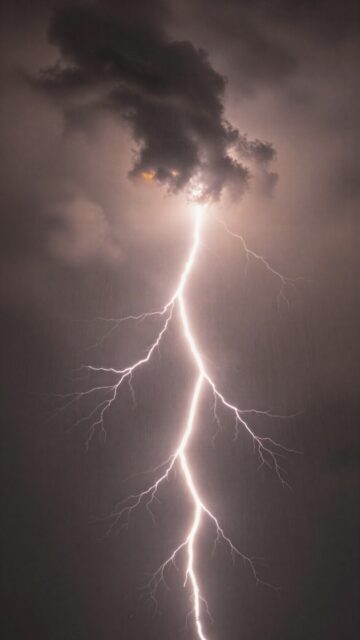
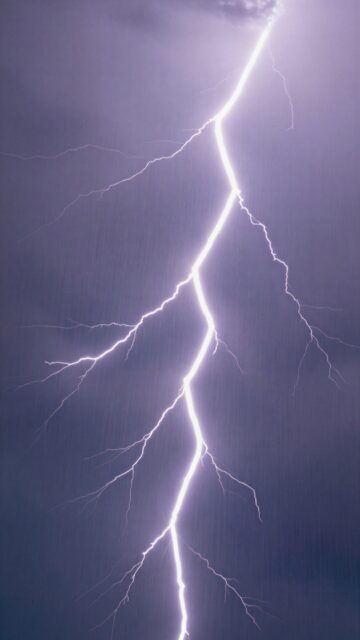
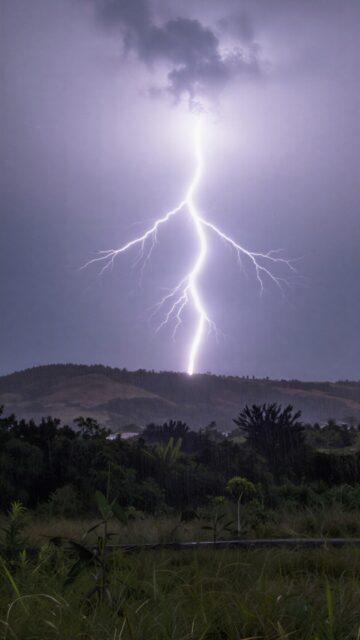
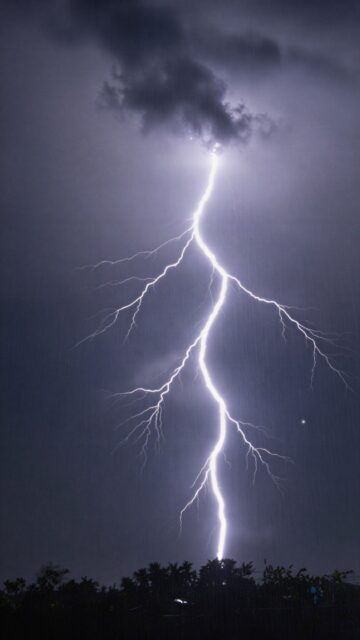
Water Wallpapers

10 wallpapers in 1 collections · last added 7 Oct 2026 · sizes for iPhone, Android, desktop and tablet

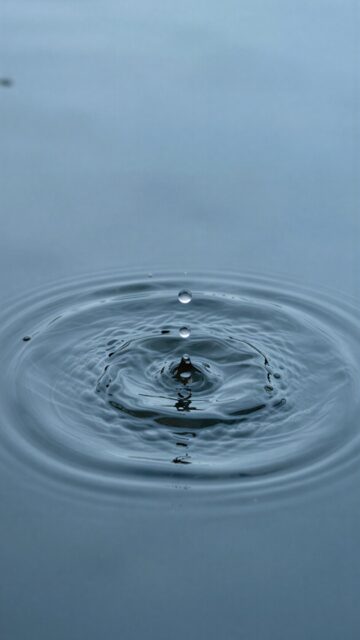
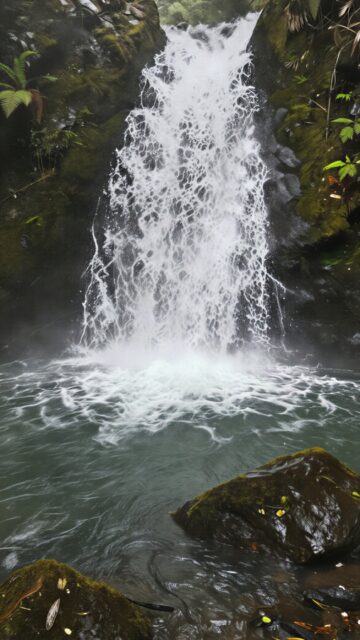
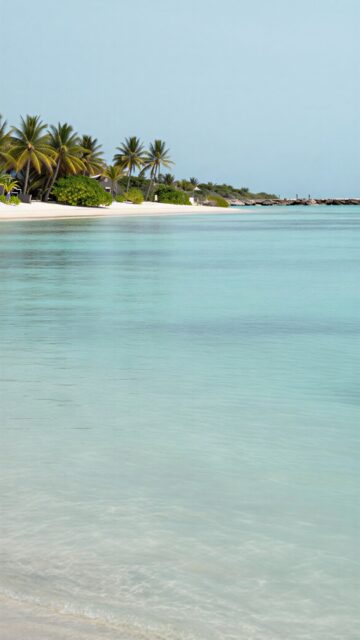
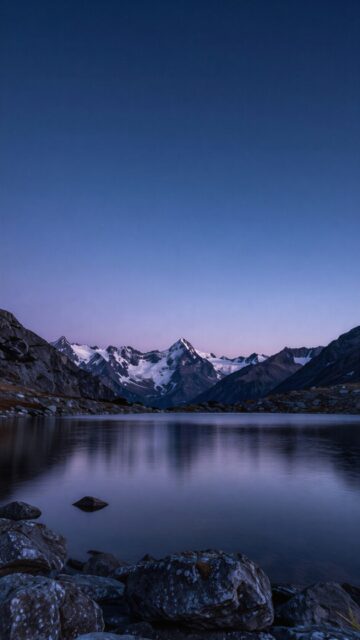
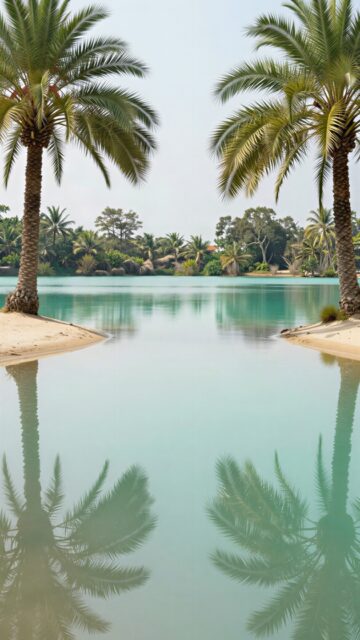
A water wallpaper captures movement and calm at the same time, whether it's a ripple spreading across a pond or a wave curling over. This collection of water backgrounds covers clear lake reflections, gentle ripples, raindrops on glass, splashes frozen mid-air, crystal-clear shallows over pebbles, flowing rivers and underwater light rays. Colors run from deep teal and navy to bright aqua and soft silver. It belongs to our nature wallpapers, alongside waterfall, ice and snow themes.

Each collection has 10 wallpapers in one size. Close-up ripples and droplets are especially good on the iPhone at 1170x2532 and on Android at 1080x2400, where fine detail really shows. You can also choose iPad (2048x2732), laptop, 4K desktop, dual monitor and smartwatch versions. Every design is original and checked by hand before publishing, and the crop is reviewed for each device so the focal ripple or splash lands in a good spot.
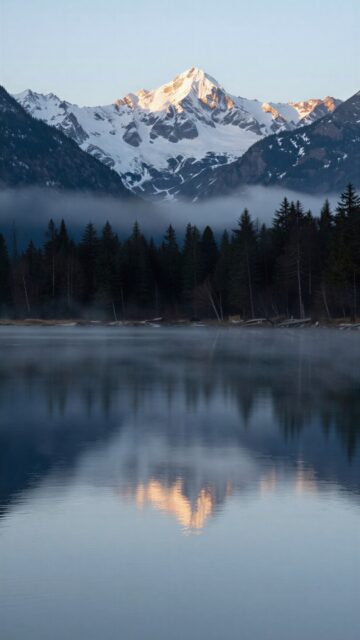
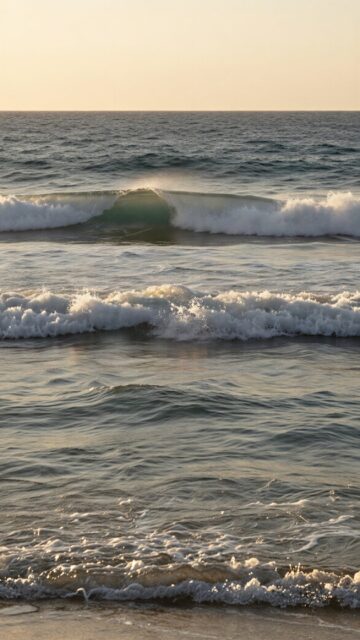
Liquid themes cover a wide range of moods, so it's worth thinking about how you want your screen to feel. Still, glassy surfaces with soft reflections feel peaceful and are perfect for a focused workspace. Bold splashes and crashing waves feel energetic. Underwater scenes with shafts of light feel dreamy and quiet. Because water textures spread detail across the frame, they sit nicely behind app icons, and a darker teal ripple keeps white labels readable. On a lock screen, a single drop or ring of ripples placed low leaves room for the clock. Blues and teals pair well with white, silver and sand tones. Related themes to browse:

Expert tip

Water droplet and ripple designs often look more three-dimensional on a phone if you choose one lit from one side, since the highlights and shadows on each drop give the texture real depth.

Color palette

#06283D#0F4C75#1B8A9E#6FD3E0#E6F7FA

Water wallpaper FAQ

What is the right water wallpaper size for iPad?

Choose the iPad version at 2048x2732. It's tall enough for portrait use and has plenty of resolution to keep fine ripples and droplets sharp on a larger screen. For phones, use 1170x2532 on iPhone or 1080x2400 on Android, so the water texture isn't stretched or softened.

Why do water wallpapers feel so calming?

Water scenes tend to use cool blues and greens, smooth surfaces and gentle, repeating patterns, all of which feel quiet to look at. Many people also link water with rest, holidays and time near lakes or the sea. A still reflection or slow ripple gives the eye a soft focus point without demanding attention.

Should I use a water wallpaper on my lock screen or home screen?

Ripple and texture designs are great for the home screen because detail is spread evenly behind icons. For the lock screen, choose a design with a single splash, drop or ring of ripples placed in the lower half, which keeps the clock area calm. Both look best in a mid-to-dark blue for good contrast.

Is it free to use these water wallpapers?

Yes, for personal use on your own devices. There's no sign up and no watermark. Commercial use, reselling and sharing the files on other websites aren't allowed, so they shouldn't be used in ads, printed products or apps. The complete conditions are on our terms page.

How frequently are water wallpapers added?

The site posts new collections daily, and water designs are added over time, from calm lakes to bold splashes. To see the newest sets as soon as they appear, check the latest wallpapers page. If there's a style you want, such as raindrops or underwater light, request it on our contact page.

How do I set a water wallpaper in 4K on my desktop?

Download the 3840x2160 desktop version, which also looks sharp on 1080p and 1440p monitors. Set it as your background with the Fill option so it covers the whole screen. Our desktop wallpaper guide walks you through the steps on Windows and Mac.

What colors pair with a water wallpaper?

Aqua, teal and navy are the core colors. They pair well with crisp white, silver and pale gray for a clean look, or with warm sand and coral for a beachy feel. If you match widgets, a translucent white or light blue keeps everything feeling fresh and airy.

Do dark water wallpapers save battery on OLED phones?

A little. OLED screens switch off true black pixels, so a deep, dark water design with lots of near-black areas uses slightly less power than a bright aqua one. The saving is modest, but darker water scenes also look rich in dark mode and reduce glare at night.

Curated and checked by the FreeWallpaperDaily experts

Every wallpaper is reviewed by a person before it goes live: we remove images with odd details or blur and check the crop for each device. How we check wallpapers

Something wrong with an image? Report an image · Free for personal use, see the Terms.