Sun Wallpaper iPhone
Sun wallpaper for iPhone brings golden hour light and bright skies to your lock screen and home screen. These free iPhone wallpapers show the sun in real landscapes: rising over mountains, setting through clouds, reflecting on water and glowing through mist. Each design captures natural sunlight and warm tones that work year-round. Download any sun iPhone wallpaper instantly.
10 wallpapers at 1170 × 2532 px for iPhone. Checked by hand on 10 Oct 2026.
About this set
This set captures the sun in natural landscapes during golden hour, sunrise and sunset. Each wallpaper uses warm tones, soft light and simple compositions that work on both lock screen and home screen. The designs keep the top quarter uncluttered so widgets and time displays remain readable on the lock screen.
These sun wallpapers pair well with minimal icons and work behind home screen apps in both light and dark mode. The warm, golden tones create a calm, natural mood year-round. Choose reflective water scenes for a meditative feel or bright sky shots for an energizing start to your day.
Why the sky turns orange at both ends of the day
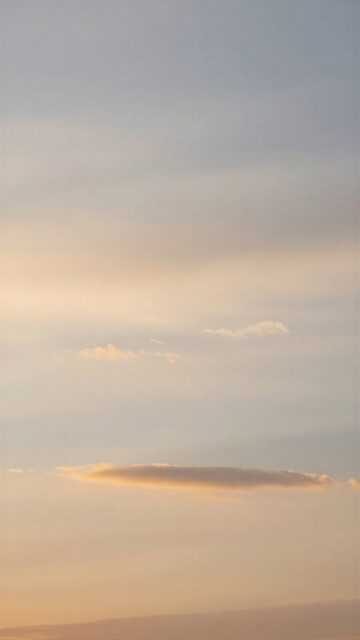
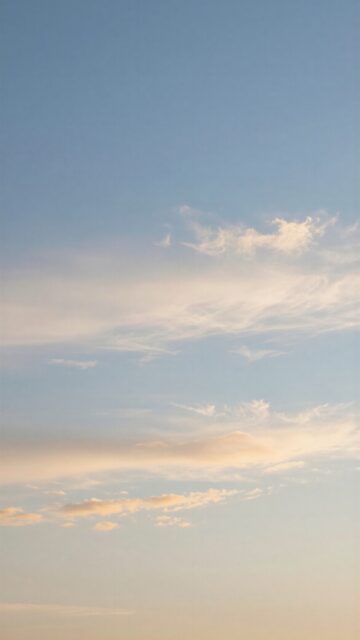
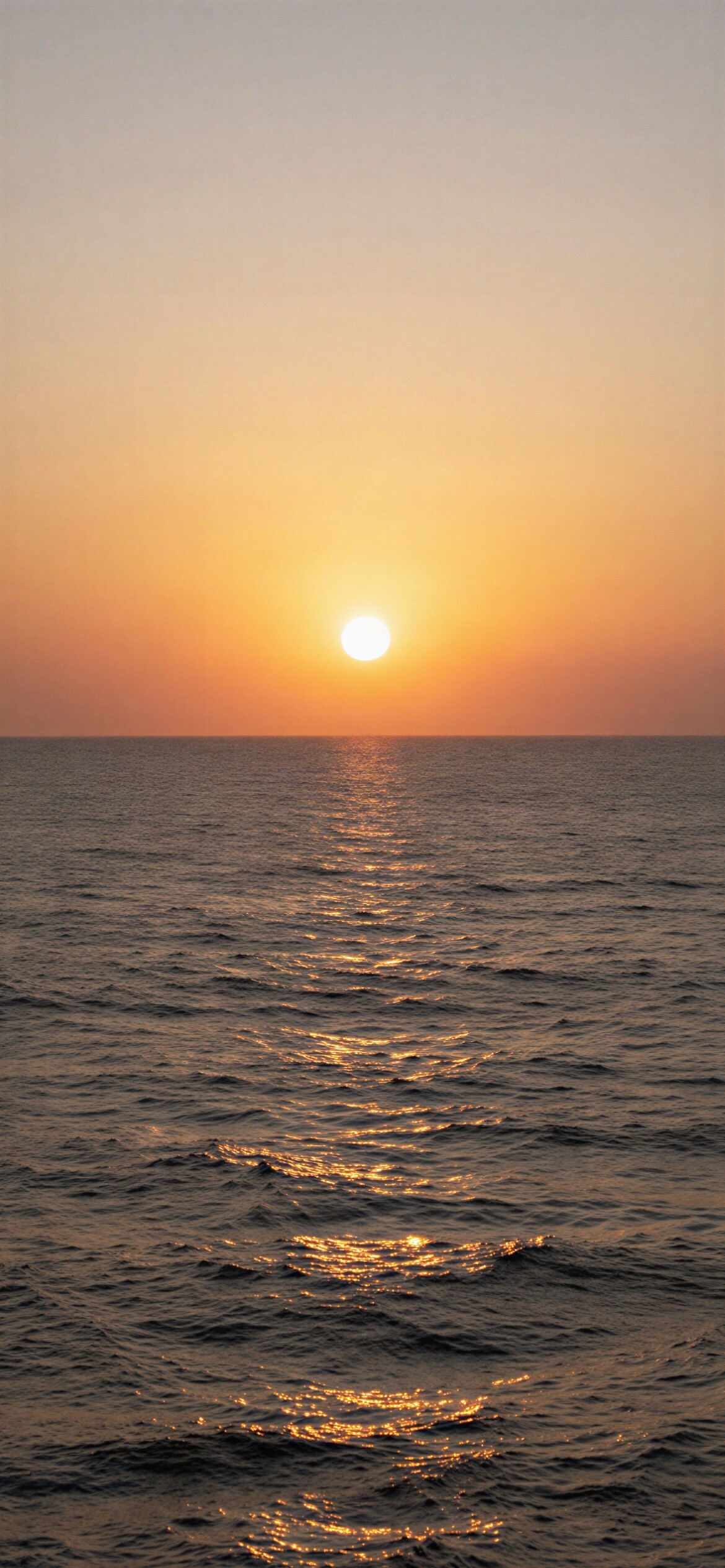
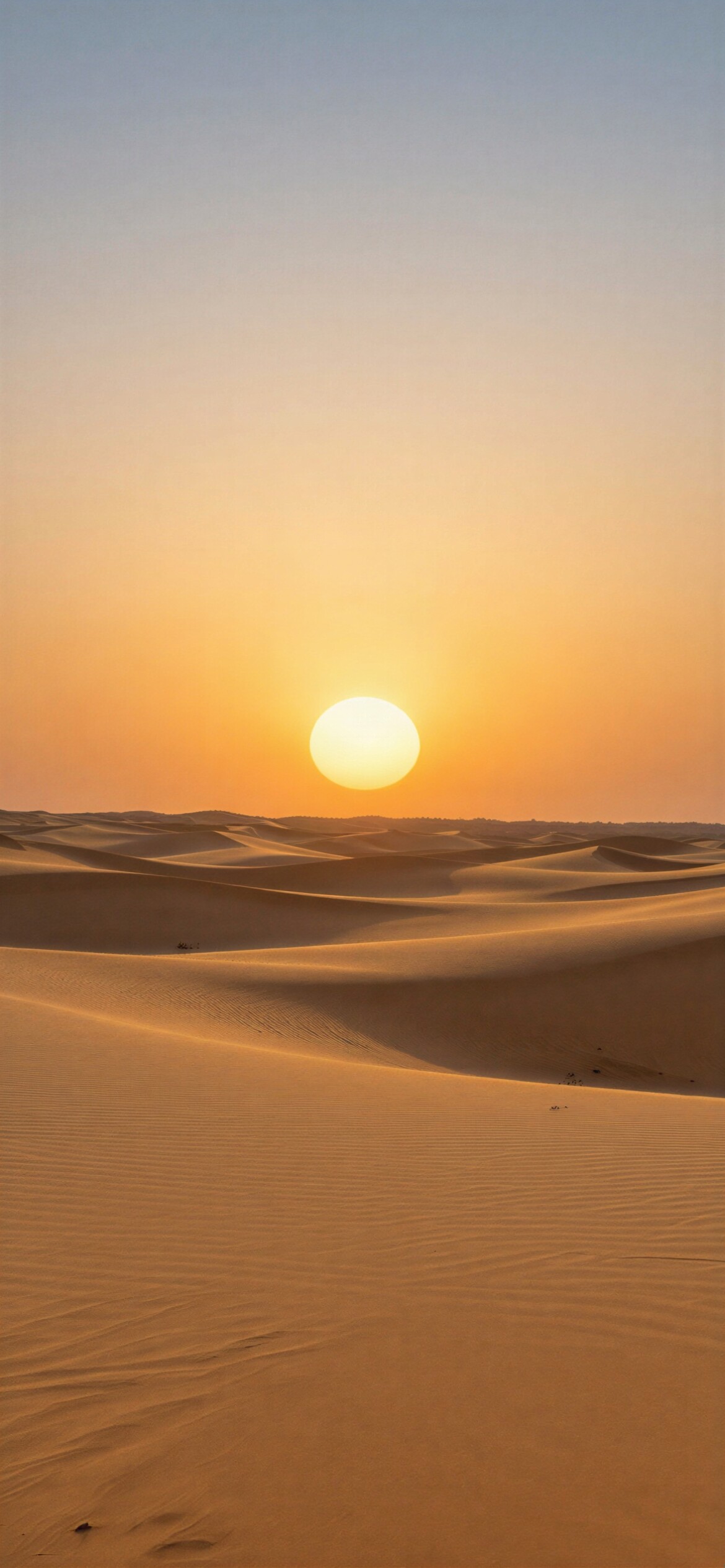
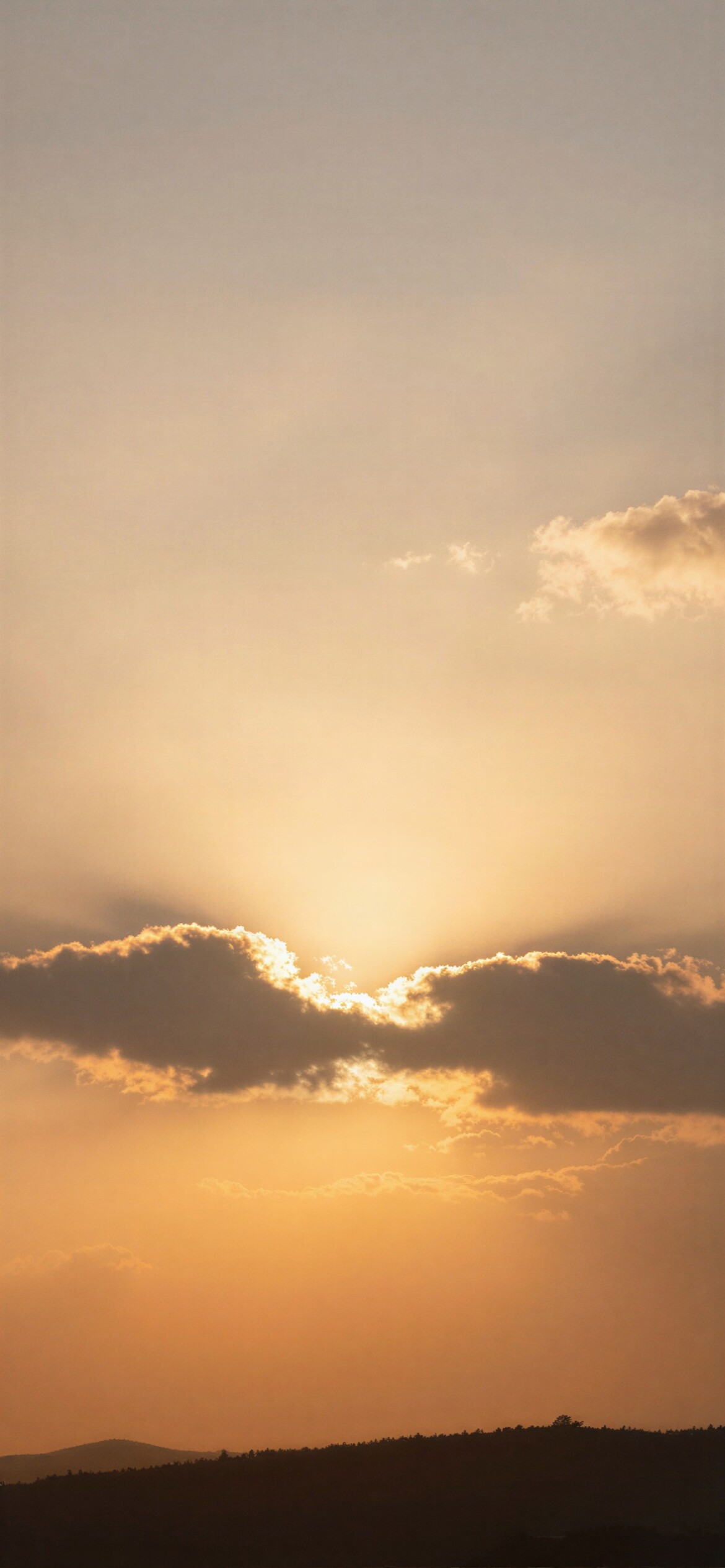
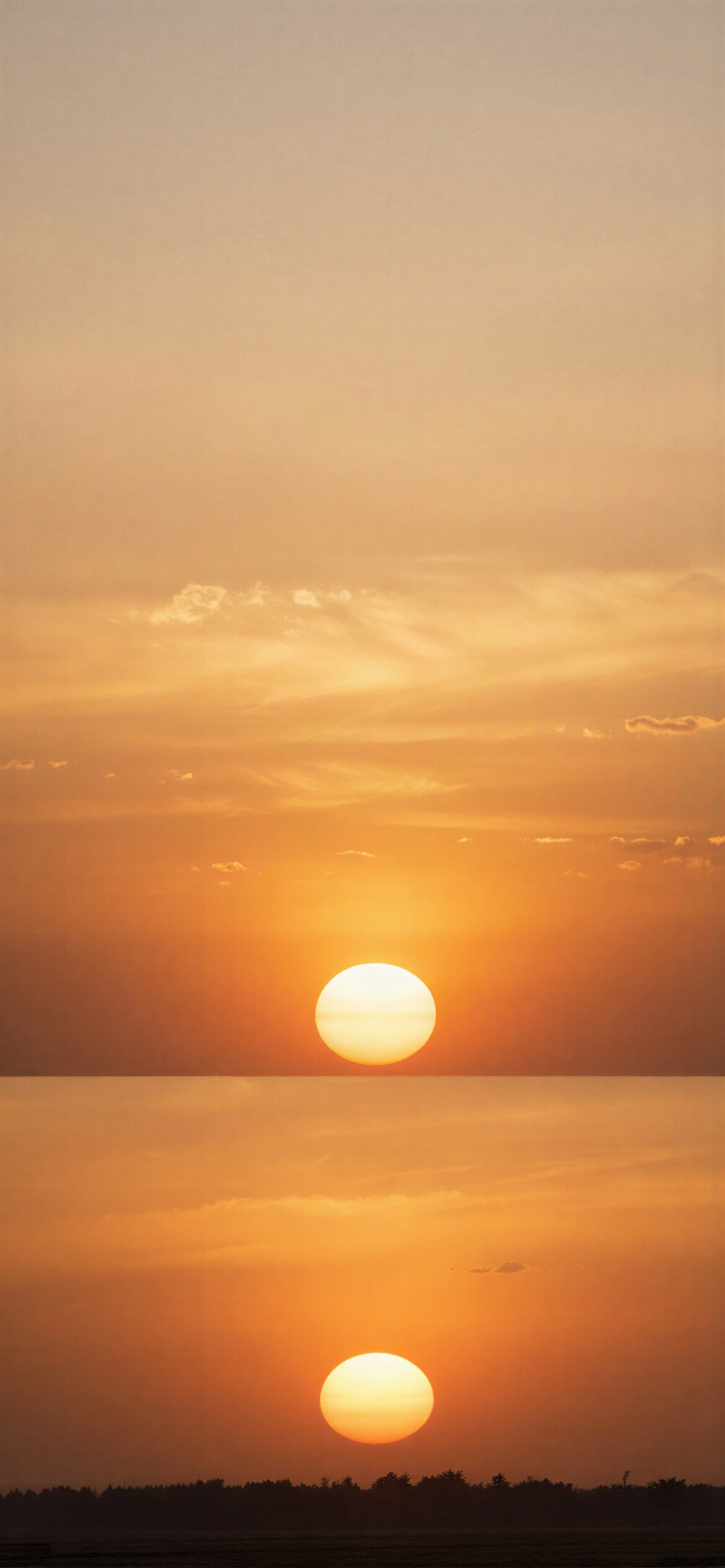
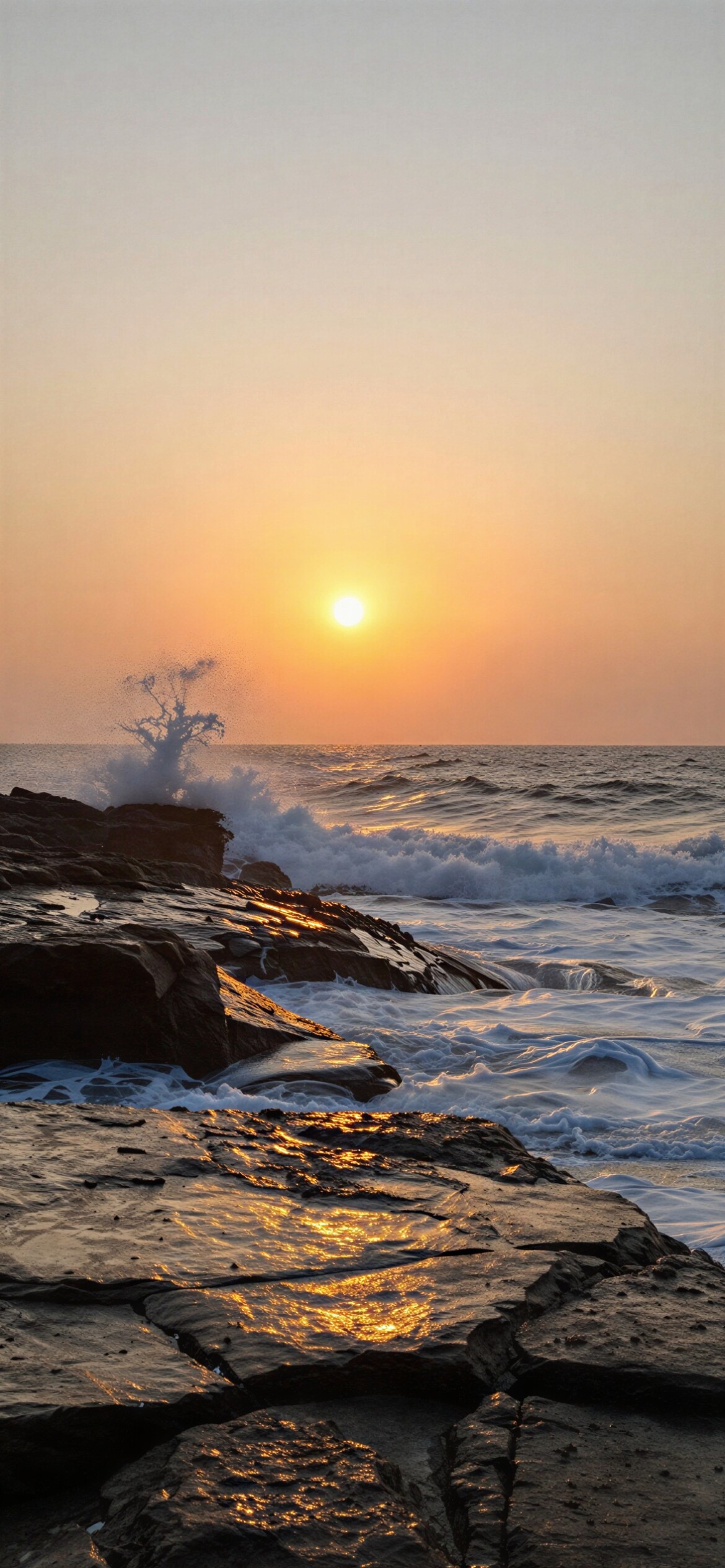
Sunlight looks white at noon, but it is a mix of every colour. When the sun sits low, its light crosses far more air before it reaches you, and the air scatters the short blue wavelengths out of the beam along the way. What is left is the orange and red you see in wallpapers 1, 3, 4 and 8. That light also left the sun roughly eight minutes before it reached the camera, so every sunrise picture shows the sun as it was a few minutes earlier.
The beams in wallpaper 4 have a name too: crepuscular rays. They are ordinary shafts of sunlight passing through gaps in the clouds, and they only look like they spread out like a fan because of perspective, much like railway tracks seem to meet in the distance.
Water, peaks, sand and fog
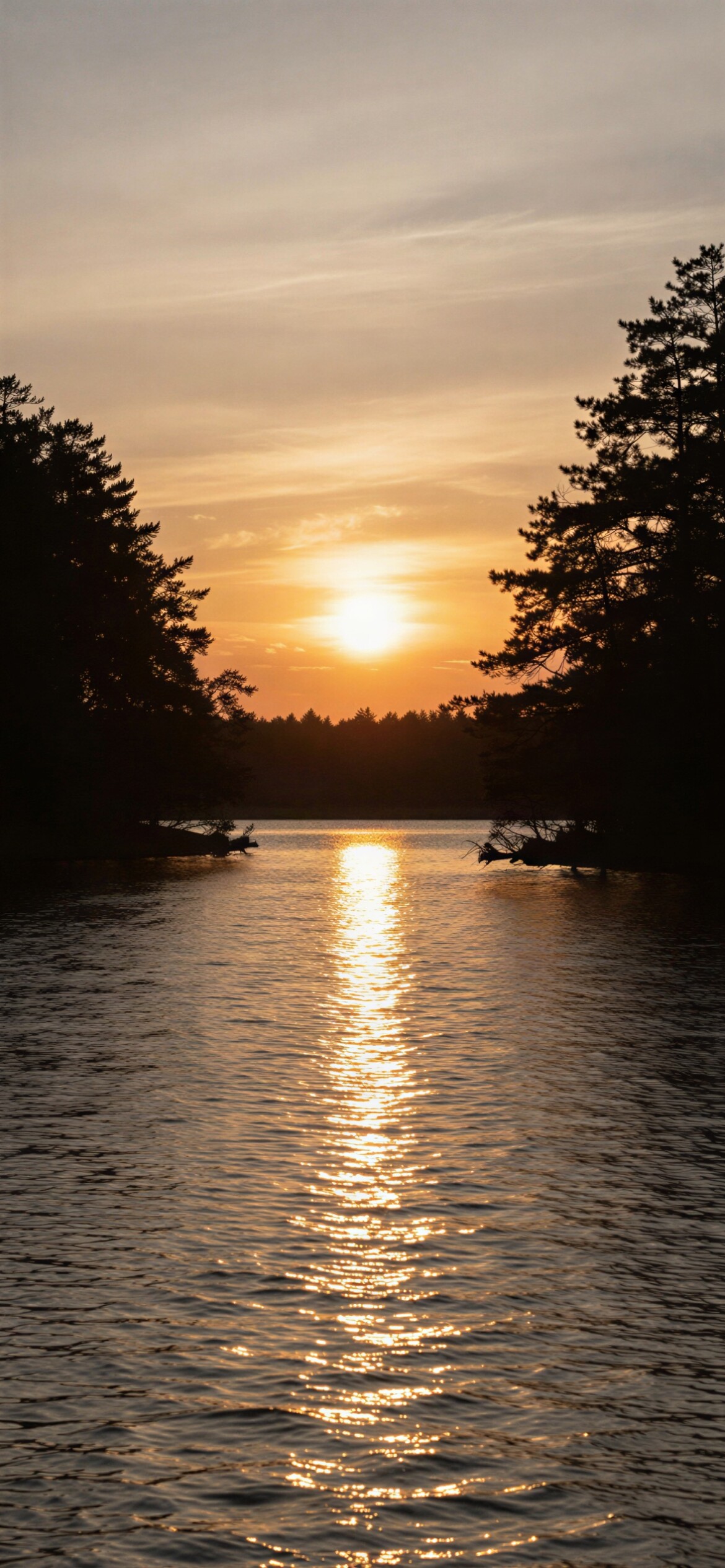
Three of the scenes use water. Number 1 puts the sun right on the ocean horizon, number 5 doubles it in a still lake framed by dark trees, and number 9 sets it above a rocky shore with waves breaking below. If you like a busy home screen, the lake in 5 gives icons the calmest surface to sit on.
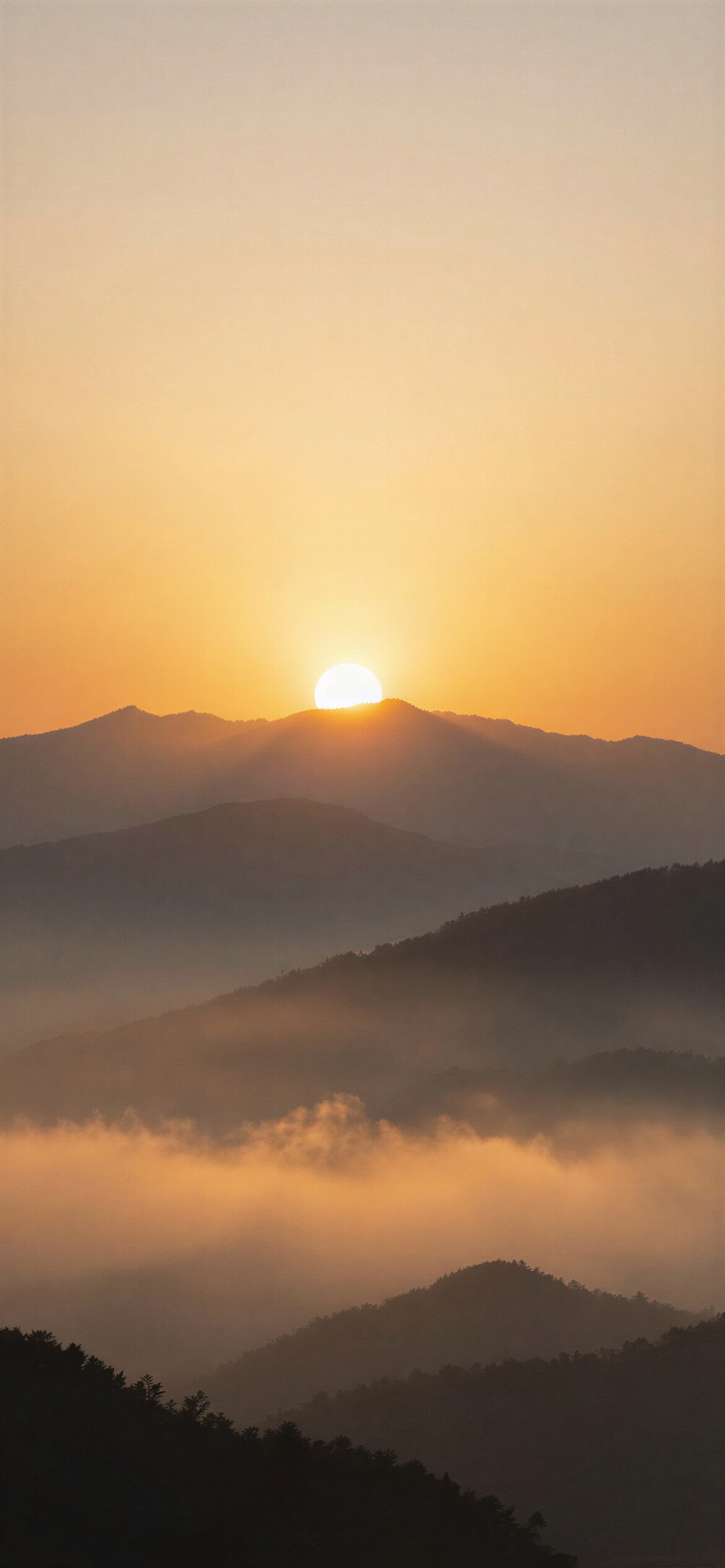
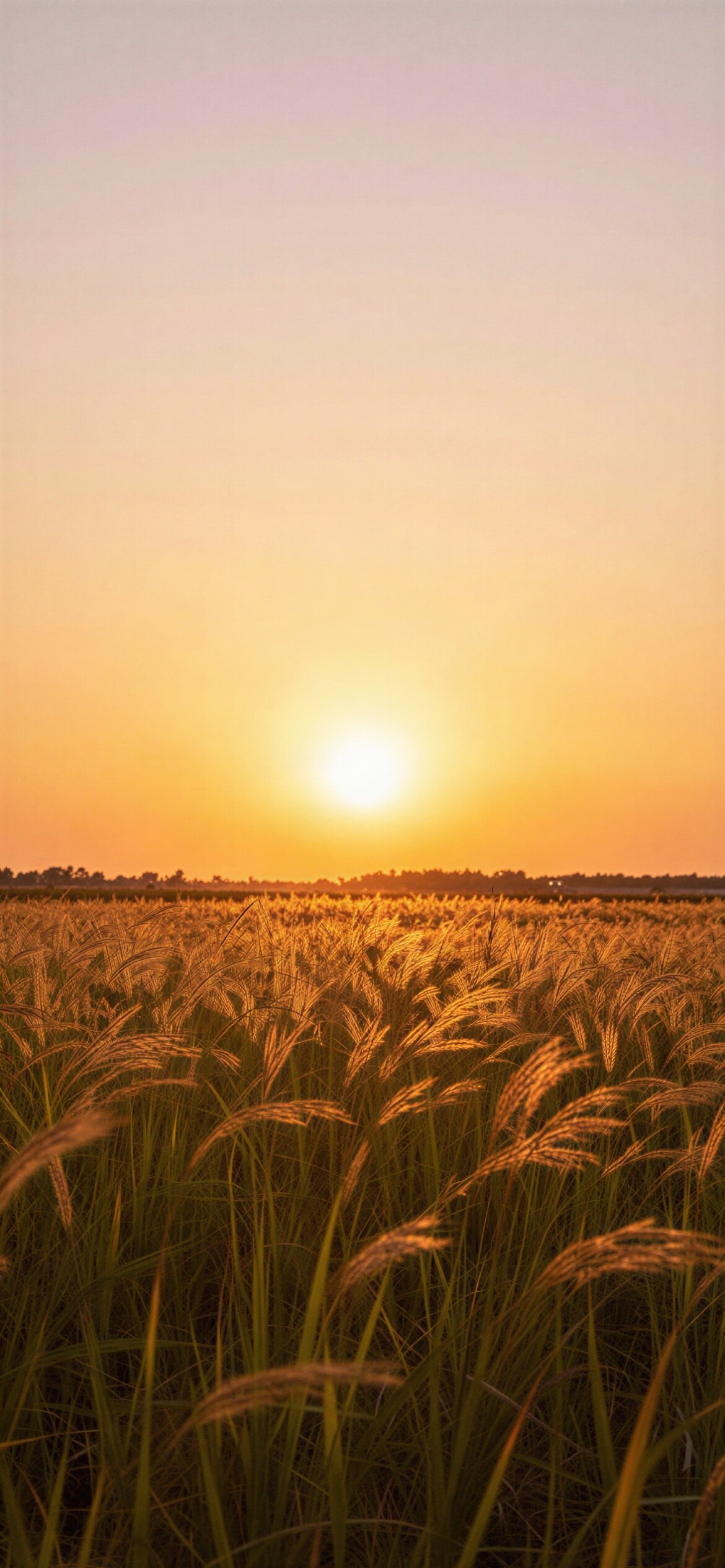
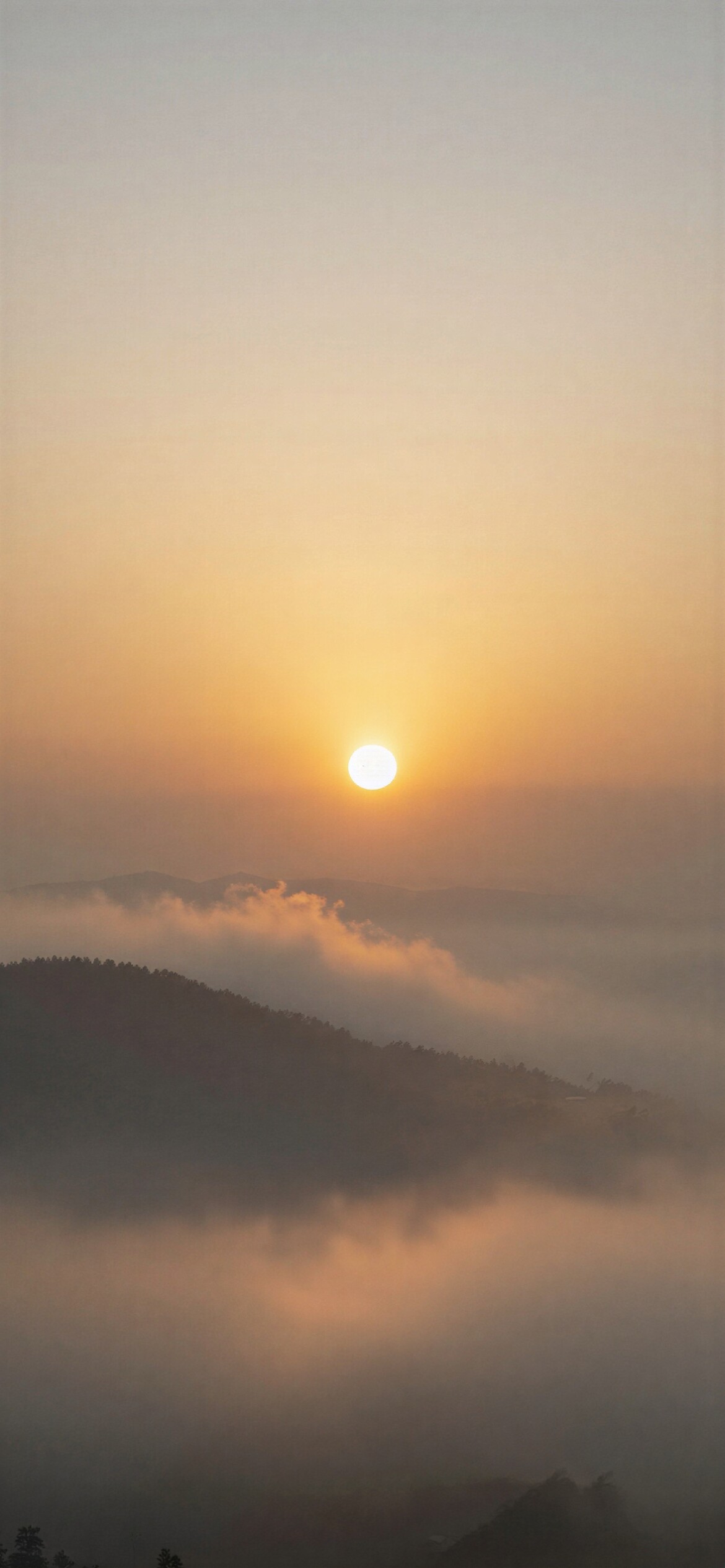
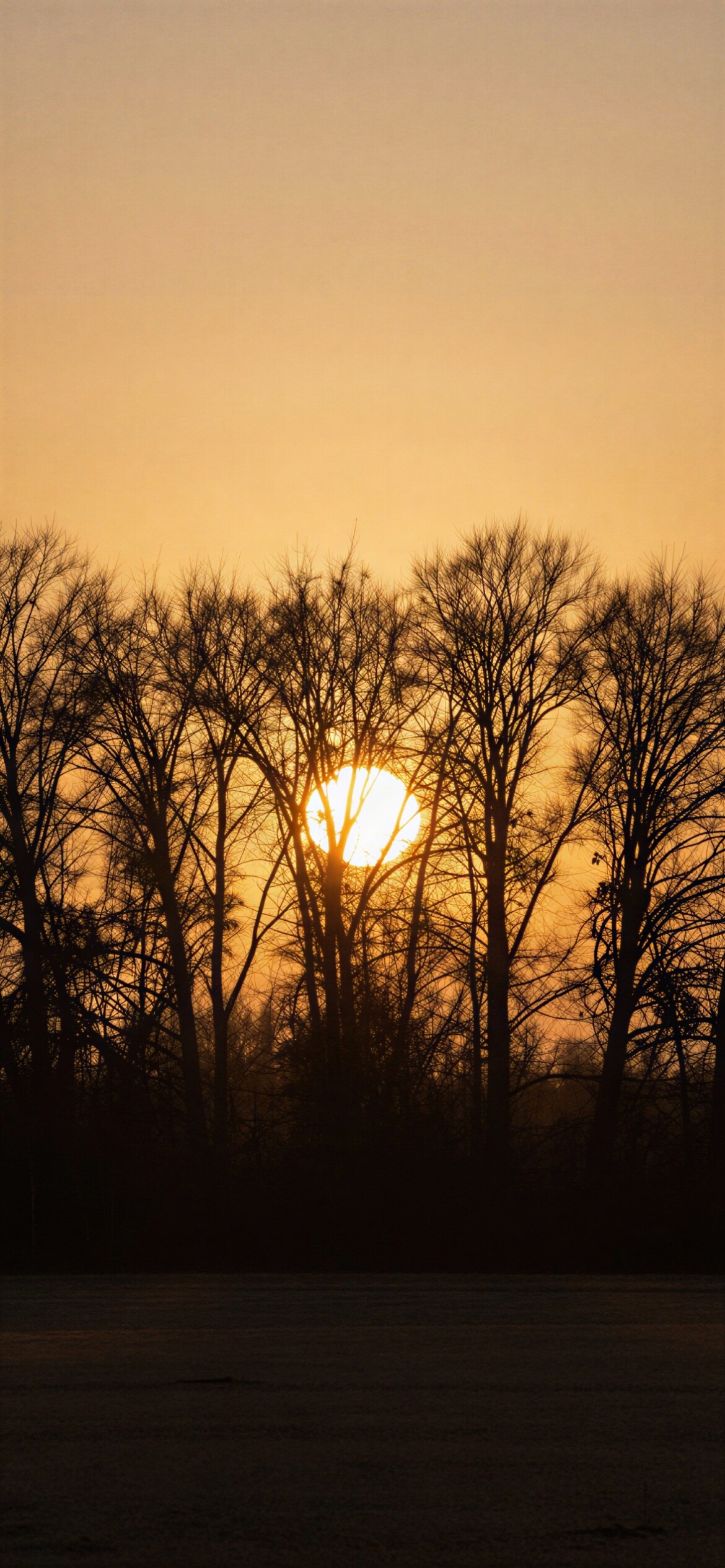
The land scenes split into high and low ground. Wallpaper 2 shows the sun climbing behind dark mountain peaks, and 7 lets it glow through layers of mist over a valley, which softens everything into pale gold. Number 3 is the desert one, a large sun hanging over smooth dunes. Wallpaper 6 lights up a golden field, 8 keeps things minimal with a flat horizon under an orange sky, and 10 shows the first light coming up behind a forest in silhouette.
How much glow do you want?
- Full gold: 1, 3, 6 and 9 are the brightest, with light spread across most of the frame.
- Dark shapes against a lit sky: 2, 8 and 10 lean on silhouettes, so white clock digits stand out well on the lock screen.
- Soft and hushed: 4, 5 and 7 filter the sun through cloud, water or fog for a gentler look.
For more open horizons, try the sky wallpapers, the sand and surf in the beach set, or the deeper blues of the ocean collection.
How to set it on your iPhone
- Tap Download and save the image to Photos.
- Open Settings, tap Wallpaper, then Add New Wallpaper, and choose Photos.
- Pick the wallpaper, pinch to position it, then tap Add and choose the lock screen, home screen or both.
Stuck on a step? The iPhone and iPad guide has screenshots for each one.
Questions
Will this sun wallpaper fit my iPhone screen?
Yes. This set is designed for iPhone at 1170x2532 pixels, which suits modern iPhones; some older models may crop slightly at the edges. The tall vertical format fills your screen edge to edge. When you download and set the wallpaper, your iPhone will crop it automatically to fit your screen size perfectly.
Can I use these wallpapers for personal use?
Yes, all wallpapers on Free Wallpaper Daily are free to download and use on your own devices. You may not sell them, print them for sale, or repost them on other wallpaper sites. See our Terms page for complete details on personal and commercial use.
Which sun wallpapers work best on the lock screen?
The designs with simple, uncluttered top quarters work best on the lock screen because they leave room for the time, date and notifications. Look for the sunrise and sunset shots with clear gradient skies. These keep your lock screen readable while showing the sun lower in the frame.
Do these sun wallpapers work with dark mode and light mode?
These wallpapers work best in light mode and standard mode because they feature bright skies and golden light. The warm tones may appear less vibrant in dark mode. On your home screen, pair them with light-colored icons so app names remain readable against the bright background.