Police Wallpaper iPhone
Police iphone wallpaper shows patrol cars, badges, uniforms and station scenes, free to download for your iPhone lock and home screens. This set captures the look of law enforcement with realistic details: metal badges catching light, parked cruisers under streetlights, and quiet moments at the precinct. The designs mix cool blues and silvers with warm amber tones. Each police wallpaper works well as a lock screen or home screen depending on your icon layout and preferred mood.
10 wallpapers at 1170 × 2532 px for iPhone. Checked by hand on 13 Oct 2026.
About this set
This set uses cool blues, silvers and warm ambers to capture the look of law enforcement. The designs feel calm and professional, mixing realistic details like metal badges, dashboard lights and station interiors. Most wallpapers work best as lock screens because the main subject sits in the lower half, leaving room for time and notifications at the top. A few designs with centered objects or wide scenes also suit home screens if your icons are arranged around the edges.
Pair these with minimal icon layouts or monochrome icon packs to keep the focus on the police details. The cool-toned designs pair well with dark mode on iPhone, while the warmer lit scenes work with light mode. Use them on Focus modes for work or productivity themes.
Ten scenes from a shift
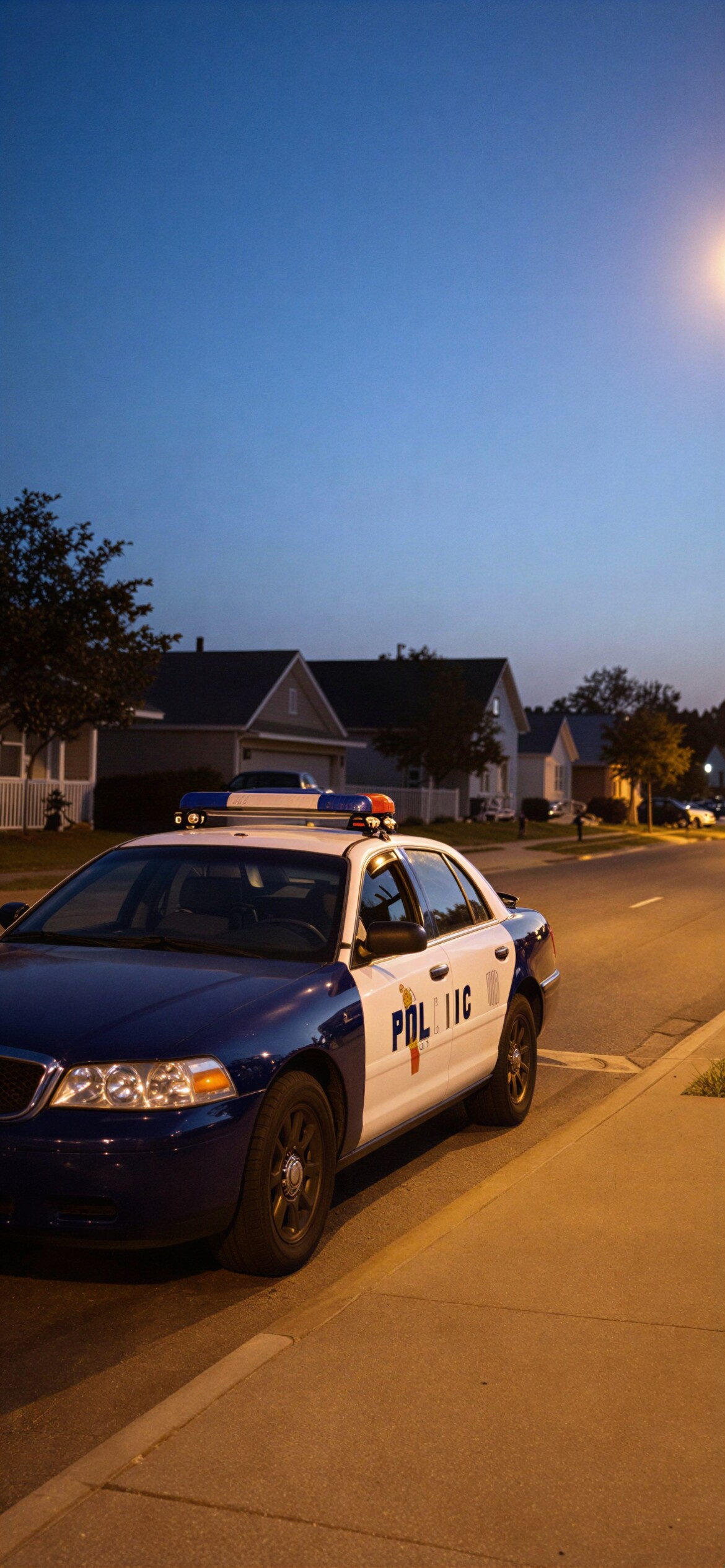
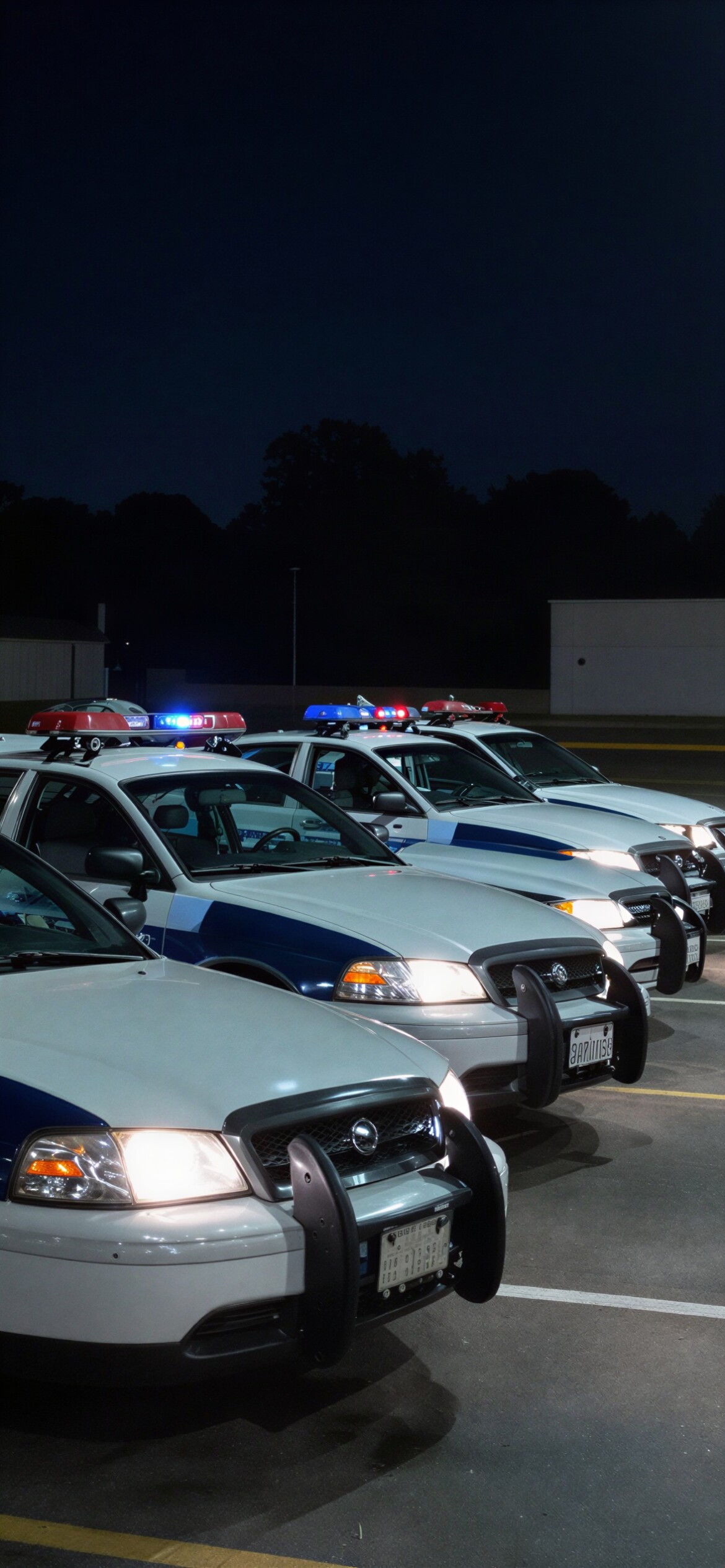
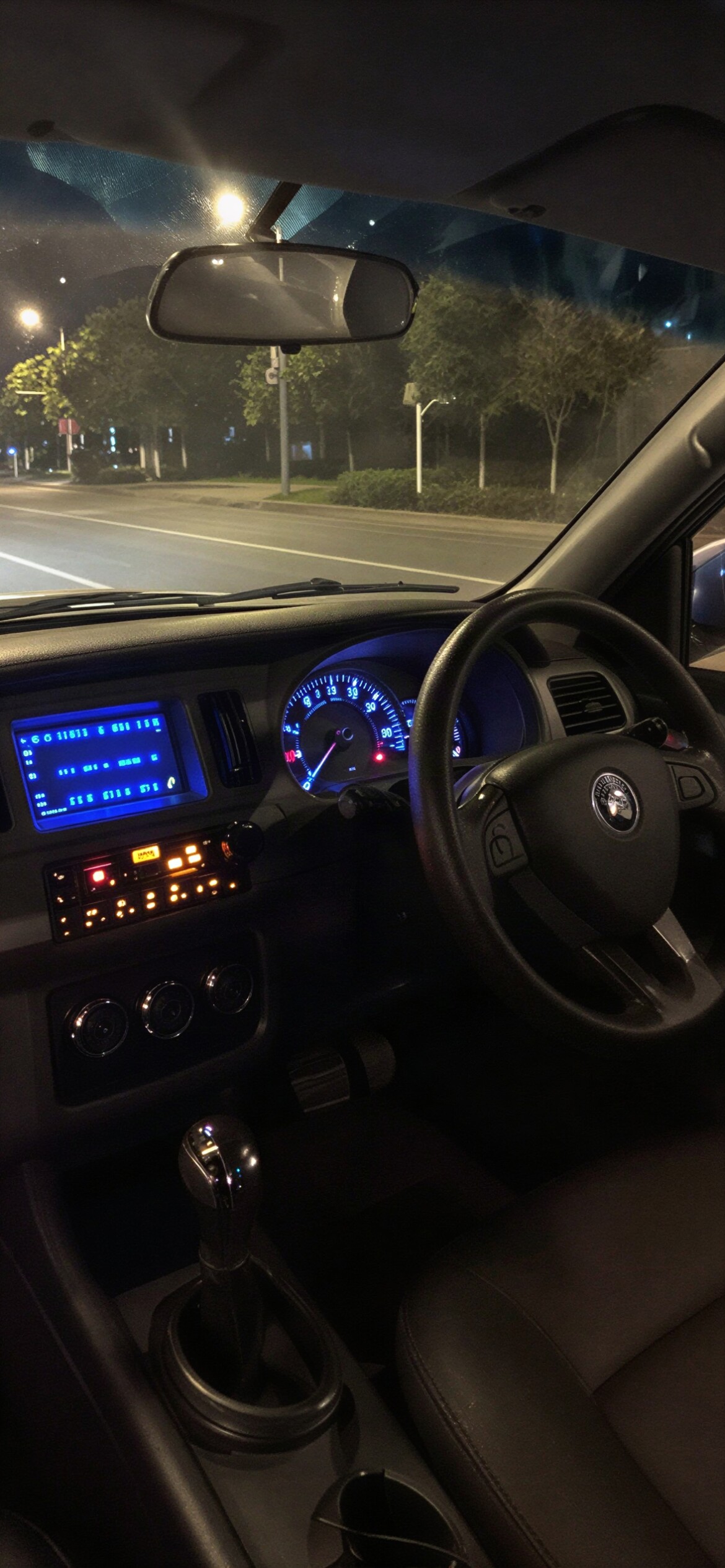
Three of the pictures are about the cars. #1 is a blue and white patrol car parked under a streetlight at dusk on a suburban street, #5 shows three cruisers lined up at night under the lot lights, and #10 puts you in the driver's seat, with the dashboard glowing blue and the dark street ahead.
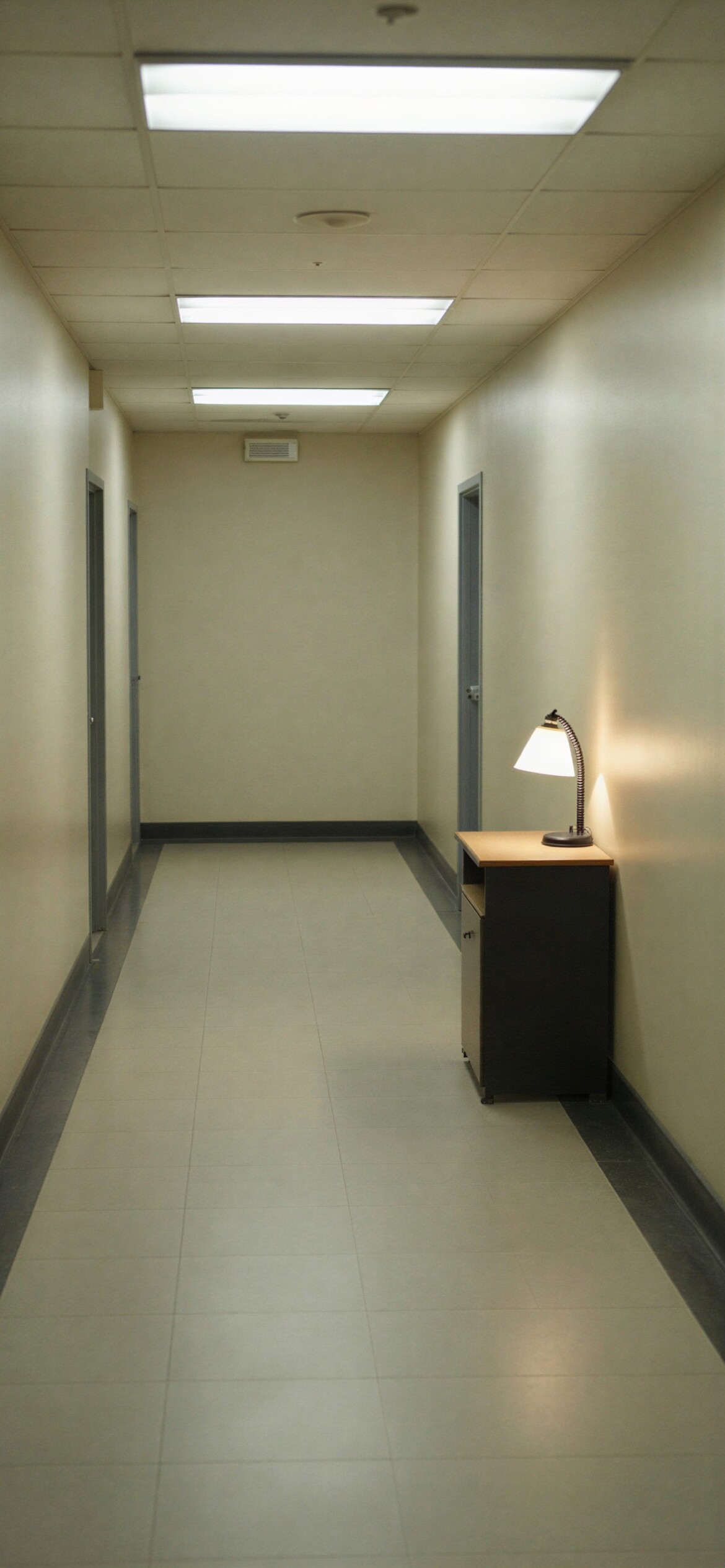
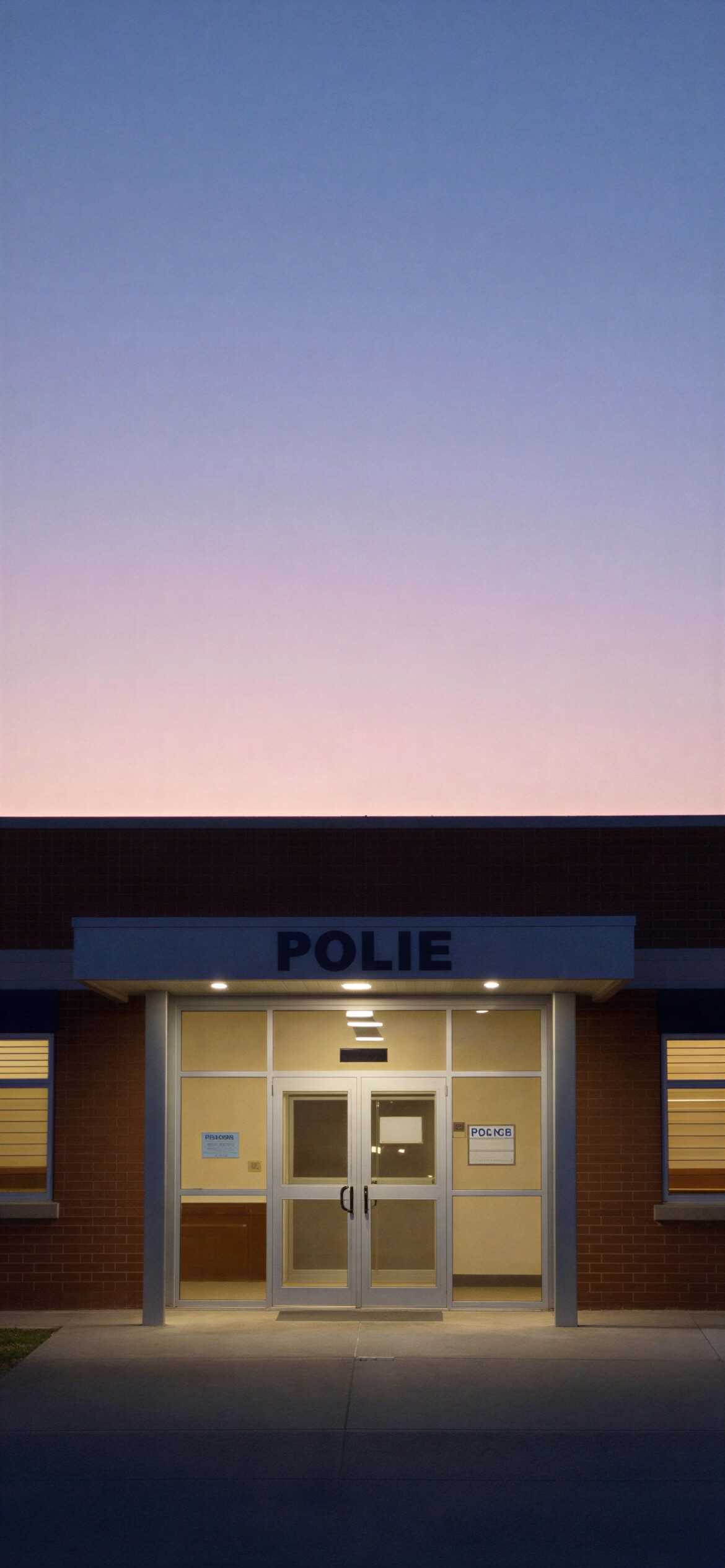
Two are about the building. #3 is an empty station hallway with fluorescent lights, beige walls and a polished floor, and #7 shows the precinct entrance at dawn under a pink and blue sky.
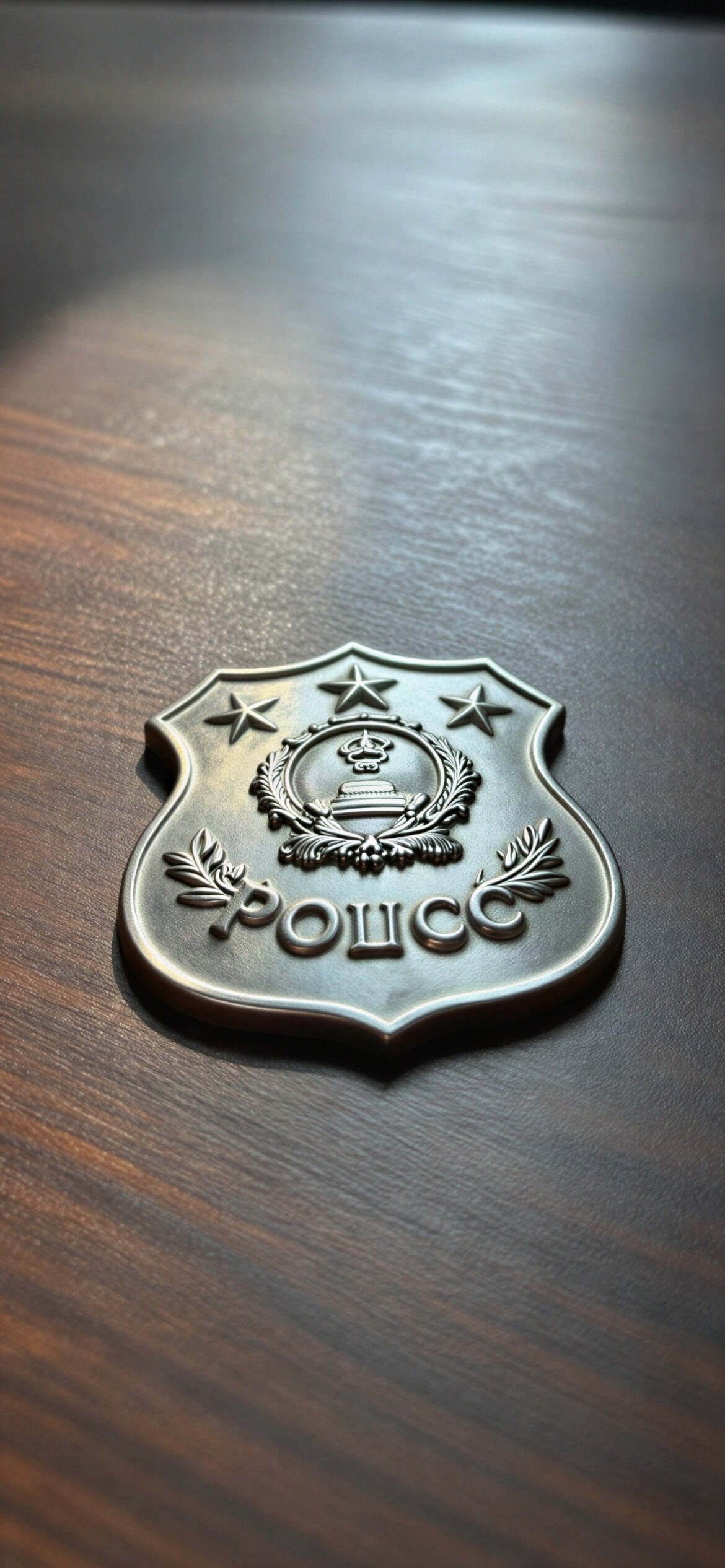
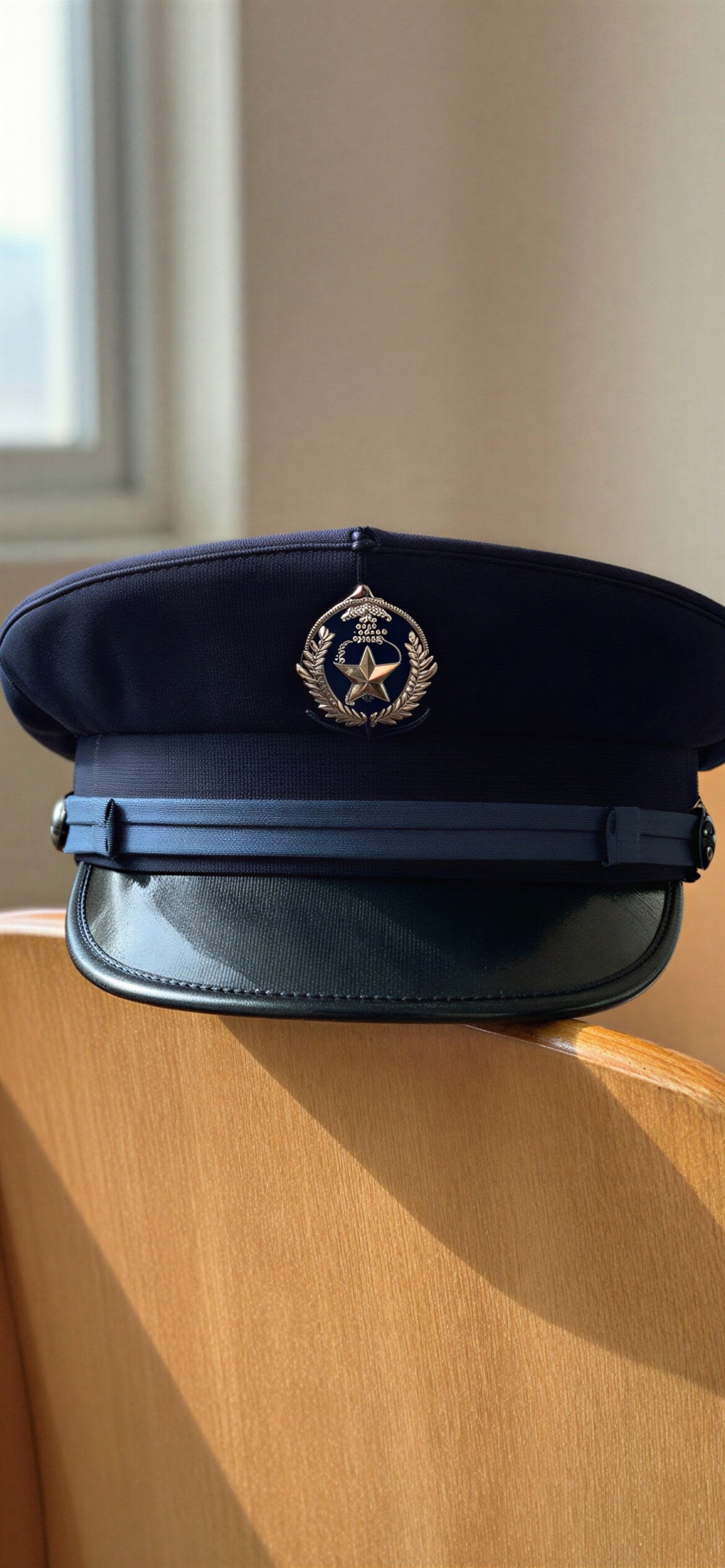
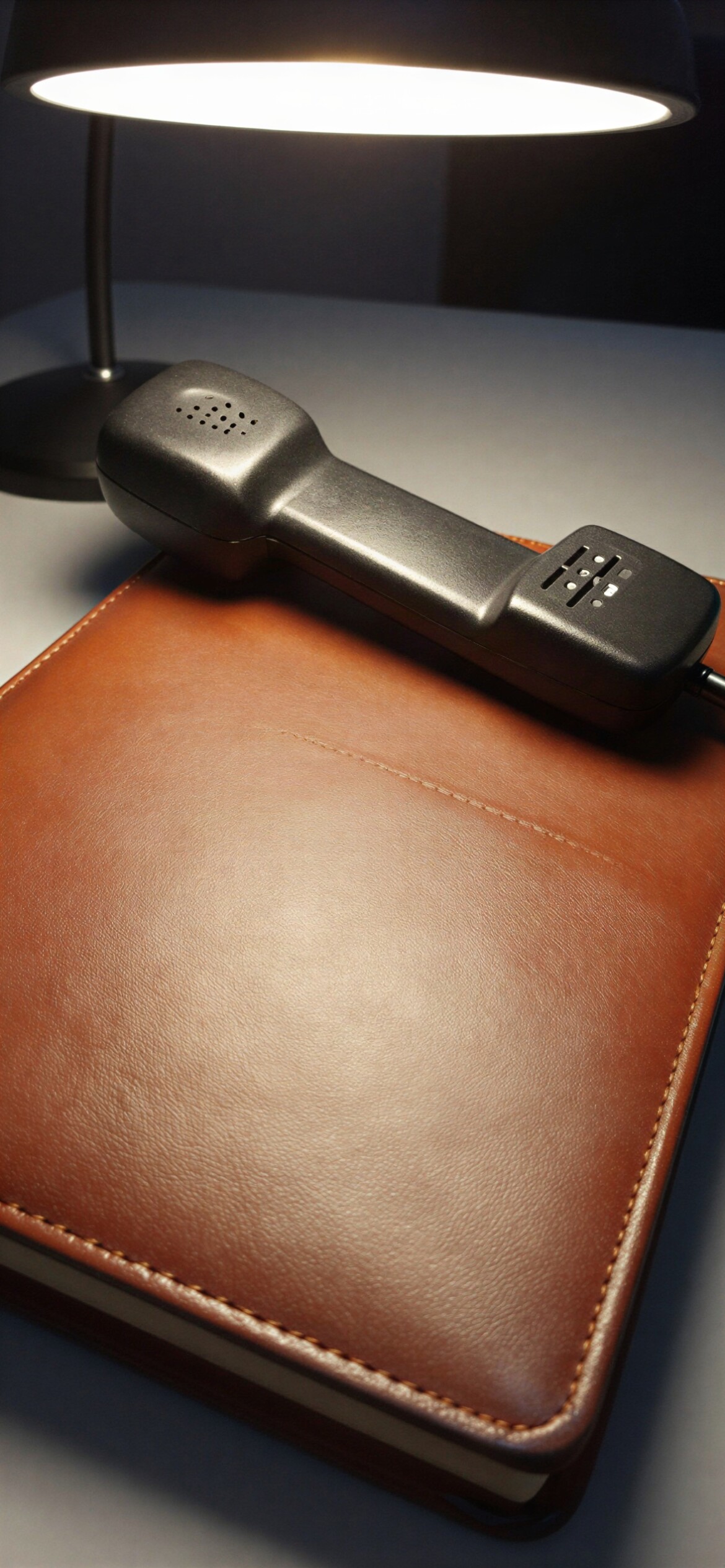
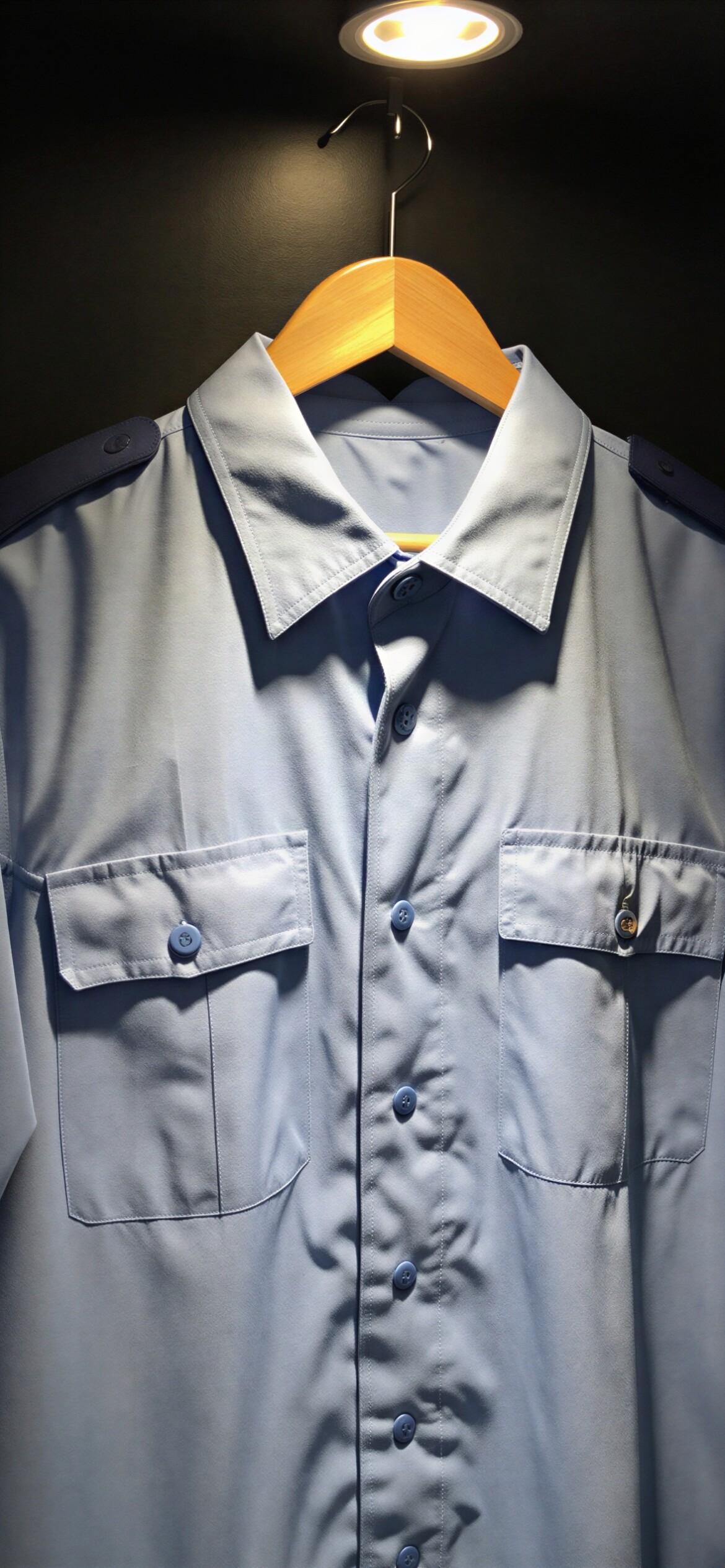
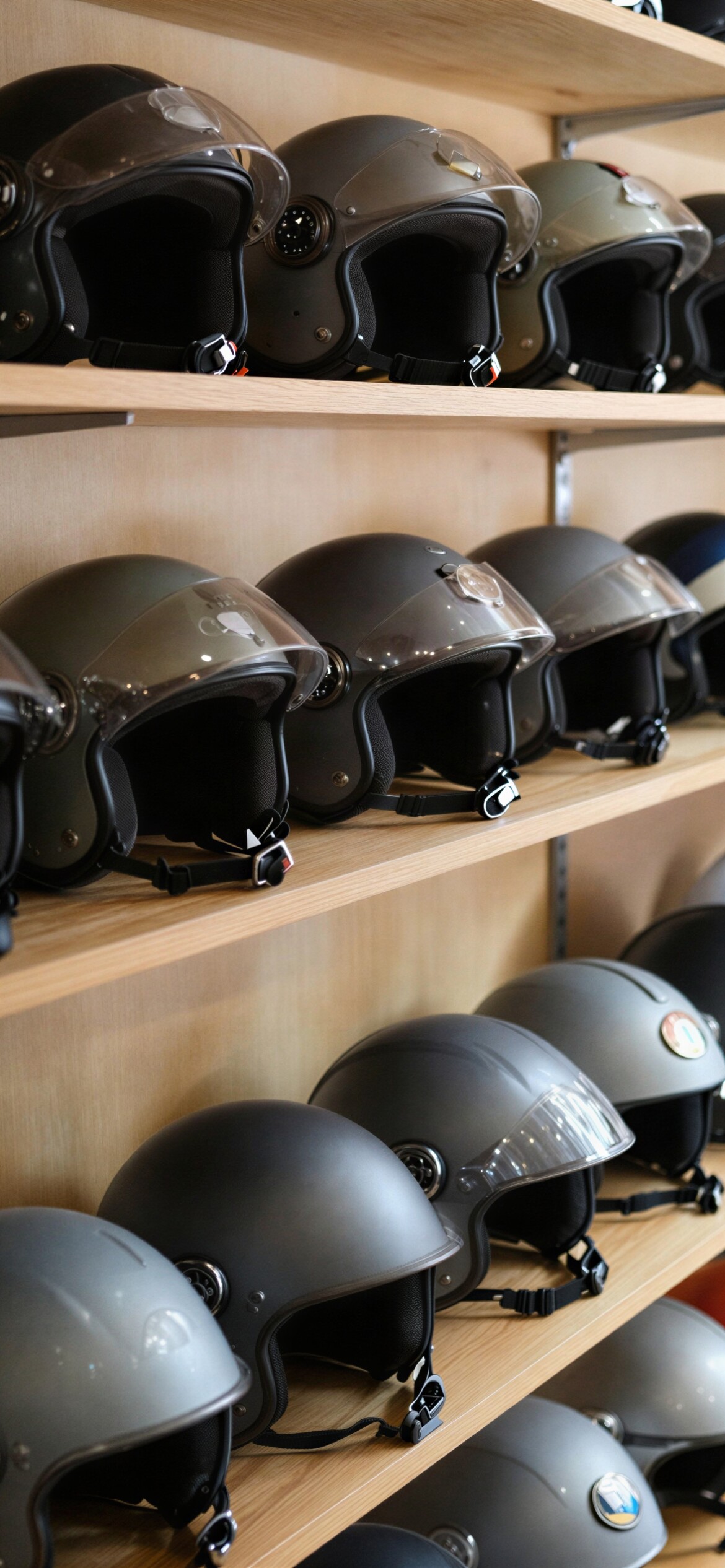
The other five are still lifes of the kit. #2 is a metal badge on a dark wooden desk, #4 an officer's cap resting on a chair back in window light, #6 a radio handset and notebook under a warm lamp, #8 a uniform shirt on a wooden hanger against a dark wall, and #9 a row of motorcycle helmets on a shelf.
Peelers, dark blue cloth and the first car radios
The modern idea of a uniformed police force is usually traced to London in 1829, when Home Secretary Robert Peel set up the Metropolitan Police. His officers soon picked up the nicknames "bobbies" and "peelers", both from his name. They were dressed in dark blue rather than the red coats of the army, partly so they would not look like soldiers on the streets. The shirt in #8 sits in that long tradition of dark, plain uniform cloth.
The handset in #6 has a shorter history. Detroit's police department began sending radio calls to its patrol cars in 1928. Those early sets could only receive, so officers still had to find a phone to reply, and two-way car radios came a few years later.
Streetlight blue or lamp-lit amber?
- Cool night tones: #1, #5 and #10, the three car scenes. These look best with dark mode, and night scenes like #10 suit OLED screens, where dark areas stay deep.
- Warm and close: #2, #6 and #9, lit from the side or by a lamp.
- Soft daylight: #4 and #7, the gentlest pictures in the set.
- Plain and neutral: #3 and #8, simple backgrounds that leave room for widgets.
For more uniforms and vehicles, try the army wallpapers. If the night car scenes are your favourites, the night city set and the dark blue collection keep the same cool glow.
How to set it on your iPhone
- Tap Download and save the image to Photos.
- Open Settings, tap Wallpaper, then Add New Wallpaper, and choose Photos.
- Pick the wallpaper, pinch to position it, then tap Add and choose the lock screen, home screen or both.
Stuck on a step? The iPhone and iPad guide has screenshots for each one.
Questions
Are these wallpapers the right size for my iPhone?
Yes, all wallpapers in this set are sized at 1170x2532 pixels, which is the standard size for iPhone lock and home screens. They are sized for modern iPhones, and some older models may crop slightly at the edges. When you download and set a wallpaper, iPhone may show a preview where you can adjust the crop slightly if you prefer.
Can I use these wallpapers anywhere I want?
These wallpapers are free for personal use on your own devices. You cannot sell them, print them for sale, or repost them on other wallpaper sites or social media. For the full terms, see our Terms page on Free Wallpaper Daily.
Which police wallpapers work best for lock screens versus home screens?
Most designs in this set work best as lock screens because the main subject sits in the lower half, leaving clear space for your time and notifications at the top. The designs with centered objects, like the badge or helmet row, also work well as home screens if you keep your icons arranged around the edges.
Do these police wallpapers match a specific theme or app?
This set is designed as standalone wallpapers with a professional law enforcement look. They pair well with minimal icon packs or monochrome icons to keep the focus on the details. The cool-toned designs work with dark mode, while the warmer lit scenes suit light mode. Use them on Work or Productivity Focus modes.