Dark Blue Wallpaper iPhone
Dark blue wallpaper for iPhone brings calm, focus and depth to your lock and home screens with serene midnight tones and peaceful scenes. These original designs work year-round and pair well with any app icon style. Each dark blue iPhone wallpaper is hand-curated and ready to download free, no account needed. The collection ranges from subtle gradients to moody landscapes, all in rich blue hues that feel modern and clean on your device.
10 wallpapers at 1170 × 2532 px for iPhone. Checked by hand on 9 Oct 2026.
About this set
This set of dark blue wallpapers brings a calm, focused mood to your iPhone with rich midnight tones and serene scenes. The designs work beautifully on both lock and home screens, with plenty of empty space at the top for lock screen widgets and text, and centered subjects that complement home screen icons without clashing.
Dark blue pairs naturally with any app icon color and works equally well in light and dark mode. Use these wallpapers to create a cohesive, peaceful aesthetic that lasts all year. The deep blue tones reduce eye strain during evening use and create a sophisticated, modern look on your device.
Night water, night sky and the shapes in between
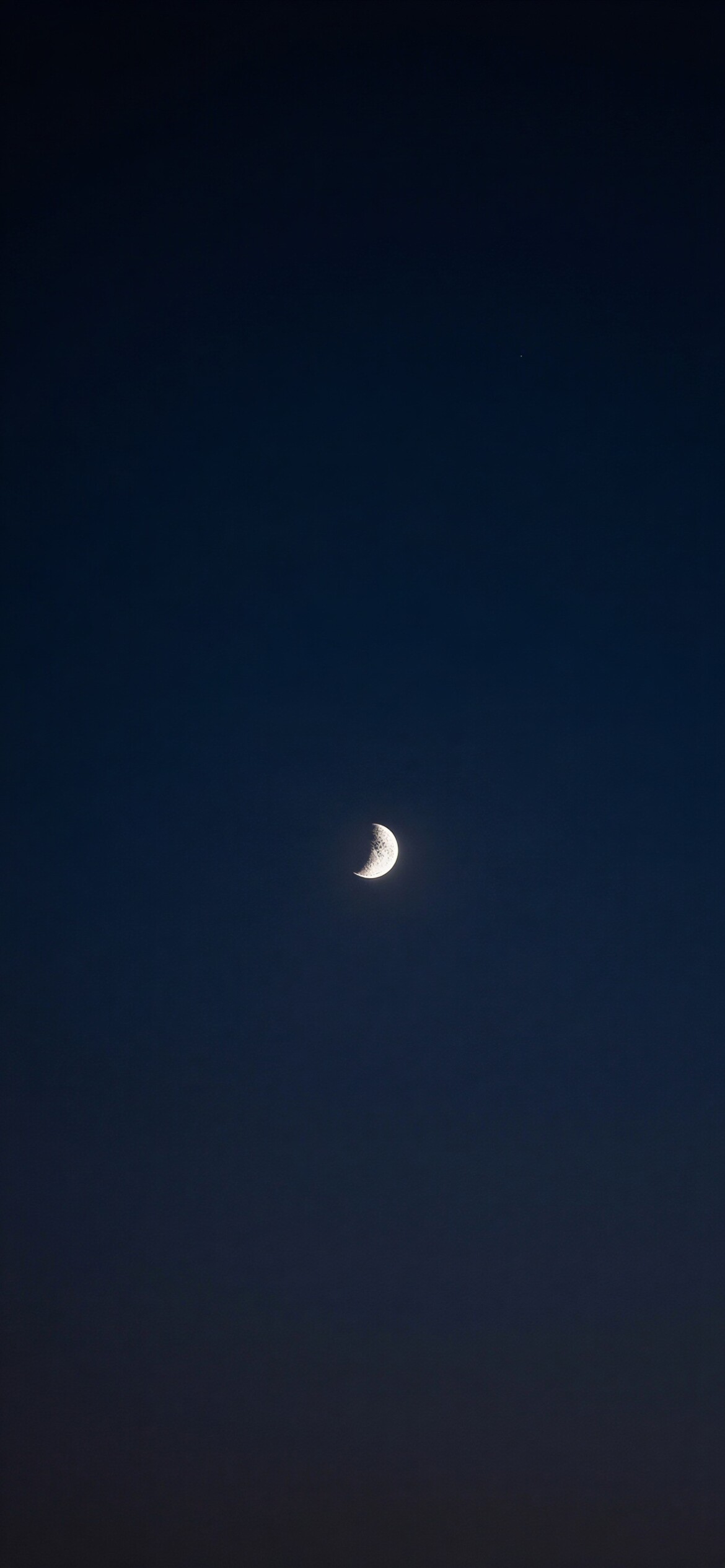
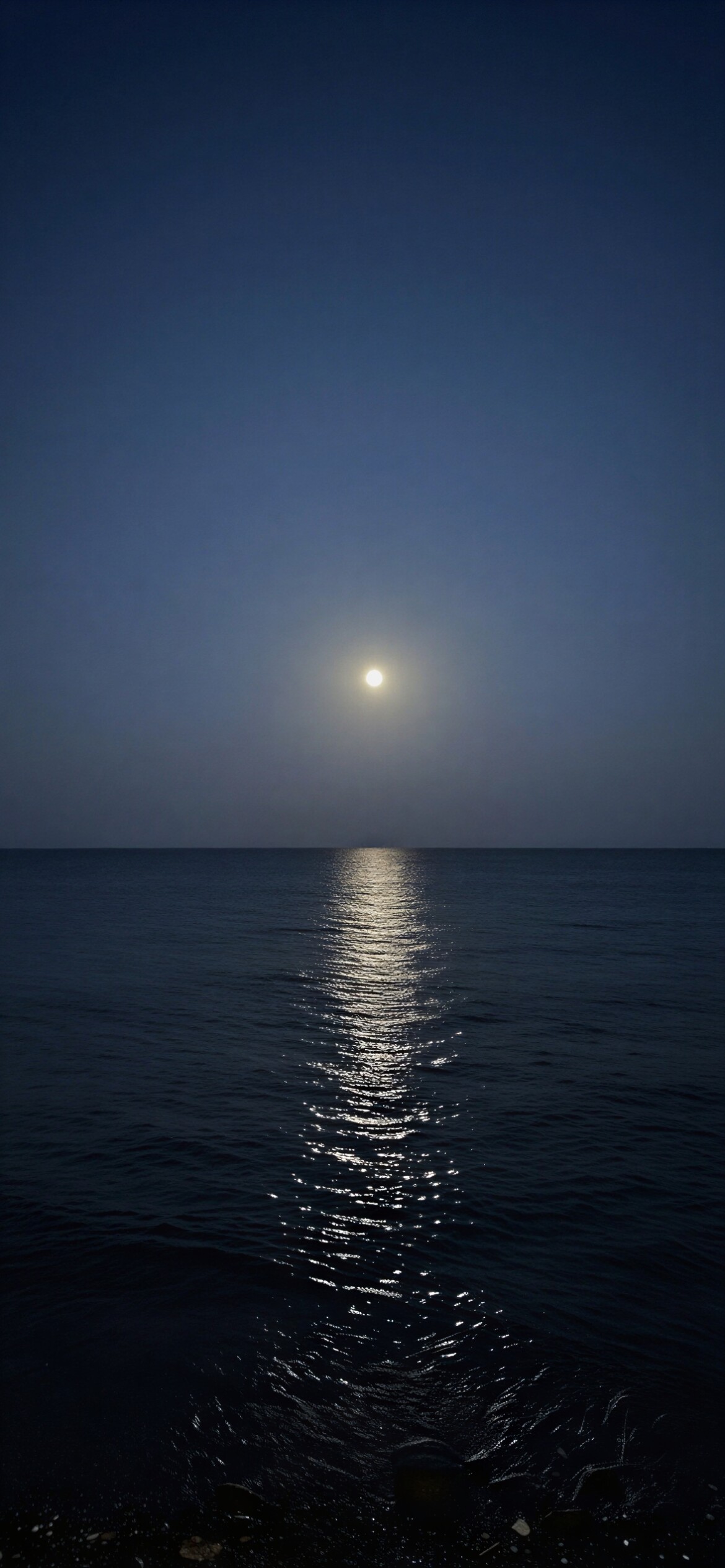
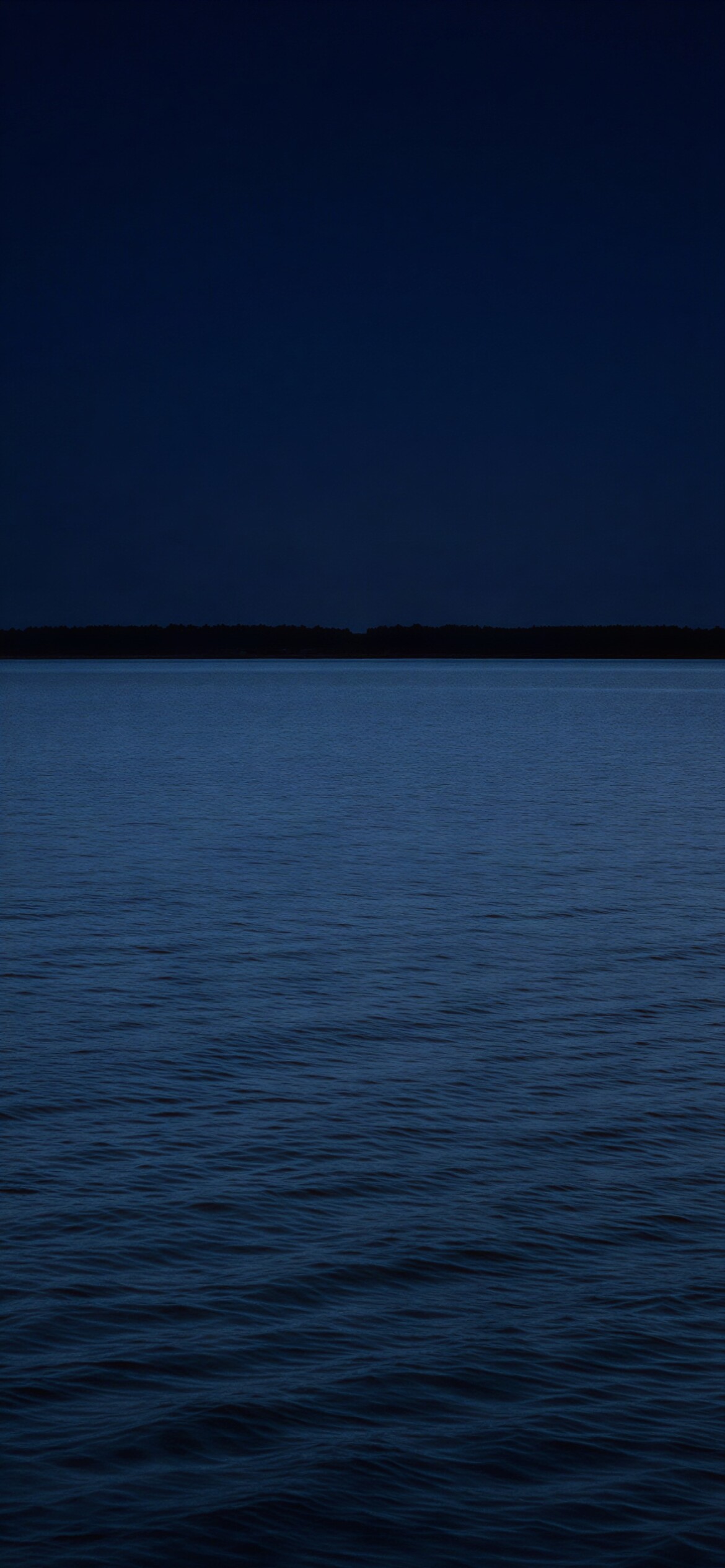
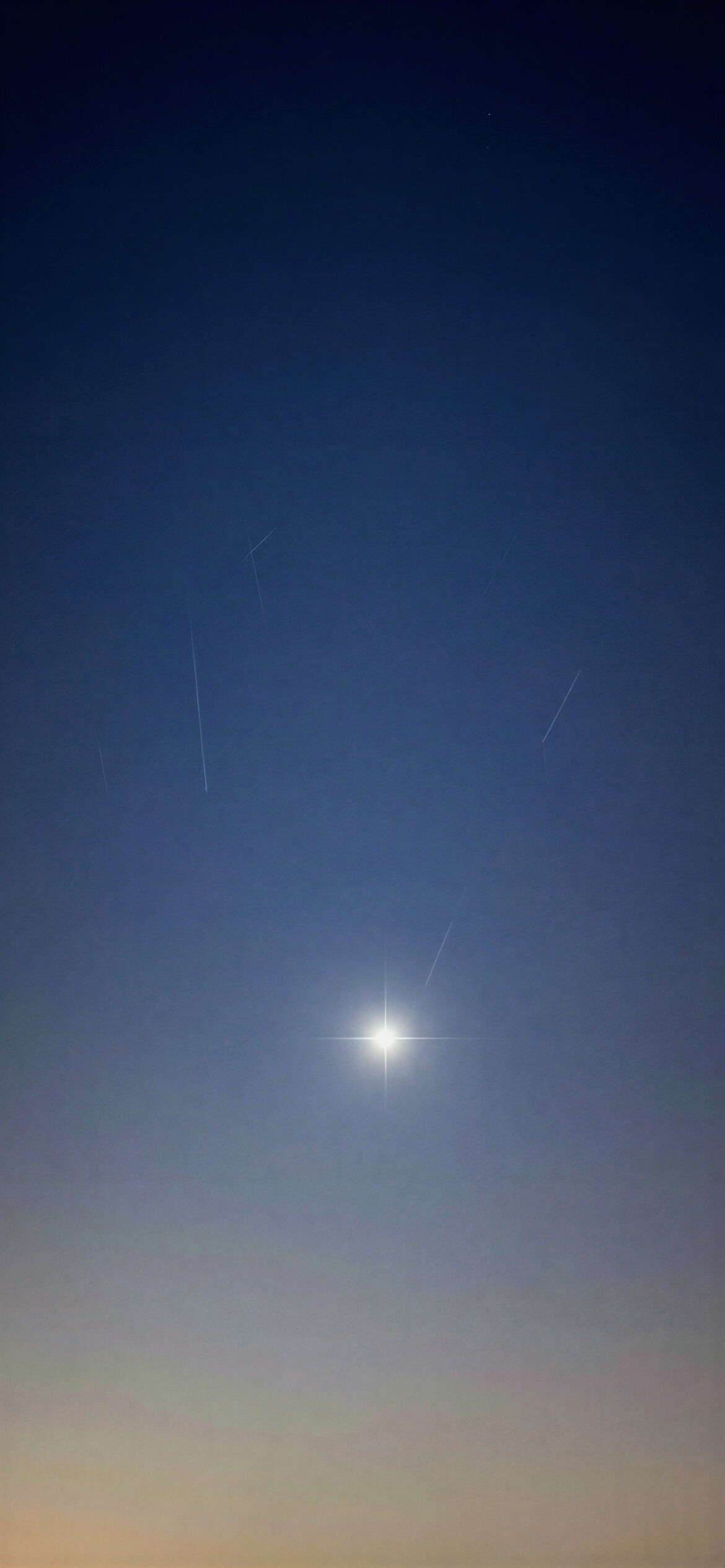
Two designs look straight up. Number 1 has a glowing crescent moon among stars, and number 9 shows one bright star joined to others by constellation lines. Two more look out over water: the ocean horizon under moonlight in 2, and the still lake in 5 that holds a copy of the stars on its surface.
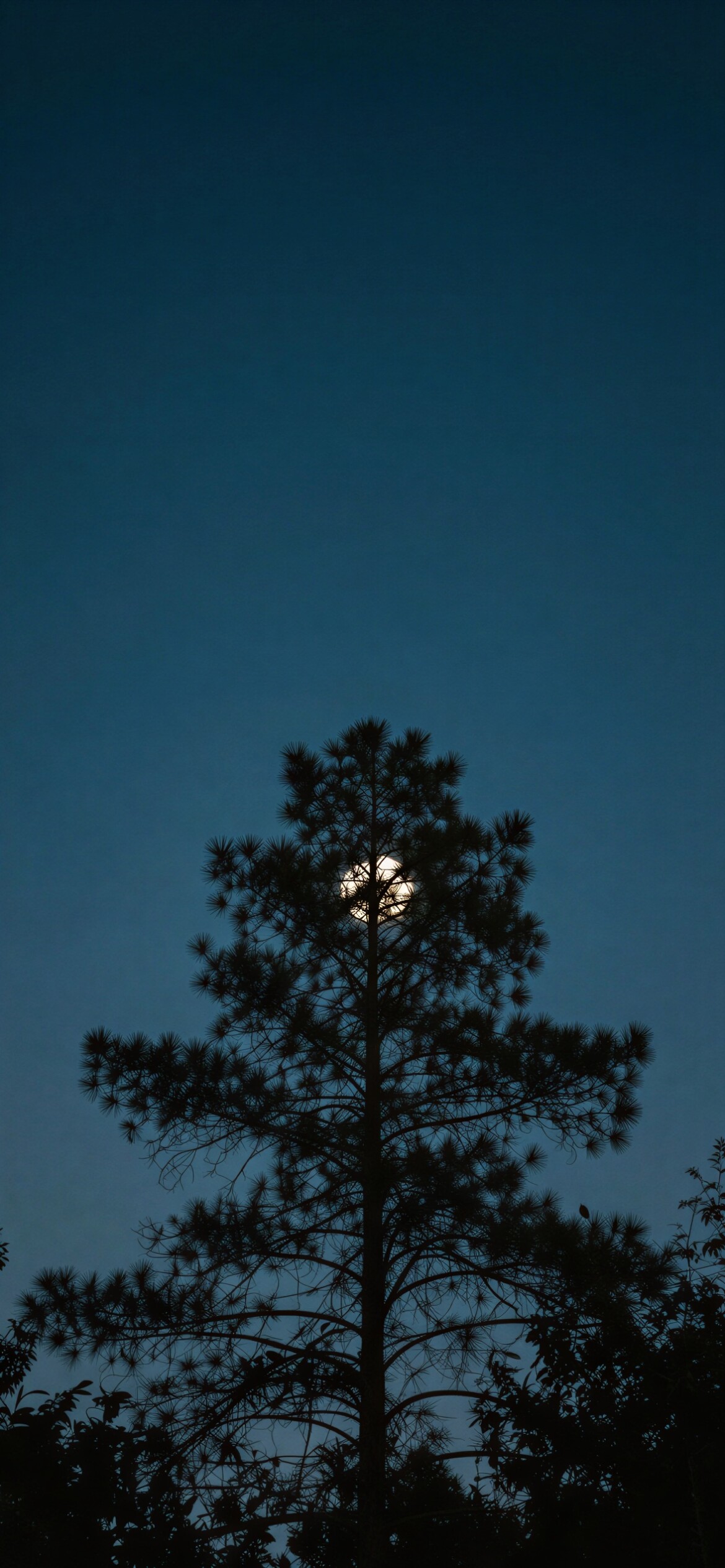
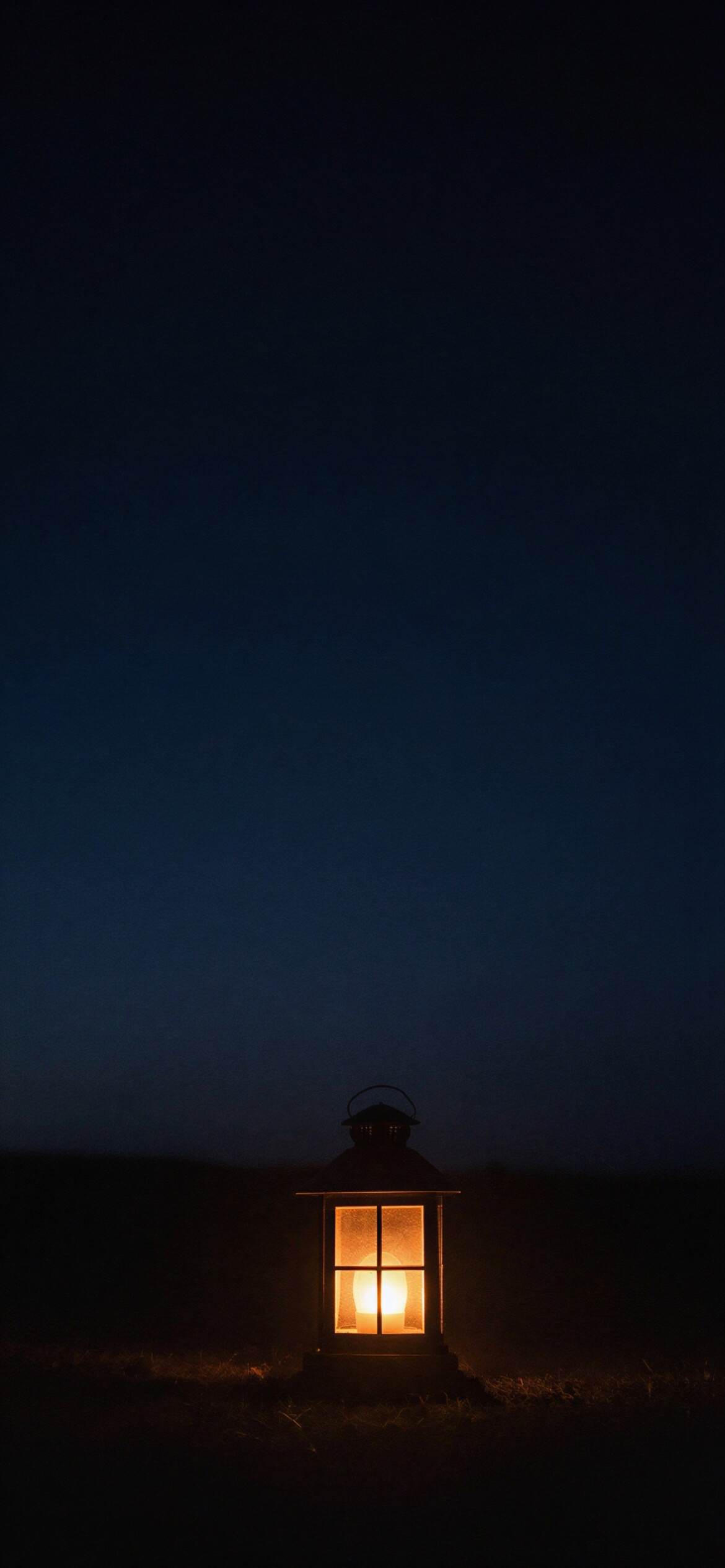
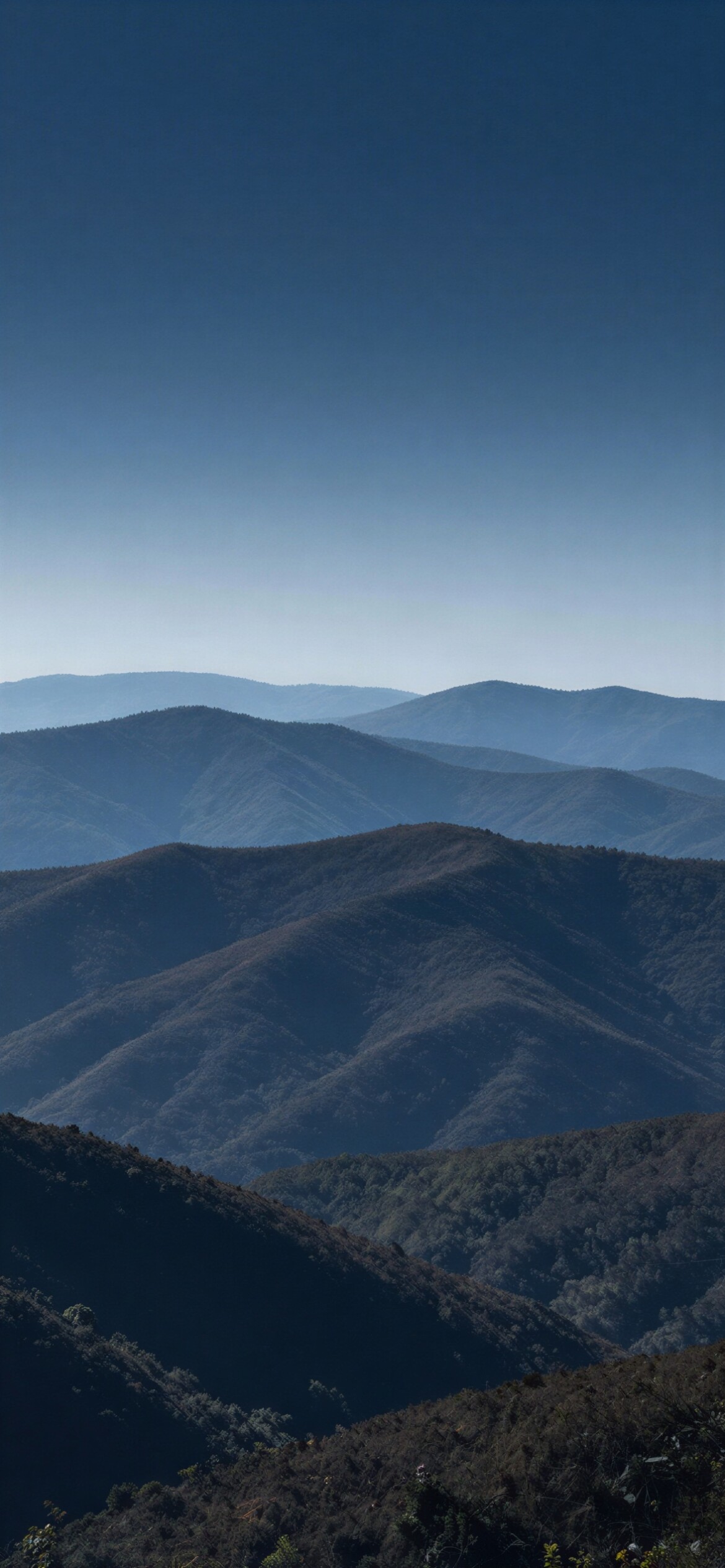
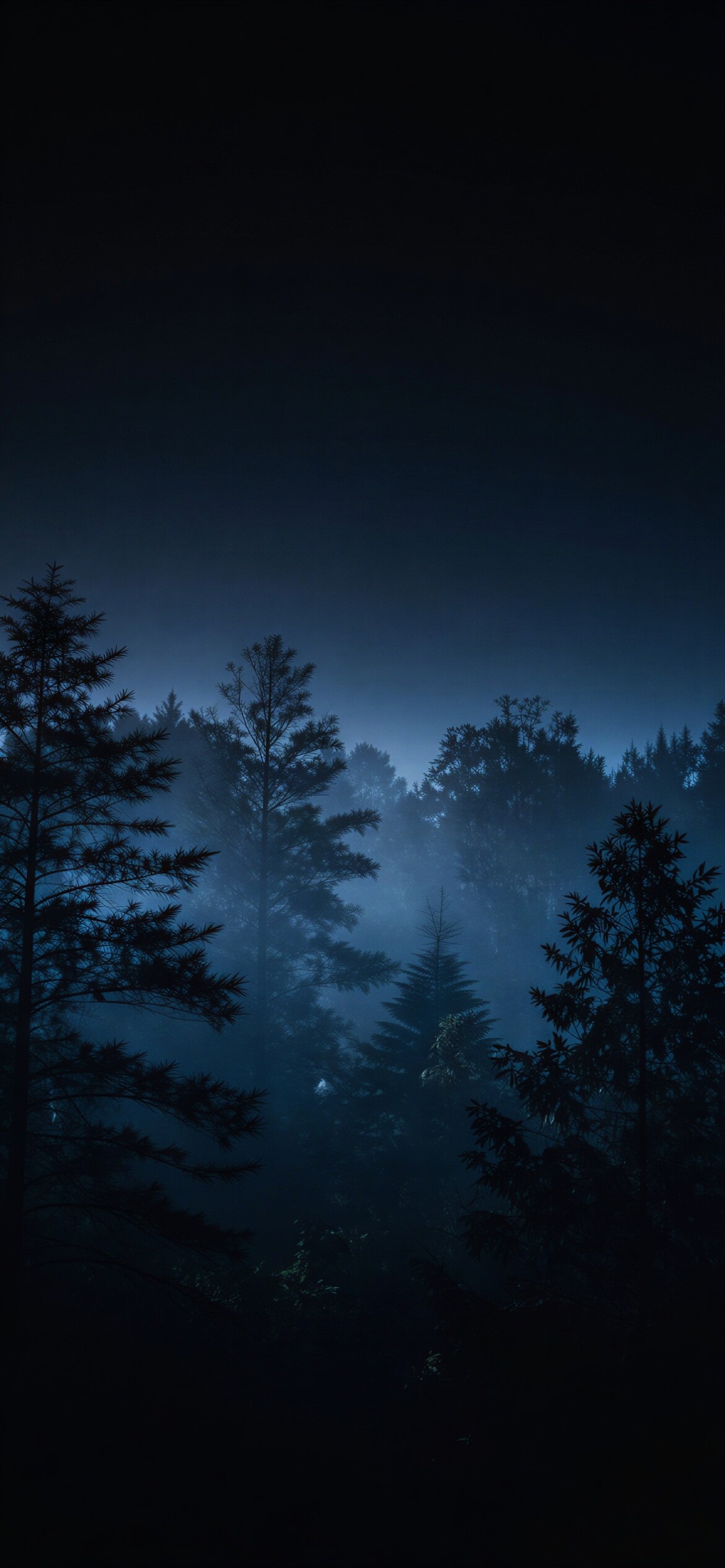
The land scenes rely on silhouettes. A single pine stands against deep dusk in 3, mountain ridges fade back in layers in 7, and a misty forest builds up row by row in 10. Number 6 is the odd one out, with a warm lantern glowing far away, the only warm light in the whole set. Finally, 4 and 8 drop the scenery altogether: a minimal hexagon pattern and a set of flowing abstract waves.
Lapis, a lucky accident and a famous wave
Deep blue was once one of the most expensive colours a painter could buy. Ultramarine was ground from lapis lazuli mined in what is now Afghanistan, and in Renaissance Europe it could cost more than gold, so it was often saved for the robe of the Virgin Mary. In the early 1700s a colour maker in Berlin produced Prussian blue by accident, the first modern synthetic pigment, and it later turned up in Hokusai's The Great Wave off Kanagawa. A cheap synthetic ultramarine followed in France in the late 1820s.
There is also a reason night scenes are so often painted blue. In dim light the eye relies more on its rod cells, which are most sensitive to blue-green light, so reds fade to grey first while blues hold on. The Czech scientist Jan Purkinje described this shift in the 1800s, and it is why a moonlit scene like 2 or 5 feels right in shades of blue.
How much light do you want on screen?
- Almost all dark, one bright point: 1 and 9. On iPhones with OLED screens, darker designs like these also use a little less power.
- Moonlit water: 2 and 5.
- Silhouettes against a lighter sky: 3, 7 and 10.
- A small warm glow: 6.
- Pattern only, no scene: 4 and 8, the easiest to read icons over.
For other takes on the same colour, see the navy blue wallpapers, the night sky set and the moon collection.
How to set it on your iPhone
- Tap Download and save the image to Photos.
- Open Settings, tap Wallpaper, then Add New Wallpaper, and choose Photos.
- Pick the wallpaper, pinch to position it, then tap Add and choose the lock screen, home screen or both.
Stuck on a step? The iPhone and iPad guide has screenshots for each one.
Questions
Will these dark blue wallpapers fit my iPhone without cropping?
On modern iPhones, yes. These wallpapers are sized at 1170x2532 pixels for current models and fill your lock and home screens; some older models may crop slightly at the edges. Just download and set directly in Settings > Wallpaper.
Can I use these wallpapers commercially or share them elsewhere?
No. These wallpapers are free for personal use on your own devices only. Selling them, printing them for sale, reposting them on other wallpaper sites or using them for business is not allowed. See our Terms page for full details on permitted use.
Which dark blue wallpapers work best for the lock screen versus the home screen?
Lock screen wallpapers do well with simple, centered designs like the moon and forest scenes, which leave space for widgets and the time. Home screen wallpapers benefit from patterns or layered landscapes that work around icon rows. Most in this set work for both, so choose based on your personal preference.
Do dark blue wallpapers work in both light and dark mode on iPhone?
Yes. Dark blue is versatile and looks good in both modes. In dark mode, it blends smoothly with the system interface. In light mode, it stands out as a rich accent. The deep tones work year-round and don't need seasonal rotation.