Astronaut Wallpaper iPhone
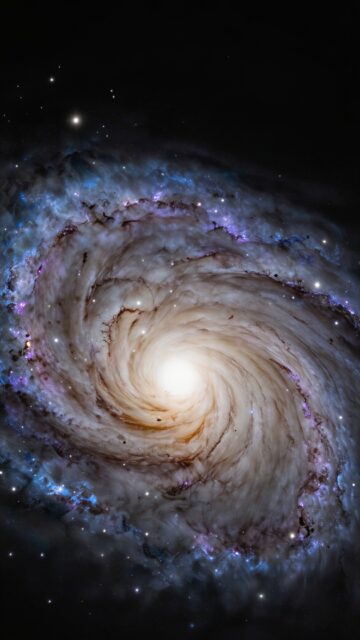
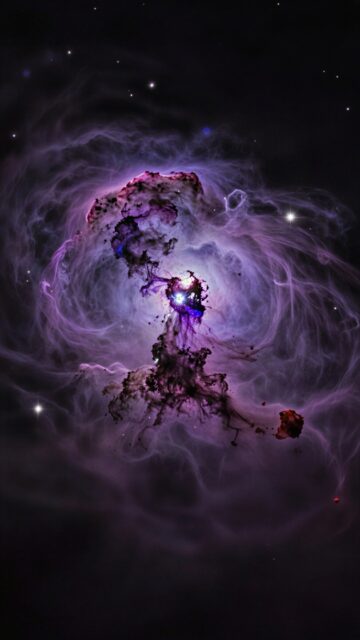
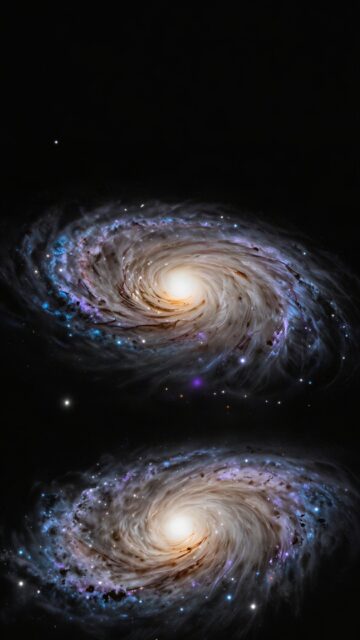
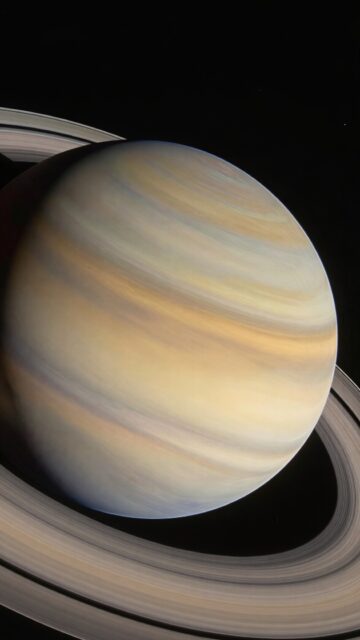
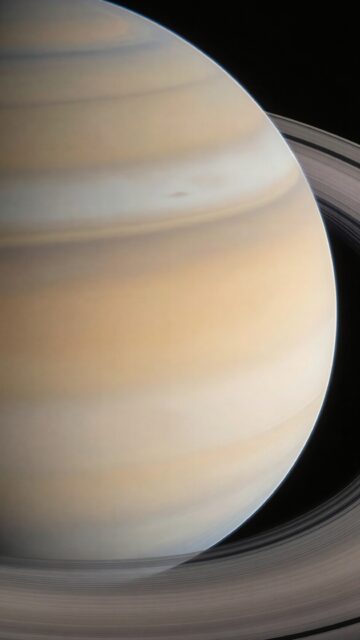
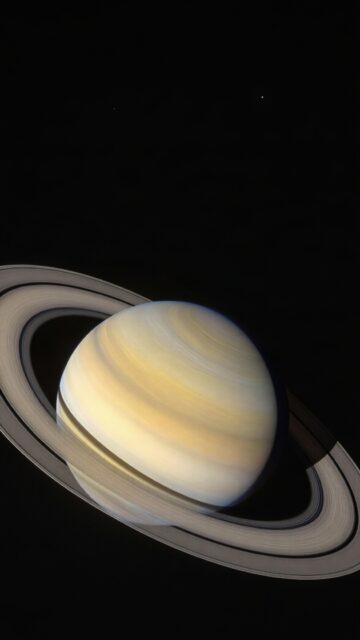
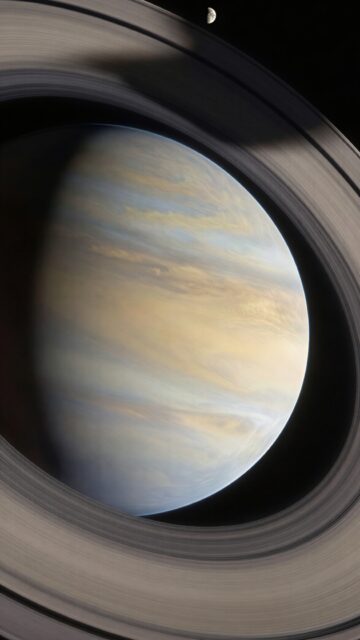
Astronaut iPhone wallpaper offers free designs with spacesuits, helmets and cosmic backdrops for your phone. Each wallpaper in this set features astronauts in space scenes, from floating in orbit to standing on distant worlds. The astronaut wallpaper collection brings exploration and wonder to your lock screen or home screen, with moody space atmospheres and realistic details. Download any astronaut wallpaper instantly and no account is needed.
10 wallpapers at 1170 × 2532 px for iPhone. Checked by hand on 12 Oct 2026.
About this set
These astronaut wallpapers capture the isolation and wonder of space exploration through realistic scenes of suited figures in cosmic environments. Each design balances detail with composition, placing the astronaut in the lower or center portion of the frame to leave breathing room at the top for a clean, uncluttered look on your iPhone.
The lock screen designs work best with simple subjects and open space at the top, so text and time displays remain visible and readable. Home screen picks feature more complex backgrounds and planetary vistas that work well behind app icons. Pair these with minimal icon sets or monochrome themes to keep the cosmic mood intact. The deep blacks and cool tones suit dark mode on any iPhone, and the varied scenes mean you can rotate between them to match your mood.
Ten places to leave an astronaut
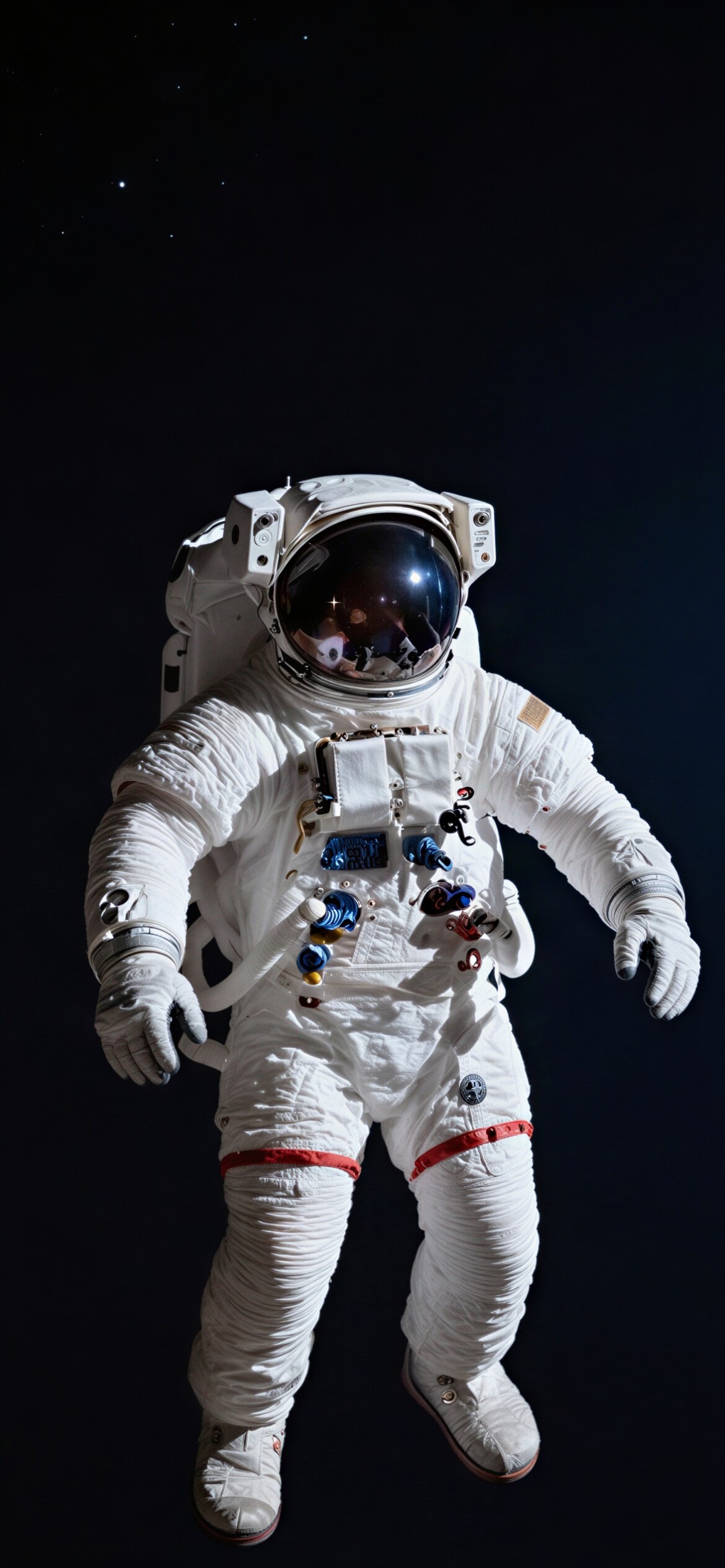
- Floating in a starfield, with nebulae reflected in the helmet visor. Plenty of empty black around the figure, so the clock sits cleanly above it.
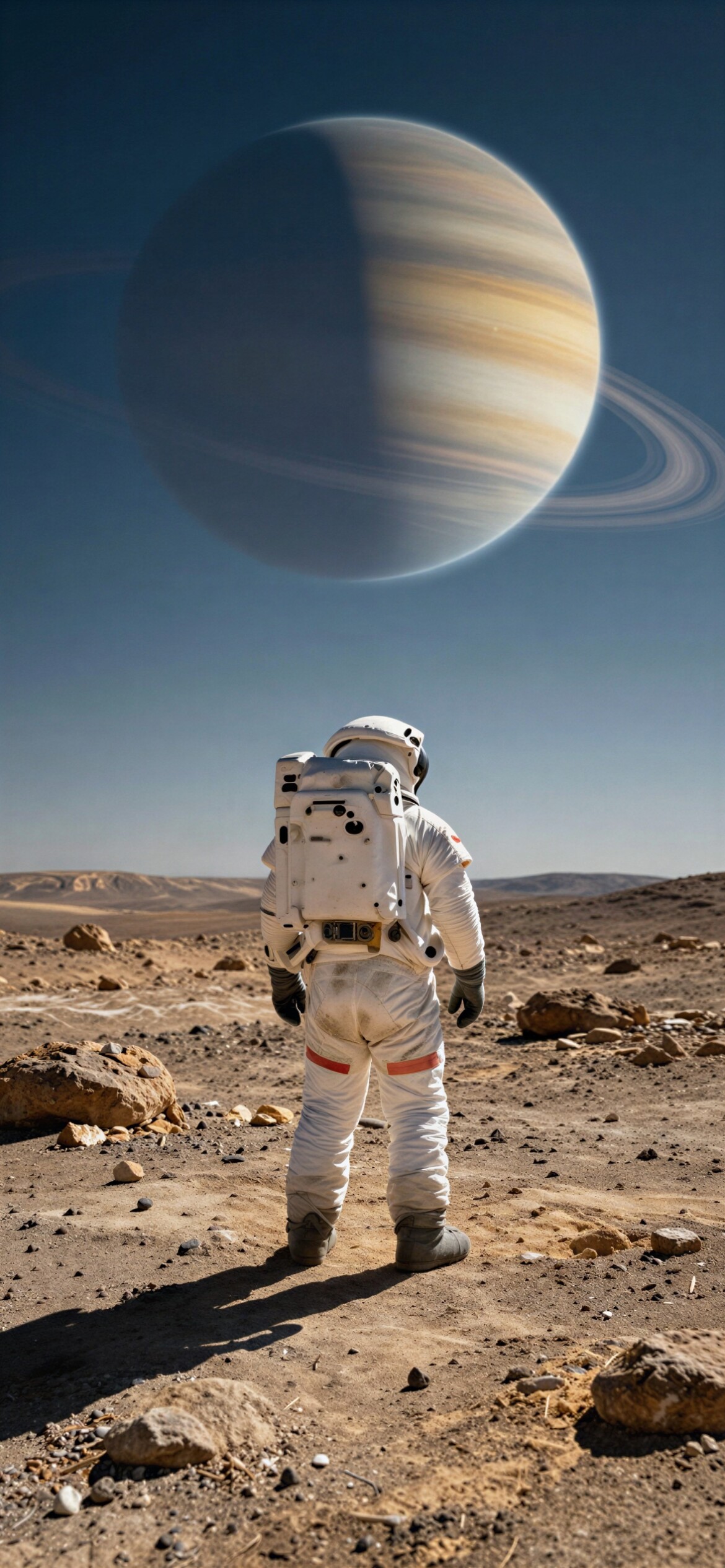
- Standing on a rocky planet while a ringed planet fills the sky. The big planet is the star here, so this one likes a home screen with few icons.
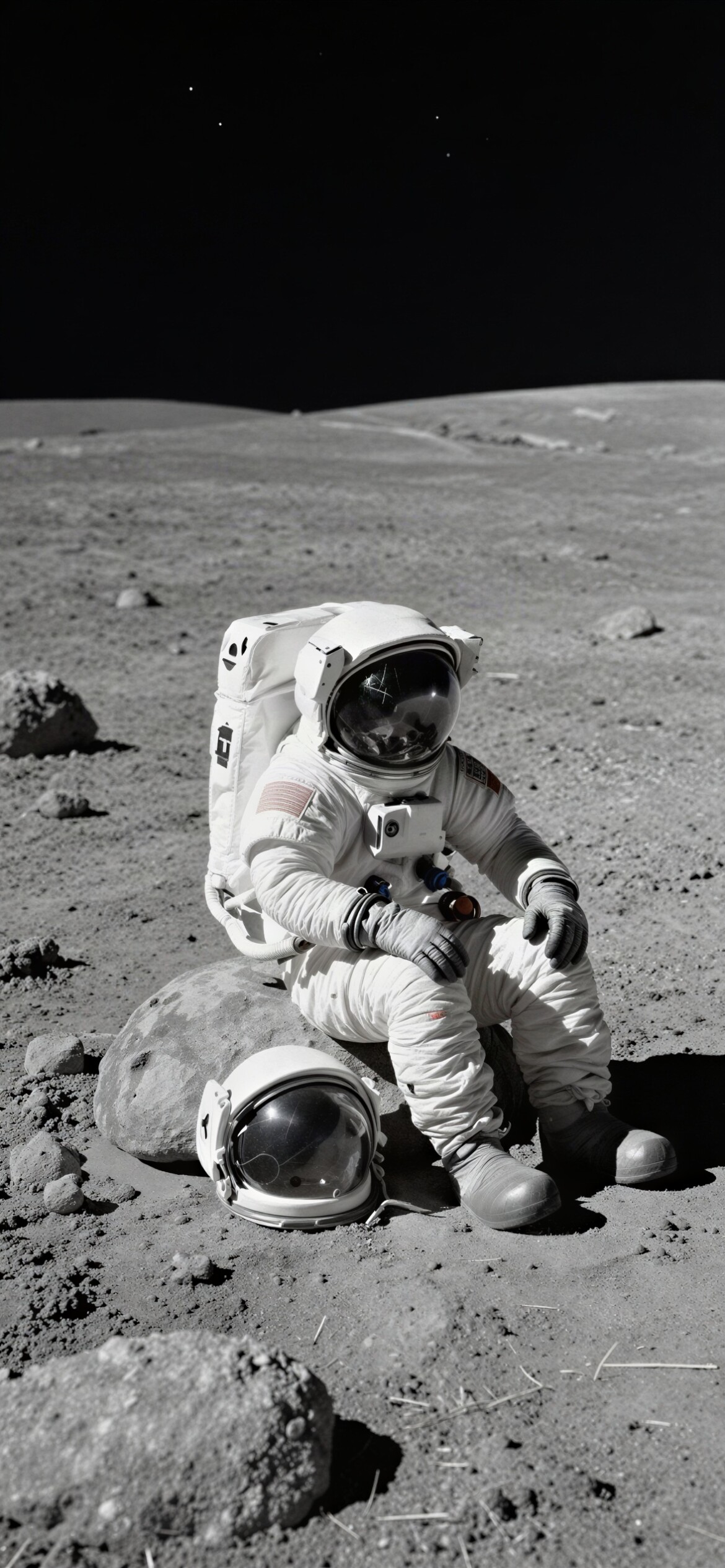
- Sitting on a lunar rock on the grey Moon, helmet resting beside them. A quiet, almost resting scene.
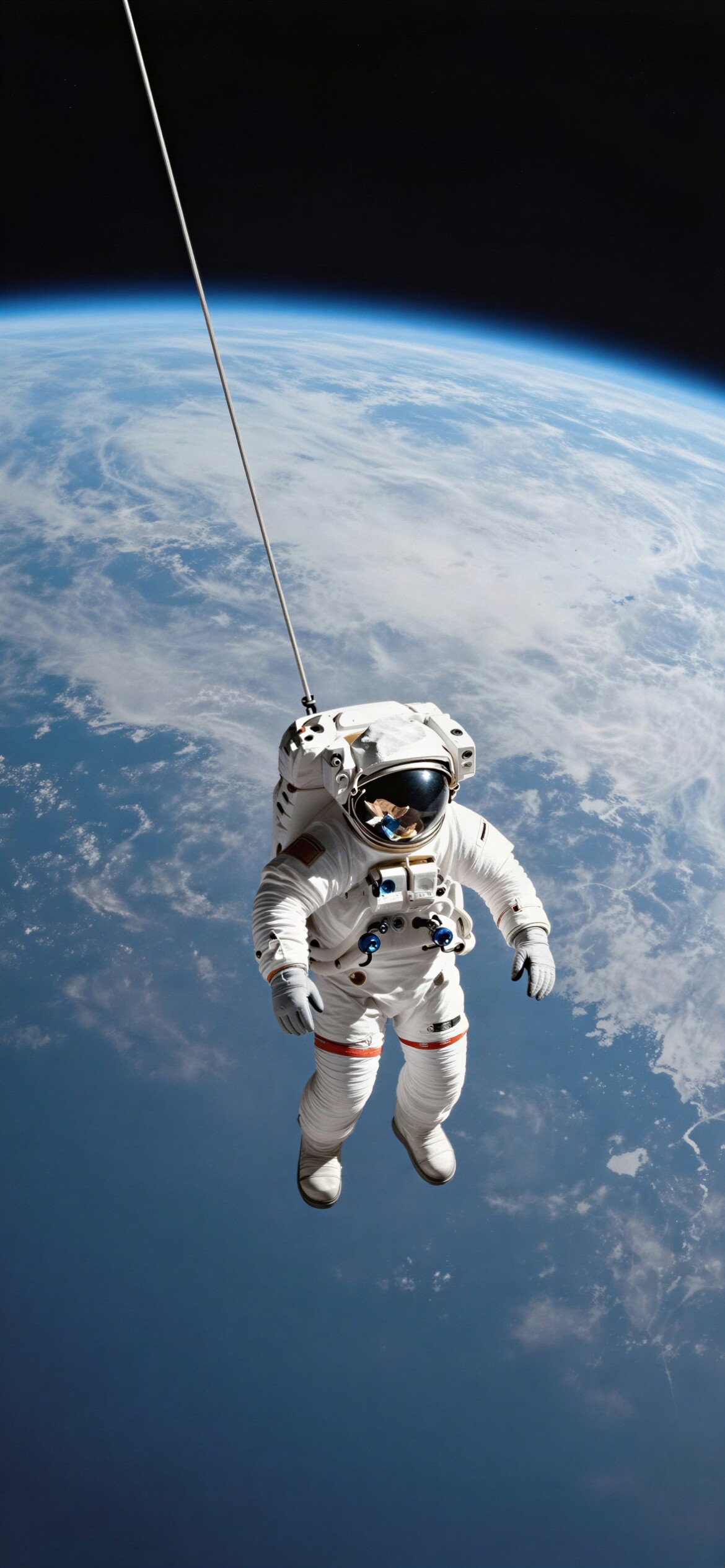
- Tethered near a space station with a blue planet behind, the most "real mission" image in the set.
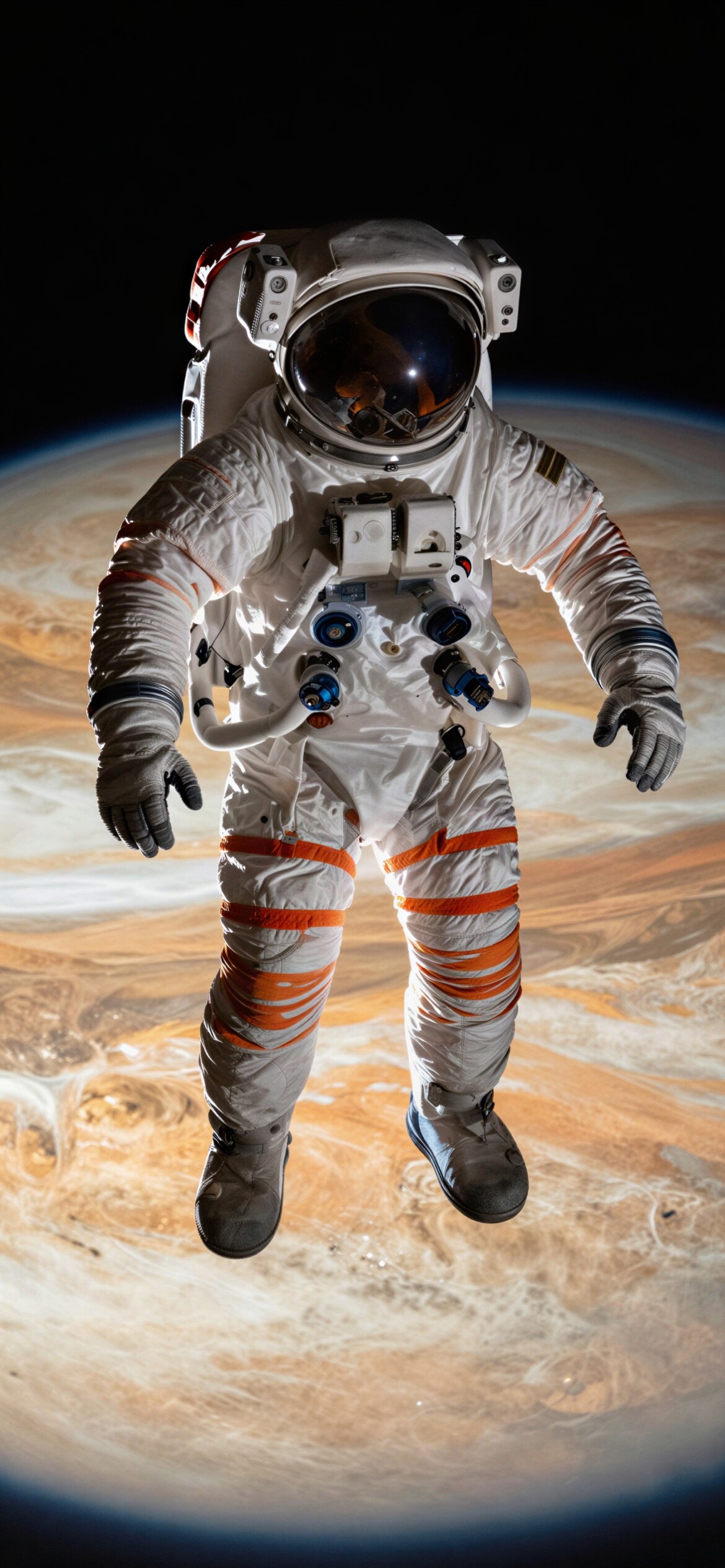
- Spacewalking in an orange suit above a swirling gas giant, the one suit that isn't white.
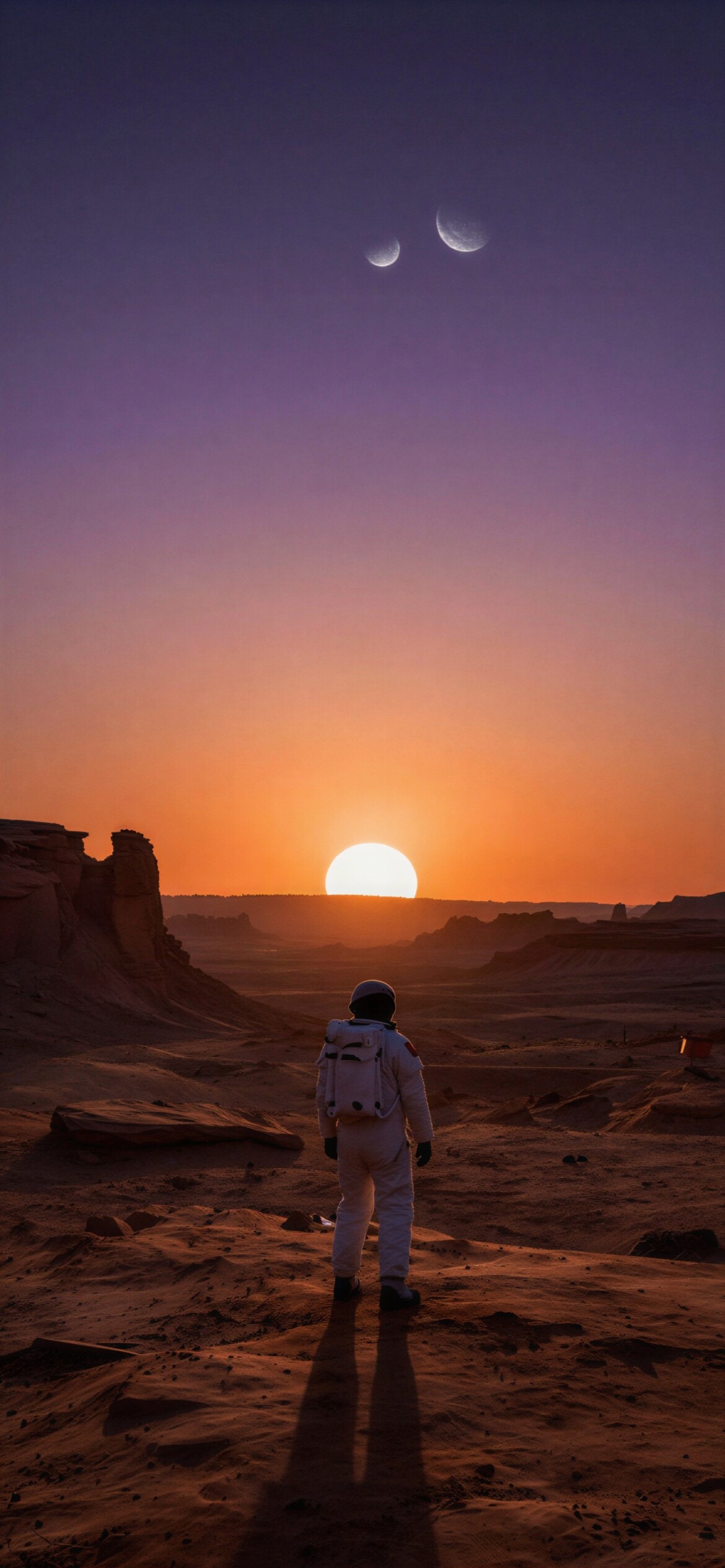
- A silhouette on an alien landscape at dusk, under two moons and a purple sky. Being a silhouette, it stays simple even with widgets on top.
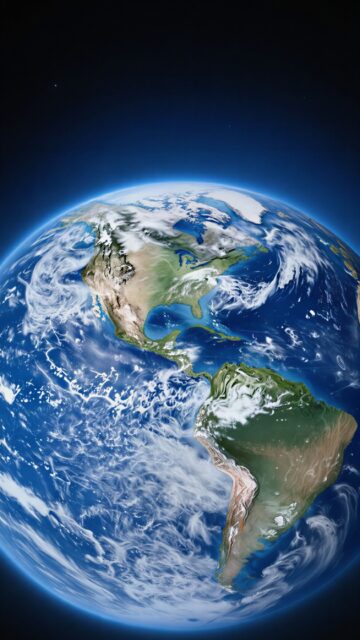
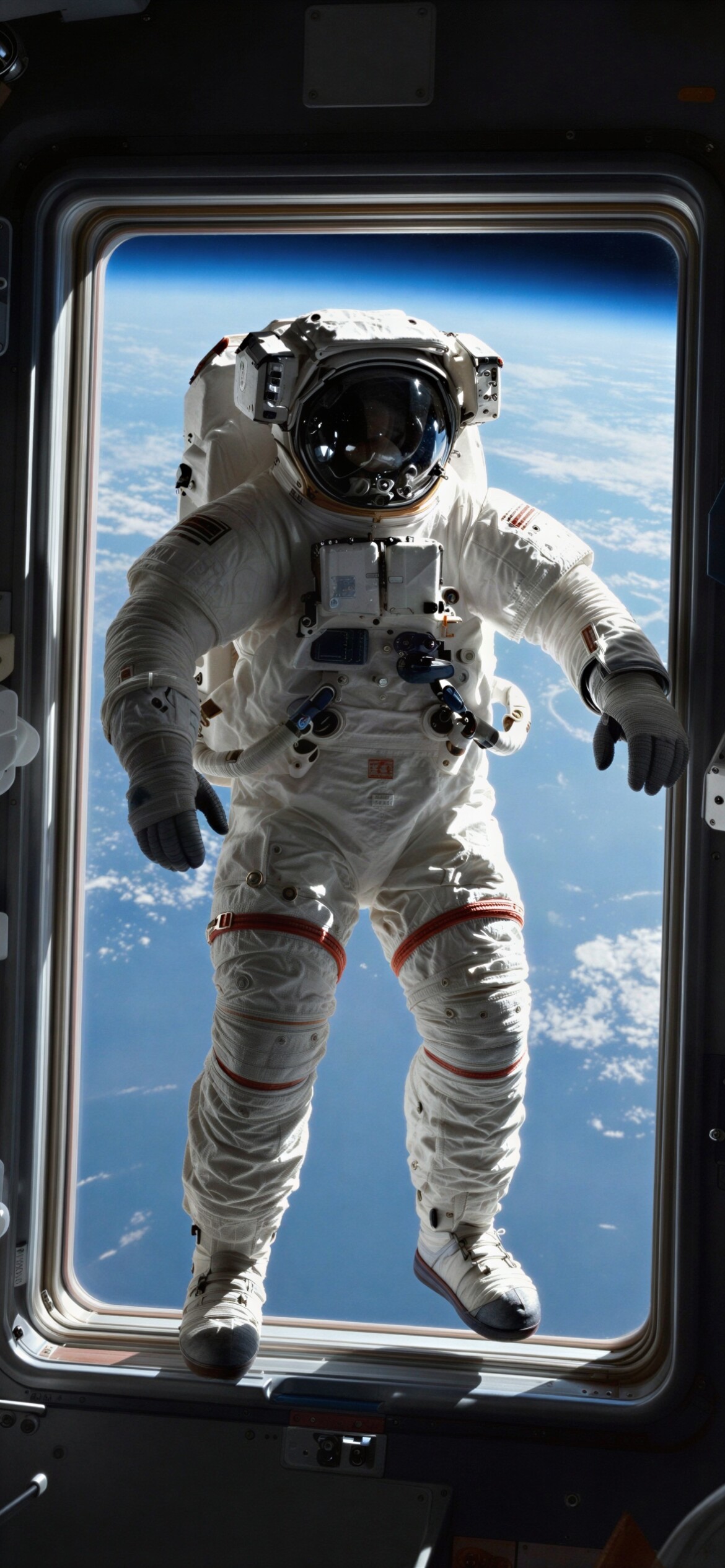
- Inside a spacecraft cabin, floating, with Earth framed in the window.
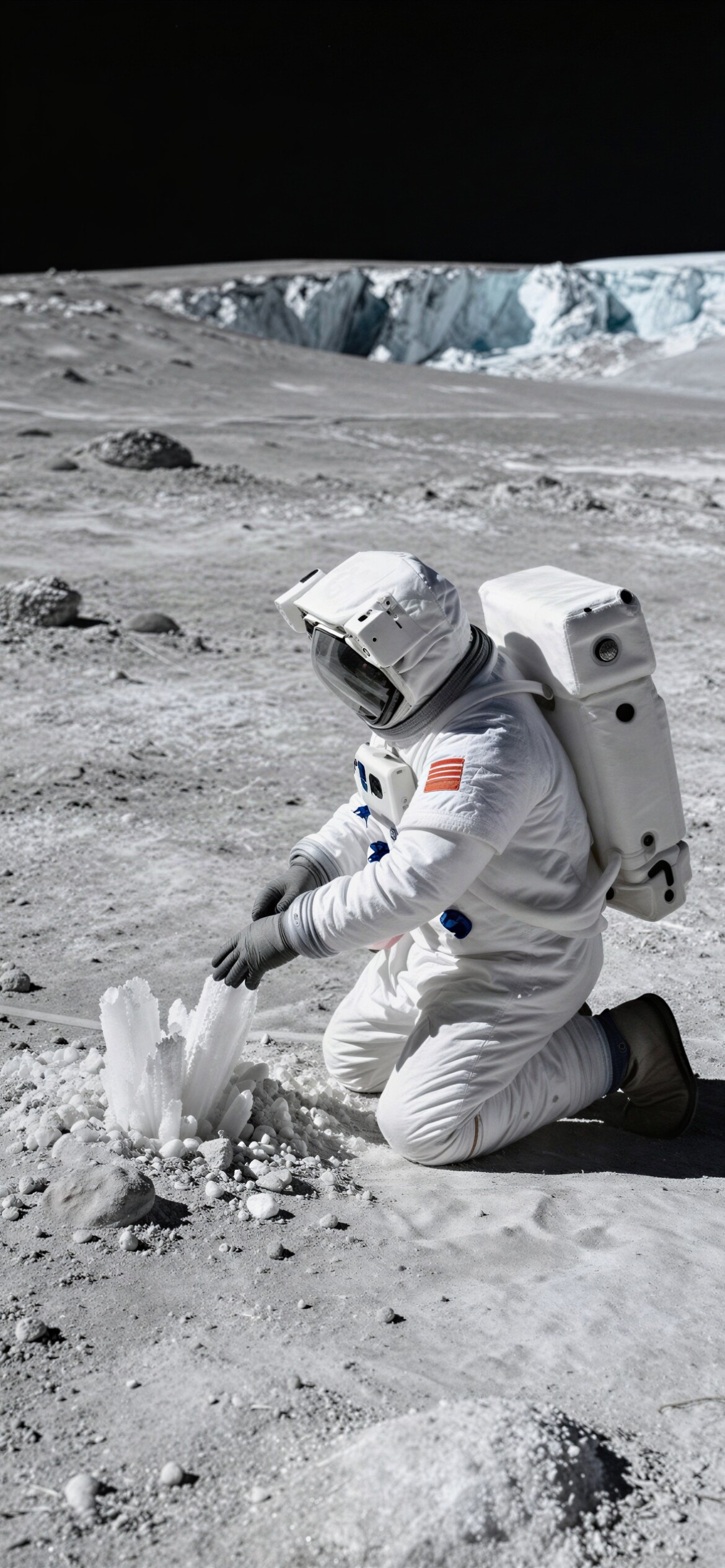
- Kneeling to look at ice crystals on a frozen moon.
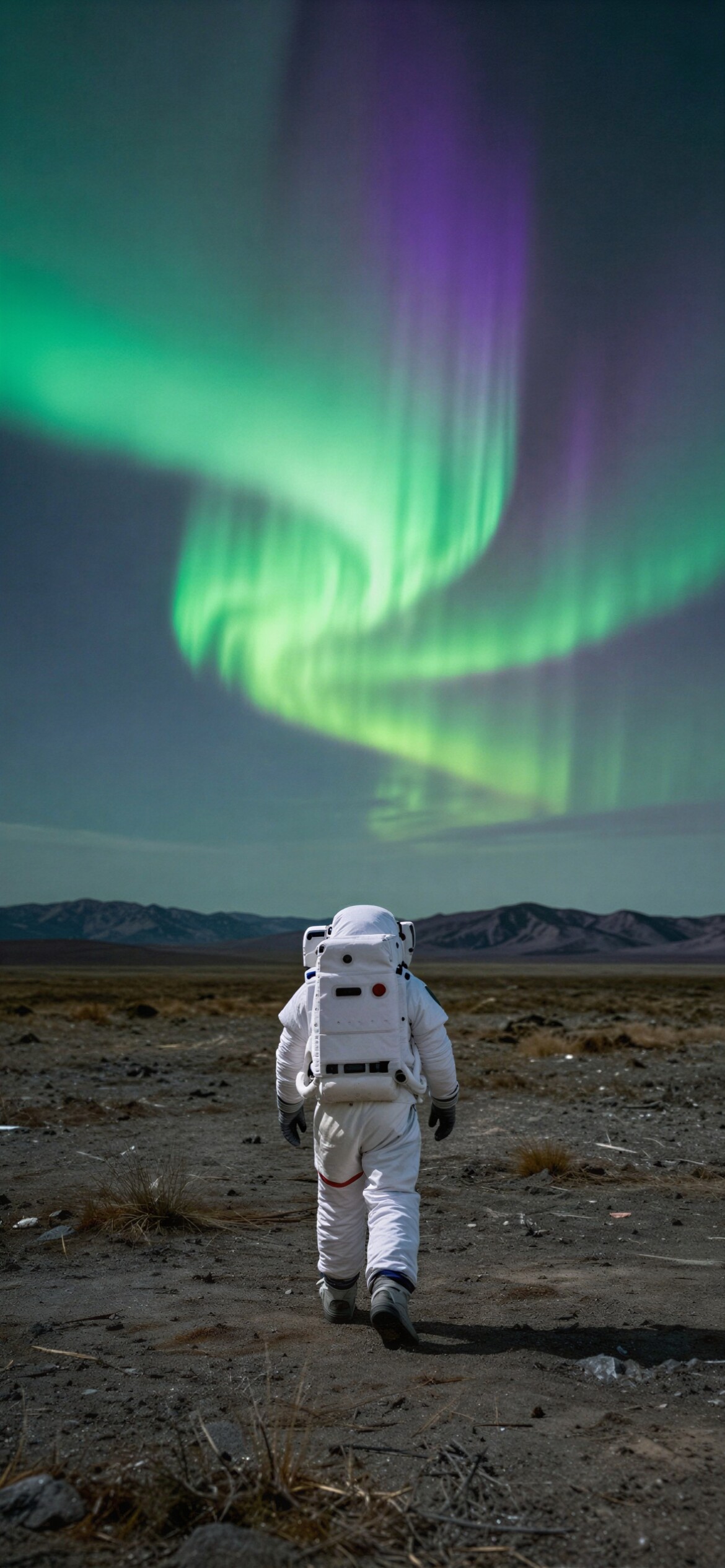
- Walking a barren plain beneath a green and purple aurora.
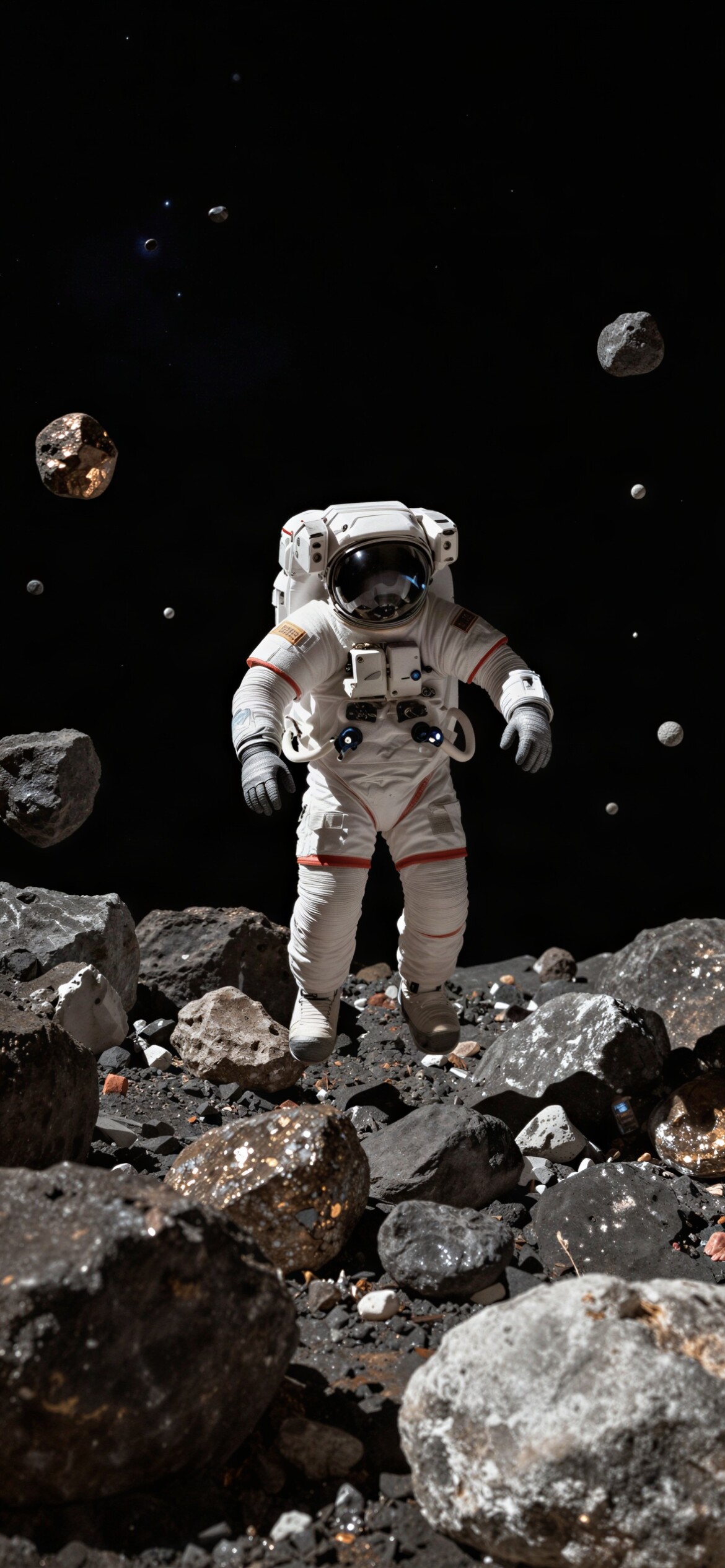
- Alone among asteroid fragments in black space, a good match for a dark, minimal lock screen.
What the suits, visors and tethers are really for
Real spacesuits are white for a practical reason: white reflects sunlight, which helps stop the astronaut overheating in direct sun outside the craft. The outer visor of a spacewalk helmet carries a very thin layer of gold that cuts glare and ultraviolet light, and that mirror finish is why helmets like the one in wallpaper 1 reflect whatever is in front of them.
Orange, as in wallpaper 5, mostly belongs to launch and landing. Space Shuttle crews wore bright orange pressure suits on the way up and down, a colour chosen so rescuers could spot them quickly if they came down in the sea.
The tether in wallpaper 4 is standard practice. Alexei Leonov made the first spacewalk in 1965 while attached to his spacecraft, and spacewalkers have stayed clipped on ever since, with one famous exception: in 1984 Bruce McCandless flew freely using a jet-powered backpack, a lot like the lone figure in wallpaper 10. Wallpaper 3 takes more artistic licence, since nobody could take a helmet off on the airless Moon.
Plain black, blue Earth or a sky full of colour
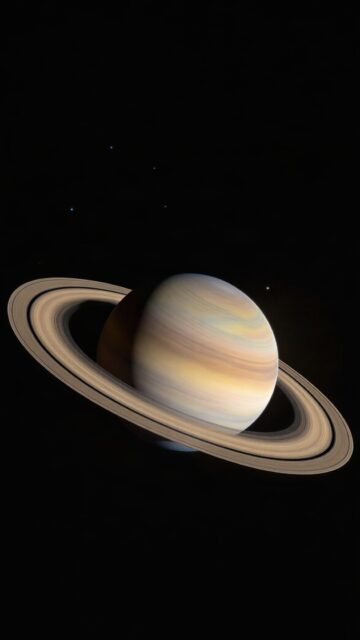
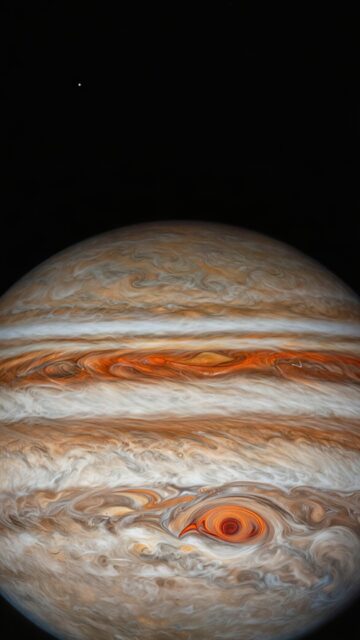
For the simplest look, go with 1 and 10, which are mostly black space and a white suit. Numbers 4 and 7 add the blue of a planet seen from orbit, and 3 and 8 stay cold and grey with Moon dust and ice. The busiest skies are 2, 5, 6 and 9: a ringed planet, a swirling gas giant, a purple dusk with two moons and a green and purple aurora, so these bring the most colour to an otherwise dark phone.
To follow these astronauts further, try the Mars and Moon sets, or zoom out with the universe wallpapers.
How to set it on your iPhone
- Tap Download and save the image to Photos.
- Open Settings, tap Wallpaper, then Add New Wallpaper, and choose Photos.
- Pick the wallpaper, pinch to position it, then tap Add and choose the lock screen, home screen or both.
Stuck on a step? The iPhone and iPad guide has screenshots for each one.
Questions
Will these wallpapers fit my iPhone screen?
Yes. Each wallpaper is sized at 1170x2532 pixels, which matches iPhone 12, 13, 14, 15 and newer models in full screen. Older iPhones may crop slightly at the edges, but the composition keeps the main subject centered so you see the astronaut clearly no matter your model.
Can I use these wallpapers commercially or share them elsewhere?
These wallpapers are free for personal use on your own devices only. You may not sell them, print them for sale, or repost them on other wallpaper sites or social media. See our Terms page for full details on usage rights.
Which wallpapers work best for lock screen versus home screen?
Lock screen designs have simple open space at the top to keep time and notifications readable; try the floating astronaut or silhouette scenes. Home screen wallpapers feature more detailed backgrounds and planets; the space station, gas giant and aurora scenes work well behind app icons without distraction.
Why do some wallpapers show astronauts from a distance instead of close-up?
Distant viewpoints convey the vast scale and isolation of space better than close-ups, and they keep the composition balanced for a tall iPhone screen. Showing the astronaut as a small figure against enormous planets or starfields emphasizes exploration and wonder rather than technical detail.