Plant Wallpaper iPhone
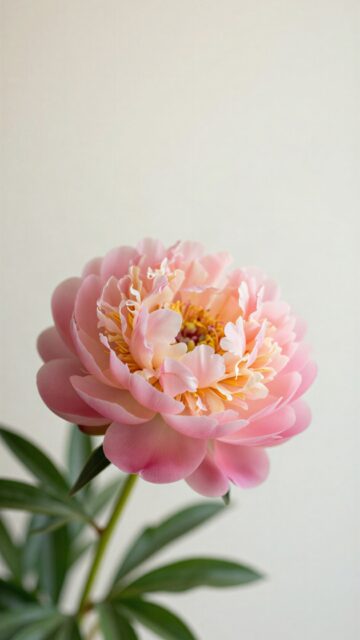
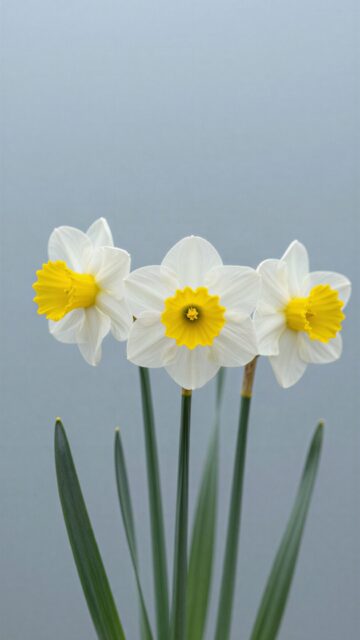
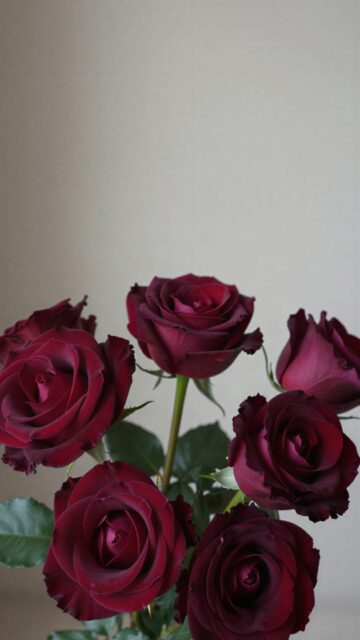
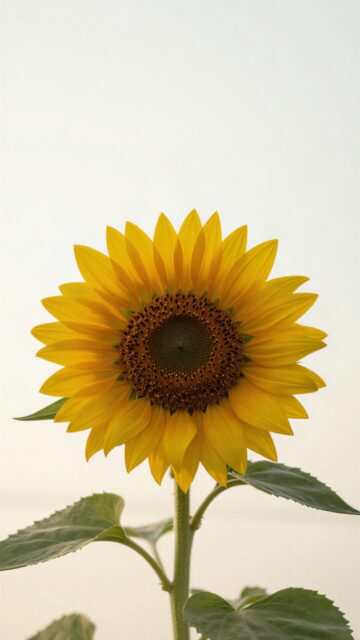
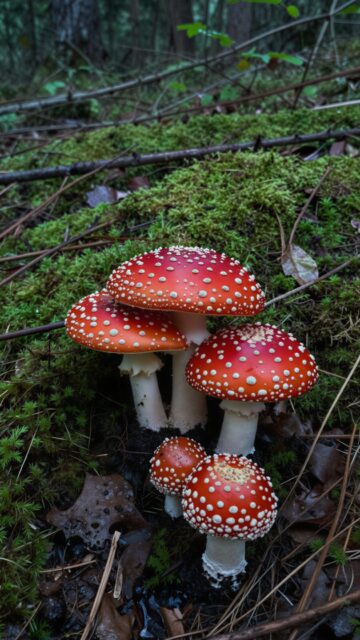
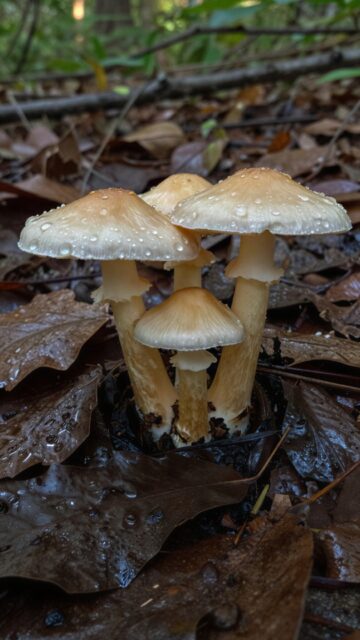
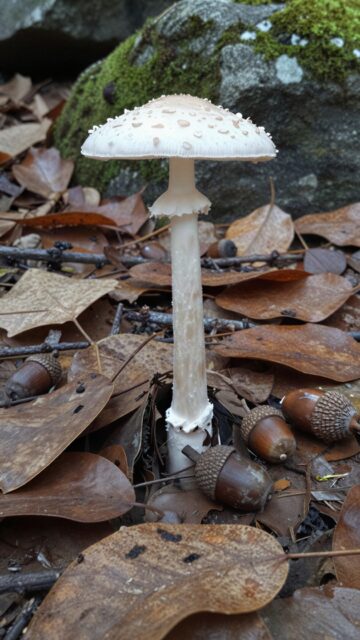
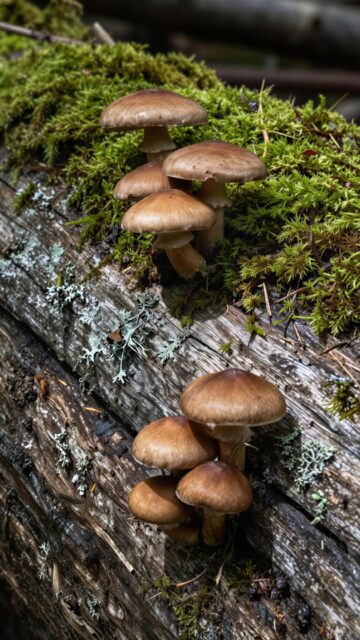
Plant wallpaper for iPhone brings fresh green leaves and botanical scenes straight to your lock screen. These designs feature close-up views of foliage, stems and natural plant life in soft, realistic light. Each plant iPhone wallpaper works well on both lock and home screens, bringing calm and organic beauty to your device year-round. The collection suits anyone who loves nature, gardening or simply wants a living, breathing aesthetic.
10 wallpapers at 1170 × 2532 px for iPhone. Checked by hand on 6 Oct 2026.
About this set
These plant wallpapers capture the calm, grounded feeling of living greenery in natural light. The designs range from single bold leaves to clusters of small potted plants, all shown with soft, realistic lighting that brings out texture and depth. Each wallpaper works beautifully on your lock screen to greet you first thing, and pairs equally well on your home screen behind app icons.
The pale, simple backgrounds in the top quarter keep the designs clean and let your app icons and widgets breathe. Use these on both lock and home screens; they pair well with any icon style and work equally well in light or dark mode since the plants themselves provide the color and visual interest.
A windowsill tour, one plant at a time
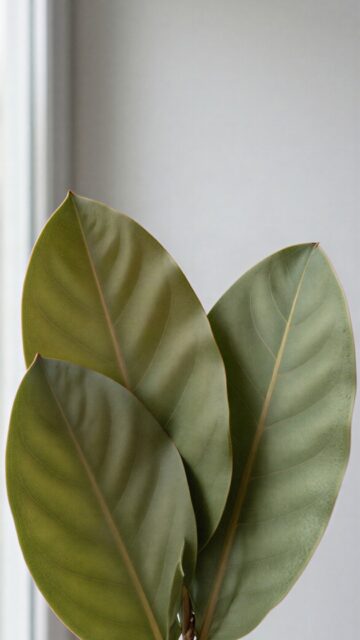
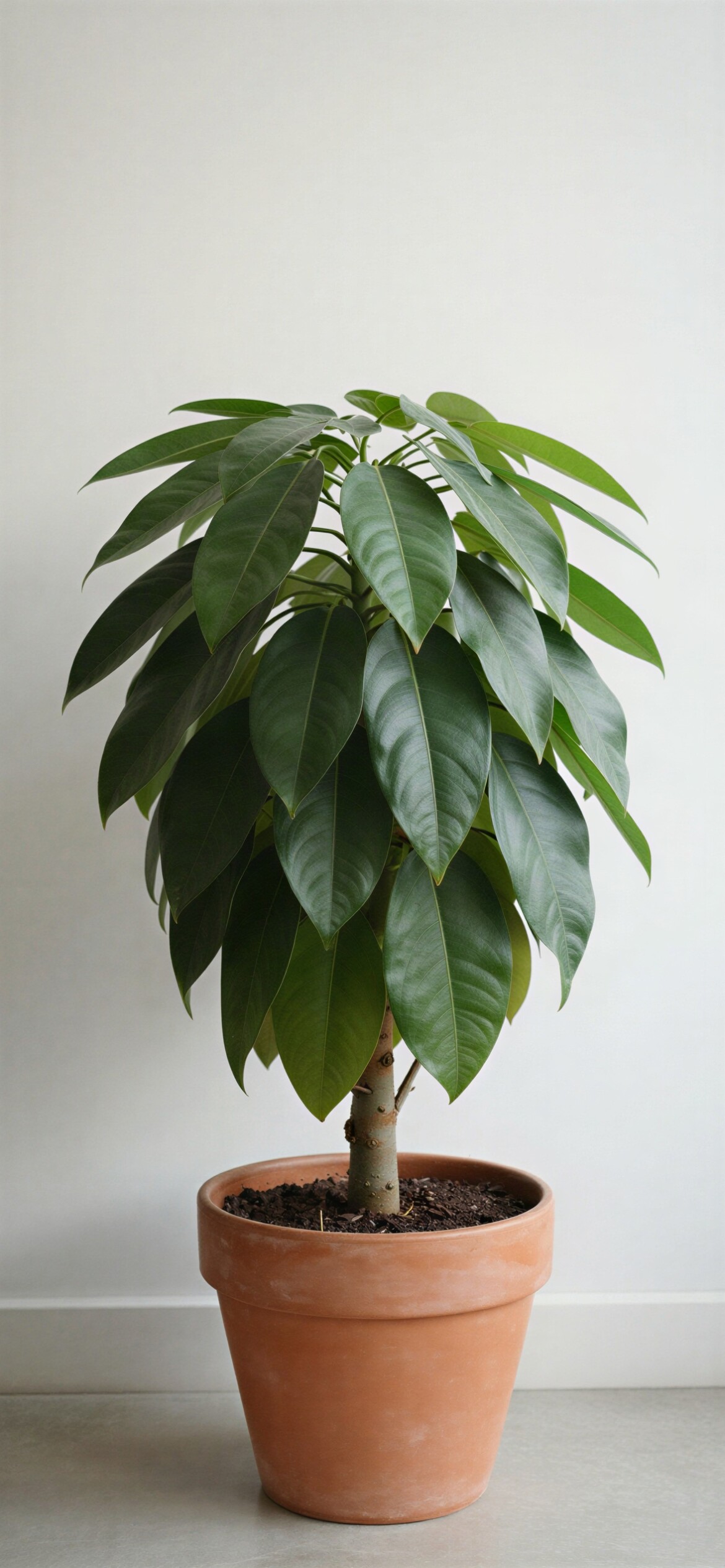
- A single potted plant with broad leaves in soft window light. Calm and uncluttered, an easy lock screen.
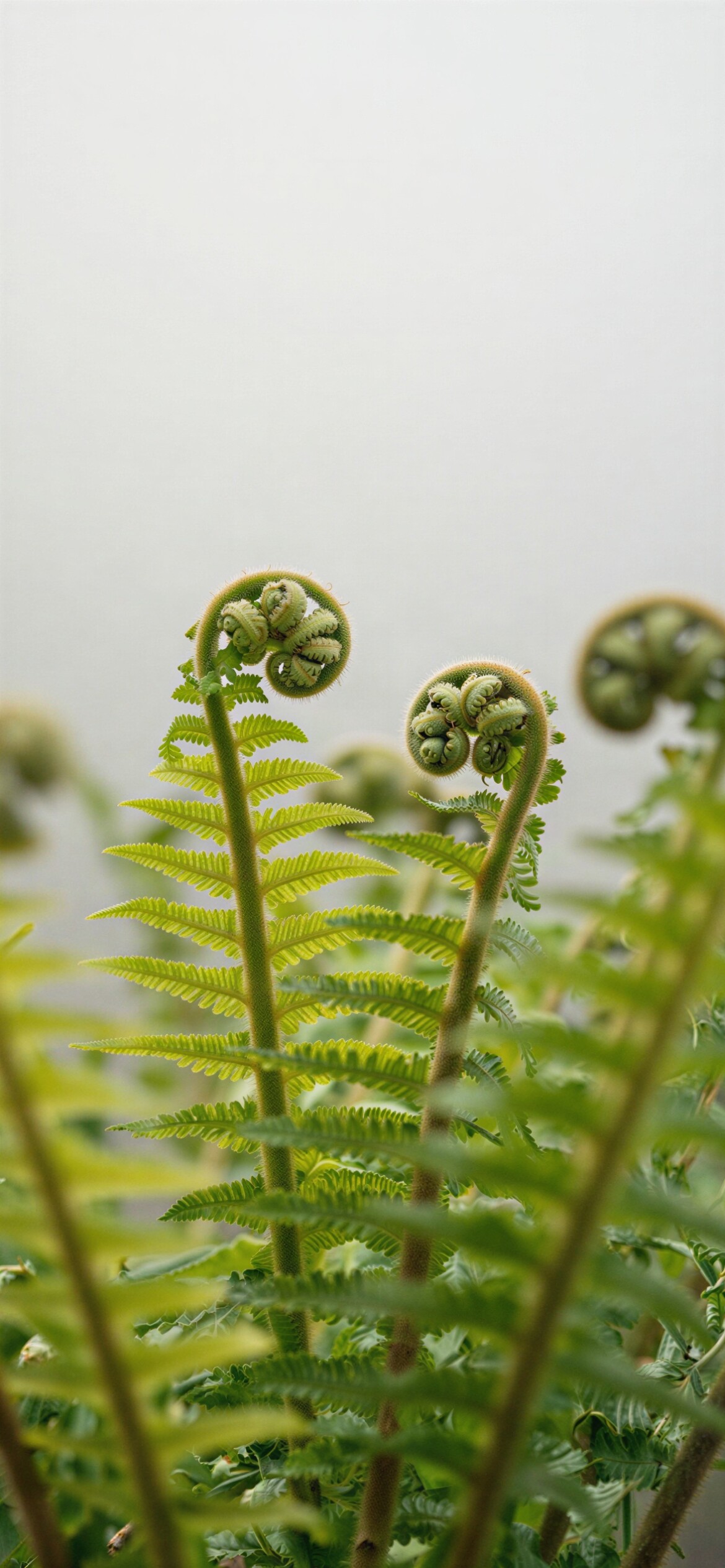
- Fern fronds unfurling, lit from behind so the new growth glows. Good if you want the most detail up close.
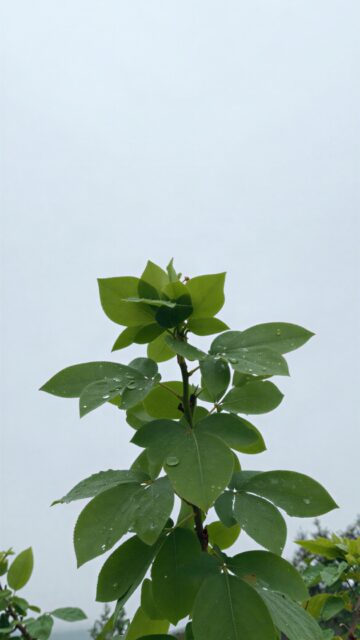
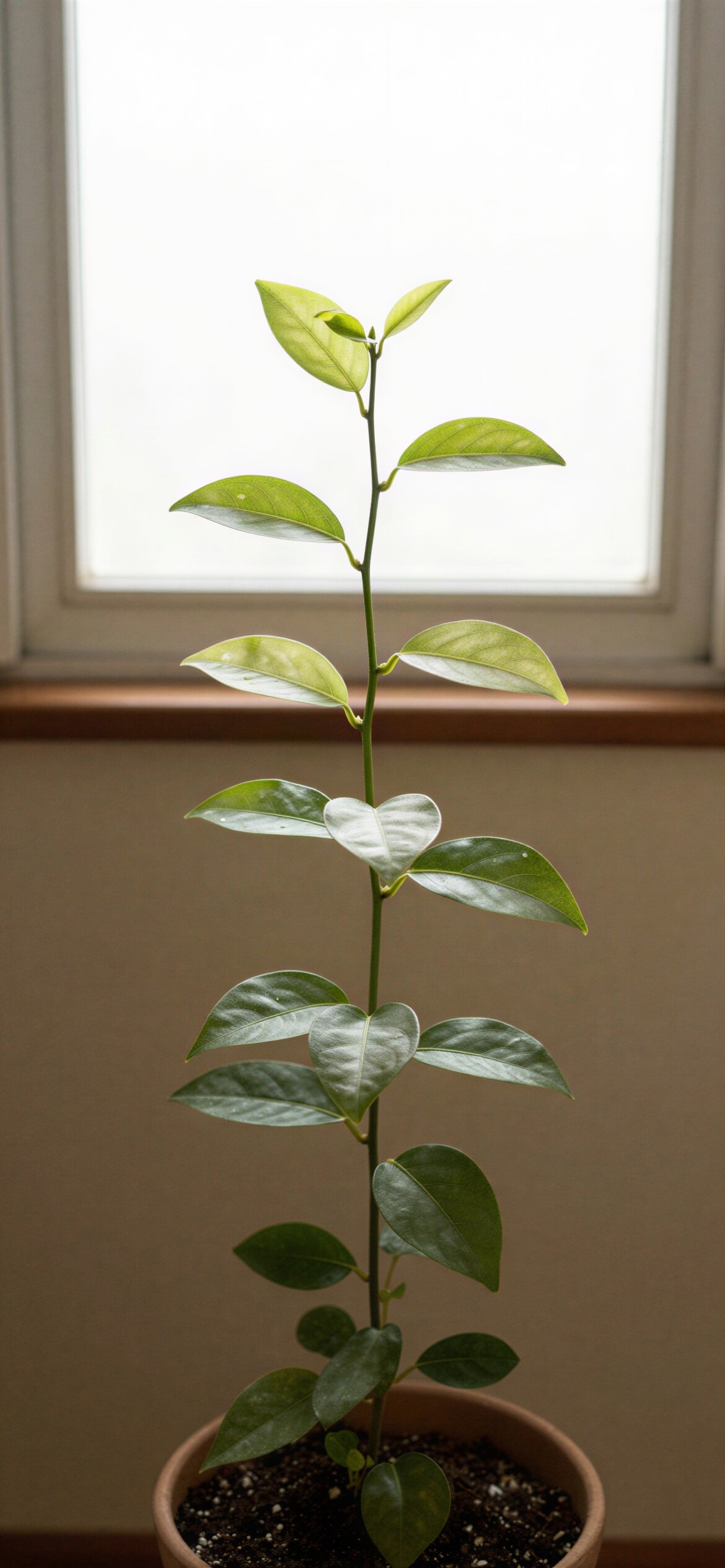
- A tall climbing stem with oval leaves against a bright window. The upright line suits the tall phone screen.
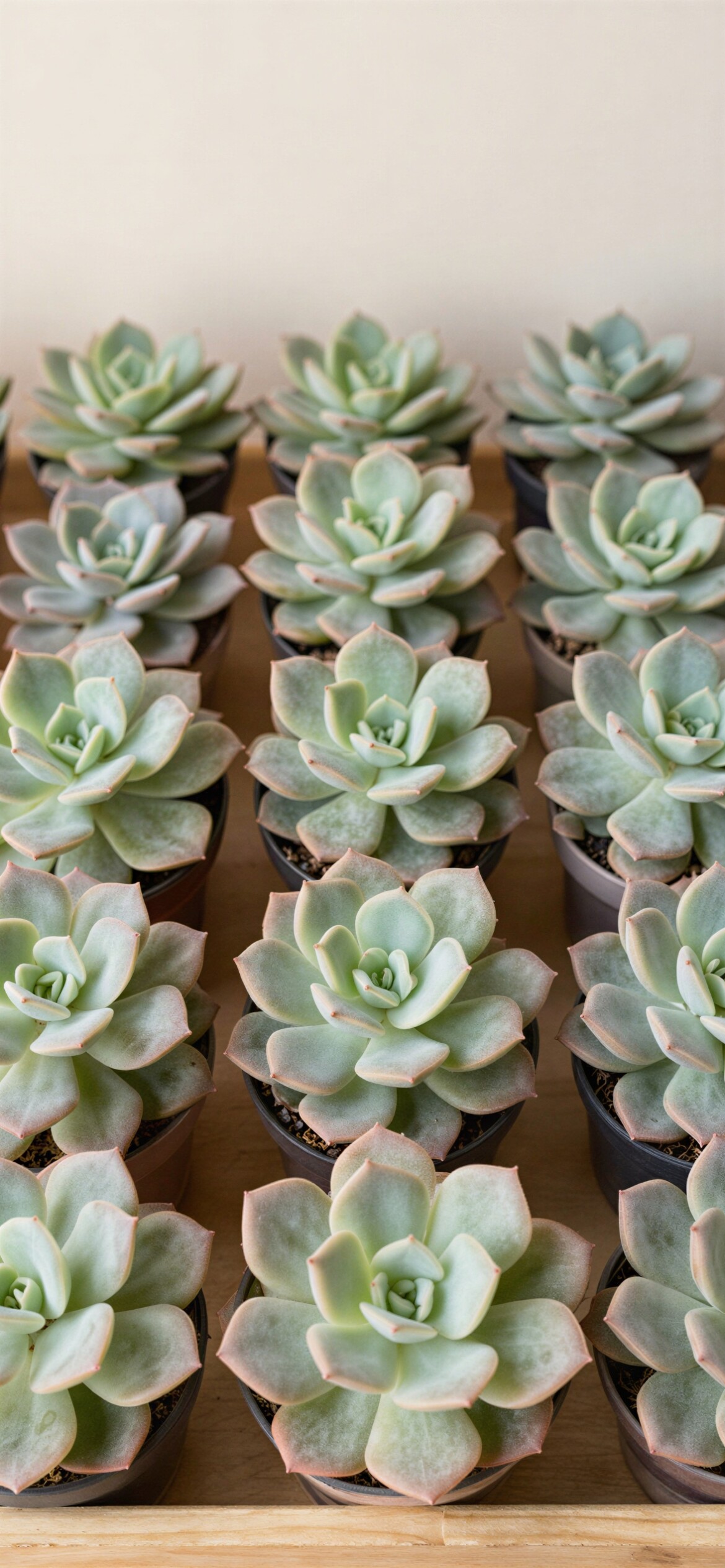
- Small succulents in pots seen from above on a wooden surface. The pattern spreads evenly, so icons sit on it well.
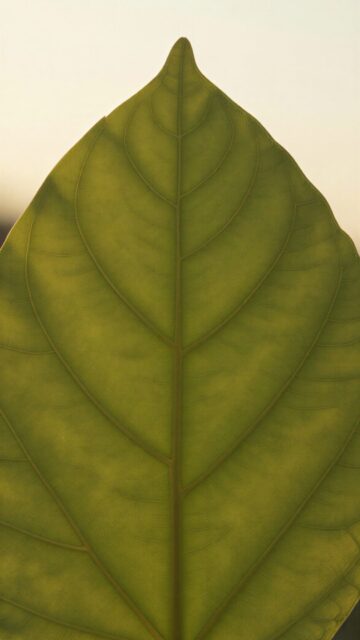
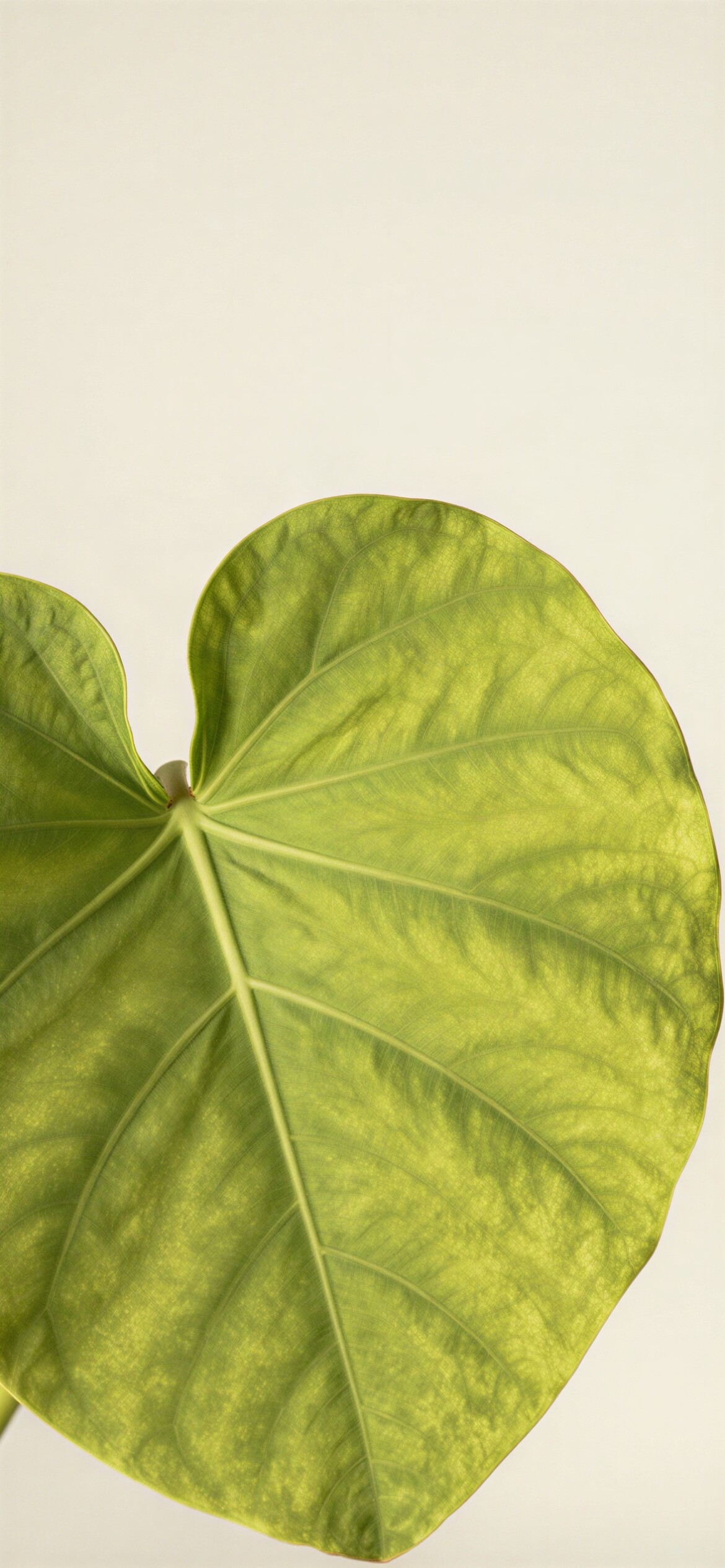
- One bright green heart-shaped leaf in soft focus. The simplest picture here, with plenty of blank space.
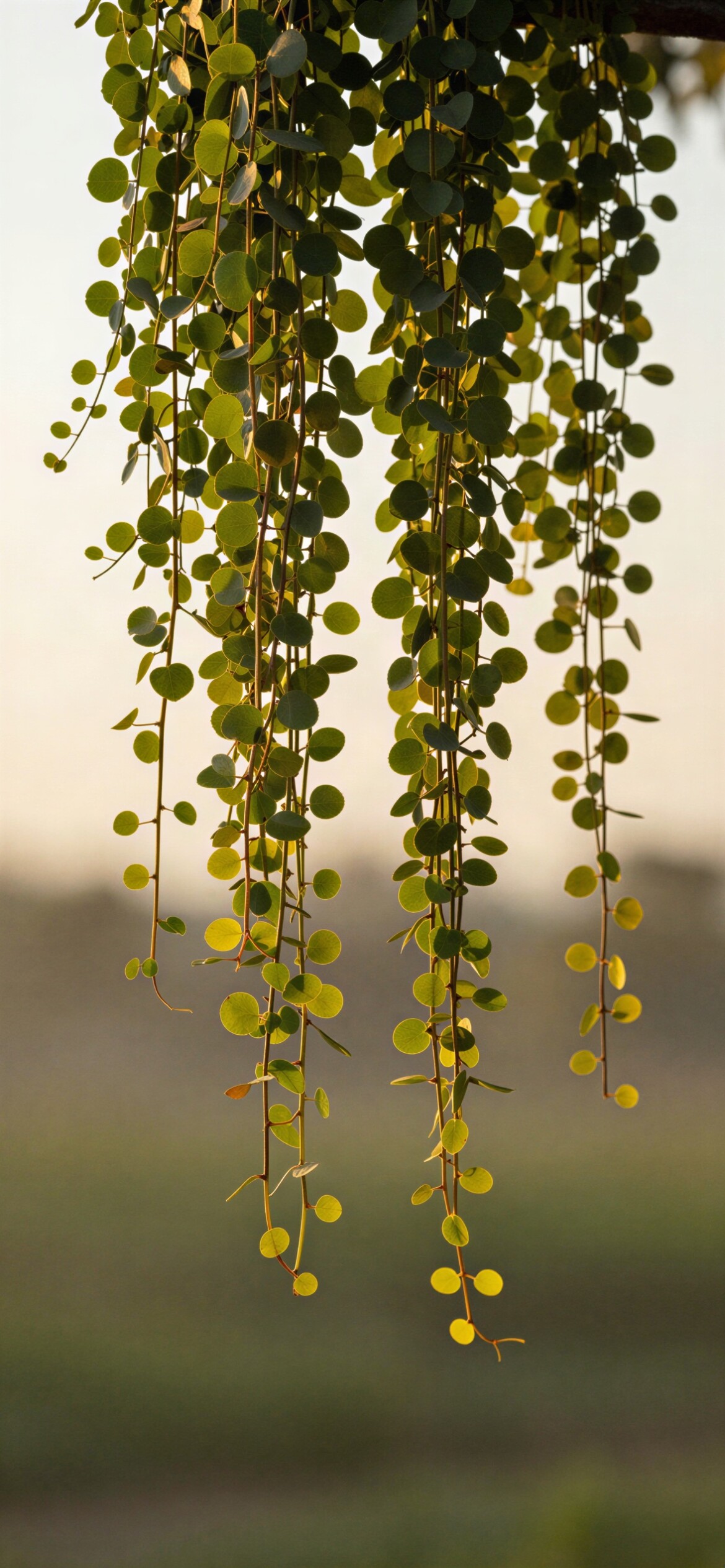
- Trailing stems with round leaves spilling downward in golden light.
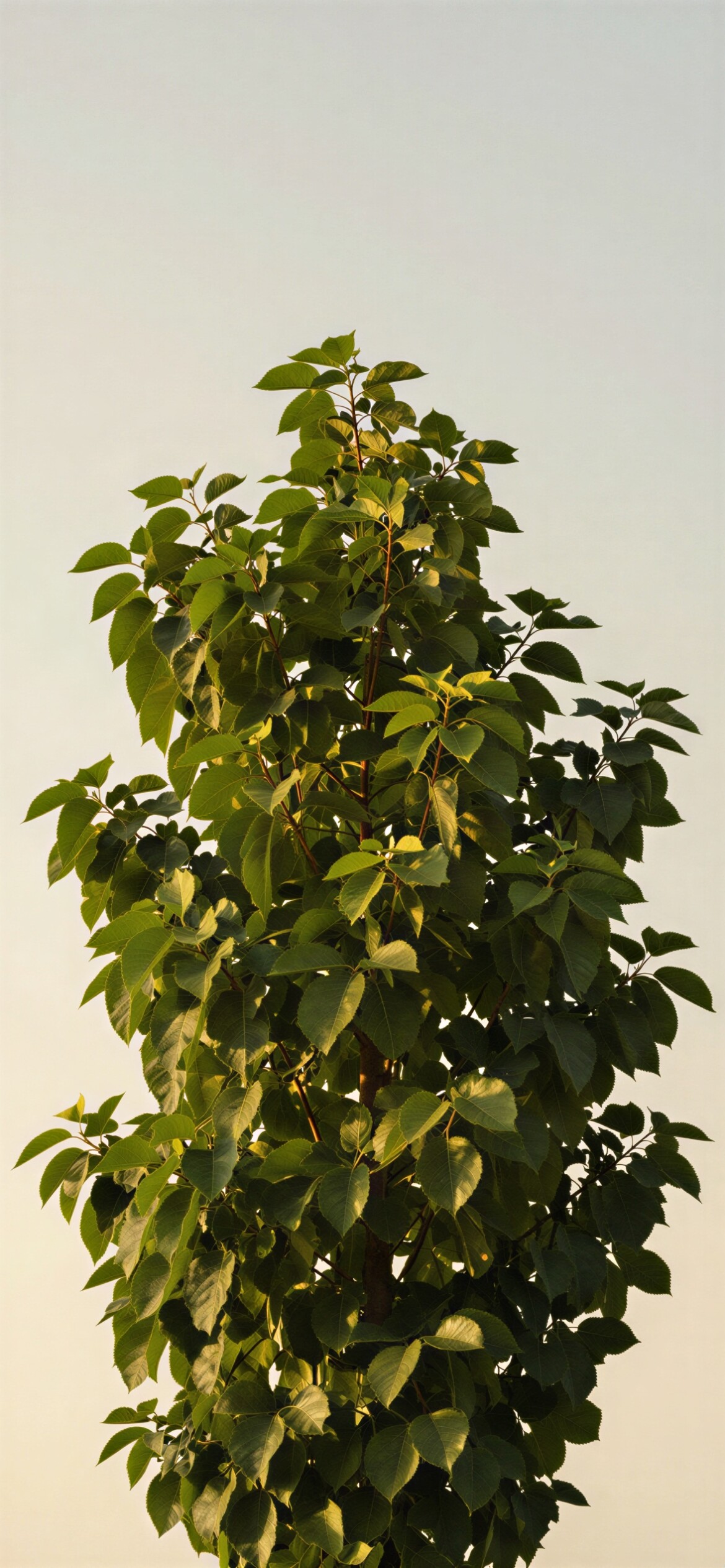
- A tall leafy plant reaching up into a pale sky.
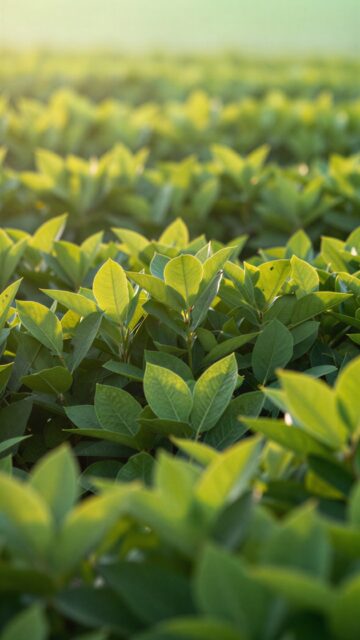
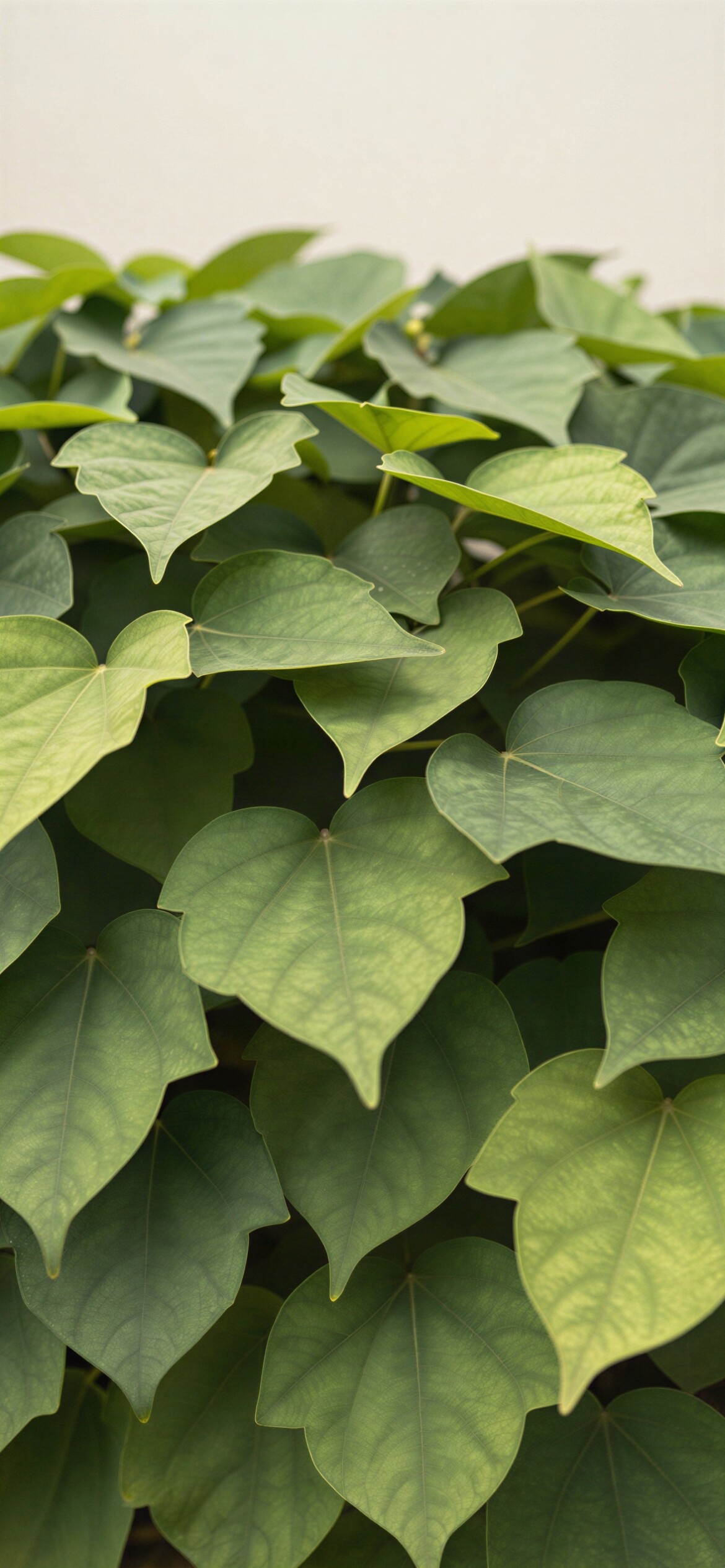
- Overlapping green leaves layered in soft focus, almost an abstract texture.
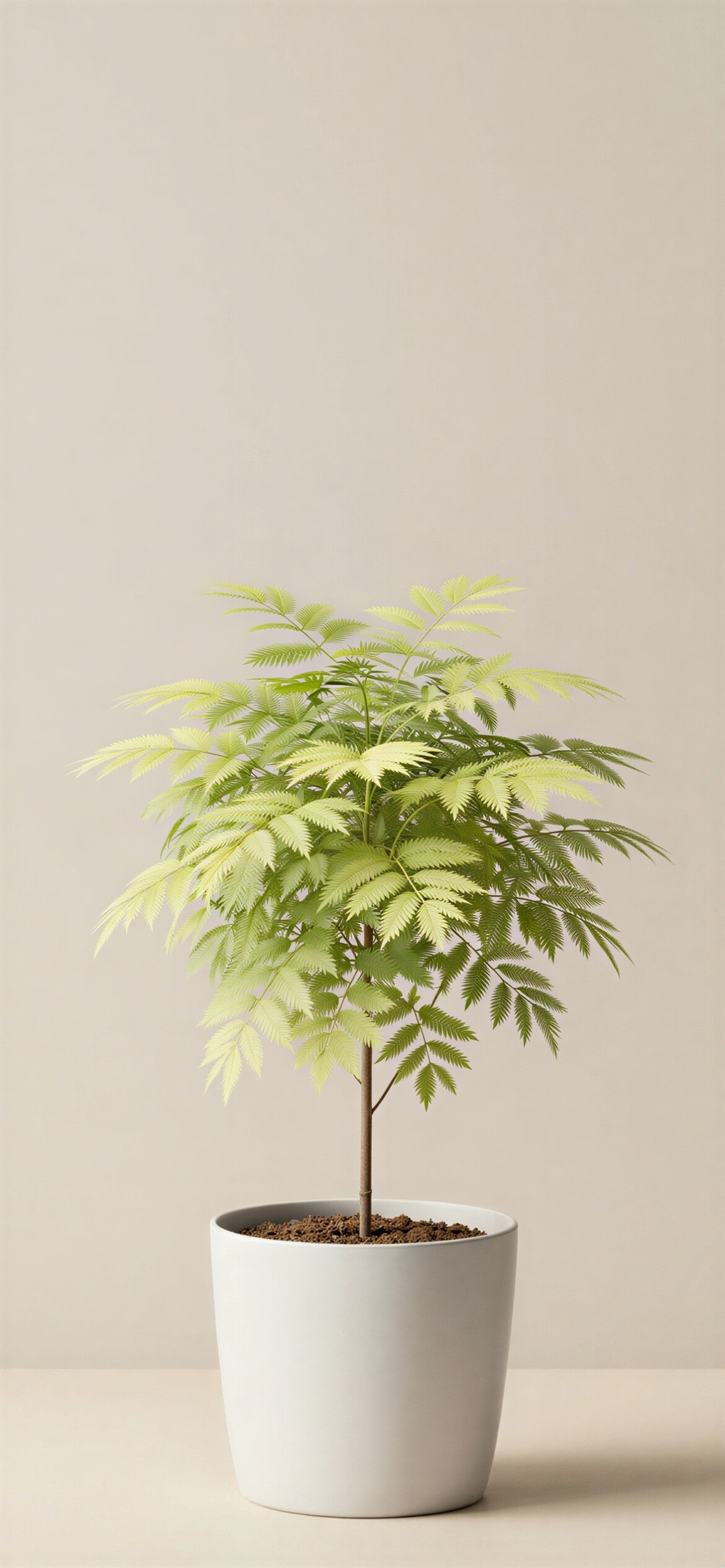
- A delicate, feathery plant in a white pot on a plain background. Clean and minimal.
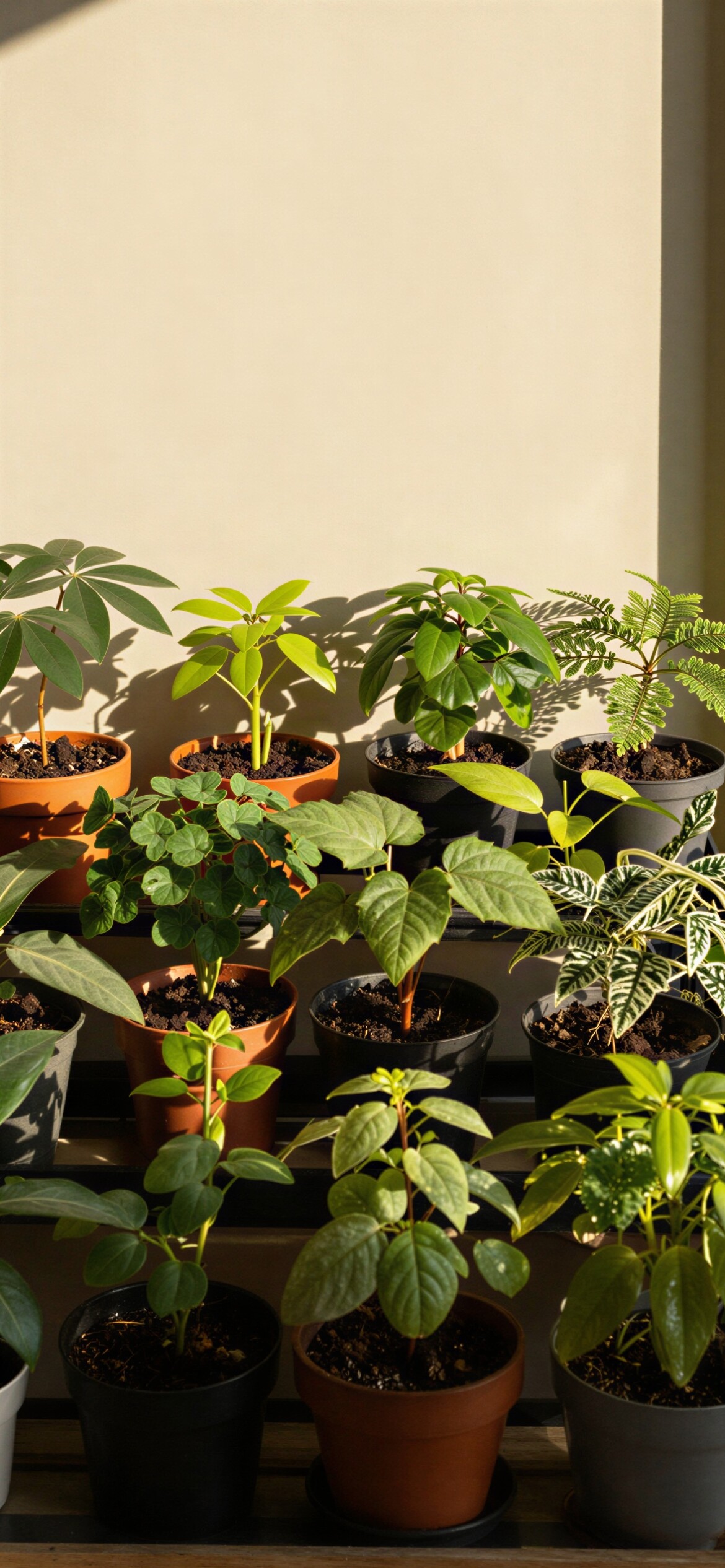
- A row of little potted plants on a shelf in warm streaming sunlight.
Curled fronds and leaning stems
The coiled tips in #2 have a name: fiddleheads, after the scroll at the top of a violin. A fern leaf grows rolled up tight and opens slowly from the base outward, which is why you can catch it half unrolled. The fat leaves in #4 tell a different story. Succulents store water in their leaves and stems, so they cope with dry soil and long gaps between watering better than most houseplants.
Look at #3 and #7 and you can see plants doing what they always do indoors: growing toward the light. Stems bend toward the brightest window as the cells on the shaded side grow longer, which is why people give their pots a quarter turn every so often to keep them straight.
Cool morning or warm afternoon
The set splits fairly neatly by light. #1, #3, #5, #7 and #9 have pale, cool backgrounds and feel fresh and quiet. #2, #6 and #10 are lit by warm or golden sun and feel more like late afternoon. #4 and #8 sit in between, with the wood tones and layered greens making them the most textured of the group.
For more green to browse, see our botanical wallpapers, the leaf set for close-ups like #5 and #8, or the lush outdoor views in our greenery wallpapers.
How to set it on your iPhone
- Tap Download and save the image to Photos.
- Open Settings, tap Wallpaper, then Add New Wallpaper, and choose Photos.
- Pick the wallpaper, pinch to position it, then tap Add and choose the lock screen, home screen or both.
Stuck on a step? The iPhone and iPad guide has screenshots for each one.
Questions
Will these plant wallpapers fit my iPhone screen?
Yes. These wallpapers are sized at 1170x2532 pixels, the standard iPhone resolution. They are sized for modern iPhones, and some older models may crop slightly at the edges. When you set one as your lock or home screen wallpaper, iOS will position it correctly automatically.
Can I use these plant wallpapers for personal use?
Yes. These wallpapers are free to download and use on your own personal devices. Selling them, printing them for sale, or reposting them on other wallpaper sites is not allowed. See our Terms page for the full license details and what you can and cannot do with these designs.
Which plant wallpapers work best for my lock screen versus home screen?
The designs with simple, empty top quarters work best on your lock screen, since they keep your time and notifications clearly readable. All of these wallpapers work on your home screen, where the plant details won't interfere with app icons. The pale backgrounds ensure icons remain visible in both light and dark modes.
Do these plant wallpapers work with dark mode?
Yes. The natural green tones and pale backgrounds work well in both light and dark mode. The plants themselves provide all the visual interest, so the wallpaper looks fresh whether your system is in light or dark mode. Try a few on your lock screen to see which mood you prefer.