Garden Wallpaper iPhone
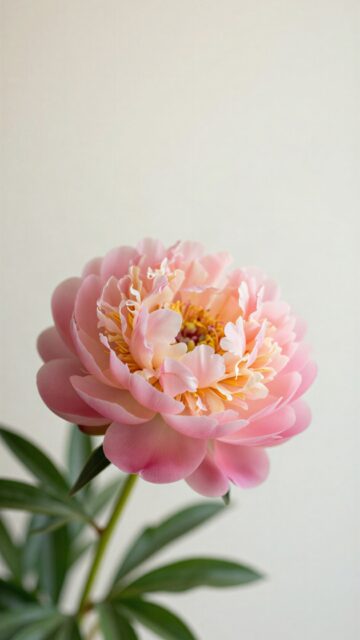
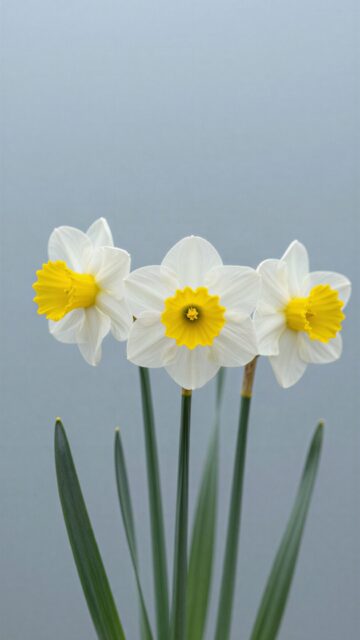
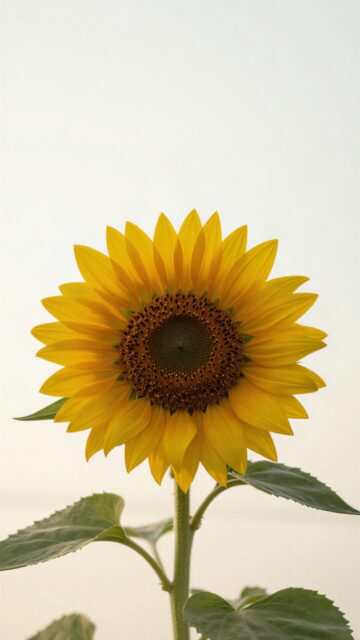
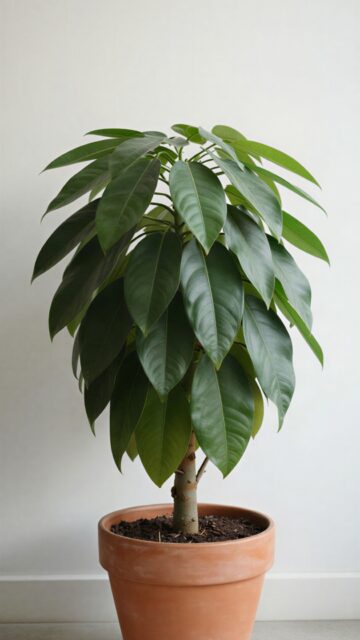
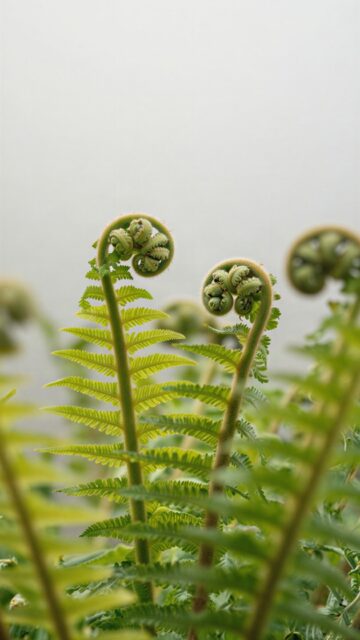
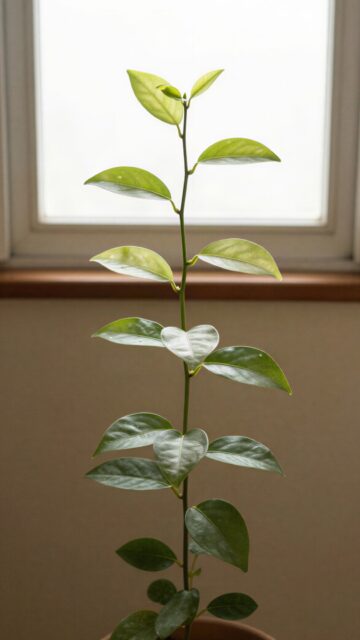
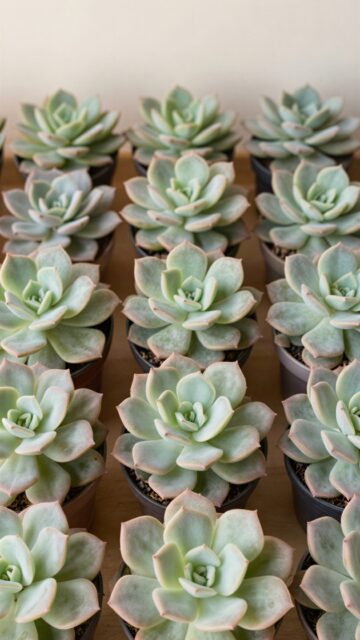
Garden wallpaper for iPhone brings blooming flowers, lush green foliage and peaceful outdoor scenes to your lock and home screens. These original garden designs capture the quiet beauty of flower beds, flowering trees, garden paths and natural plant life in soft natural light. Each garden iphone wallpaper is hand-curated and ready to download for your device.
10 wallpapers at 1170 × 2532 px for iPhone. Checked by hand on 6 Oct 2026.
About this set
These garden wallpapers capture the peaceful mood of outdoor flower beds, blooming trees and lush plant life in soft natural light. The vertical composition keeps the top of your screen simple and uncluttered, perfect for lock screen use where your time and notifications appear. The main flowers and foliage sit in the middle and lower half, so they frame your home screen icons beautifully without competing for attention.
Garden wallpapers pair well with light-themed phones and work equally with dark mode. The natural greens, soft pastels and warm earth tones complement most app colors and icon styles. Choose the close-up flower views for an intimate lock screen, and the wider garden scenes with paths or structures for your home screen.
Ten corners of one garden
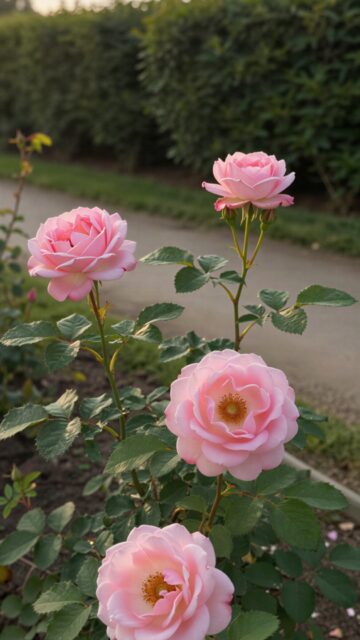
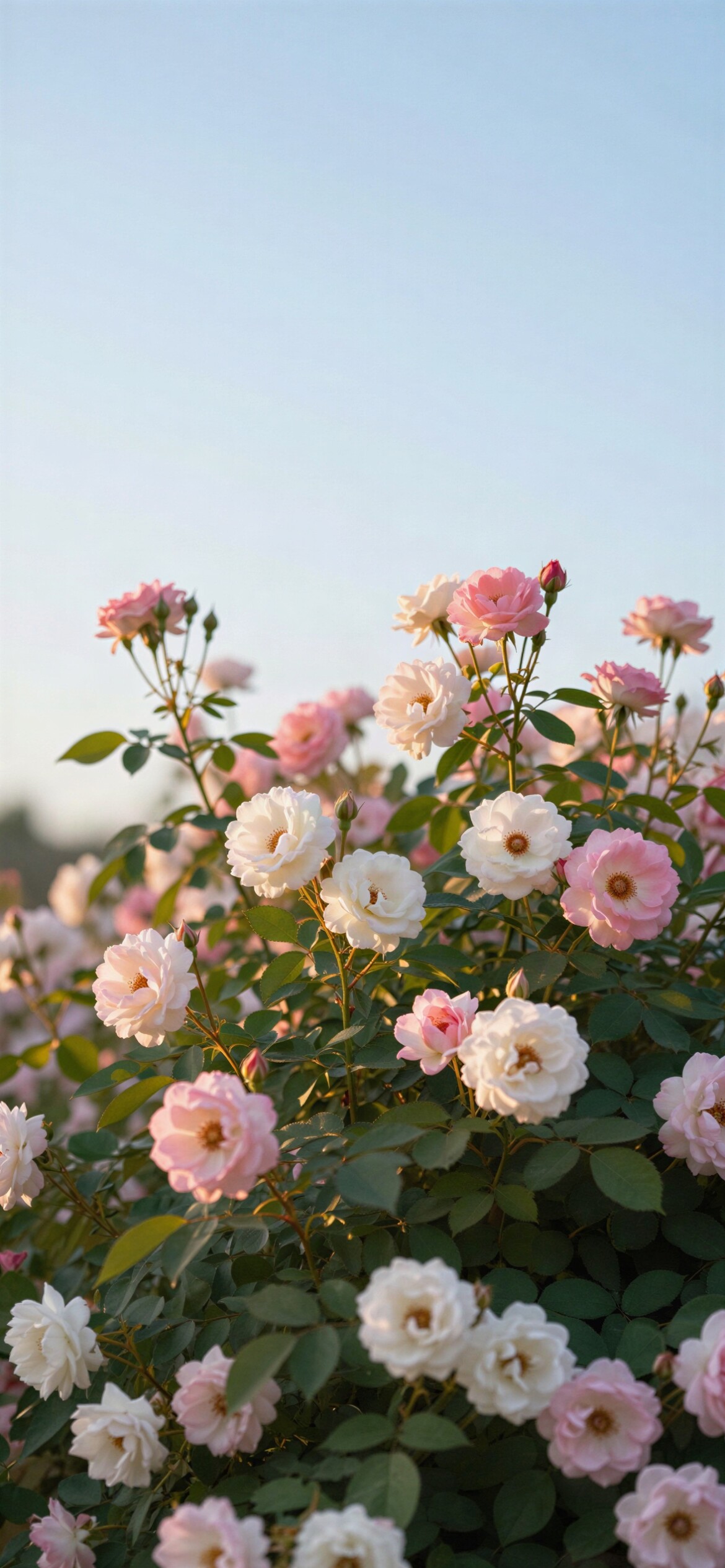
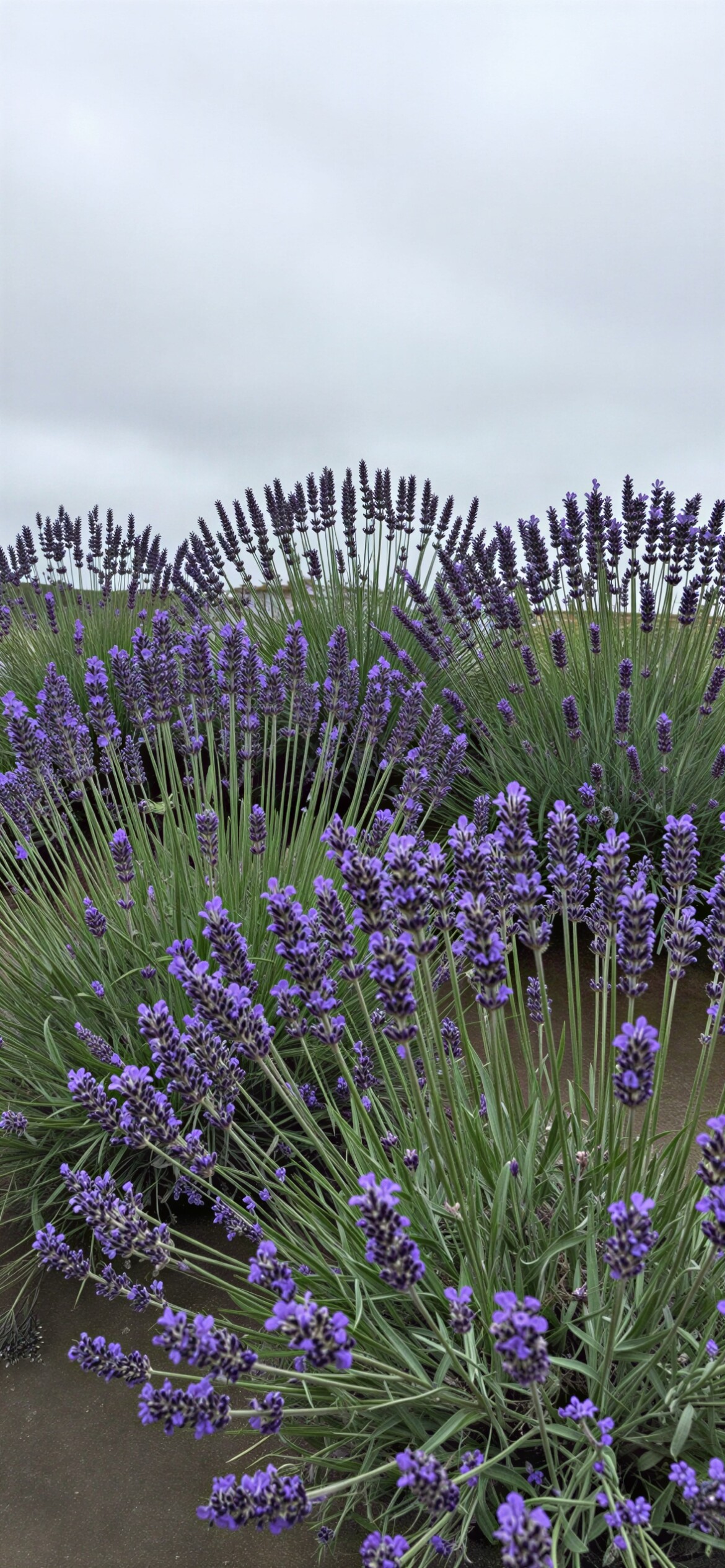
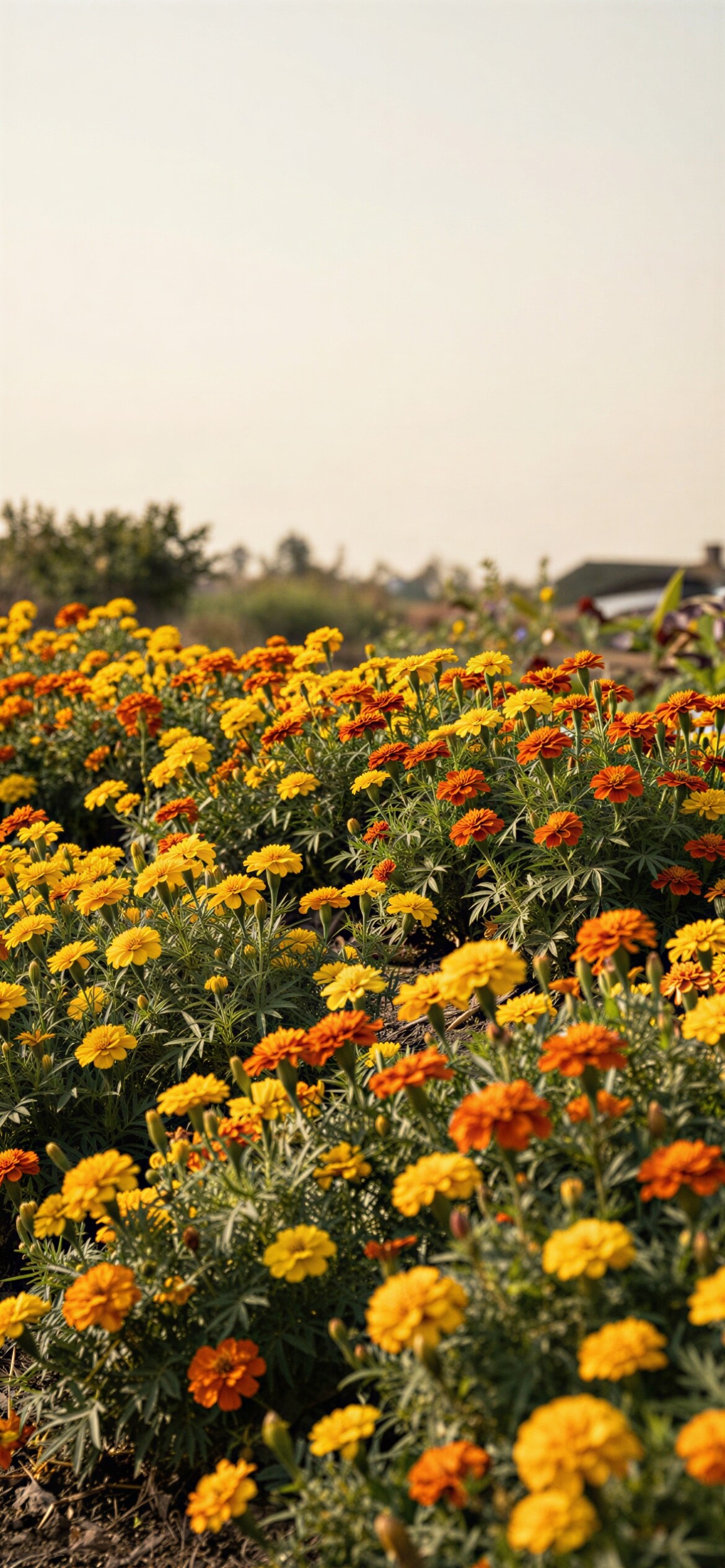
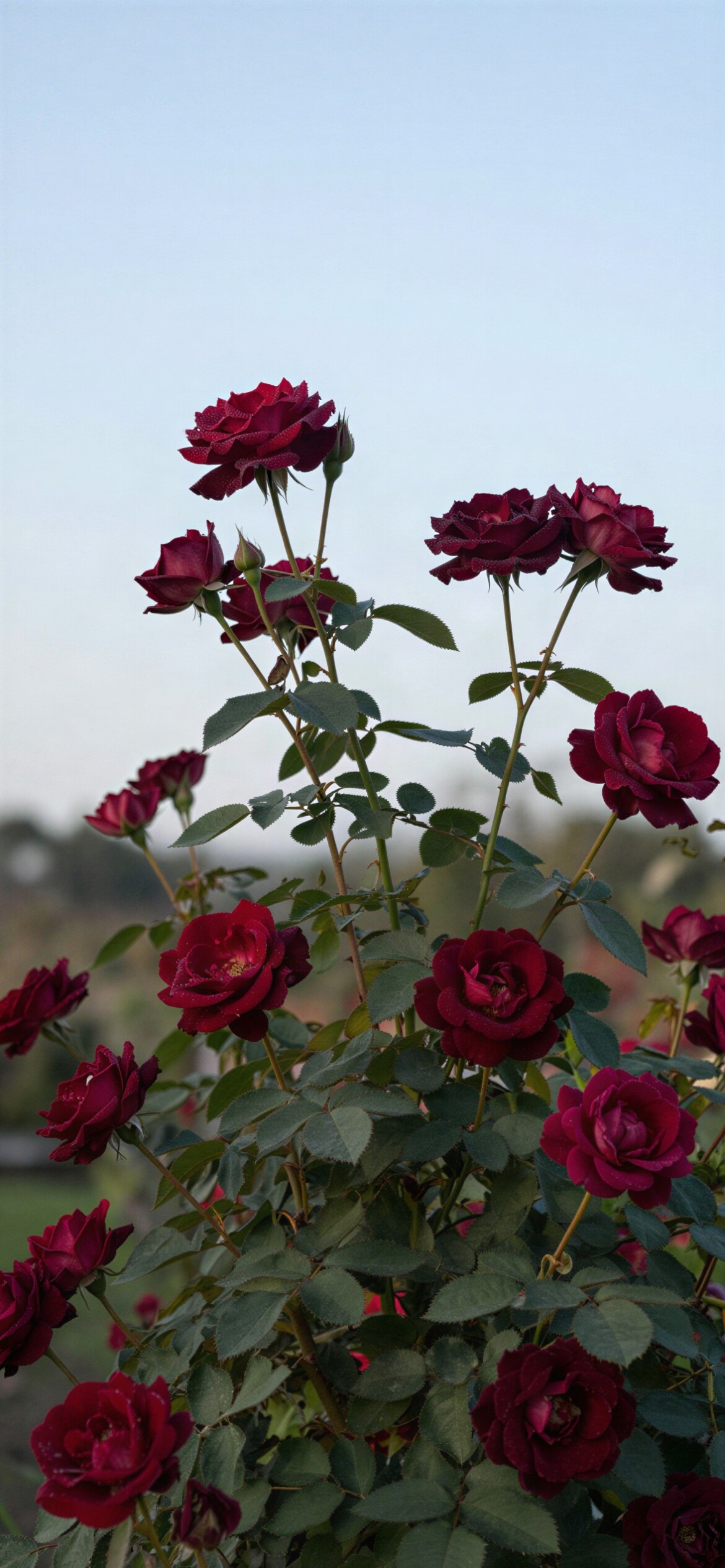
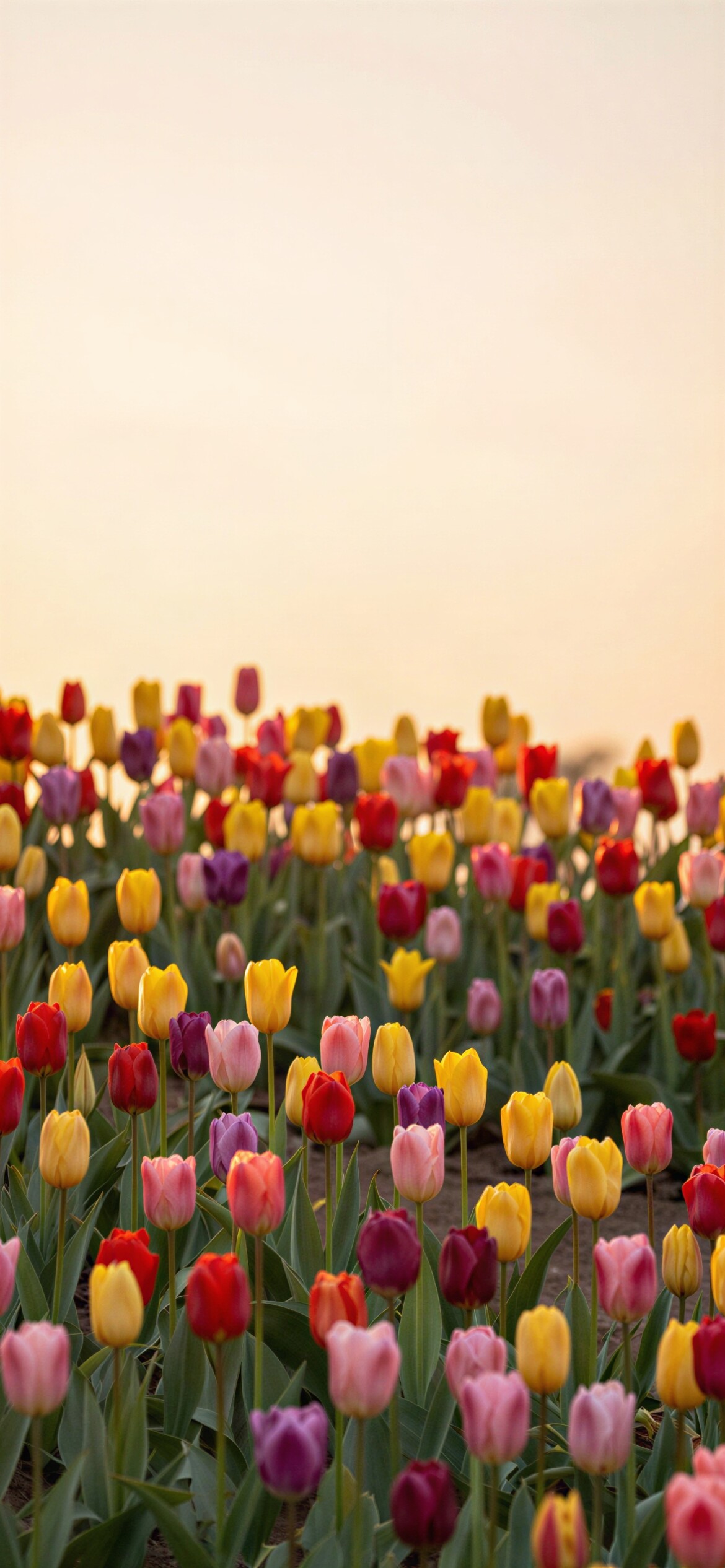
Half of this set gets right up close to single flowers. Wallpaper 1 frames pink and white roses against a pale blue sky, and wallpaper 6 goes darker with deep red roses still holding drops of dew. Wallpaper 2 is a row of lavender stems on a grey, overcast day, wallpaper 4 fills the frame with yellow and orange marigolds in full sun, and wallpaper 8 catches a mix of tulips in low golden light.
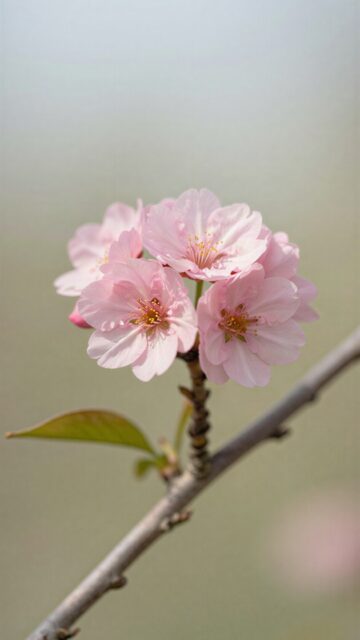
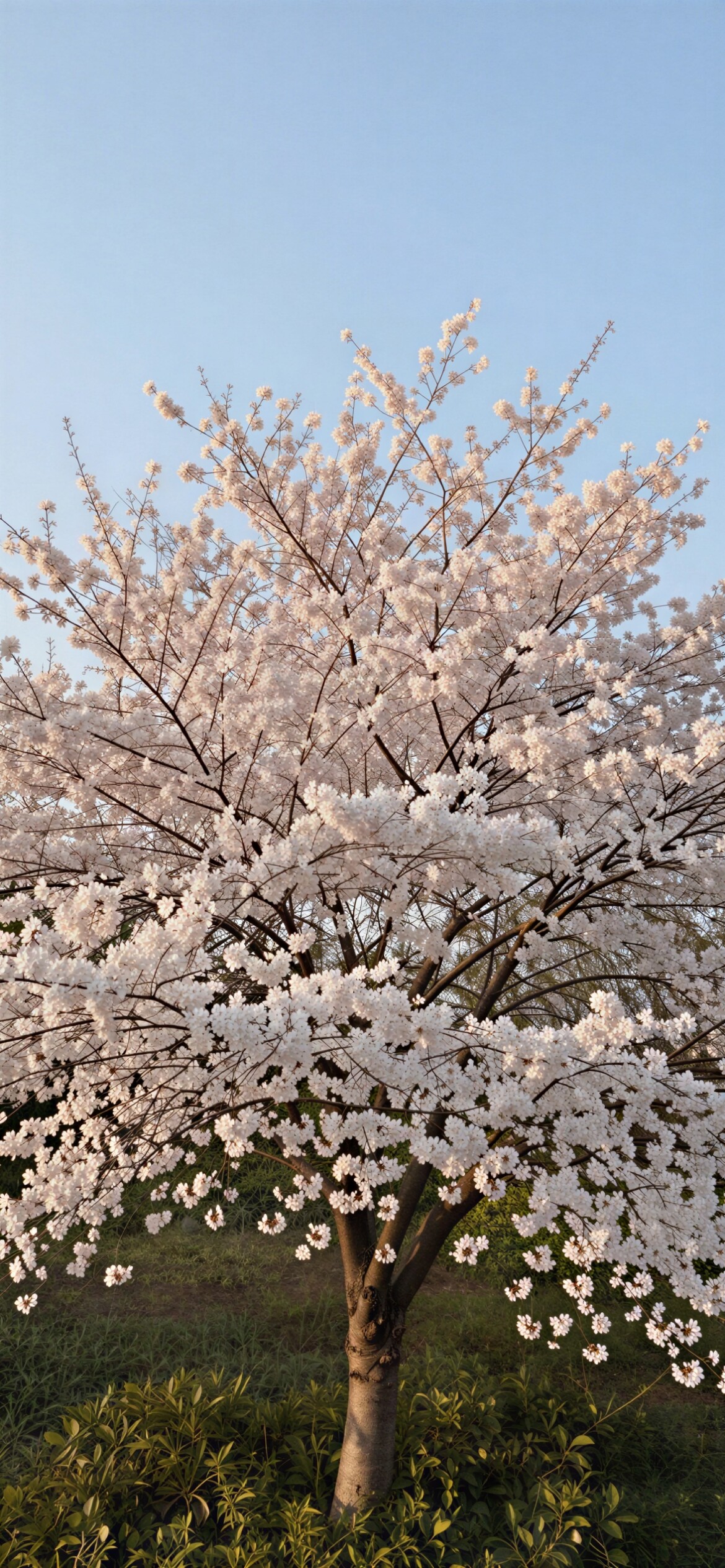
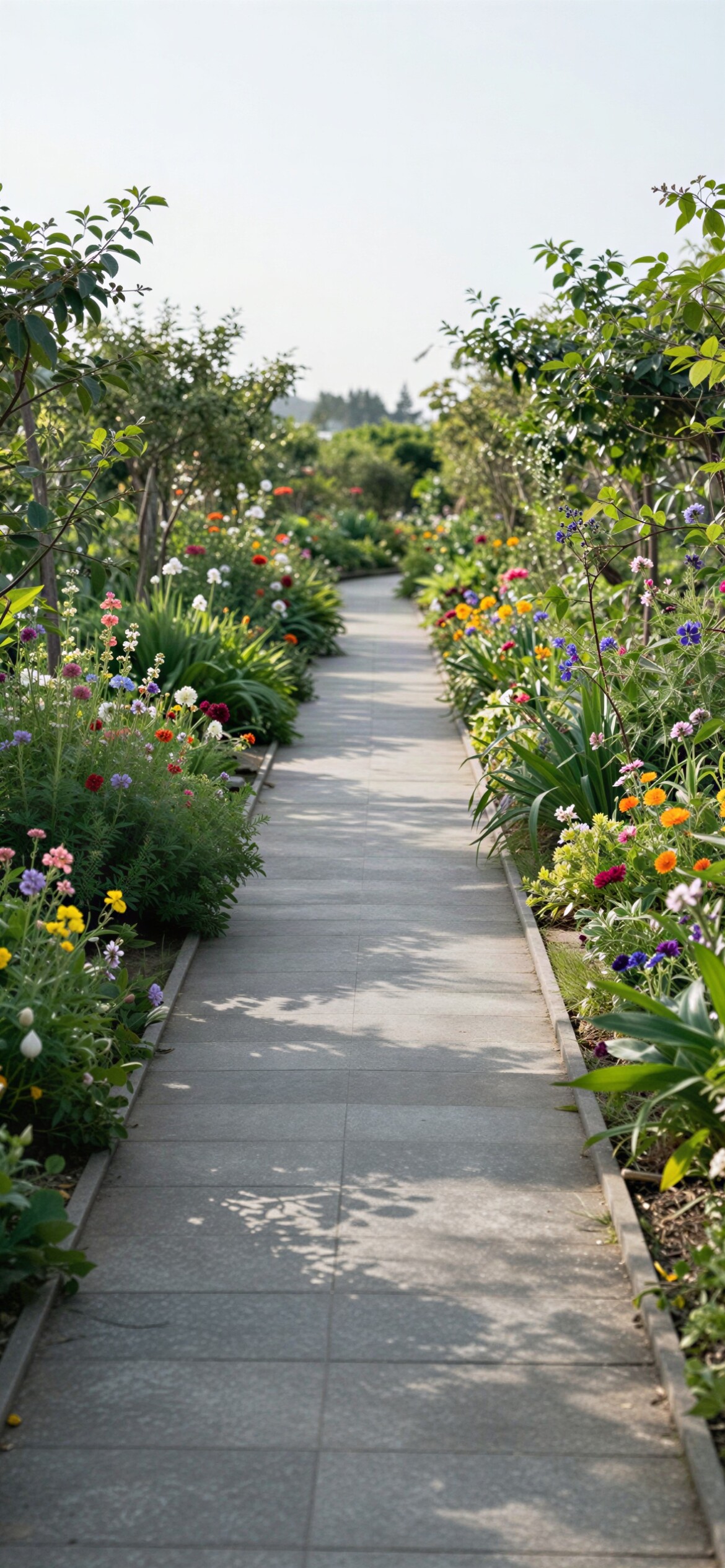
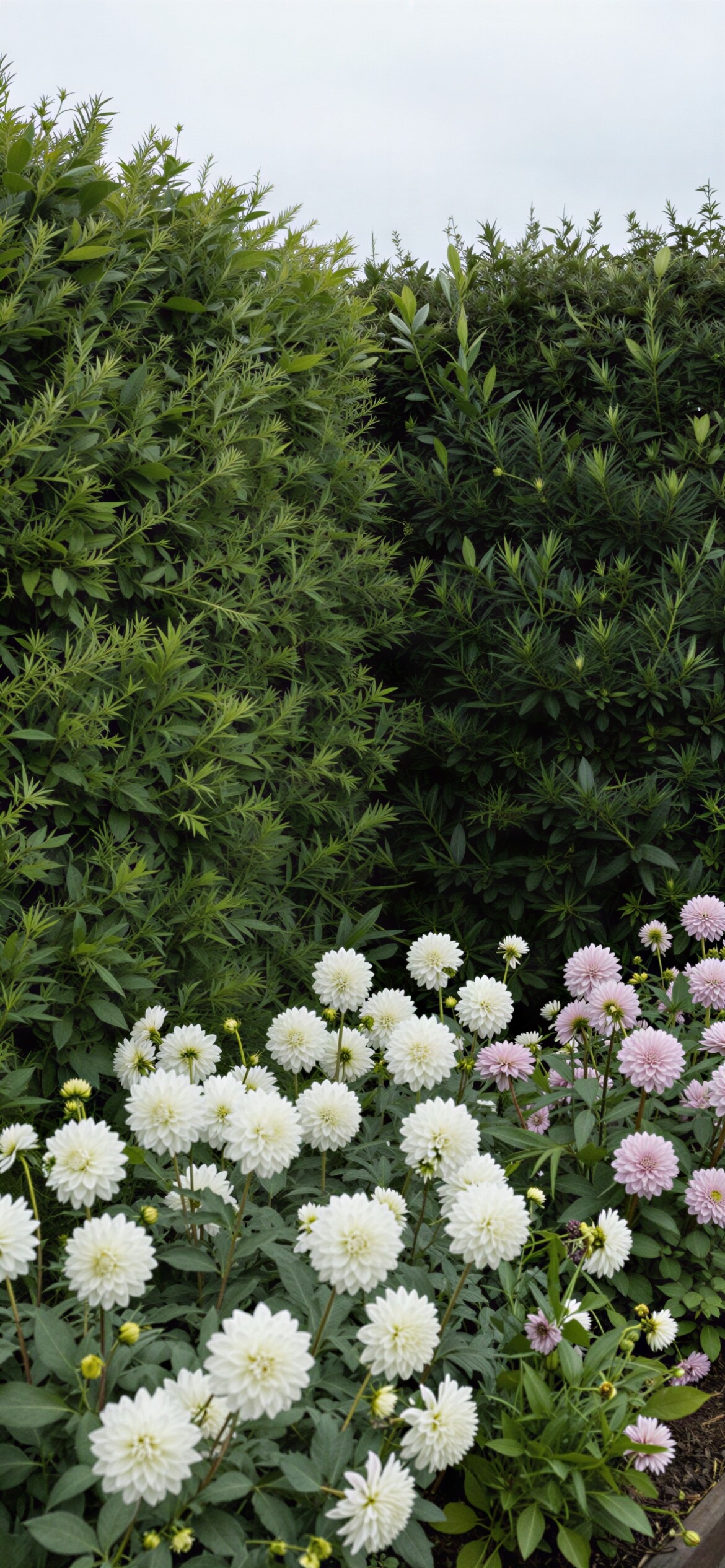
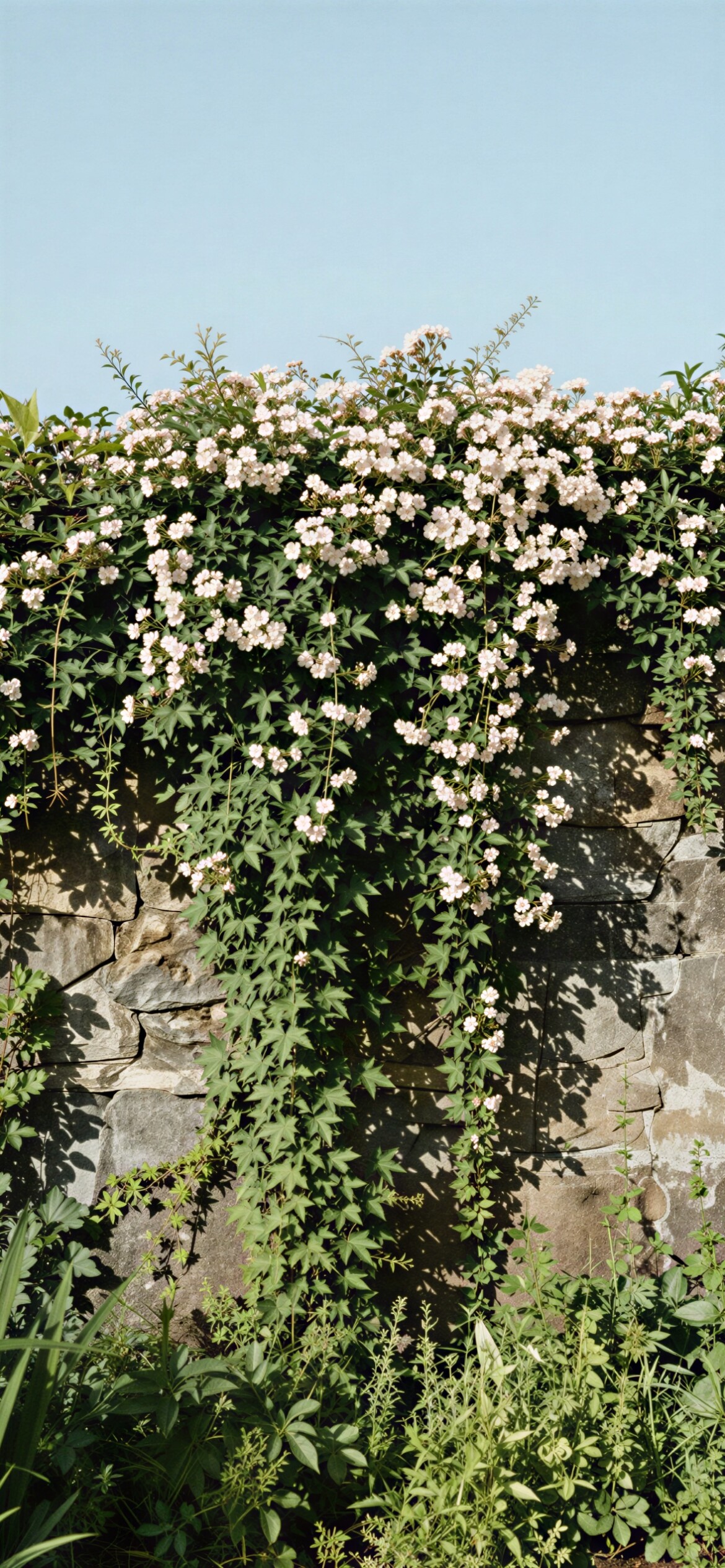
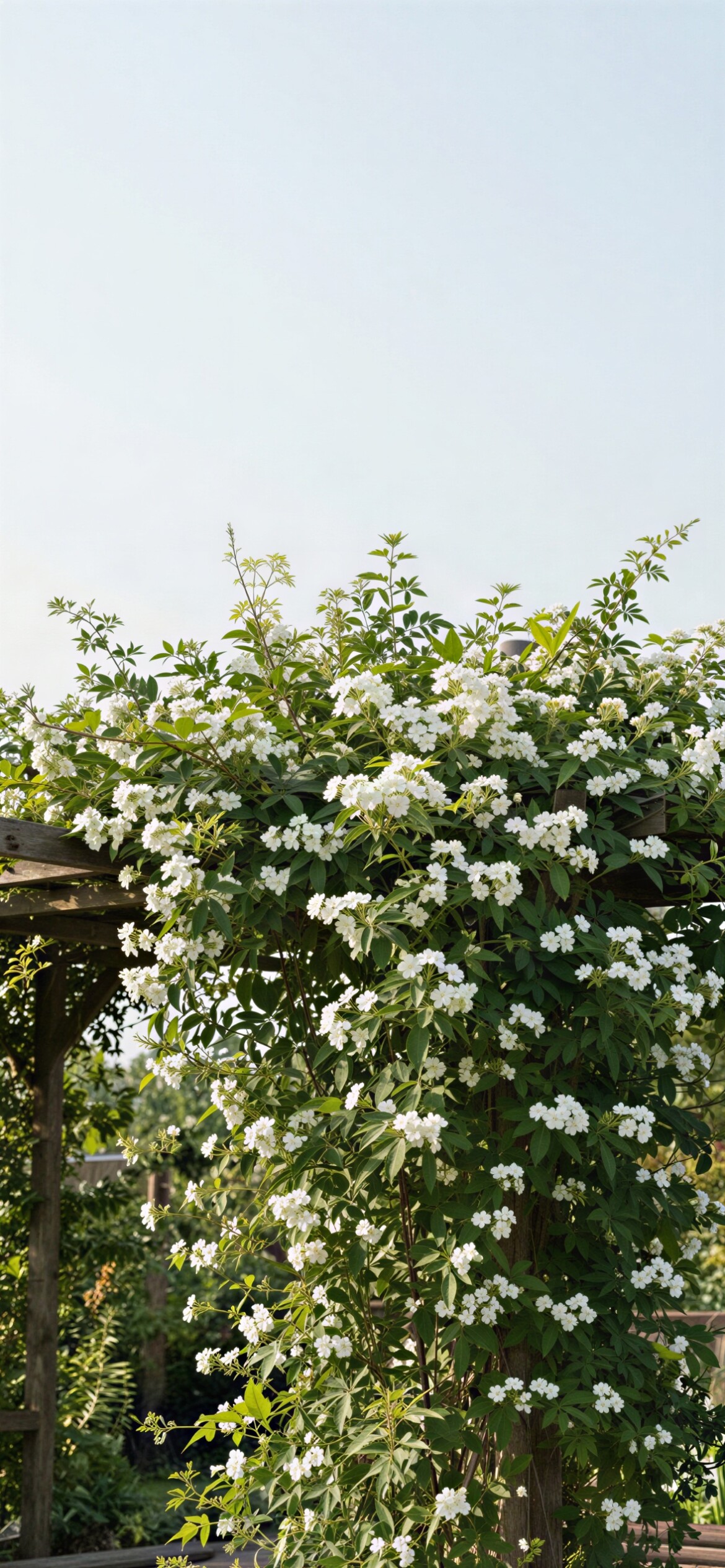
The other half steps back to show the garden itself. Wallpaper 3 is a whole cherry tree in bloom, white and pink together. Wallpaper 5 follows a stone path between flowers and green plants, which gives the eye somewhere to travel on a tall screen. Wallpaper 7 sets white dahlias and pink flowers in front of a clipped hedge. The last two are about walls and frames: wallpaper 9 is an ivy-covered wall with white flowering vines, and wallpaper 10 shows a wooden trellis with climbing vines and white flowers in broken, dappled light.
Where these flowers first grew
Very few of these plants started out in the kind of garden they are pictured in. Lavender (wallpaper 2) comes from the dry, stony hills around the Mediterranean, which is why it likes poor soil and full sun, and it is still grown in large fields in Provence for its oil.
The marigolds in wallpaper 4 and the dahlias in wallpaper 7 are both native to Mexico and Central America. Orange marigolds are the traditional flower of Día de Muertos altars, and the dahlia was named Mexico's national flower in 1963. Tulips (wallpaper 8) came from the other side of the world: they grew wild in Central Asia, were prized in Ottoman gardens, and set off the 1630s price bubble in the Netherlands remembered as tulip mania. Flowering cherries like the tree in wallpaper 3 are most closely tied to Japan, where the spring bloom is forecast region by region every year.
Sunny beds or shady walls?
- Warm and golden: 4 and 8, the marigolds and the evening tulips.
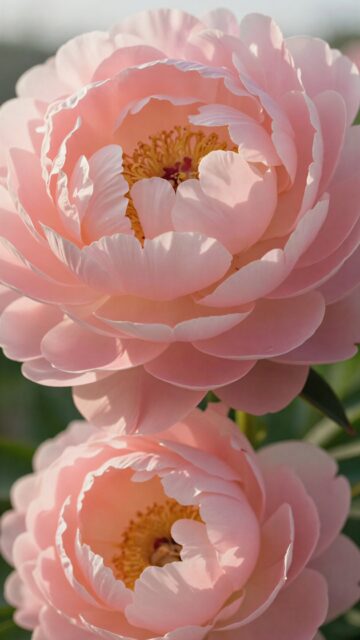
- Soft pastels: 1 and 3, pale pinks and whites against open sky.
- Cool and calm: 2, 9 and 10, grey-lilac lavender, white vines and filtered light.
- Fresh green: 5 and 7, where the hedge and foliage do most of the work.
- Deep and rich: 6, the dark red roses, which sit best on a dark home screen.
If you like the blooms here, the Pink Rose collection has more roses up close, Butterfly brings a few visitors into the flower beds, and Lilac adds one more spring shrub.
How to set it on your iPhone
- Tap Download and save the image to Photos.
- Open Settings, tap Wallpaper, then Add New Wallpaper, and choose Photos.
- Pick the wallpaper, pinch to position it, then tap Add and choose the lock screen, home screen or both.
Stuck on a step? The iPhone and iPad guide has screenshots for each one.
Questions
Will these garden wallpapers fit my iPhone screen?
Yes. These designs are created at 1170x2532 pixels, the standard size for modern iPhones. They download full-screen and are sized for modern iPhones; some older models may crop slightly at the edges.
Can I use these garden wallpapers for personal use?
Yes, these wallpapers are free to download and use on your own devices. Selling them, printing them for sale, or reposting them on other wallpaper sites is not allowed. See our Terms page for the full personal use license.
Which garden wallpapers work best for lock screen versus home screen?
Close-up flower designs like roses and lavender suit lock screens since they have less going on visually. Wider garden scenes with paths, walls or trellises work better for home screens, where your icons sit safely below the main subject without covering the blooms.
Do these garden wallpapers work year-round?
Yes. These designs show garden scenes in soft natural light that feel fresh and relevant all year. The greens and flower colors are timeless and evergreen, so they look equally good in spring, summer, fall and winter on your iPhone.