Botanical Wallpaper iPhone
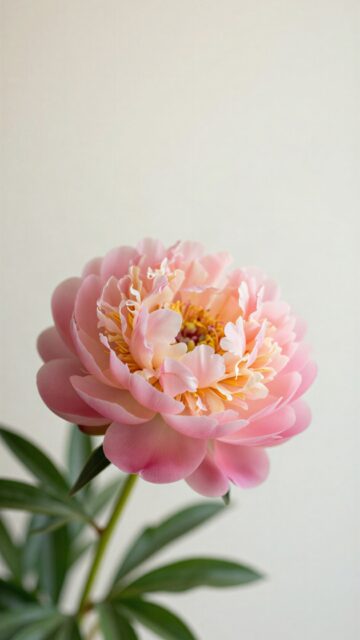
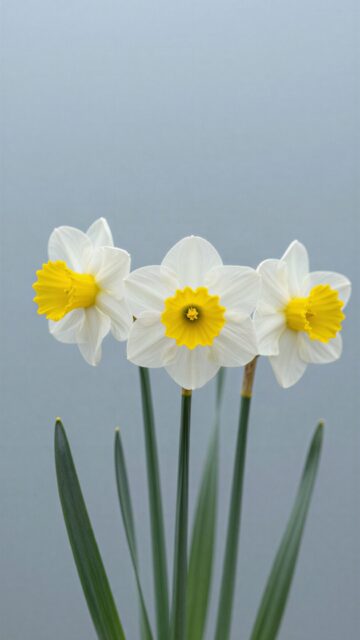
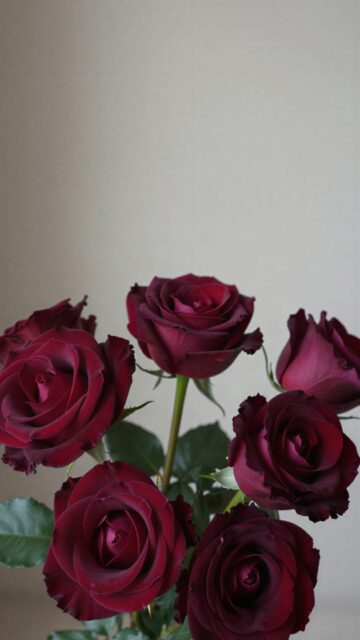
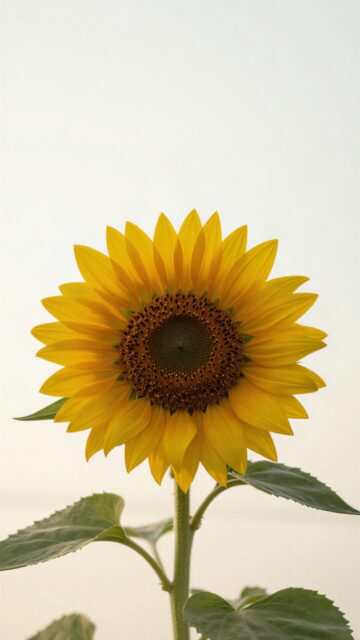
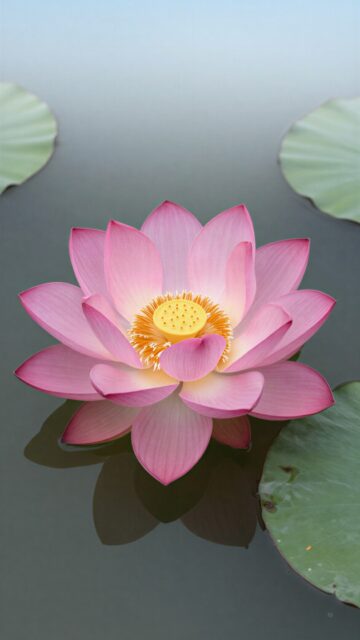
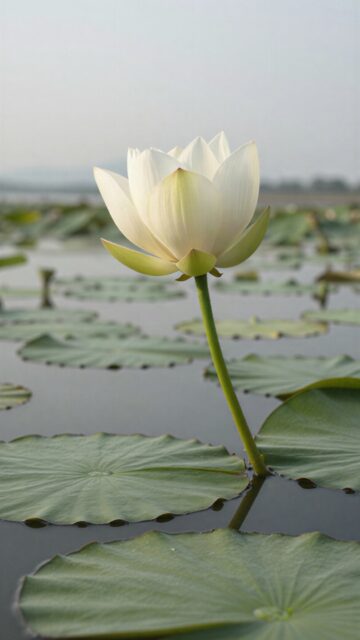
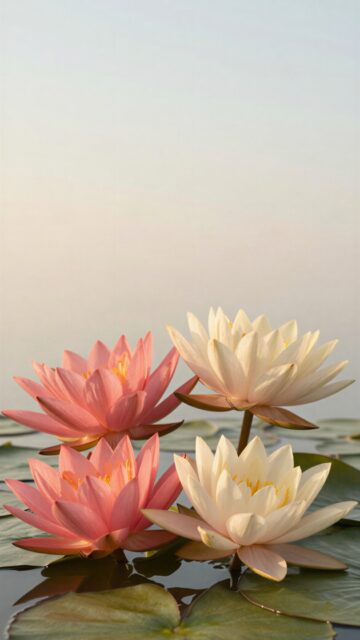
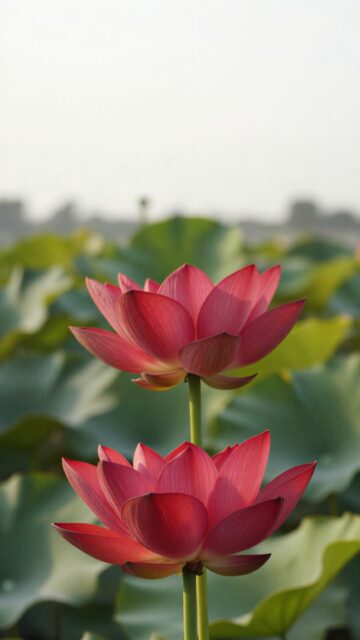
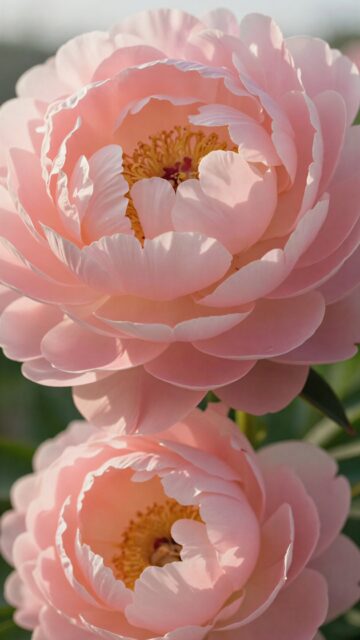
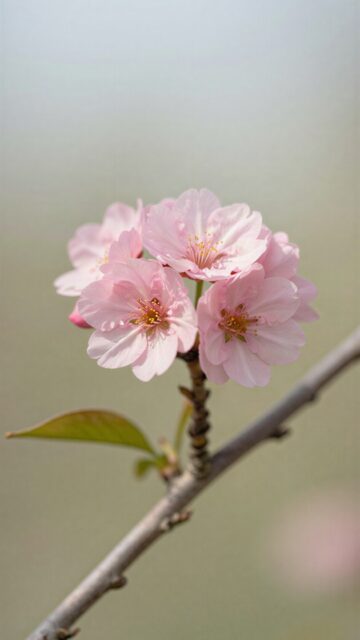
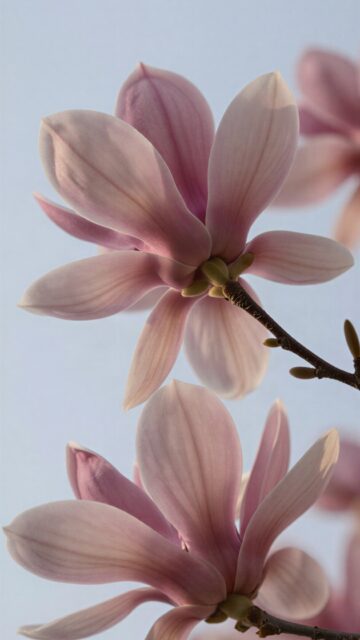
Botanical iPhone wallpaper brings lush plants, delicate flowers and natural greenery to your phone. These original designs feature close-up views of leaves, stems and blooms in soft, natural light. Each botanical wallpaper for iPhone works as a lock screen or home screen background, letting you carry the calm of a garden with you. The soft color palettes and peaceful mood suit any season.
10 wallpapers at 1170 × 2532 px for iPhone. Checked by hand on 3 Oct 2026.
About this set
These botanical designs capture the quiet beauty of plants in their natural light. Soft greens, pale pinks, creams and cool greys blend into peaceful, restful backgrounds. The close-up style and vertical composition work well as lock screen wallpapers, where the main subject sits in the lower half and keeps your status bar clear. They also pair nicely as home screen backgrounds, especially with simple icon layouts that let the plants show through.
The muted, natural color palette complements both light and dark mode on iPhone. These wallpapers suit anyone who wants a calm, nature-inspired aesthetic without bold patterns or bright colors. They pair well with minimal apps and work year-round since botanical themes feel fresh in any season.
Drawn for science long before anyone put them on a wall
The word botanical goes back to the Greek botane, meaning plant or herb, and the close, careful way these pictures look at a single stem has a long history. Before photography, plants were recorded by hand so that people could tell one species from another. When Carl Linnaeus published Species Plantarum in 1753, he gave each plant a two-part Latin name, and botanical artists spent the following centuries drawing exactly what those names referred to.
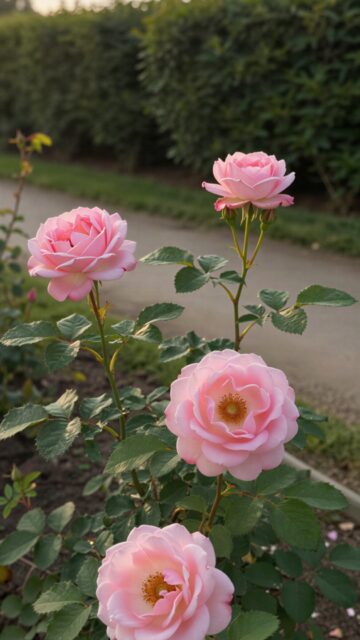
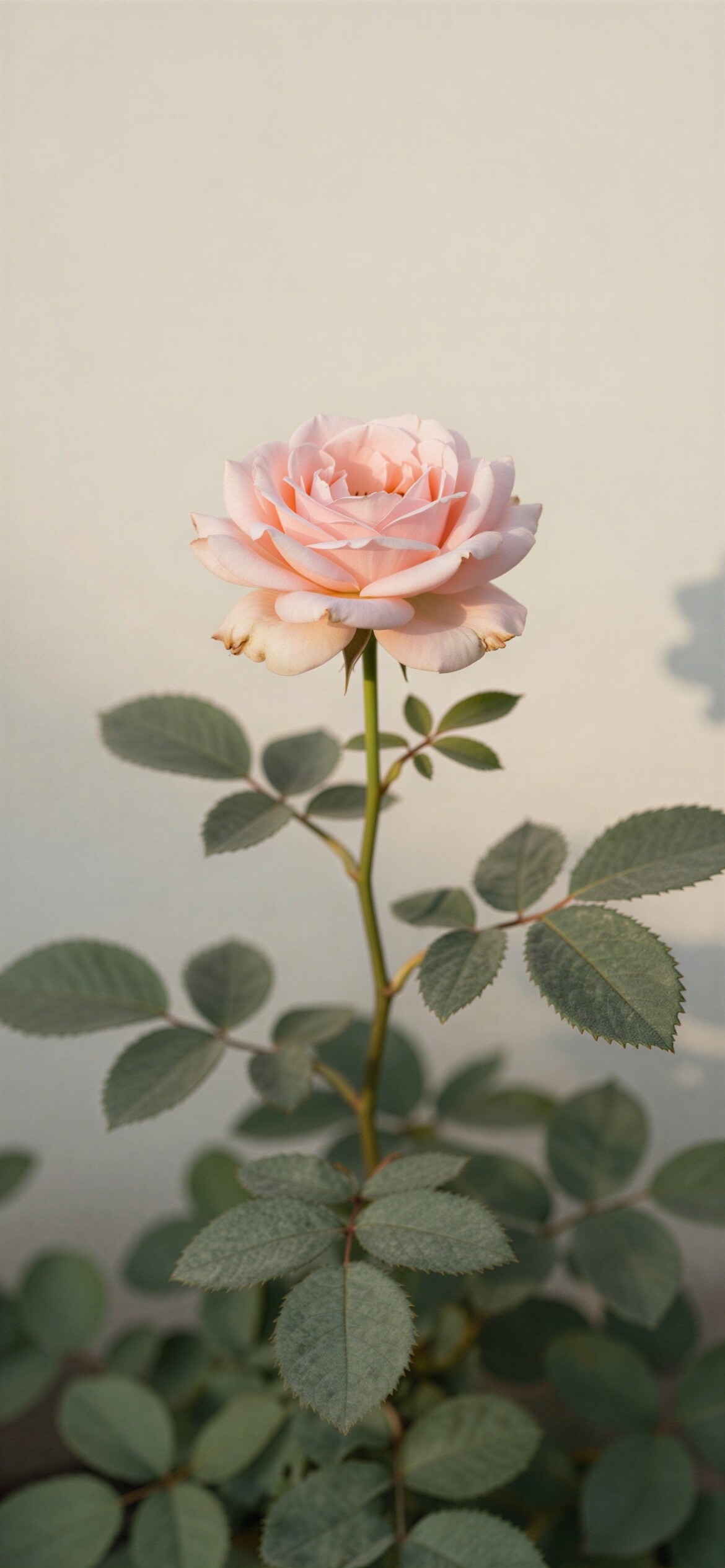
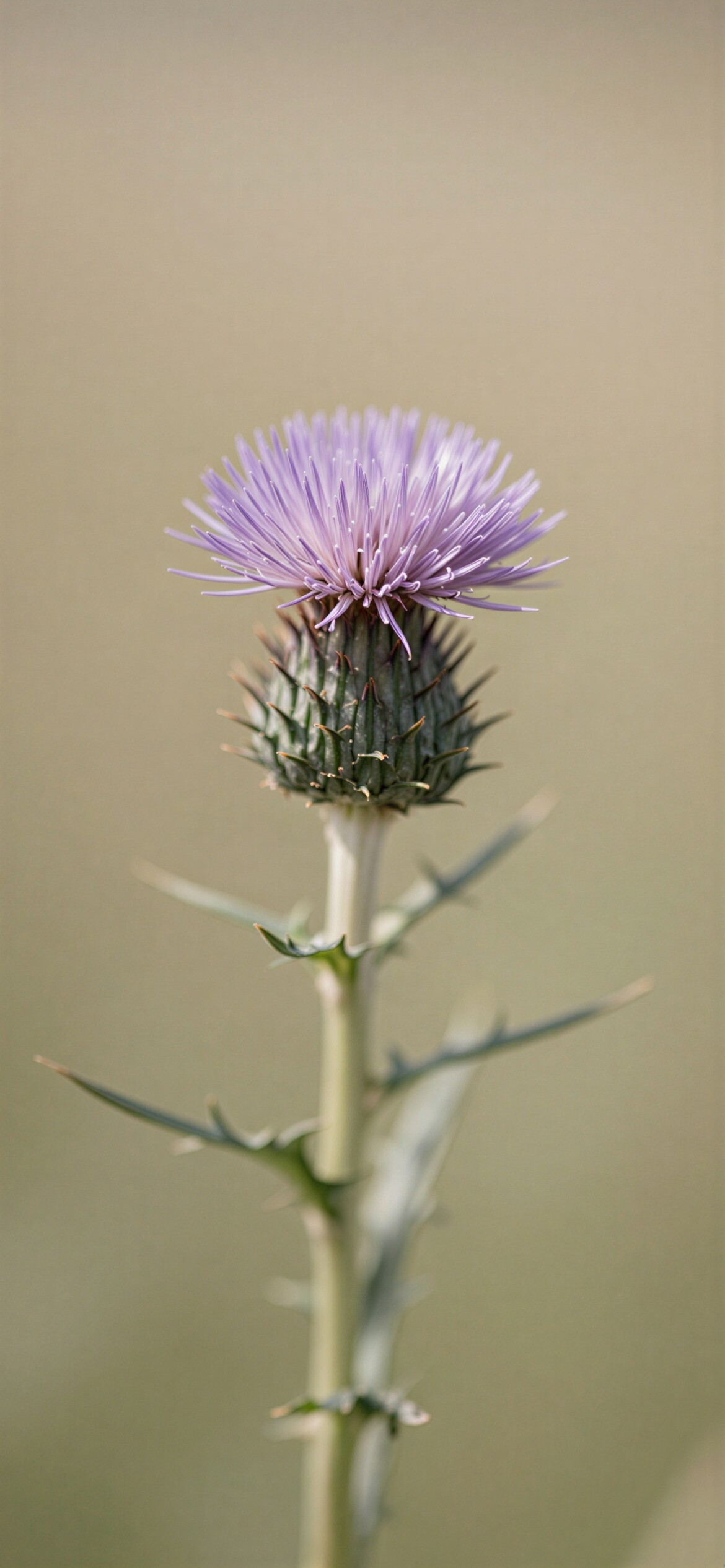
In 1787 William Curtis started Curtis's Botanical Magazine in London, with a hand-coloured plate of a plant in every issue. It is still published today, now by Kew. A generation later, Pierre-Joseph Redouté painted roses for Les Roses (1817 to 1824), many of them from Empress Joséphine's garden at Malmaison, which is why a single pale rose like the one in wallpaper 2 still feels like a classic subject. The thistle in number 6 has its own story: it has been the national emblem of Scotland for centuries.
Leaf, bloom, frond and bud
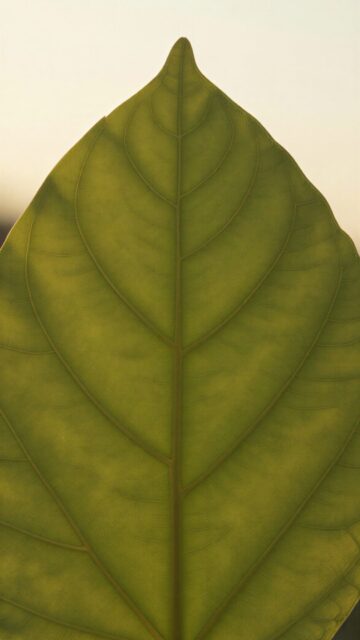
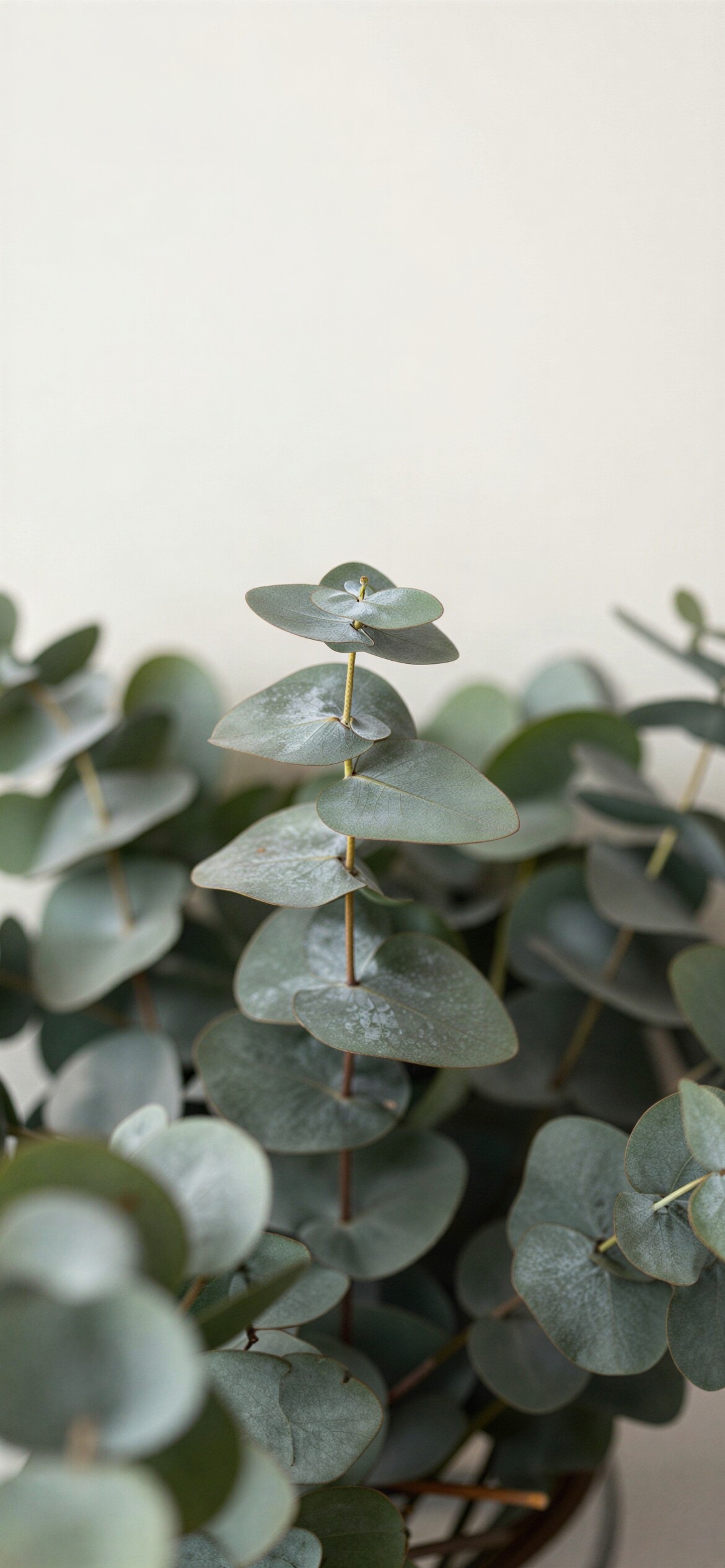
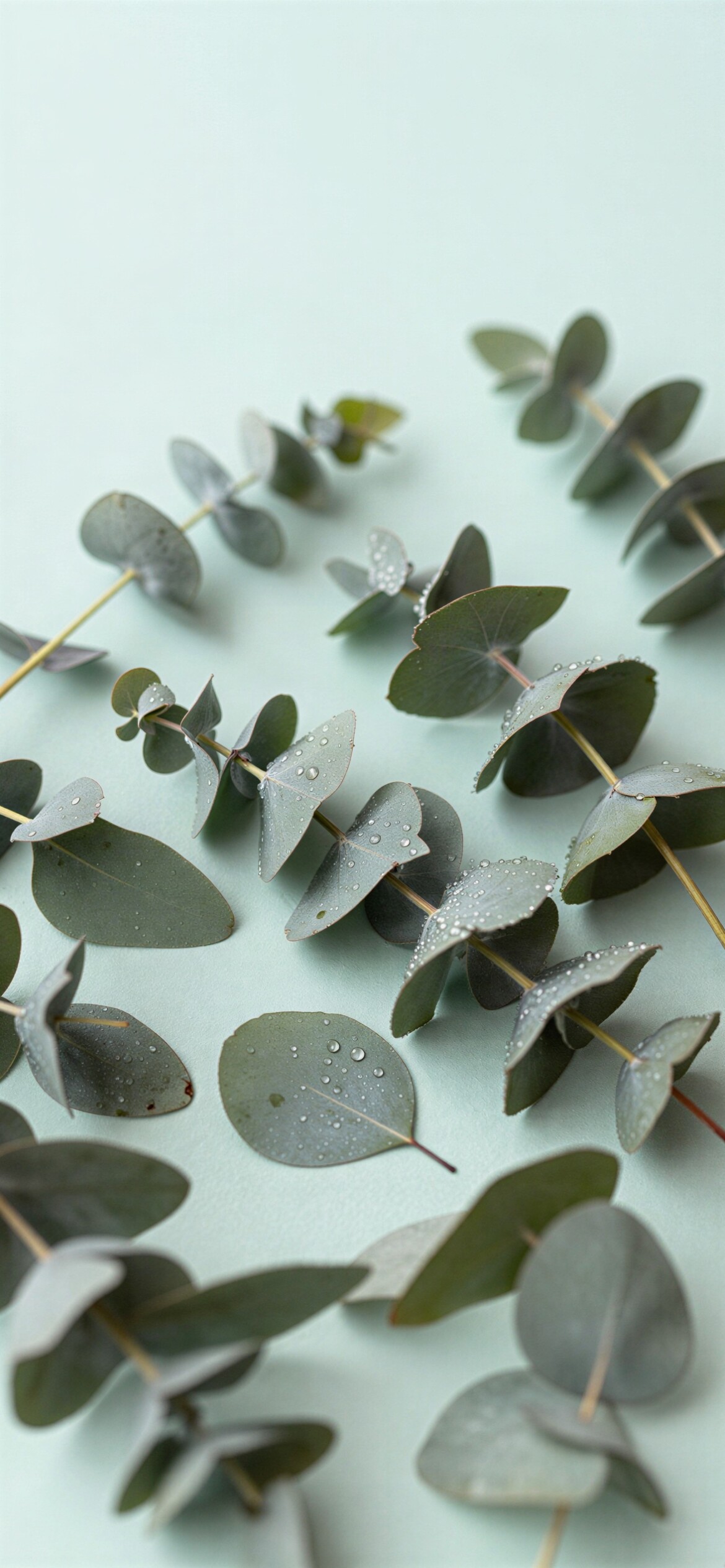
- Silver-green eucalyptus leaves up close, lit by soft morning light.
- A pale pink rose with sage foliage, glowing in golden hour light.
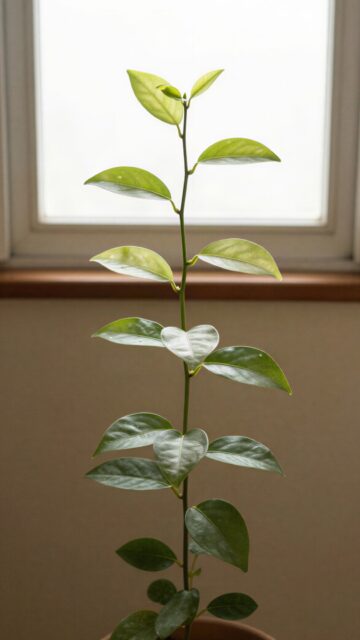
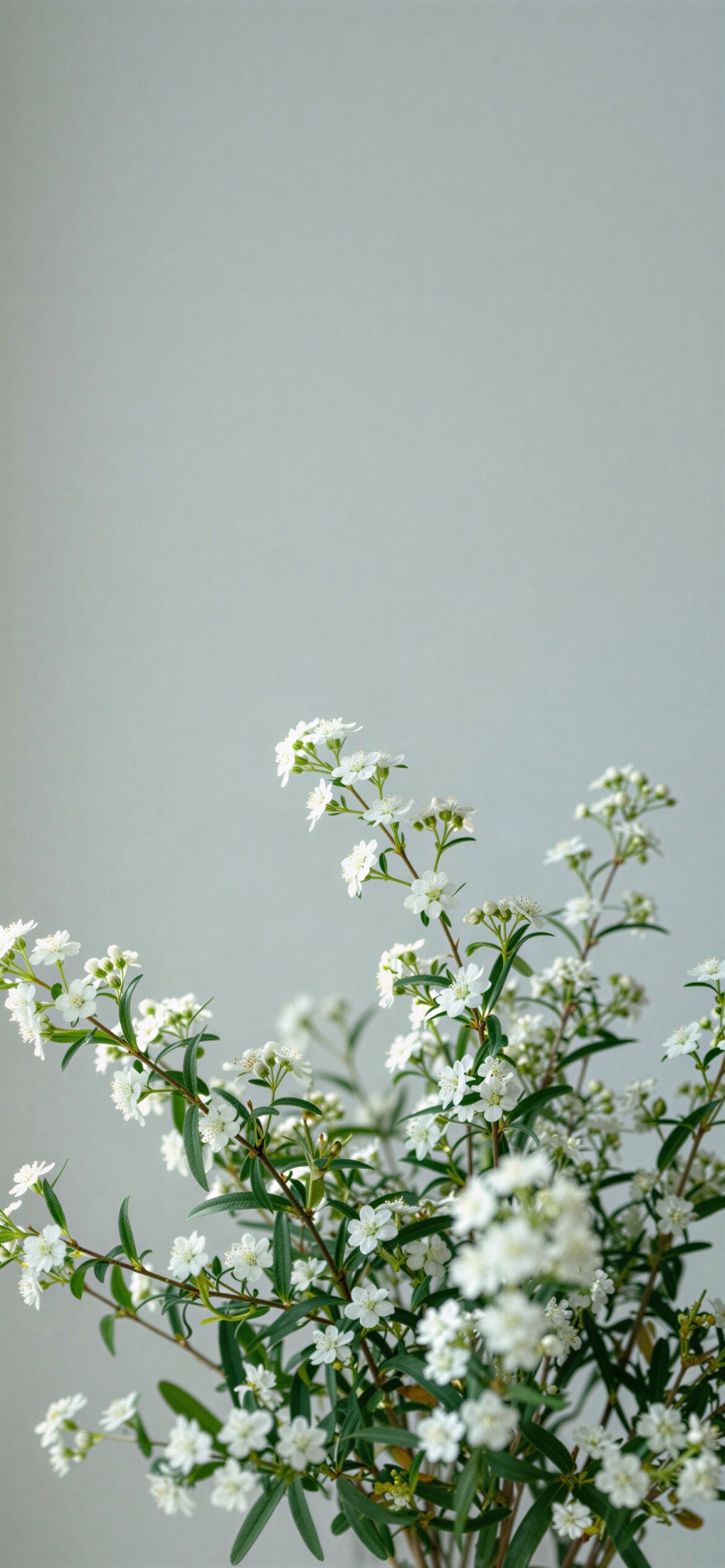
- Fine white flowering stems and green leaves, backlit by a window.
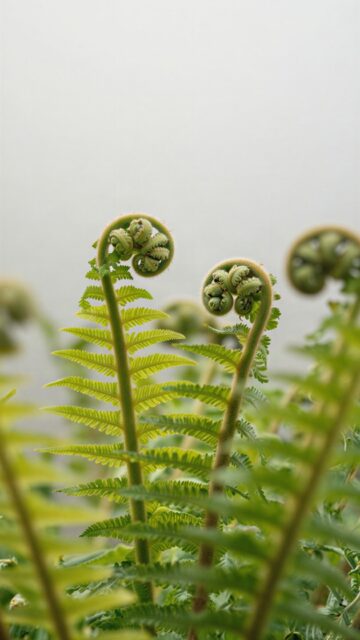
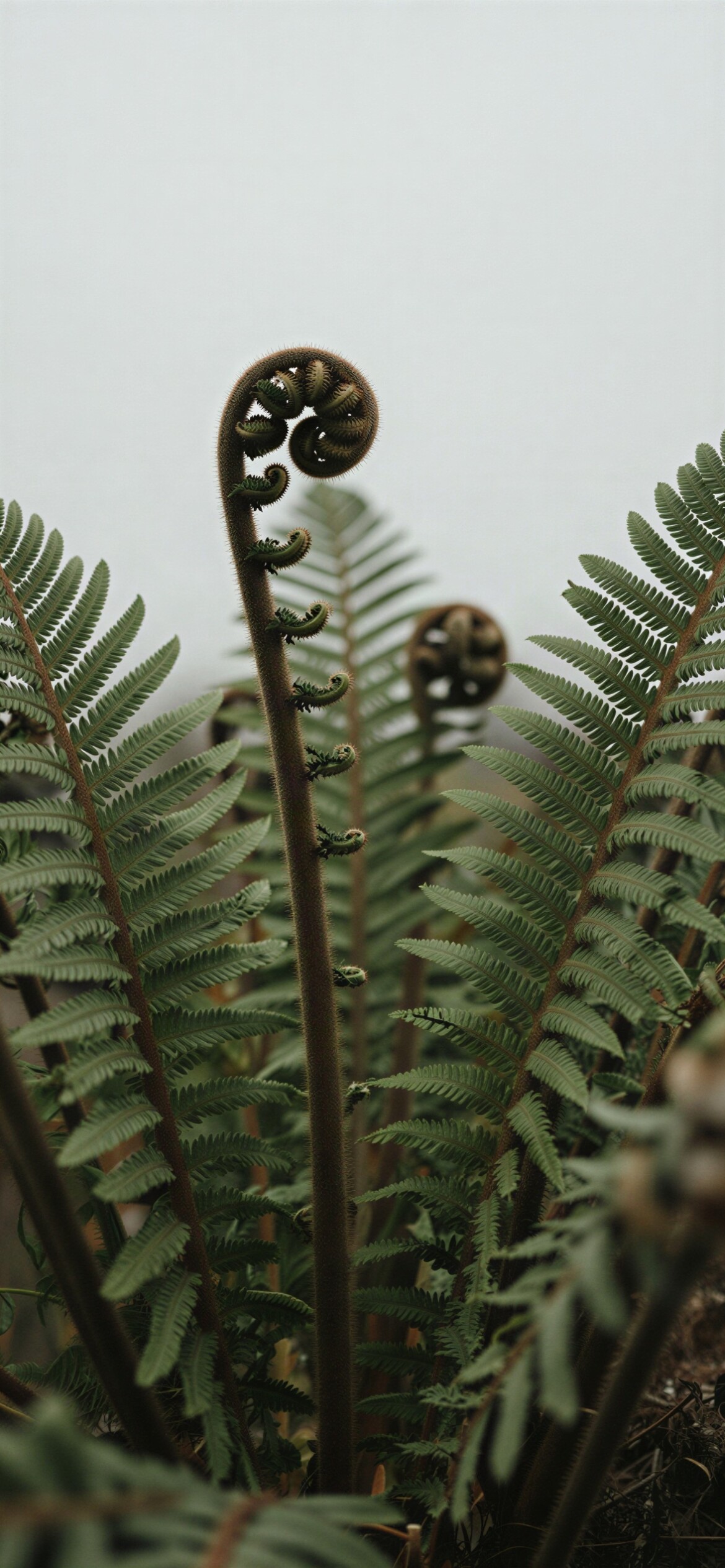
- Rich green fern fronds curling in a spiral, with plenty of natural texture.
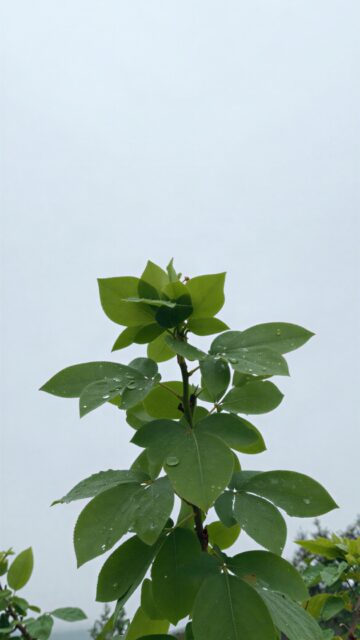
- Green leaves seen from above, scattered and dotted with water droplets.
- A pale mauve thistle flower with spiky green sepals, caught in side light.
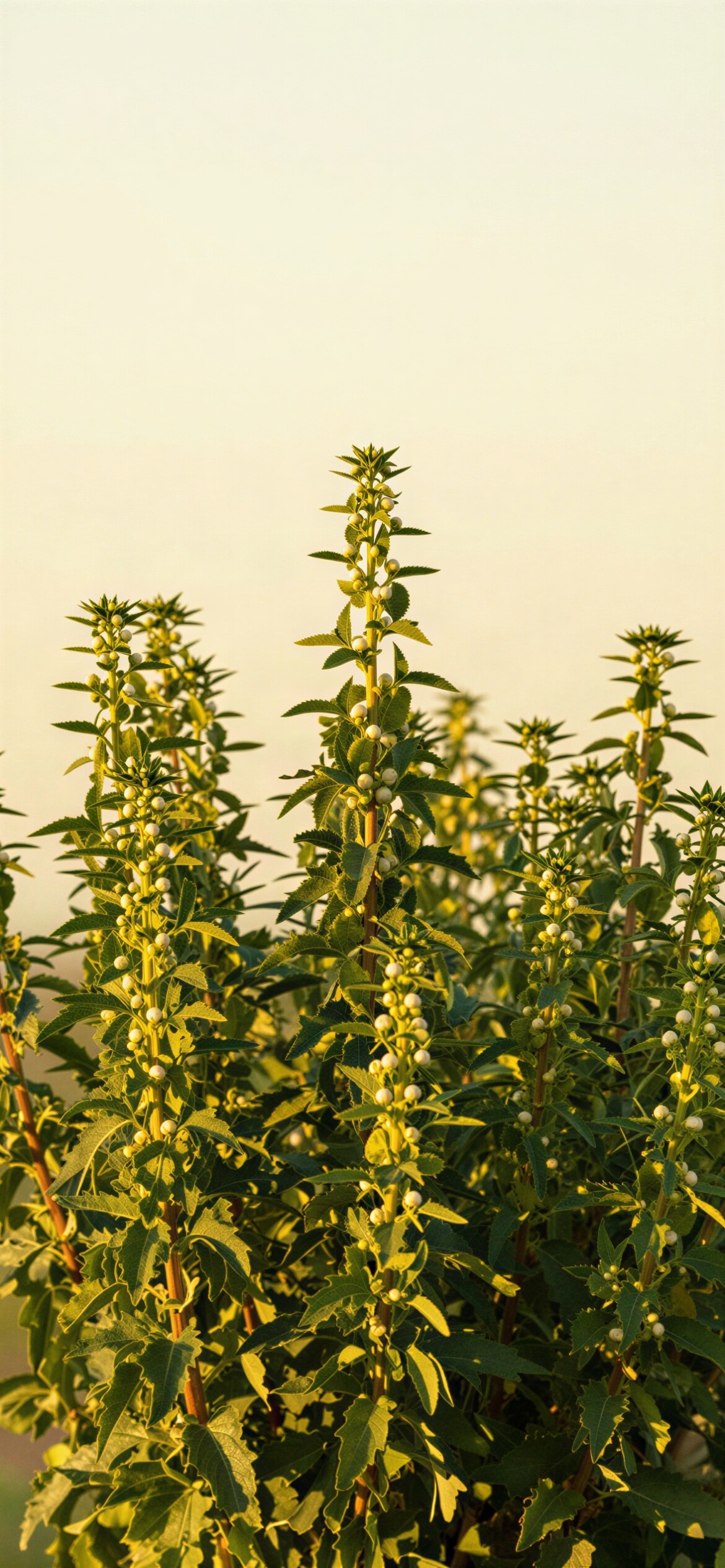
- Green stems carrying small white buds in warm golden hour light.
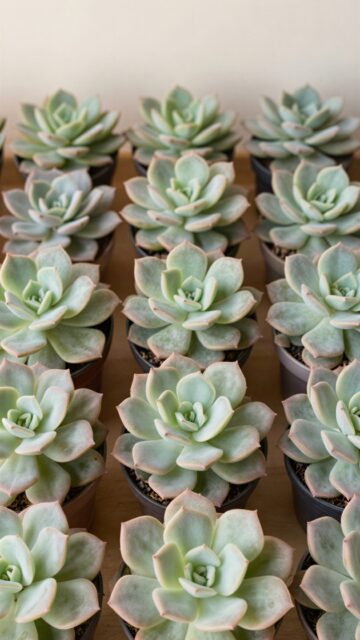
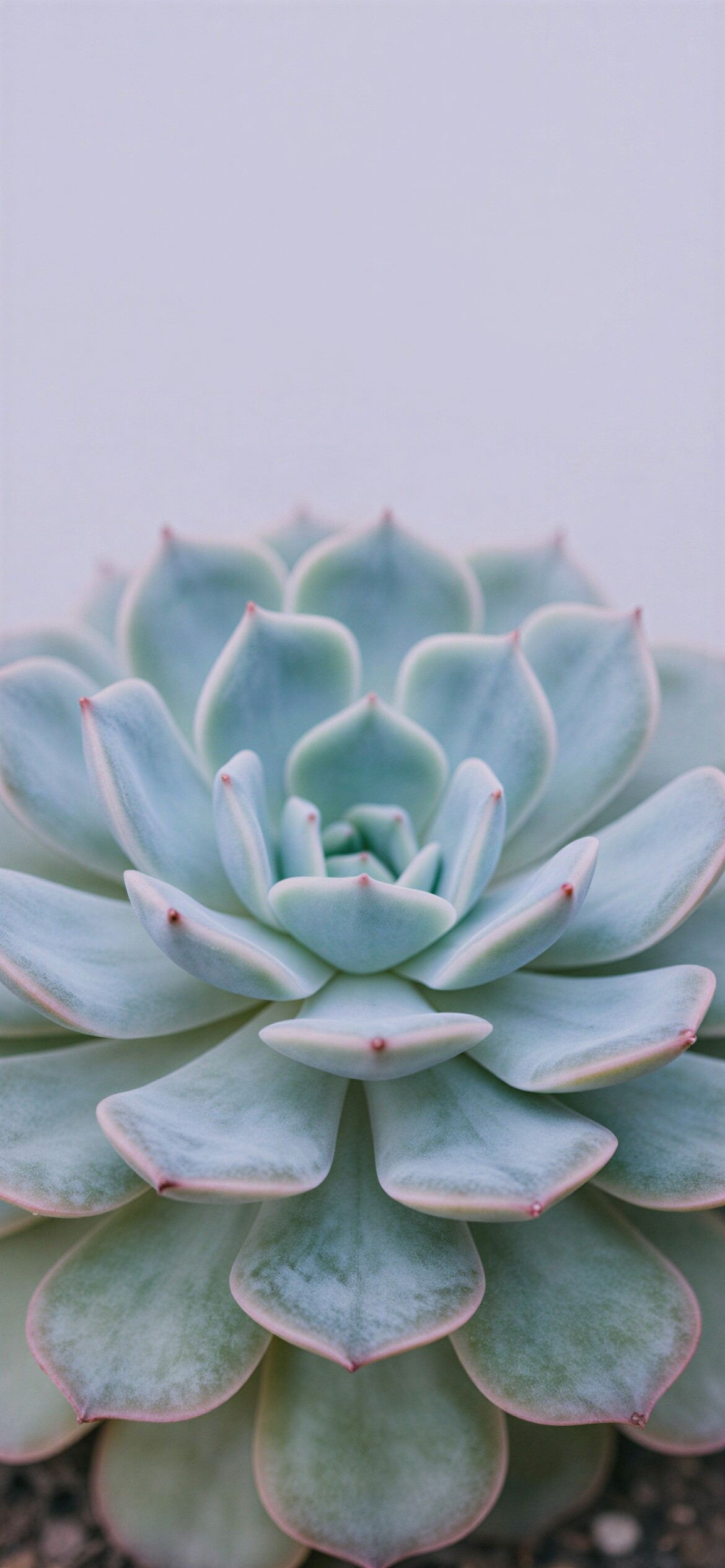
- A blue-green succulent rosette whose leaf edges turn soft pink.
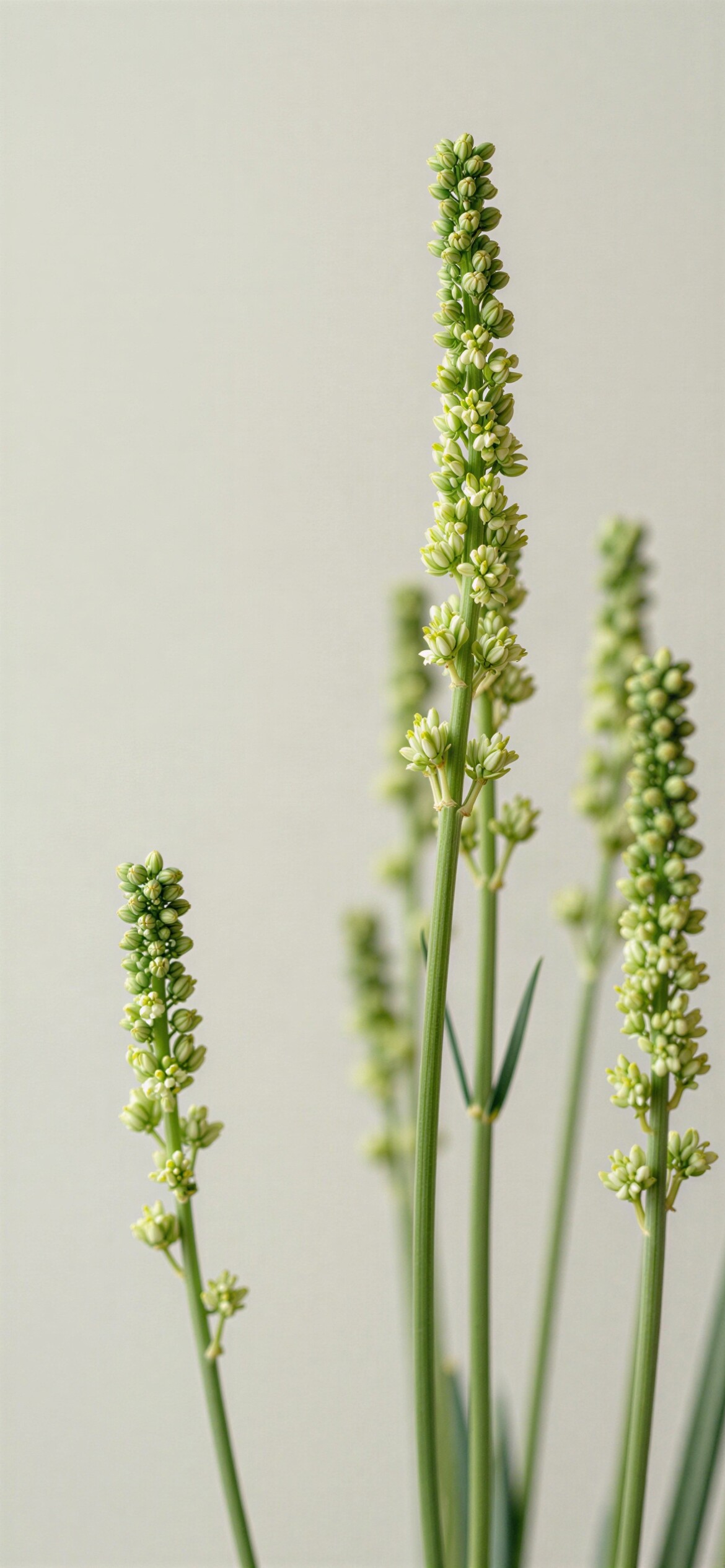
- Tall stems with pale buds, backlit against a pale background.
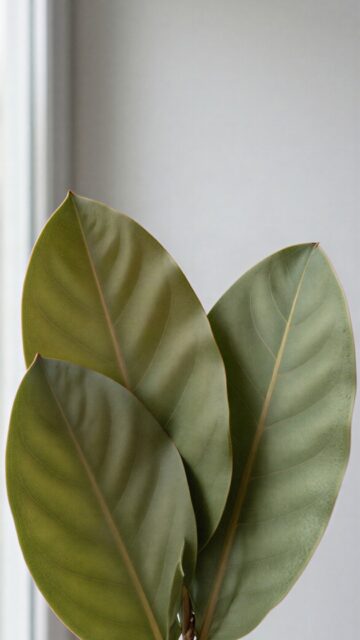
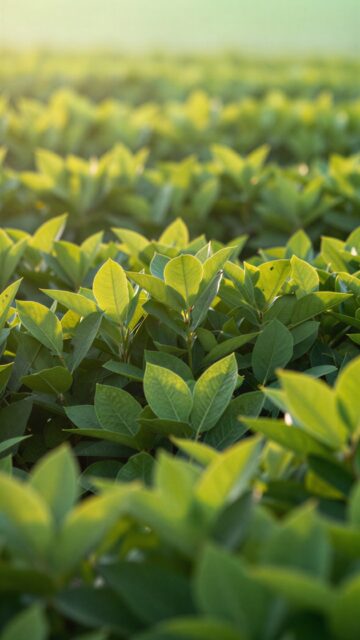
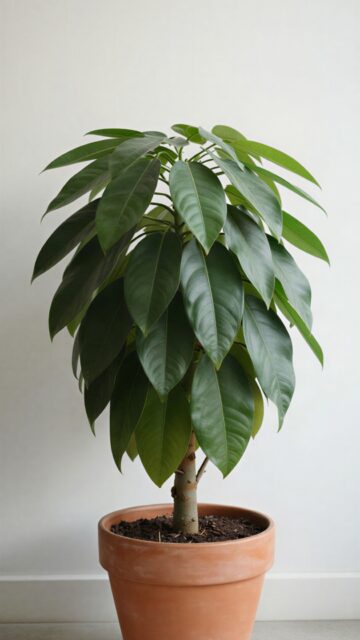
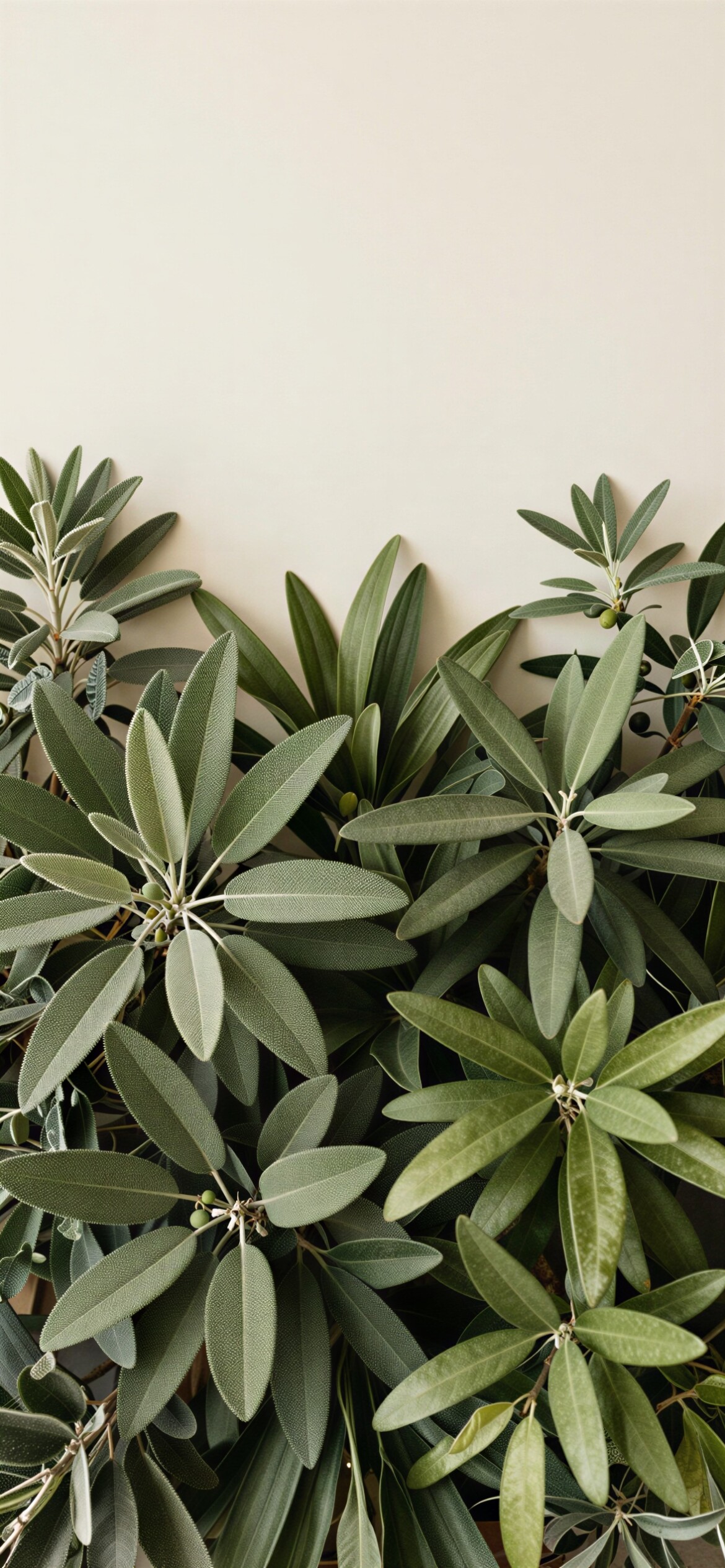
- A mix of olive and sage leaves in warm, diffused light.
Morning cool or evening gold?
The light decides the mood here more than the plant does. Wallpapers 2, 7 and 10 are the warm ones, all golden hour or warm diffused light, and they feel like late afternoon. Numbers 1, 4, 5 and 8 sit on the cool side, with silver-green, deep fern green, wet leaves and blue-green succulent tones. Numbers 3, 6 and 9 are the palest and airiest, with backlit stems and a soft mauve flower, so they leave the most clean space for the clock.
For more greens, the plant wallpapers move indoors to pots and windowsills, the sage green set stays with this soft grey-green, and the green wallpapers take the colour in other directions.
How to set it on your iPhone
- Tap Download and save the image to Photos.
- Open Settings, tap Wallpaper, then Add New Wallpaper, and choose Photos.
- Pick the wallpaper, pinch to position it, then tap Add and choose the lock screen, home screen or both.
Stuck on a step? The iPhone and iPad guide has screenshots for each one.
Questions
Will these wallpapers fit my iPhone screen?
Yes. These designs are made at 1170x2532 pixels, which is the standard size for iPhone wallpapers. They are sized for modern iPhones, and some older models may crop slightly at the edges. When you set a wallpaper on your iPhone, you can zoom and move it to frame your home screen or lock screen exactly as you like.
Can I use these wallpapers for personal use?
Yes, you can download and use these wallpapers free on your own iPhone for personal enjoyment. Selling them, printing them for sale, or reposting them on other wallpaper sites is not allowed. Please see our Terms page for the full details on acceptable use.
Which wallpapers work best for lock screen versus home screen?
Any of these work for both, but the designs with simpler tops (plain sky or soft background) are ideal for lock screens since time and notifications sit there. For home screens with apps covering the middle, choose the designs with interesting detail at the top so something botanical still shows between your icons.
Do botanical wallpapers look good with all iPhone themes?
Yes. The muted greens, creams and soft tones work with both light and dark mode. They don't clash with colorful app icons and pair especially well with minimal, monochrome, or nature-inspired icon themes. The natural palette feels calming alongside any home screen layout.