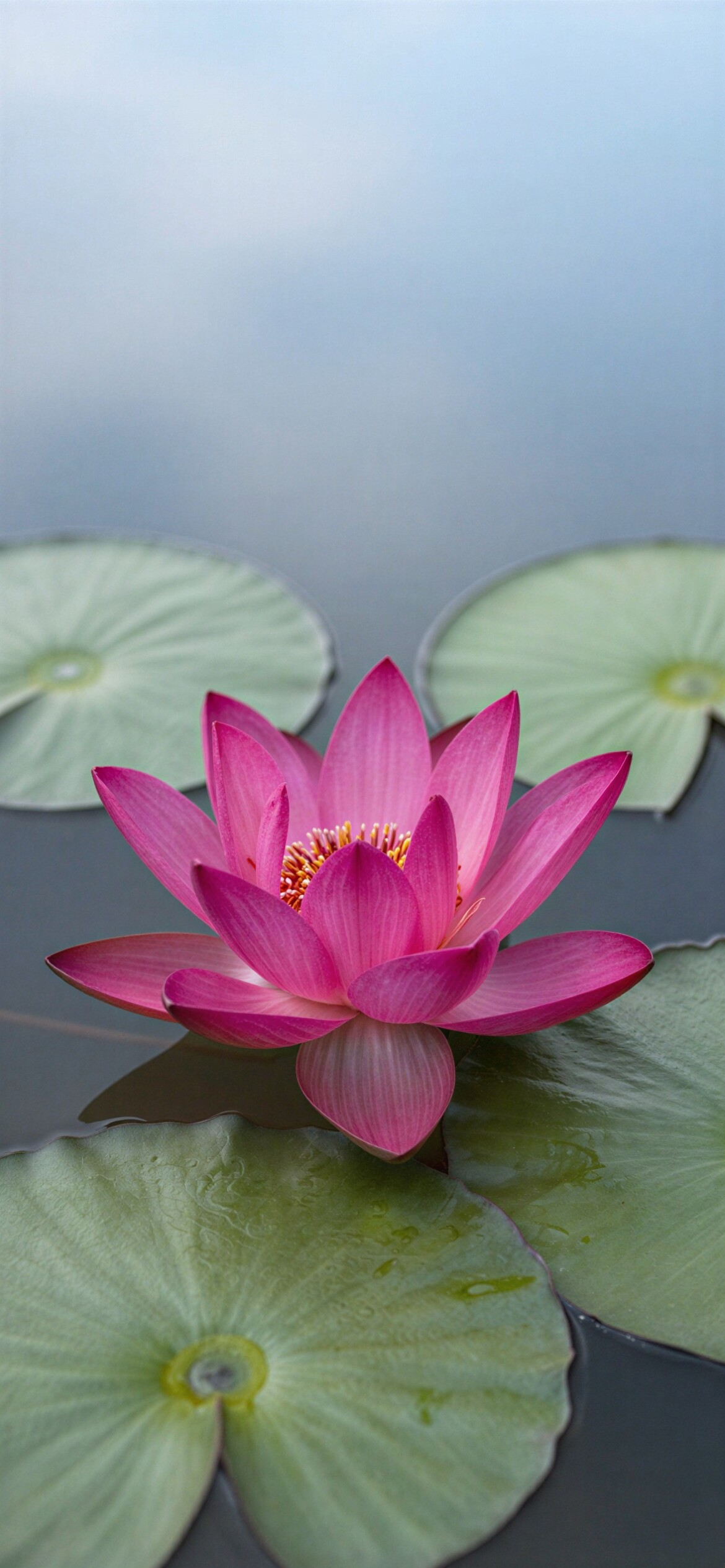
Lotus Wallpaper iPhone
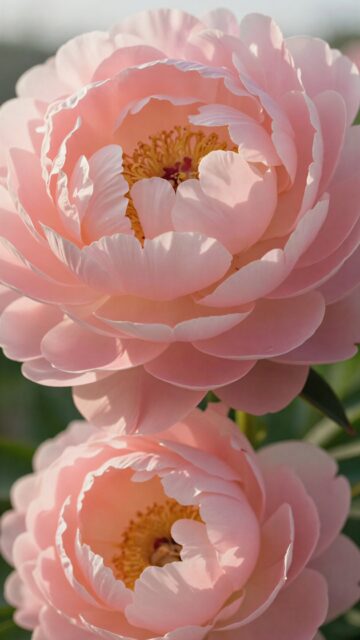
Lotus iPhone wallpaper brings serene water lilies and peaceful pond scenes to your home screen. These lotus wallpapers for iPhone feature soft natural light, calm water and blooming flowers in soft pinks, whites and greens. Each design captures the quiet beauty of lotus flowers at different times of day. The collection suits both lock screen and home screen, pairing well with minimal icon layouts and calm app themes.
10 wallpapers at 1170 × 2532 px for iPhone. Checked by hand on 12 Oct 2026.
About this set
These lotus wallpapers showcase the peaceful beauty of water lilies in soft natural light. The designs feature blooming lotus flowers in shades of pink, white, cream, red and magenta floating on still pond water with lily pads and gentle ripples. Each wallpaper captures a calm, meditative mood perfect for creating a serene iPhone experience.
The collection works well for both lock screen and home screen. Lock screen designs use simpler compositions with the lotus positioned lower so it does not hide notification badges. Home screen wallpapers pair beautifully with minimal icon layouts and nature-themed app icons. The soft colors coordinate well with calm app themes and work equally well in light or dark mode depending on the design.
Why the lotus means so much
The lotus (Nelumbo nucifera) is rooted in the mud at the bottom of ponds, yet its leaves and flowers come up clean. The leaf surface is covered in tiny waxy bumps that make water bead up and roll off, carrying dirt away with it. Scientists call this the lotus effect, and it has inspired self-cleaning paints and glass coatings.
That contrast between mud and clean bloom is a big part of why the flower became a symbol of purity in Hinduism and Buddhism. The Buddha is often shown seated on an open lotus, and the lotus is the national flower of India. Wallpaper 2, with its bud just starting to open, and wallpaper 5, with flowers at different stages, both echo that idea of something unfolding slowly.
Going pond by pond
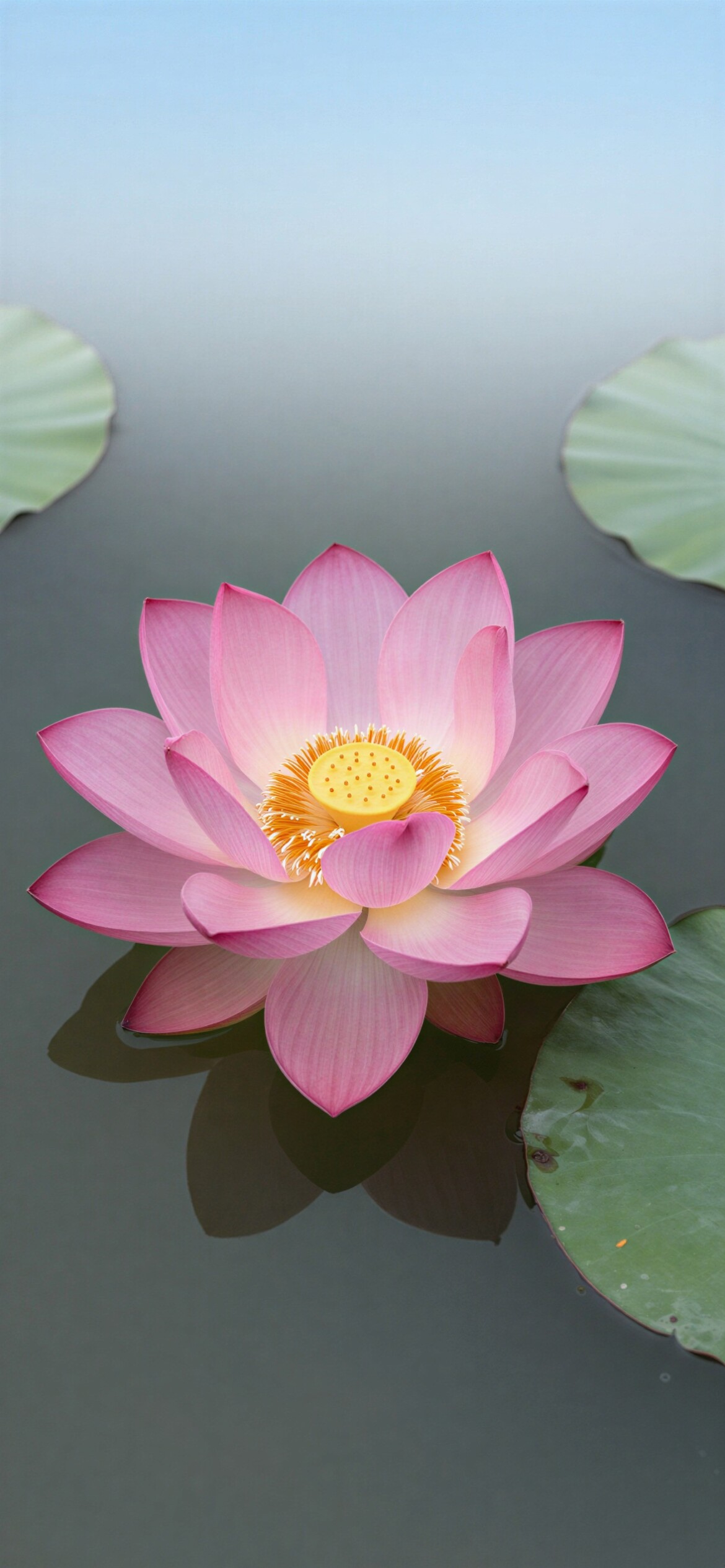
- Wallpaper 1: a pink lotus on dark water under a soft blue sky. The dark lower half keeps dock icons easy to read.
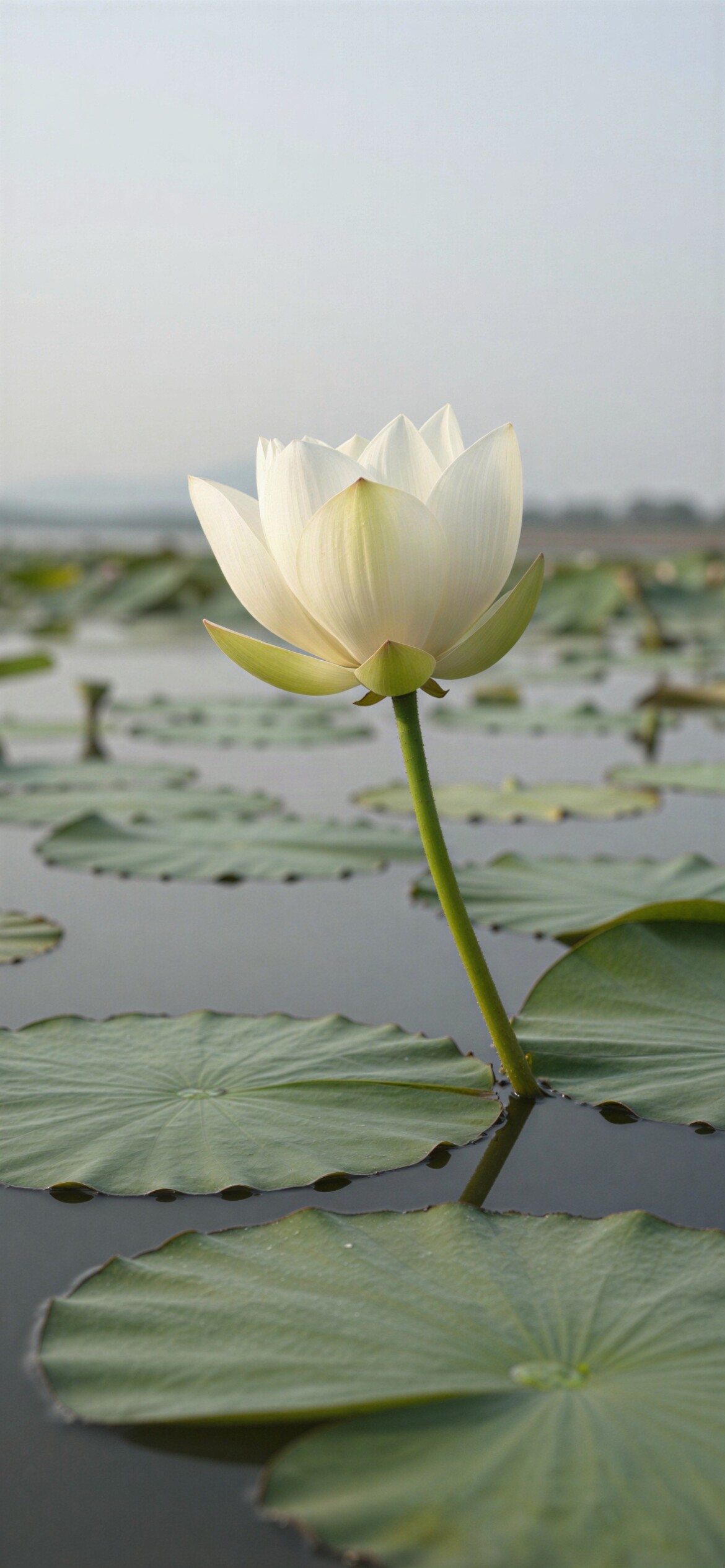
- Wallpaper 2: a white bud opening among green lily pads. Quiet enough to sit behind a full page of apps.
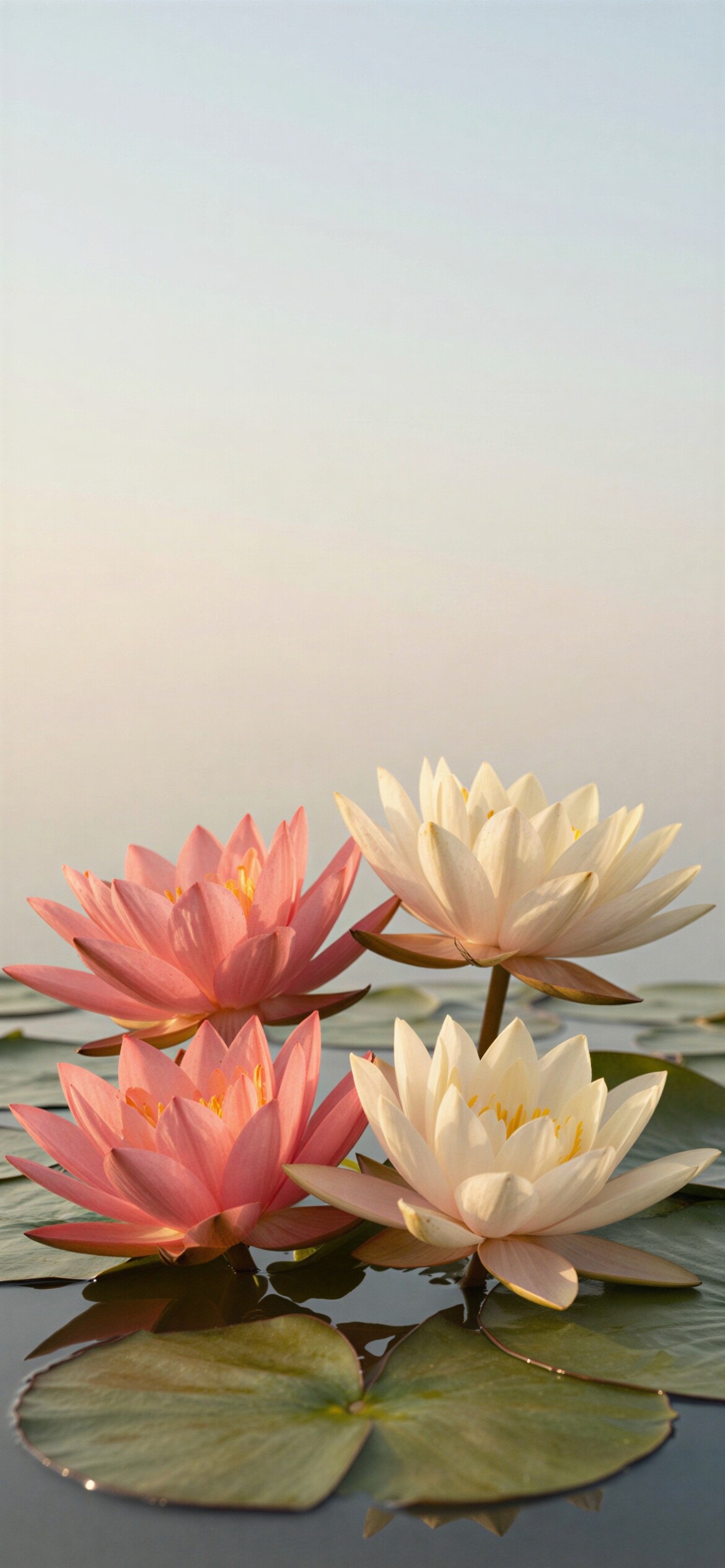
- Wallpaper 3: three coral and pink blooms on still water, the warmest group shot in the set.
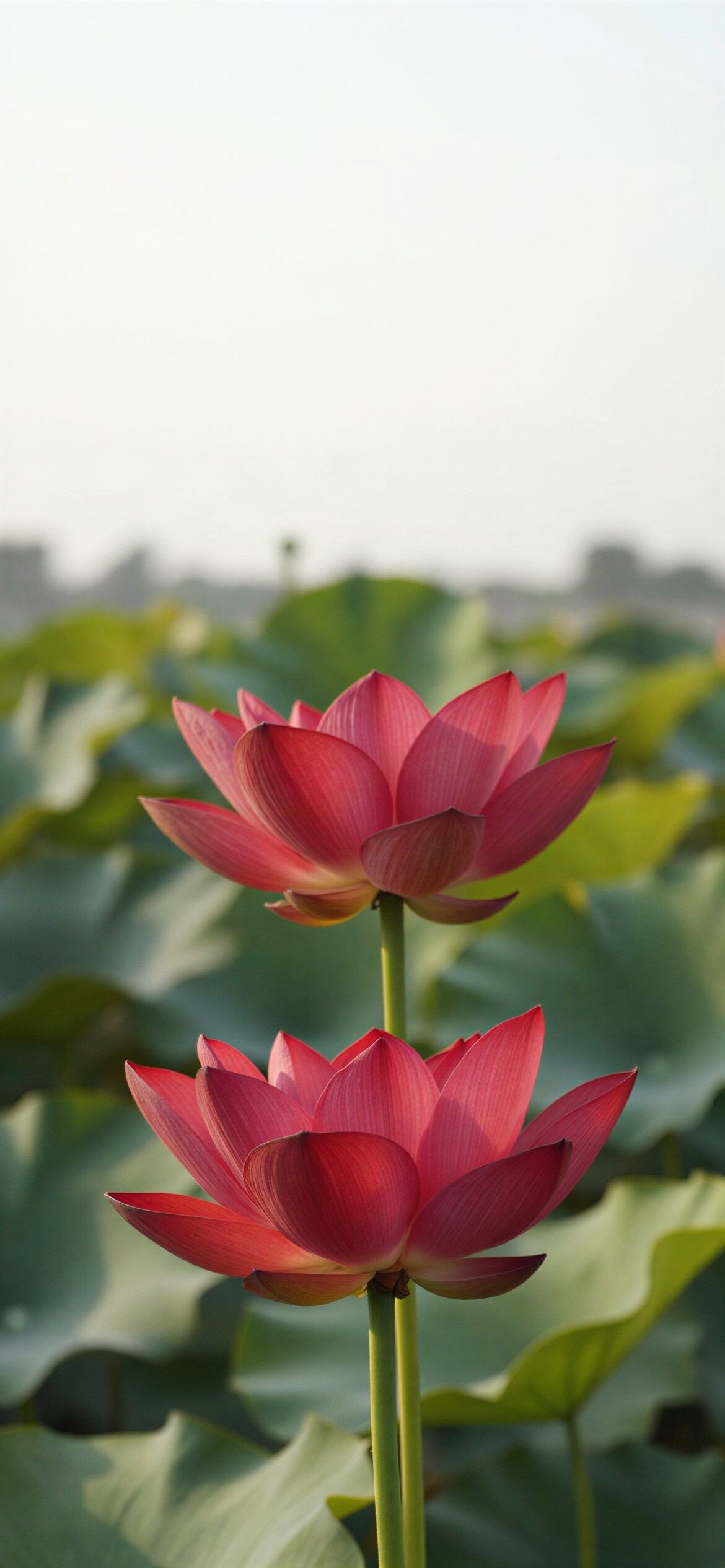
- Wallpaper 4: a deep red bloom in profile against a blue-grey sky. A strong lock screen pick if you like one clear subject.
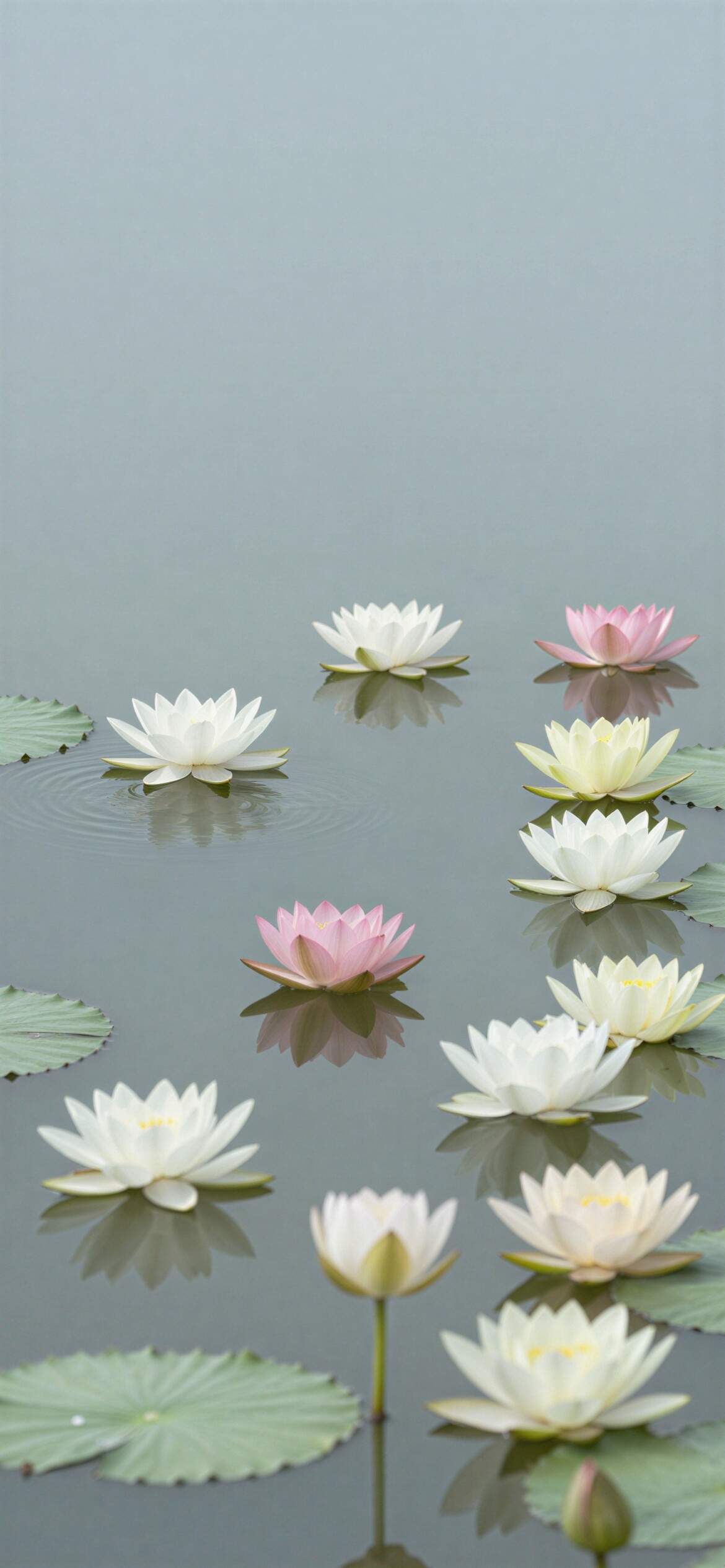
- Wallpaper 5: several flowers at different stages with an empty sky above, which leaves room for the clock and widgets.
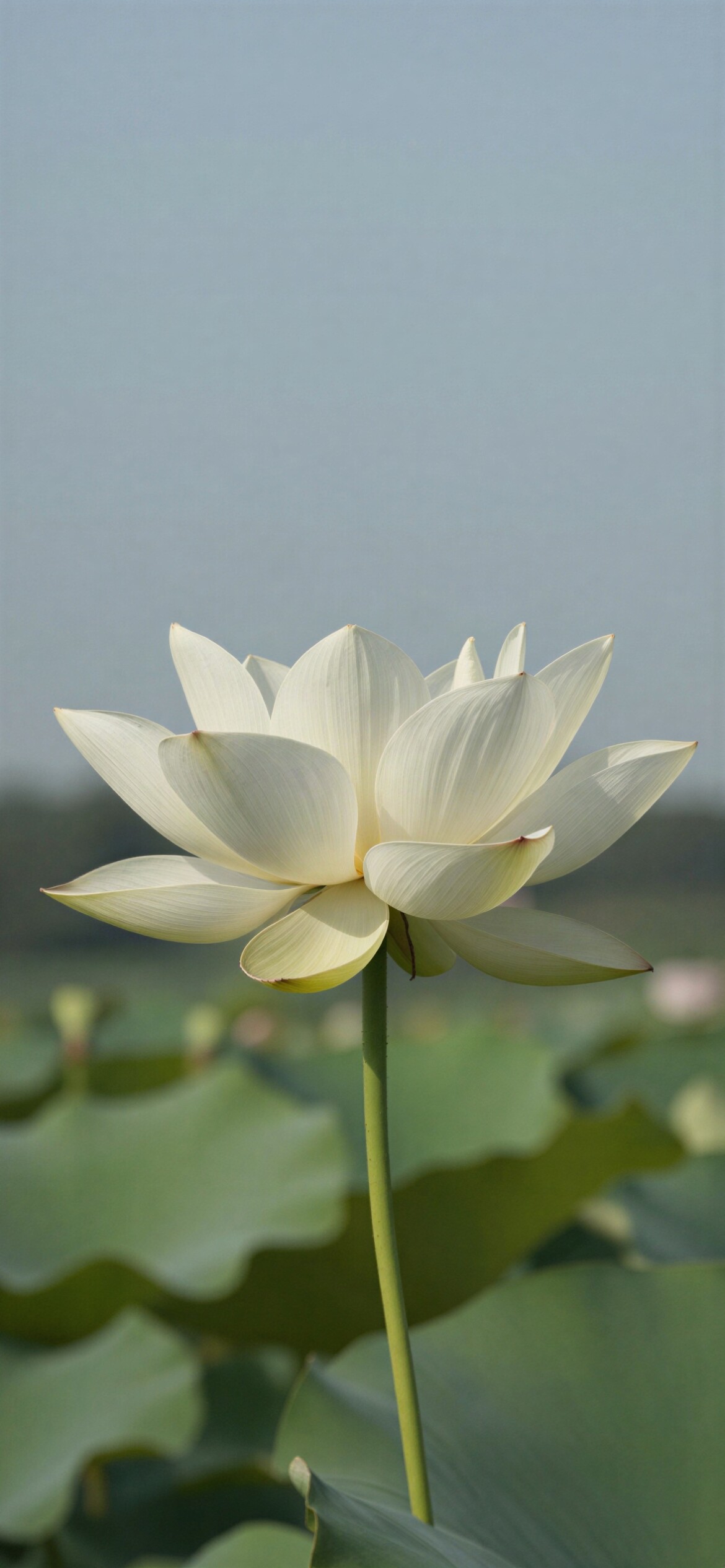
- Wallpaper 6: a pale cream lotus in profile on soft blue, the lightest and most minimal design here.
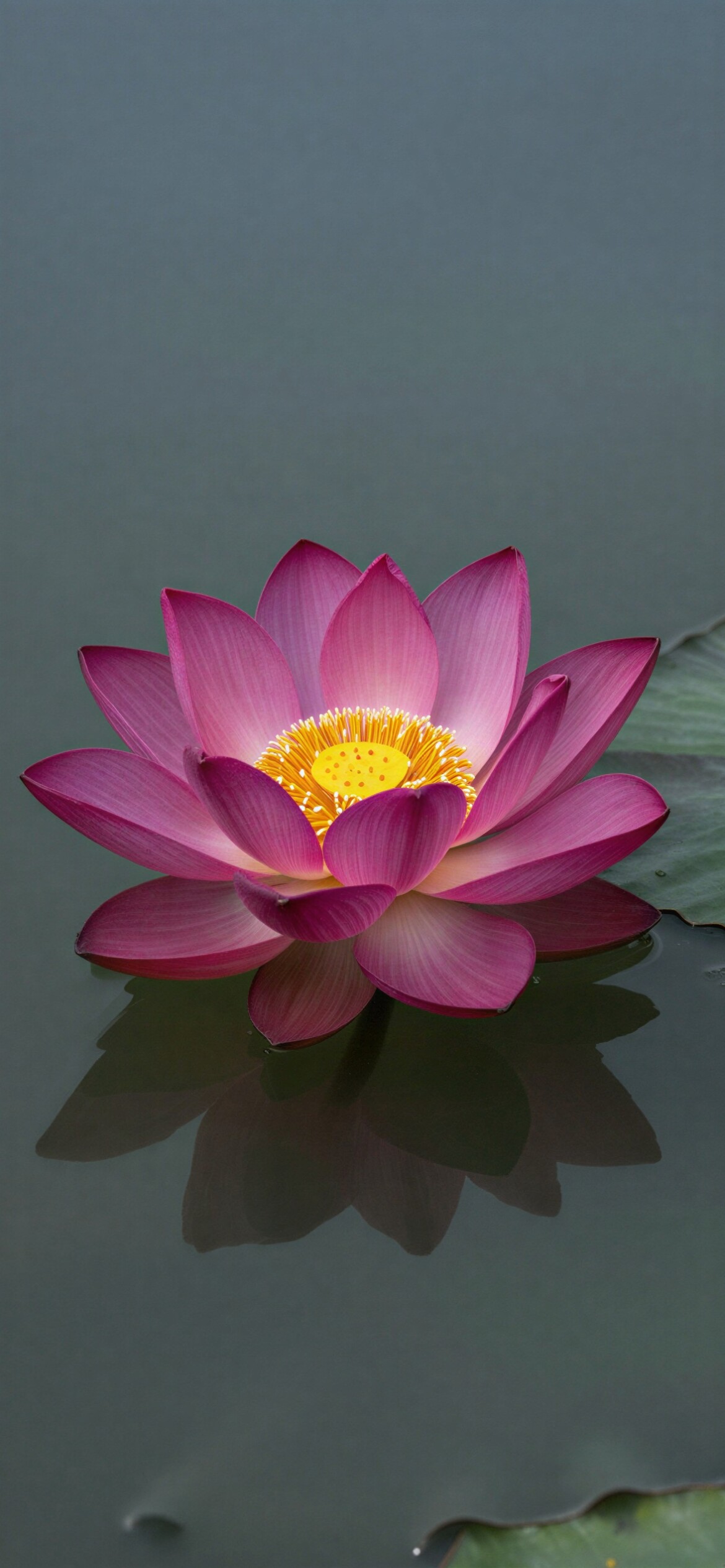
- Wallpaper 7: a magenta flower with a yellow centre on dark water. Its colour shows up best on a dark home screen.
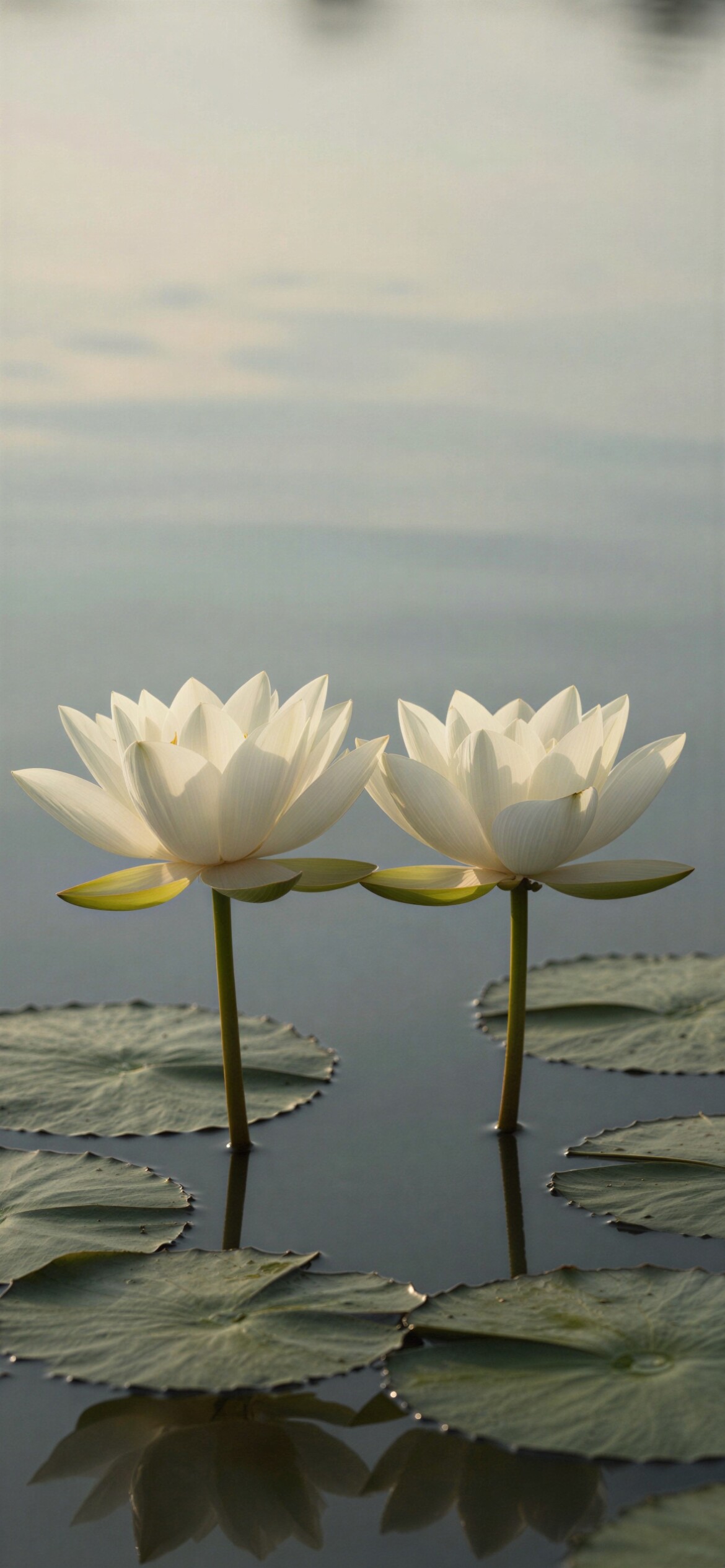
- Wallpaper 8: two white flowers side by side on calm water, a good pick if you like balance and symmetry.
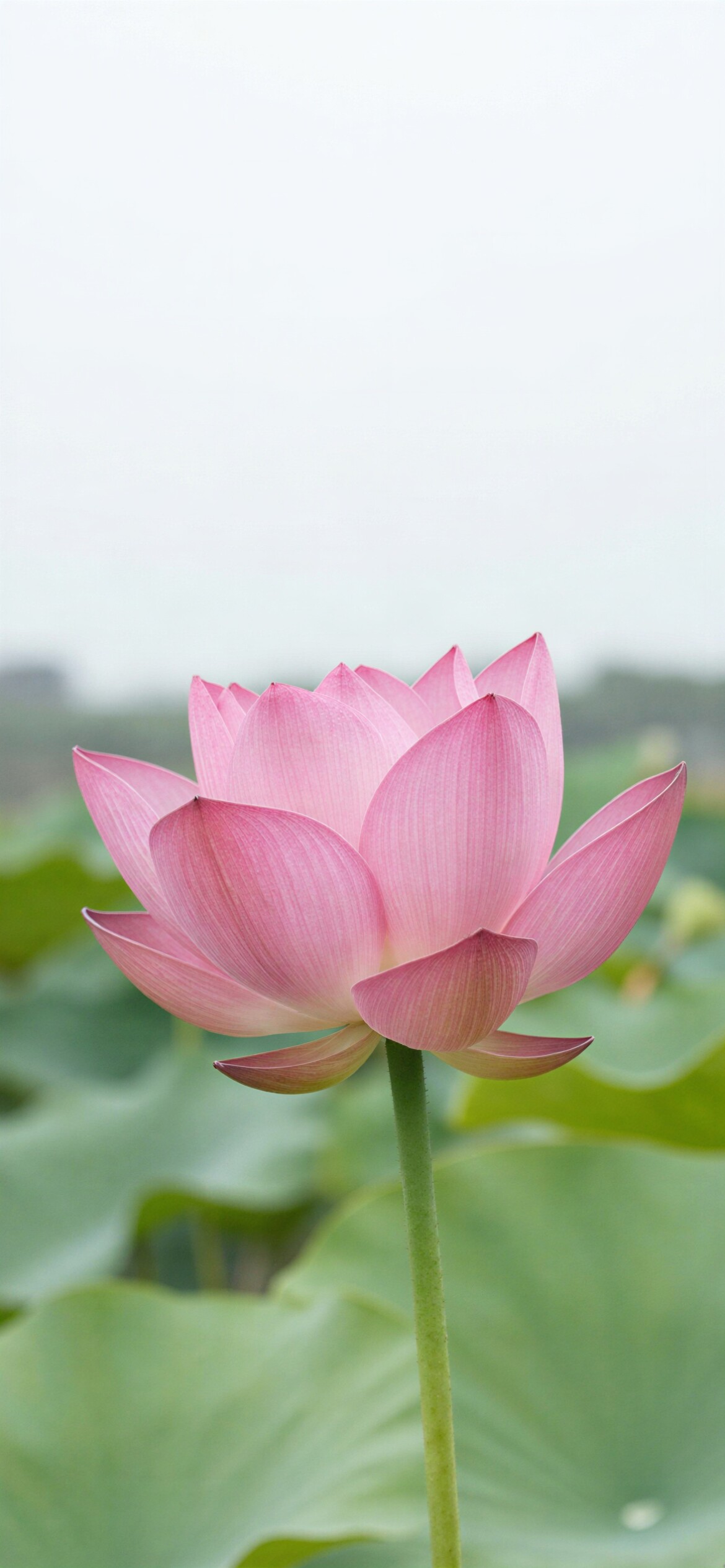
- Wallpaper 9: a half-open pink bloom against a white sky with lily pads. Bright and airy, so it suits light mode.
- Wallpaper 10: a fuchsia flower seen from above, ringed by lily pads. The round layout sits nicely behind a centred grid of icons.
Pale, pink or bold
For something restful, the white and cream flowers in wallpapers 2, 6 and 8 are the softest. The everyday pinks sit in the middle: wallpapers 1, 3, 5 and 9 feel warm without being loud. If you want more contrast, go for wallpapers 4, 7 and 10, where deep red, magenta and fuchsia stand out against the water and sky.
On iPhones with OLED screens each pixel makes its own light, so the dark water in wallpapers 1 and 7 looks deep and the flowers seem to glow against it.
For more blooms and quiet scenes, browse our pink flower wallpapers, the cool tones of our water wallpapers, or the gentle designs in our calming wallpaper set.
How to set it on your iPhone
- Tap Download and save the image to Photos.
- Open Settings, tap Wallpaper, then Add New Wallpaper, and choose Photos.
- Pick the wallpaper, pinch to position it, then tap Add and choose the lock screen, home screen or both.
Stuck on a step? The iPhone and iPad guide has screenshots for each one.
Questions
What size are these lotus iPhone wallpapers?
All wallpapers in this set are 1170x2532 pixels, optimized for iPhone screens. They are sized for modern iPhones, and some older models may crop slightly at the edges. Download any design and set it directly as your lock screen or home screen background through the Photos app.
Can I use these lotus wallpapers for personal use?
Yes, all wallpapers in this set are free to download and use on your personal devices. You may not sell, print for sale, or repost them on other wallpaper sites or social media. See our Terms page for the full license and permissions.
Which lotus wallpapers work best for the lock screen?
Designs with the lotus positioned lower in the frame work best for lock screen use, as they avoid covering time and notification badges. The single flower wallpapers and designs with simple skies are ideal for lock screens since they do not distract from important information.
Do these lotus wallpapers work with dark mode?
Most designs work well in both light and dark modes since they feature natural pond scenes with soft skies. The lighter lotus flowers in cream and white show beautifully against dark mode settings. Test each wallpaper on your home screen to see which matches your icon style and preferred theme.