Leaf Wallpaper iPhone
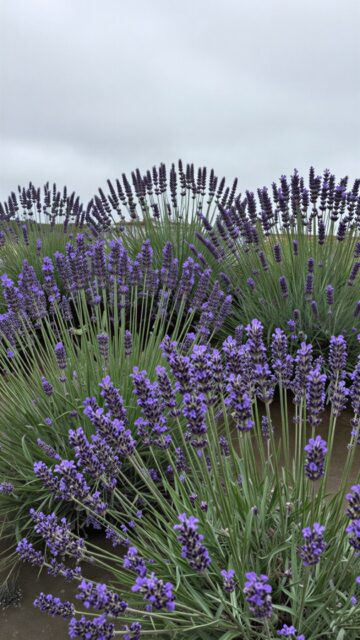
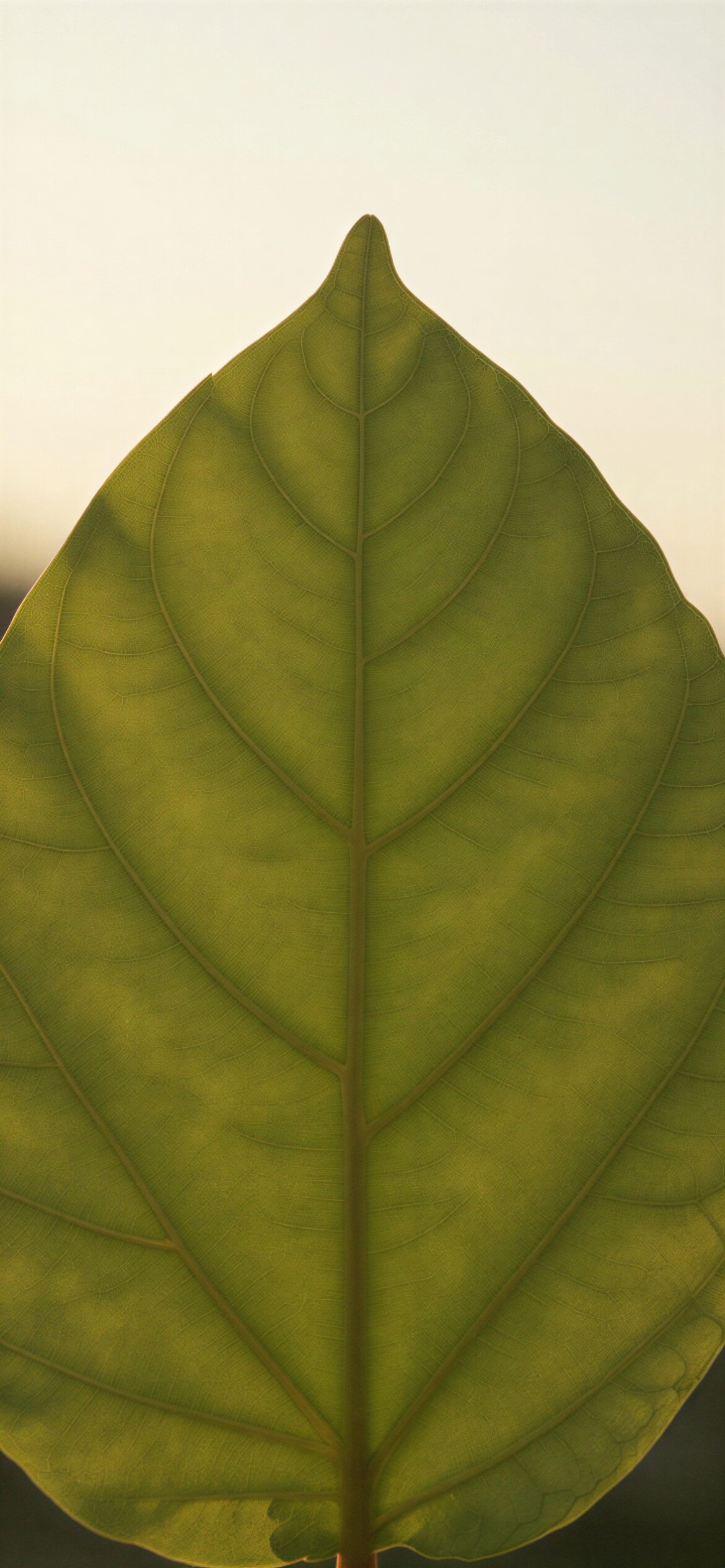
Leaf wallpaper for iPhone brings botanical details and natural green tones to your lock and home screens. These original artworks showcase leaves in soft light, with realistic textures and calm, earthy palettes. Each design captures the quiet beauty of plants and greenery, from delicate veins to layered foliage. The set works year-round and pairs well with minimal home screen layouts.
10 wallpapers at 1170 × 2532 px for iPhone. Checked by hand on 13 Oct 2026.
About this set
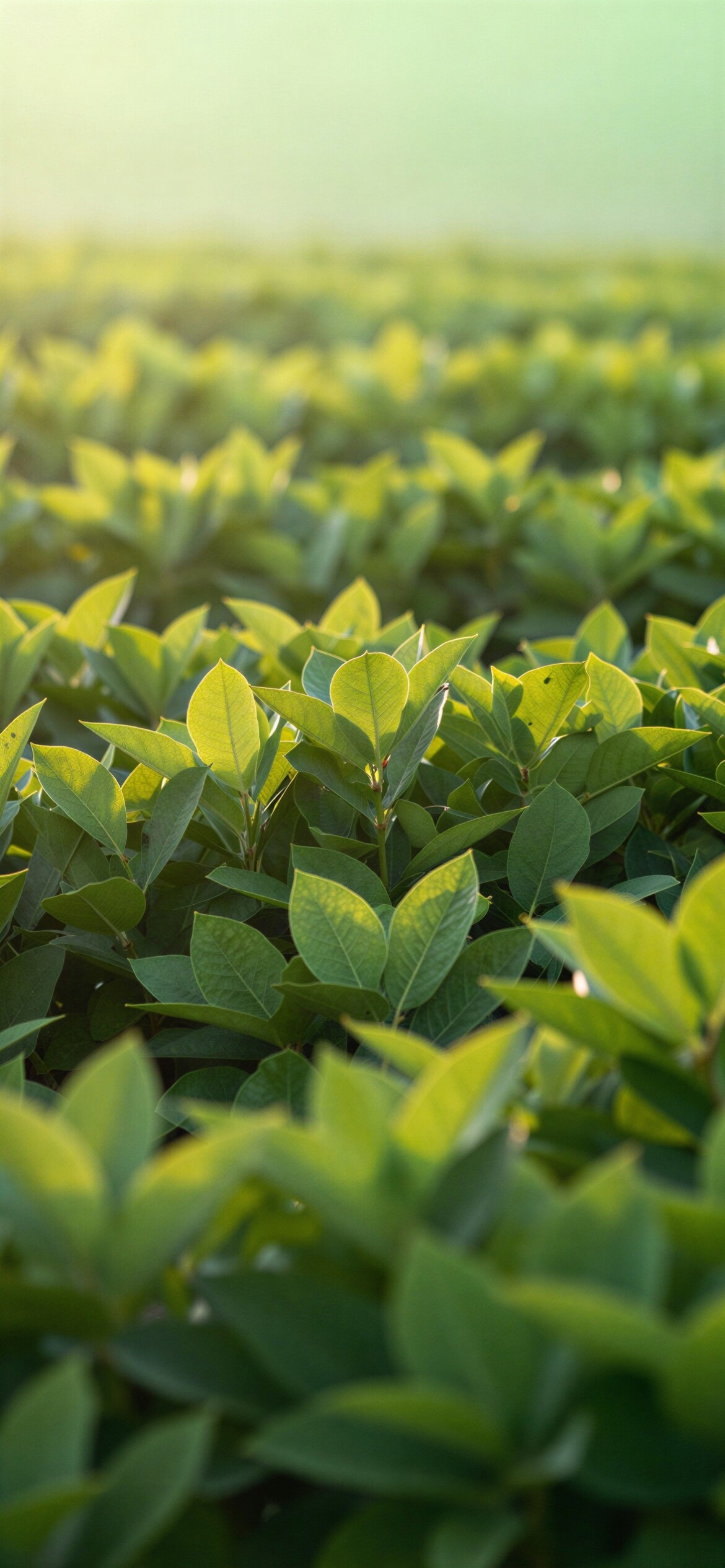
These leaf wallpapers feature soft, natural photography of botanical subjects in calm lighting. The designs work well on both lock and home screens, with simple upper sections that keep text and widgets readable. Choose the single-leaf designs for lock screens where clarity matters, and the clustered or layered options for home screens behind icon arrangements.
The muted green and earthy tones pair well with minimal icon packs and work across all seasons. Use these with focus modes to create a nature-inspired aesthetic, or pair with light-colored widgets for visual balance. The neutral backgrounds complement both light and dark mode home screen layouts.
Ten leaves and the light on each
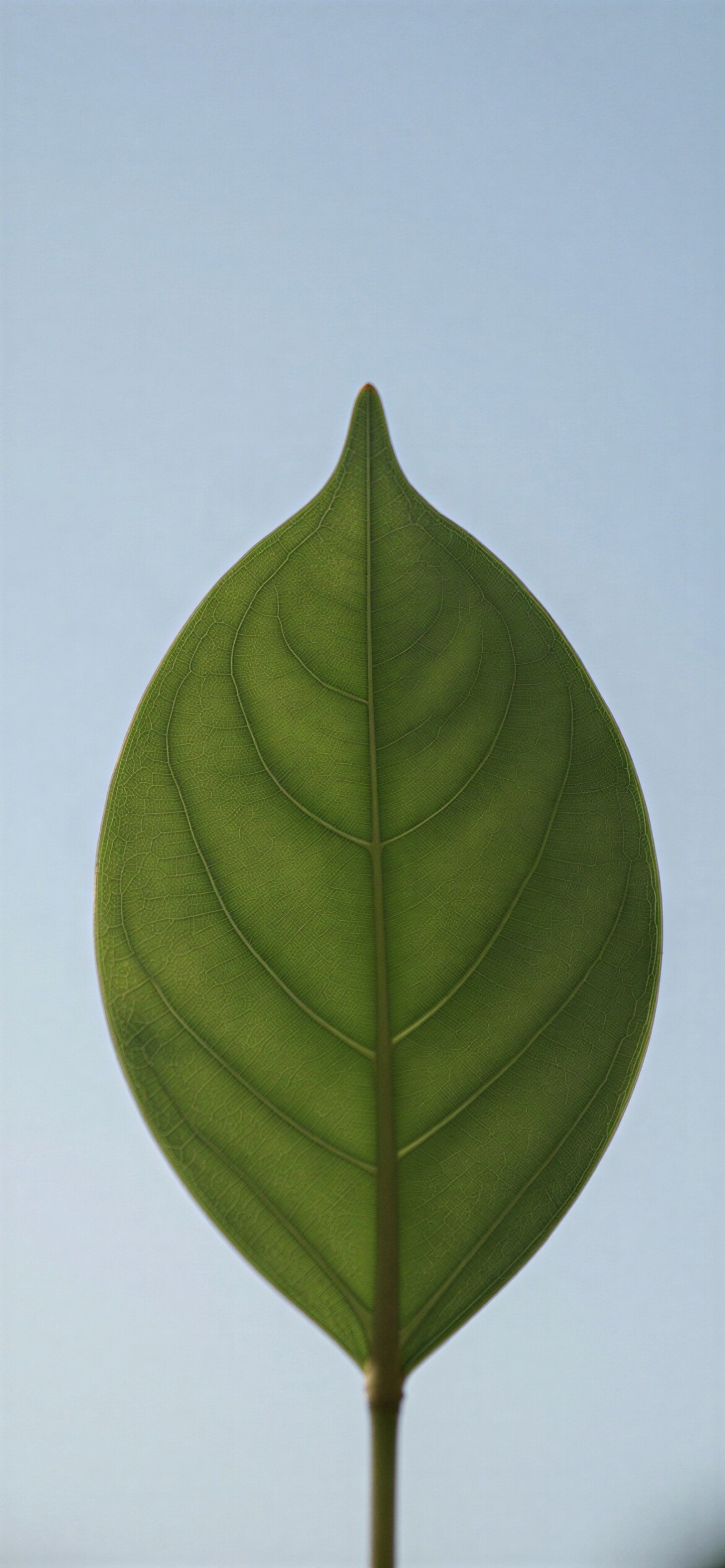
- 1. One green leaf lit from behind by morning sun, set against a pale sky. Light shining through the blade makes this the brightest picture in the set, a good lock screen if you like a clean, airy start to the day.
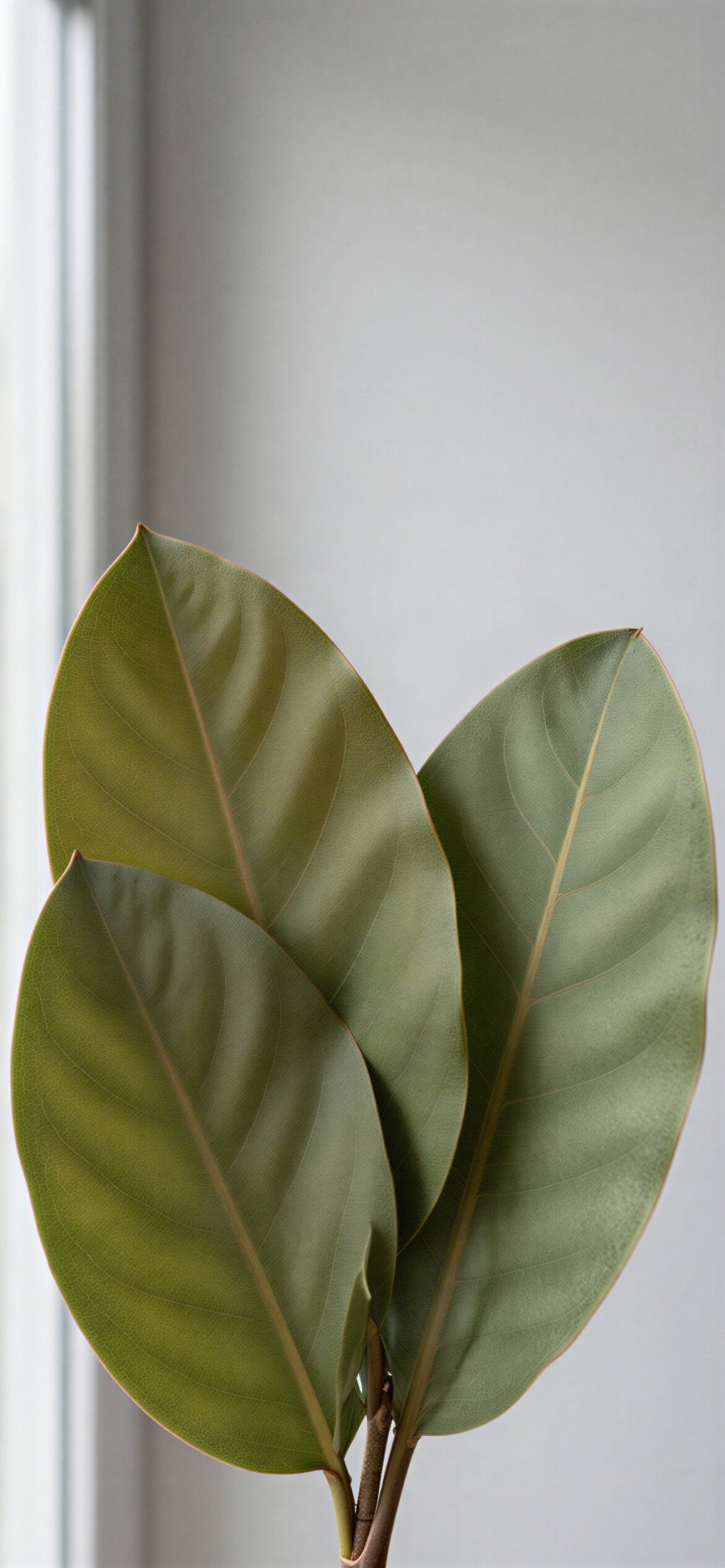
- 2. Three leaves overlap in soft window light, two green and one turning bronze. The mix of colours gives a home screen a little warmth without getting busy.
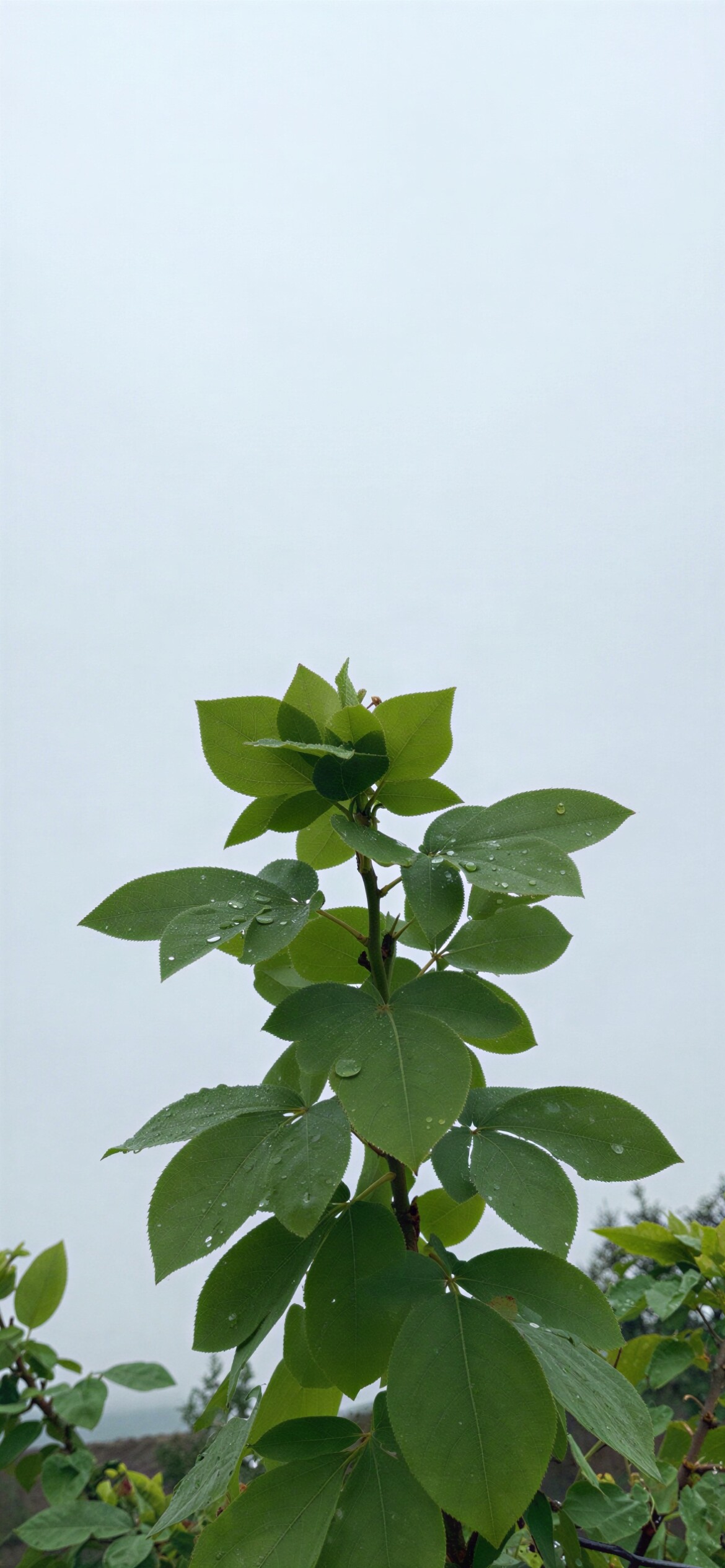
- 3. Fresh leaves on a stem, still holding water droplets, under an overcast sky. Calm and cool, and it suits anyone who prefers grey days to sunny ones.
- 4. Layered leaves with golden hour light slipping through the gaps. There is a lot happening in the lower half, so keep icons spaced out.
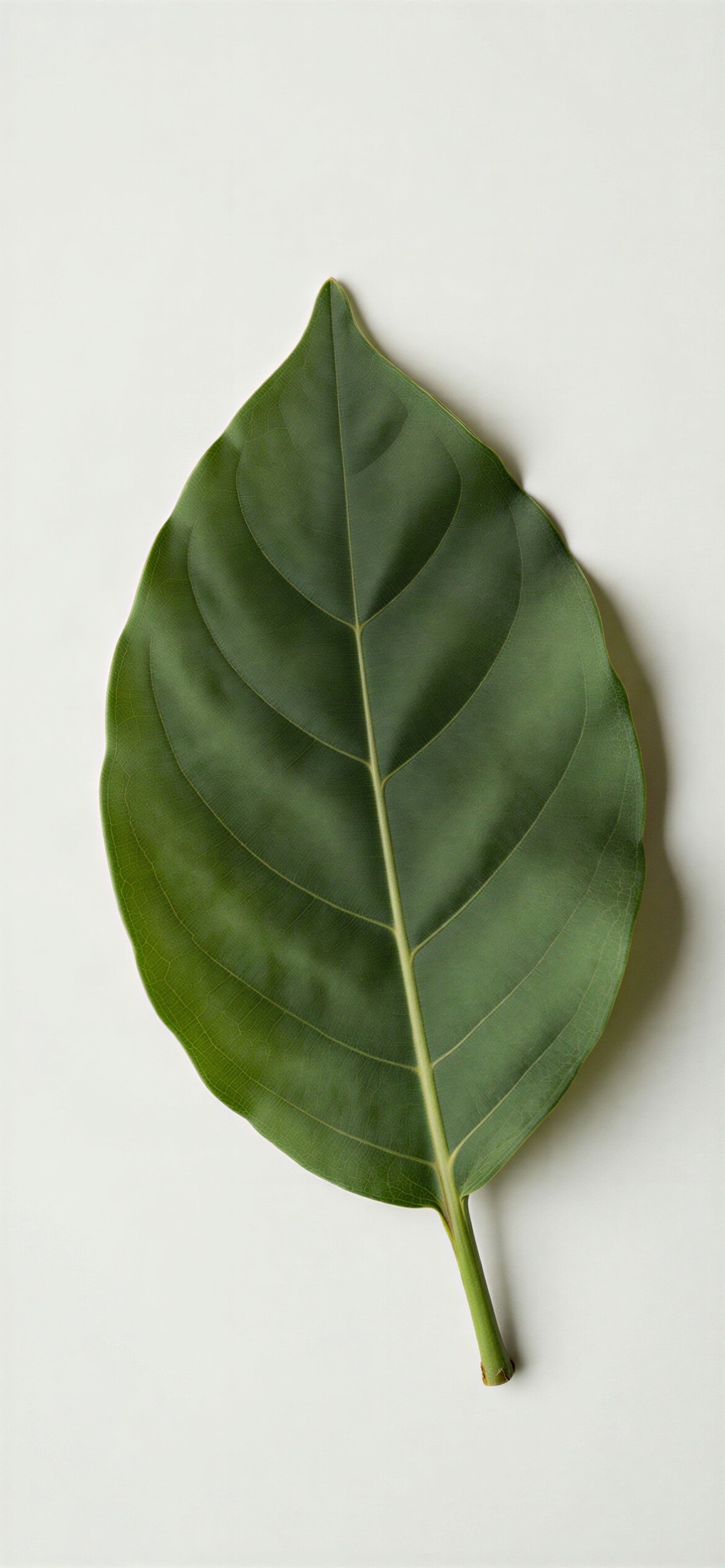
- 5. A dark green leaf turned so the light rakes across its veins. The strongest contrast in the set and the one to pick if you want the leaf's structure front and centre.
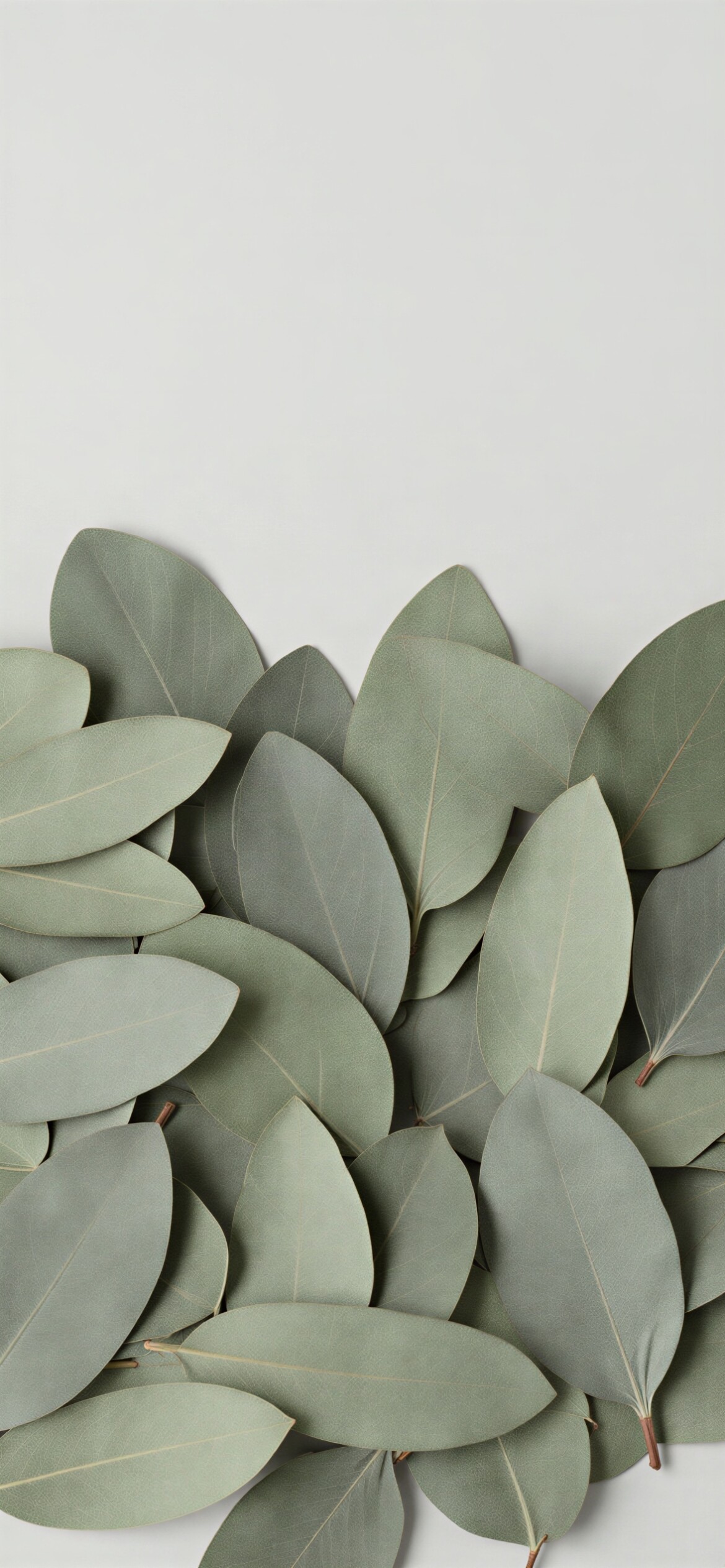
- 6. Sage and olive leaves scattered over light grey. Flat, muted and evenly spread, it behaves almost like a pattern behind a full grid of apps.
- 7. A single bright leaf in cool blue hour light. The blue sky around it makes this the coolest image of the ten.
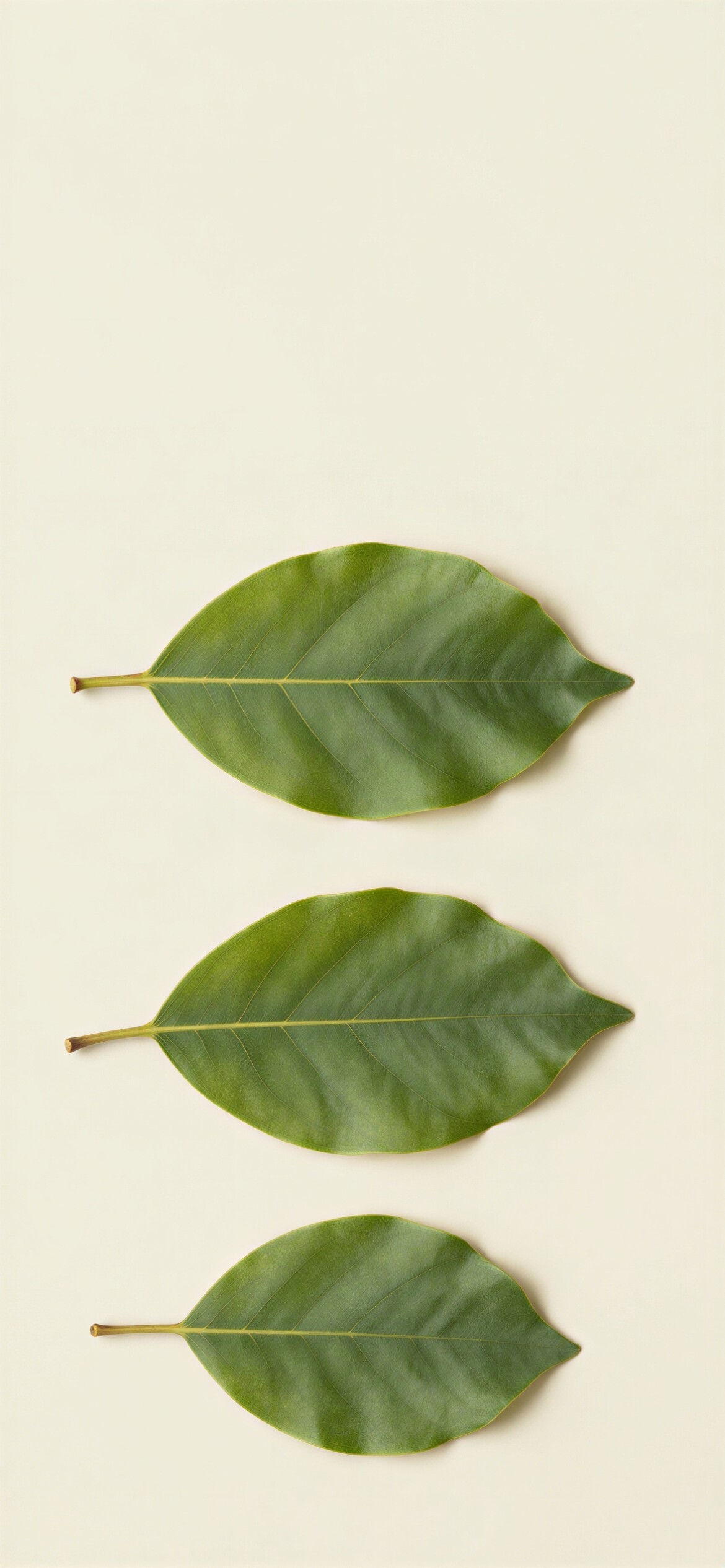
- 8. Three leaves stacked from top to bottom in warm natural light. The vertical line follows the shape of the phone, which helps it sit well on a lock screen.
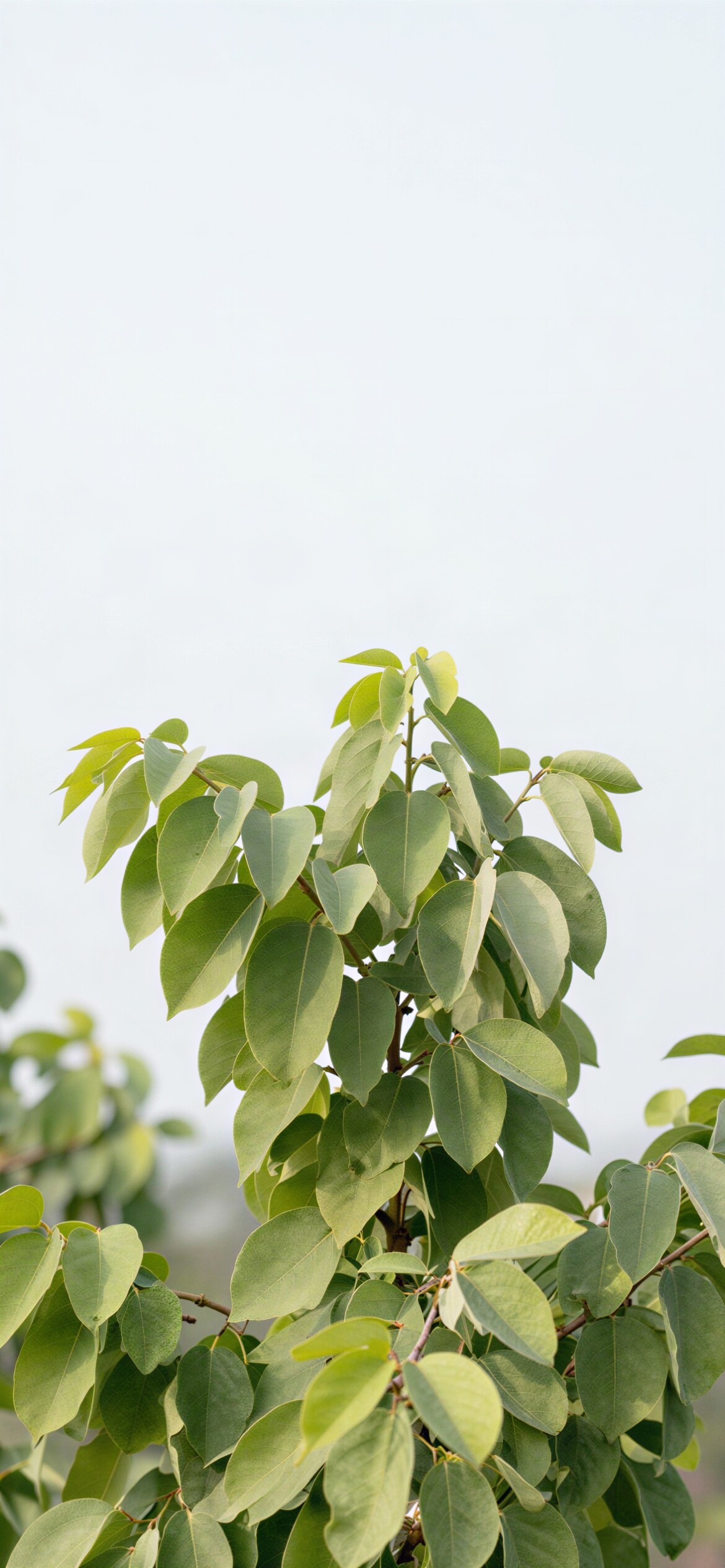
- 9. A small cluster of tender lime and sage leaves with fine detail against a pale sky. New growth like this is the lightest green in the collection.
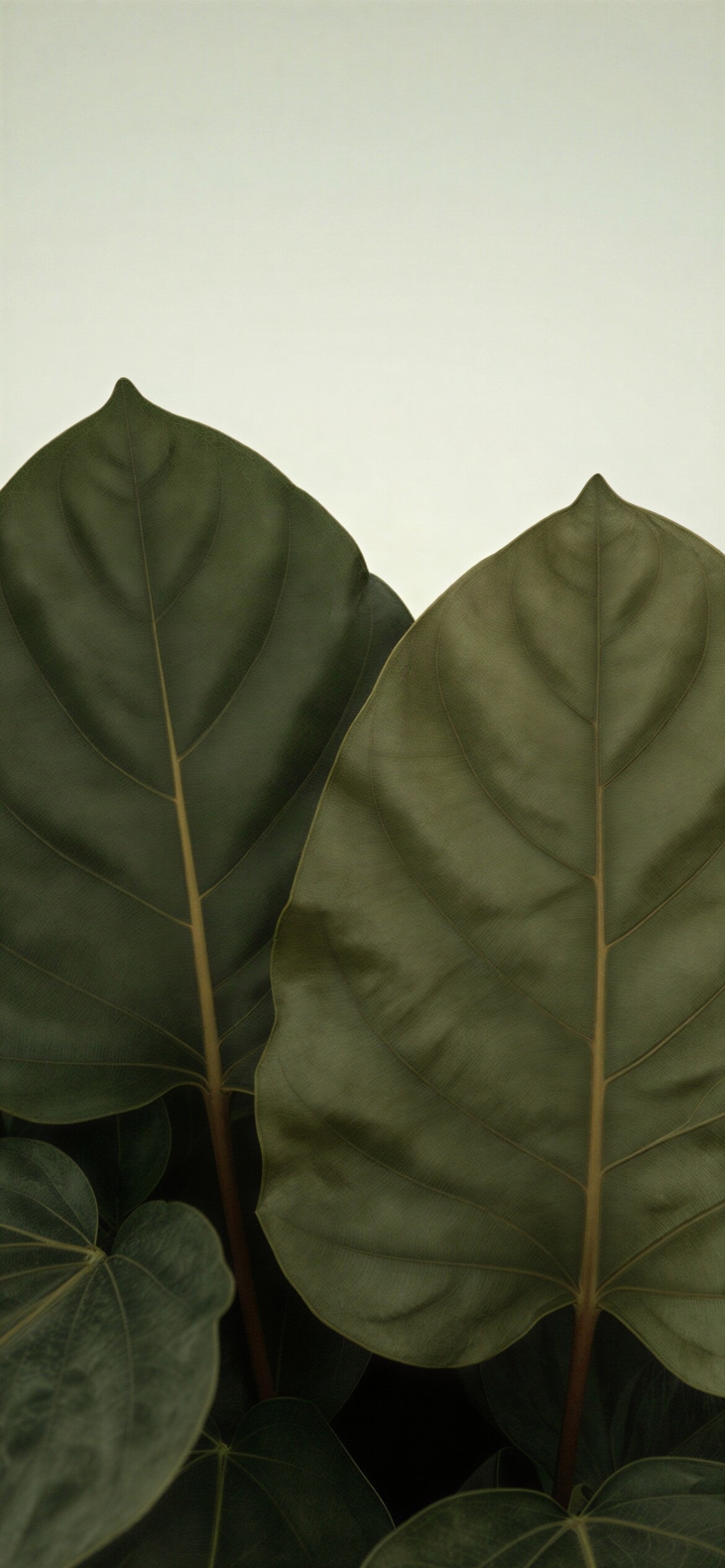
- 10. Two forest green leaves overlapping in soft window light. Quiet and dark enough to make white icon labels easy to read.
Why leaves are green, and where the bronze comes from
The green is chlorophyll, the pigment plants use to capture sunlight. Leaves also hold yellow and orange pigments called carotenoids, but there is usually so much chlorophyll that it hides them. When a leaf ages and the chlorophyll breaks down, those warmer colours show through, which is what you are seeing in the bronze leaf in wallpaper 2.
The lines in wallpaper 5 are not just decoration either. Veins carry water in from the stem and move sugars made in the leaf out to the rest of the plant, and they also act like a frame that keeps the thin blade spread open to the light. The beads of water in wallpaper 3 stay round because many leaves are coated in a thin waxy layer that sheds water instead of soaking it up.
Bright morning or deep shade?
If you want something light, wallpapers 1, 7 and 9 put the leaves against open sky and feel the most spacious. Numbers 2, 3, 6 and 10 are the softest, lit by a window or a cloudy day, and they work well when you do not want the background to compete with your apps. For a richer, moodier screen, go with 4 and 8 for warm golden light, or 5 for deep green and sharp shadow.
If these suit you, the forest wallpapers pull back to show whole trees, the palm tree set trades soft greens for beach light, and the green wallpapers keep the colour without the plants.
How to set it on your iPhone
- Tap Download and save the image to Photos.
- Open Settings, tap Wallpaper, then Add New Wallpaper, and choose Photos.
- Pick the wallpaper, pinch to position it, then tap Add and choose the lock screen, home screen or both.
Stuck on a step? The iPhone and iPad guide has screenshots for each one.
Questions
Do these wallpapers fit my iPhone screen?
Yes. These wallpapers are sized at 1170x2532 pixels, made for modern iPhones; some older models may crop slightly at the edges. Simply save the image and set it as your lock screen or home screen background in Settings.
Can I use these wallpapers for personal use?
Yes. These wallpapers are free to download and use on your personal iPhone and other devices. Selling them, printing them for sale, or reposting them on other websites is not allowed. Please see our Terms page for the full usage agreement.
Which wallpapers work best on my lock screen?
The single-leaf designs offer the most clarity for lock screen text and widgets since the subject is centered and the top quarter is simple and open. If you prefer more visual interest, the three-leaf designs also work well because the upper portion remains clear and uncluttered for readability.
Will these leaf wallpapers work with my home screen icons?
Yes. The simple upper backgrounds and centered subjects mean most of the frame stays unobstructed for icons. These designs work best with minimal icon layouts or spaced-out arrangements. The neutral green tones complement any icon pack and pair well with light or dark mode settings.