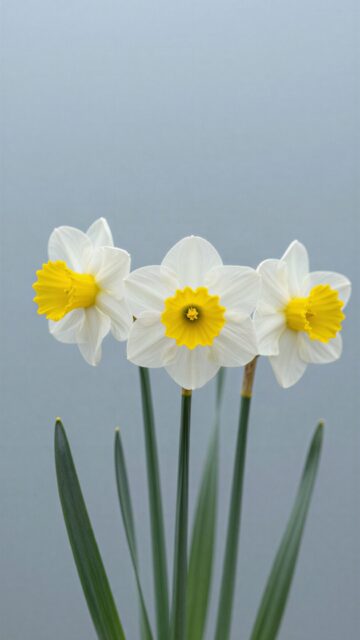
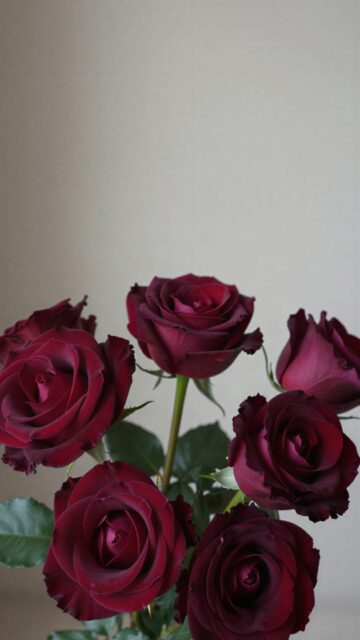
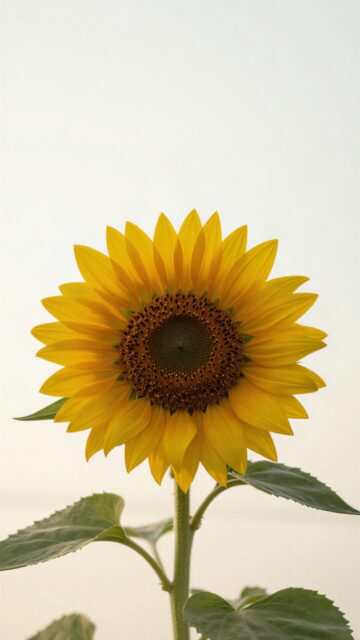
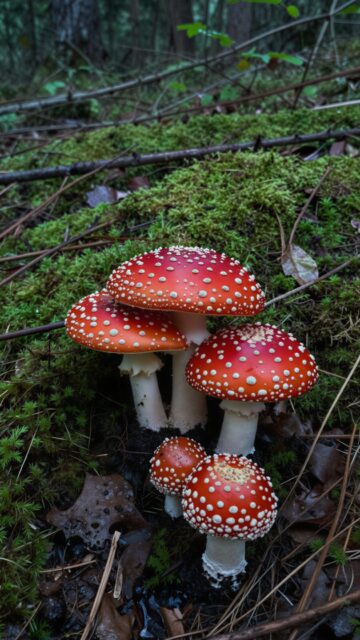
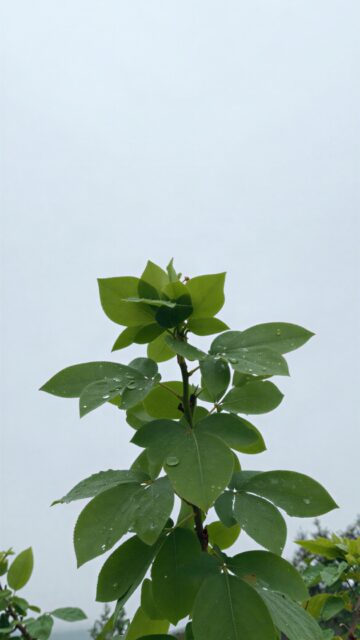
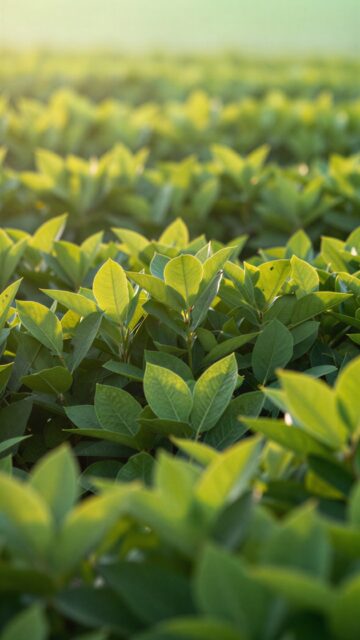
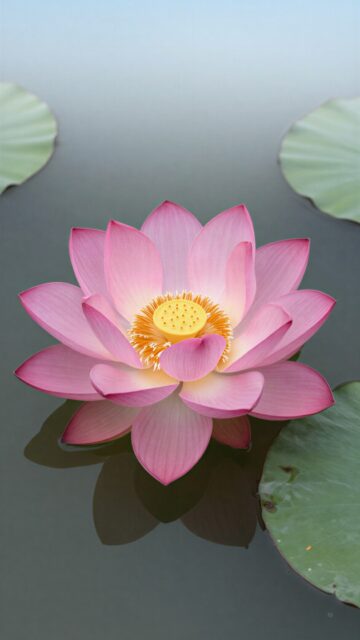
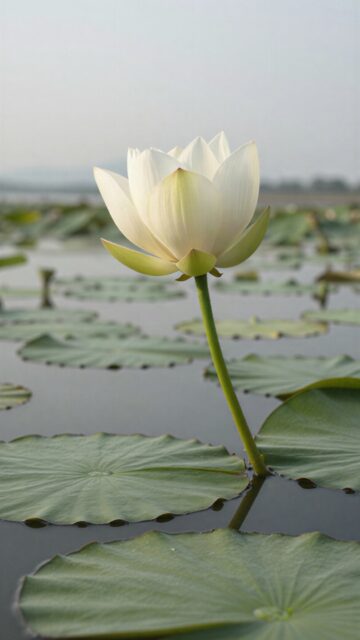
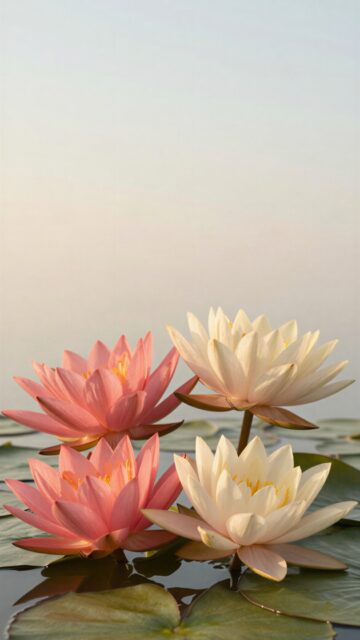
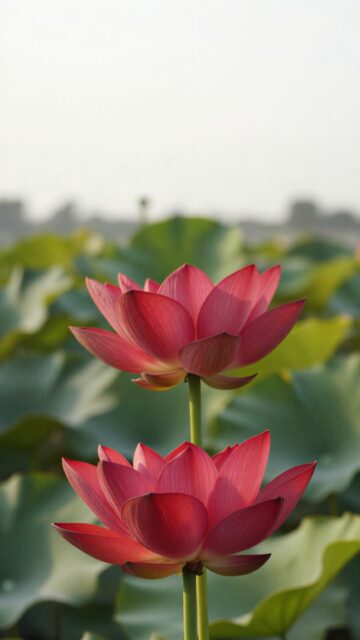
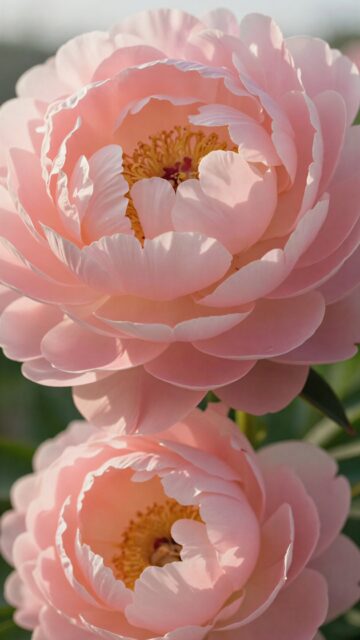
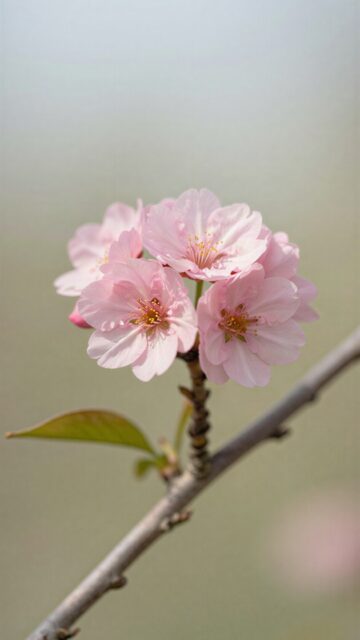
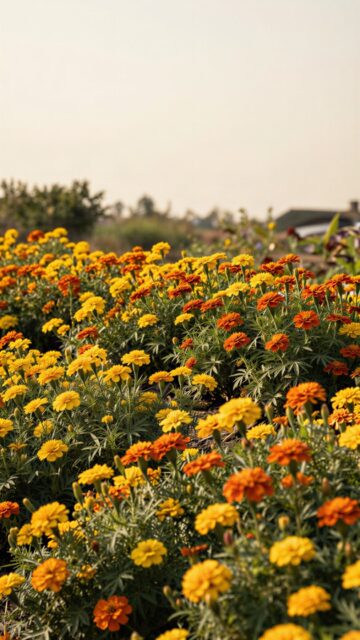
10 wallpapers in 1 collections · last added 6 Oct 2026 · sizes for iPhone, Android, desktop and tablet
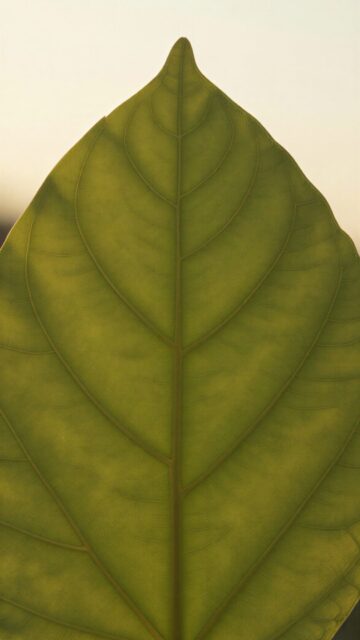
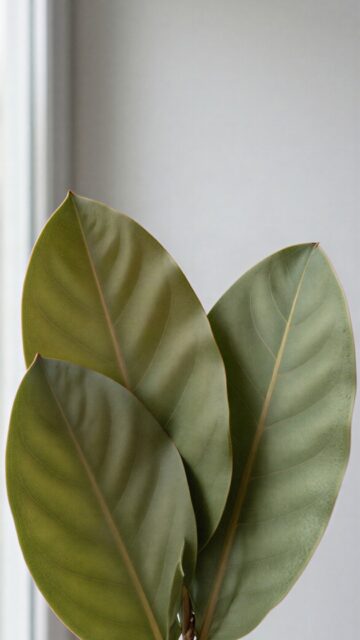
A plant wallpaper is for anyone whose windowsill is already full. Part of our flower wallpapers, this collection celebrates houseplants and indoor greenery: trailing pothos on a bookshelf, snake plants in clay pots, fiddle leaf figs by a bright window, hanging planters, terrariums and sunny corners crowded with leaves. These plant backgrounds feel calm, fresh and homey, the kind of green that makes a room, or a screen, feel more alive.
Each collection holds 10 wallpapers in one theme and one size. Shelves and tall potted plants fit phones well, so many sets are iPhone wallpapers at 1170x2532 and Android at 1080x2400, while wider room scenes come as a laptop wallpaper at 1920x1080 or desktop 4K at 3840x2160, with iPad sizes when they fit. Every image is an original design and is checked by hand before it is published, and weak images are removed, so leaves and pots look clean and natural. New collections are published every day across the site.
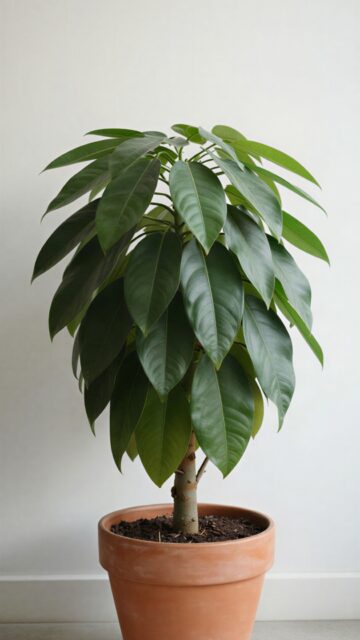
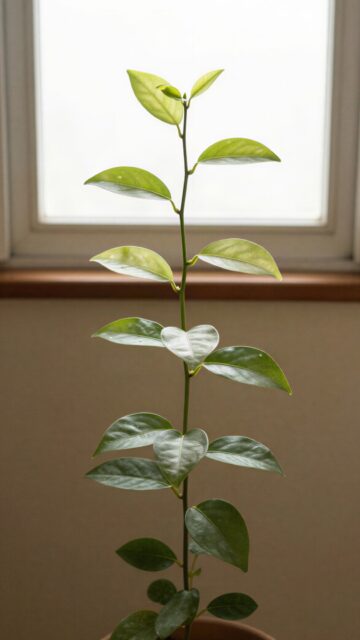
Plant designs range from bright and airy to deep and moody. Sunlit rooms with white walls and pale wood feel clean and Scandinavian, while dark green walls with lush foliage feel rich and cozy, a look that works well alongside the cozy style. Simple illustrations of potted plants on a plain color make friendly, low-key home screens. If you want desert textures, the cactus wallpapers are a natural neighbor, and for detailed leaf studies the botanical page goes deeper. A single pot placed at the bottom of the frame leaves the top of a lock screen free for the clock and date, which is why it's such a popular layout.
Choose a plant wallpaper with a plain wall or window in the top third; that empty area gives the lock screen clock a clean background while the leaves fill the lower half.
For an iPhone, use the 1170x2532 version, and for Android, use 1080x2400. These tall portrait sizes suit shelves, hanging pots and tall plants, so less of the scene is cropped. The iPhone wallpaper guide explains how to set a different image on the lock screen and home screen.
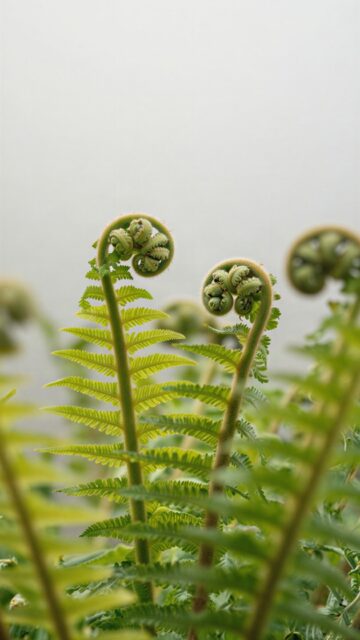
Plants with bold, clear leaf shapes read best at phone size. Monstera, pothos, snake plants, fiddle leaf figs and string of pearls are favorites, along with ferns for a softer texture. Plants shown against a plain wall or window light look cleaner than crowded shelves if you want a simpler screen.
A single plant in a pot at the bottom of the frame makes a tidy lock screen, with open wall or window space above for the clock. For the home screen, try a shelf scene or a soft leafy texture, so icons sit across greenery rather than covering one main subject.
Pothos, snake plants, ZZ plants and spider plants are widely known as forgiving choices for beginners. They tolerate lower light and the occasional missed watering better than many houseplants. If your wallpaper inspires you to buy one, these are a good place to start before moving on to fussier plants like fiddle leaf figs.
Yes. Green is easy on the eyes, and many plant designs use plain walls, soft light and lots of empty space. A single pot on a pale background is especially minimal. For more calm options, browse the minimalist wallpapers or the greenery wallpapers.
Yes, they're free for personal use on your own phone, tablet, computer or watch, with no sign up and no watermark. You can't use them for a plant shop or other business, sell them or redistribute them on other sites. The Terms of Use explain everything.
Download the laptop size at 1920x1080 or desktop 4K at 3840x2160, which also stays sharp on 1080p and 1440p screens. Use the fill setting so the room doesn't stretch. Our desktop wallpaper guide walks through the steps for both systems.
New collections are published every day on the site, and plant designs are added over time in both photo-style and illustrated looks. Visit the latest wallpapers page to see new sets, or request a favorite plant through the contact page.
Every wallpaper is reviewed by a person before it goes live: we remove images with odd details or blur and check the crop for each device. How we check wallpapers
Something wrong with an image? Report an image · Free for personal use, see the Terms.