Keyboard Wallpaper iPhone
Keyboard wallpaper for iPhone offers free downloads of mechanical keyboards, RGB lighting and desk scenes perfect for your lock screen or home screen. These designs showcase close-ups of key switches, illuminated boards and workspace setups in a range of colors and styles. Whether you prefer sleek gaming aesthetics or minimalist desk vibes, this keyboard wallpaper collection suits any iPhone user who loves mechanical boards.
10 wallpapers at 1170 × 2532 px for iPhone. Checked by hand on 4 Oct 2026.
About this set
This set features mechanical keyboards in various styles, from sleek gaming boards with RGB lighting to minimalist designs and custom keycap builds. The photography ranges from close macro shots of individual switches to full keyboard overhead views, all in natural or ambient light with realistic textures and depth.
Lock screen picks work best with the close-up and backlit designs that draw the eye to a central subject. Home screen wallpapers pair well with the full keyboard layouts and desk setups, which leave room for app icons without visual clutter. The neutral and cool-toned designs work seamlessly with light or dark mode, while the RGB and warm-lit options add personality to any iPhone setup.
Desk by desk, switch by switch
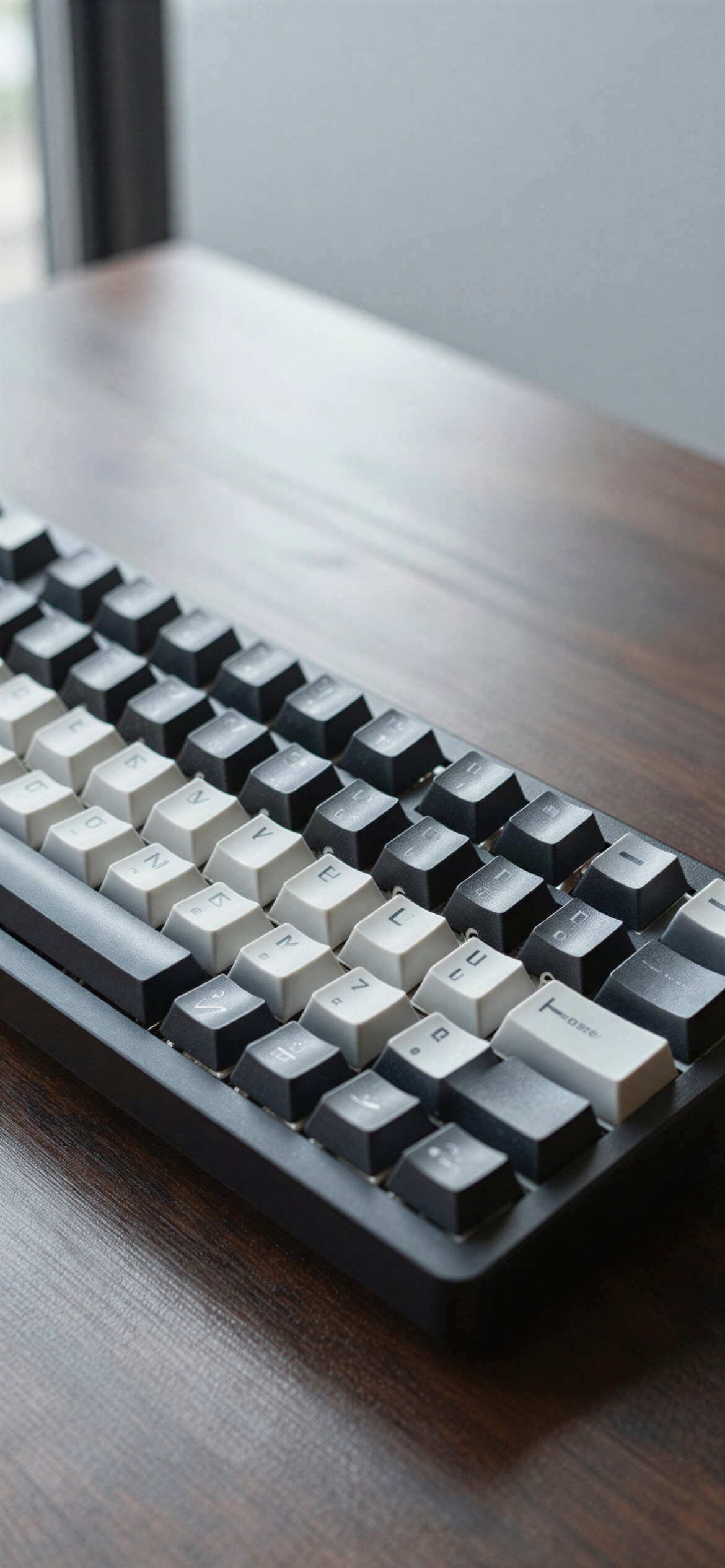
- A black mechanical board seen from above on a wooden desk, lit by daylight from a window.
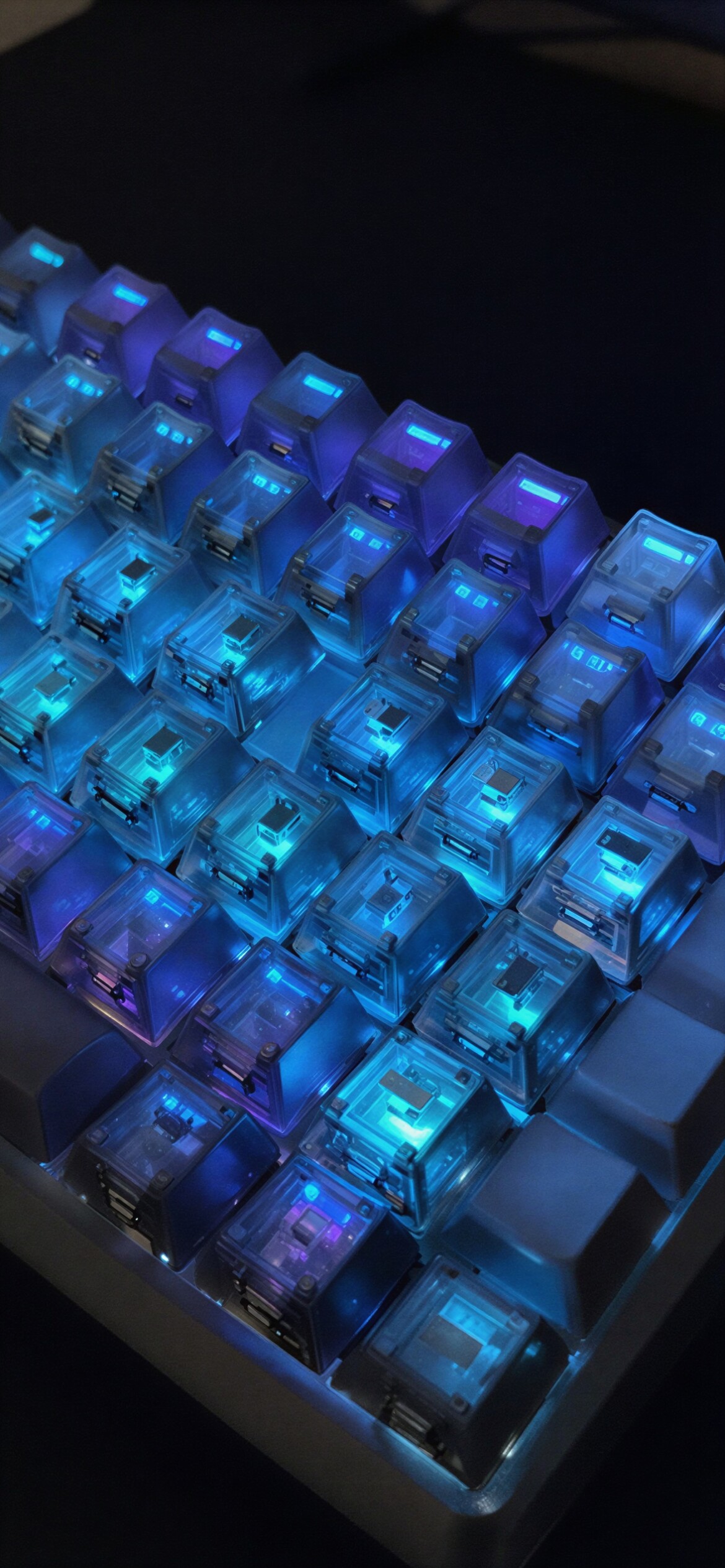
- Switches glowing blue and purple against black, close enough to see each key light up.
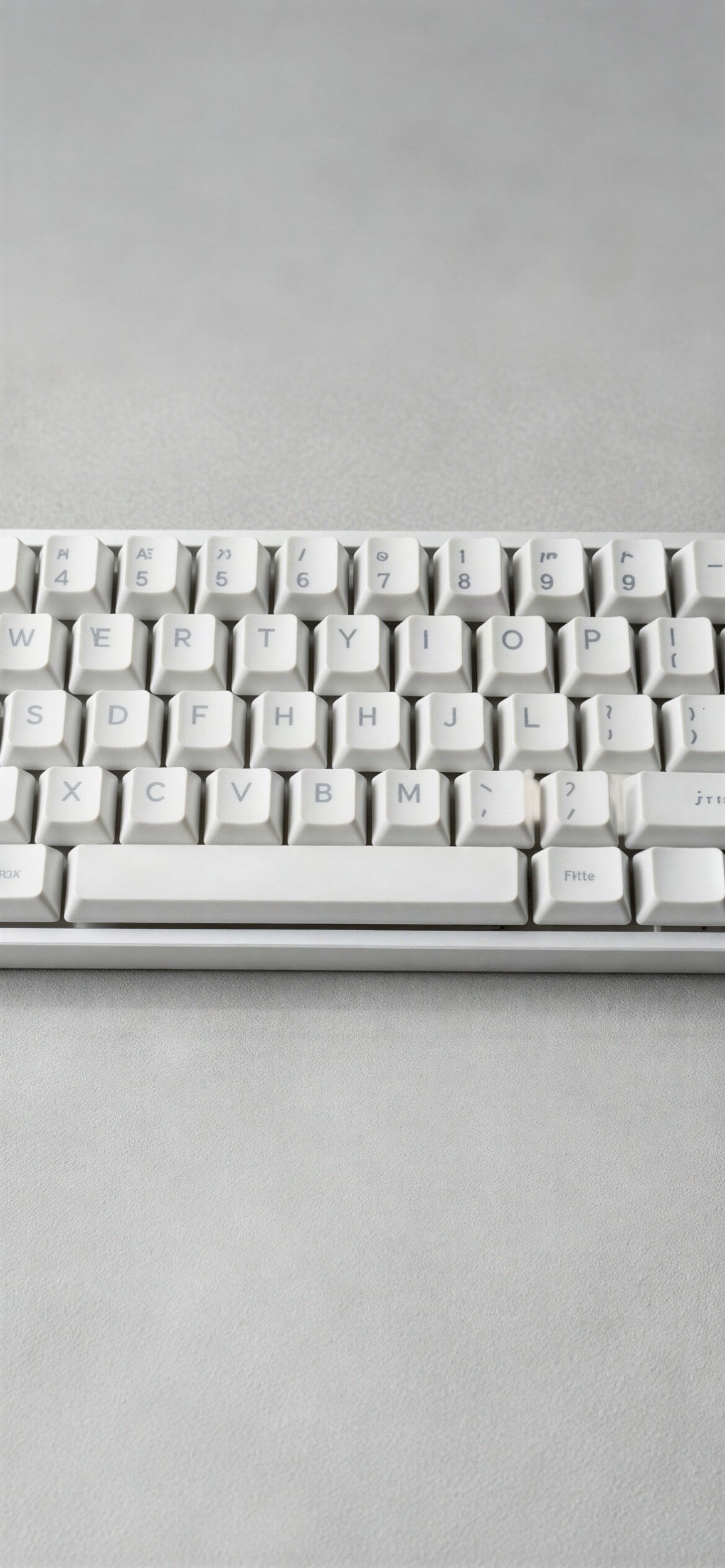
- A white board on grey concrete, shot straight down, the cleanest layout in the set.
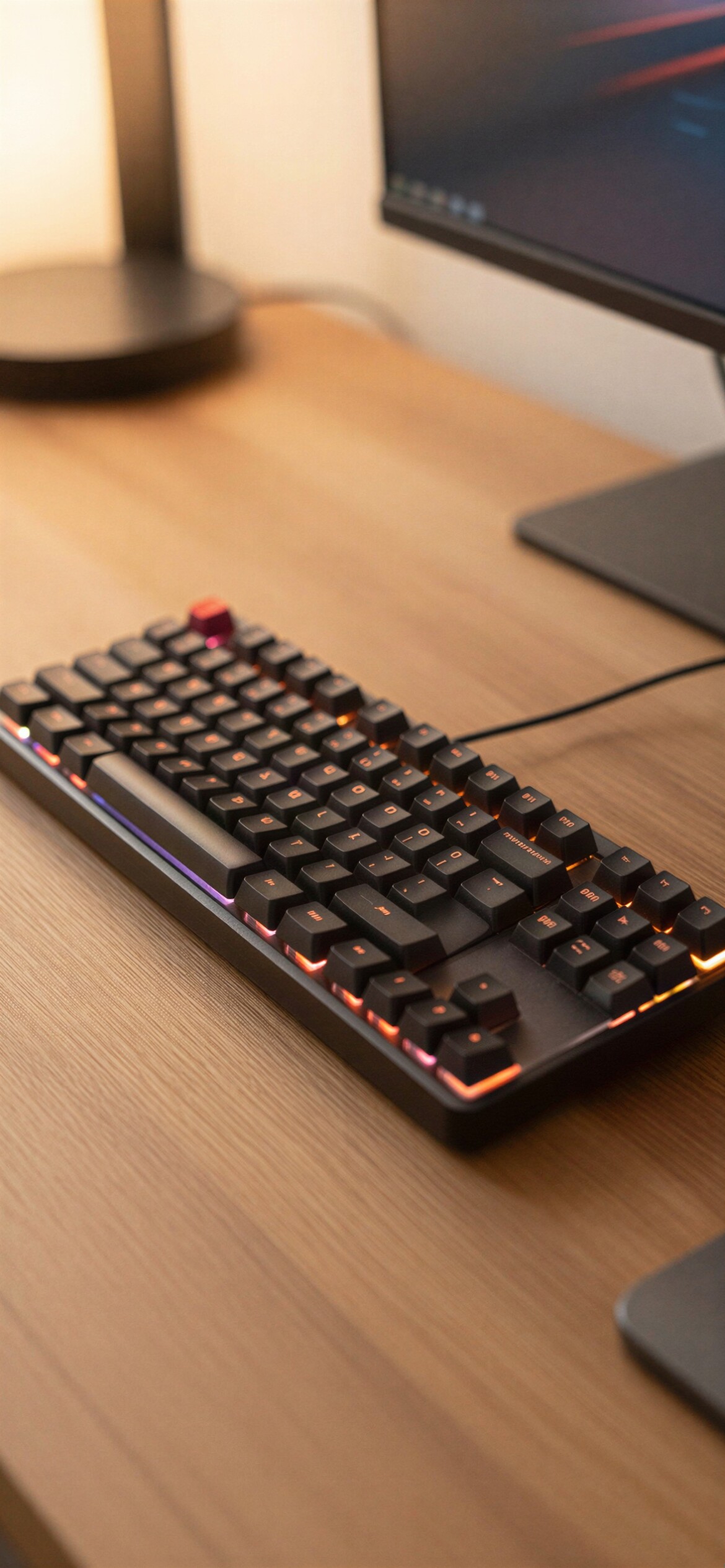
- A gaming desk with red and orange backlighting and warm light around it.
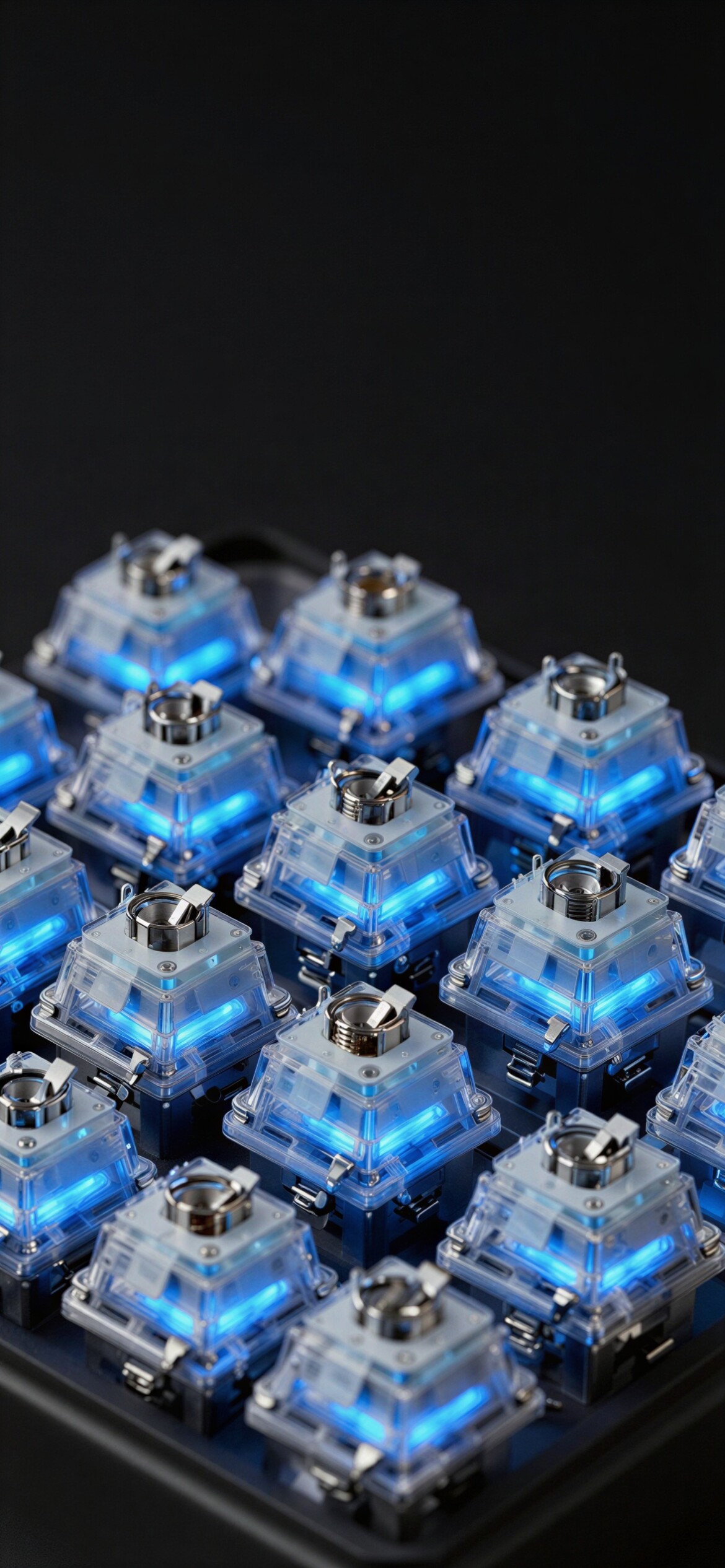
- A macro of switch springs and metal parts, backlit in blue, showing what sits under the keycaps.
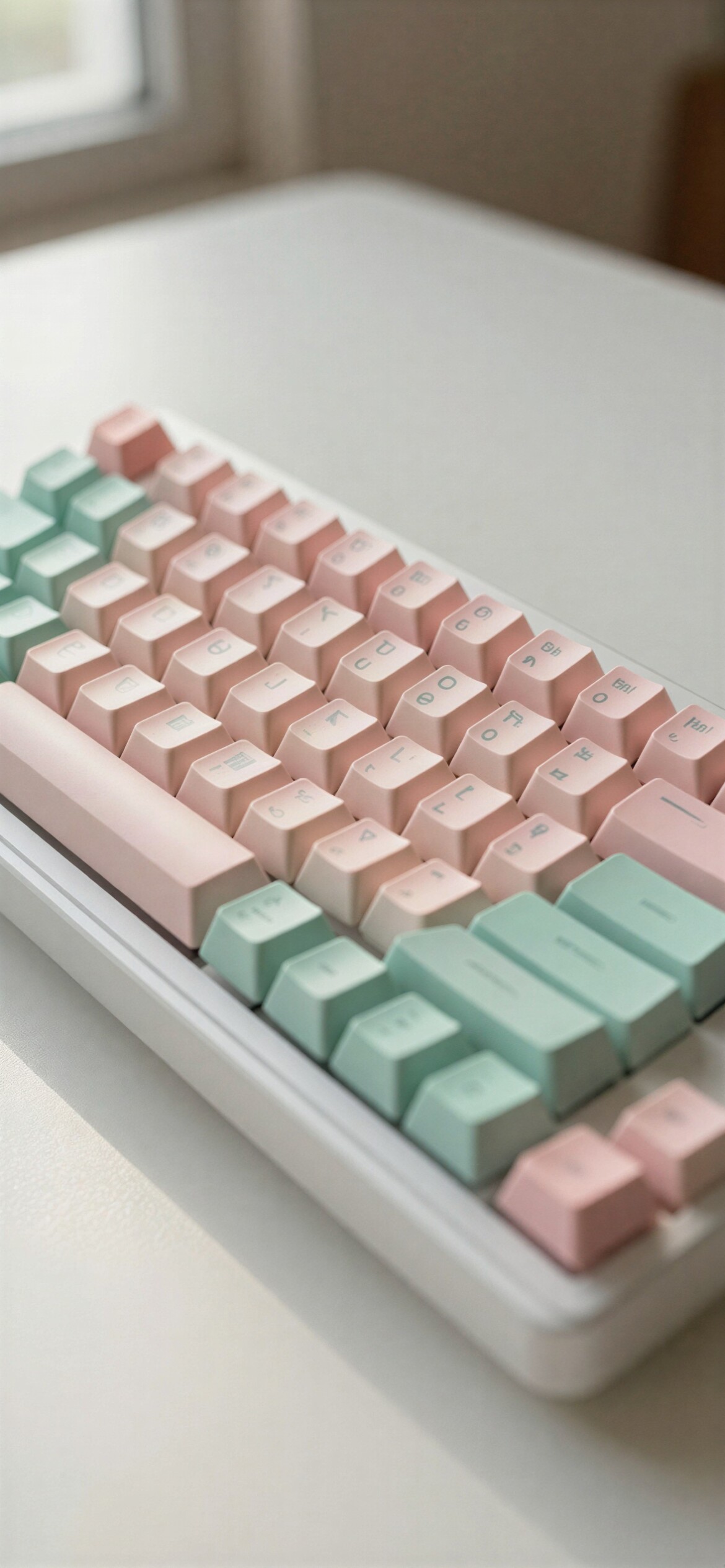
- Pink and mint keycaps on a white desk with soft light from the side.
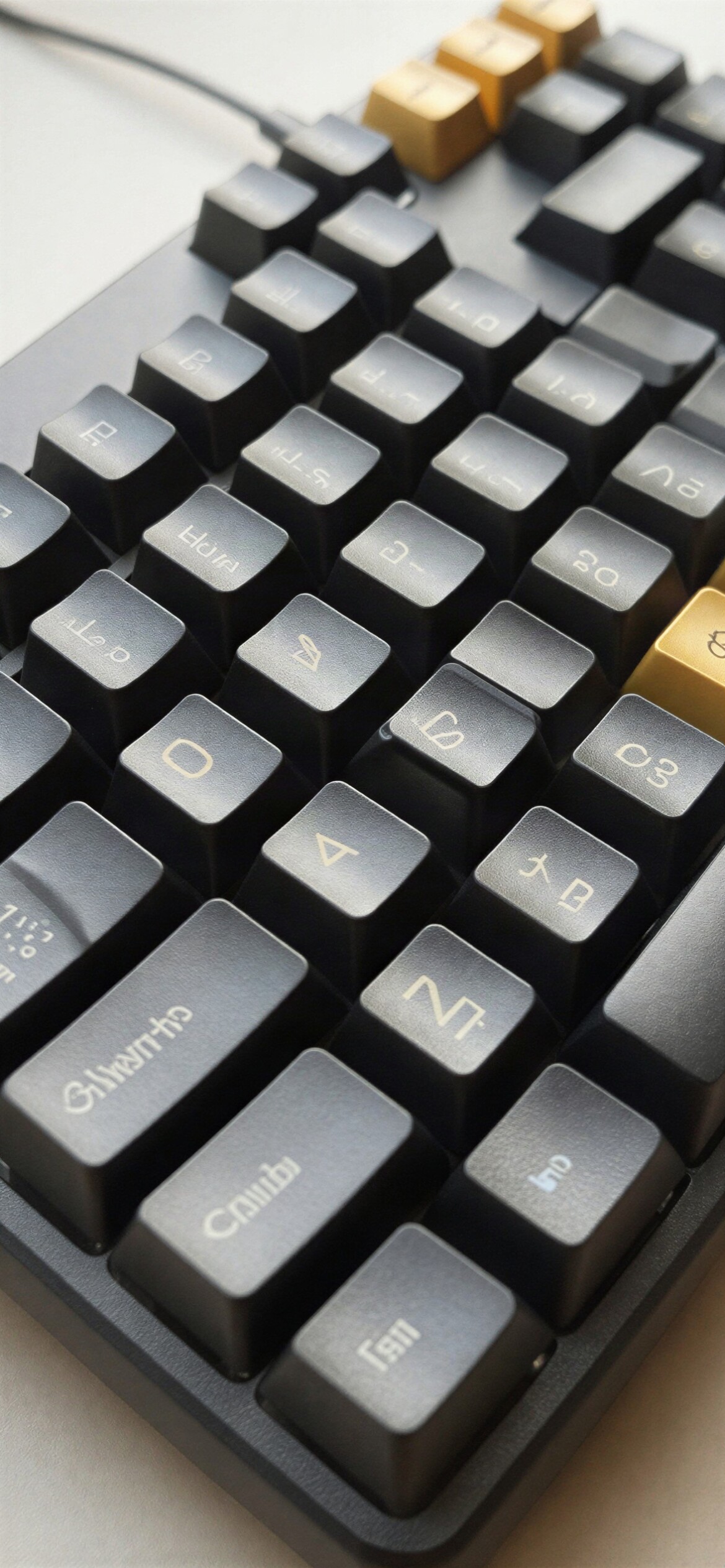
- A dark gaming board with gold accents on a black desk in cool dusk light.
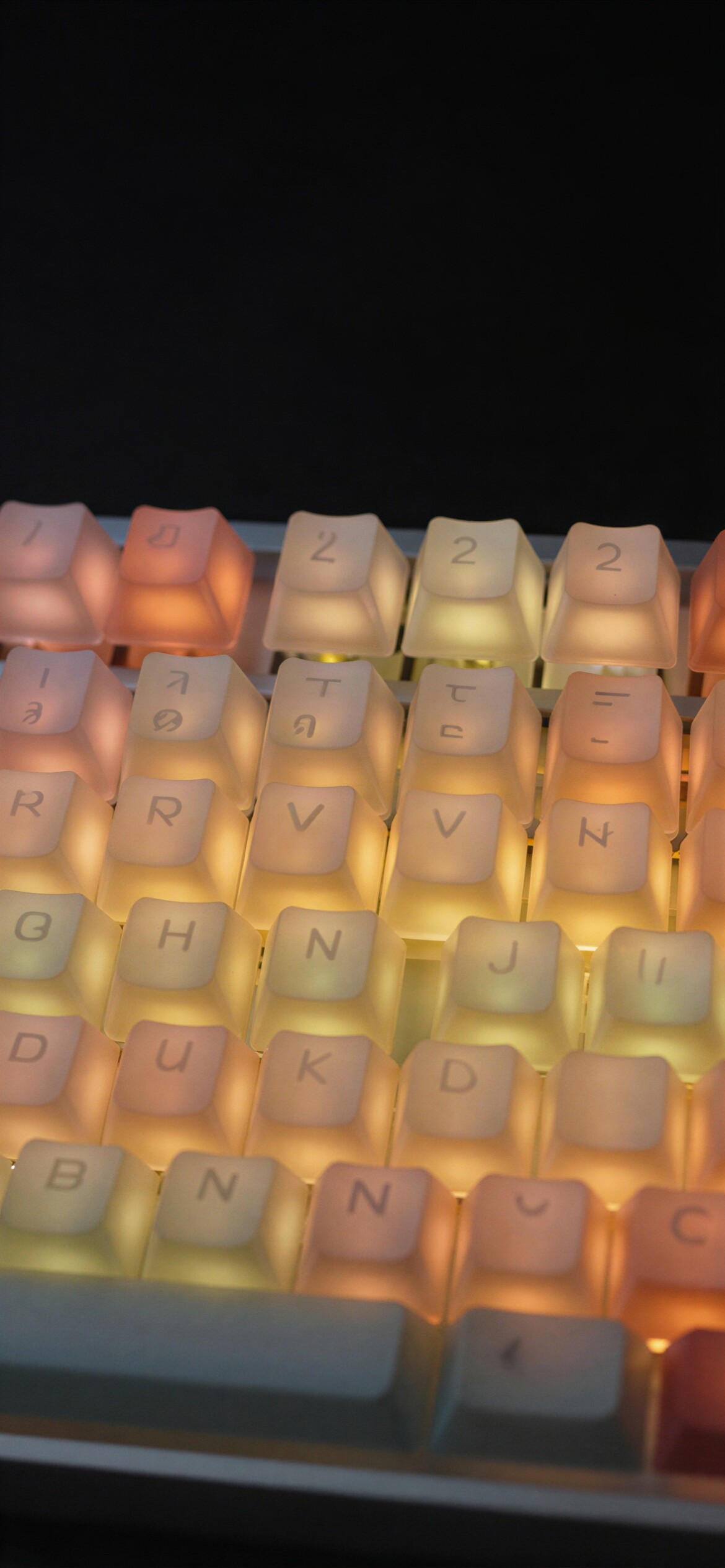
- Translucent, multicoloured keycaps with orange and yellow LEDs shining through them.
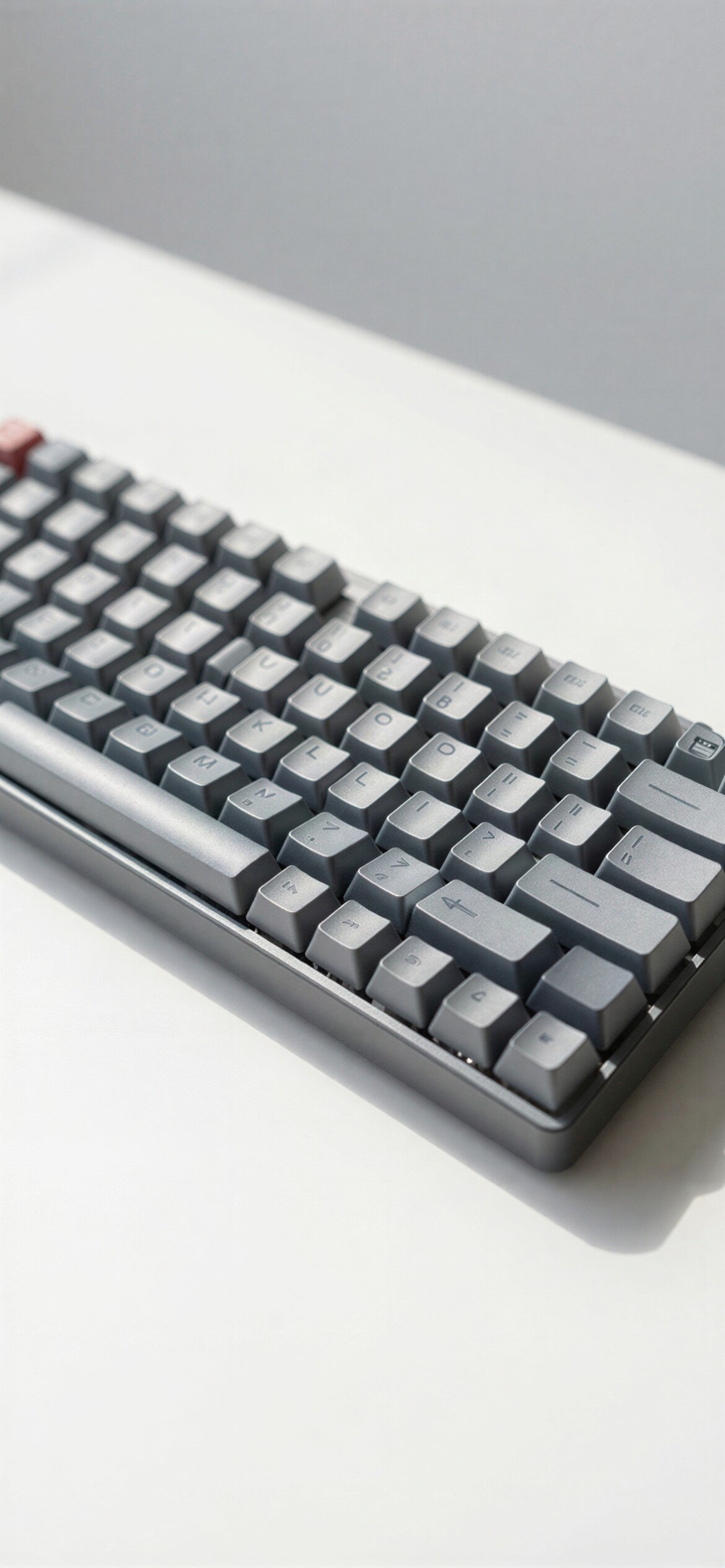
- A gunmetal grey compact board on a white desk, with crisp daylight shadows.
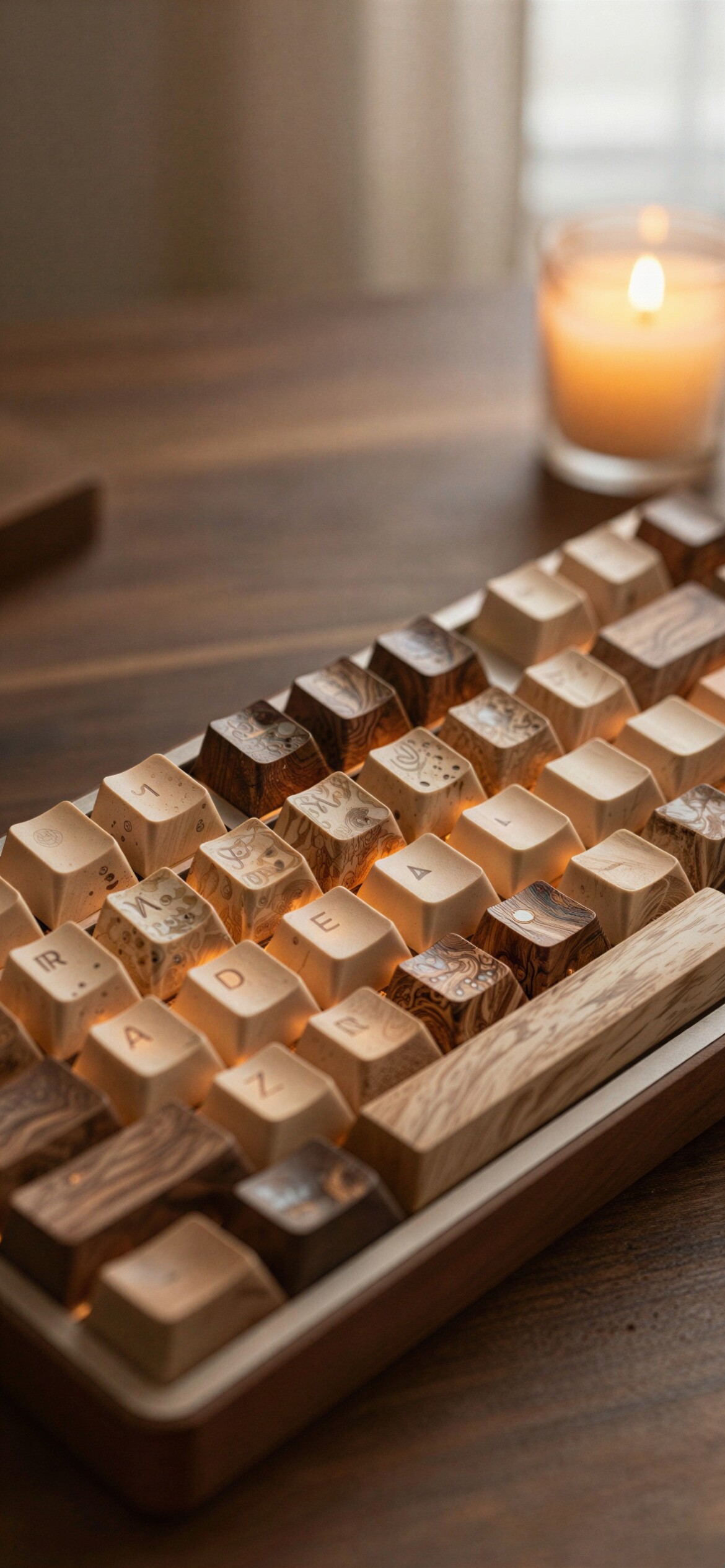
- Wood grain keycaps lit by candlelight on dark wood, the warmest scene of the ten.
From a typewriter layout to keys you can hear
The letter layout on every board here is older than electricity in most homes. QWERTY was worked out by Christopher Latham Sholes for his typewriter, and it reached the public on the Sholes and Glidden machine that Remington began selling in 1874. People kept it when typewriters gave way to computer keyboards, and it is still the standard in English today.
What makes a keyboard mechanical is underneath. Instead of one rubber sheet under all the keys, each key has its own switch with a metal spring, the parts you can see up close in #5. Switches come in three broad feels: linear ones move smoothly, tactile ones have a small bump, and clicky ones add a sound. Keycaps vary too. Translucent plastic like the caps in #8 lets the lights pass through, and caps made from PBT plastic resist the shiny worn patches that ABS caps tend to pick up after heavy use. Small boards such as #9 often leave out the number pad, and sometimes the function row, to save desk space.
Daylight desks or glowing keys?
For a bright, tidy look, go with #1, #3, #6 or #9, all lit by natural light. The backlit group, #2, #4, #5 and #8, glows against darker surroundings and suits a phone kept in dark mode. #7 and #10 sit in between, low and moody, one cool and one warm. More screen-and-code designs are in the hacker set, the Linux wallpapers and the blocky pixel art collection.
How to set it on your iPhone
- Tap Download and save the image to Photos.
- Open Settings, tap Wallpaper, then Add New Wallpaper, and choose Photos.
- Pick the wallpaper, pinch to position it, then tap Add and choose the lock screen, home screen or both.
Stuck on a step? The iPhone and iPad guide has screenshots for each one.
Questions
Will these wallpapers fit my iPhone screen?
Yes. This set is designed for iPhone in 1170x2532 resolution. The tall vertical composition keeps important details in the middle and lower half of the screen, leaving the top quarter simple so your clock, battery and status icons stay clear and readable on your lock screen.
Can I use these wallpapers commercially or share them elsewhere?
These wallpapers are free for personal use on your own devices only. You cannot sell them, print them for sale, or repost them on other wallpaper sites or social media. For details on what is and is not allowed, please read our Terms page.
Which wallpapers work better for lock screen versus home screen?
The close-up switch details and backlit designs work best on lock screen because they draw focus to the center without needing app icon space. For home screen, choose the full keyboard overhead views and desk setups, which have plenty of empty space around the edges for your app icons to stay visible and organized.
Do these keyboard designs match a specific aesthetic or gaming style?
This set includes a range of styles. The RGB and backlit keyboards suit gaming and tech-forward aesthetics. The minimalist white and pastel designs work for modern and productivity-focused setups. The warm wooden and artisan keycap designs fit cozy or vintage vibes. Mix and match based on your personal taste and current iPhone theme.