10 wallpapers in 1 collections · last added 3 Oct 2026 · sizes for iPhone, Android, desktop and tablet
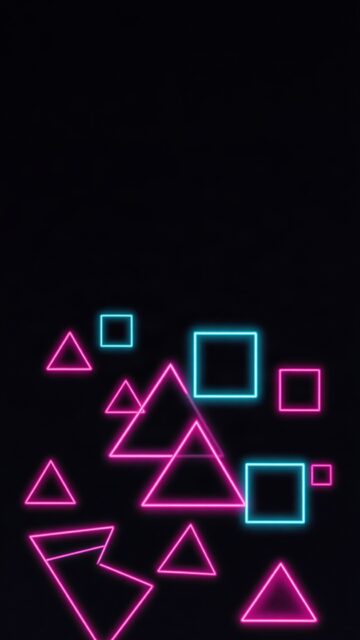
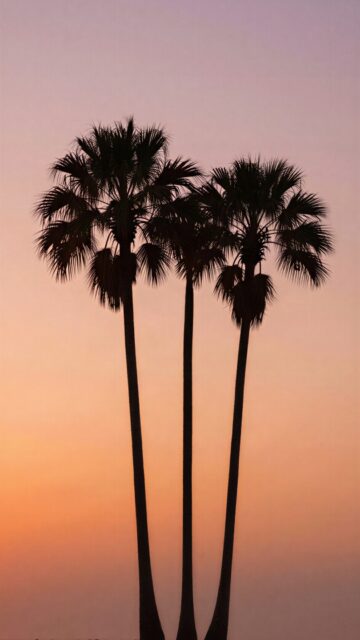
An 80s wallpaper captures the loud, bright energy of the decade: neon grids fading into a chrome sunset, palm trees in hot pink, arcade cabinets, cassette tapes, boomboxes and bold geometric shapes. These 80s backgrounds cover synthwave and outrun scenes, Miami-style pastels, retro computer graphics and playful patterns of squiggles and triangles. If you love nostalgia across other eras too, the full vintage collection brings them together, and the neon style page is a great match for this look, with the same glowing colors on deep black.
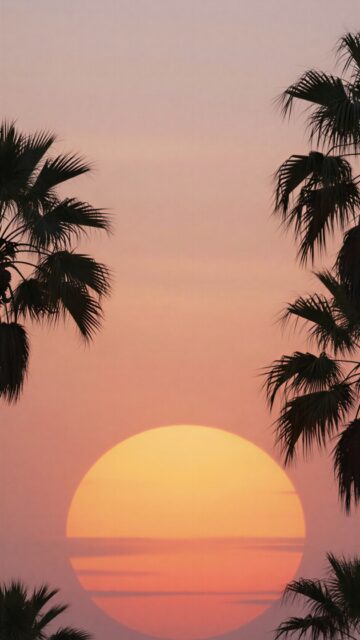
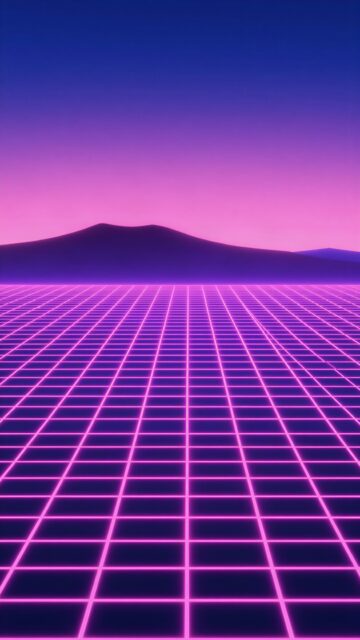
Each collection holds 10 wallpapers in a single theme and size. Choose from iPhone (1170x2532), Android (1080x2400), iPad (2048x2732), laptop (1920x1080), desktop 4K (3840x2160) or dual monitor (5120x1440). Glowing grid horizons look especially sharp on a 4K desktop for gaming setups, while a tall sunset with palms fits an iPhone lock screen perfectly. Every image is an original design checked by hand before publishing, and weak designs are removed.
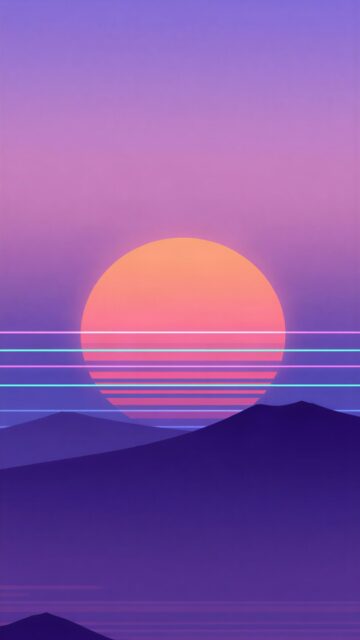
The decade had two very different visual moods. Night-time synthwave uses black skies, magenta and cyan glow, chrome lettering and a striped setting sun; daytime pop uses white or pastel backgrounds with confetti shapes, zigzags and primary colors. For a lock screen, a horizon grid is ideal because the open sky above gives the clock clean space. For the home screen, a dark pattern of small geometric shapes keeps icons readable without losing the fun. Purple, hot pink, electric blue and sunset orange are the core shades. Thin glowing lines also look sharper than heavy blur on small screens. Next stops:
For a synthwave lock screen, pick a design where the sun sits on the horizon in the lower half; the dark sky above keeps a white clock crisp, and the glow stays visible under notifications.
Synthwave is a music and art style that grew in the late 2000s, inspired by 1980s movie soundtracks, video games and electronic pop. Its visuals borrow 80s design: glowing grids, chrome text, sports cars, palm trees and a striped sunset. It's a modern look back at the decade rather than true 80s art.
Use the 1170x2532 iPhone file, which suits the tall screens of current iPhones. Neon grid designs with black skies look especially rich on OLED models. The iPhone wallpaper guide walks you through setting it on the lock screen, home screen or both.
Yes. Android sets come in 1080x2400 pixels, the 20:9 shape used by many Samsung, Pixel and Motorola phones. Glowing magenta and cyan look vivid on AMOLED screens. Some Android launchers can also match accent colors to the wallpaper, which suits the bold palette.
A sunset-and-grid scene or a glowing city skyline is perfect on the lock screen, where the full picture shows. For the home screen, a darker pattern of small shapes, cassette outlines or a simple gradient keeps icons readable while keeping the decade's color scheme.
Yes, for personal use on your own phone, tablet, computer or watch. There's no sign up and no watermark. Commercial use, resale and sharing on other sites aren't allowed. The Terms of Use page explains everything that's permitted for personal use.
Memphis was a design group founded in Milan in 1981, led by Ettore Sottsass. It became known for clashing colors, squiggles, terrazzo-like speckles and bold geometric shapes. The style shaped a lot of 80s furniture, fashion and graphics, and it still defines many fun, throwback patterns today.
For night scenes, use hot pink, magenta, electric blue, purple and sunset orange on black. For daytime pop, mix turquoise, bright yellow, coral and lavender on white with black accents. Chrome or silver lettering and a striped sunset are instant decade signals.
Download the 5120x1440 dual monitor file, which spans two 2560x1440 screens. Wide horizon grids look great stretched across both. Follow the dual monitor wallpaper guide to set the image to span instead of repeating the same image on each screen.
Every wallpaper is reviewed by a person before it goes live: we remove images with odd details or blur and check the crop for each device. How we check wallpapers
Something wrong with an image? Report an image · Free for personal use, see the Terms.