Light Blue Wallpaper iPhone
Light blue iPhone wallpaper offers calm, open-sky designs perfect for any season. These free wallpapers for iPhone feature soft skies, peaceful water scenes and serene outdoor moments in cool blue tones. The light blue palette suits both lock screen and home screen, and works well with most icon layouts without competing for attention.
10 wallpapers at 1170 × 2532 px for iPhone. Checked by hand on 5 Oct 2026.
About this set
This set captures the calm and openness of light blue in natural scenes: clear skies, peaceful water, and serene landscapes that feel refreshing without demanding attention. The soft, cool palette works beautifully on both lock screen and home screen, and pairs well with most icon colors and styles. These wallpapers suit any season and any mood.
For lock screen use, choose the designs with a clear focal point in the lower half so your time and notifications stay readable against the sky. For home screen, the simpler sky-and-horizon shots work best behind your app grid. Light blue wallpapers pair especially well with minimal icon sets, white text, and clean widget designs.
From a still lake to a snowy field
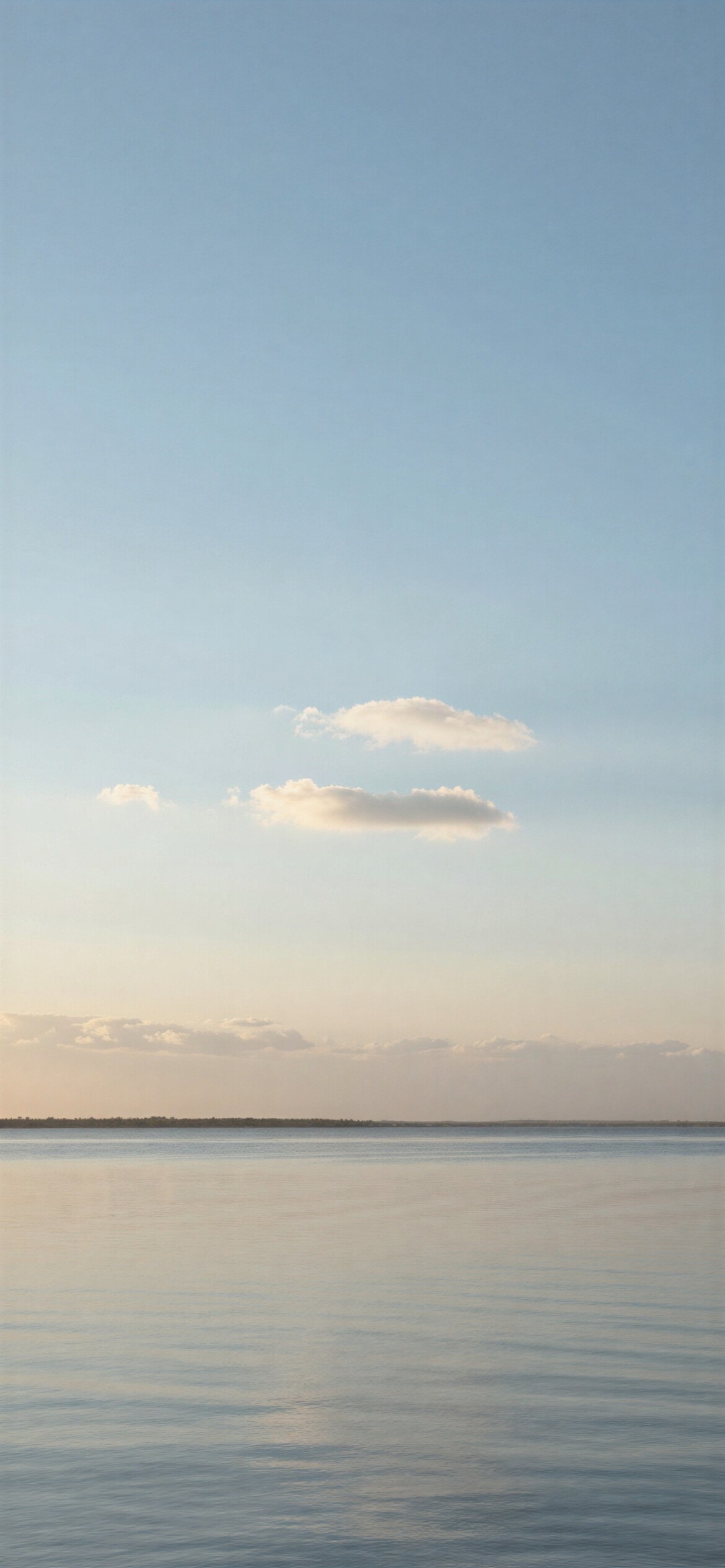
- Thin, wispy clouds over a calm lake, with the water picking up the same pale blue as the sky.
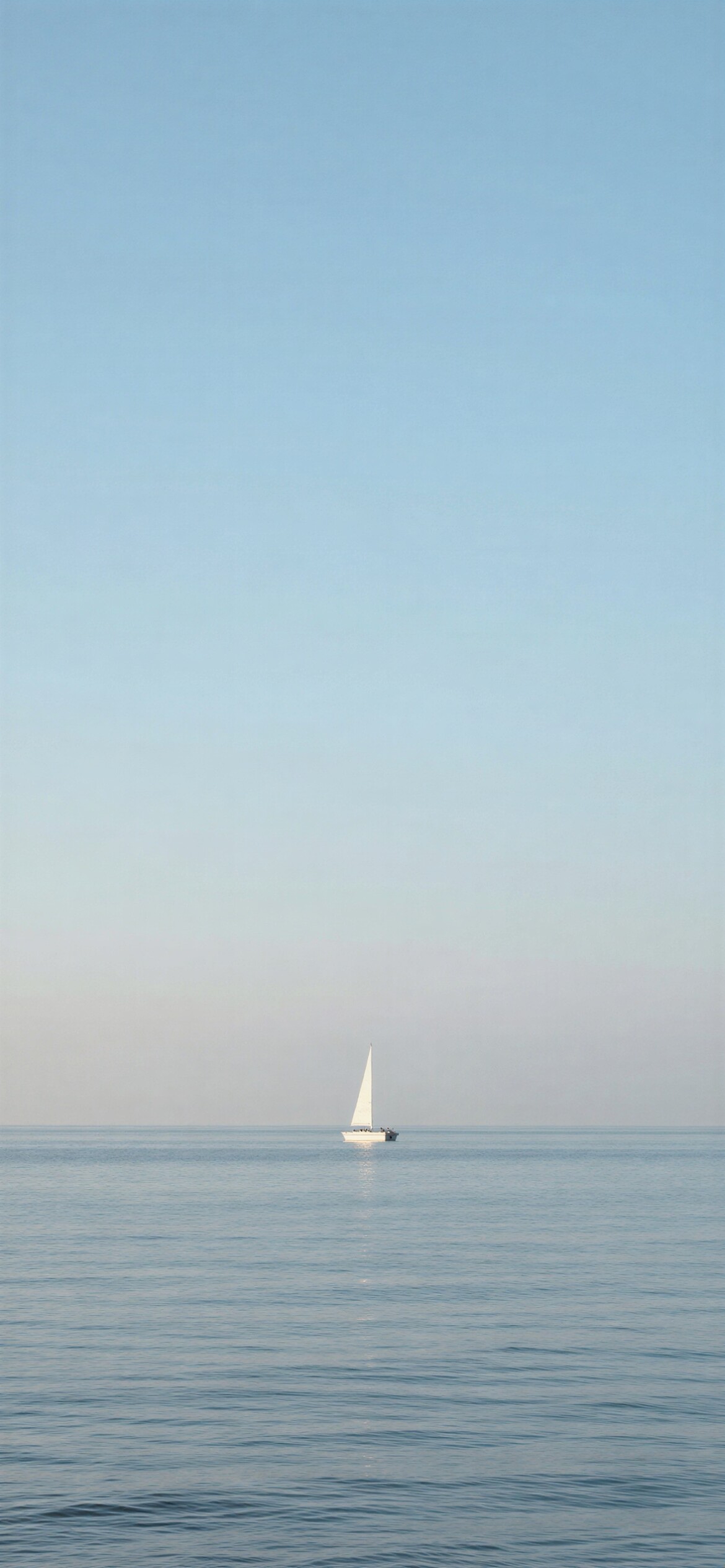
- A clear sky and a single sailboat on the horizon. Most of the frame is empty blue, so it works well under a busy home screen.
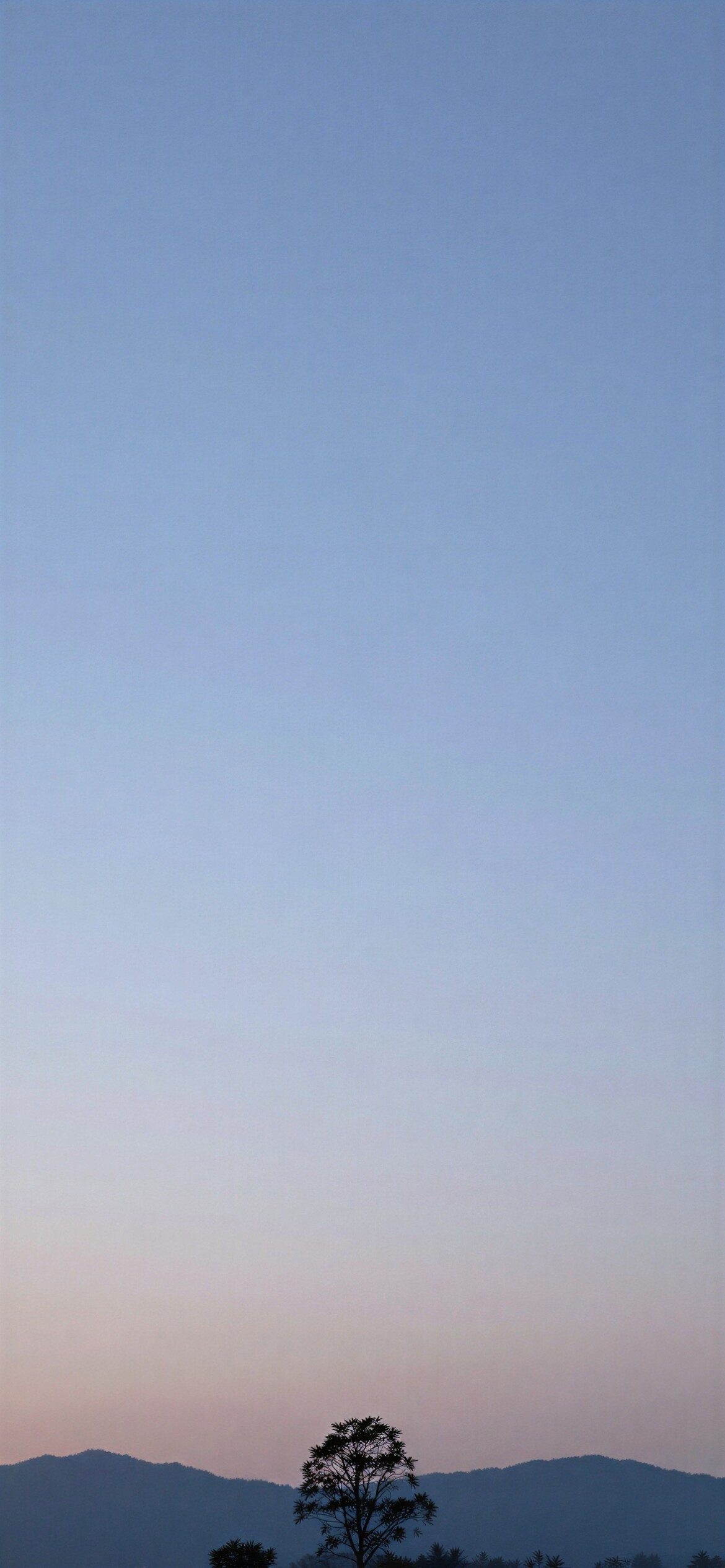
- Dawn over dark mountain silhouettes, the one picture here with strong contrast at the bottom.
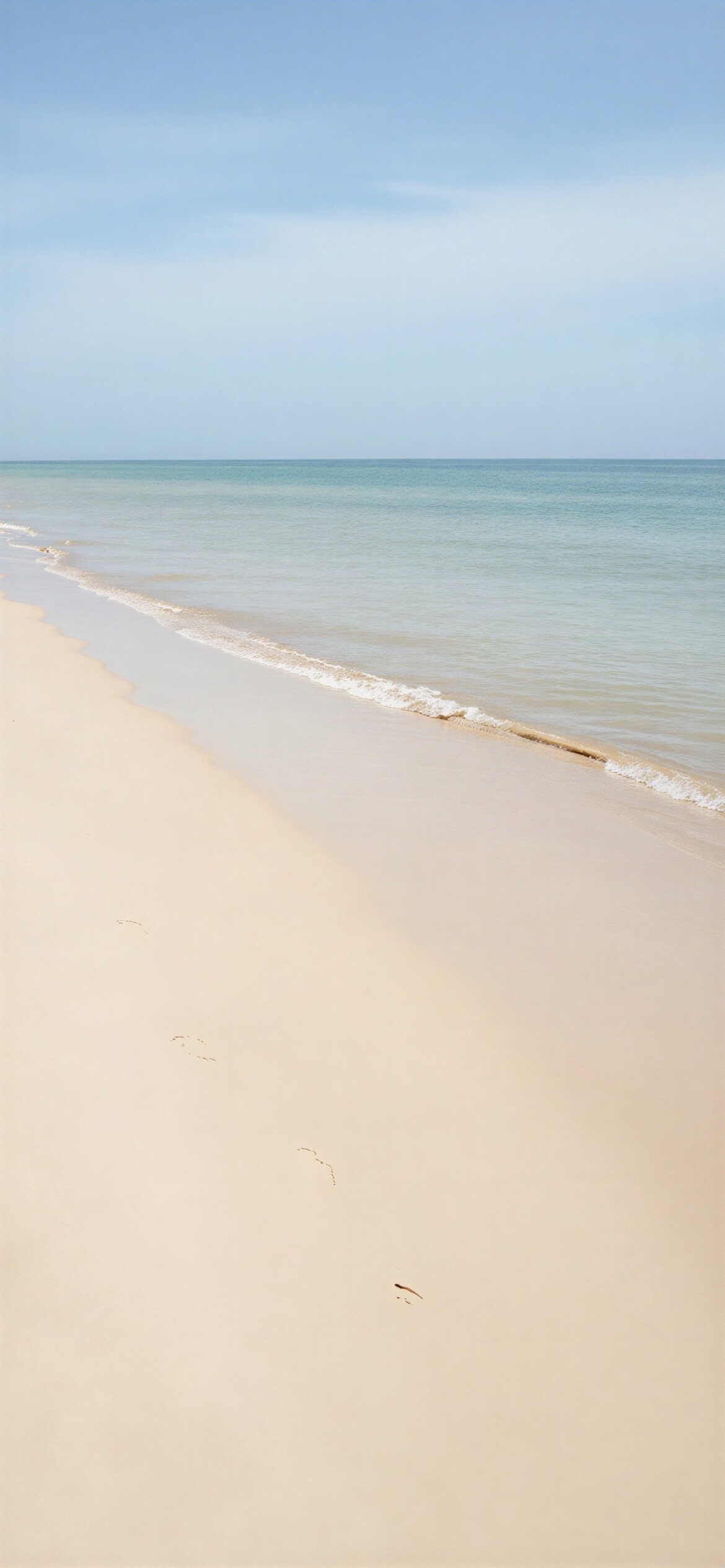
- A sandy beach meeting turquoise water, the warmest scene because of the sand.
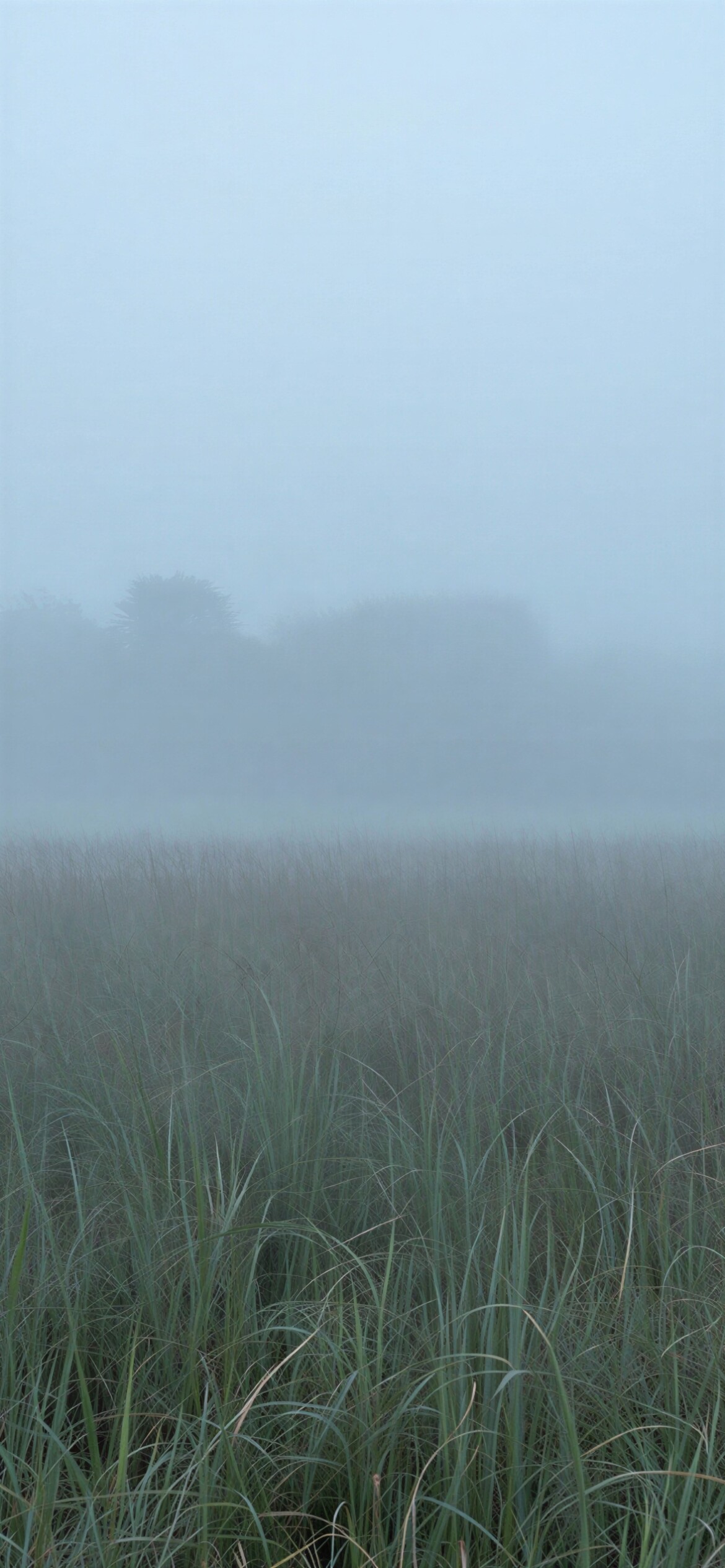
- A misty morning landscape where blue fog softens everything into gentle layers.
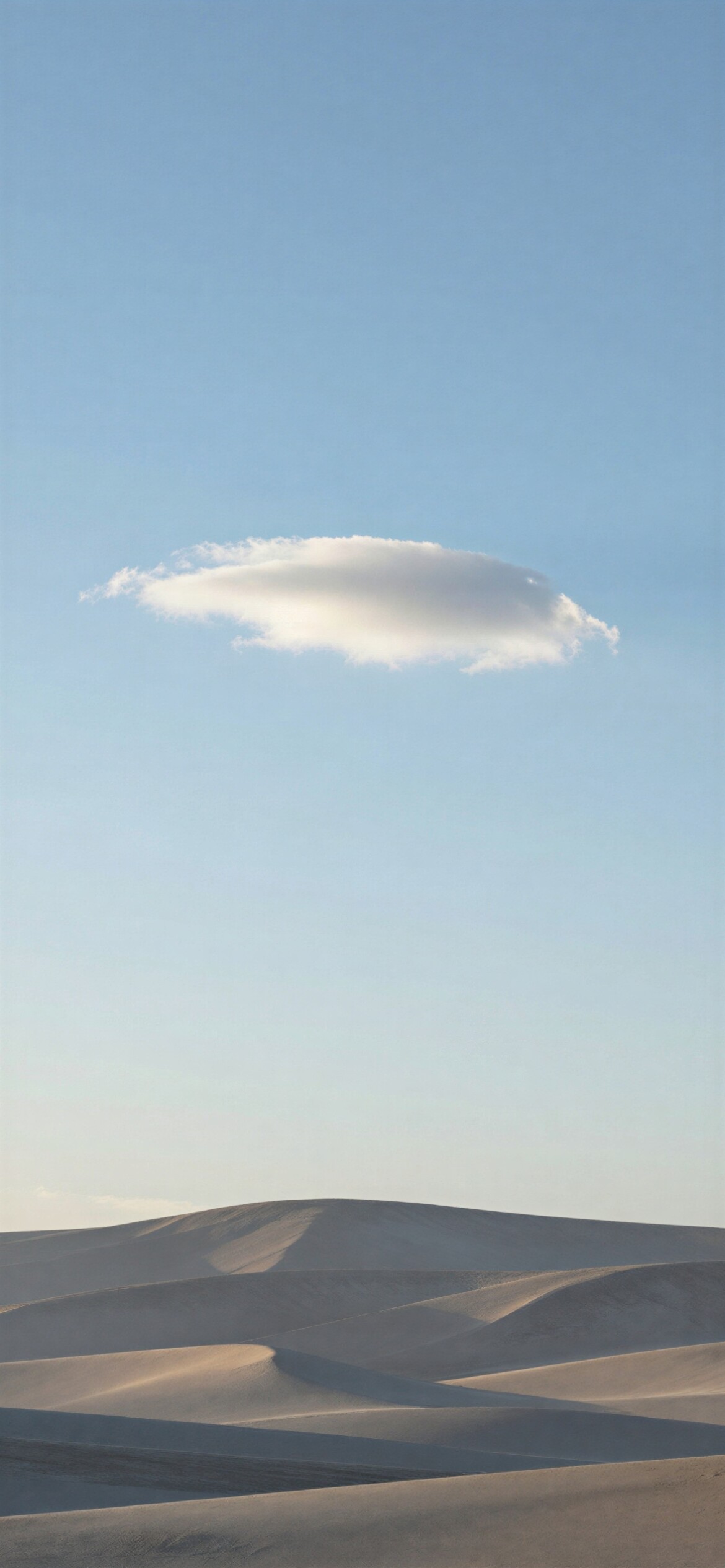
- Rolling hills under a light sky with one wispy cloud.
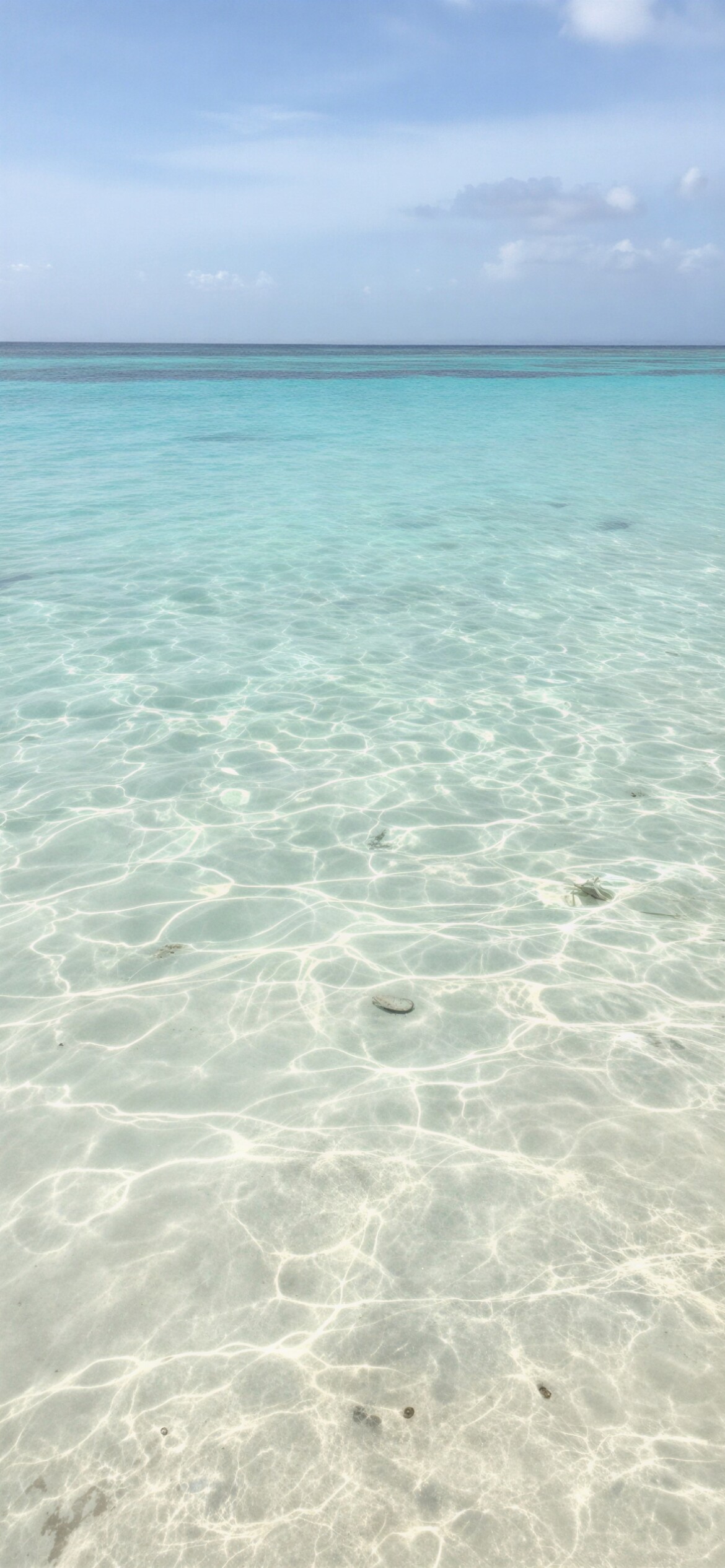
- A tropical lagoon in clear cyan, the brightest and most saturated blue of the ten.
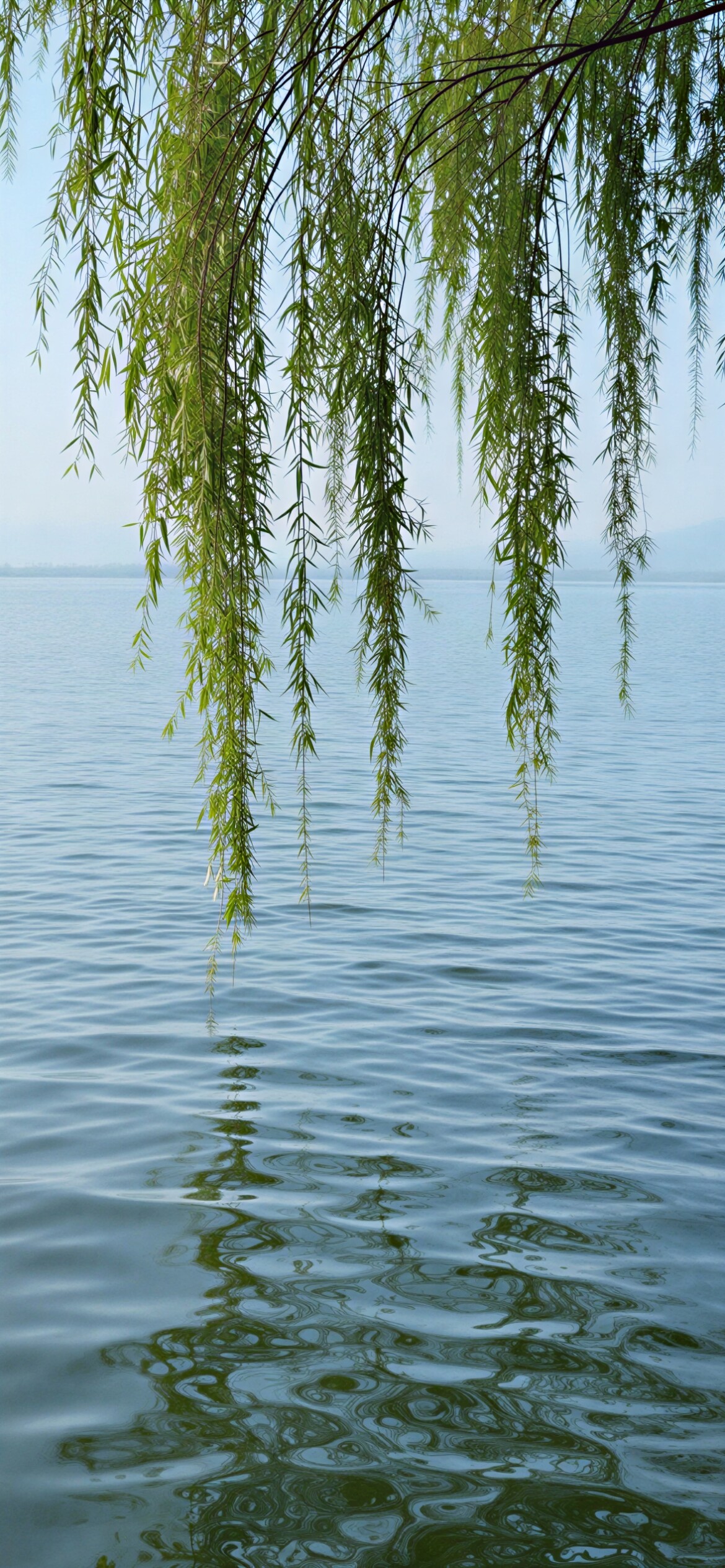
- A still pond framed by overhanging branches, quieter and more enclosed than the open views.
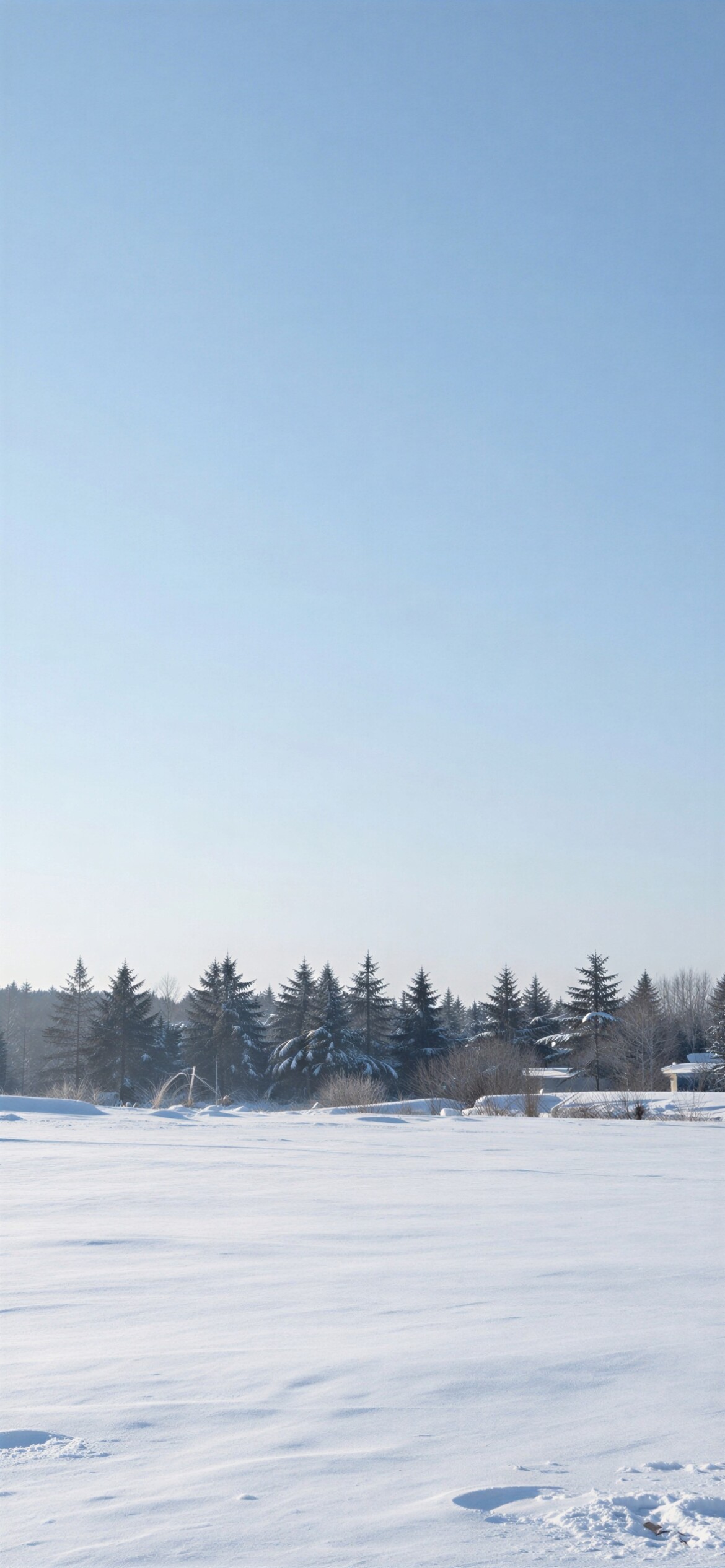
- Snow on the ground under a pale blue winter sky.
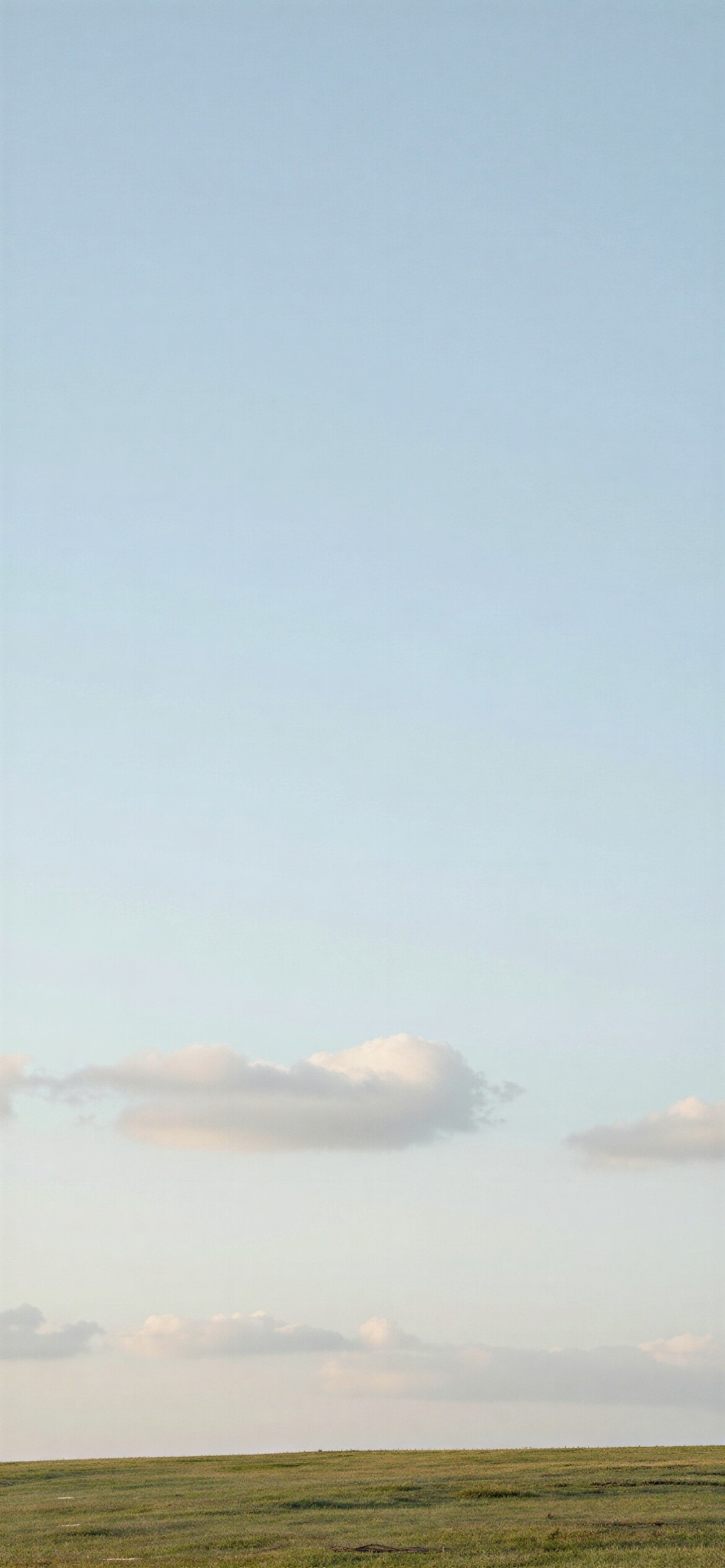
- A gentle meadow with soft clouds above it.
Why so many people choose blue
Blue keeps coming out on top when people are asked about colour. In a 2015 YouGov survey across ten countries on four continents, blue was the most popular favourite colour in every one of them. Paler versions of it carry the same appeal with less weight, which is why light blue is so common for bedrooms, nurseries and app backgrounds alike.
The colour has had its moments in design, too. Pantone's very first Color of the Year, chosen for 2000, was Cerulean, a clear sky blue, and in 2016 the company picked a pale blue called Serenity, paired with the pink Rose Quartz. There is a nice bit of physics in #9 as well: shadows on snow often look blue because they are lit by the blue sky rather than by direct sunlight.
Bright noon, hazy morning or winter cold?
For a crisp, sunny feel, go with #2, #4 or #7, where the blue is clear and strong. #1, #3, #5 and #8 are softer and hazier, with mist, dawn light or shade taking the edge off. #6 and #10 bring some green from the grass and feel the most like spring, while #9 is the coldest of the set and the obvious choice for winter.
For more in this colour family, take a look at the clouds wallpapers, the deeper shades in the turquoise set, or the mixed tones of the blue aesthetic collection.
How to set it on your iPhone
- Tap Download and save the image to Photos.
- Open Settings, tap Wallpaper, then Add New Wallpaper, and choose Photos.
- Pick the wallpaper, pinch to position it, then tap Add and choose the lock screen, home screen or both.
Stuck on a step? The iPhone and iPad guide has screenshots for each one.
Questions
Will these wallpapers fit my iPhone screen?
Yes. These wallpapers are sized at 1170x2532 pixels for modern iPhones, and some older models may crop slightly at the edges. Simply download and set as your lock screen or home screen in Settings > Wallpaper.
Can I use these wallpapers for personal use?
Yes, these wallpapers are free to download and use on your own devices. Selling them, printing them for sale, or reposting them on other wallpaper sites is not allowed. Please see our Terms page for the full licensing details.
Which wallpapers work best for a lock screen versus home screen?
Lock screen wallpapers should have a clear focal point in the lower half so your time and notifications stay visible against the sky. Home screen wallpapers benefit from simpler designs with open sky in the upper area, since your app icons sit on top. Mix and match based on your icon layout.
Do light blue wallpapers work with dark mode and light mode?
Light blue wallpapers display beautifully in light mode and look fresh and airy. In dark mode, they still work but may appear softer behind dark-themed icons. If you use dark mode, choose designs with stronger contrast, like those with visible clouds or distant elements. Consider testing a few before deciding.