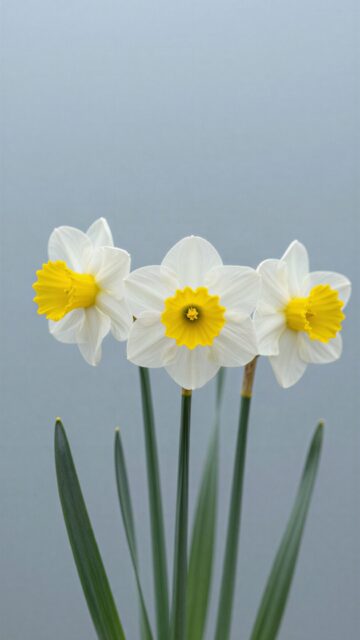
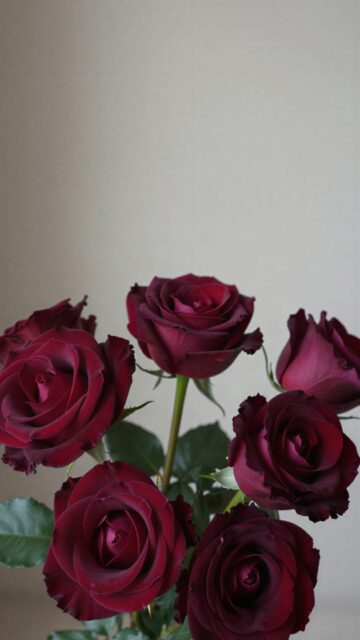
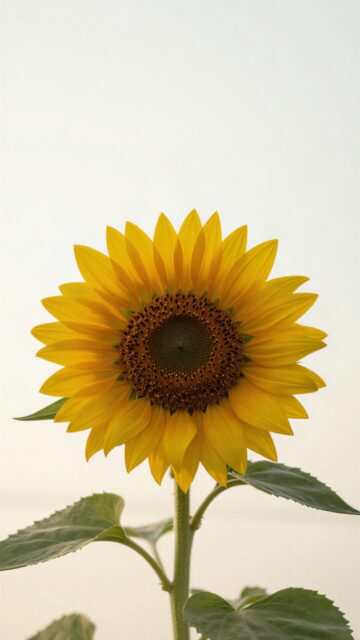
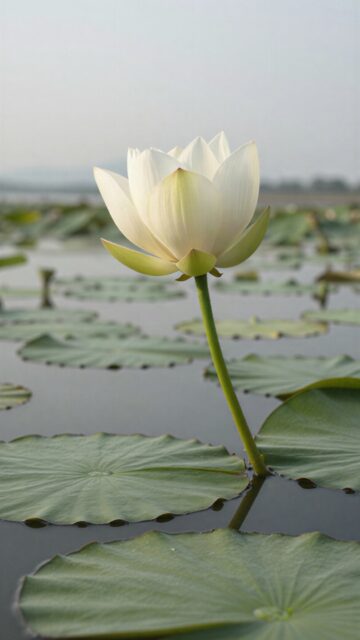
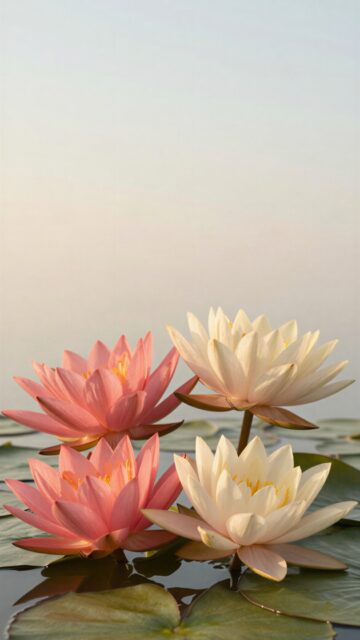
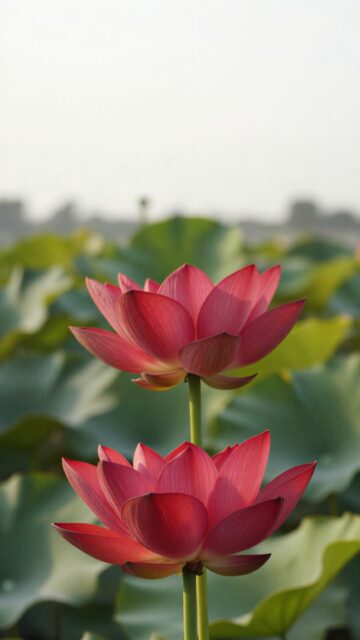
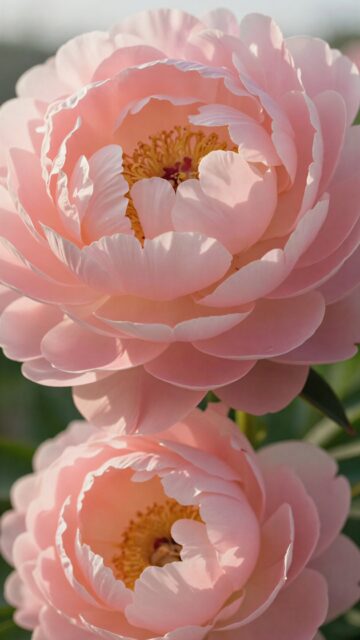
10 wallpapers in 1 collections · last added 3 Oct 2026 · sizes for iPhone, Android, desktop and tablet
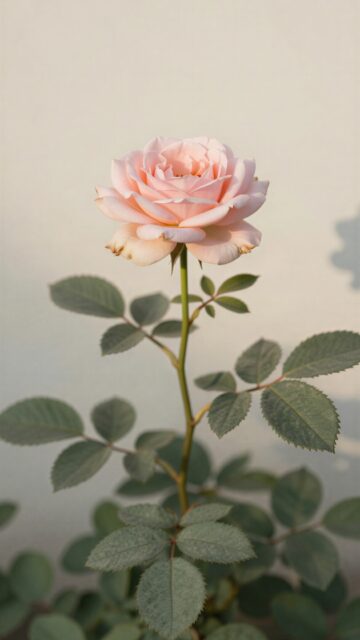
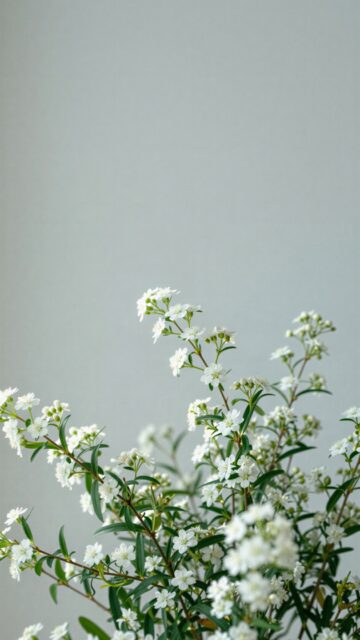
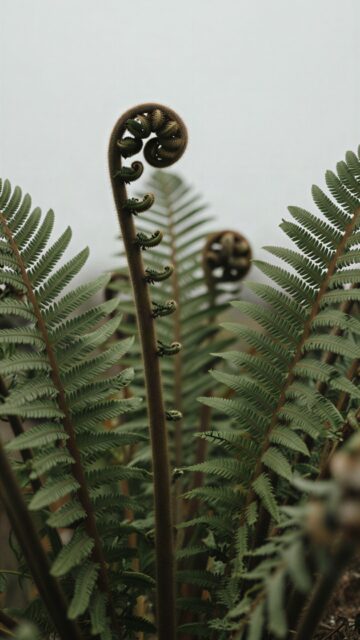
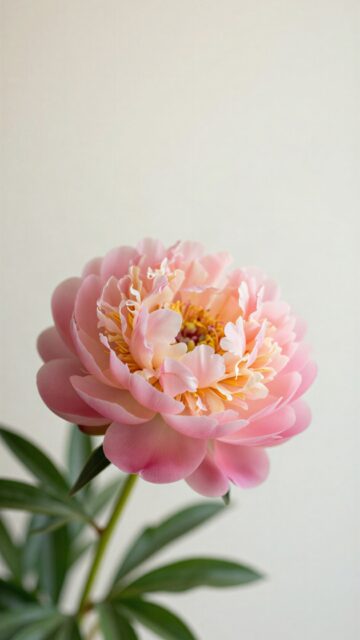
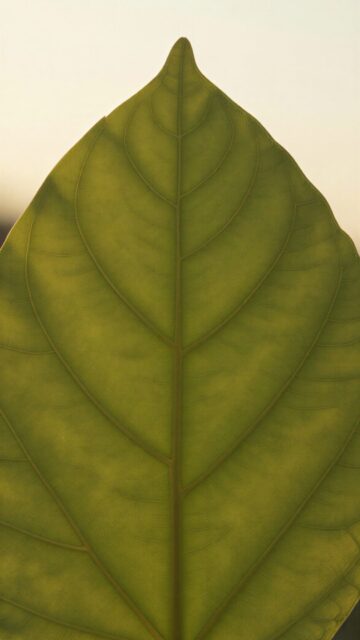
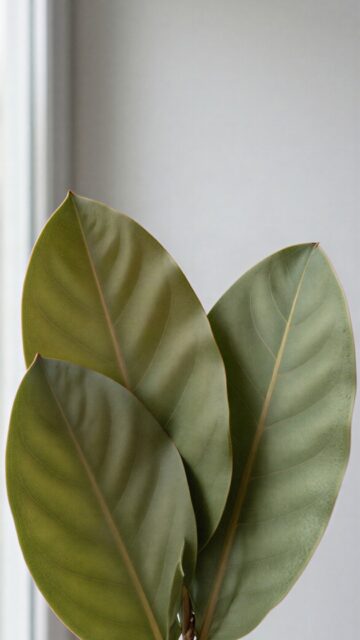
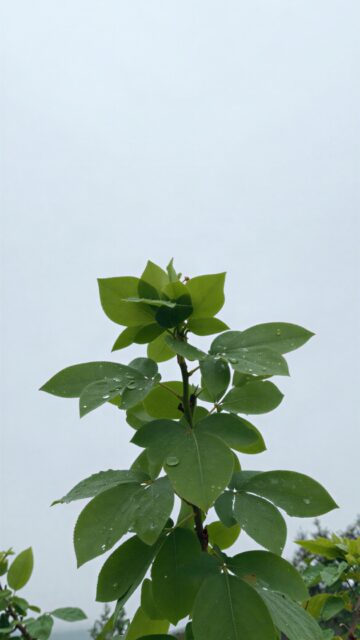
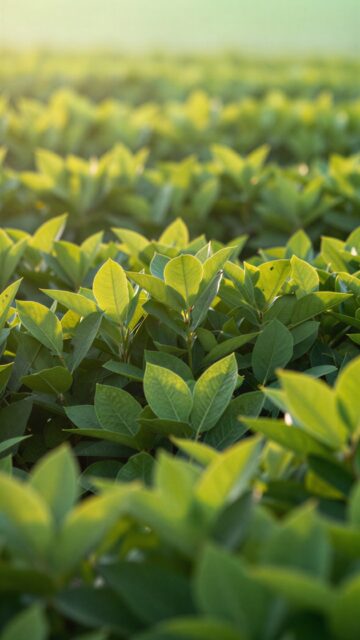
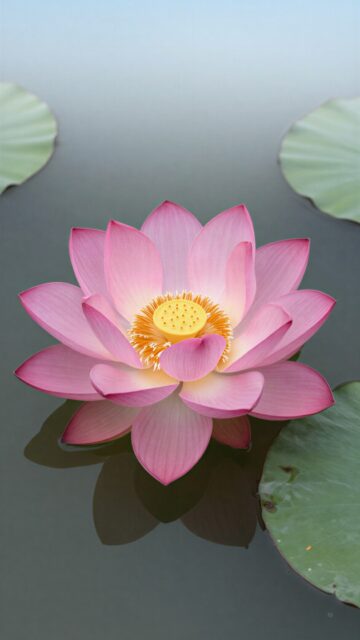
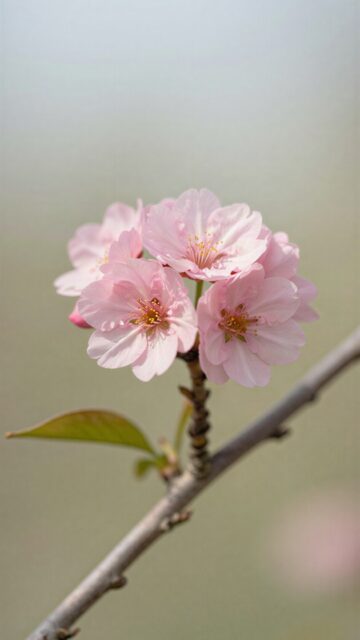
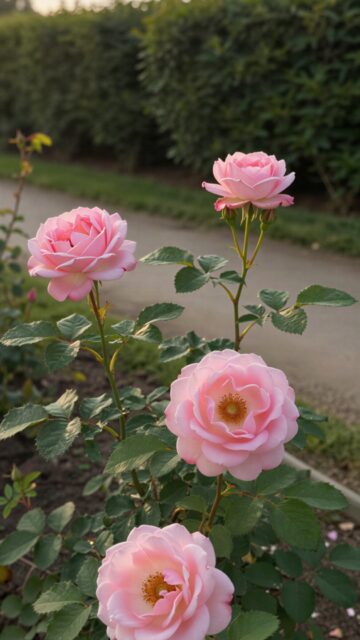
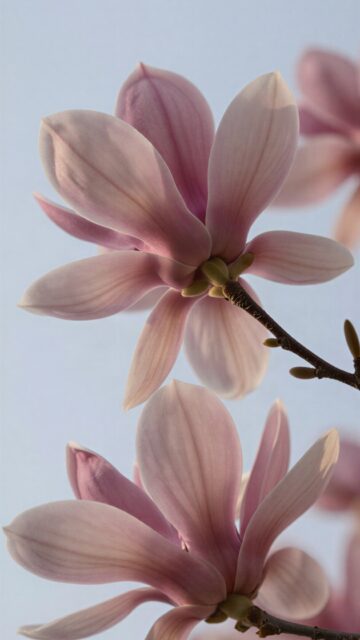
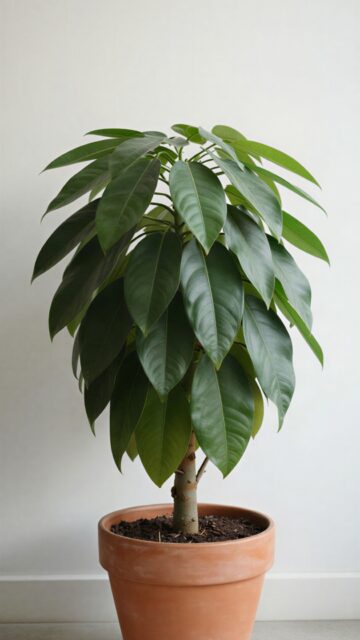
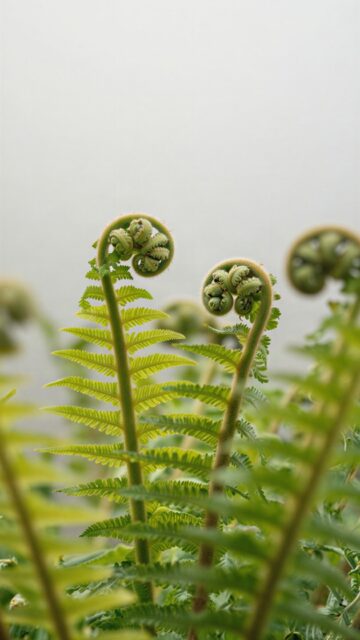
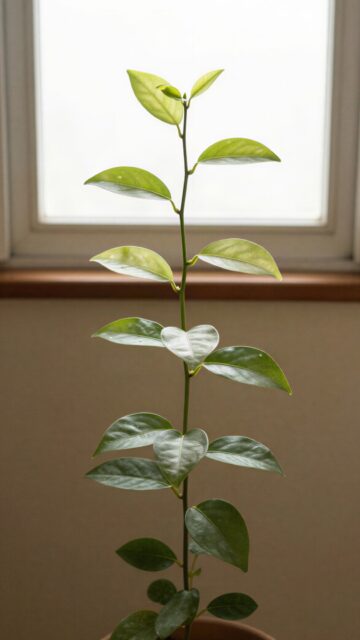
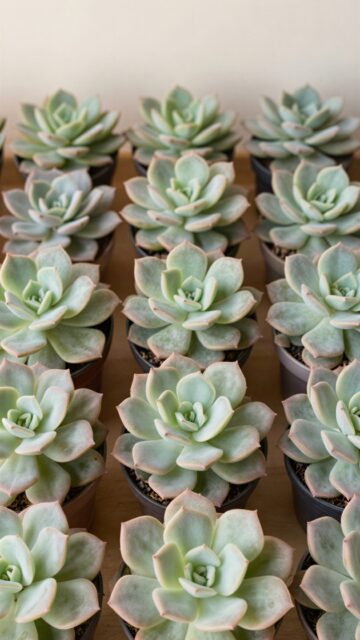
A botanical wallpaper has the calm, studied look of a naturalist's sketchbook. Part of our flower wallpapers, this collection centers on leaves and plant forms rather than big bright blooms: fern fronds, monstera and palm leaves, eucalyptus sprigs, vintage scientific plates, pressed specimens and fine line drawings on cream or dark green paper. These botanical backgrounds feel quiet and grown-up, perfect if you want nature on your screen without a lot of color.
Every collection holds 10 wallpapers in one theme and one size. Phones get iPhone at 1170x2532 and Android at 1080x2400, while wider sets come in laptop size at 1920x1080 and desktop 4K at 3840x2160, plus iPad when a layout fits. Each design is original and checked by hand before it is published, and weak images are removed, so fine leaf veins and line work stay sharp at every size. Fresh collections are added every day, with leafy summer designs going up ahead of the warmer months.
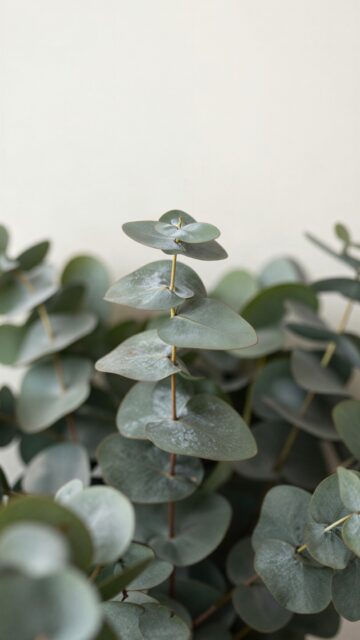
Botanical art covers two main looks. The vintage style copies old scientific prints, with labeled specimens, aged paper tones and careful shading, and suits a soft, library-like setup. The modern style uses bold tropical leaves, flat shapes and strong greens on white or black, which looks clean and graphic. Both styles keep the color range narrow, which is why botanical designs rarely clash with icons, widgets or a dark mode setting. If you like the leafy side, the leaf wallpapers and plant wallpapers go deeper, and the sage green collection matches the same muted palette.
Pick a botanical design whose background color matches your phone's dock or widget tint, such as deep green or cream, so the whole home screen looks like one print.
For iPhone, use the 1170x2532 version, and for Android, the 1080x2400 version. Both are tall portrait sizes for modern phones. Vintage specimen designs are usually centered, so they survive small crops at the sides. If you need setup steps, the Android guide walks you through it.
Botanical illustration is the art of drawing plants accurately, usually for science, so a species can be identified from the picture. Artists show leaves, flowers, roots and seeds in careful detail, often on a plain background. The style has a long history in herbals and natural history books, and its clean look translates well to wallpapers.
A single specimen or one large leaf works well on the lock screen, where it stays fully visible. On the home screen, choose a light repeating pattern of leaves or a pale background with fine line work, so app icons sit cleanly on top without fighting the detail.
Deep forest green, sage, olive, cream and warm brown are the classic botanical colors. Black backgrounds with gold or white line drawings give a more elegant look. If you want to match your widgets, the green wallpapers and beige wallpapers share the same earthy range.
Yes. Many botanical designs use a single stem or leaf with lots of empty space, which keeps the screen calm and uncluttered. Line art versions are especially minimal. For an even cleaner look, browse the minimalist wallpapers and pair them with a botanical lock screen.
Yes, for personal use on your own phone, tablet, computer or watch, with no sign up and no watermark. You may not use them for commercial projects, sell them as prints, or redistribute them on other sites. The Terms of Use explain the limits clearly.
Look for a collection in the dual monitor size of 5120x1440, then set your system to span it across both screens rather than repeat it. Wide rows of ferns or palm leaves carry nicely across the gap. The dual monitor wallpaper guide covers Windows and Mac.
New collections are published to the site every day, and botanical designs are added over time in both vintage and modern styles. The latest wallpapers page shows what's new. You can also suggest a plant or a particular style through the contact page.
Every wallpaper is reviewed by a person before it goes live: we remove images with odd details or blur and check the crop for each device. How we check wallpapers
Something wrong with an image? Report an image · Free for personal use, see the Terms.