Christmas Wallpaper iPhone
Christmas wallpaper iPhone with glowing trees, wreaths, candles and snowy cabins in watercolor and illustrated styles, free to download for your lock screen. This set features hand-curated original artwork with holiday themes, warm colors, and seasonal imagery. Each christmas iphone wallpaper has been checked by hand before publishing. You'll find snow scenes, decorated trees, ornaments, wreaths, candles and winter landscapes in watercolor, digital painting and illustrated styles. Pick the christmas wallpaper for iphone that matches your phone's color and your holiday mood.
10 wallpapers at 1170 × 2532 px for iPhone. Checked by hand on 8 Oct 2026.
About this set
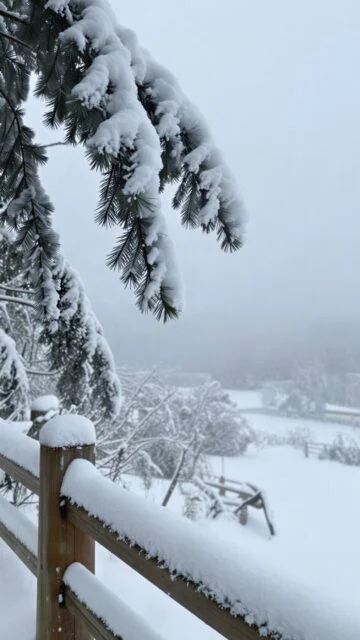
These christmas wallpapers use watercolor, digital painting, illustration and photographic styles to capture the warmth and calm of the season. The designs feature traditional holiday imagery: decorated trees, wreaths, candles, ornaments, snow scenes and winter details. Warm golds, deep greens and cool blues create a cozy but not overwhelming mood that works year-round for those who love the aesthetic.
The lock screen picks are the ornaments, cardinal, and candle designs because their centered focus looks sharp at small sizes. The home screen wallpapers are the cabin, forest, wreath and gift boxes since they fill space evenly behind icons. Pair these with warm-toned icon packs or keep them with your phone’s default icons. They work well in both light and dark mode on iPhone.
From the treetop star to the spice jar
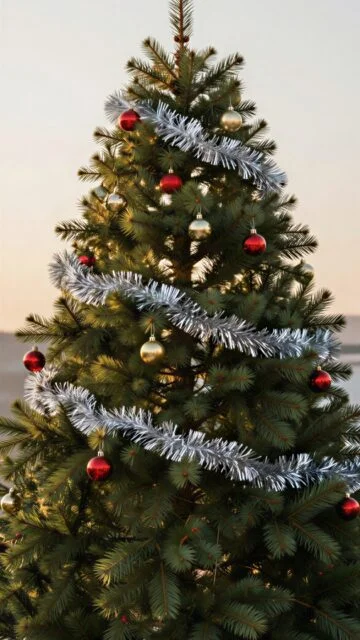
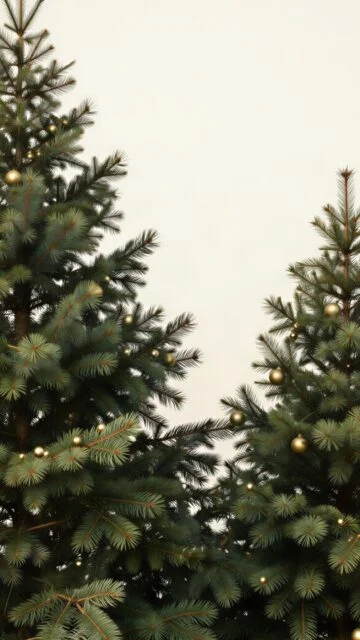
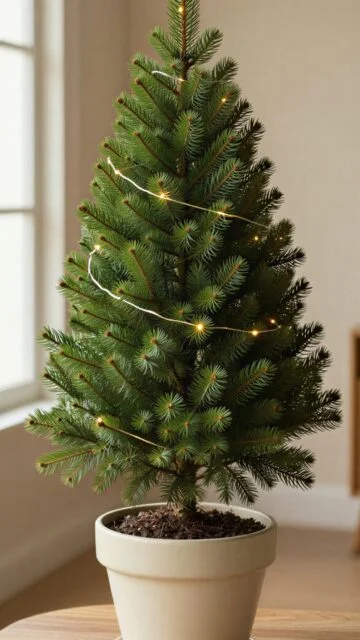
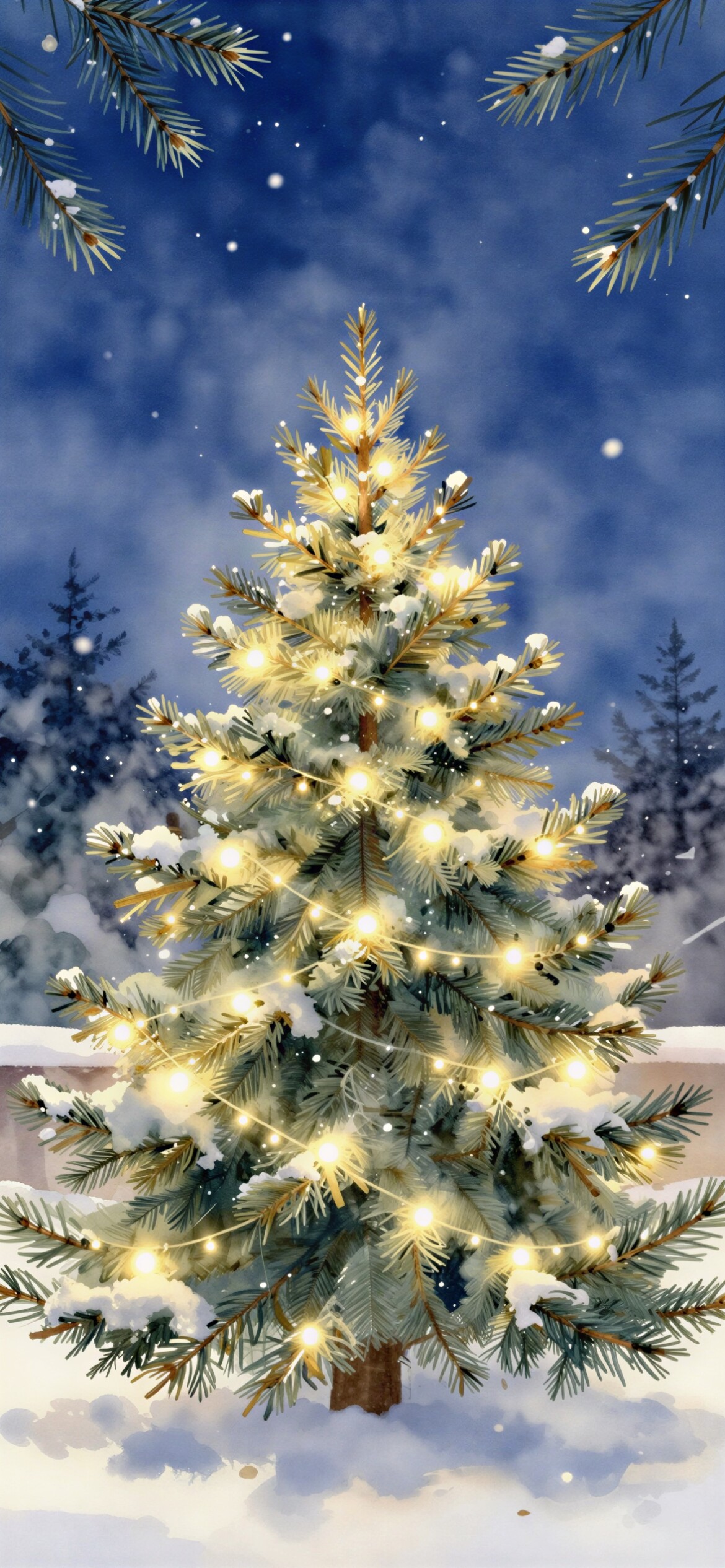
- A lit tree under falling snow and a starry sky. The dark background keeps the clock easy to read.
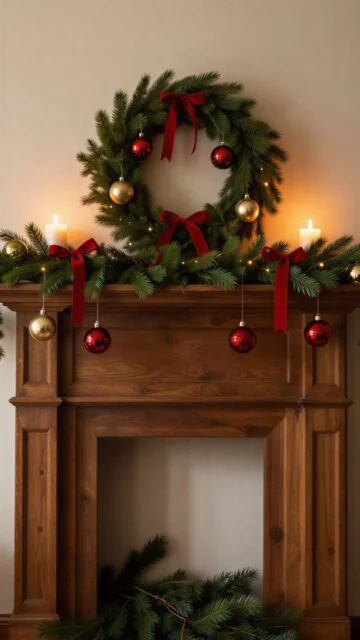
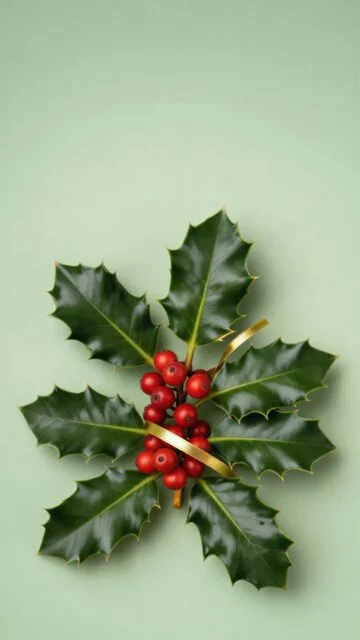
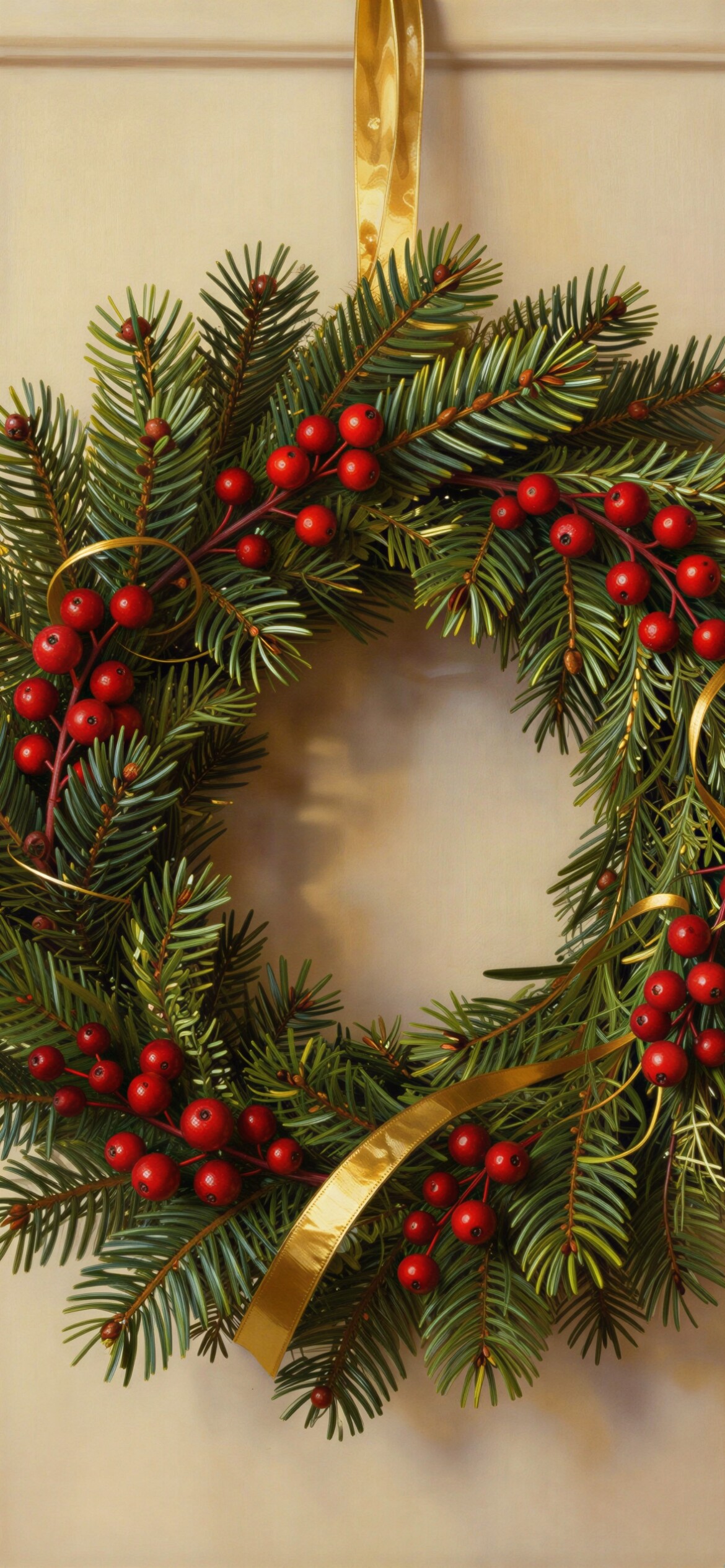
- A pine wreath with red berries and a gold ribbon, framed like a door decoration. It sits nicely behind a home screen grid.
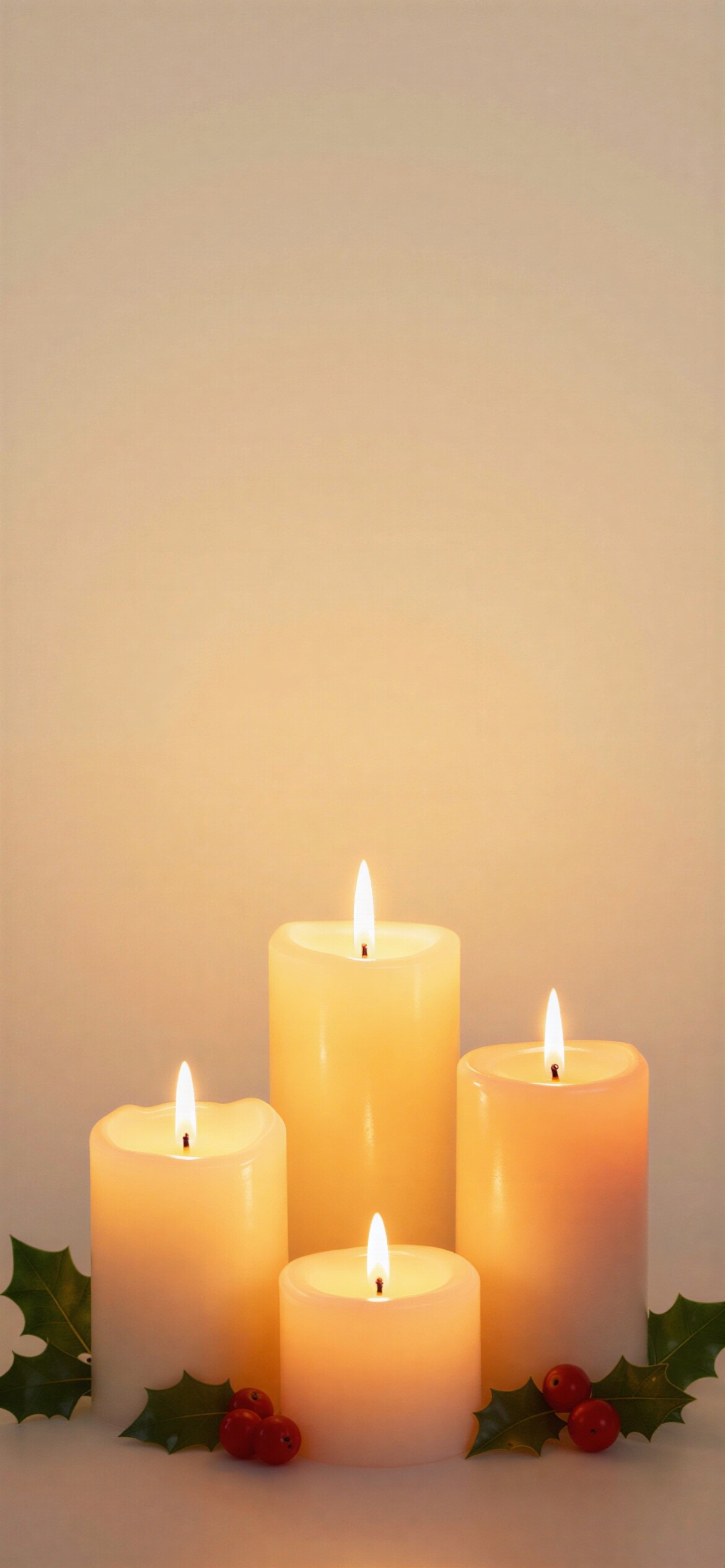
- Three candles glowing between holly leaves. A calm pick for a bedside phone at night.
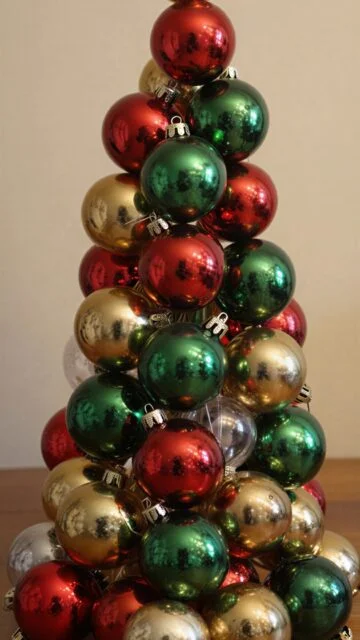
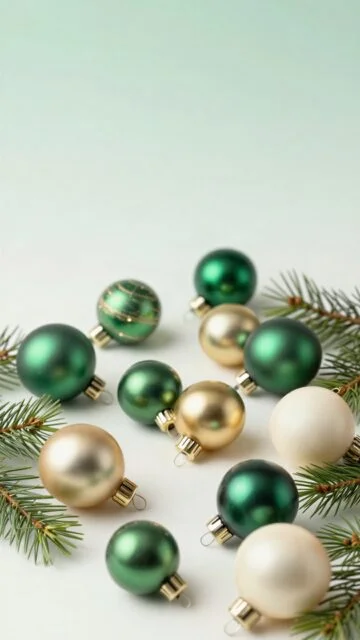
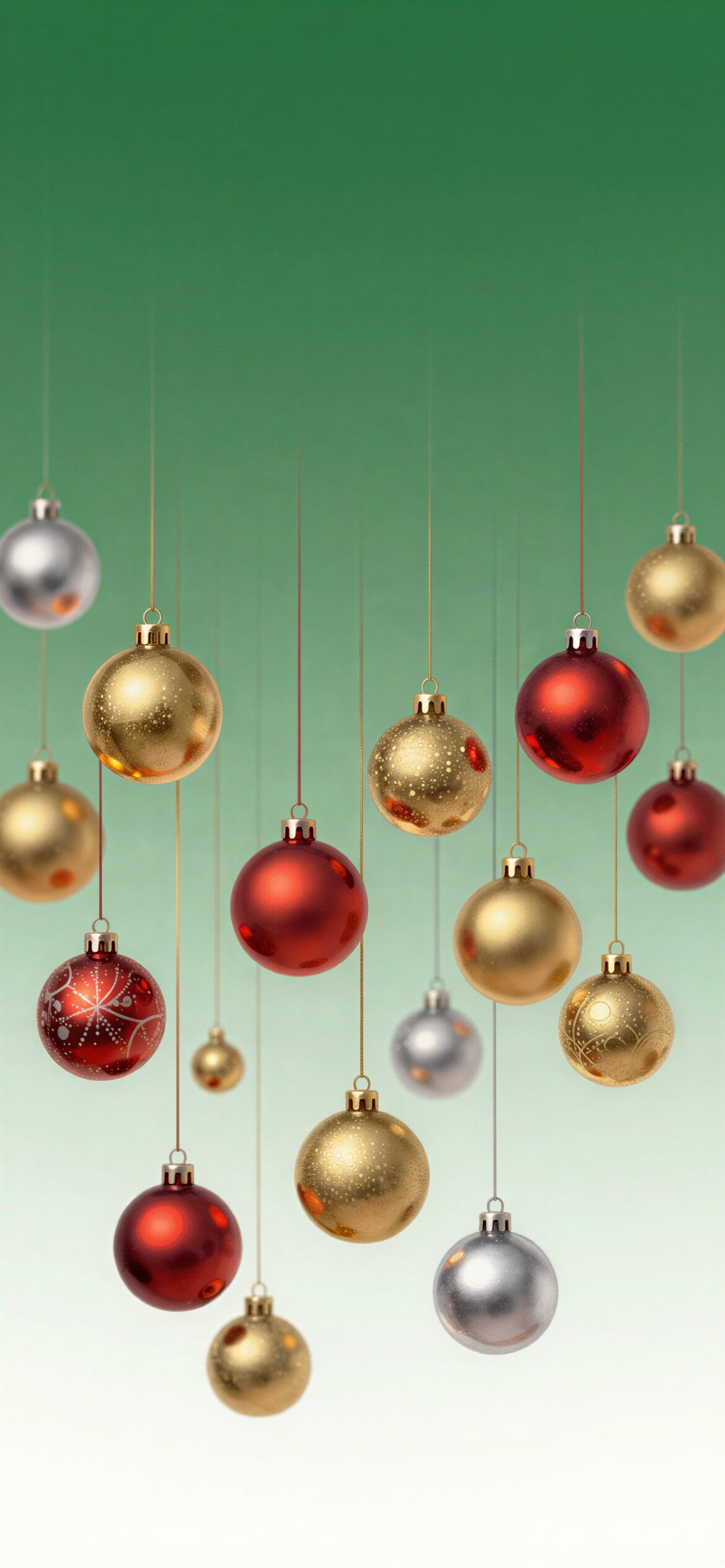
- Red, gold and silver baubles hanging over a green gradient, with plenty of plain space up top.
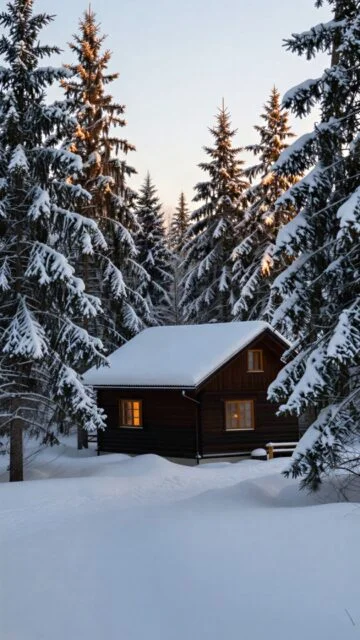
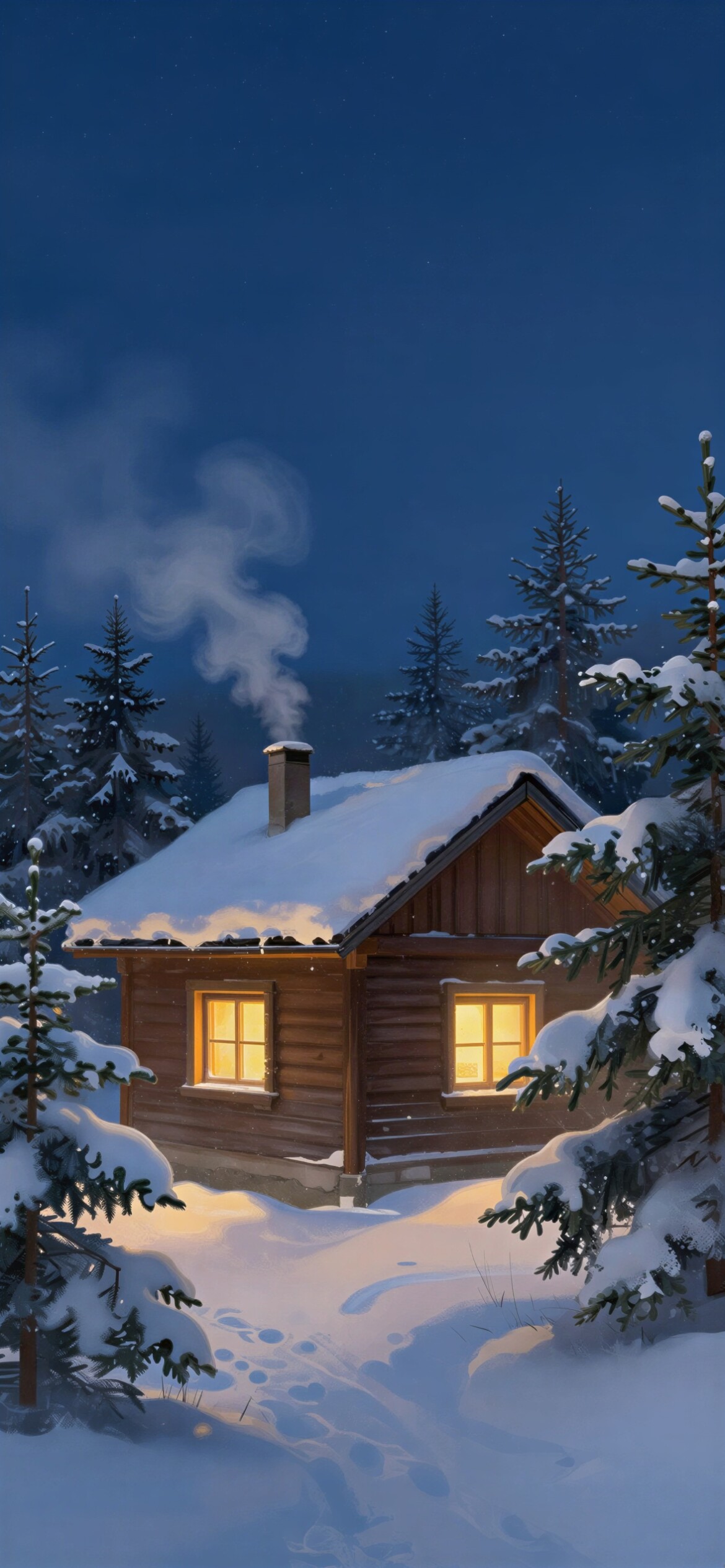
- A cabin buried in snow, its windows lit from inside. This one reads best when the icons sit low.
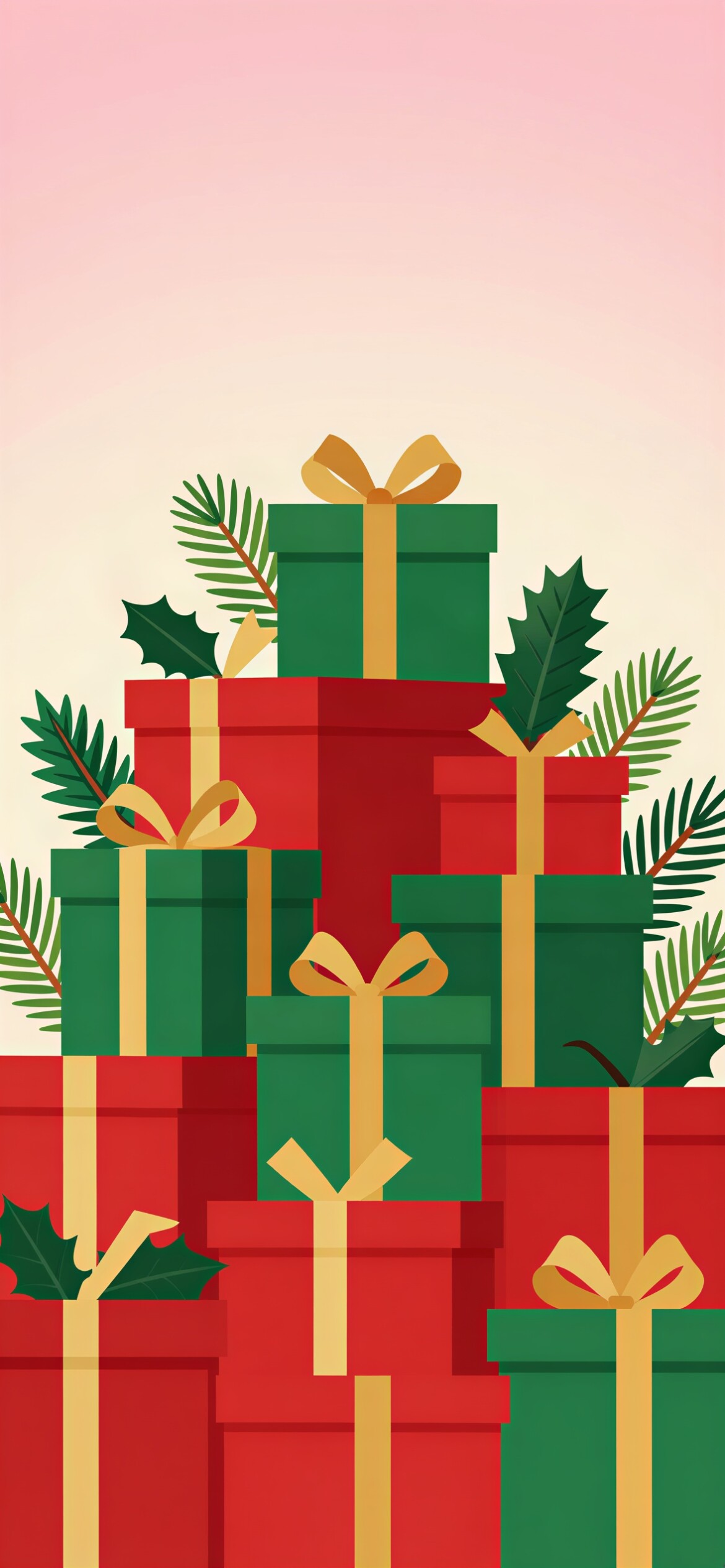
- Wrapped gifts stacked with ribbons and pine branches, the most classic picture of the ten.
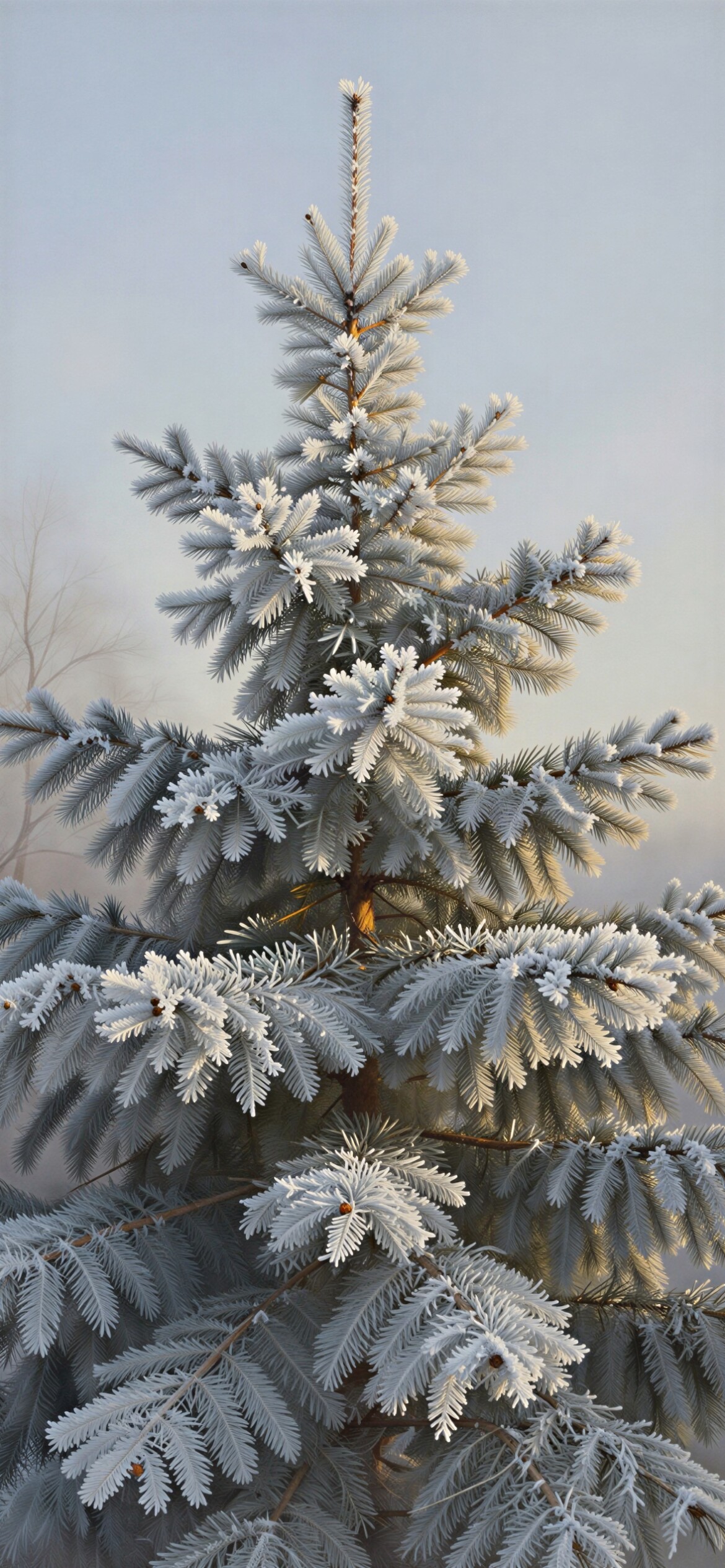
- Frosted evergreen branches lit from behind by golden light. Soft and quiet, with no single object in the middle.
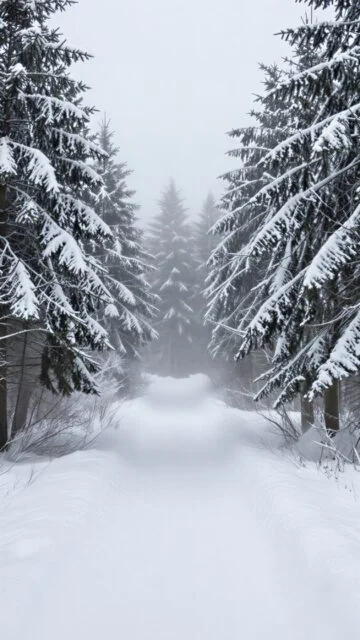
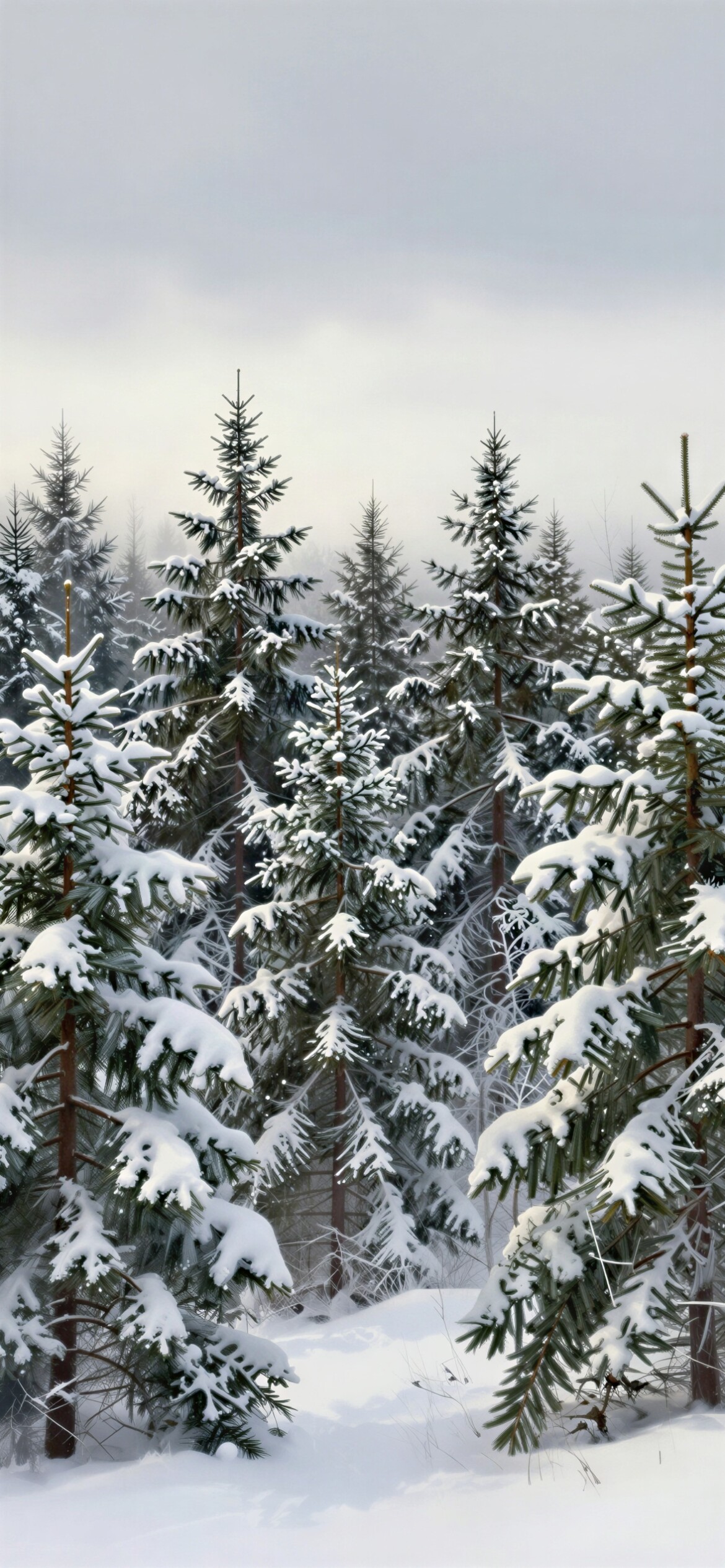
- A snowy forest that fades into a pale sky, the lightest image here and a good match for light mode.
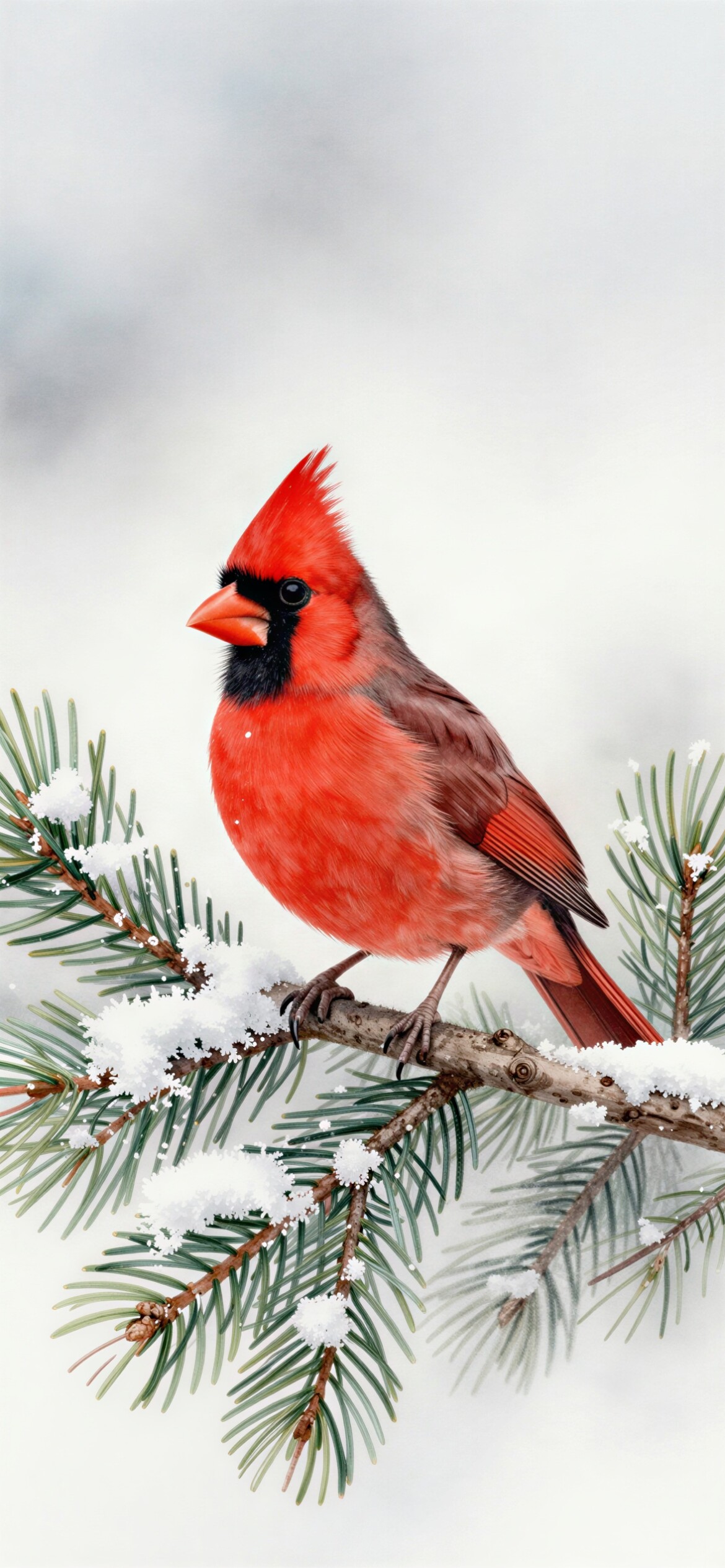
- A red cardinal perched on a frosty branch among pine needles.
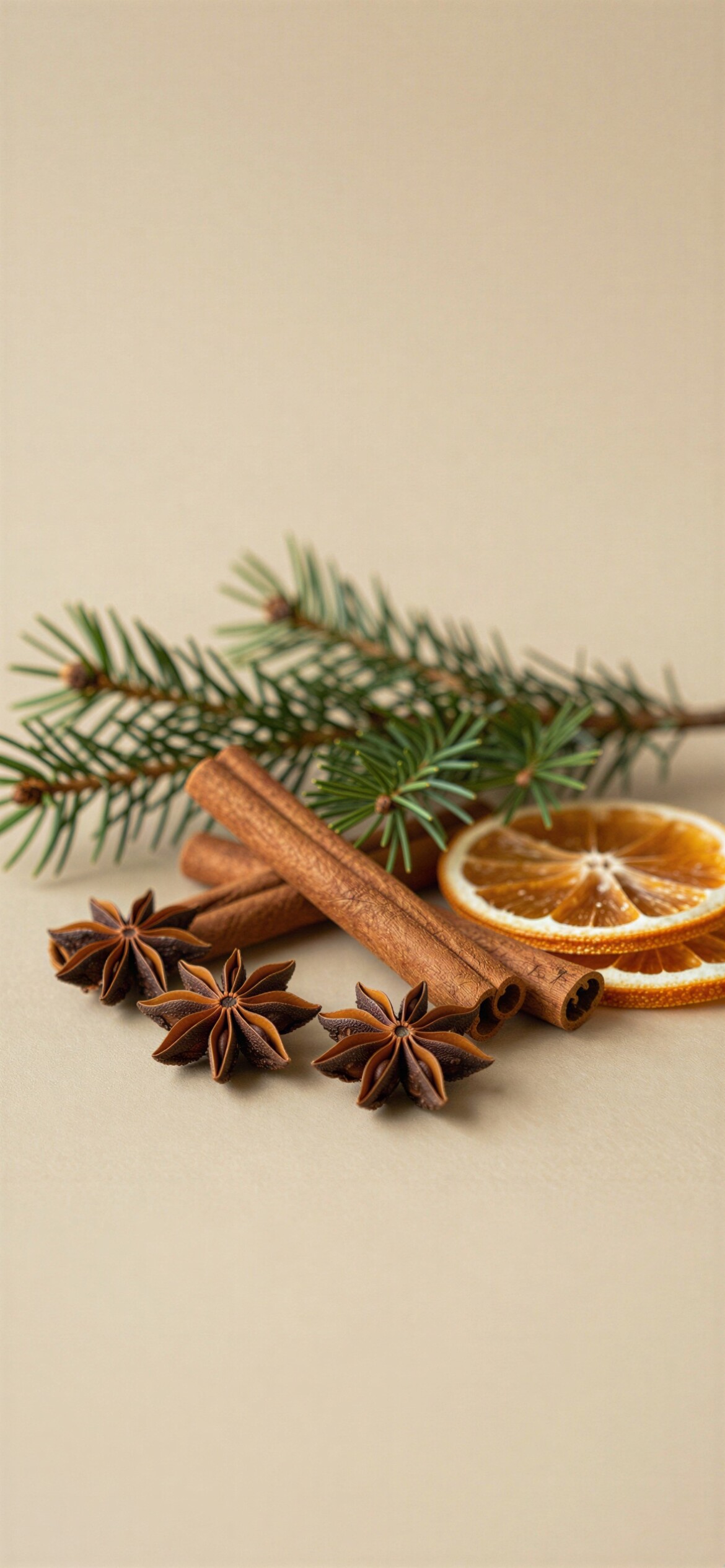
- Cinnamon sticks, dried citrus slices and evergreen sprigs on a warm background, more kitchen table than tree.
Where the tree, the lights and the cardinal come from
Bringing evergreens indoors in winter is far older than Christmas itself; the Romans decorated with greenery during Saturnalia in December. The decorated tree in wallpaper 1 is a German custom that spread to Britain after 1848, when the Illustrated London News printed a picture of Queen Victoria and Prince Albert gathered around one. Hand-blown glass baubles like the ones in wallpaper 4 were being made in the German town of Lauscha by the mid-1800s.
Candles came first on trees, and the switch to electric light began in 1882, when Edward H. Johnson, a colleague of Thomas Edison, wired a tree in New York with 80 red, white and blue bulbs. The cardinal in wallpaper 9 earned its spot on holiday cards for a simple reason: northern cardinals do not migrate, and the males stay bright red all winter against the snow.
Snow-blue nights or candle-gold evenings?
The cooler, quieter choices are 1 and 8, with night blues and pale snow. The warm, glowing group is 3, 5, 7 and 10, all lit in amber and gold. For the classic red and green look, go with 2, 4, 6 and 9. Advent starts on 29 November this year, which is a natural point to swap in one of these and then move to a plainer winter scene in January.
If you want more holiday options, the red Christmas set leans fully into crimson, the watercolor Christmas wallpapers are softer and painted, and the winter aesthetic collection carries the snowy mood past the holidays.
How to set it on your iPhone
- Tap Download and save the image to Photos.
- Open Settings, tap Wallpaper, then Add New Wallpaper, and choose Photos.
- Pick the wallpaper, pinch to position it, then tap Add and choose the lock screen, home screen or both.
Stuck on a step? The iPhone and iPad guide has screenshots for each one.
Questions
Will these wallpapers fit my iPhone screen?
Yes. These wallpapers are sized 1170x2532 pixels for modern iPhones, and some older models may crop slightly at the edges. The tall vertical format matches iPhone's aspect ratio. When you set one as your wallpaper, it fills the screen without stretching.
Can I use these wallpapers for personal use?
Yes, these wallpapers are free for personal use on your own devices. You can set them as your lock screen or home screen. Selling them, printing them for sale, or reposting them on other wallpaper sites is not allowed. See our Terms page for full details.
Which designs work best for the lock screen versus the home screen?
Lock screen picks are the ornaments, cardinal and candles because their centered subjects stay sharp and visible at a glance. Home screen choices are the cabin, forest, wreath and gift boxes since they fill space evenly and let app icons sit on top without blocking the main subject.
Can I use these wallpapers after December, or are they only for Christmas?
These designs work year-round if you love the winter and holiday aesthetic. Many people keep cozy, festive wallpapers up all winter or even longer. There's no rule about when to use them, so set one whenever it feels right to you.