Christmas Desktop Wallpaper
Christmas desktop wallpaper in 4K with snowy landscapes, decorated rooms and winter forests in deep reds, golds and greens, free to download for Windows and Mac. This set features snowy landscapes, decorated interiors, holiday table settings and winter forests in deep reds, golds, greens and cool blues. Each design works on computers running Windows or Mac at 3840x2160 resolution. The christmas wallpaper 4k images here suit both light and dark desktops, giving your workspace a thoughtful holiday mood without overwhelming your icons and taskbar.
10 wallpapers at 3840 × 2160 px for Desktop 4K. Checked by hand on 8 Oct 2026.
About this set
This christmas pc wallpaper set blends traditional holiday imagery with calm, open compositions designed for 4K monitors. The artwork uses warm golds, deep reds and forest greens balanced with cool blues and silvers, creating a sophisticated festive mood that complements both light and dark desktop modes. Scenes range from cozy interiors to serene winter landscapes, each leaving clear space on the left for your icons and taskbar.
Lock screens benefit from designs with strong focal points like the illuminated cabin or decorated tree. Home screen backgrounds work best with the wider landscapes and mantel scenes that don’t compete with your dock or taskbar. These wallpapers pair well with holiday icon themes or remain neutral enough to work with any desktop aesthetic throughout the season.
A table, a mantel and a street of shop windows
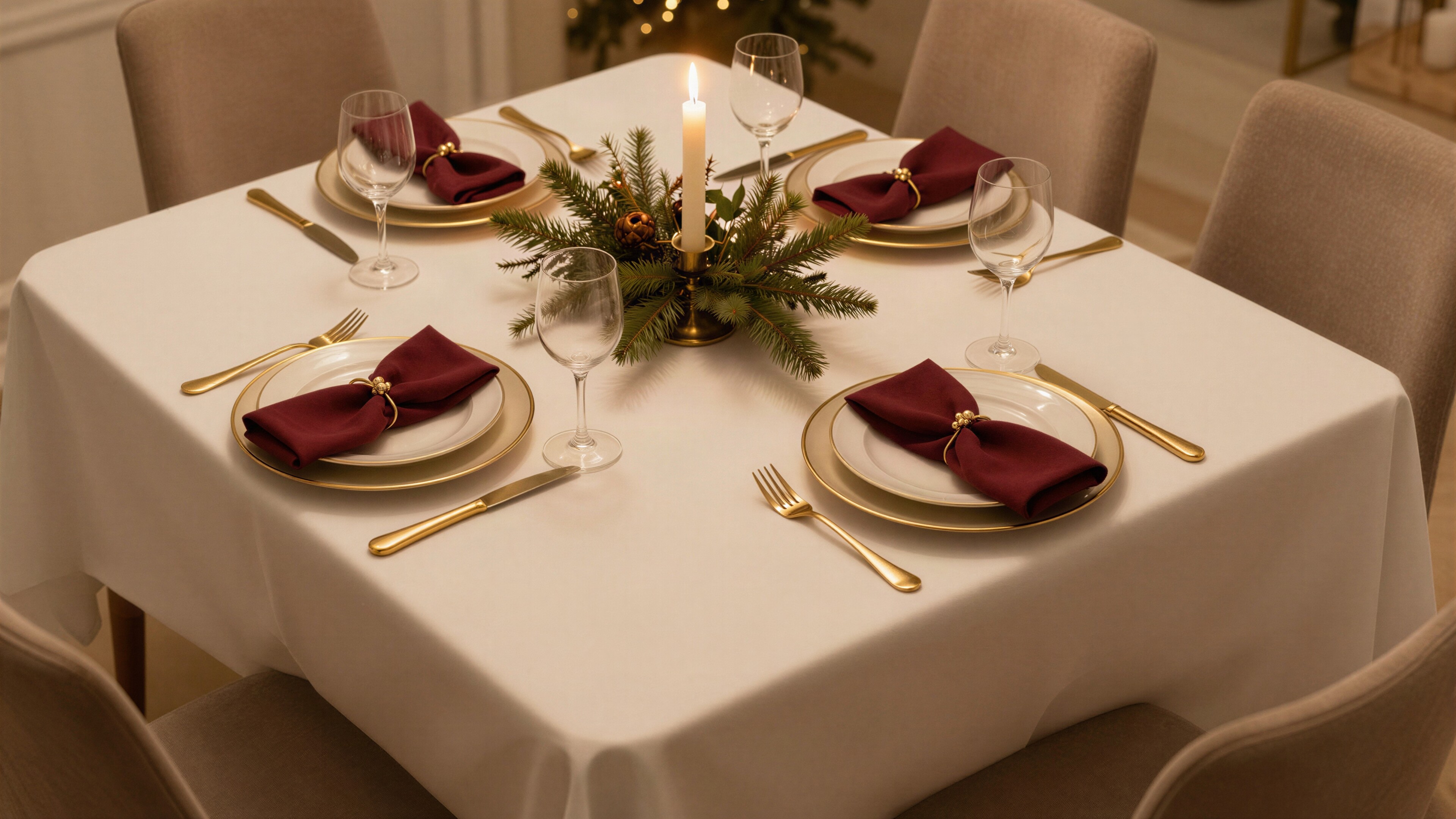
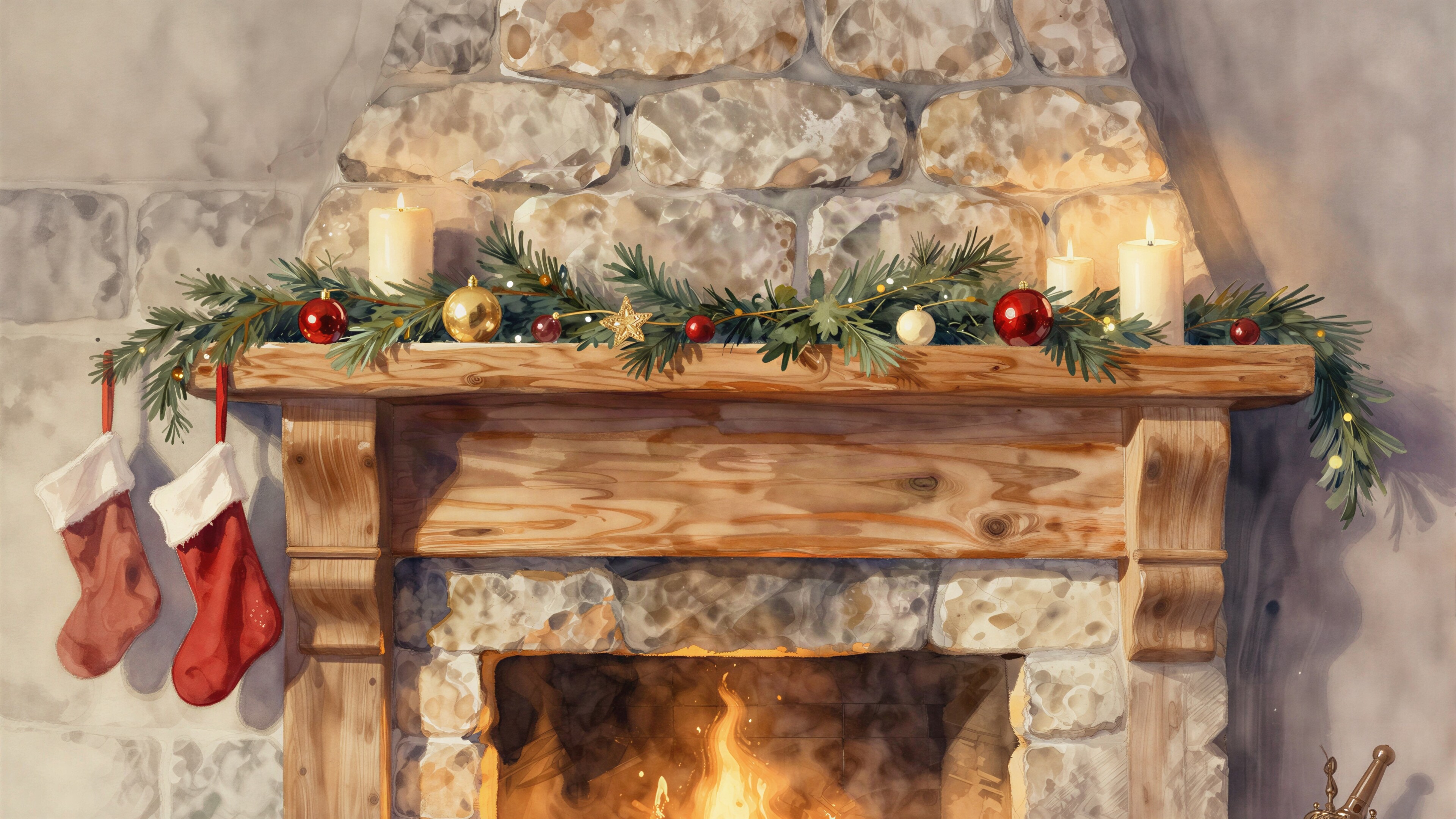
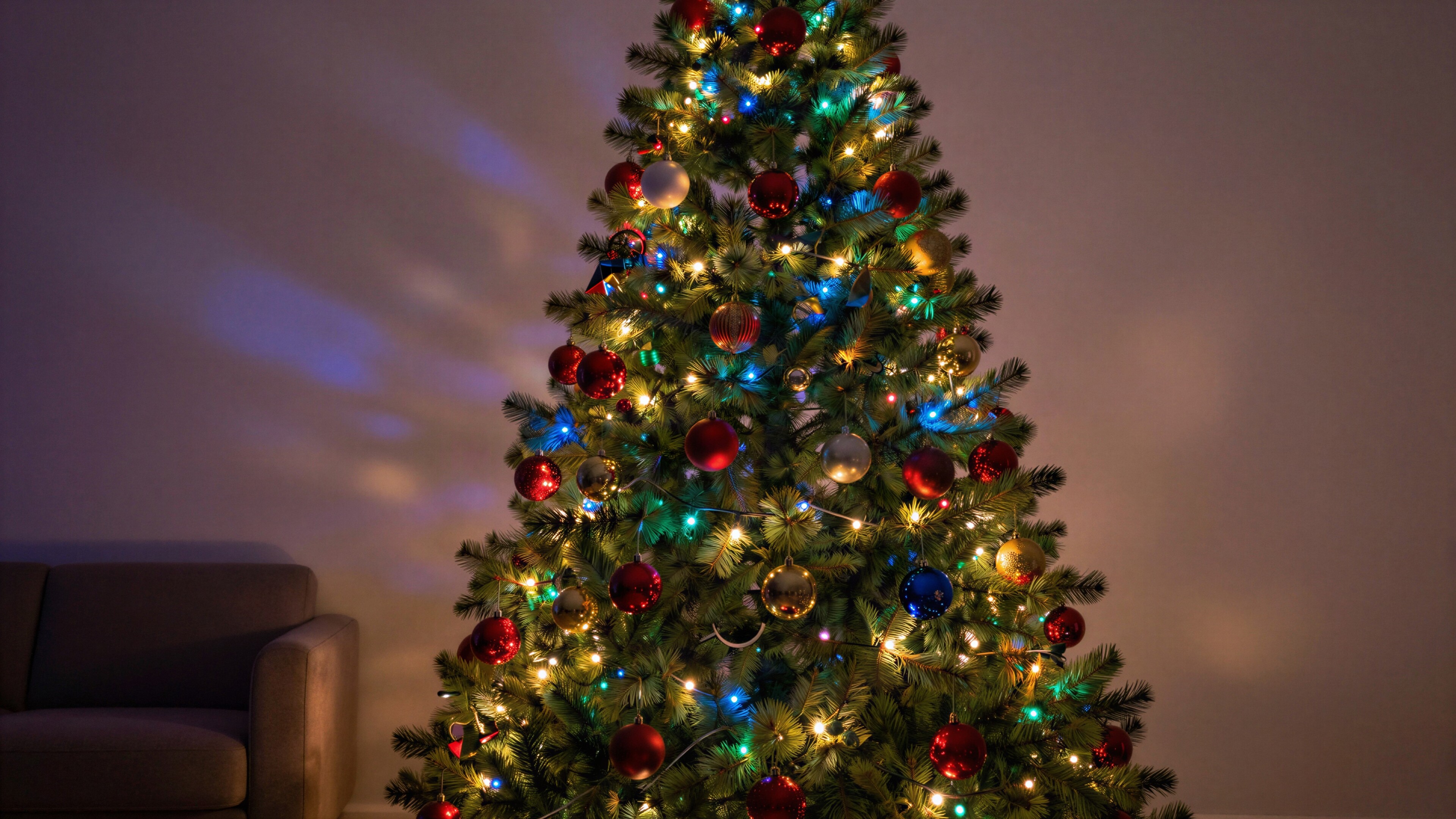
Four of the ten scenes stay indoors. The dinner table in #2 is set with gold and burgundy, the mantel in #3 has stockings and candles along it, the tree in #4 glows with multicoloured lights in a living room, and #6 is a close view of wrapped gifts with ribbons on a wooden surface. These are the warmest pictures in the set, and the ones that feel most like Christmas Eve.
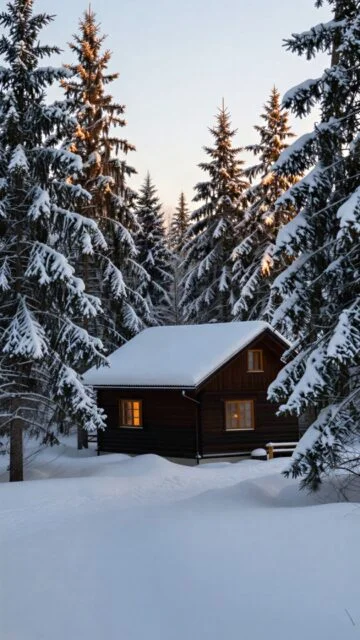
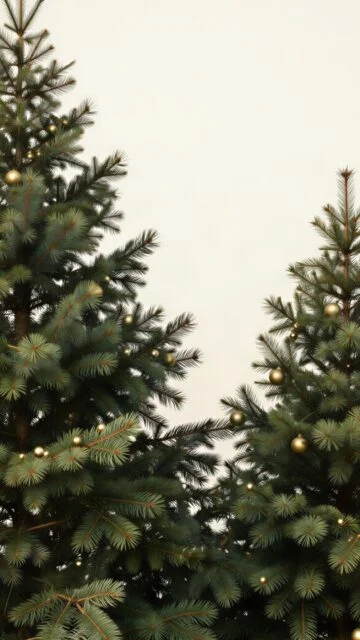
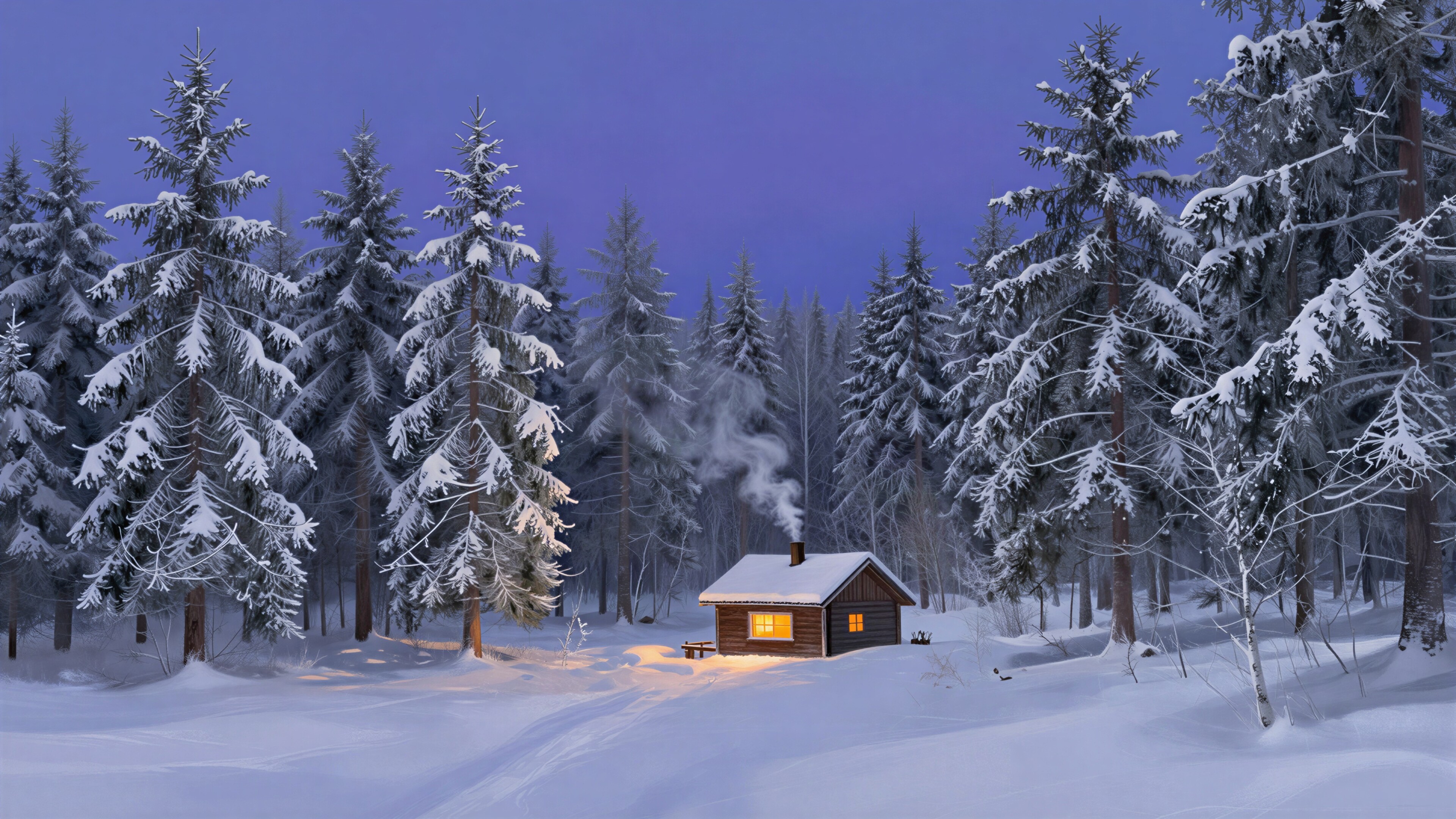
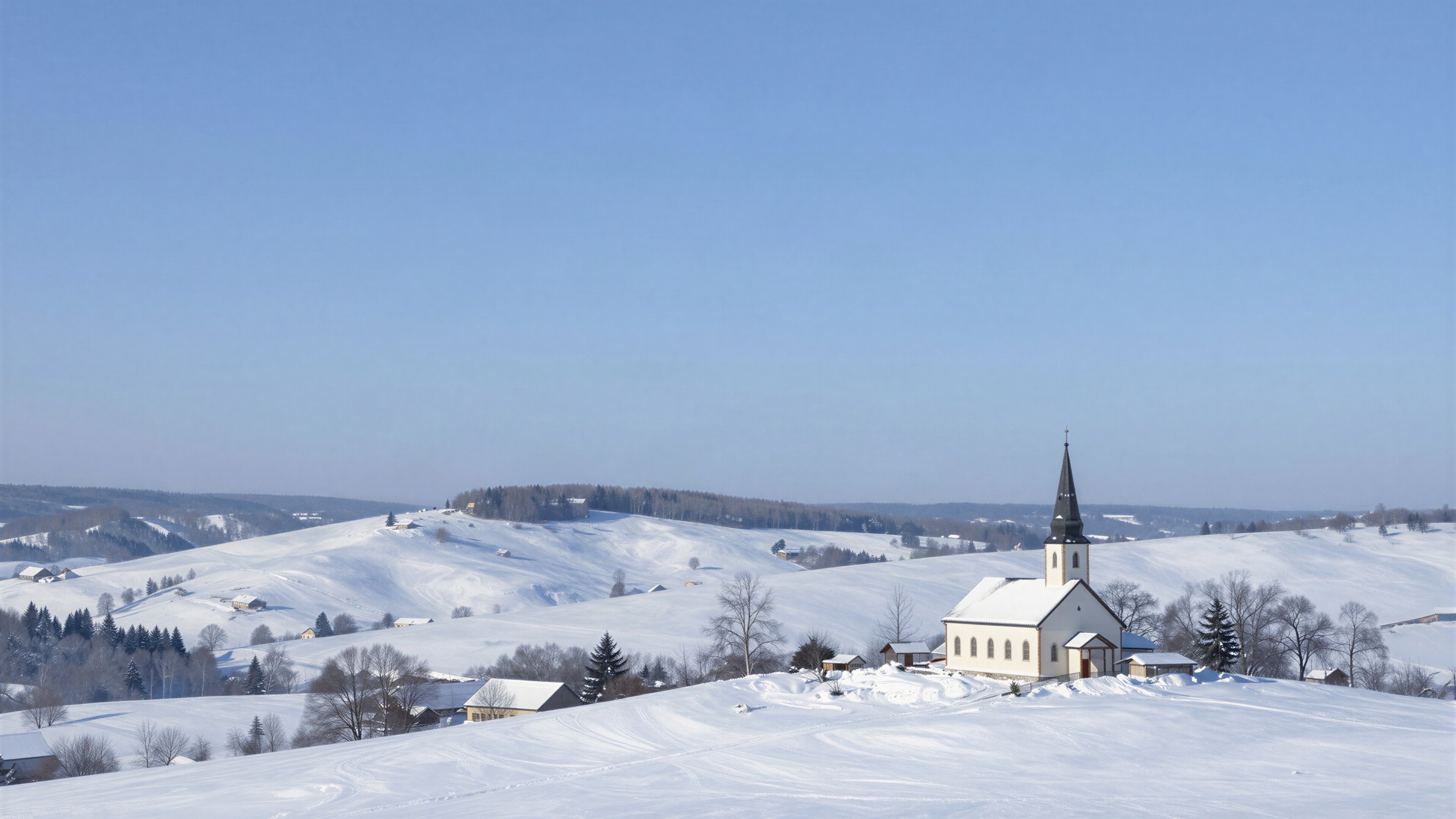
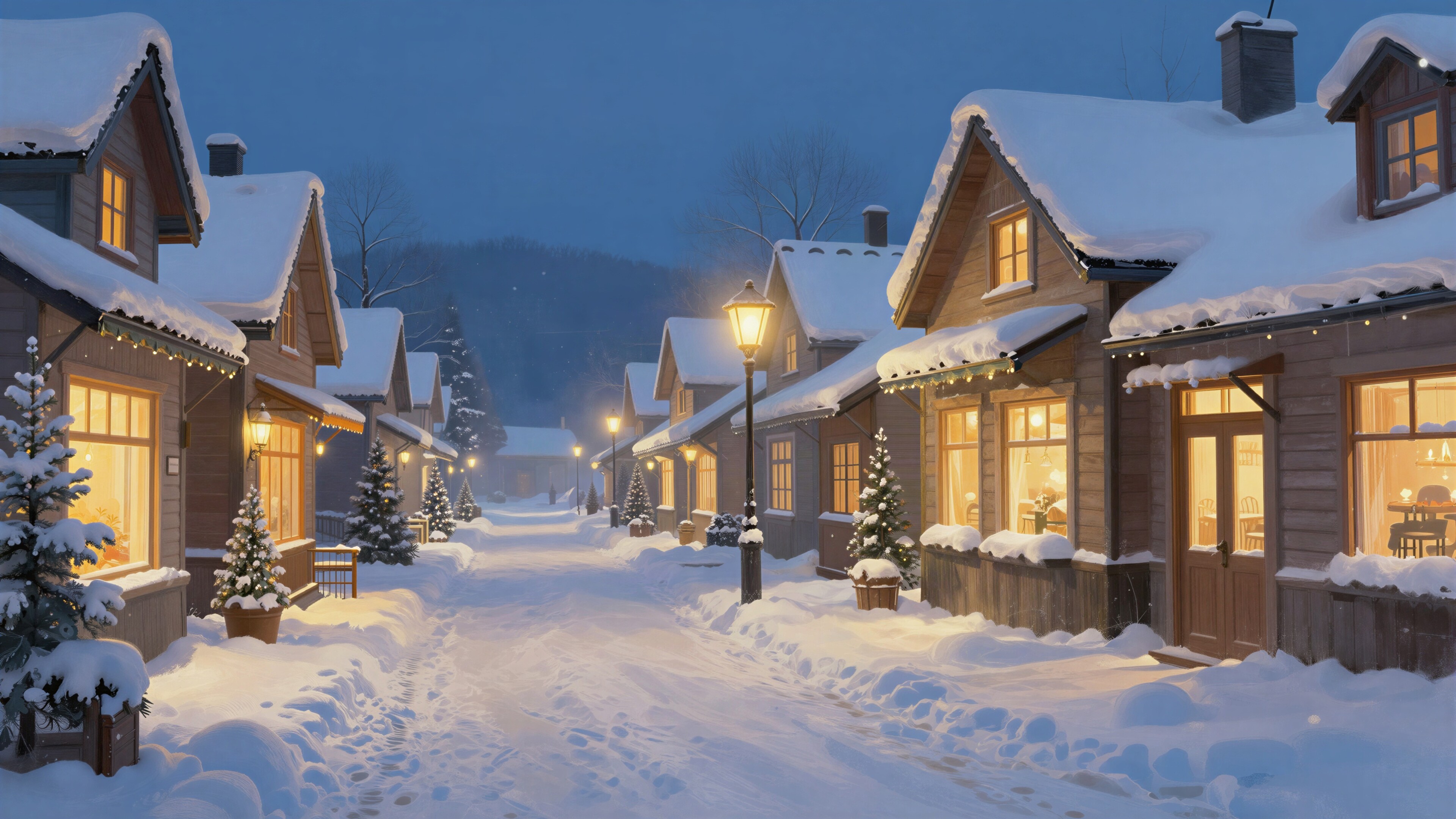
Three go outside after dark. The cabin in #1 sits in a snowy forest at dusk with its windows lit, #5 looks over a snow-covered village under a starry sky, and #7 follows a village street where the shop windows are still bright. The last three are close-ups: #8 is a sprig of holly with red berries on a cream background, #9 shows a red cardinal on frosted branches, and #10 fills the frame with gold and silver ornaments on evergreen branches.
Wrapping paper, a window candle and a 1942 song
Printed gift wrap like the paper in #6 is younger than most people guess. In 1917 the Hall brothers, whose Kansas City shop later became Hallmark, ran out of the plain tissue people used for presents and sold decorated envelope linings instead. Those sold out, and patterned wrapping paper followed. The lit windows in #1 and #7 echo an old Irish custom of leaving a candle burning in the window on Christmas Eve as a sign of welcome. The snowy streets of #5 and #7 are the kind of scene Irving Berlin’s “White Christmas” turned into a holiday picture of its own after Bing Crosby sang it in the 1942 film Holiday Inn.
Frosty blue or firelight red?
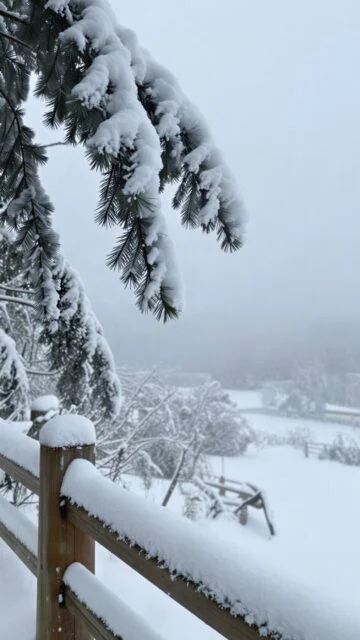
- Cold and blue: #1, #5 and #9, where snow, starlight and frost do most of the work.
- Lamplit and warm: #3, #4 and #7, with candles, tree lights and shop windows glowing against the dark.
- Red, gold and polish: #2, #6 and #10, the richest colours in the set.
- Pale and quiet: #8, the lightest background here, better on a second monitor or a lock screen than behind a desktop full of icons.
If you can’t settle on one, both Windows and macOS can rotate through a folder of pictures on a timer: on Windows pick Slideshow in the background settings, and on a Mac turn on the option to change the picture at an interval. Put all ten in one folder and the desktop moves from the cabin to the dinner table over the course of a day.
For more holiday screens, the Christmas dual monitor wallpapers stretch similar scenes across two displays, the winter desktop wallpapers in 4K keep the snow without the decorations, and the Christmas wallpapers for iPhone carry the season over to your phone.
How to set it on your computer
- Click Download to save the full-size image.
- On Windows, right-click the image and choose Set as desktop background.
- On a Mac, right-click the image and choose Set Desktop Picture, or use System Settings, then Wallpaper.
Stuck on a step? The desktop guide has screenshots for each one.
Questions
Will these wallpapers fit my 4K monitor?
Yes. All images in this set are 3840x2160 pixels, the standard 4K resolution. They display at full sharpness on 4K monitors and scale smoothly to 1920x1080 and other widescreen sizes. The 16:9 landscape format matches nearly all desktop monitors.
Can I use these on my work computer or share them?
These wallpapers are free for personal use on your own devices only. You may not sell, print for sale, repost on other wallpaper sites, or use them commercially. See our Terms page for complete details on personal use rights and restrictions.
Which wallpapers work best behind my desktop icons?
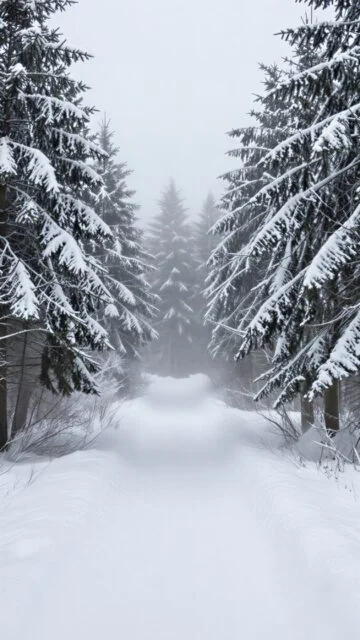
The wider landscape scenes like the snowy forest and village street work best behind icons because they have calm open space on the left side. Avoid the close-up ornament and berry designs for home screen use. The cabin and church steeple designs work well for both lock and home screens.
Can I use these wallpapers in dark mode?
Most designs work in both light and dark modes because they use balanced color palettes. The fireplace, cabin and tree scenes pair especially well with dark mode. If an image feels too dark, you can adjust your monitor brightness or use your operating system's display settings to brighten the background without affecting other elements.