Christmas Dual Monitor Wallpaper
Christmas dual monitor wallpaper in 5120x1440 turns your two screens into one panoramic holiday scene, from snowy landscapes to decorated rooms, free to download. This set brings holiday magic to your 5120x1440 display with panoramic artwork featuring winter landscapes, decorated interiors, and seasonal details. Each christmas dual screen wallpaper is original artwork, hand-curated to look sharp across both monitors without losing impact at the center seam. The collection balances warm reds, greens and golds against cool whites and silvers, creating moods from cozy to magical.
10 wallpapers at 5120 × 1440 px for Dual Monitor. Checked by hand on 8 Oct 2026.
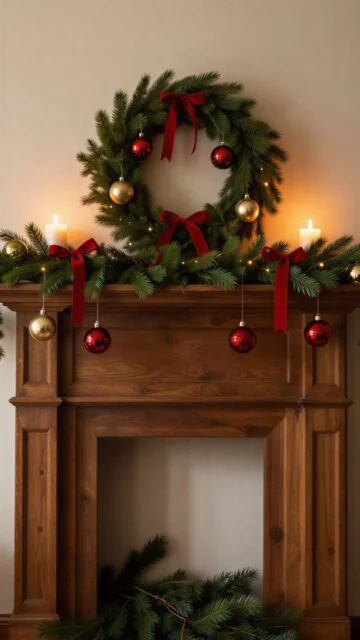
About this set
This collection captures the quiet joy and warmth of the holiday season across your entire dual monitor setup. The panoramic format lets winter landscapes and festive scenes breathe from edge to edge, with careful composition that avoids distracting details at the center seam where your monitors meet. Warm golds, deep greens and crisp whites create a cohesive mood whether you prefer snowy outdoor scenes or cozy indoor moments.
Lock screen picks tend to be the bolder scenes with strong focal points on one side, like the mountain vista or the market stall. Home screen wallpapers work best with softer, more distributed detail across the frame so icons remain readable, such as the forest dusk or the winter village. These designs pair well with dark mode for contrast and maintain their festive feel throughout the season.
Markets, Yule fires and lights in the north
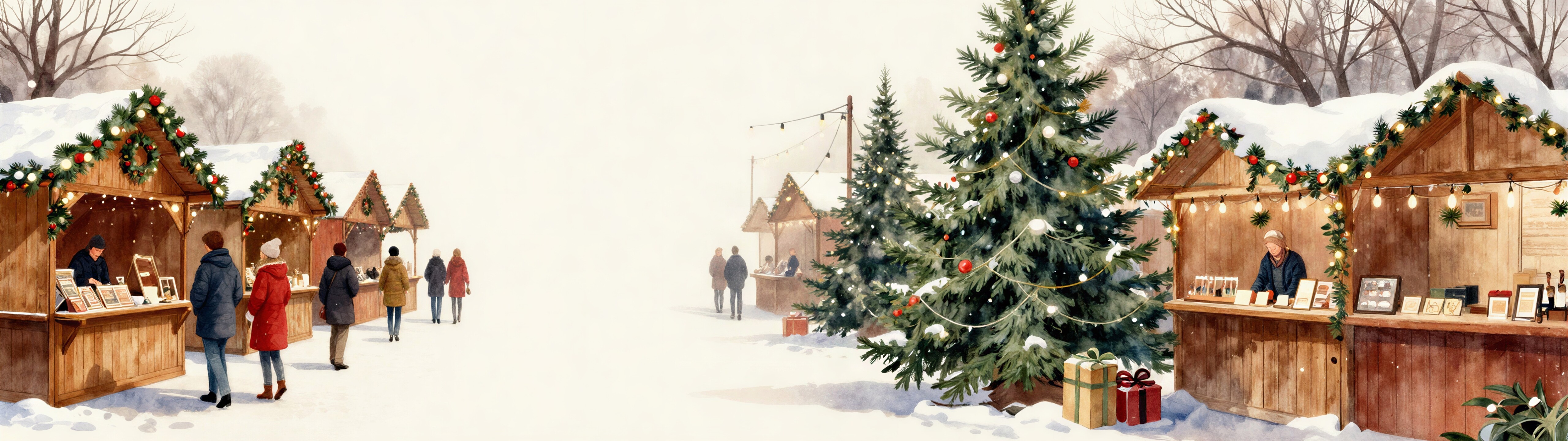
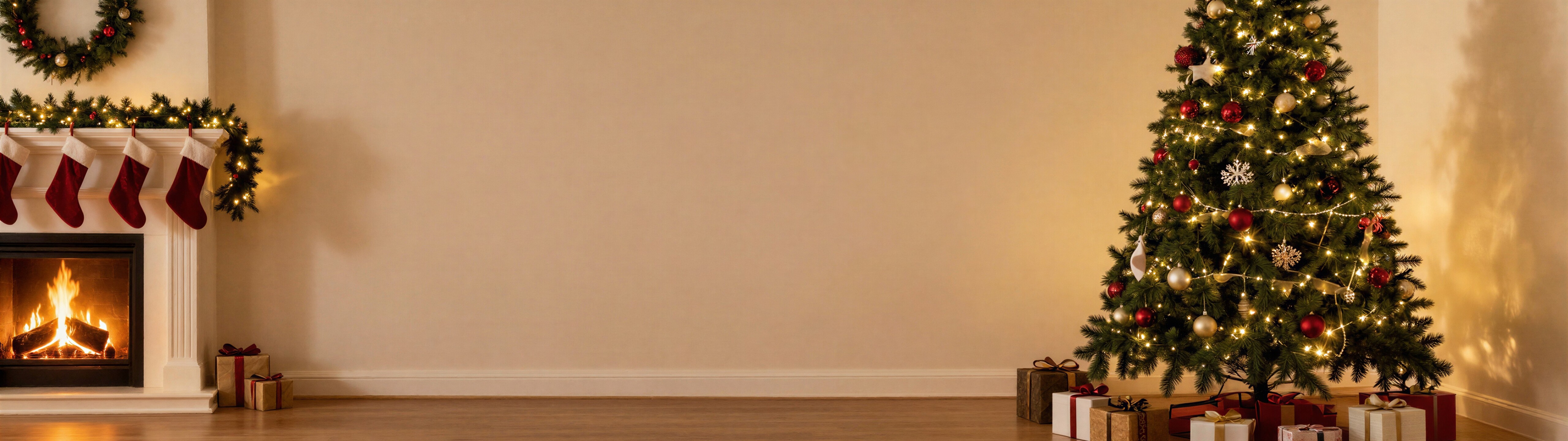
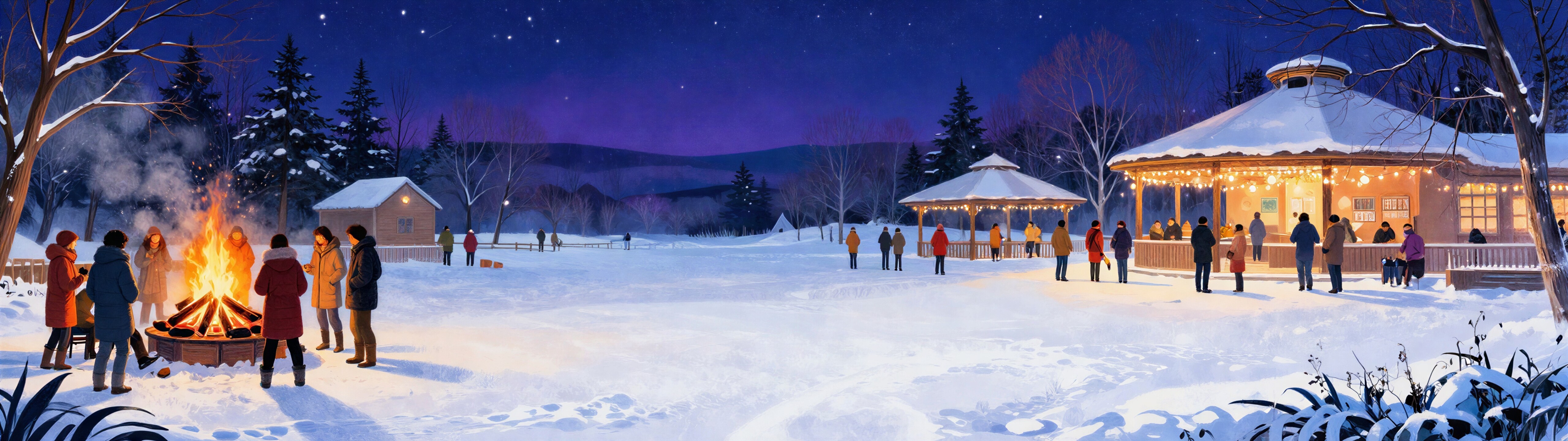
Several of these scenes lean on very old winter customs. Open-air Christmas markets like the one in wallpaper 2 go back to late medieval German towns, and Dresden's Striezelmarkt, first held in 1434, still takes its name from Striezel, an old word for the fruit bread now called Stollen. The bonfire under the stars in 10 and the fireplace in 3 echo Yule, the midwinter festival of northern Europe, and the Yule log burned over Christmas in many European homes still carries the old name.
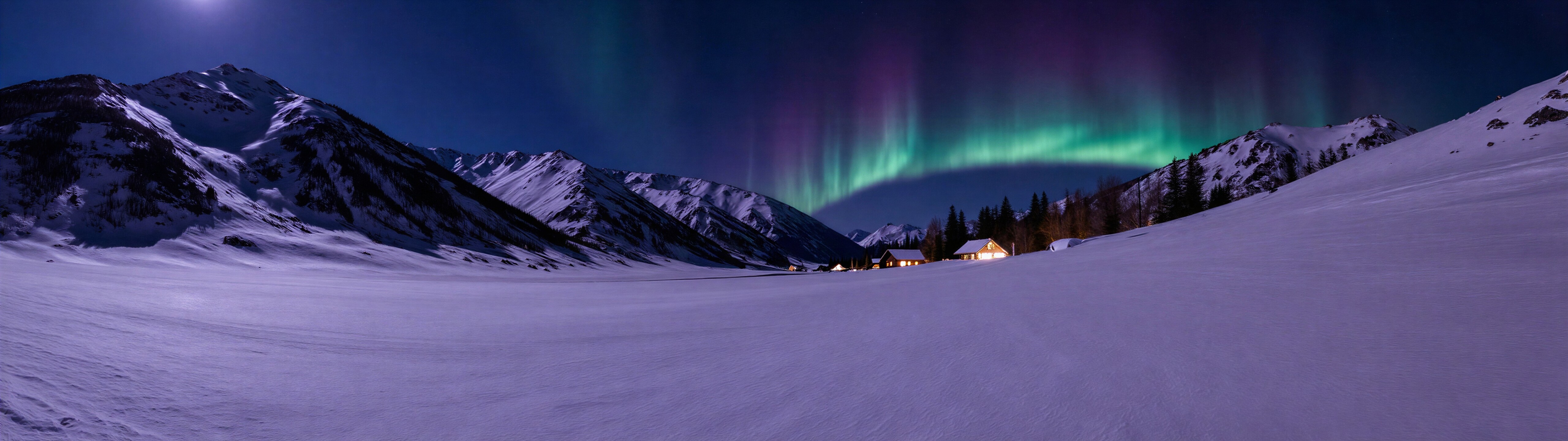
The faint northern lights over the mountains in 4 are a real winter sight too. Auroras happen when charged particles from the Sun hit the upper atmosphere, and they can appear in any month, but the long nights of a far-northern December give people many more dark hours to see them.
Out in the snow, in town, or by the fire
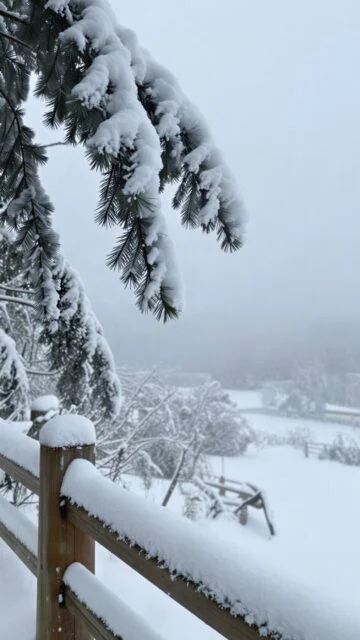
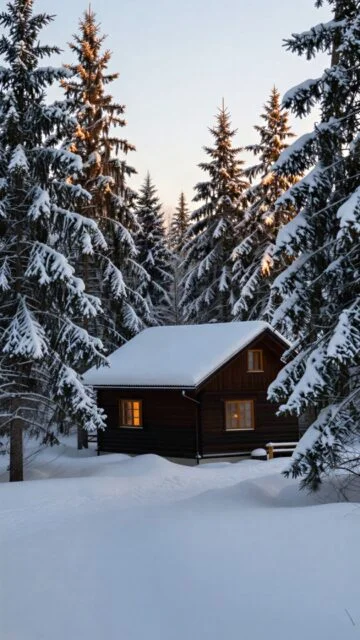
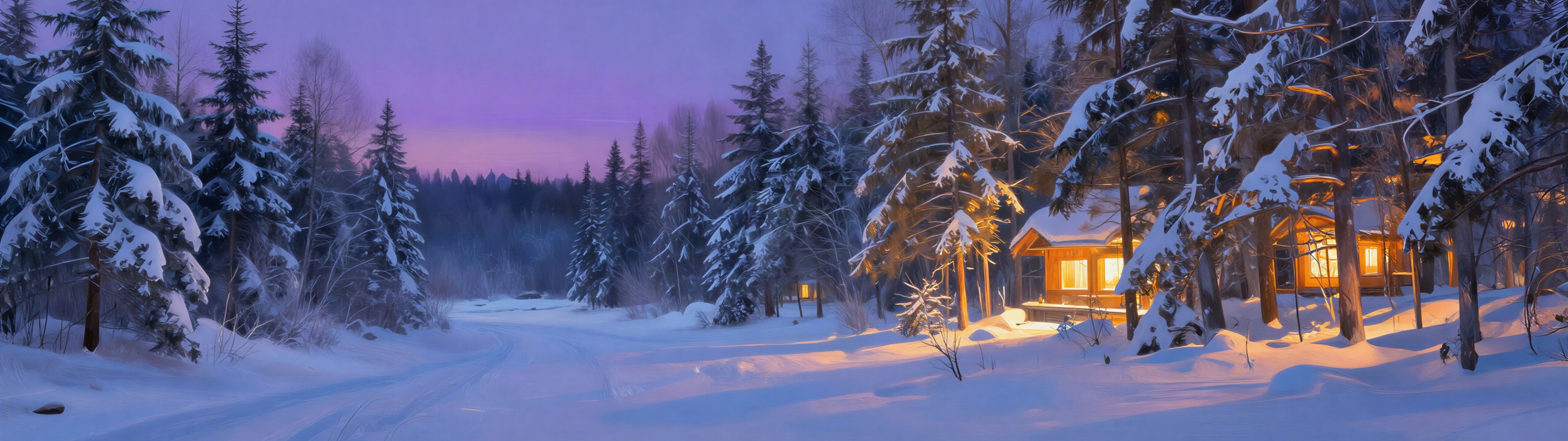
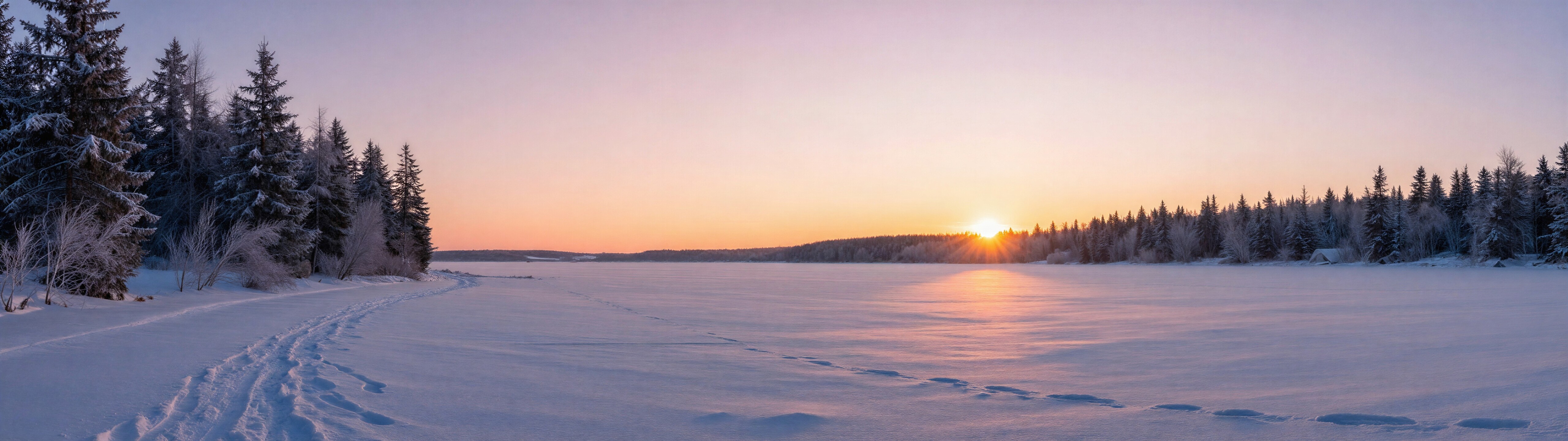
Four designs keep you outdoors: the snowy forest at dusk with cabin lights in 1, the night mountains in 4, a frozen lake and frosted trees at sunrise in 8, and the winter gathering around a bonfire in 10. These have the widest skies, so they hold up well when open windows cover part of the frame.
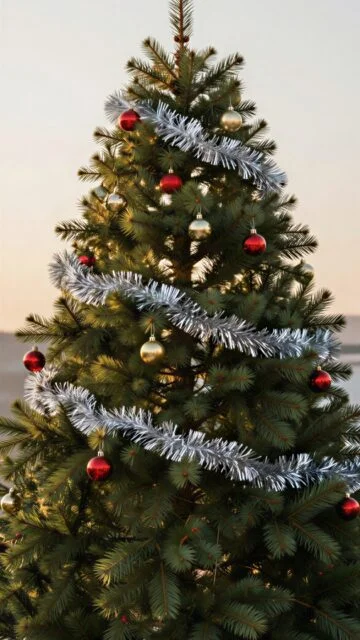
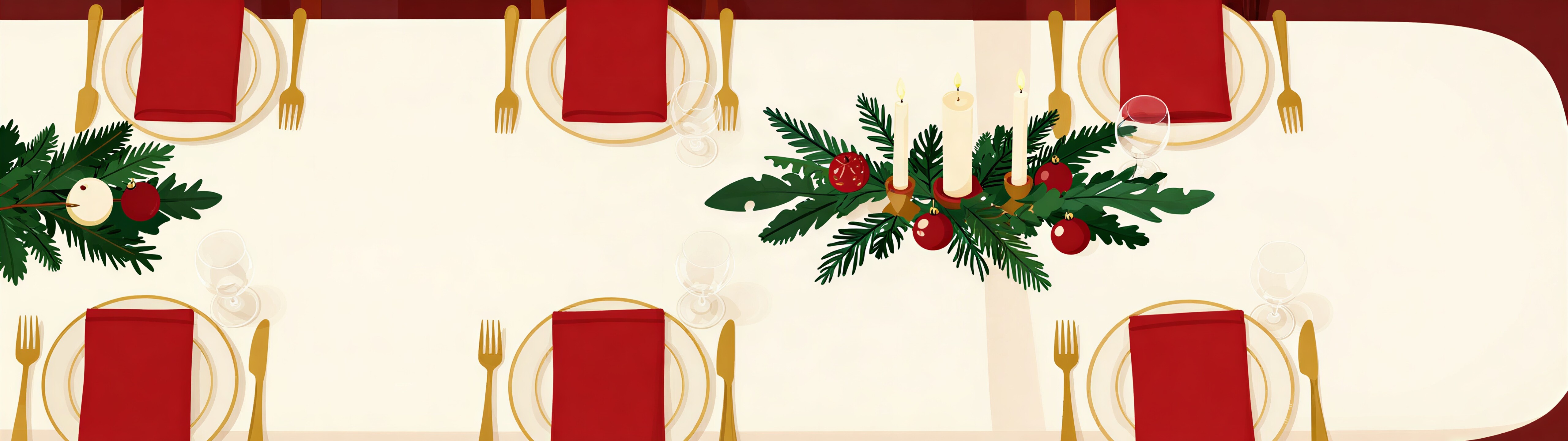
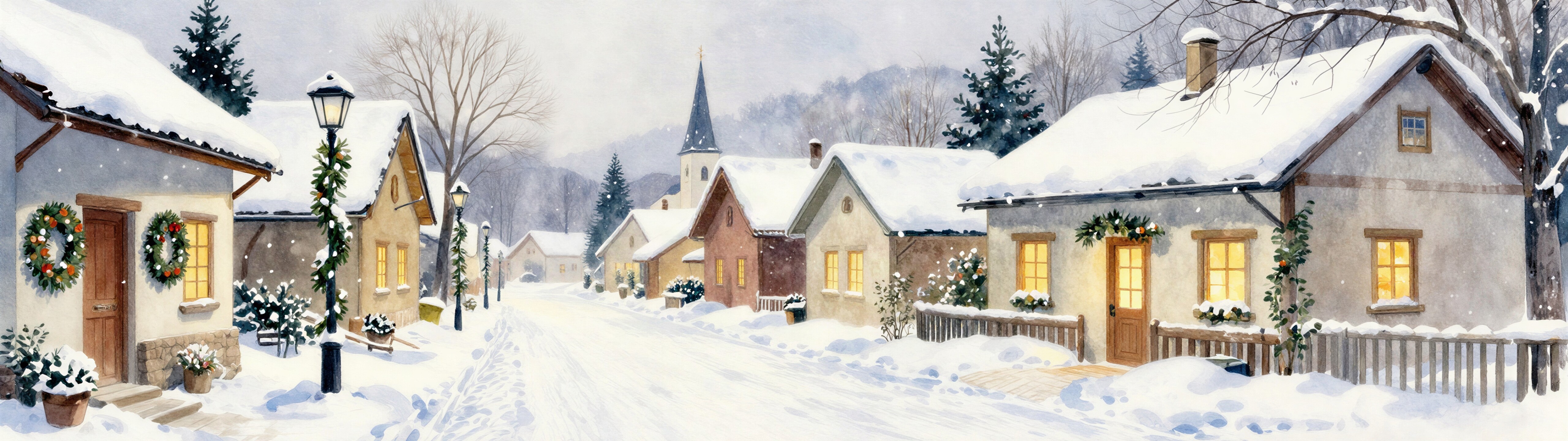
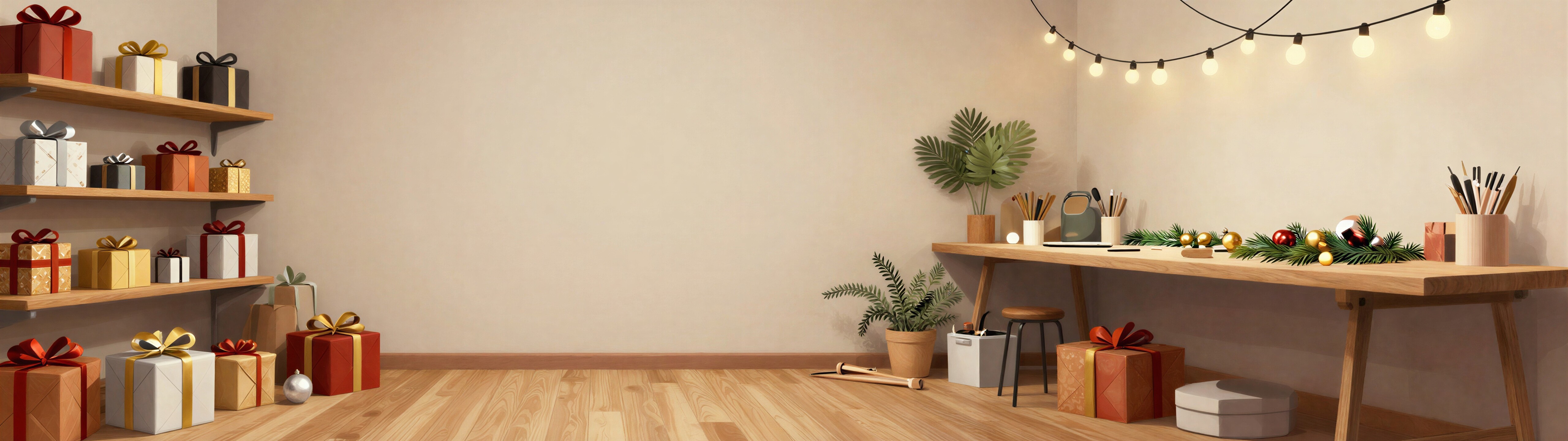
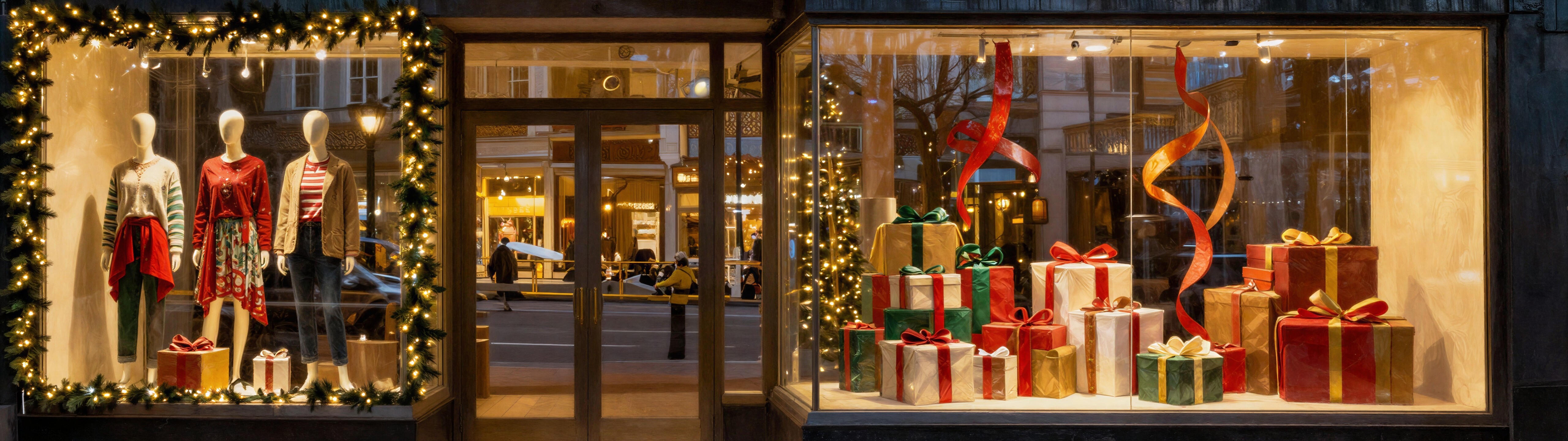
Three take you into town. Wallpaper 2 is a vintage market with stalls, shoppers and a decorated tree, 6 is a village street hung with wreaths and lit windows, and 9 is a shop window with mannequins and gift boxes. The last three stay inside: the fireplace and tree in 3, a dinner table set for the celebration in 5, and a craft room full of wrapped gifts and ornaments in 7.
Cold blue or firelight gold?
- Cool and quiet: 4 and 8, mostly snow, ice and night sky.
- Blue dusk with warm windows: 1, 6 and 10, an in-between mood that is easy to look at all day.
- Warm interiors: 3, 5 and 7, full of reds, golds and lamplight.
- Busy and bright: 2 and 9, with the most small detail, so they are best left uncovered.
One practical note: 5120x1440 is also the native resolution of many 49-inch 32:9 super-ultrawide monitors, so these work on a single wide screen as well as on two 1440p monitors side by side. For more holiday panoramas, try the cute Christmas dual monitor set, or switch to a single screen with the Christmas desktop wallpapers and the snowier 4K winter backgrounds.
How to set it on two monitors
- Click Download to save the full 5120 x 1440 image.
- On Windows, open Settings, then Personalization, then Background. Choose the image and set the fit to Span.
- On a Mac, set the image on each display in System Settings, then Wallpaper.
Stuck on a step? The dual monitor guide has screenshots for each one.
Questions
Will these wallpapers fit my dual monitor setup correctly?
Yes. These designs are created at 5120x1440 pixels, the standard resolution for dual monitors in 16:9 format side by side. The panoramic composition is specifically built so nothing important sits at the center seam where your two screens meet. Check your display settings to span the wallpaper across both monitors as a single image rather than stretch or tile it.
Can I use these wallpapers commercially or share them online?
These wallpapers are free for personal use on your own devices only. You cannot sell them, print them for sale, or post them on other wallpaper sites or social media. For complete details on what is and is not allowed, visit our Terms page.
Which wallpapers work best for a lock screen versus a home screen on my dual monitor setup?
Lock screen wallpapers can feature bolder focal points since you see them briefly. The mountain vista, fireplace scene and market stall work well. For home screens where desktop icons sit over the wallpaper, choose designs with softer detail spread across the frame, like the forest dusk or winter village, so your icons remain readable and the composition stays balanced.
Do these wallpapers work year-round or just during the holidays?
This collection is designed for the Christmas season and works best from late November through early January when holiday décor feels appropriate. Many include snow, warm indoor lighting and festive details that enhance the seasonal mood. You can certainly use them longer if you prefer, but consider rotating to other themes as the season changes.