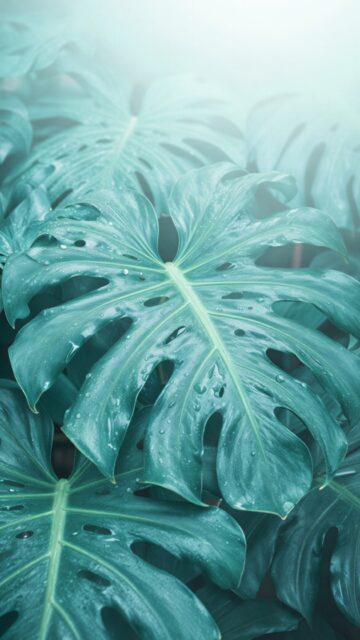
10 wallpapers in 1 collections · last added 6 Oct 2026 · sizes for iPhone, Android, desktop and tablet
A teal wallpaper sits right between blue and green, so it feels both calm and fresh. These teal backgrounds cover deep jewel tones, soft sea-glass shades, smooth color blends, marble and liquid textures, tropical leaves and minimal flat colors. Because teal is a cool, balanced color, it works for almost any mood, from focused and professional to beachy and relaxed, and it rarely clashes with app icons or widget colors. If you like this shade, compare turquoise for a brighter version, green for a leafier one and blue for a cooler one.
Each collection holds 10 wallpapers in one theme and one size. Choose iPhone (1170x2532), Android (1080x2400), iPad (2048x2732), laptop (1920x1080), desktop 4K (3840x2160), dual monitor (5120x1440) or smartwatch (410x502). A rich teal makes a tidy home screen and a clean laptop background for work. Every design is original and checked by hand before publishing, and images that don't hold up are removed.
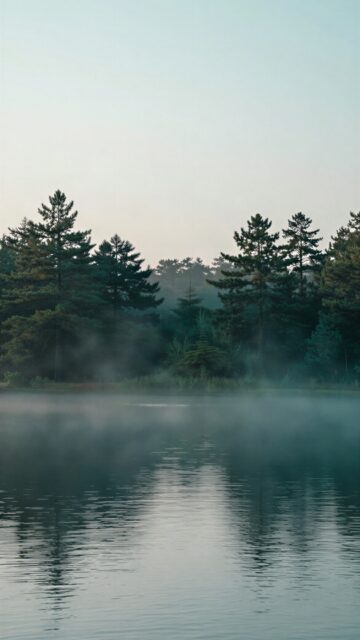
Teal changes character with the colors around it. Next to coral or peach it feels warm and tropical; beside gold or cream it looks elegant; with charcoal and black it turns moody and modern. Darker teals give white clocks and icon labels plenty of contrast, so they suit both screens. Lighter, minty teals pair better with dark text and widgets. Ideas for combining it:
Teal also holds up well in dark mode, since its depth doesn't glare at night, and it is easy to live with for months without feeling tired. That steady quality is why many people use it as an everyday background for work devices.
If your phone builds its theme colors from the wallpaper, a mid-tone teal gives clear, readable accents in both light and dark mode, unlike very pale shades that can wash out.
Teal is a medium to dark blue-green. The name comes from the common teal, a duck with a stripe of this color on its head. The standard web color teal is #008080, but the name covers a range of shades, from muted grey-teal to deep, jewel-like versions.
Teal is darker and more muted, while turquoise is lighter and brighter, named after the turquoise gemstone. Both mix blue and green, but turquoise has more of a sunny, tropical feel. If you want something brighter and beachier, the turquoise wallpapers page is a good next stop.
Use 1170x2532 pixels for iPhone and 1080x2400 pixels for Android. Both fit the tall screens of current phones without stretching. Solid and gradient teal designs are very forgiving if your phone crops slightly differently. The iPhone guide explains how to set it.
Yes, especially in darker shades, which give white text good contrast. Many people use a textured or patterned teal on the lock screen and a plain or slightly blurred teal on the home screen, so the two match while icons stay easy to read.
Coral, peach and burnt orange are strong pairings because they sit opposite teal on the color wheel. Mustard and gold add warmth, cream and white keep it light, and charcoal makes it moody. For a calm, single-color look, combine several shades of teal with soft mint.
Yes, they're free for personal use on your own devices, with no sign up and no watermark. Commercial use, resale and reposting on other websites are not allowed. If you have questions about how you can use them, the Terms of Use page explains everything.
New collections are published every day, and color themes like teal appear regularly. To see what is new, visit the latest wallpapers page. You can also browse the colors page to jump between teal and its neighbors like blue, green and turquoise.
Yes, the dual monitor size is 5120x1440 pixels, which spans two 2560x1440 screens. A teal gradient or texture across both displays looks clean in an office or gaming setup. The dual monitor wallpaper guide shows how to span it properly.
Every wallpaper is reviewed by a person before it goes live: we remove images with odd details or blur and check the crop for each device. How we check wallpapers
Something wrong with an image? Report an image · Free for personal use, see the Terms.