Navy Blue Wallpaper iPhone
Navy blue wallpaper for iPhone offers deep, calm designs that work on any home screen or lock screen. This set features rich navy tones paired with soft gradients, serene water scenes, minimalist shapes and subtle textures. Each design brings a professional yet peaceful mood to your phone. These navy wallpapers suit both everyday use and themed home screens year-round.
10 wallpapers at 1170 × 2532 px for iPhone. Checked by hand on 4 Oct 2026.
About this set
This set of navy blue wallpapers brings calm, professional elegance to your iPhone. Each design uses deep navy tones with soft gradients, water scenes, geometric shapes and subtle textures that feel peaceful and timeless. The navy color works well in both light and dark mode, adapting naturally to your phone’s settings.
Use the gradient and water designs as lock screen backgrounds since they look balanced with status text and widgets. The minimalist shapes and texture-focused designs work best on your home screen, where app icons sit cleanly against the calm background. Pair these navy wallpapers with neutral app icons or keep your default icons for a cohesive, understated look.
Sky, sea, shapes and cloth: the ten designs
- 1. A plain gradient that starts as pale sky blue at the top and sinks into navy at the bottom. The light top keeps the clock easy to read.
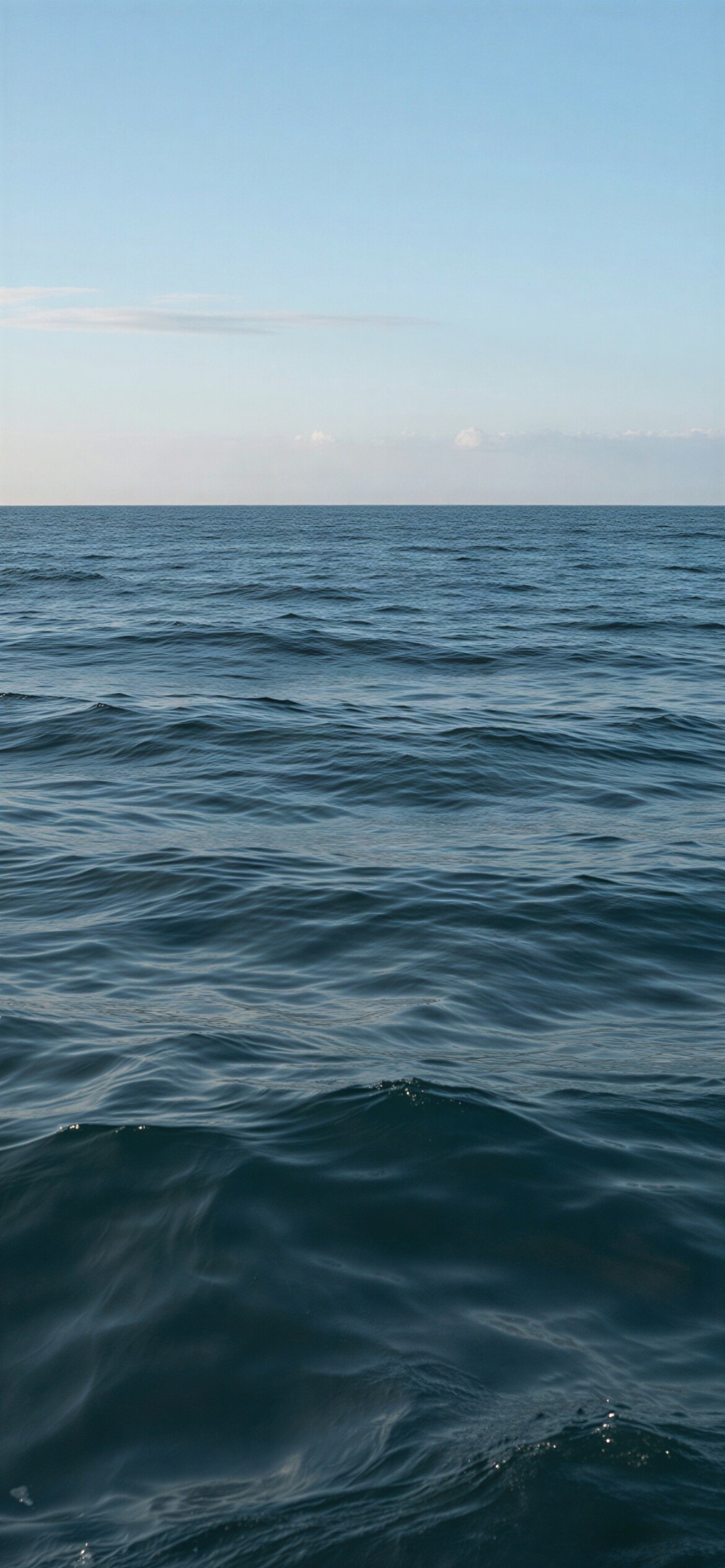
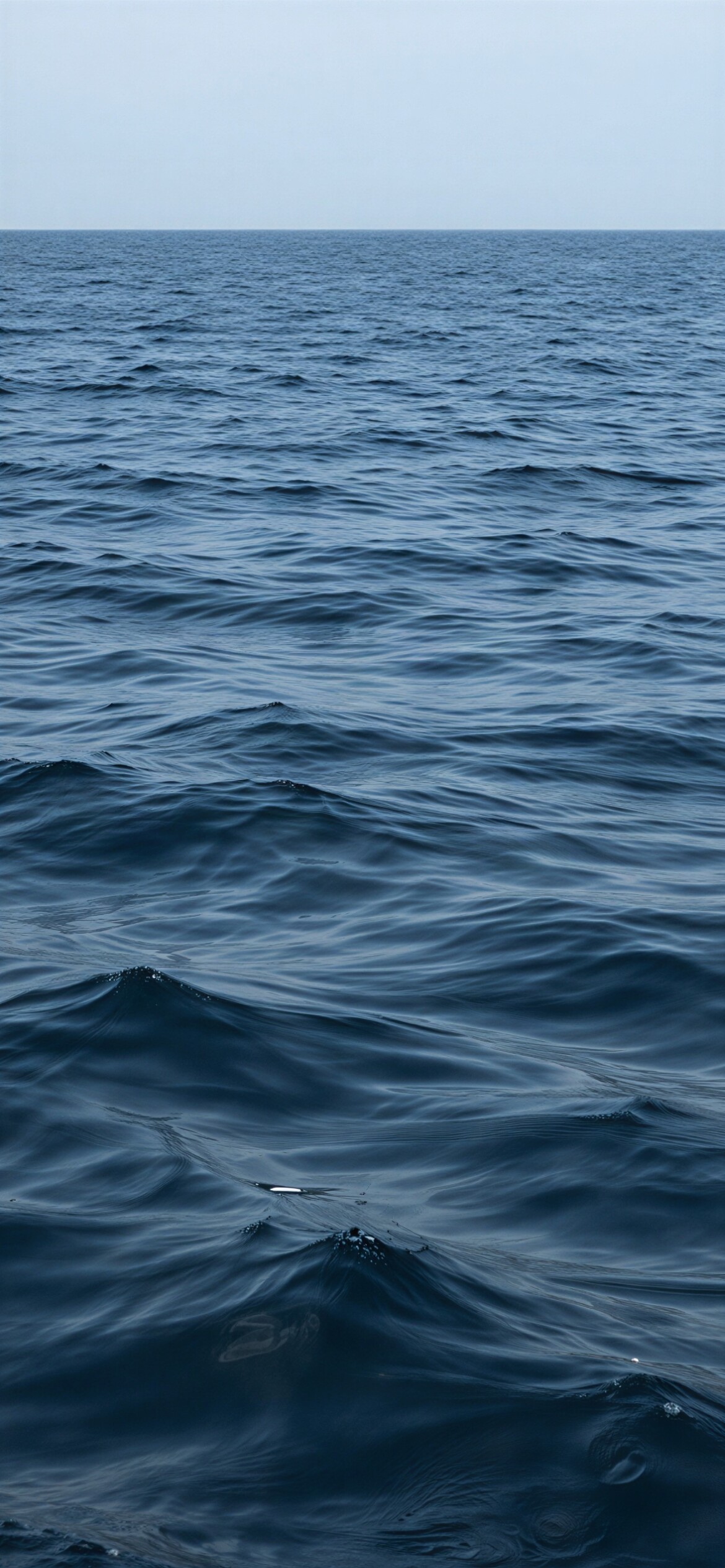
- 2. Open water with small ripples catching the last blue light of the evening. Good for a lock screen where you want a calm, wide view.
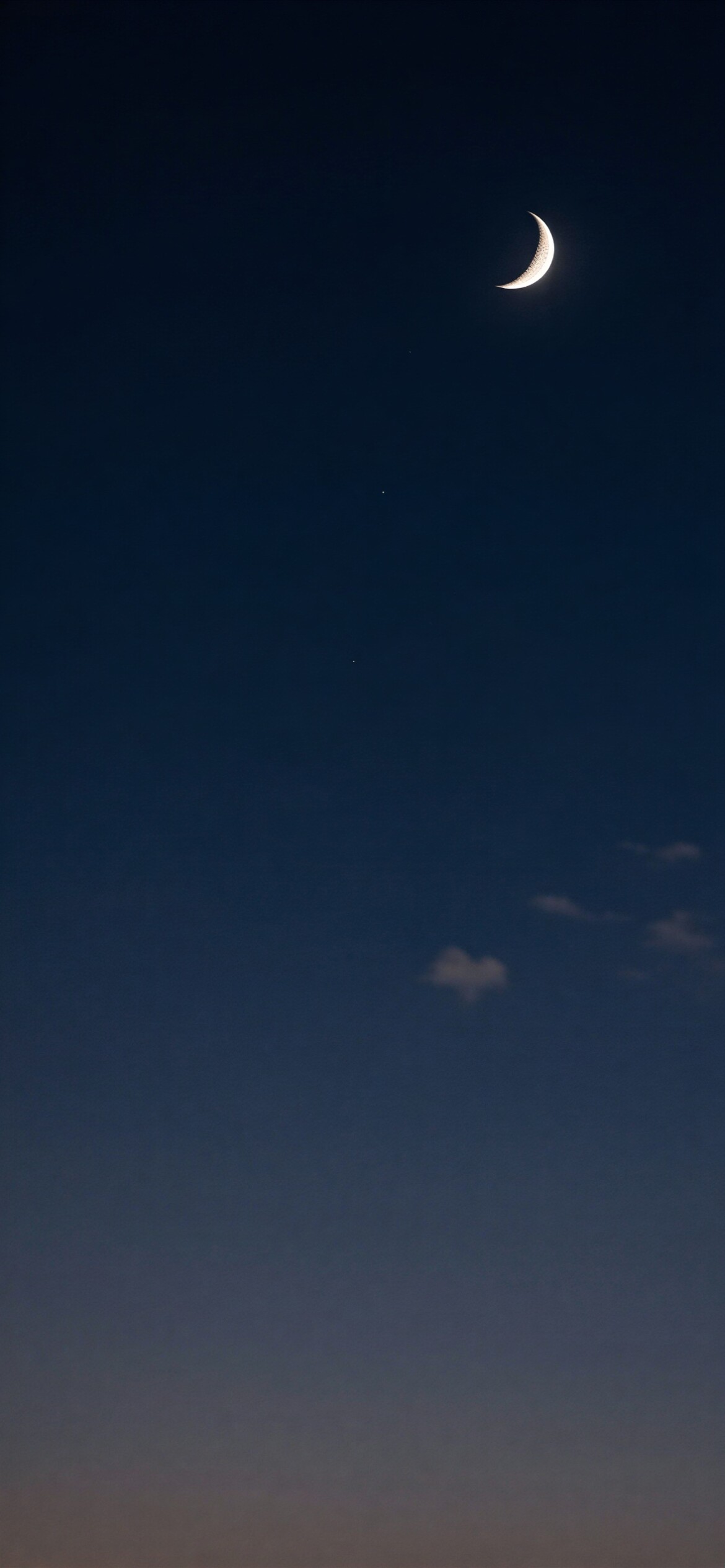
- 3. A night sky with a crescent moon and a scatter of stars, the darkest picture in the set.
- 4. One navy circle sitting on a soft gradient. It leaves plenty of empty space for widgets.
- 5. A close-up of still water where the texture is so faint it reads almost as a solid colour from arm's length.
- 6. A painted wall in navy, lit from the side by daylight, so you can see the roughness of the plaster.
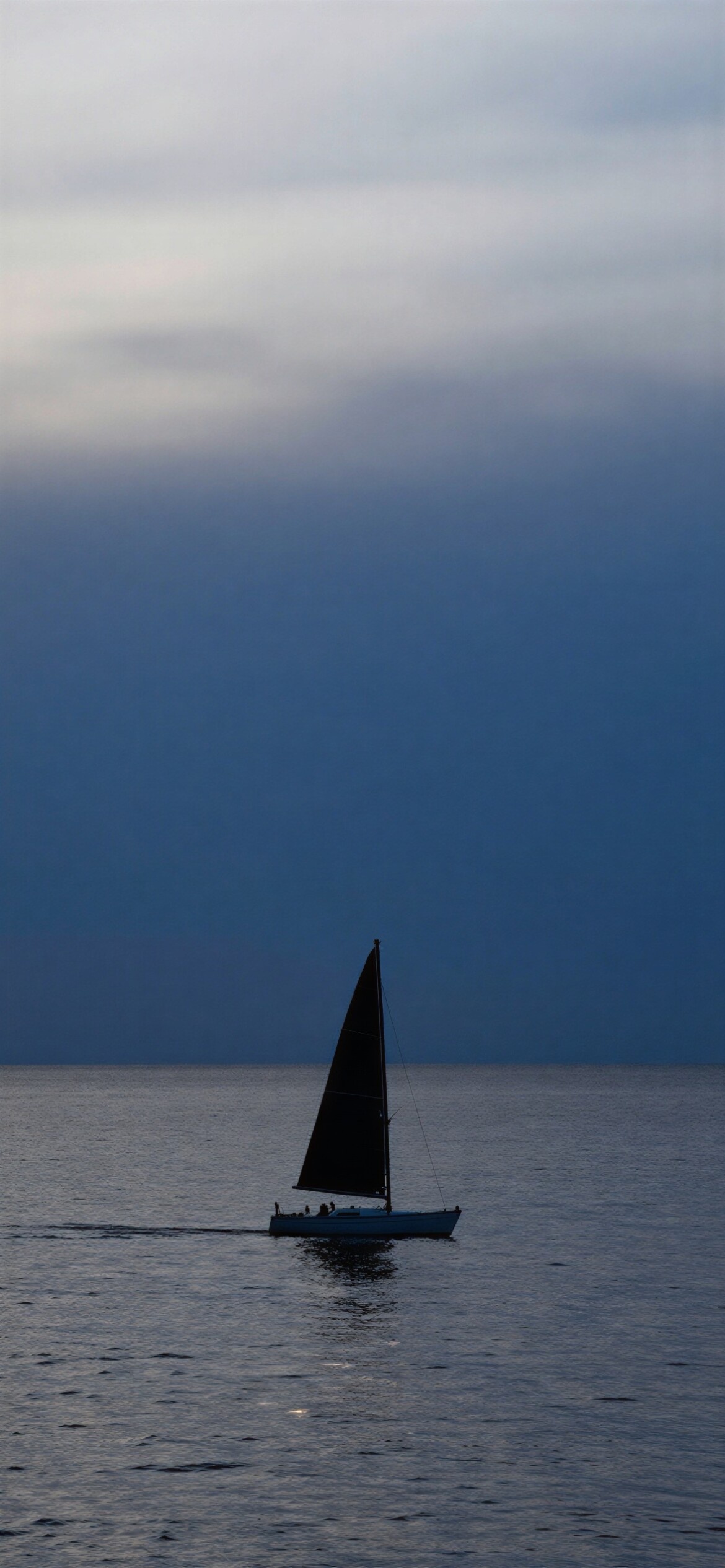
- 7. A sailboat in silhouette on a navy sea while the sky turns gold. The one design with a sign of people in it.
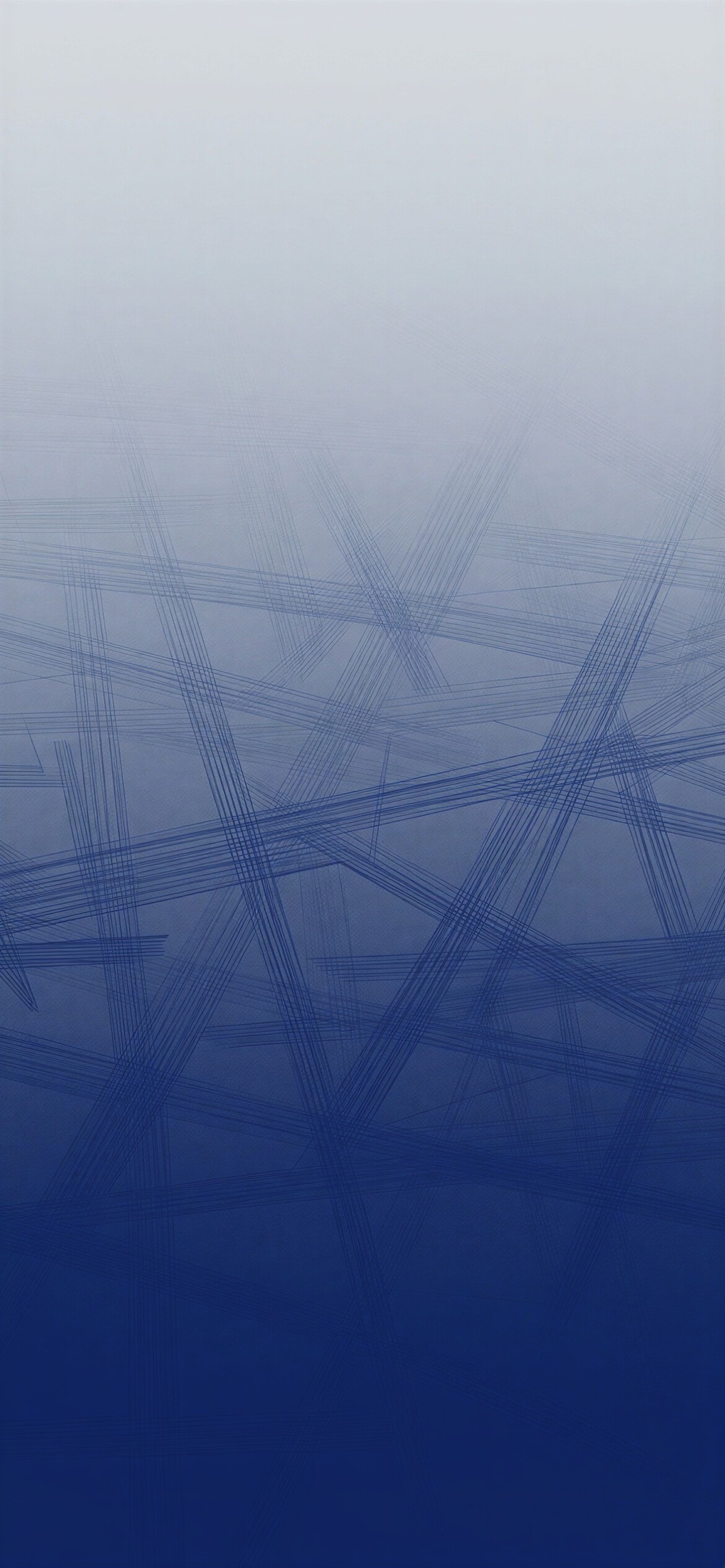
- 8. Thin lines and angular shapes in different blues, the busiest of the abstract designs.
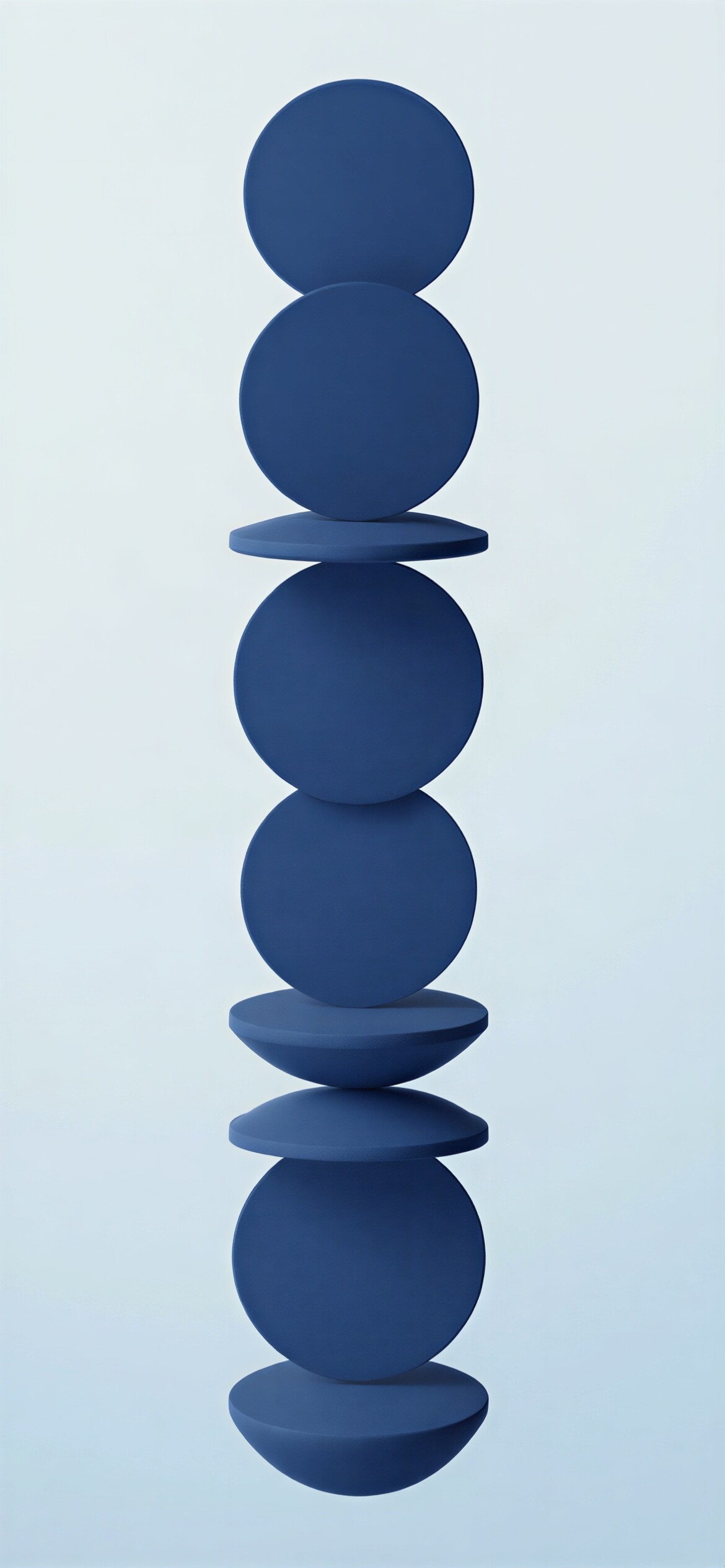
- 9. A column of navy circles stacked up the screen over a pale-to-dark background.
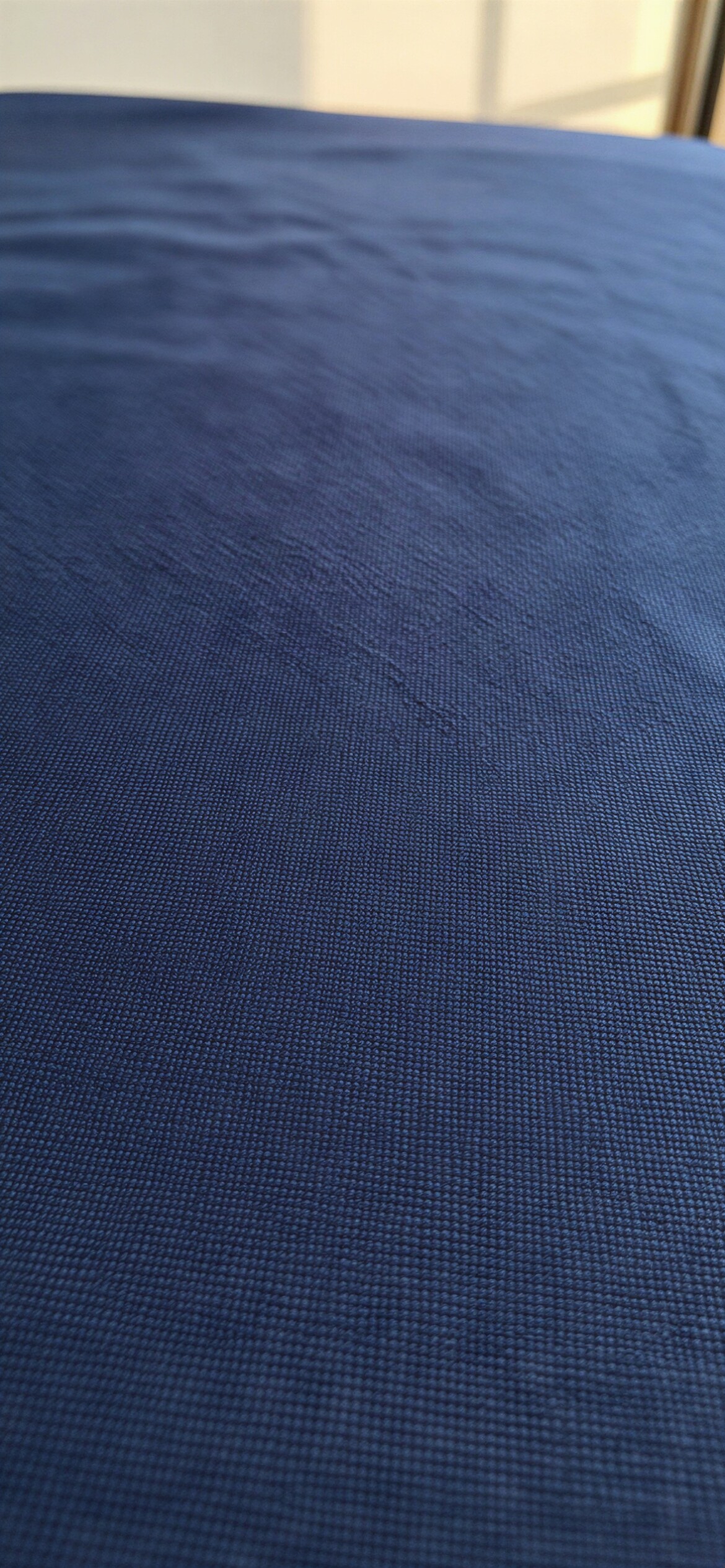
- 10. Navy fabric in soft focus with warm light falling across the folds.
Why a sailor's colour is called navy
The name comes from the sea. In 1748 Britain's Royal Navy gave its officers a uniform coat in a very dark blue, and over the following decades other navies chose similar shades. The colour became so tied to sailors that "navy blue" turned into an everyday colour word.
Part of the reason was practical. The deep blue came from indigo, a dye made from plants of the Indigofera family that holds well on wool and does not wash out quickly. Indigo stayed a plant dye until chemists learned to make it in the lab, and factory-made indigo went on sale in Germany in 1897, making the dye far cheaper. That history fits wallpapers 2, 5 and 7 nicely, since all three are built around water.
Lighter navy or the deep end?
If you want some brightness on the screen, look at 1, 4, 8 and 9, which all sit on gradients rather than solid navy. For the darkest, quietest look, 2, 3 and 5 stay deep from edge to edge. And if pure blue feels a bit cold, 6, 7 and 10 each have a touch of warm light on them, from daylight on the wall to the golden sky behind the boat.
For more blue to choose from, the dark blue wallpapers go a shade deeper, the ocean set has more sea views, and the night sky collection picks up where wallpaper 3 leaves off.
How to set it on your iPhone
- Tap Download and save the image to Photos.
- Open Settings, tap Wallpaper, then Add New Wallpaper, and choose Photos.
- Pick the wallpaper, pinch to position it, then tap Add and choose the lock screen, home screen or both.
Stuck on a step? The iPhone and iPad guide has screenshots for each one.
Questions
Will these wallpapers fit my iPhone screen at 1170x2532?
Yes, all designs in this set are created at 1170x2532 pixels, which is the standard size for iPhones with full-screen displays. They are sized for modern iPhones, and some older models may crop slightly at the edges. Download and set them directly to your lock screen or home screen through your Photos app.
Can I use these wallpapers for personal use?
Yes, these wallpapers are free for personal use on your own devices. You cannot sell them, print them for sale, or repost them on other wallpaper sites. See our Terms page for the full usage agreement.
Which navy blue designs work best for lock screens versus home screens?
The gradient and calm water designs are ideal for lock screens because they have simple, soft backgrounds that keep your time and notifications readable. The minimalist shapes, textures and geometric patterns work best on home screens where your app icons can sit cleanly against the navy background without visual clutter.
Does navy blue work well with dark mode and light mode on iPhone?
Navy blue adapts naturally to both dark and light mode without looking washed out or too harsh. In dark mode, the navy appears rich and deep. In light mode, it stays sophisticated and calming. Widgets and text remain readable on all these designs regardless of your phone's mode setting.