Black and White Aesthetic Wallpaper
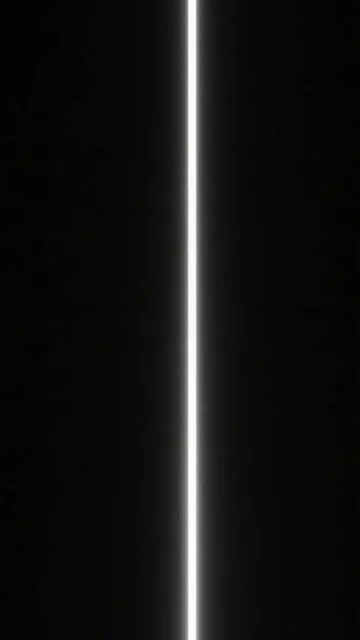
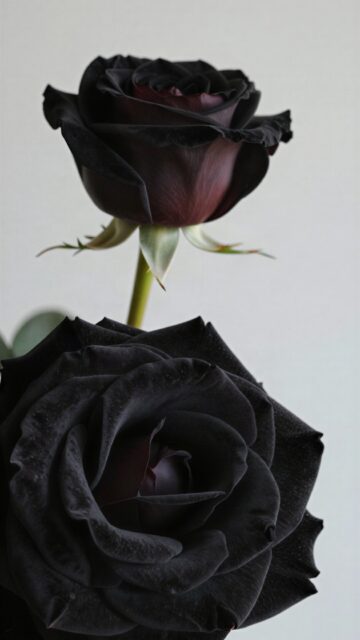
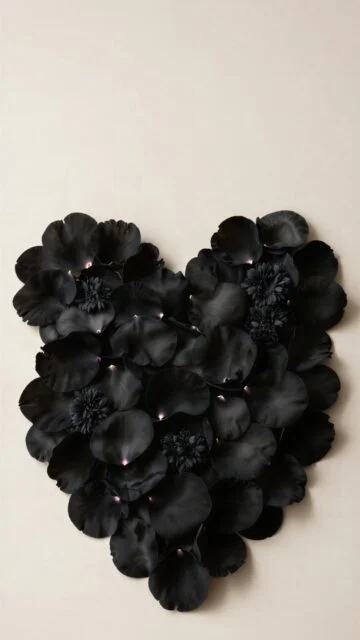
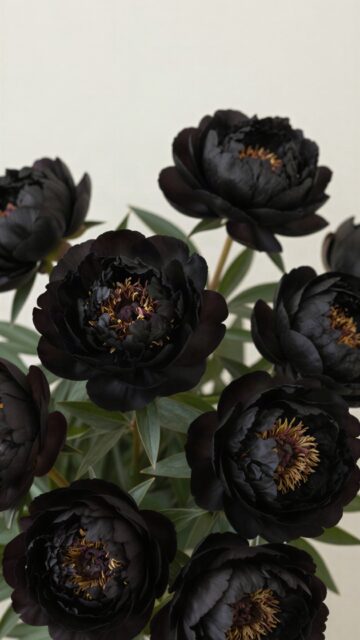
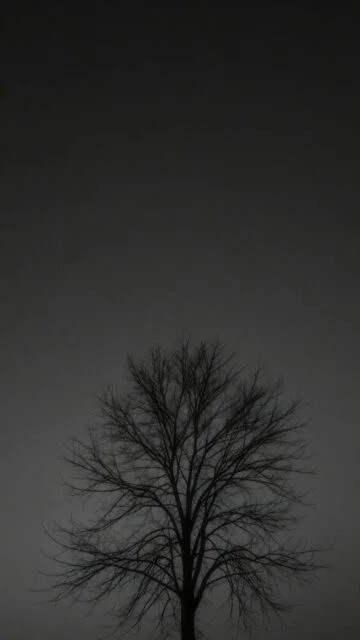
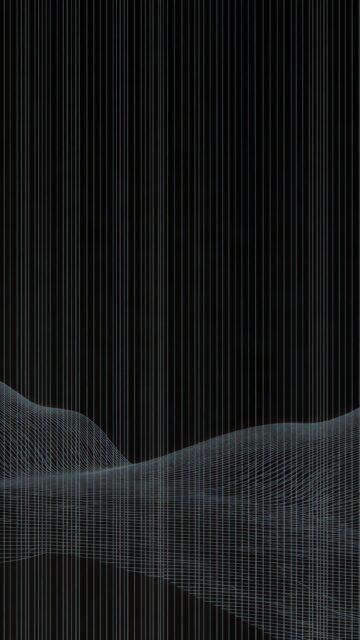
Black and white aesthetic wallpaper offers clean, minimalist designs for any device. These wallpapers combine monochrome tones with simple subjects and calm compositions that work year-round. The black and white aesthetic style suits both lock screens and home screens, pairing well with any app color. Each design emphasizes negative space and subtle details to create a refined, understated look.
10 wallpapers: 5 for phones at 1170 × 2532 and 5 for desktop at 3840 × 2160. Checked by hand on 7 Oct 2026.
For phones
For desktop and laptop
About this set
This black and white aesthetic collection emphasizes minimalism, clean lines and monochrome contrast. Each design uses negative space and subtle textures to create a refined, timeless look that complements any device setup. The vertical wallpapers work well as lock screen backgrounds where simplicity keeps the focus on notifications and time. The landscape designs suit home screens behind app icons, especially with light or dark mode themes since the pure black and white tones adapt to either setting.
Pair these wallpapers with neutral app icons or muted color palettes for a cohesive aesthetic. The monochrome style works across seasons and never feels dated, making this set ideal for anyone seeking a clean, sophisticated phone or desktop background.
Ten designs, from a bare branch to a lone bird
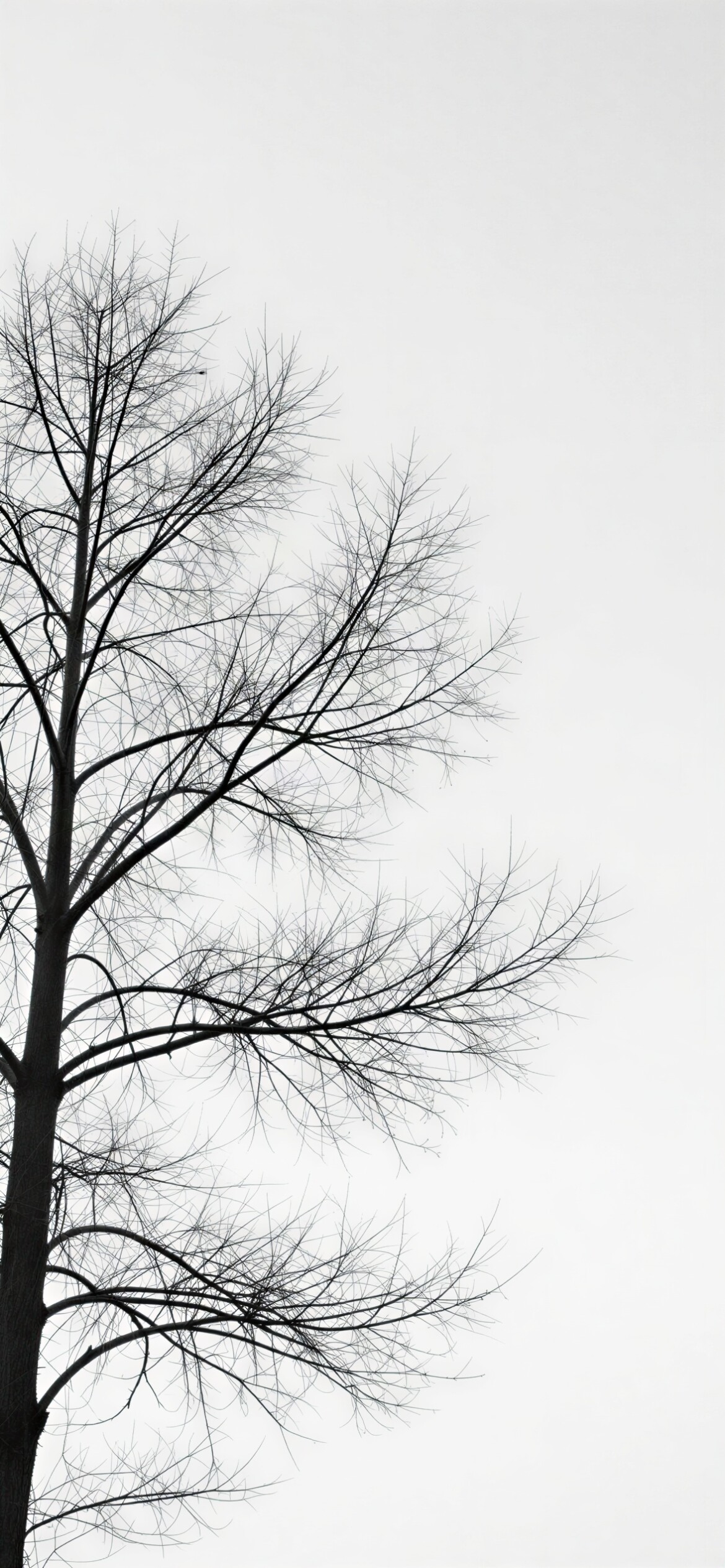
- A bare tree branch against white, a phone design that leaves almost the whole screen empty.
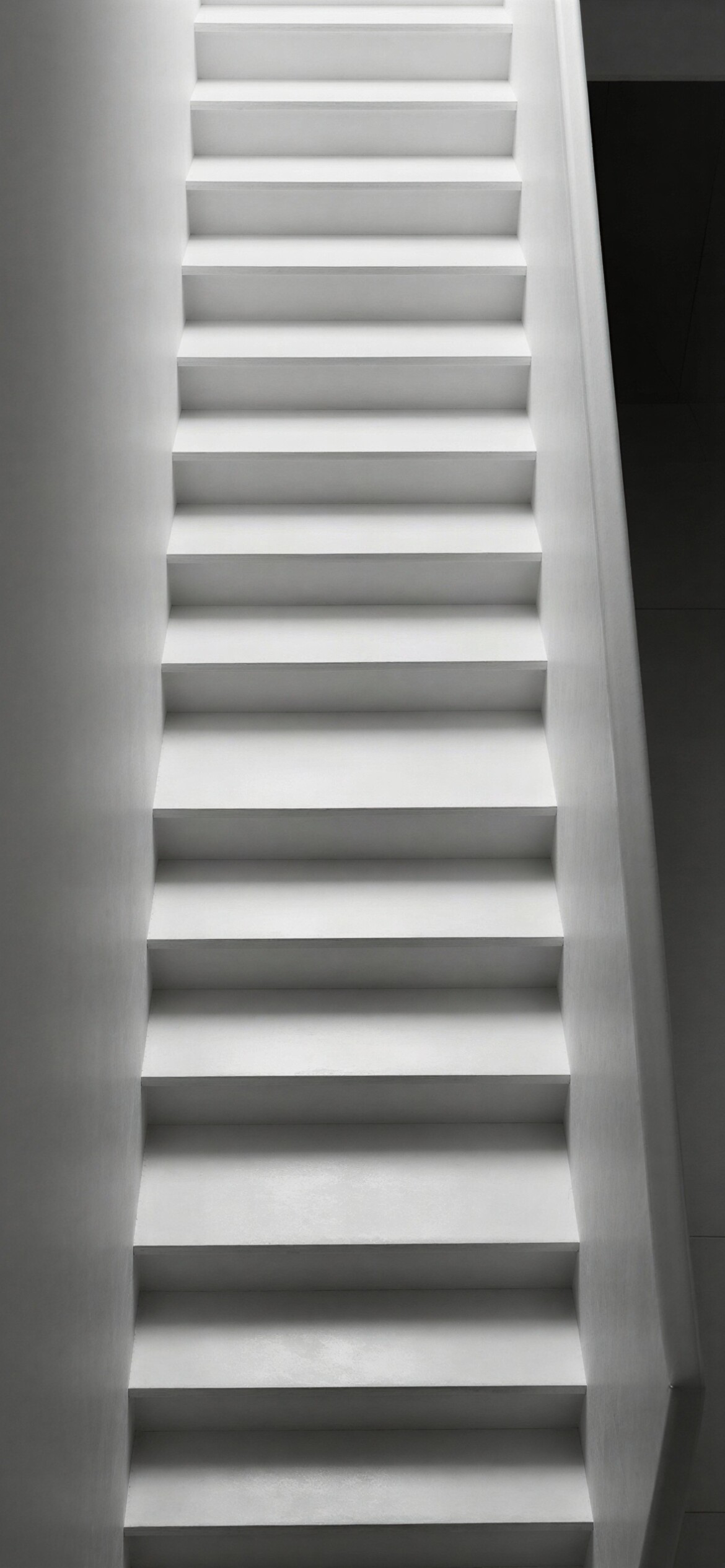
- A minimalist staircase where the shadows do most of the work, also sized for a phone.
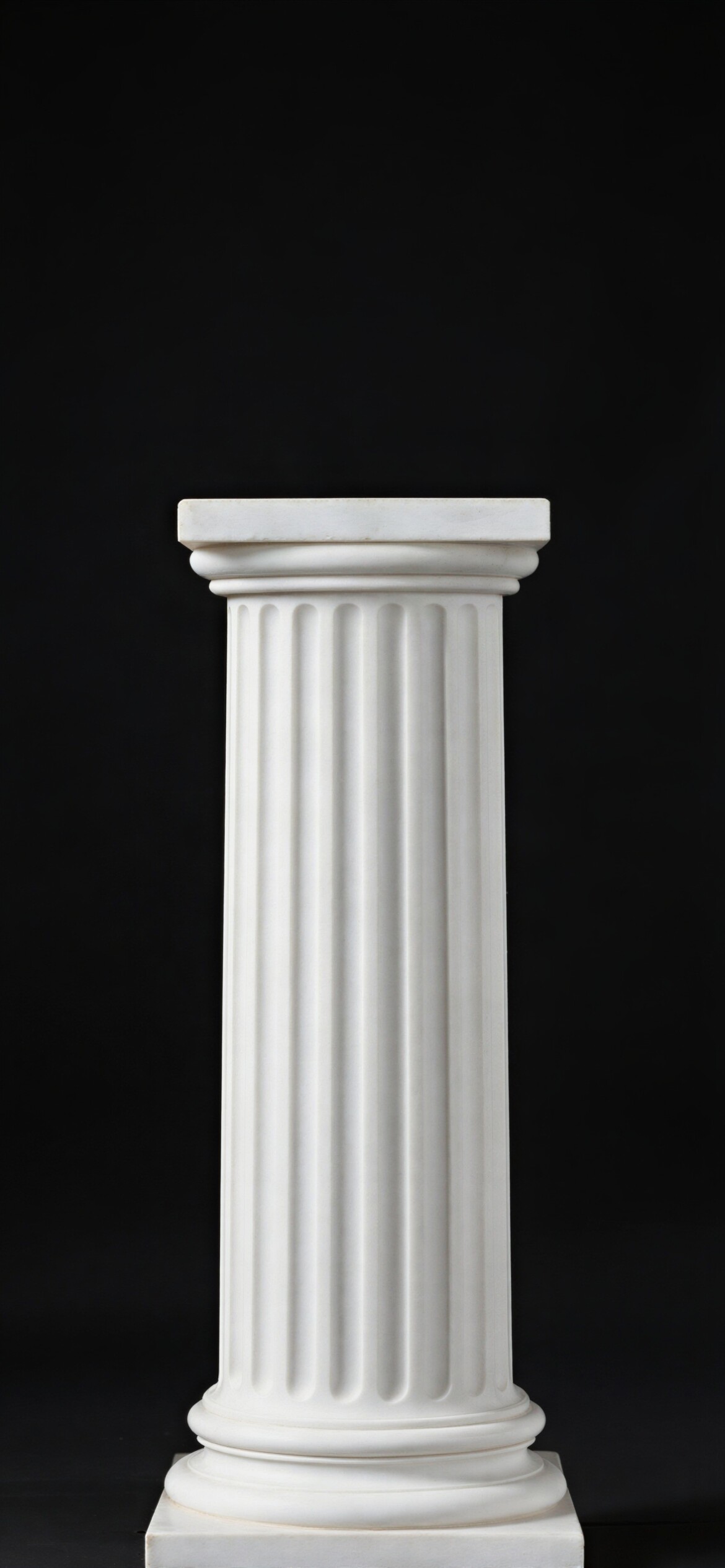
- A white marble column standing against black, made for a desktop monitor.
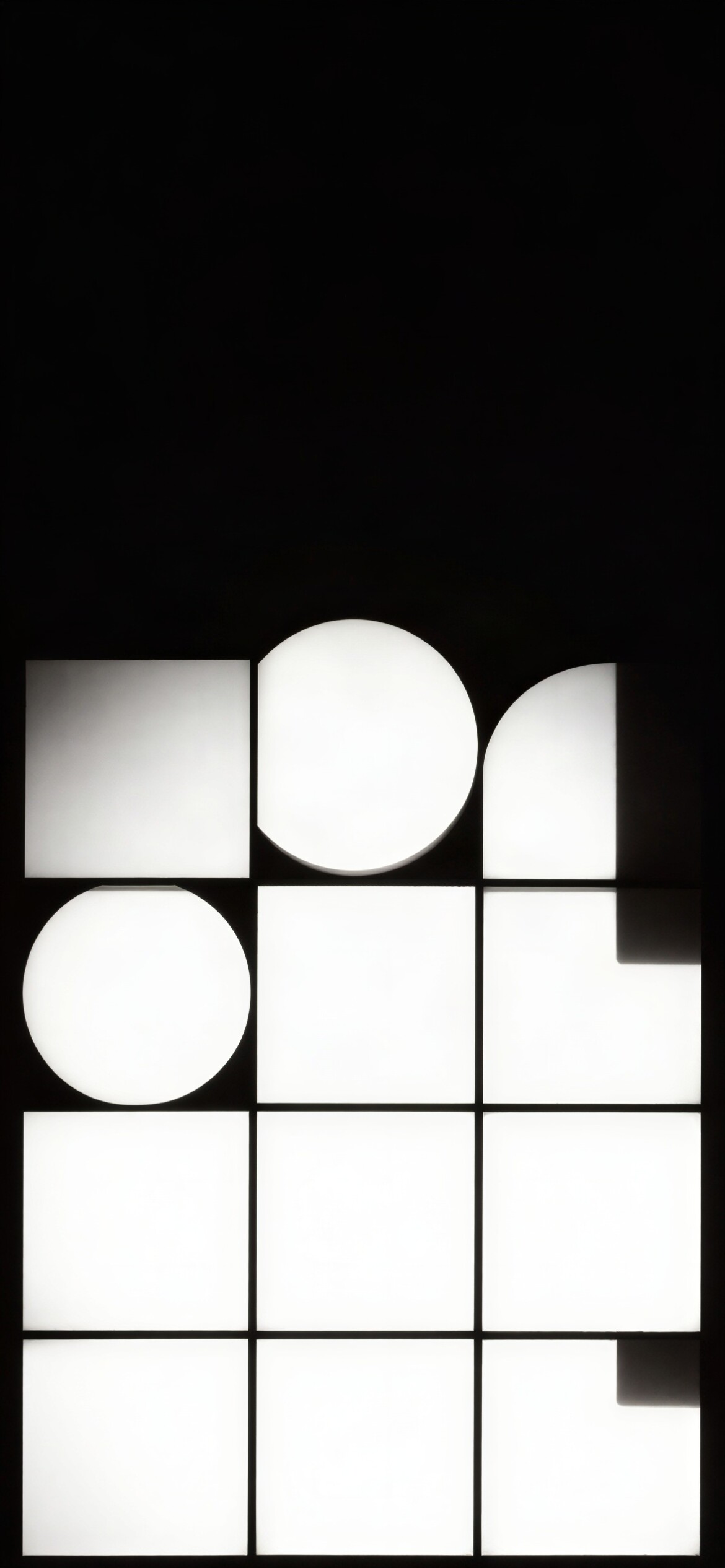
- White geometric shapes on a black ground.
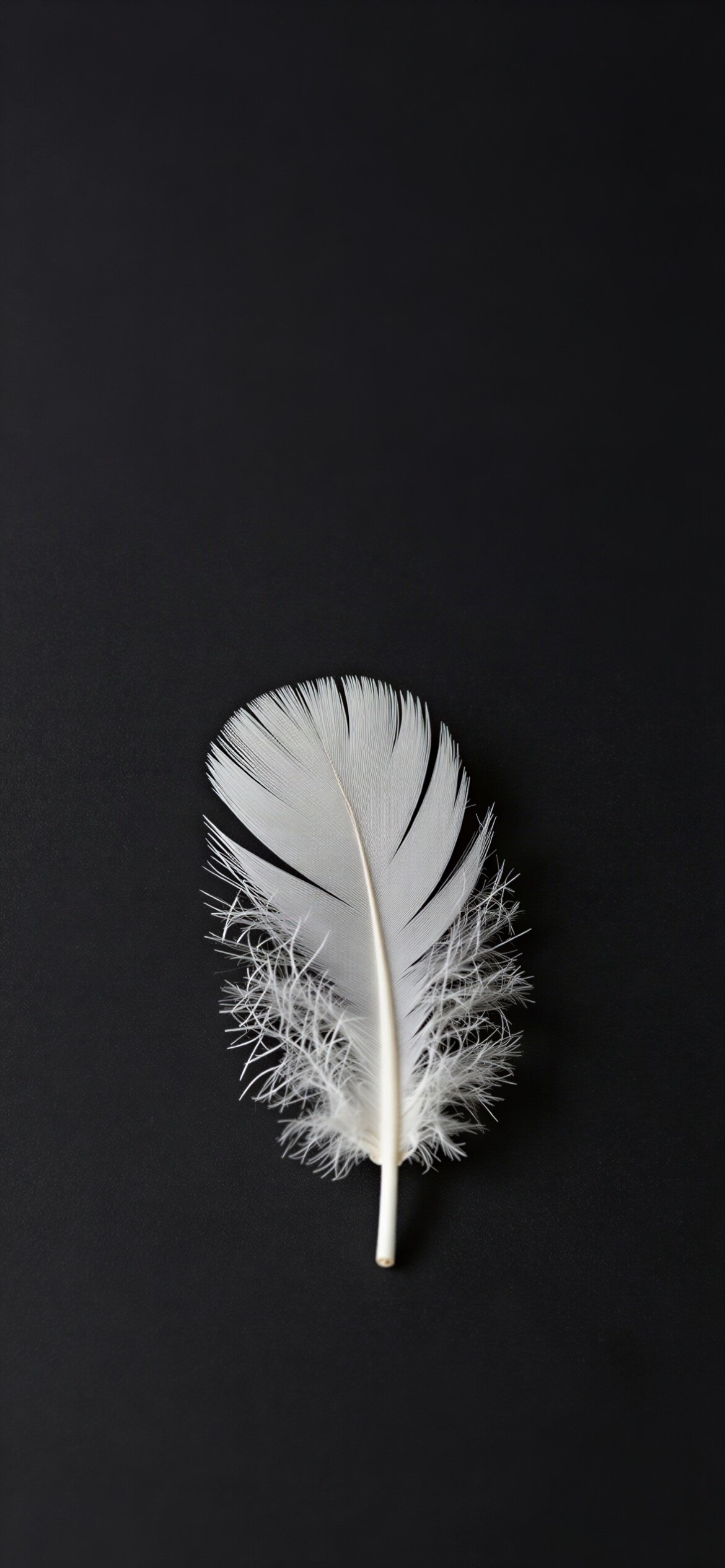
- A single white feather on black, laid out as a phone lock screen.
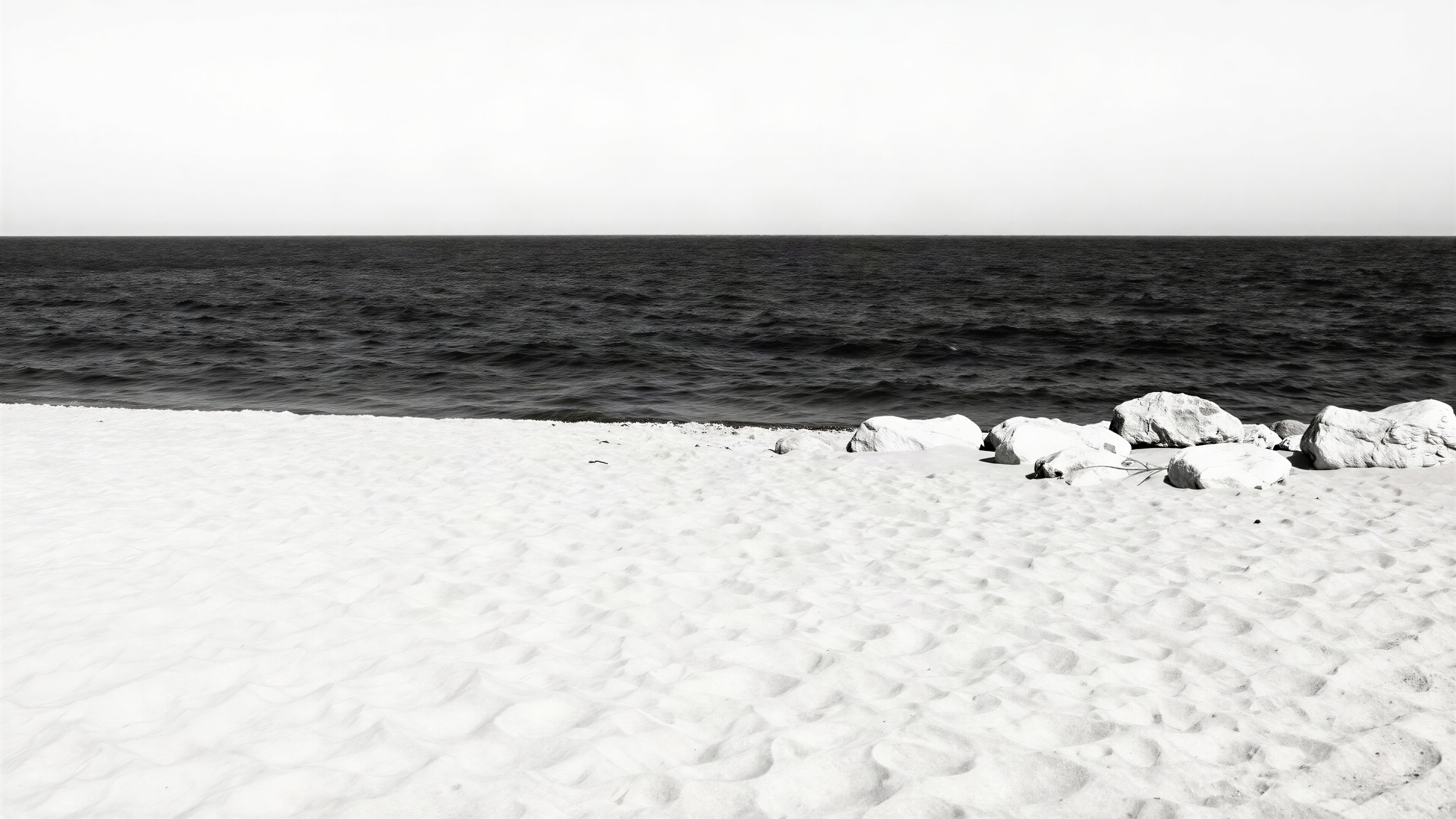
- A landscape of white sand meeting black water, where the shoreline draws the line between light and dark.
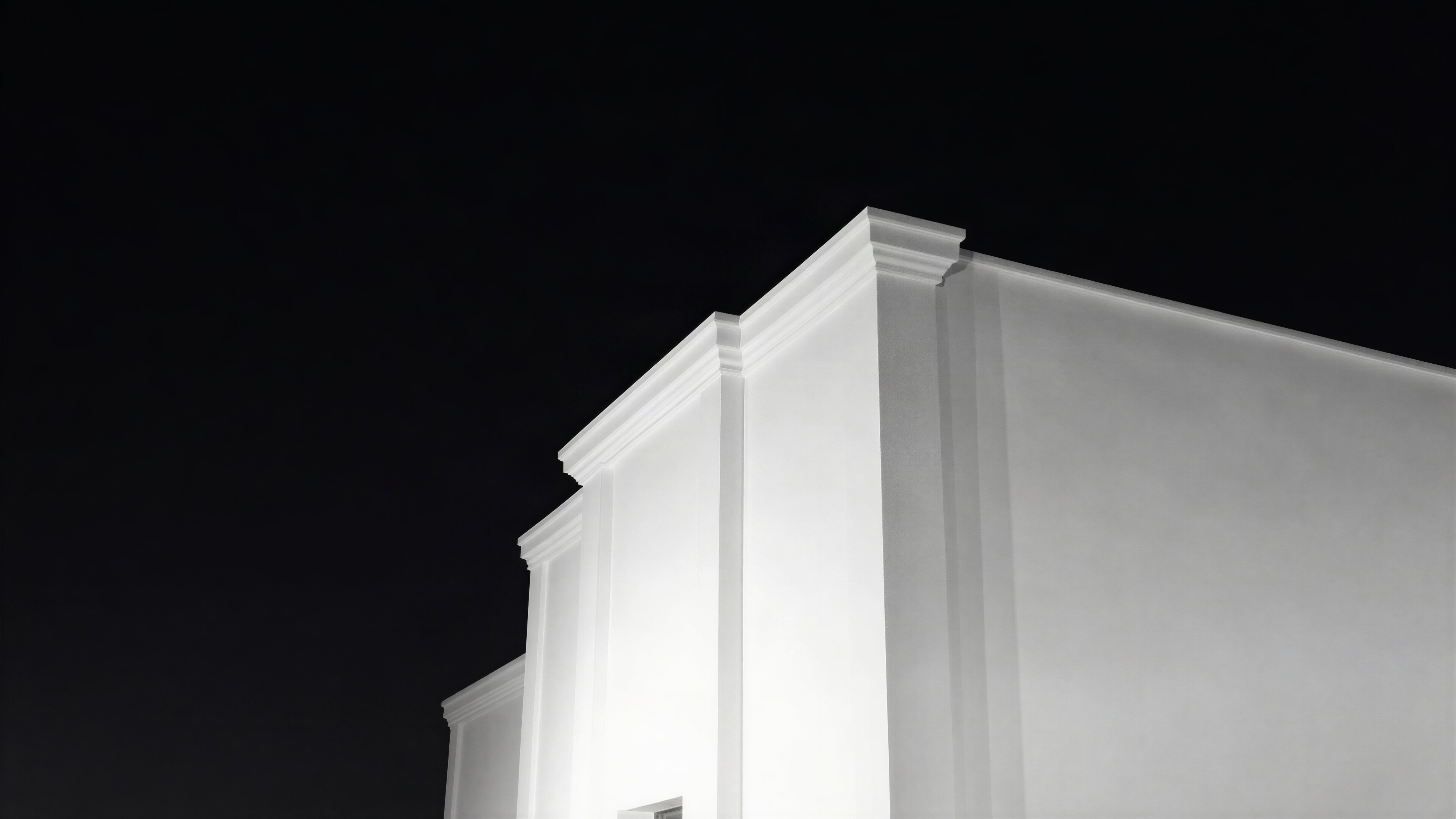
- A white building silhouette under a black night sky, another desktop background.
- White frost crystals on a dark surface, a texture worth seeing up close.
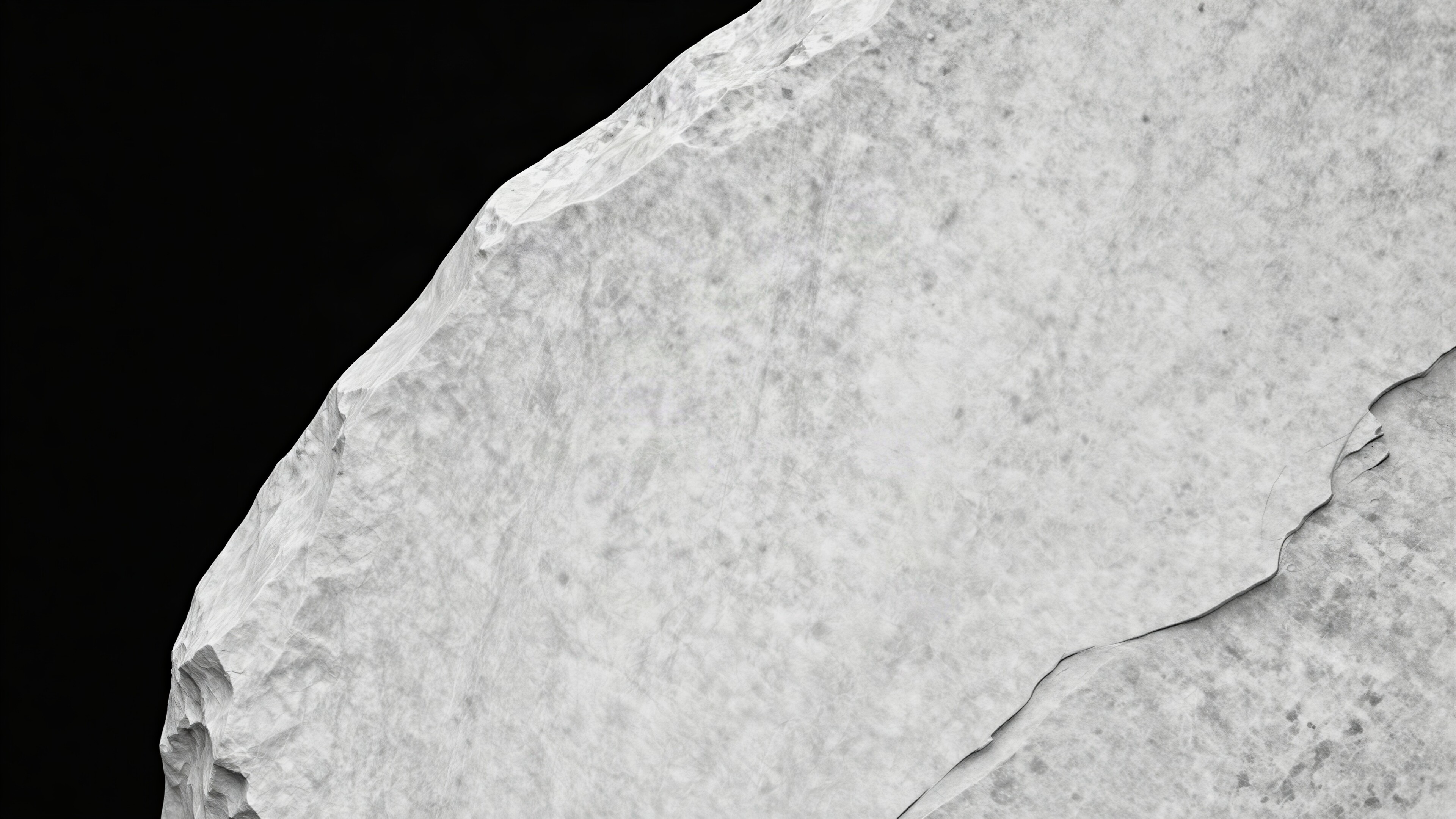
- White marble veining running across black, a flatter take on the stone in 3.
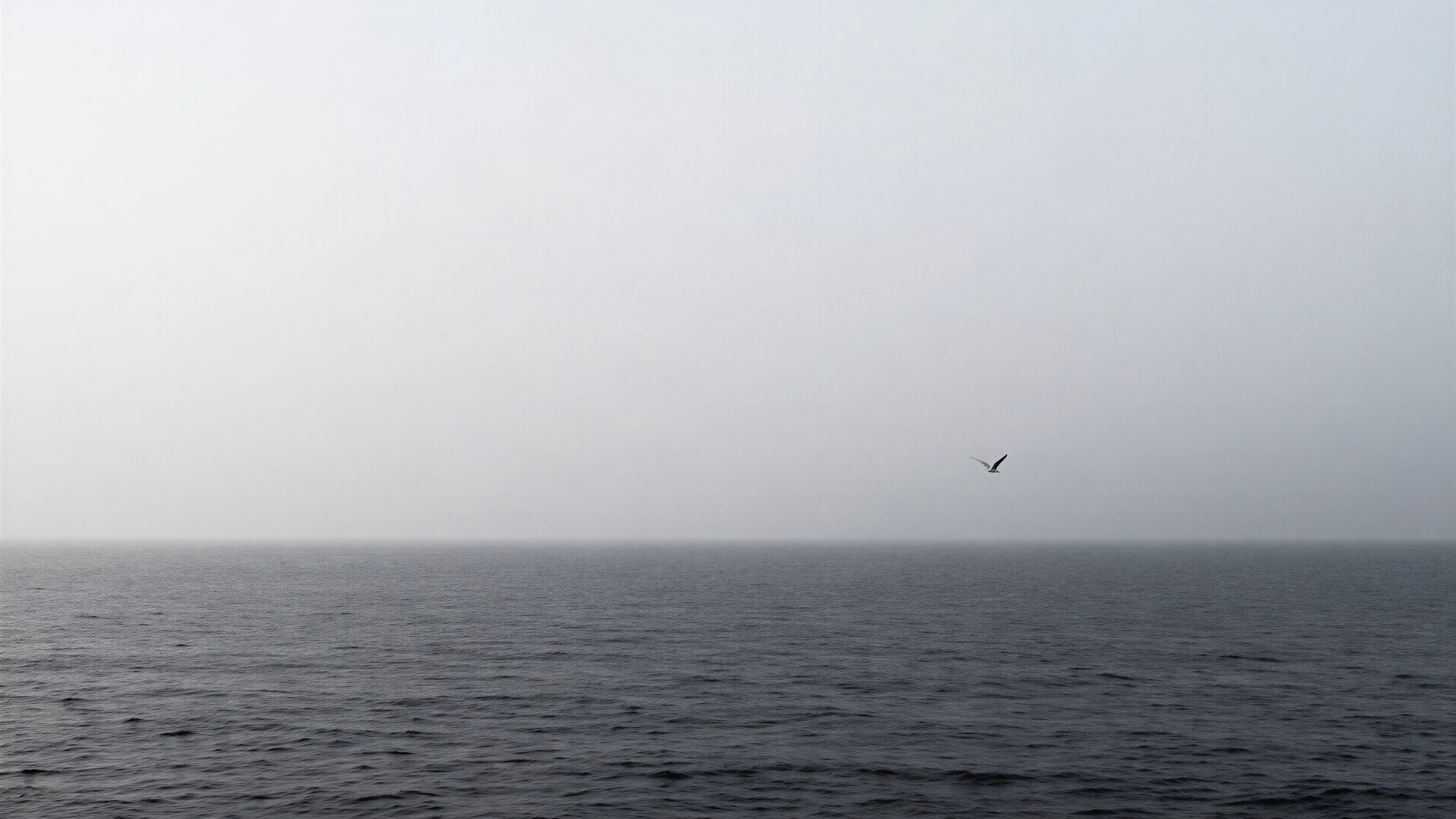
- A misty horizon over water with one bird in flight.
How photographers learned to think in grey
Black and white is never really just two colours. Around 1940 Ansel Adams and Fred Archer worked out the Zone System, which splits a photograph's tones into steps from pure black to pure white so the photographer can decide in advance where each part of a scene should fall. Most of this set sits at the two ends of that scale. Wallpapers 2 and 10 are the main exceptions, with shadow and mist filling in the middle greys.
The other old idea at work here is figure and ground. In 1915 the Danish psychologist Edgar Rubin published his vase drawing, which reads as either a vase or two faces depending on which tone you take as the background. Wallpapers 4 and 7 ask a milder version of the same question about which part is the subject. Art teachers have a word for this balance too: Arthur Wesley Dow brought the Japanese term notan, the arrangement of dark and light, into American teaching with his 1899 book Composition.
Soft, graphic or textured?
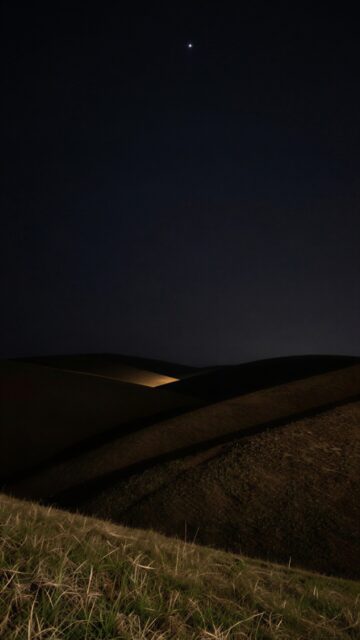
For the gentlest look, 1 and 10 are mostly pale and almost silent. If you want hard edges and strong shapes, go for 3, 4 and 7. Wallpapers 5, 8 and 9 are about surface, a feather, frost and stone, and reward a closer look. That leaves 2 and 6, the two scenes where real light is falling on something, which feel the most like photographs.
The same stone shows up in colour in the marble wallpapers, the feather set has more single plumes on quiet backgrounds, and the black aesthetic collection goes all the way to the dark end.
How to set it on your screen
- Tap Download under the size that fits your screen.
- On a phone, open Settings, then Wallpaper, and choose the saved image from your photos.
- On a computer, right-click the saved image and choose Set as desktop background.
Step-by-step help: iPhone, Android, Windows and Mac.
Questions
What sizes are these wallpapers available in?
This set includes wallpapers in 1170x2532 pixels for phones and 3840x2160 pixels for desktop monitors. Both sizes are optimized for sharp display on modern devices. Download the size that matches your screen for the best fit.
Can I use these wallpapers commercially or share them elsewhere?
These wallpapers are free for personal use on your own devices only. You may not sell them, print them for sale, or repost them on other wallpaper sites or social media. See our Terms page for the full license details.
Which wallpapers work best as lock screen backgrounds?
The vertical designs with simple top quarters work best for lock screens. They keep text and time readable while maintaining the minimal aesthetic. The centered subjects in the lower half ensure nothing important is covered by status bars or notifications.
Do these black and white wallpapers work with both light and dark mode?
Yes. Designs with white backgrounds suit light mode and look crisp on standard displays. Designs with black backgrounds work perfectly with dark mode and reduce battery drain on OLED screens. Mix and match based on your preferred theme.