Black and White Wallpapers

10 wallpapers in 1 collections · last added 7 Oct 2026 · sizes for iPhone, Android, desktop and tablet

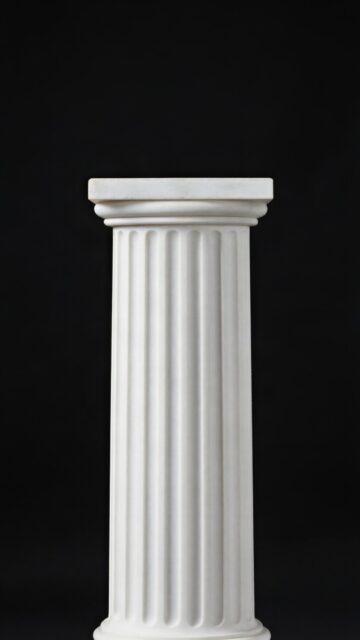
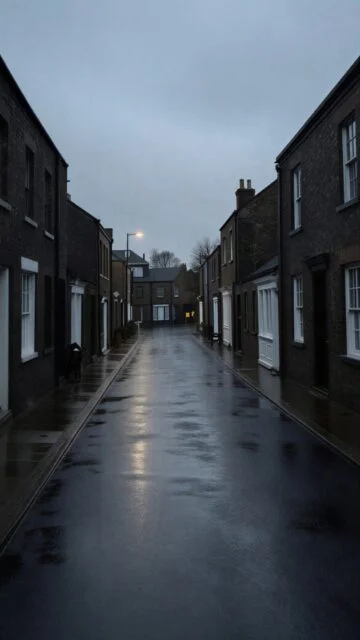
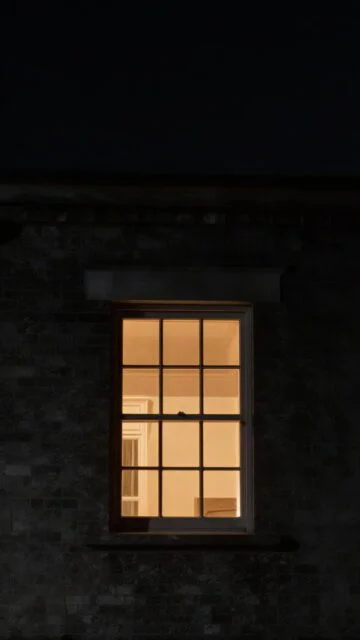
A black and white wallpaper strips a picture back to light, shadow and shape, which is why it looks timeless on almost any screen. This monochrome collection includes grainy photo-style scenes, ink drawings, bold graphic patterns, checkerboard and stripe designs, line-art portraits, architecture with sharp contrast and quiet nature shots in shades of grey. It sits within our wider black wallpaper category but leans into balance, with bright whites given as much space as deep blacks.

Each collection holds 10 wallpapers in one theme and one size. Phone sets are 1170x2532 for iPhone and 1080x2400 for Android, and there are iPad, laptop and 4K desktop versions at 3840x2160 for larger screens. Monochrome is easy to live with because it doesn't clash with colorful app icons or widgets. Every design is original and checked by hand before it is published, and weak images are removed, so only the strongest contrast makes the cut.


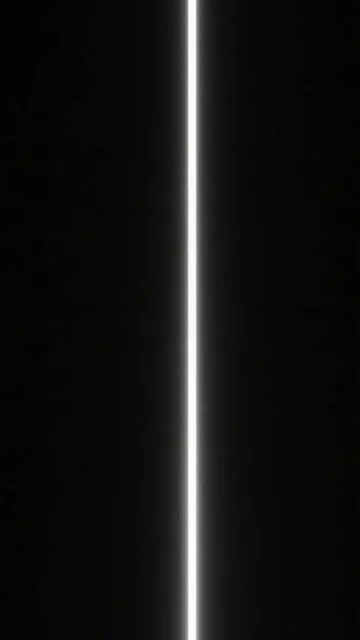
Monochrome comes in a few distinct flavors. High-contrast graphics, like zebra stripes or a checkerboard, feel bold and modern; soft grey photography feels nostalgic, a little like an old film still; and a single white line on black reads as clean and minimal. On a lock screen, choose an image where the clock lands on a solid patch of black or white rather than a busy edge. On a home screen, a lighter, airy design keeps icon labels readable. A splash of one color, such as red, can look striking against greyscale and still feel classic.

Expert tip

If a monochrome wallpaper feels too harsh at night, choose one with soft greys instead of pure white highlights; it keeps the contrast you like while giving off less glare in a dark room.

Color palette

#000000#2B2B2B#6E6E6E#BDBDBD#FFFFFF

Black and White wallpaper FAQ

What size is a black and white wallpaper for iPhone?

Our iPhone size is 1170x2532 pixels, which fills current iPhone displays and stays sharp on larger models. Fine grain and thin lines in monochrome art need full resolution, so use the matching size rather than a stretched image. Our iPhone wallpaper guide explains how to set it.

Are there black and white wallpapers for Android?

Yes. Android sets are 1080x2400 pixels, the tall shape used by most current Android phones. If your screen is slightly different, the edges may trim a little, so centered patterns and portraits work best. The Android wallpaper guide covers setting separate home and lock screen images.

Why do black and white wallpapers look so timeless?

For roughly the first century of photography, most pictures were black and white, so monochrome links our eyes to classic film, prints and newspapers. Without color, attention goes to shape, texture and contrast, which tend not to date. It also means the wallpaper never clashes with seasonal trends or colorful apps.

Which is better for a lock screen, a dark or light black and white design?

Most phones show the clock in white by default, so a design that is darker at the top keeps the time easy to read. If you prefer a light design, many phones let you change the clock color to black. Either way, avoid placing a busy contrast edge right behind the digits.

Can I use these black and white wallpapers commercially?

No, they are for personal use only: as a background on your own phone, tablet, computer or watch. You can't sell them, use them on products or posters for sale, or share them on another website. The Terms of Use page explains the full rules in plain language.

Do black and white wallpapers go with colored app icons?

Yes, and that's one of their biggest advantages. A neutral greyscale background lets every icon color show as it is, without competing with the wallpaper. If you want a fully monochrome look, many phones offer dark or tinted icon options that blend into a black and white screen neatly.

How do I set a black and white wallpaper on my desktop?

Pick a set in our 4K desktop size, 3840x2160, which also looks sharp on 1080p and 1440p monitors, or our laptop size at 1920x1080. Then open your background settings and choose the image. The desktop wallpaper guide walks through the steps on both Windows and Mac.

How often do you add new black and white wallpapers?

The site publishes new collections every day across all its themes, and black and white sets are part of that steady rotation. You can see everything new on the latest wallpapers page, or check today's pick each morning for one wallpaper chosen for the day.

Curated and checked by the FreeWallpaperDaily experts

Every wallpaper is reviewed by a person before it goes live: we remove images with odd details or blur and check the crop for each device. How we check wallpapers

Something wrong with an image? Report an image · Free for personal use, see the Terms.