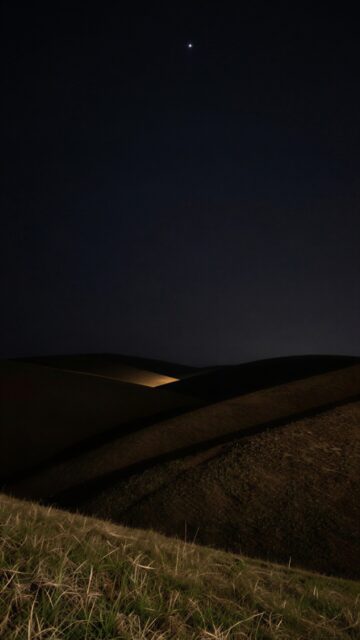
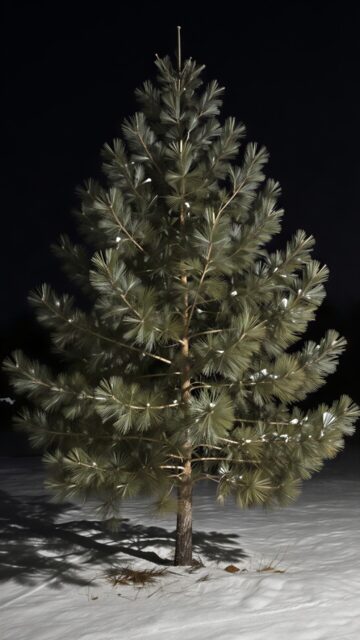
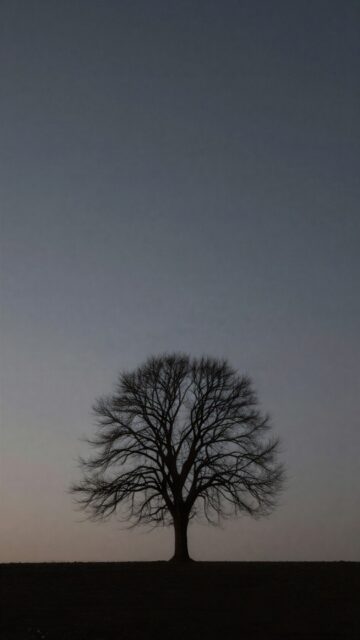
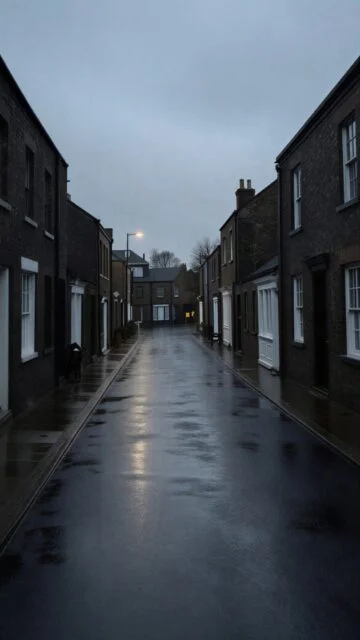
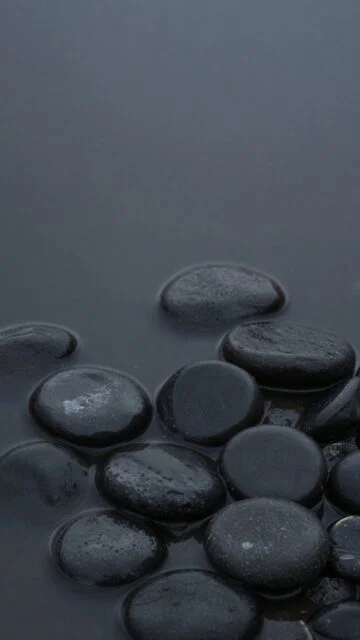
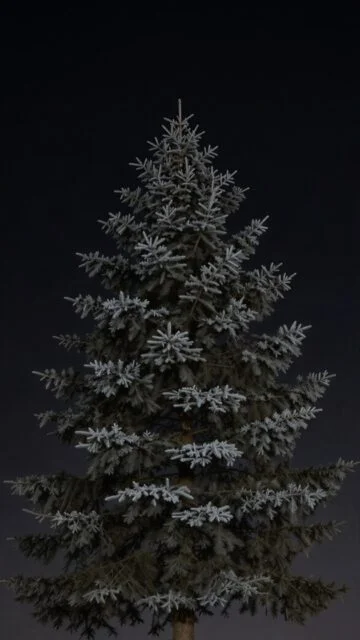
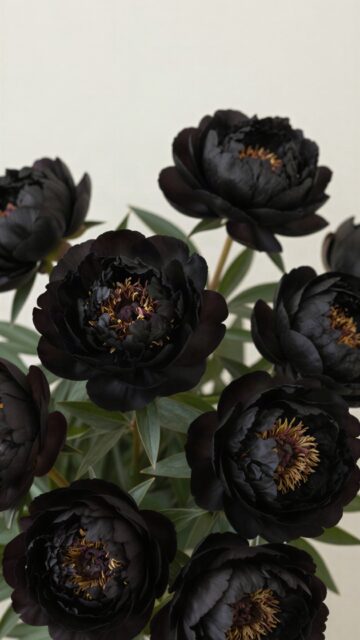
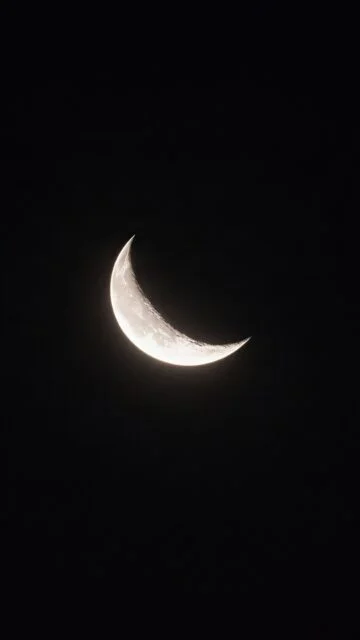
Black Screen Wallpapers

10 wallpapers in 1 collections · last added 12 Oct 2026 · sizes for iPhone, Android, desktop and tablet

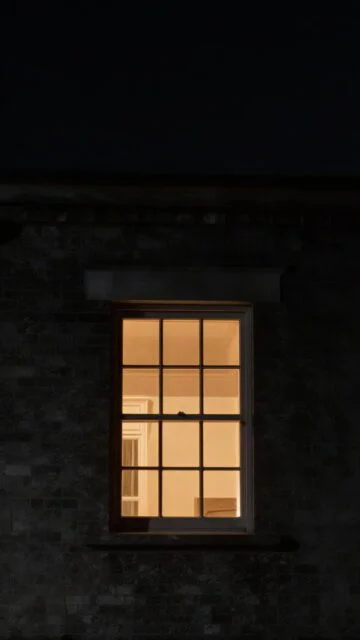
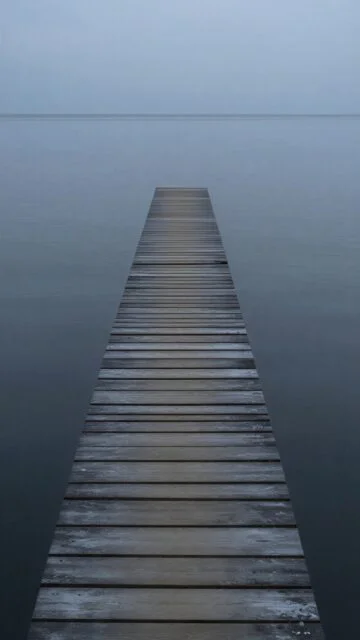
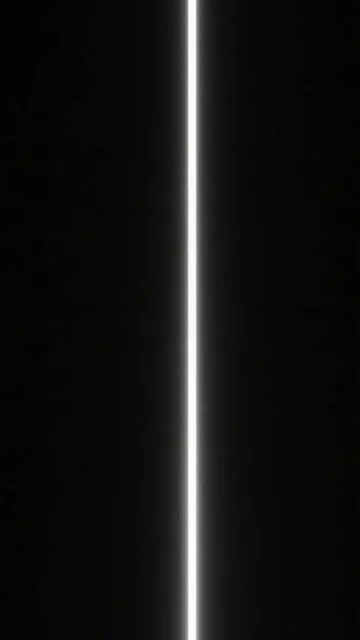
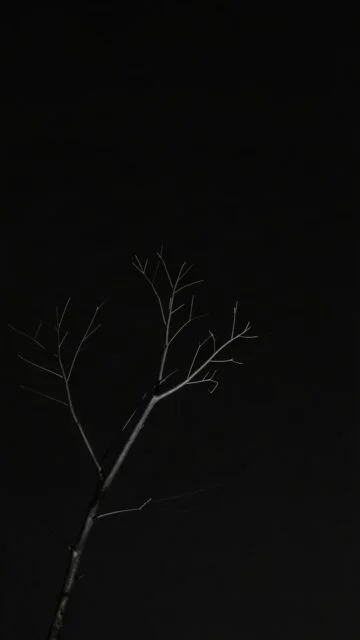
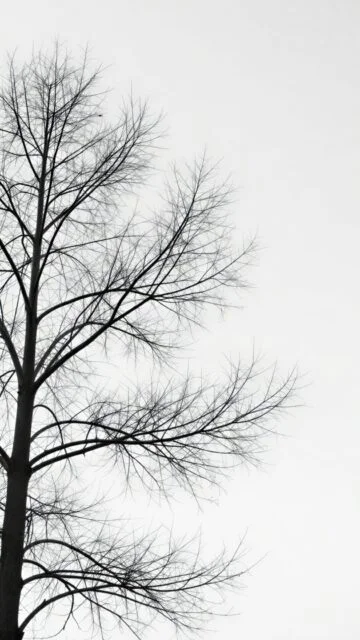
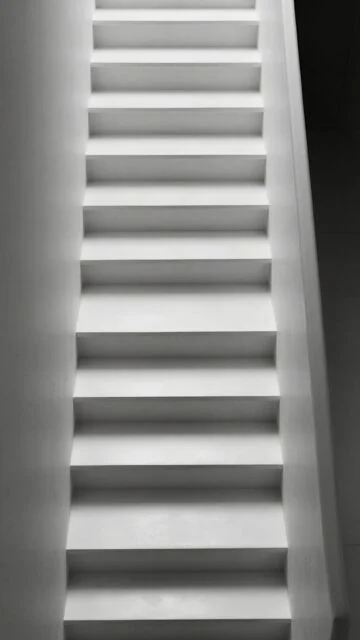
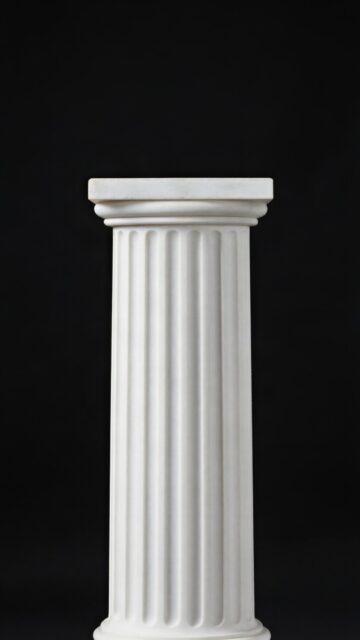
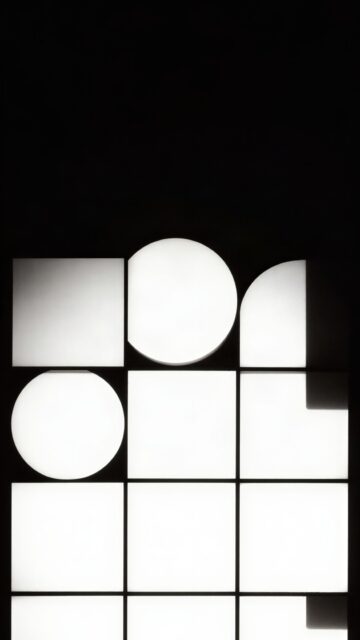
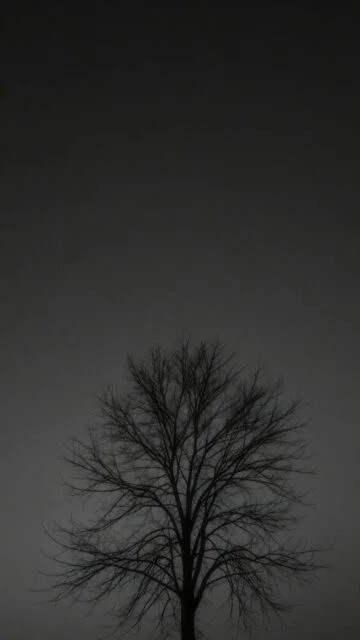
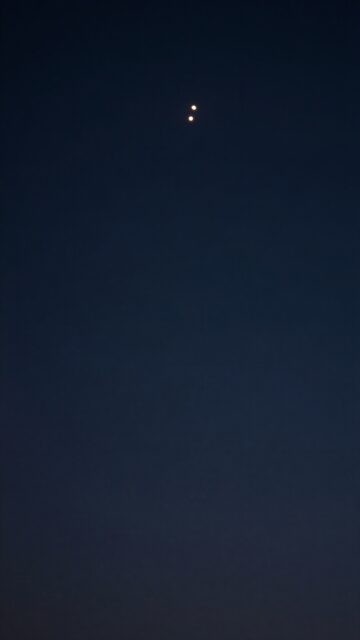
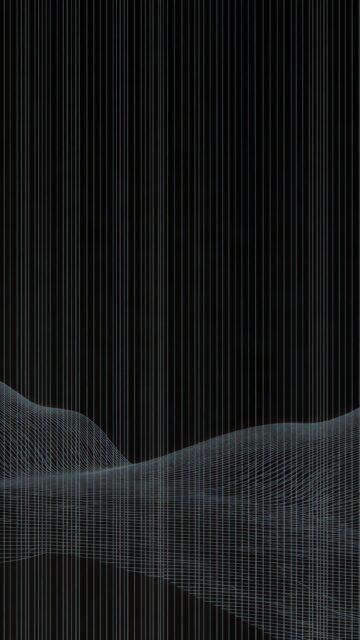
A black screen wallpaper is the simplest background you can set: almost nothing at all, just deep black that lets your clock, widgets and app icons do the talking. Part of our black wallpaper family, this collection covers solid pure black, near-black with very subtle grain, faint gradients that fade to black at the edges, and minimal designs with one tiny detail such as a thin line, a small star or a single word. These plain black backgrounds suit anyone who wants a calm, distraction-free phone.

Each collection holds 10 wallpapers in one theme and one size, including 1170x2532 for iPhone, 1080x2400 for Android, plus iPad, laptop and 4K desktop. A black screen looks its best on OLED and AMOLED phones, where black areas show as true black rather than a dim grey glow. Every design is original and checked by hand before it is published, and weak images are removed, so you won't find stray noise or uneven patches where the screen should be clean.
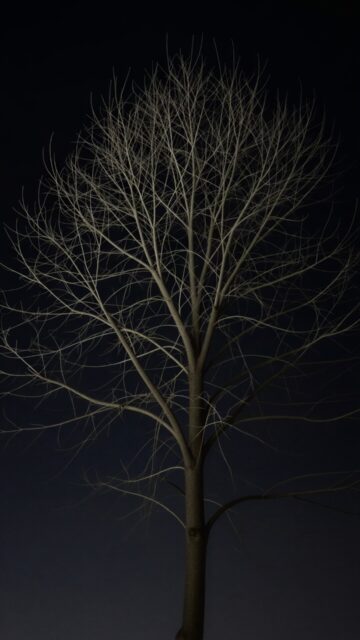

Going all black is partly about looks and partly about focus. With no picture competing for attention, notifications and widgets become the main thing on the screen, which many people find calmer. If total black feels too empty, try a design with a faint vignette or a single small symbol placed low, so the time stays readable at the top. Pair it with dark mode and monochrome icons for a very tidy, almost minimalist phone, or let one bright widget be the only color on the page. It's also a handy reset if you're tired of busy photos and want a break from visual noise.

Expert tip

If a pure black lock screen feels too stark, pick a near-black design with a faint vignette; it keeps the clean look while adding a little depth around the clock.

Color palette

#000000#070708#0F0F11#1A1A1D#2A2A2E

Black Screen wallpaper FAQ

Why would anyone use a plain black screen wallpaper?

People choose it to keep their phone simple and less distracting, to make icons and widgets easier to read, and to get the most out of an OLED display. Some also find that a plain black home screen makes them pick up the phone less often, since there's nothing eye-catching to look at.

Does a black screen wallpaper save battery?

On OLED and AMOLED screens, black pixels are switched off, so an all-black wallpaper uses slightly less power whenever it's visible. The effect is small, because apps and the brightness setting matter much more. On LCD screens there's no real saving, as the backlight stays on regardless of the image.

What size is a black screen wallpaper for iPhone?

Our iPhone size is 1170x2532 pixels. For a pure black image the size barely matters, but designs with subtle grain, gradients or a small symbol stay crisp only at the right resolution. Use the iPhone wallpaper guide for step-by-step help setting it on both screens.

Which black screen wallpaper size should I use on Android?

Use 1080x2400 pixels, which matches most current Android phones with a tall display. Since many Android phones have AMOLED panels, a true black image looks seamless, with the edges of the screen blending into the frame. The Android wallpaper guide shows how to apply it.

Can a black screen wallpaper help prevent OLED burn-in?

Burn-in mostly comes from bright, static elements like status bars and navigation buttons shown for long periods. A black wallpaper won't remove that risk, but because black pixels are off, they aren't wearing at all while the wallpaper is showing. Lower brightness and auto-lock settings help more.

Is a black screen better for the lock screen or the home screen?

It works on both, but it suits the home screen especially well, where it keeps rows of icons and widgets clean. On the lock screen, a pure black background makes the clock and notifications stand out sharply. Some people pair a black home screen with a slightly more detailed lock screen design.

Are these black screen wallpapers free?

Yes, they're free for personal use on your own phone, tablet, computer or watch, with no sign up and no watermark. Commercial use, resale and redistribution aren't allowed, so please don't repost them on other sites or bundle them in products. See the Terms of Use for details.

How do I set a black screen wallpaper on a desktop or dual monitor?

Use our 4K size, 3840x2160, for a single monitor, or the 5120x1440 dual monitor size to span two screens. Then choose the image in your background settings. Our desktop guide covers Windows and Mac, and the dual monitor guide explains spanning.

Curated and checked by the FreeWallpaperDaily experts

Every wallpaper is reviewed by a person before it goes live: we remove images with odd details or blur and check the crop for each device. How we check wallpapers

Something wrong with an image? Report an image · Free for personal use, see the Terms.