Amoled Wallpaper
Amoled wallpaper designed for Android phones features dark subjects set against pure black backgrounds that save battery and reduce eye strain. These amoled black wallpapers use the screen's natural darkness to make details stand out. The collection includes minimal landscapes, glowing accents and deep tones that work year-round on any Android device. Each amoled black phone wallpaper is hand-checked and ready to download.
10 wallpapers at 1080 × 2400 px for Android. Checked by hand on 12 Oct 2026.
About this set
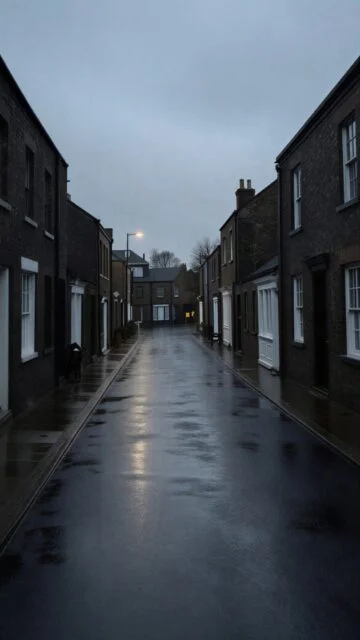
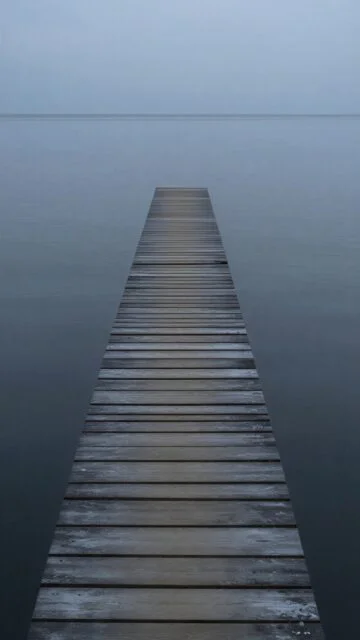
These amoled black wallpapers use pure black backgrounds to minimize power consumption on OLED screens while keeping your display sharp and readable. The minimal subjects—bare trees, distant mountains, calm water and faint light—create a calm, contemplative mood without distraction.
The lock screen designs work best with simple, glowing details that remain visible when covered by notifications. Home screen wallpapers feature subjects in the lower half, leaving room for app icons at the top. Pair these with dark mode icons and a minimal launcher for a cohesive look that reduces eye strain in low light.
What makes a screen AMOLED
AMOLED stands for active-matrix organic light-emitting diode. Each pixel makes its own light, so there is no backlight behind the panel as there is on an LCD. When a pixel is asked to show pure black it simply stays off, which is where the deep, inky look of these wallpapers comes from. Samsung made the term familiar with its Super AMOLED screens, but many Android brands now use OLED panels of some kind.
One small quirk is worth knowing. On some panels, a pixel that is fully off takes a moment to switch back on, so dark scenes can show a faint smear when you scroll quickly over them. It is harmless and tends to be easier to notice on cheaper or older screens than on recent flagships.
Ten scenes that are mostly darkness
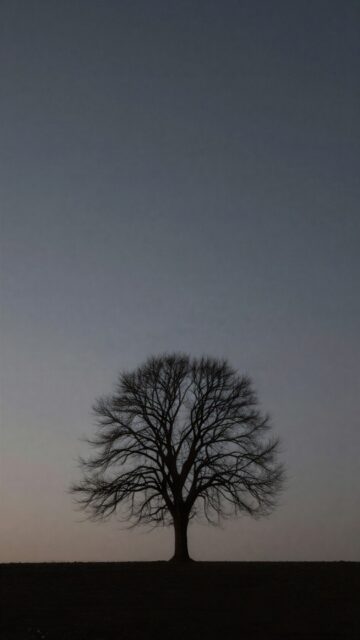
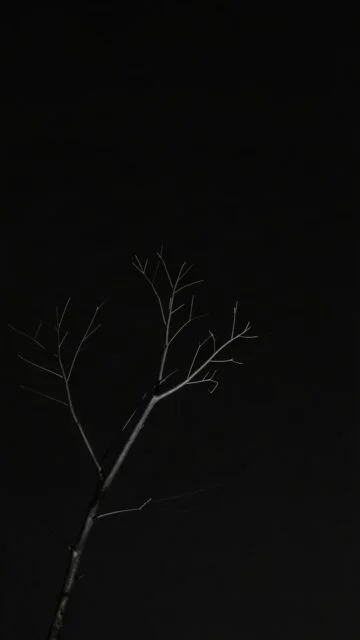
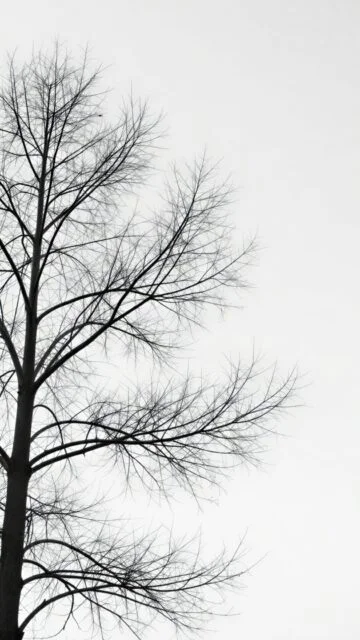
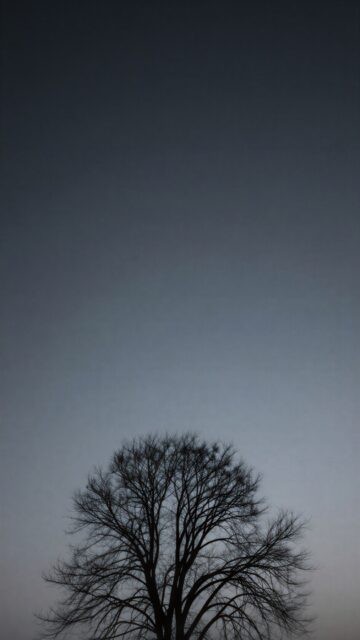
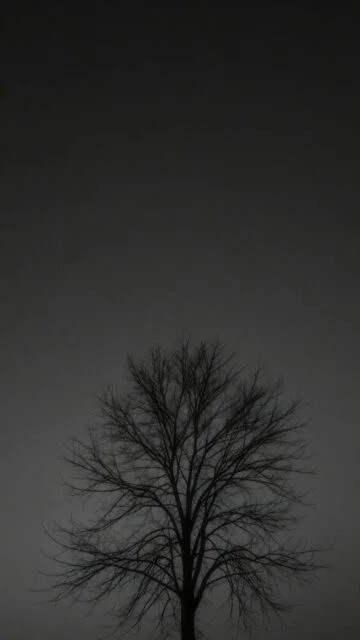
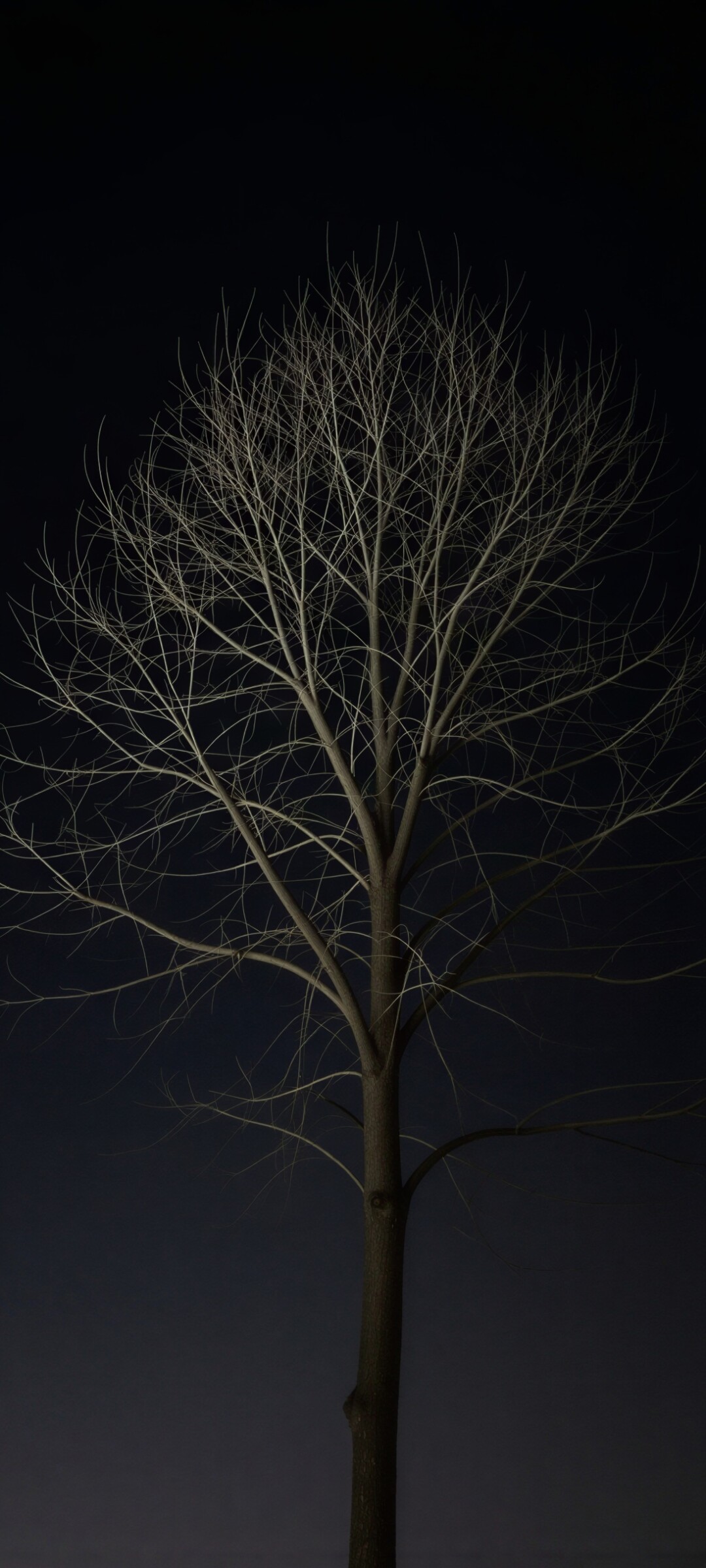
- #1: a bare tree with its branches spread out against pure black.
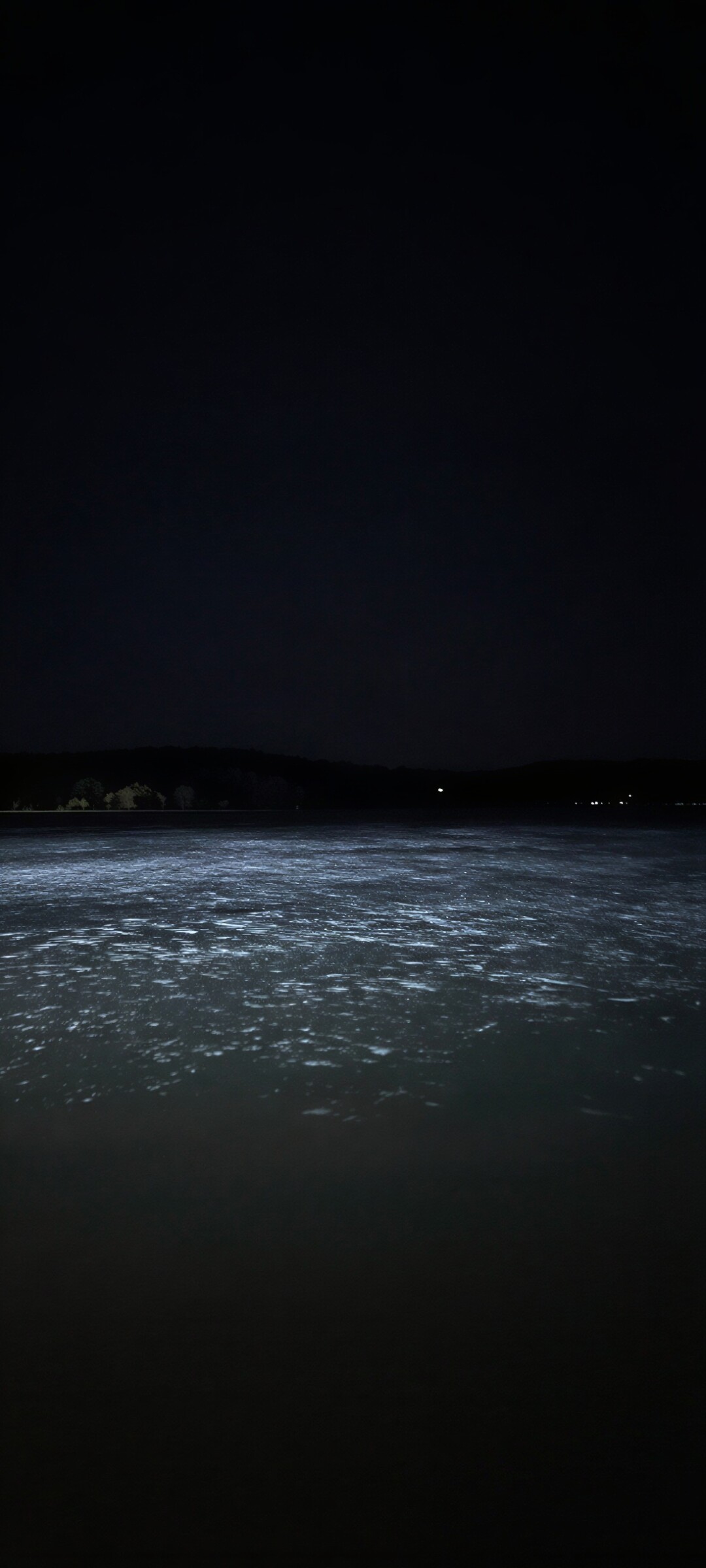
- #2: a dark lake horizon under a starry sky.
- #3: a mountain peak in silhouette with a faint aurora behind it.
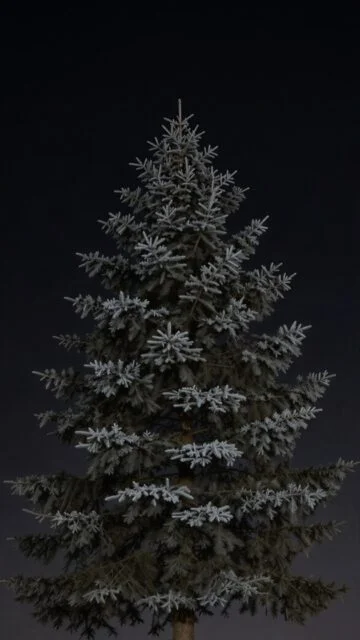
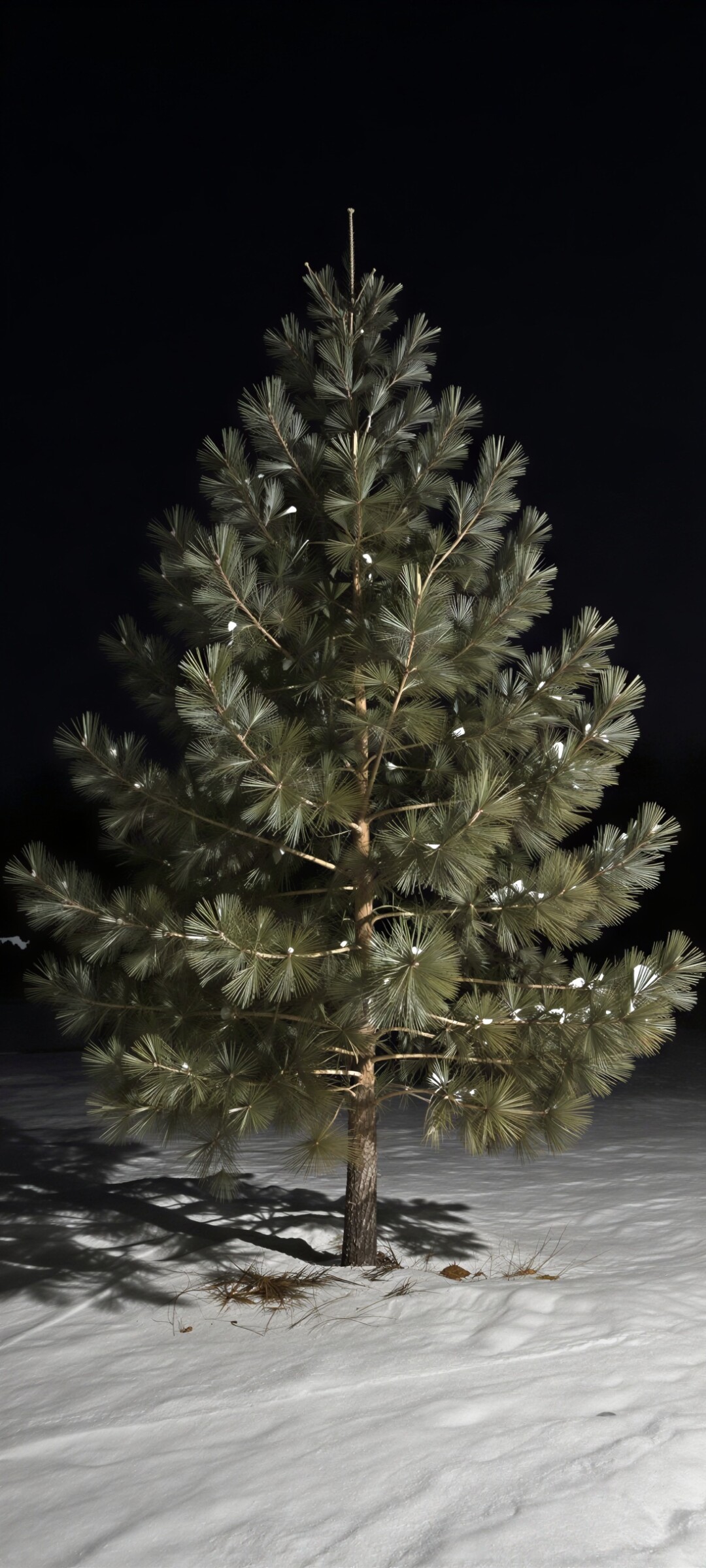
- #4: a snowy pine lit by moonlight.
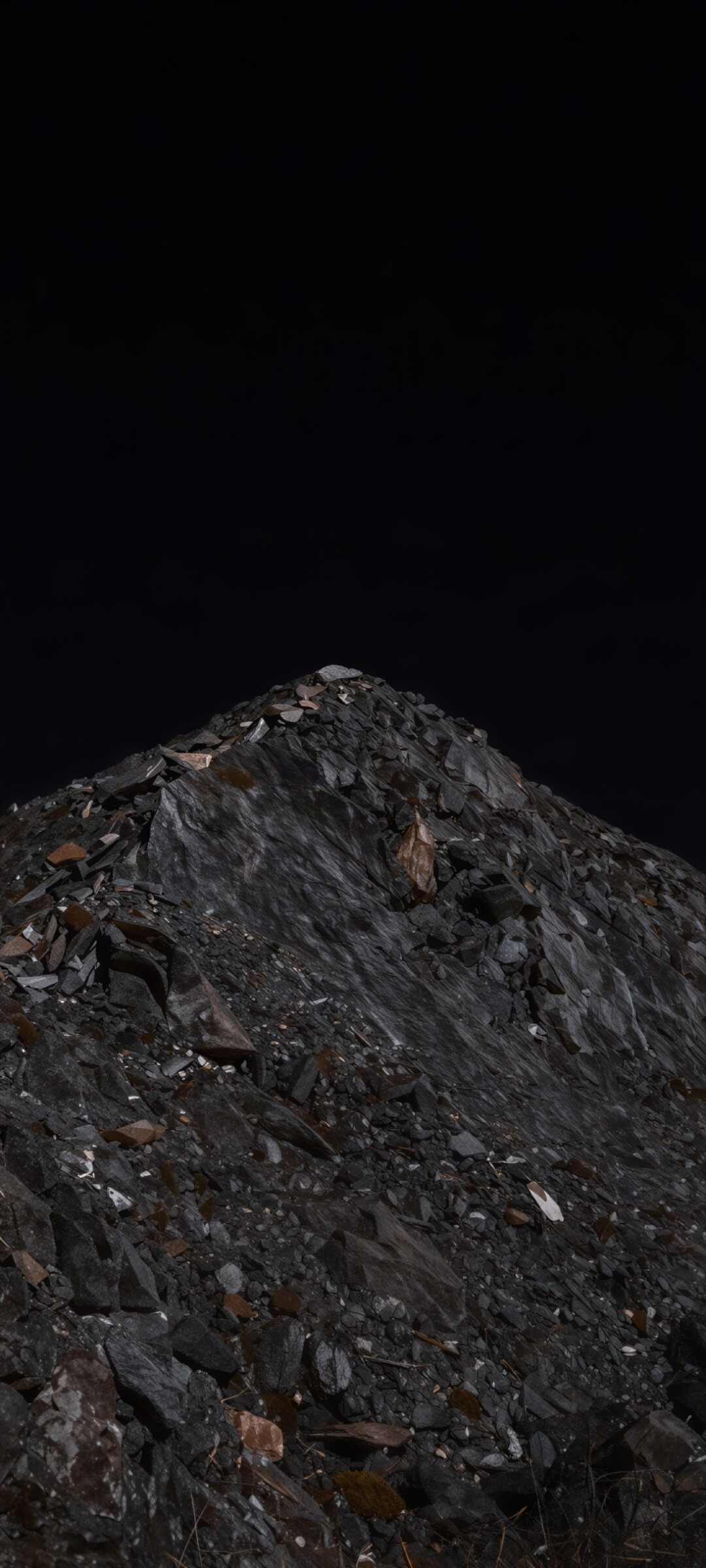
- #5: a rocky peak barely visible in the dark, the most minimal of the mountain pictures.
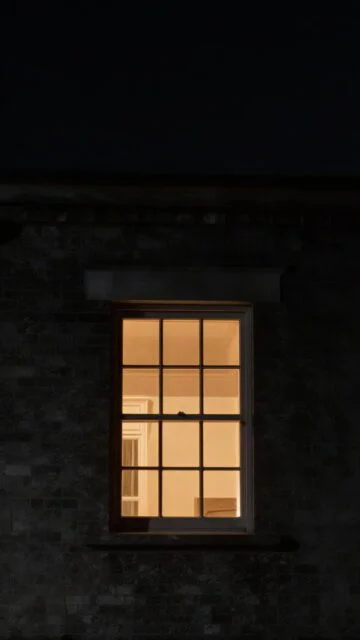
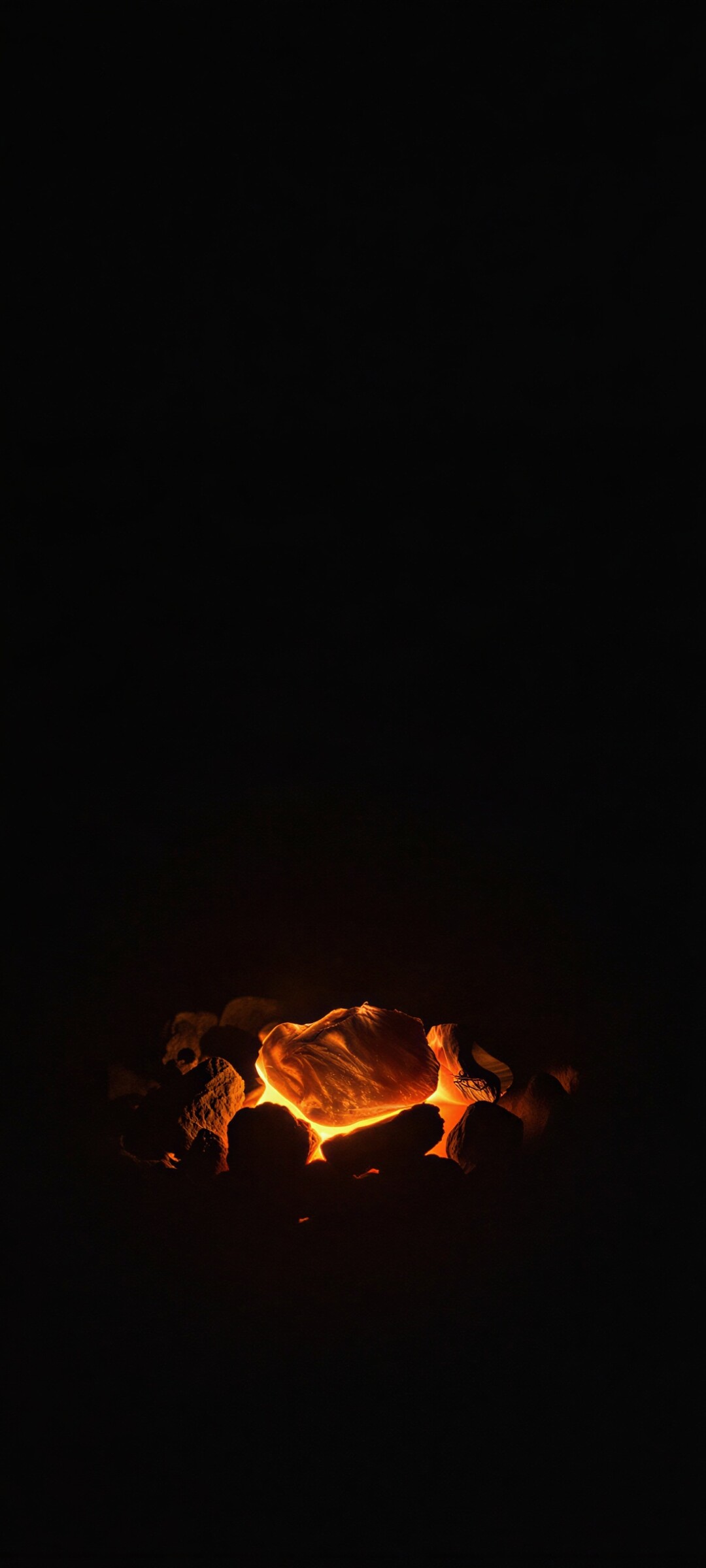
- #6: a single glowing ember, the only warm light source in the set.
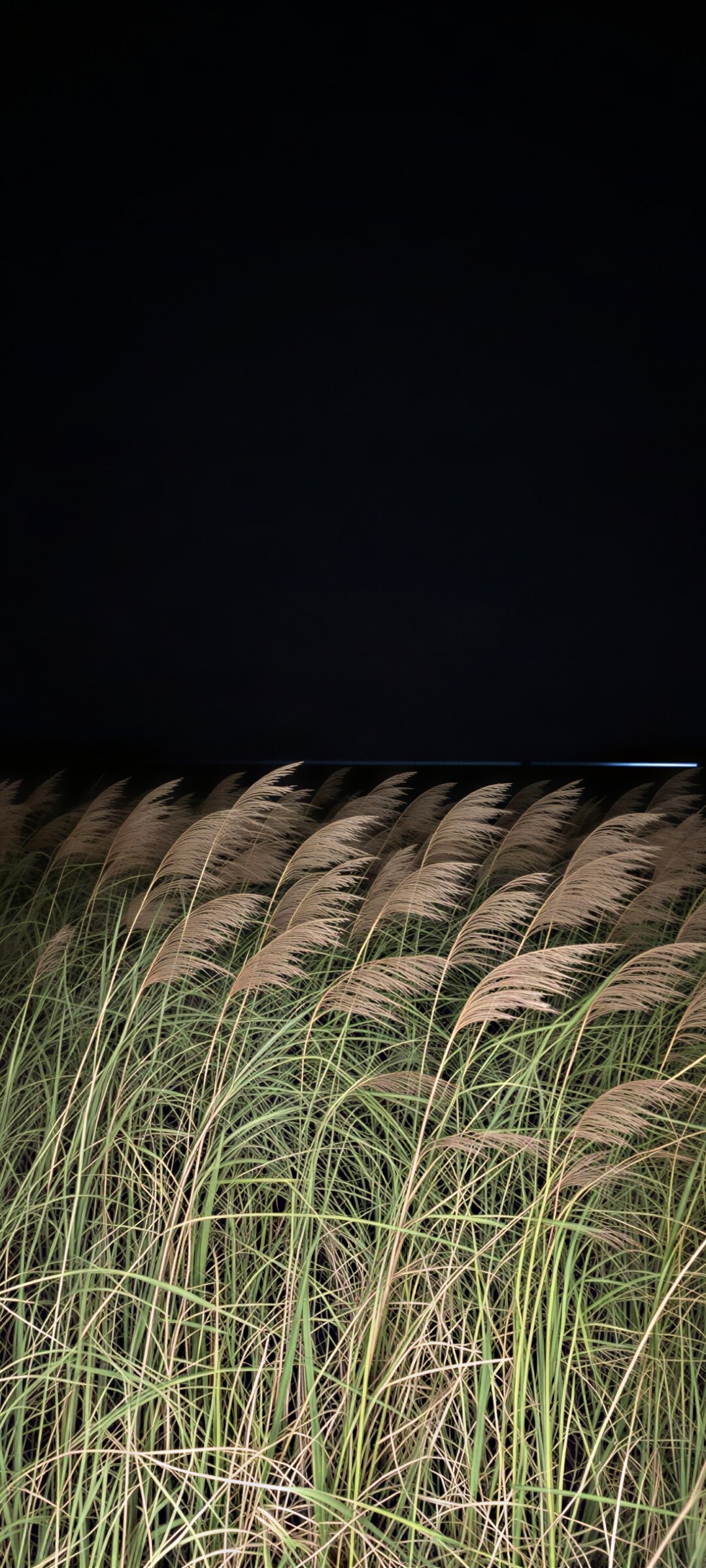
- #7: tall grass in silhouette against a faint horizon.
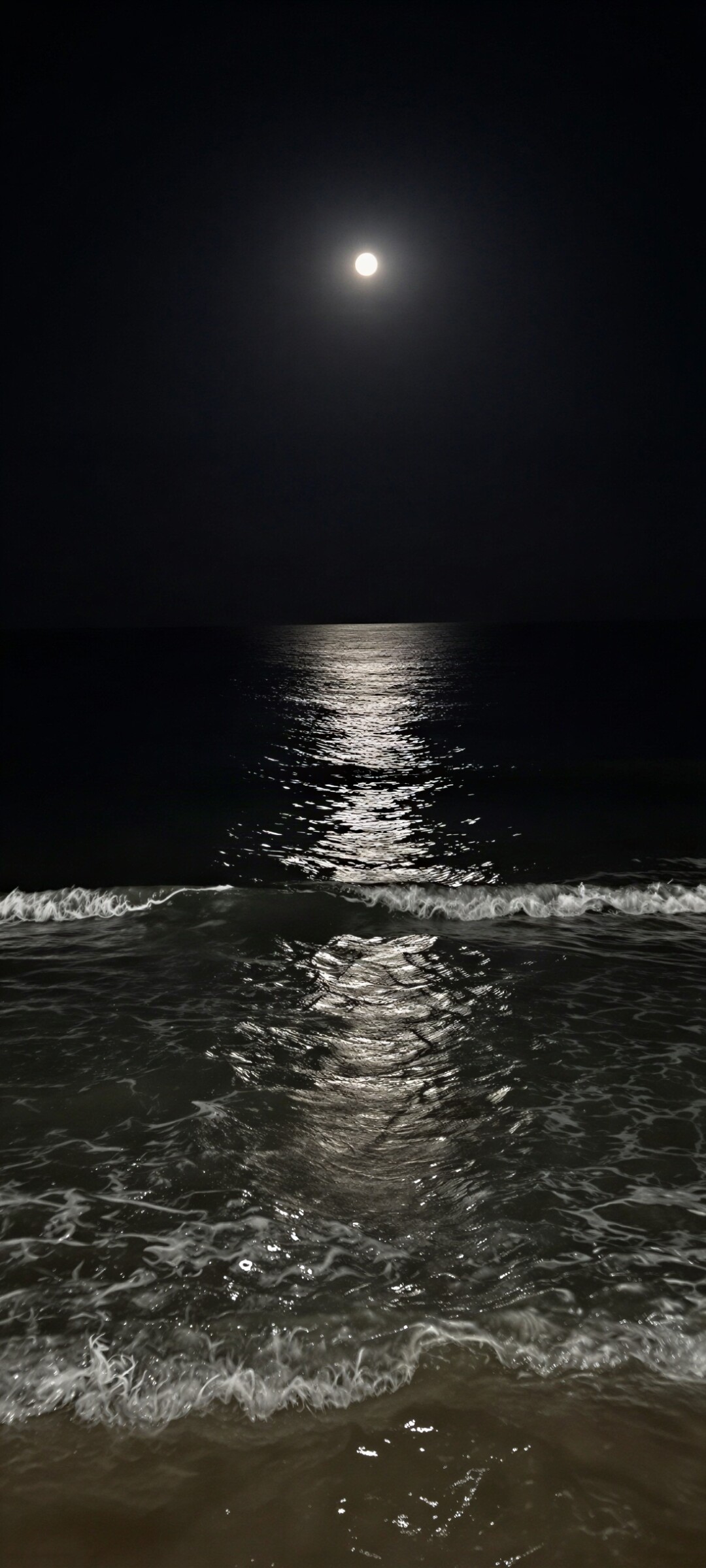
- #8: a night ocean with a moonlight reflection across the water.
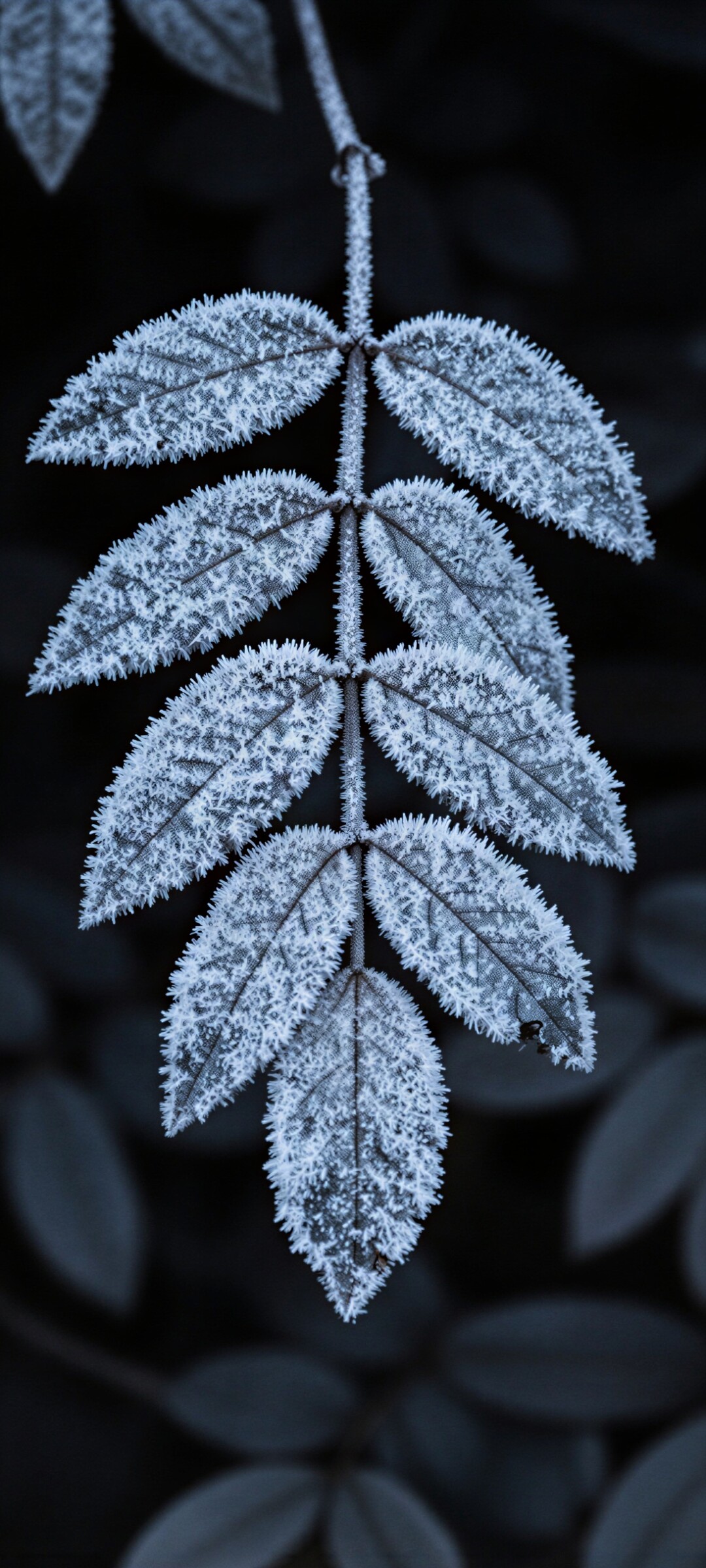
- #9: frost-covered leaves catching a cool light.
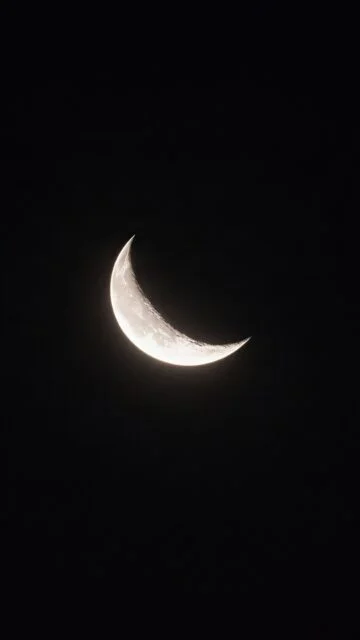
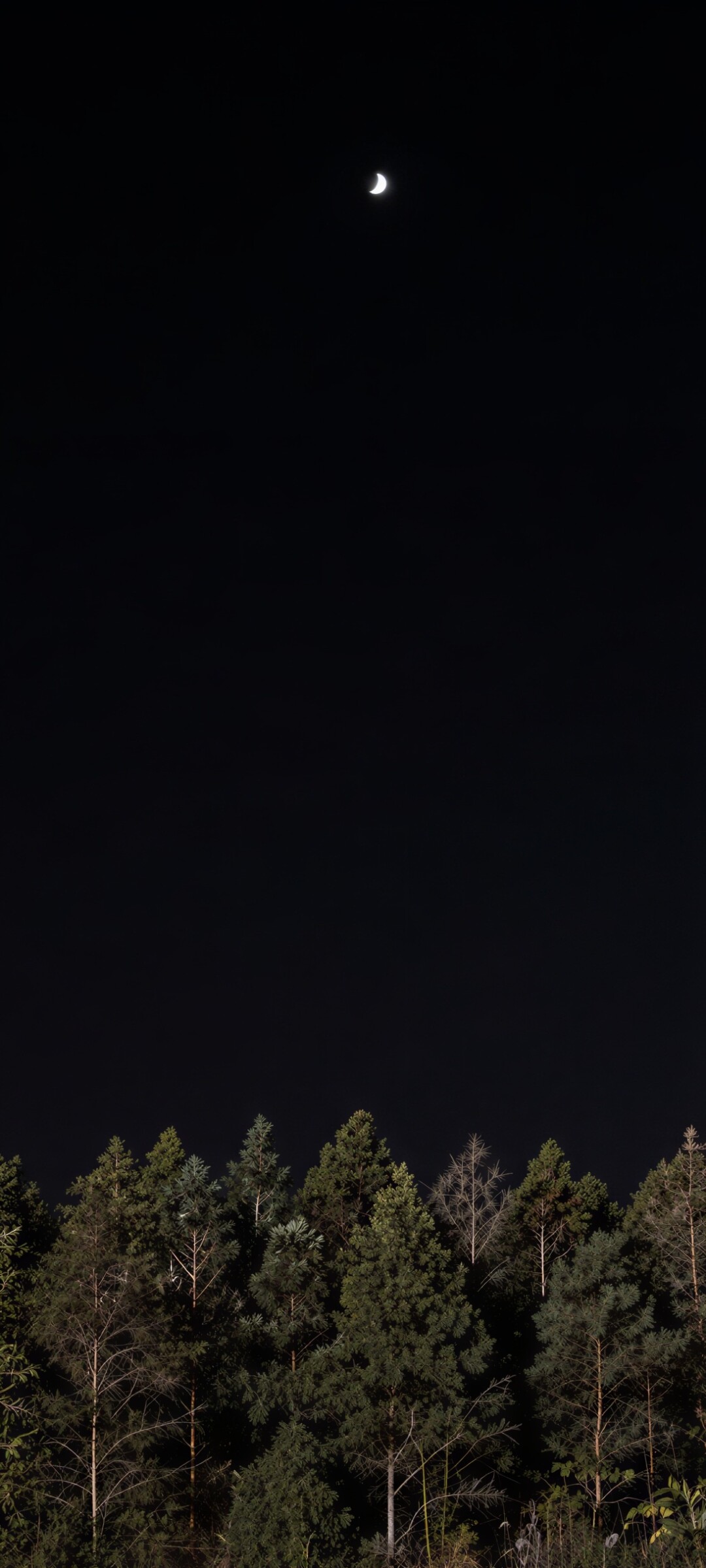
- #10: a dark forest treeline under a crescent moon.
Starlight, moonlight or one warm spark
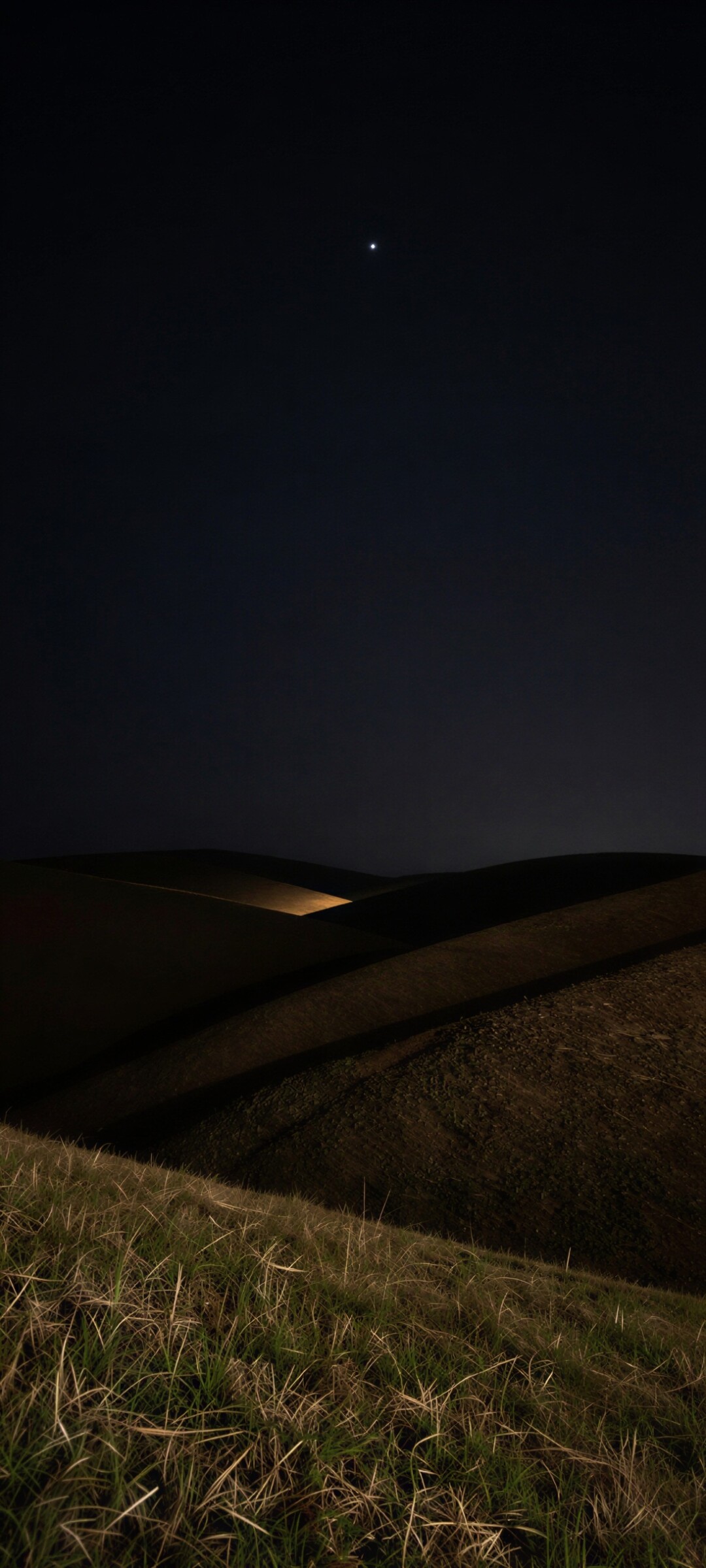
The cool, night-sky pictures are #2, #3, #4, #8 and #10, where stars, an aurora or the moon add a little blue or silver. #1, #5 and #7 are almost pure silhouette, so they show the least light of all and leave the clock and icons on their own. #9 sits between the two with its pale frost, and #6 stands apart as the only warm picture, a single orange point in the dark.
More all-black designs are in the black wallpaper set, the dark aesthetic collection adds moodier colour, and if #10 is your favourite, the moon wallpapers follow every phase.
How to set it on Android
- Tap Download. The image is saved to your Downloads or Photos.
- Touch and hold an empty spot on your home screen, then tap Wallpaper or Wallpaper & style. The name varies by phone brand.
- Choose the image and set it for the home screen, the lock screen or both.
Stuck on a step? The Android guide has screenshots for each one.
Questions
Will these amoled wallpapers fit my Android phone screen?
Yes. These wallpapers are sized at 1080x2400 pixels, which fits most modern Android phones in full vertical format. Your phone may crop slightly depending on your screen size, but the main subject is positioned in the middle or lower half to stay visible on any device.
Can I use these wallpapers for personal use?
Yes, these wallpapers are free to download and use on your own Android devices. Selling them, printing them for sale, reposting them on other wallpaper sites or using them commercially is not allowed. See our Terms page for details.
Why do amoled black wallpapers save battery?
OLED and AMOLED screens turn off individual pixels to display black instead of lighting them. Pure black wallpapers mean more pixels stay off, which uses less power than lighter images. The darker your wallpaper, the longer your battery lasts.
Which wallpapers work better for the lock screen versus the home screen?
Lock screen wallpapers should have glowing details or bright accents in the center so they remain visible behind notifications and time displays. Home screen wallpapers can be simpler with subjects in the lower half to avoid covering app icons. Most of these designs work well on either screen.