Hip Hop Wallpaper iPhone
Hip hop wallpaper for iPhone brings urban art, street style and music culture to your lock and home screens. Download these original designs free with no sign up. The wallpapers mix graffiti lettering, vinyl records, microphones and city vibes in bold colors and classic hip hop aesthetics. This set works best on iPhone home screens where the art stays visible behind your app icons.
6 wallpapers at 1170 × 2532 px for iPhone. Checked by hand on 13 Oct 2026.
About this set
This set captures the essence of hip hop culture through urban art, street style and music imagery. The designs feature vinyl records, graffiti lettering, microphones, sneakers and city vibes in bold colors with gold and silver accents against dark and neutral backgrounds.
Most wallpapers in this set work best on your home screen where the centered subjects stay visible behind your app icons. The simpler designs with plain backgrounds work well as lock screen art too. Pair these with clean white or dark mode icon themes to let the hip hop imagery stand out.
A party in the Bronx, 1973
Most histories trace hip hop back to a back-to-school party on 11 August 1973 at 1520 Sedgwick Avenue in the Bronx, New York. DJ Kool Herc played the drum breaks of funk records and stretched them out on two turntables so dancers had longer to move. That idea grew into a whole culture, usually described as four elements: DJing, MCing (rapping), graffiti and breaking.
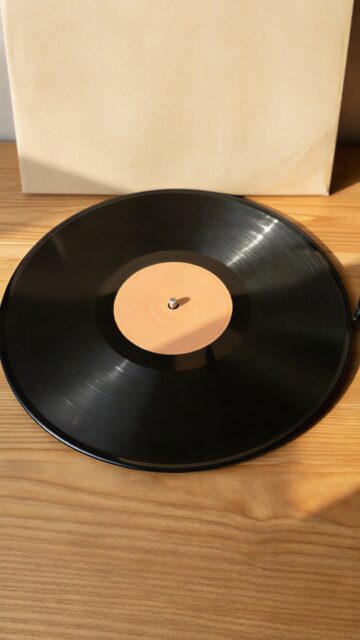
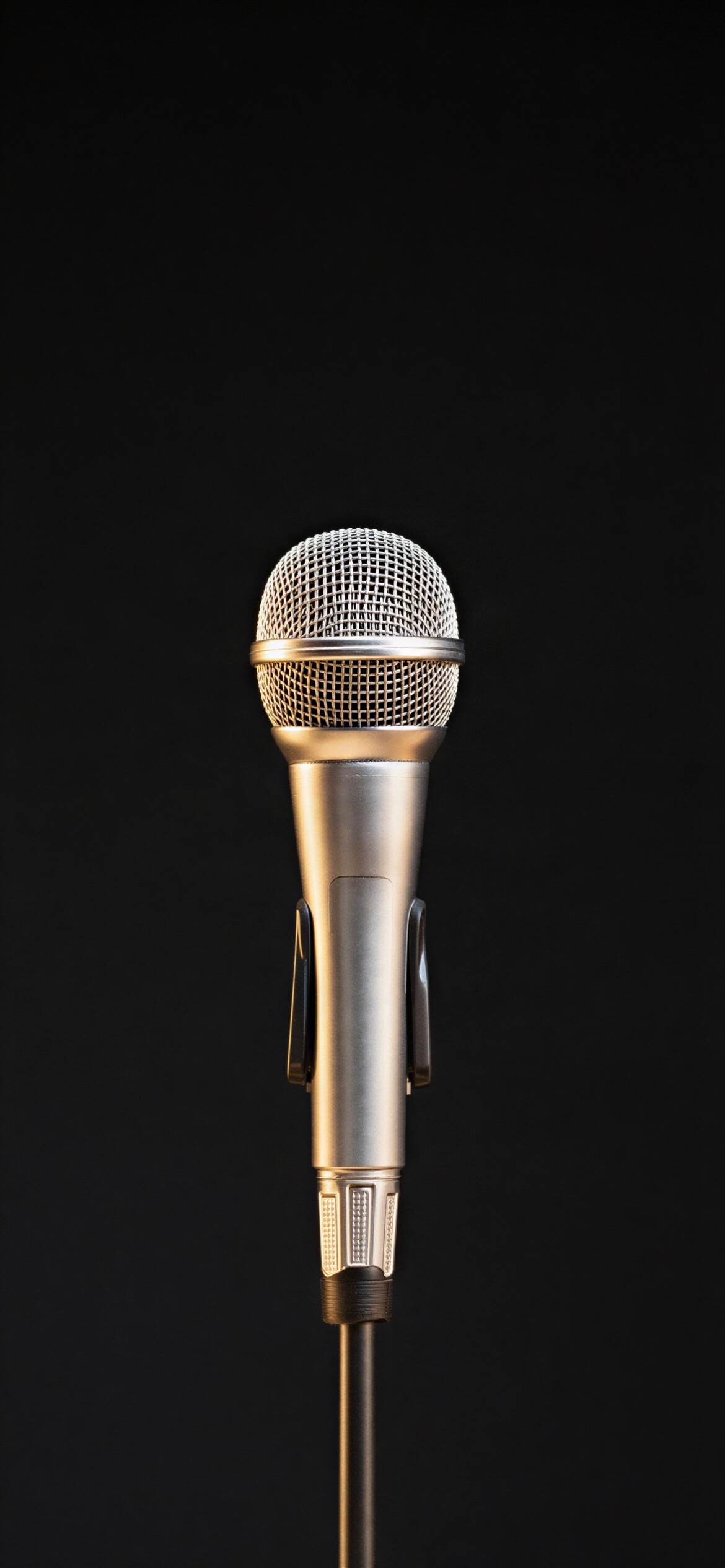
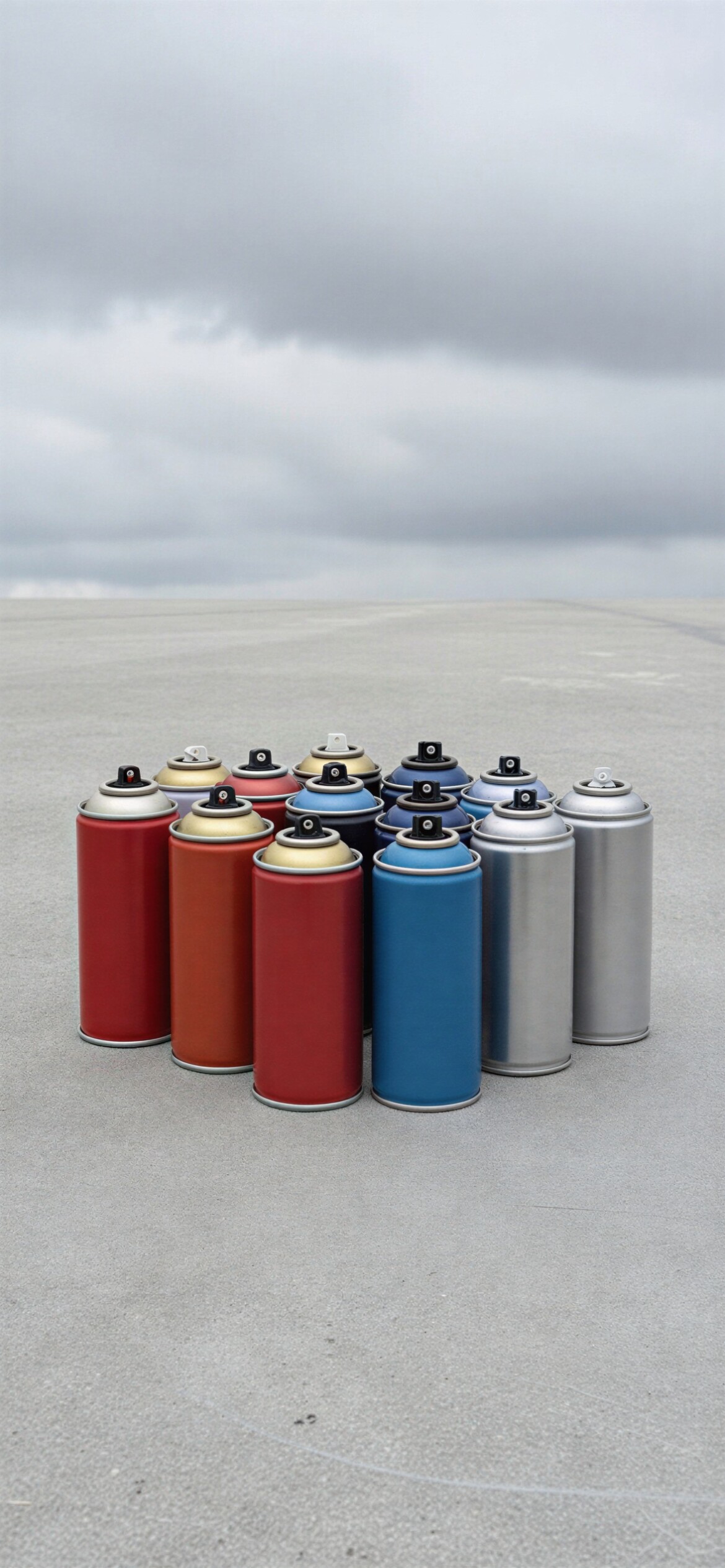
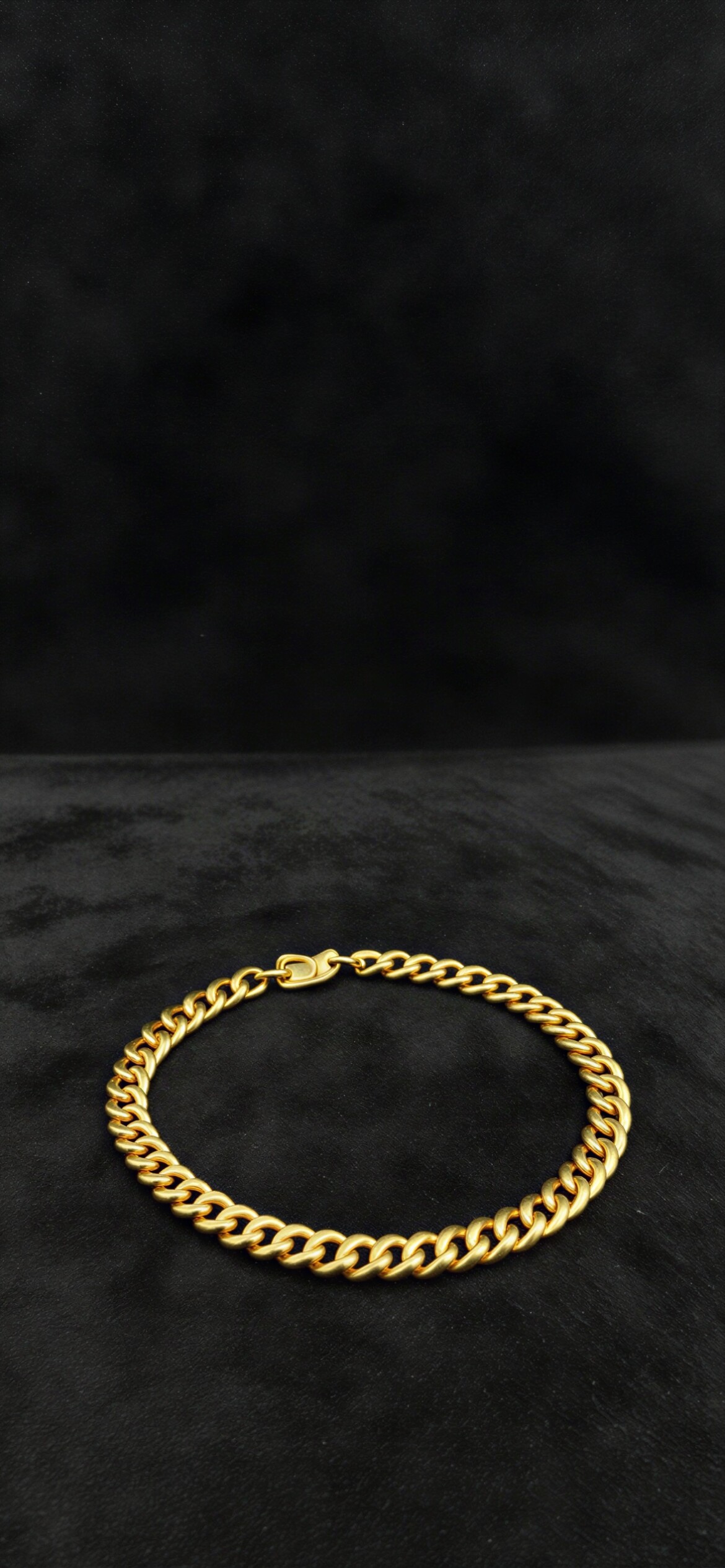
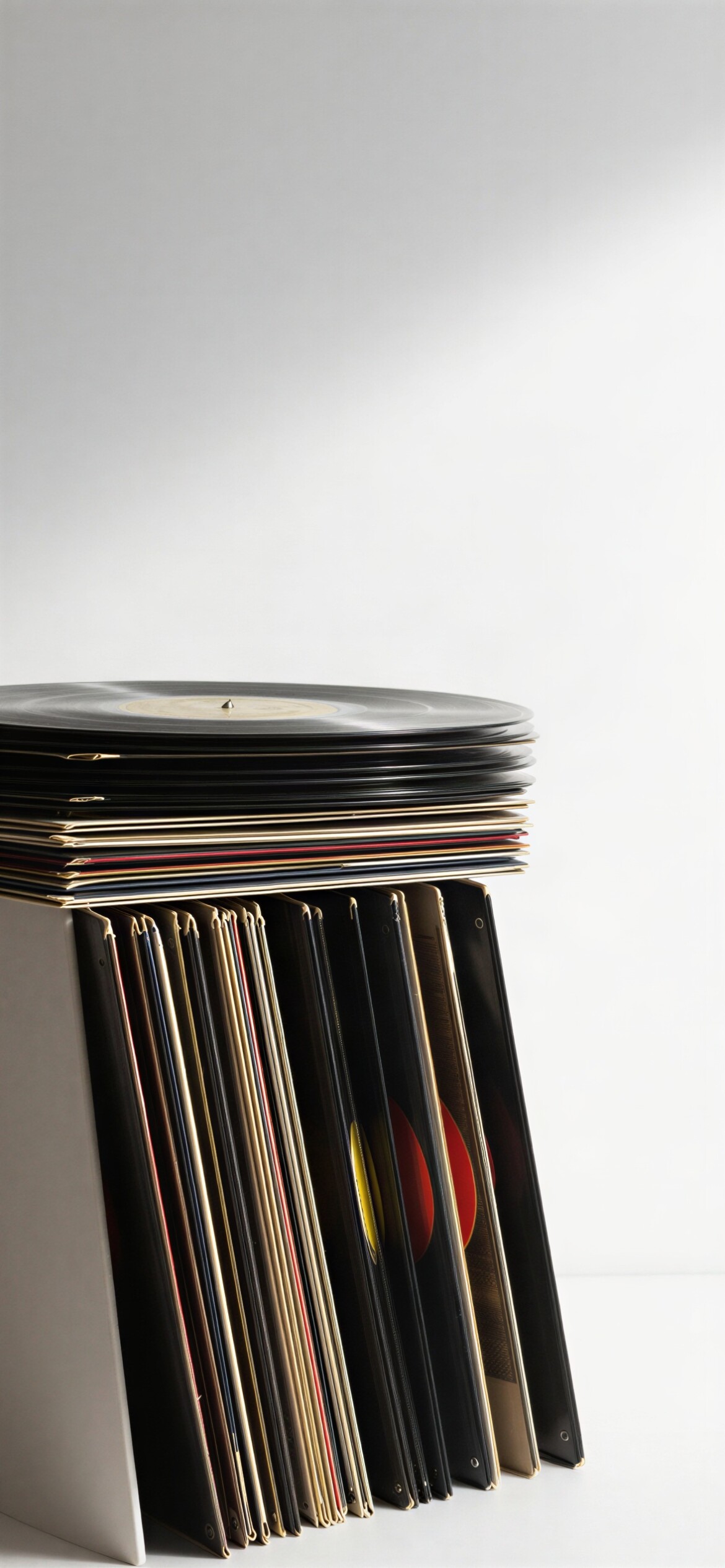
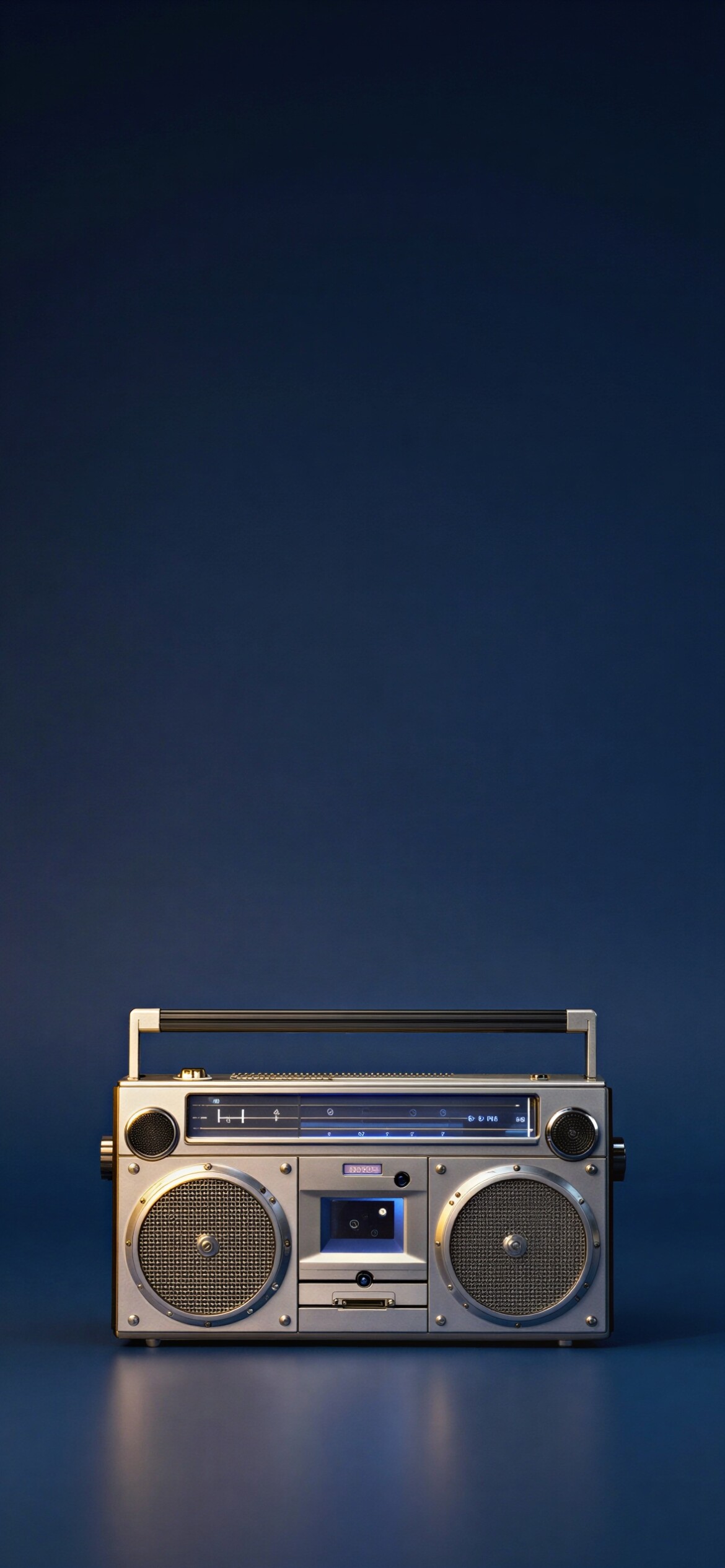
Several of these pictures map onto those elements. The microphone in #1 stands for the MC, the spray cans in #2 for the writers who painted trains and walls, and the stacked records in #4 for the DJ, whose turntable tricks like scratching all started on vinyl. The gold chain in #3 belongs to the fashion side: thick gold rope chains became a signature look for rappers in the 1980s, the same decade the portable cassette boombox in #6 was carried around city streets.
Six objects and where each one fits
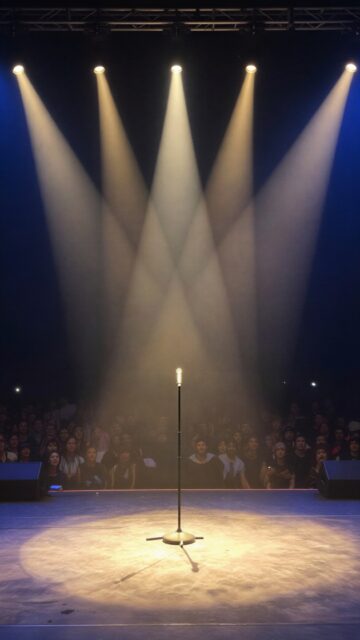
- #1 Chrome microphone: amber light on a black ground. The mic sits in the middle, so it reads well on a home screen and leaves the top clear for the clock.
- #2 Spray paint cans: the busiest and most colourful design, laid out on concrete. Use it where you want colour; a light icon set can get lost against all those caps.
- #3 Gold chain: coiled on black velvet. Simple, dark and calm, which makes it one of the easier lock screens in the set.
- #4 Vinyl records: a stack with coloured labels on white. The only bright background here, so it suits light mode and dark icons.
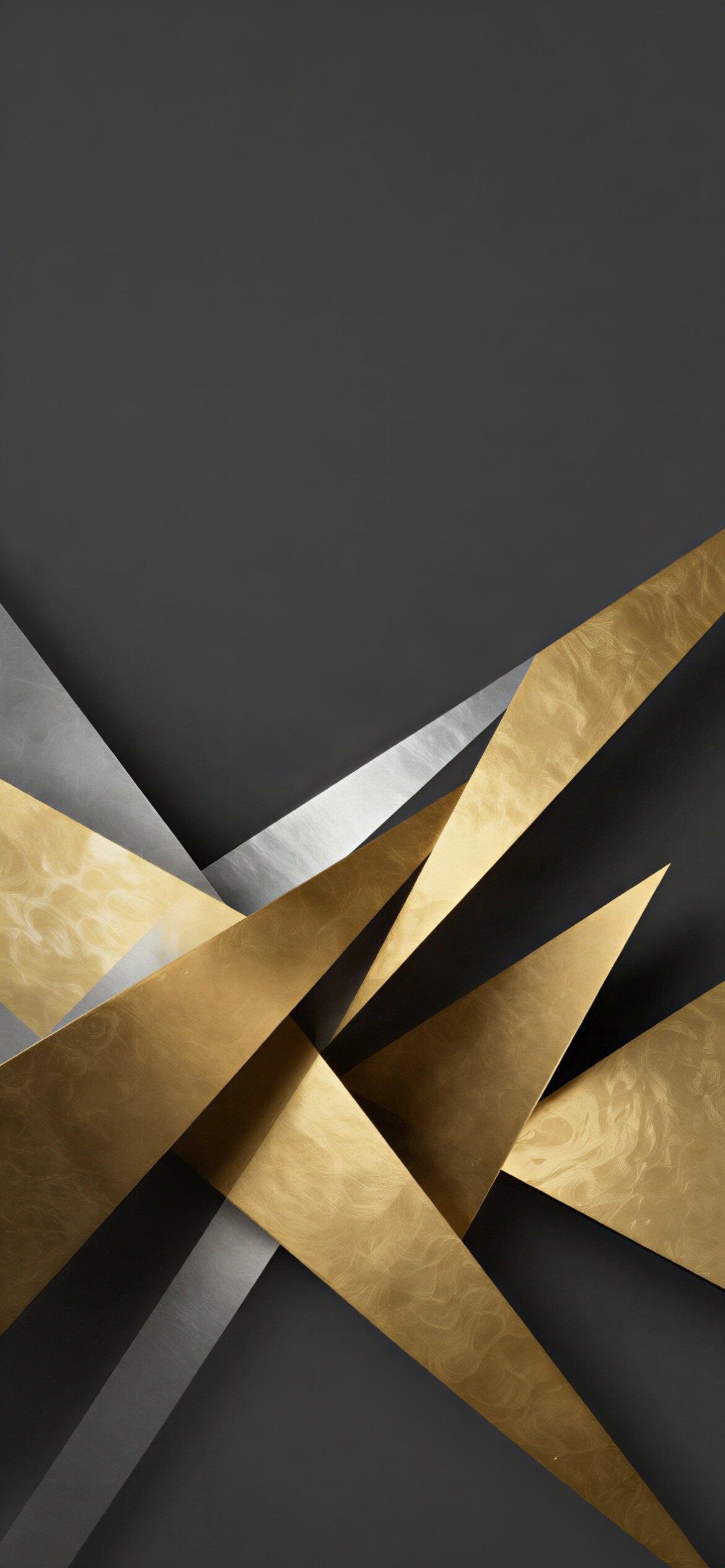
- #5 Gold and silver shapes: abstract geometry on charcoal. No object in the centre, so widgets and app rows can sit anywhere without covering anything important.
- #6 Boombox: metal speakers and a glowing display on dark blue. Good for a night-time home screen.
Black, concrete or deep blue?
Three of the designs, #1, #3 and #5, put warm metal against black or charcoal. On an iPhone with an OLED screen those dark areas show as true black, which keeps the look sharp and uses a little less power. #2 and #4 are the daylight pair, grey concrete and clean white, with the most colour in the set. #6 is on its own in cool blue, a nice change if you swap wallpapers between day and night.
For more wall art, see the graffiti wallpapers, and if the records and speakers are what you like most, the music wallpapers have more instruments and sound gear.
How to set it on your iPhone
- Tap Download and save the image to Photos.
- Open Settings, tap Wallpaper, then Add New Wallpaper, and choose Photos.
- Pick the wallpaper, pinch to position it, then tap Add and choose the lock screen, home screen or both.
Stuck on a step? The iPhone and iPad guide has screenshots for each one.
Questions
Do these wallpapers fit my iPhone without cropping?
Yes. These wallpapers are sized at 1170x2532 pixels, which is the native resolution for current iPhones. They fill modern iPhone screens without stretching or letterboxing, though some older models may crop slightly at the edges.
Can I use these wallpapers commercially or repost them elsewhere?
No. These wallpapers are free for personal use on your own devices only. Selling them, printing them for sale, or reposting them on other wallpaper sites or social media is not allowed. See our Terms page for full details.
Which wallpapers work best for the lock screen versus the home screen?
Designs with simple top quarters and minimal detail (like the sky gradients and solid backgrounds) work best on lock screens where your time and date display sits. Bold centered subjects like the vinyl record and microphone suit home screens, where they sit behind your app icons.
What icon style pairs well with these hip hop wallpapers?
Clean white icon packs or dark mode icons let the hip hop imagery shine. Avoid colorful or busy icon styles that compete with the graffiti, vinyl records and street aesthetic. Minimalist icon themes complement the urban vibe best.