Graffiti Wallpaper iPhone
Graffiti wallpaper for iPhone brings bold street art and urban energy to your lock screen and home screen. These original designs feature vibrant colors, expressive lettering and dynamic compositions that capture the spirit of graffiti culture. From spray-painted walls to intricate tagging styles, each wallpaper works best on a vertical iPhone display. Download any design free of charge whenever you want a fresh urban look.
10 wallpapers at 1170 × 2532 px for iPhone. Checked by hand on 12 Oct 2026.
About this set
These graffiti wallpapers capture the raw energy and artistic style of street art culture. The bold lettering, layered colors and expressive designs bring urban style to your iPhone. Most wallpapers work well as lock screens since the main artwork sits in the lower half, leaving space for the time and notifications at the top. The vibrant colors and high contrast also suit home screens, where they frame your app icons with street art flair.
The designs pair well with modern or urban-themed apps and work across both light and dark mode. These wallpapers maintain their impact whether your iPhone is set to a bright or dark appearance, and the bold street art style complements minimalist or colorful app layouts equally well.
Tags, throw-ups and pieces
Writing names on walls is ancient, but the graffiti style in this set grew up in Philadelphia and New York in the late 1960s and 1970s, when young writers started spraying their names across the city and, famously, along the sides of subway trains. Aerosol paint made it fast, and the competition to be seen made the letters bigger and more elaborate every year.
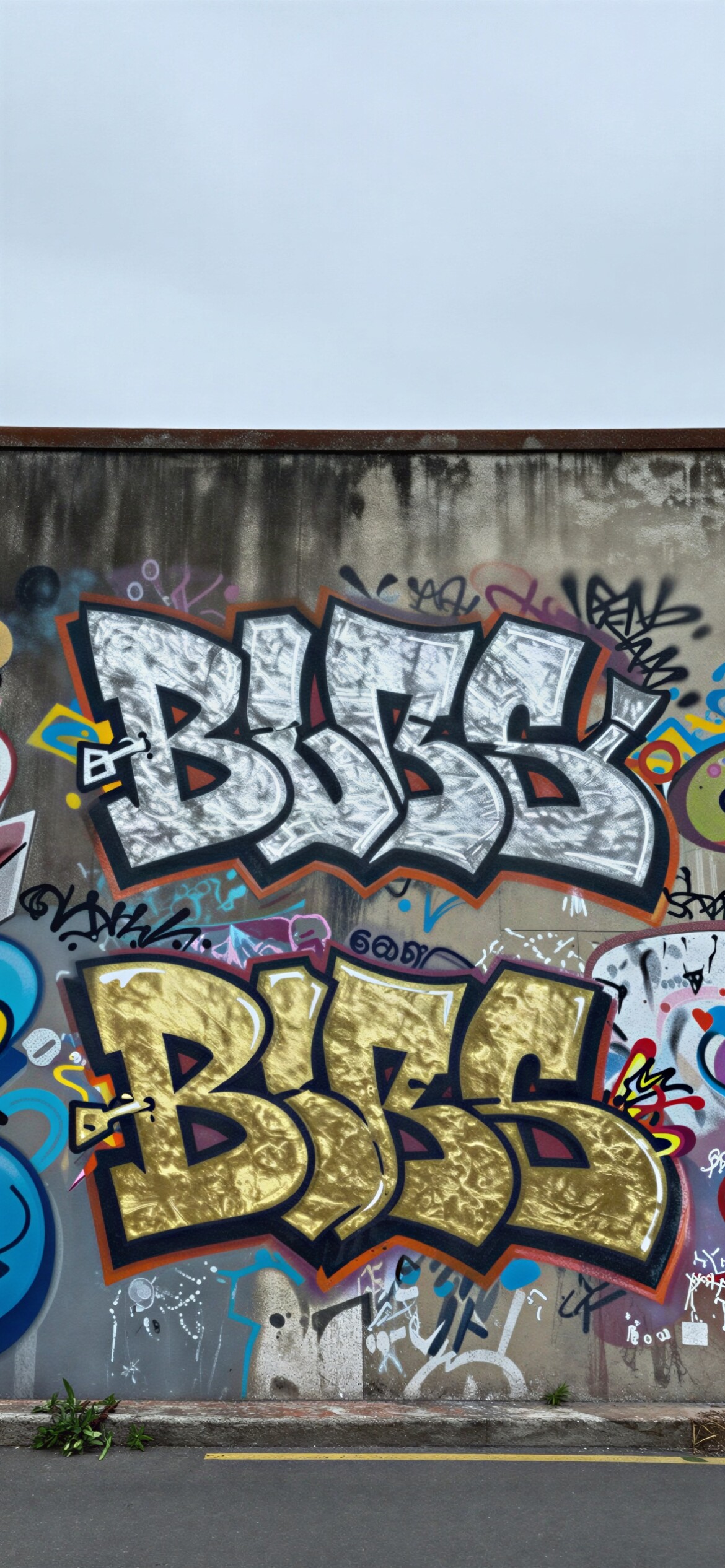
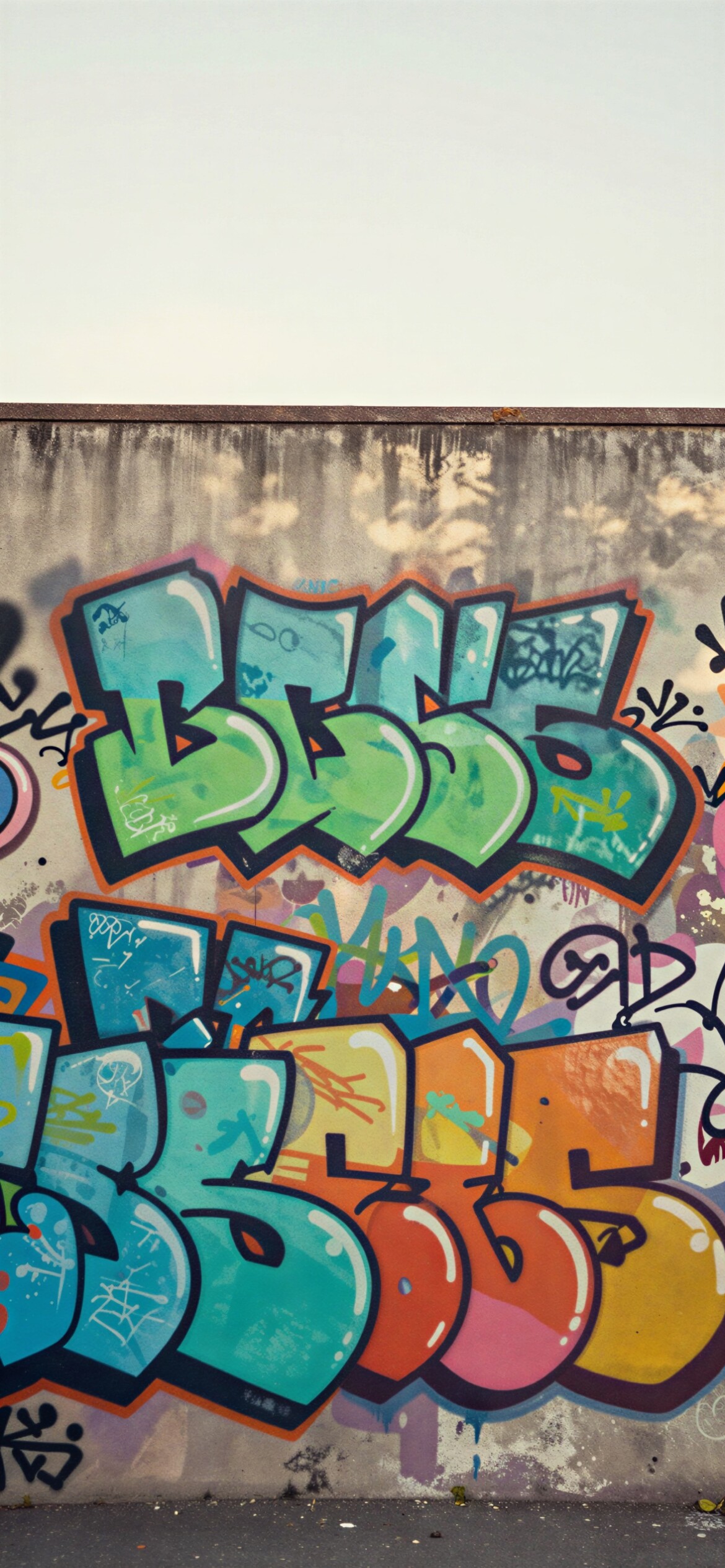
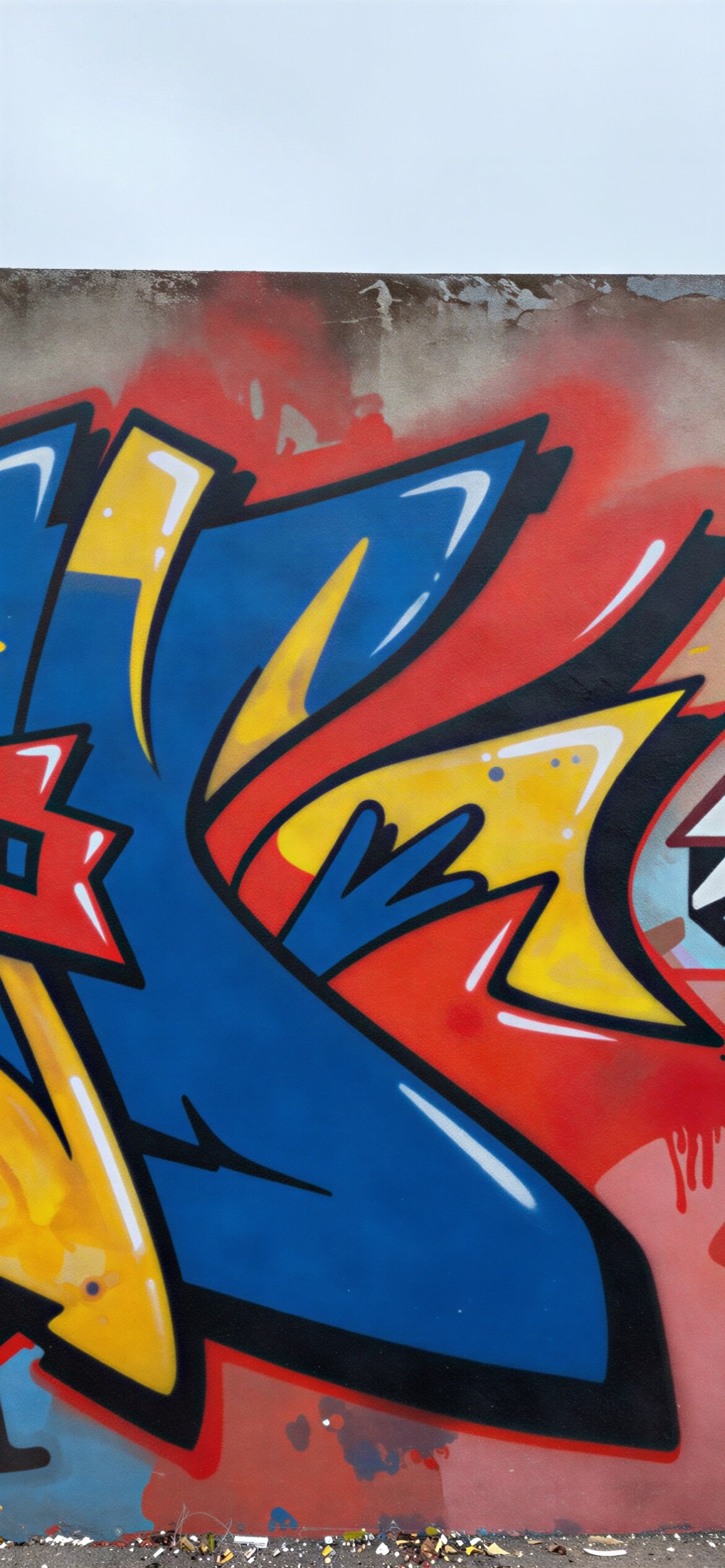
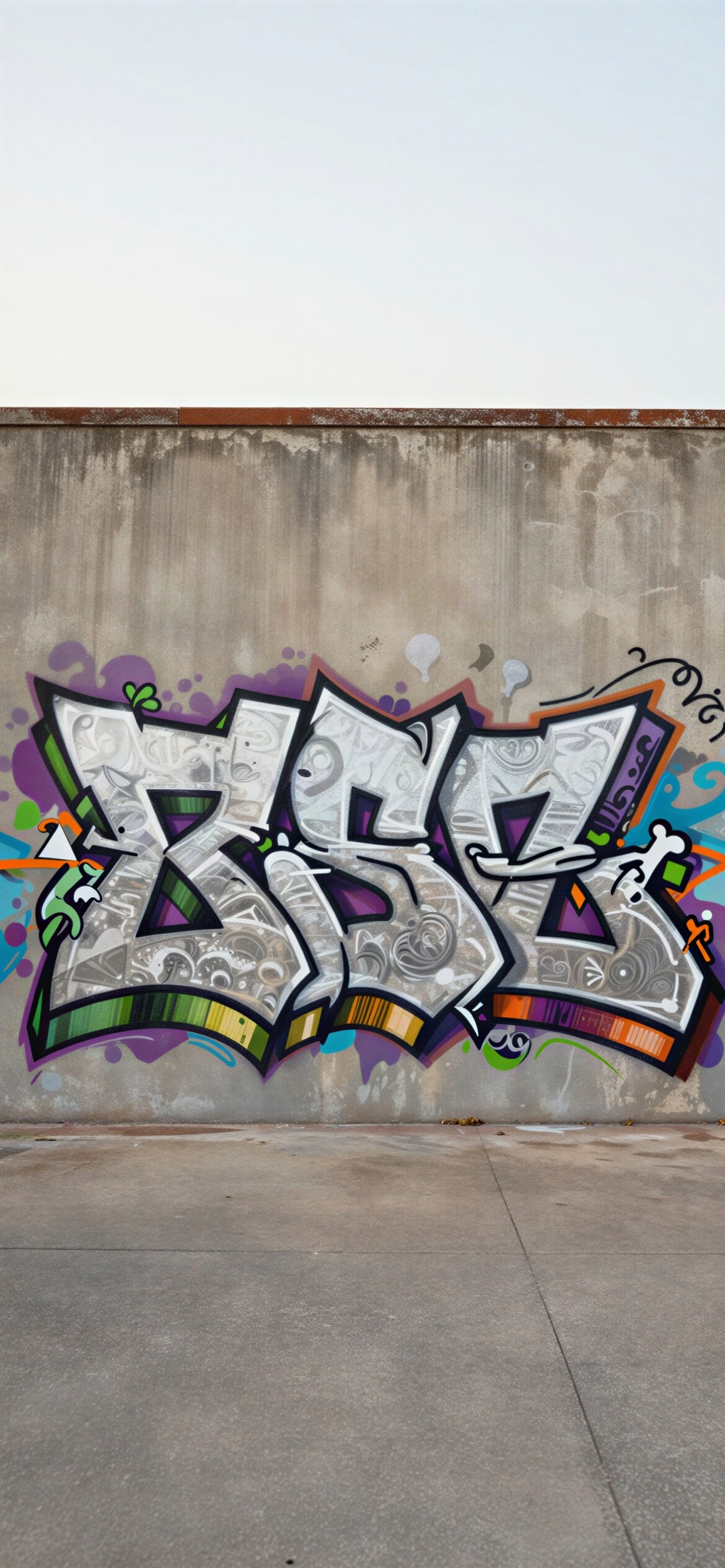
Writers built a vocabulary along the way. A tag is a quick signature in one colour, the kind layered over each other in wallpaper 5 and crowded together in 6. A throw-up is a fast name in rounded letters, often filled with silver paint that writers call chrome, which is the look of 5 and 8. A piece, short for masterpiece, takes hours and uses several colours with a hard outline, like the black-outlined letters in 7. When letters bend and interlock until they are hard to read, that is called wildstyle.
Wall by wall
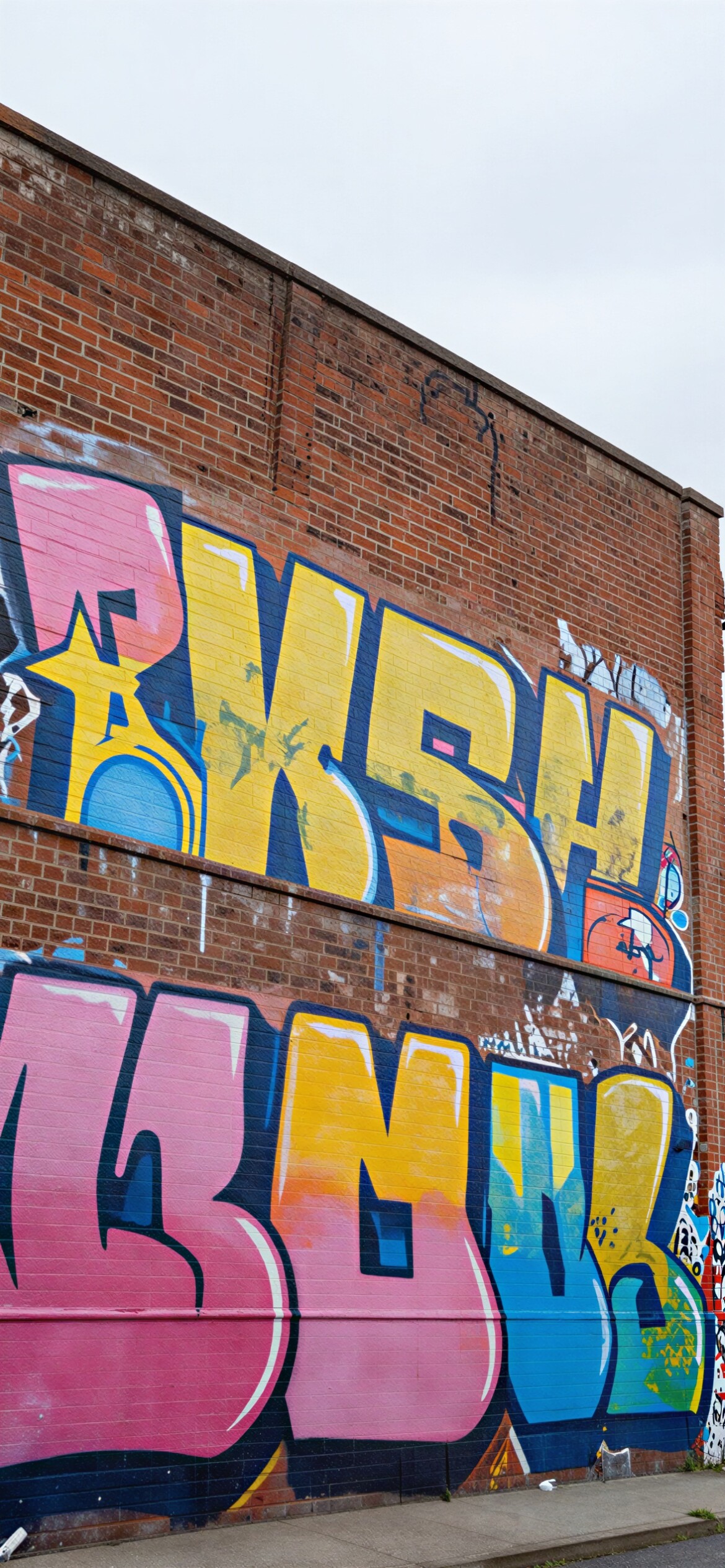
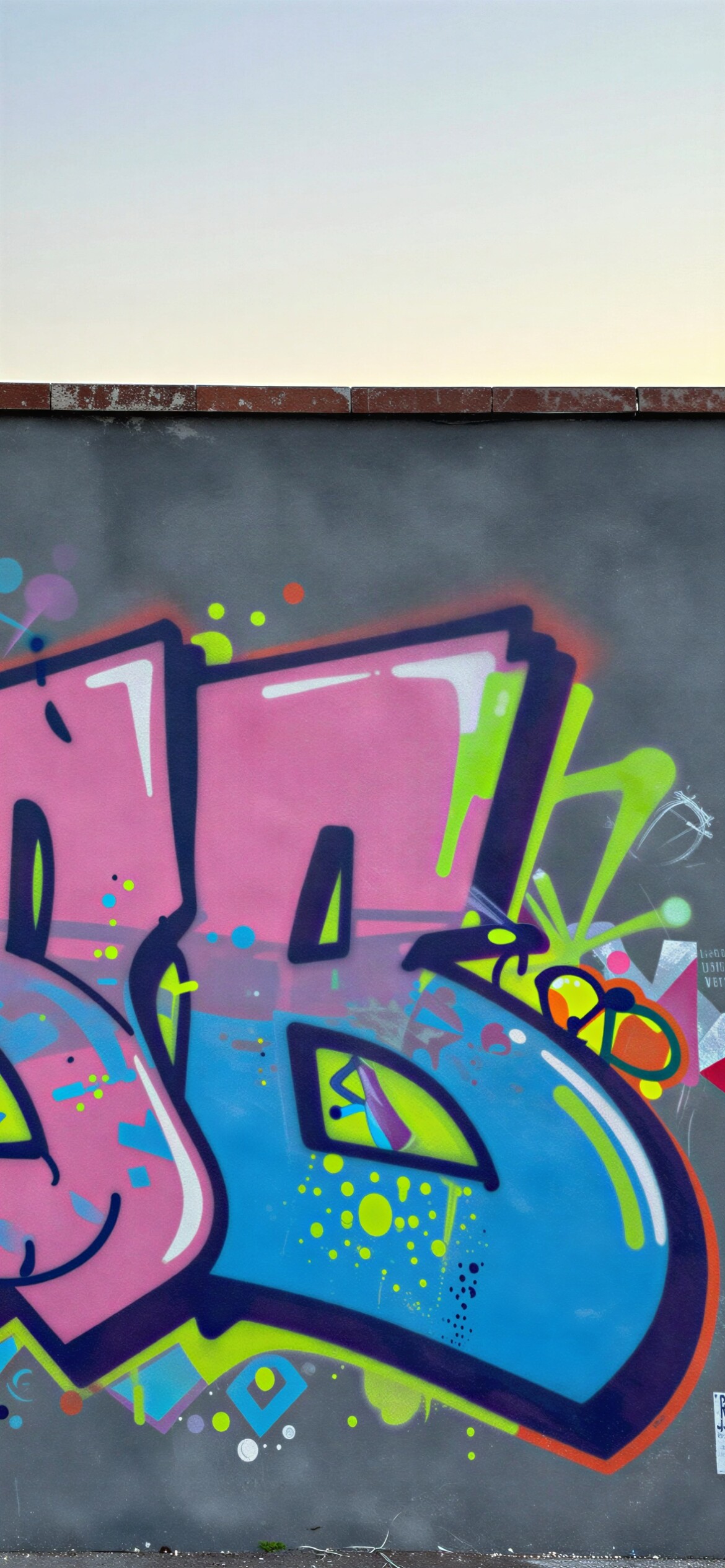
- 1: pink, yellow and blue letters on brick, the most classic street wall of the ten.
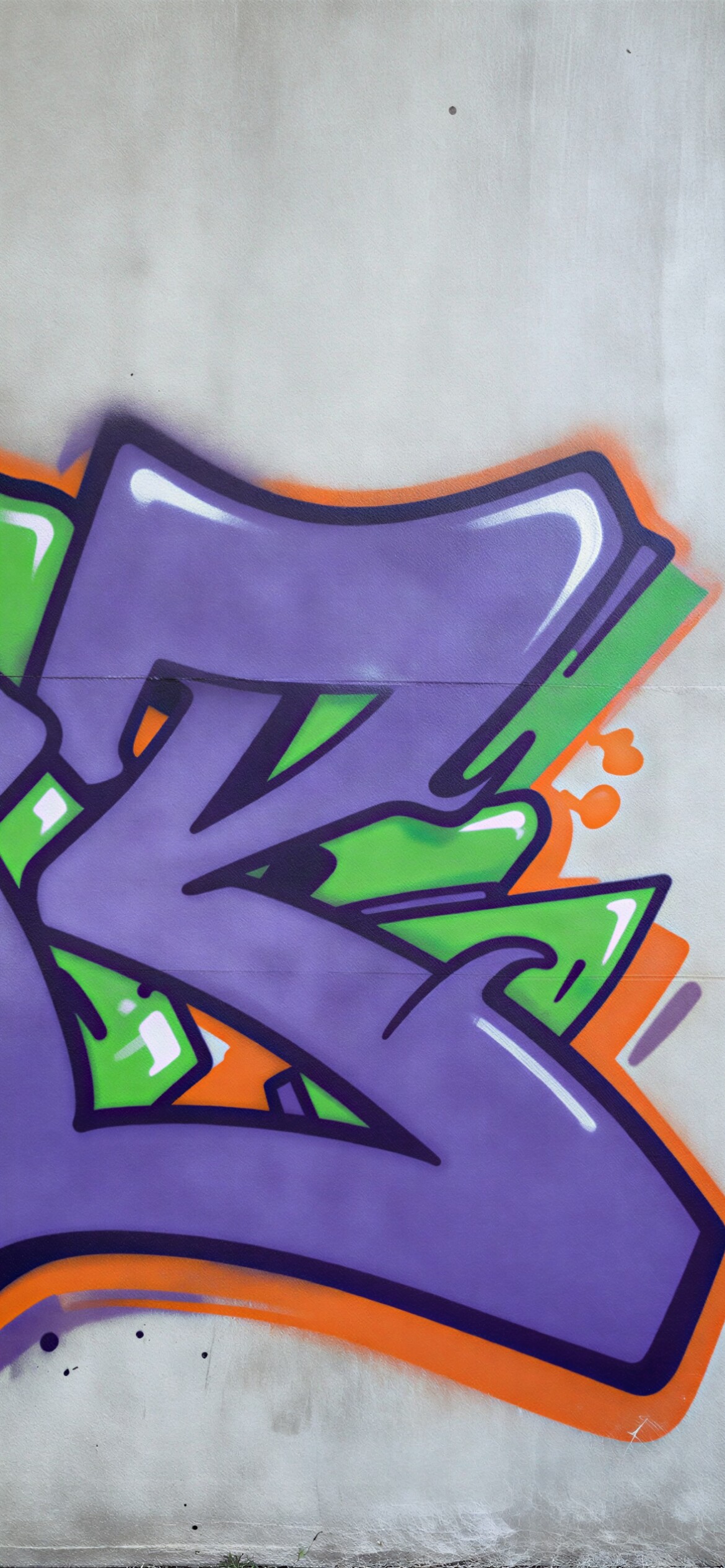
- 2: abstract shapes in purple, green and orange on bare concrete, with no lettering to read.
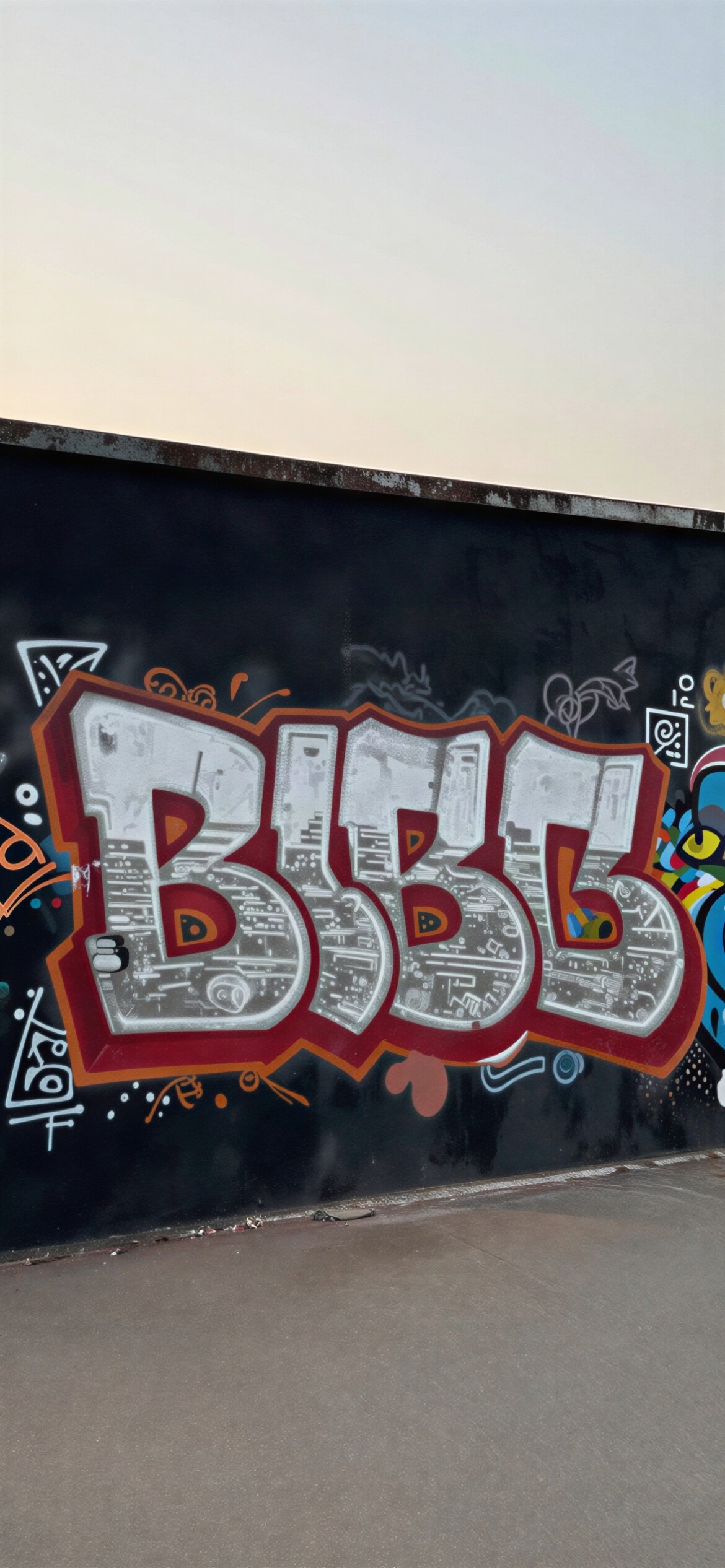
- 3: red and white letters with decorative touches over a dark wall.
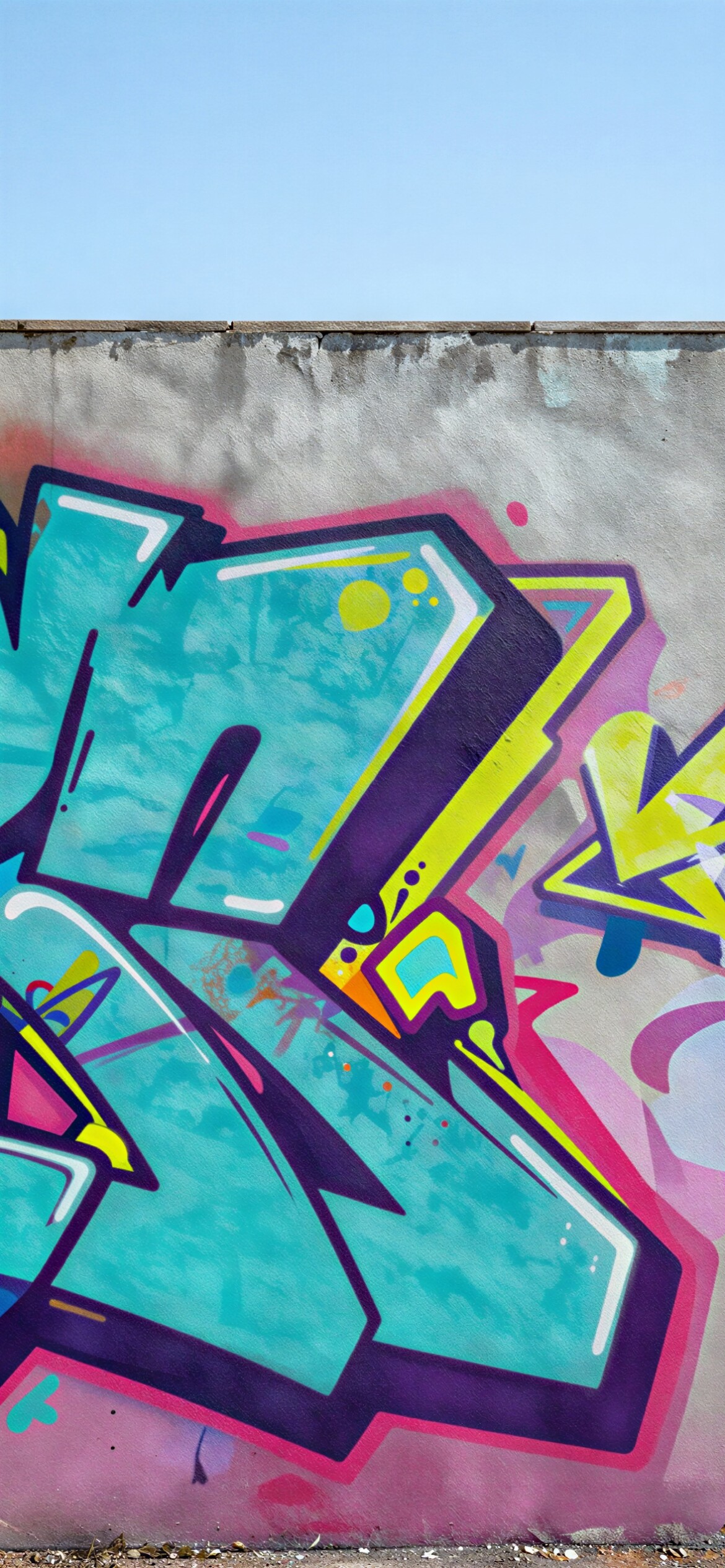
- 4: cyan, magenta and yellow overlapping in a neon style on textured plaster.
- 5: silver and gold tags stacked over bright colour on a weathered surface.
- 6: a crowded patch of turquoise, pink and green tags on a street wall.
- 7: thick black outlines filled with blue, red and yellow.
- 8: detailed silver and white letters with purple and green accents.
- 9: hot pink, blue and lime green sprayed over dark grey.
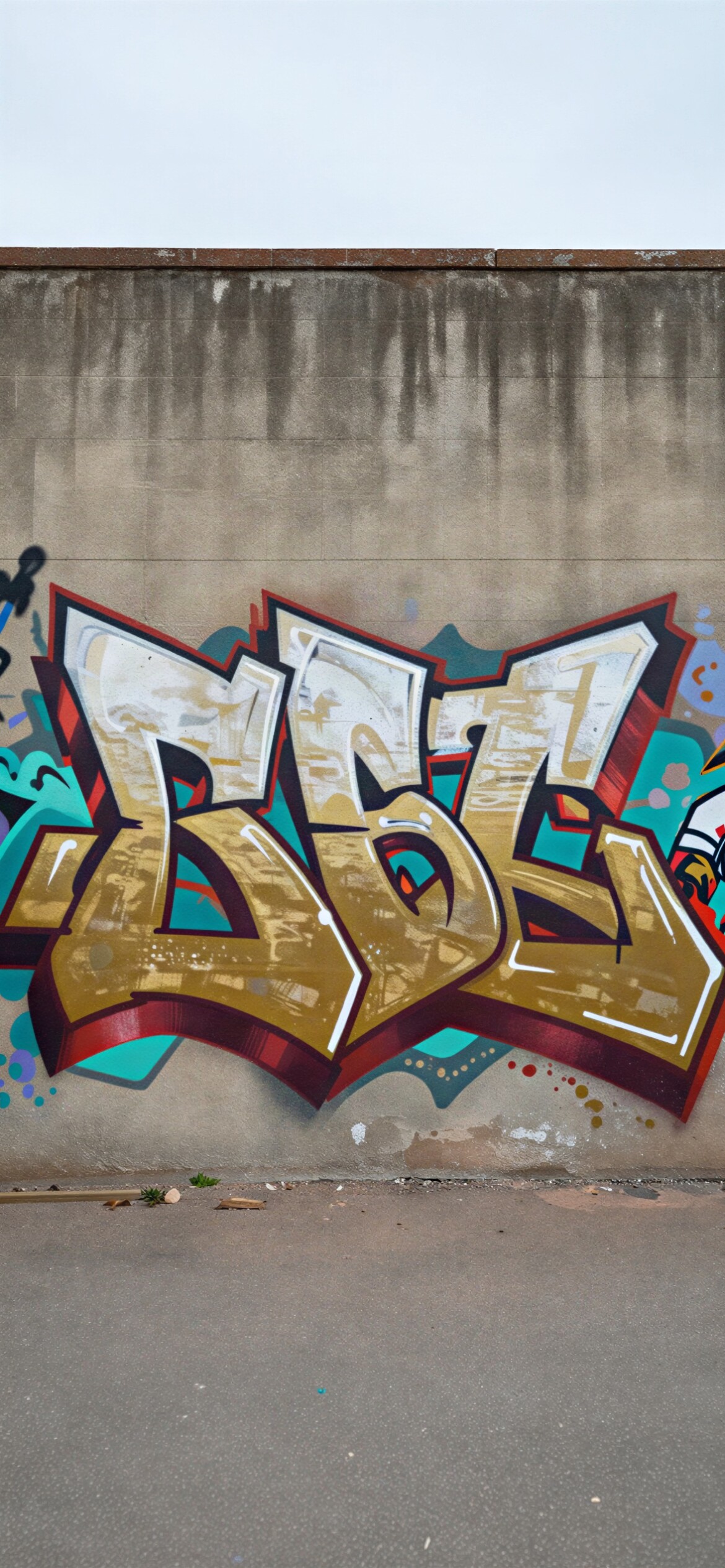
- 10: a gold and white mural with red and teal details on concrete.
Loud walls and quieter ones
If you want maximum colour, 1, 4, 6 and 9 are the brightest. For a bit of shine, the metallic tones in 5, 8 and 10 look sharp behind dark mode icons. Wallpapers 2, 3 and 7 sit on darker or plainer grounds, so they read as bolder and a little calmer. One practical note: 6 is the busiest design, so it works better as a lock screen than behind a full grid of apps, where small icon labels can get lost.
Street style carries over into the hip hop wallpapers, the paint-run look of the drippy set and the sneaker-culture designs in hypebeast.
How to set it on your iPhone
- Tap Download and save the image to Photos.
- Open Settings, tap Wallpaper, then Add New Wallpaper, and choose Photos.
- Pick the wallpaper, pinch to position it, then tap Add and choose the lock screen, home screen or both.
Stuck on a step? The iPhone and iPad guide has screenshots for each one.
Questions
Do these wallpapers fit my iPhone screen size?
Yes. These wallpapers are designed in 1170x2532 resolution, which is the standard size for iPhones with larger screens. They fit perfectly on current iPhone models and automatically crop to your specific device when you set them as a lock screen or home screen wallpaper.
Can I use these wallpapers for personal use?
Yes. These wallpapers are free to download and use on your own iPhone and personal devices. However, selling them, printing them for sale, or reposting them on other wallpaper sites is not allowed. See our Terms page for the full usage rights and restrictions.
Which wallpapers work best as lock screen backgrounds?
All wallpapers in this set work well as lock screens because the main graffiti artwork is positioned in the middle or lower half, leaving the top quarter clear for your time and notifications. The bold colors and contrast also remain visible behind lock screen widgets and text.
Will these graffiti wallpapers match my app icons?
The vibrant colors and urban style of graffiti art work well with both colorful and minimalist app icon sets. The high contrast and bold lettering provide a strong visual foundation that complements most icon styles, whether you prefer bright, neon-inspired designs or clean monochrome layouts.