Scenery Wallpaper iPhone
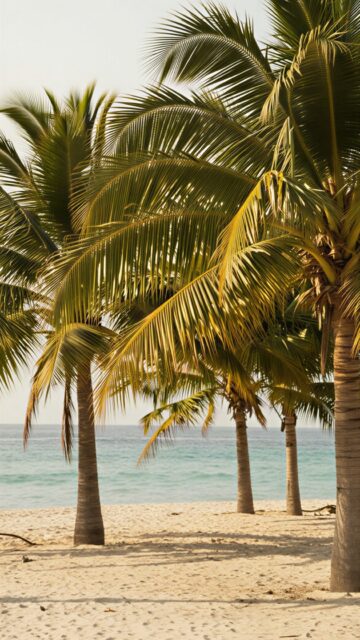
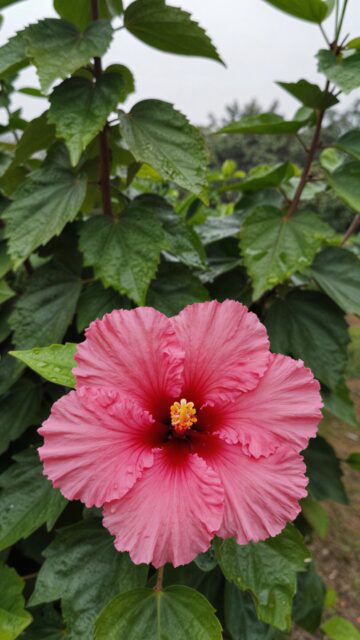
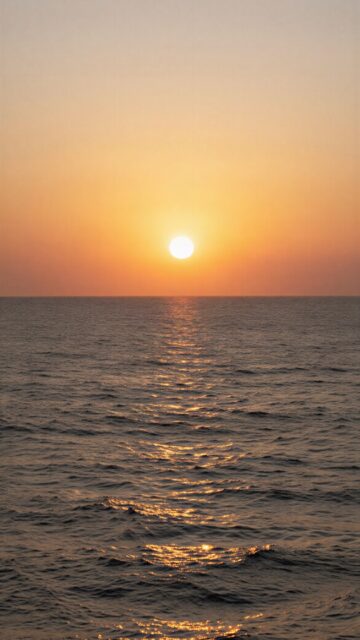
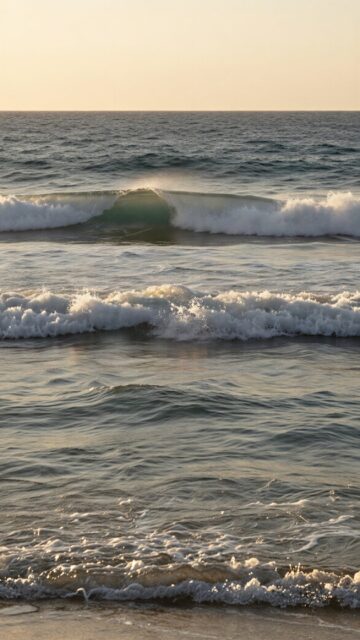
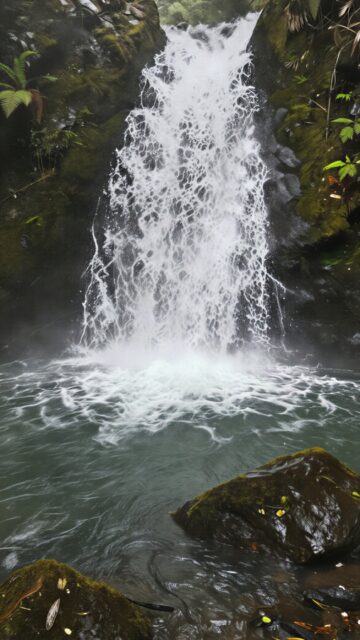
Scenery wallpaper for iPhone brings natural landscapes to your lock and home screens. These designs feature mountains, forests, lakes and open vistas in soft natural light. Each scenery wallpaper captures calm outdoor settings with realistic colors and depth. The vertical format fits iPhone screens perfectly and works well behind app icons or as your lock screen backdrop.
10 wallpapers at 1170 × 2532 px for iPhone. Checked by hand on 12 Oct 2026.
About this set
These scenery wallpapers show quiet natural landscapes in realistic light and color. Mountains, forests, lakes and open fields fill the frame from top to bottom, with calm skies and soft atmospheric depth. The vertical format keeps the composition balanced on iPhone screens.
Most designs work best as lock screen wallpapers because the simple top quarter lets your time and date display clearly. Designs with detailed foreground elements suit home screens behind app icons. Pair these with minimal icon themes or light-colored widgets to keep the scenery visible. They complement both light and dark mode depending on the scene’s colors.
Water, woods, open ground and dry sand
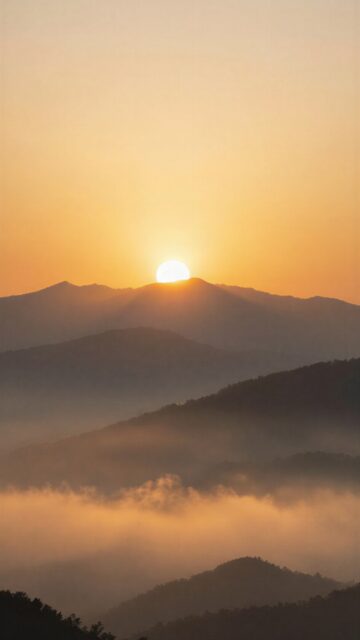
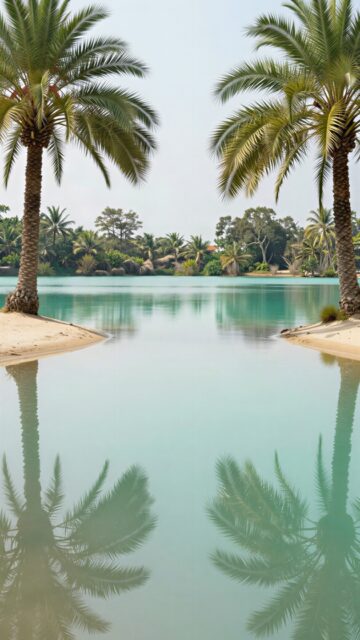
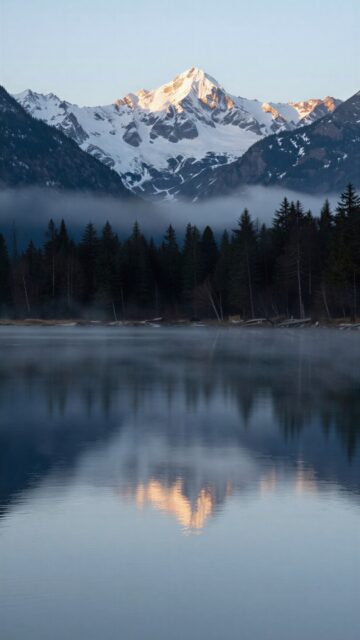
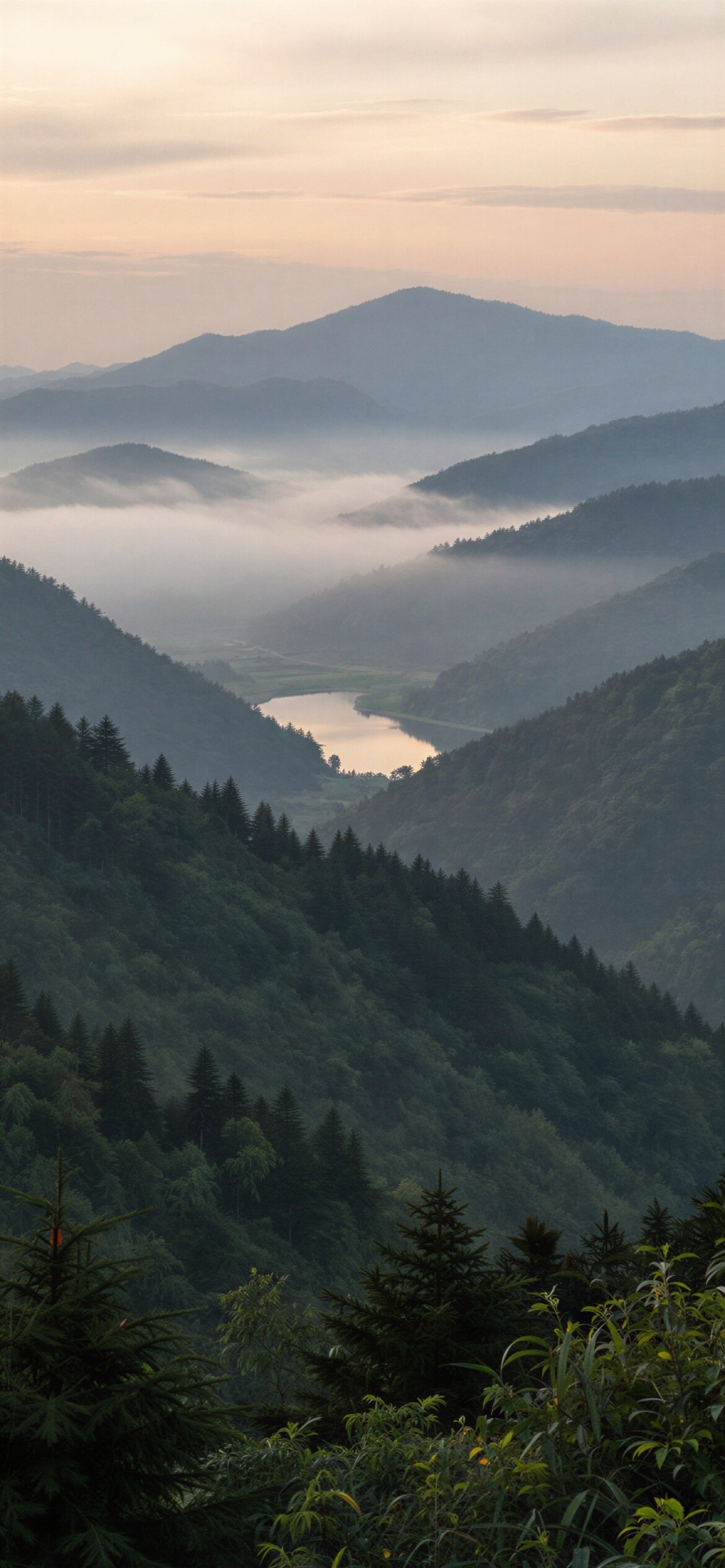
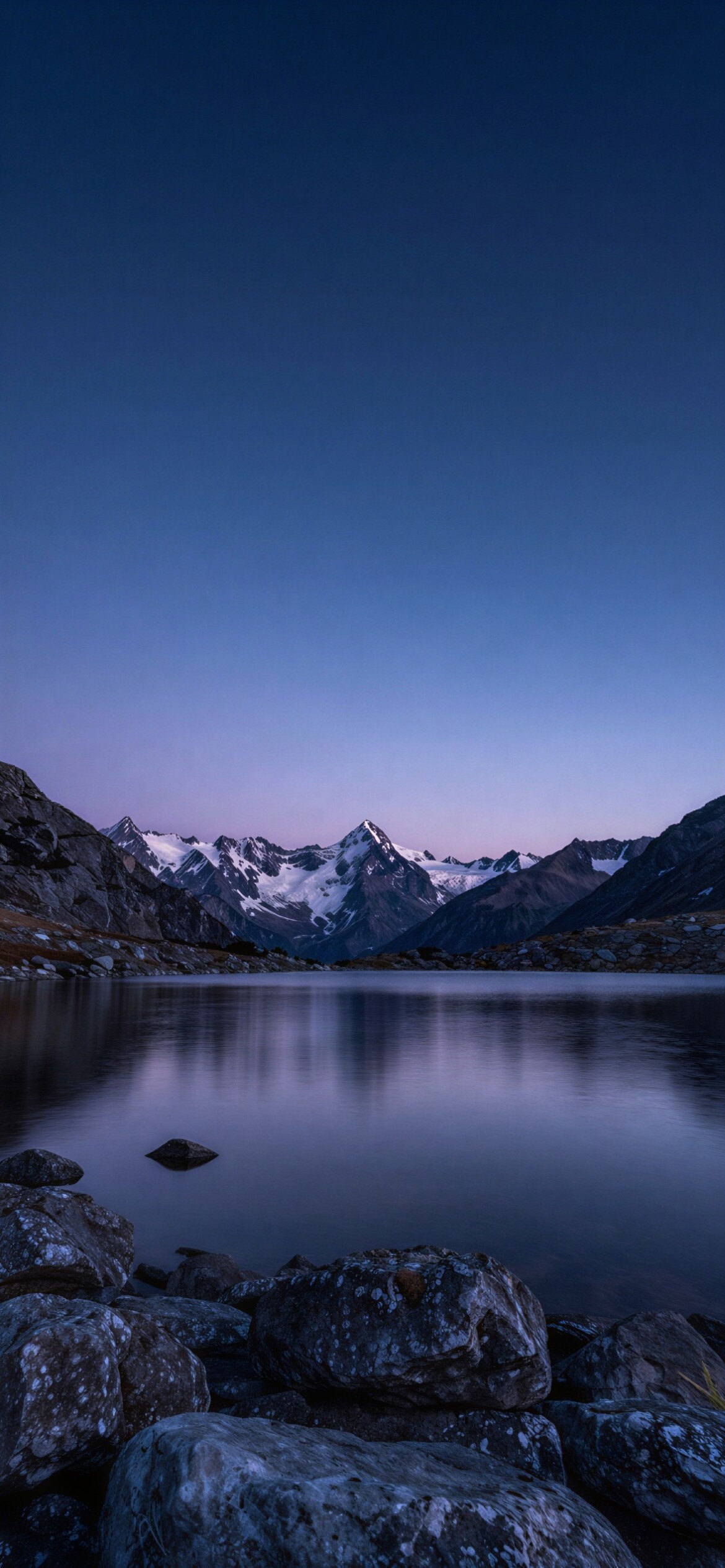
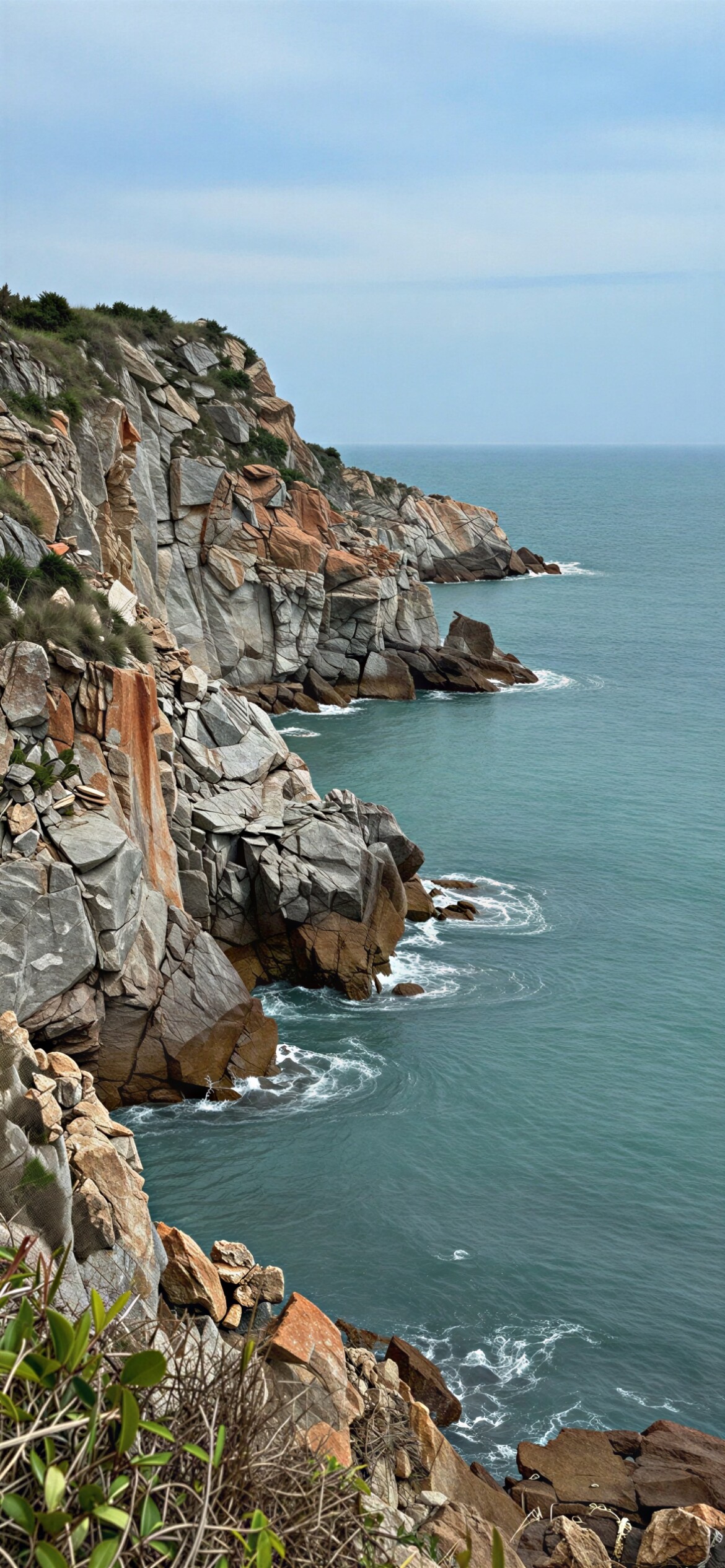
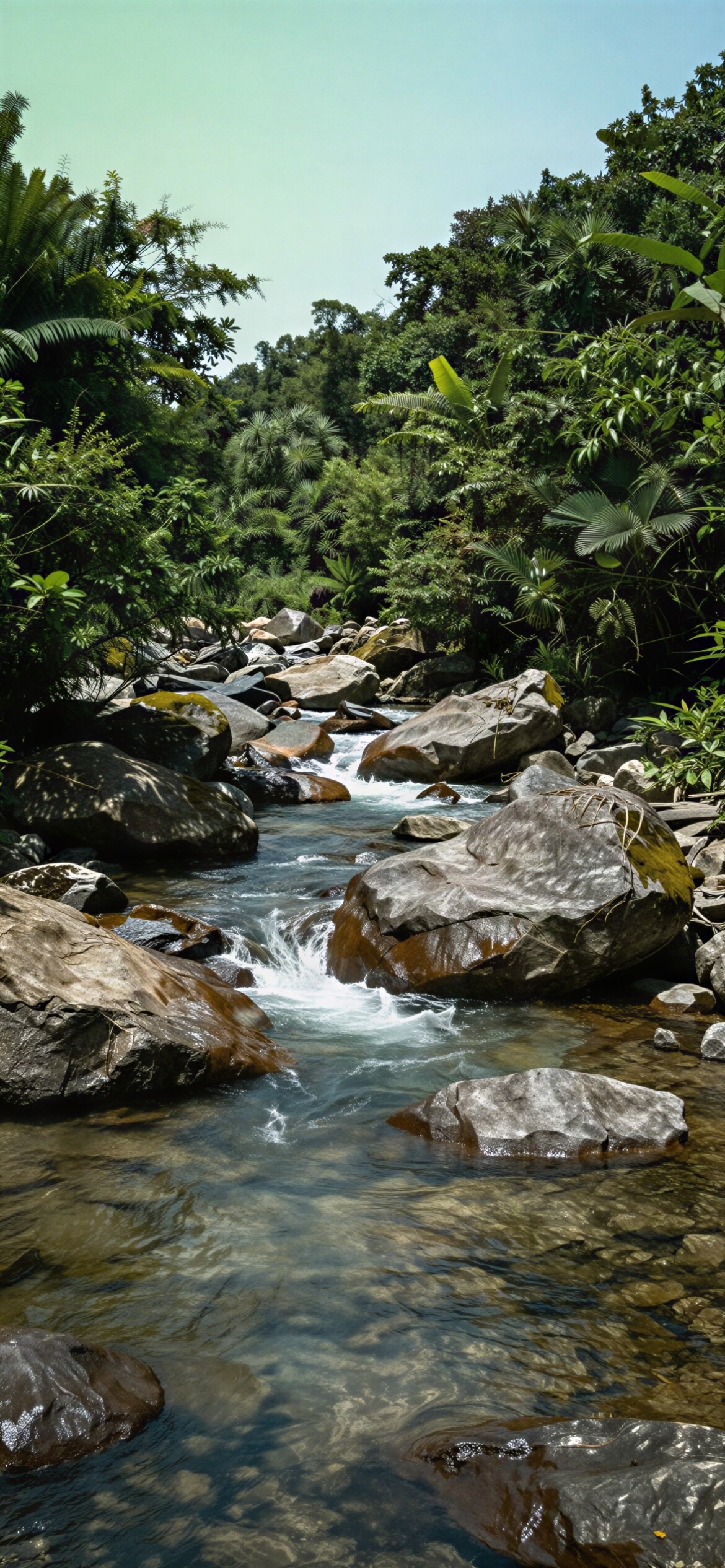
Four of these scenes are built around water. Wallpaper 1 looks down a misty mountain valley at sunrise, with layered ridges and pine forest mirrored in a still lake. Number 3 moves higher, to an alpine lake at blue hour that holds the twilight sky and a line of snow-capped peaks. Number 5 swaps fresh water for the sea: a cliff coast with turquoise water and bare rock under a clear sky. Number 6 comes down to ground level, a stream sliding over smooth stones between mossy banks.
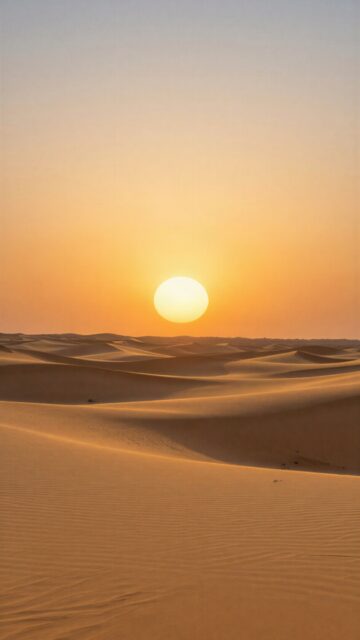
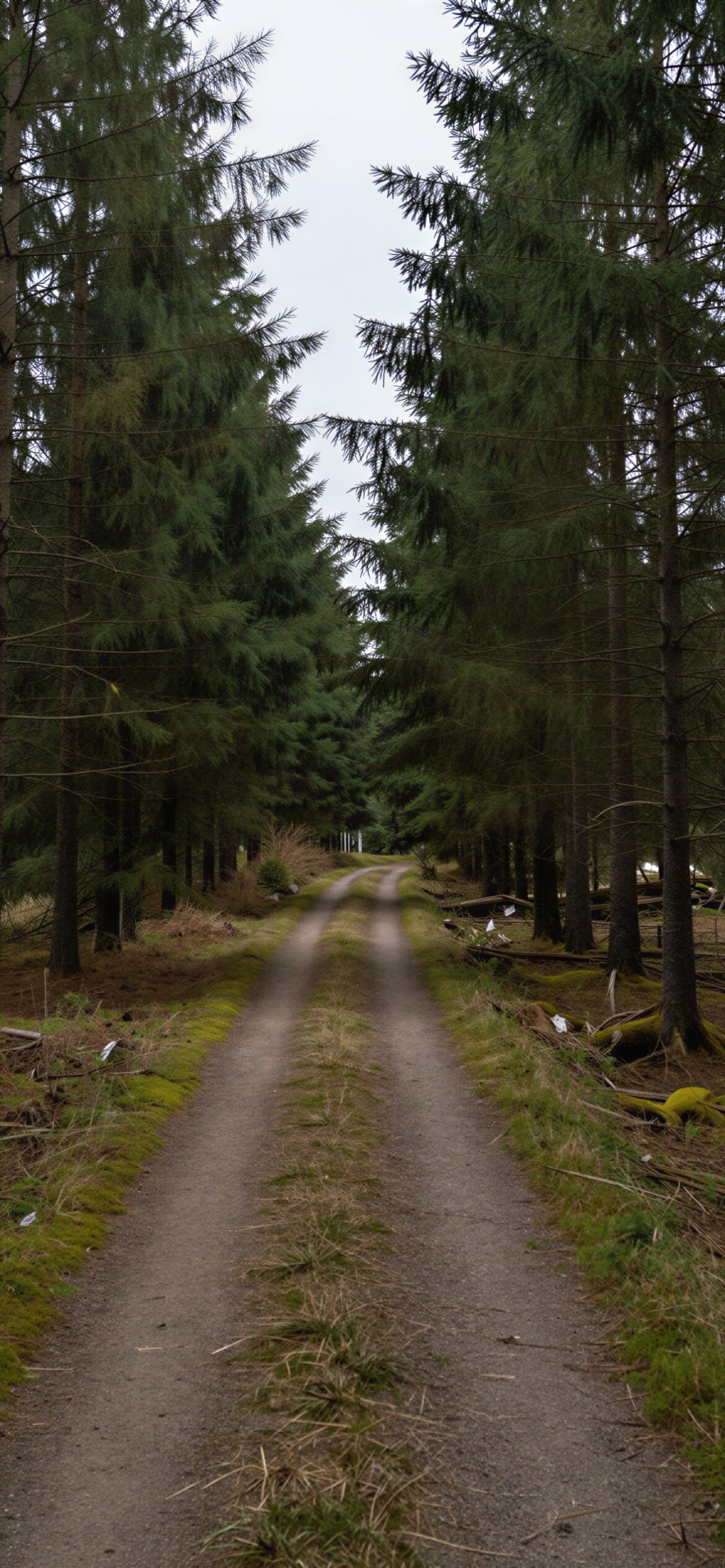
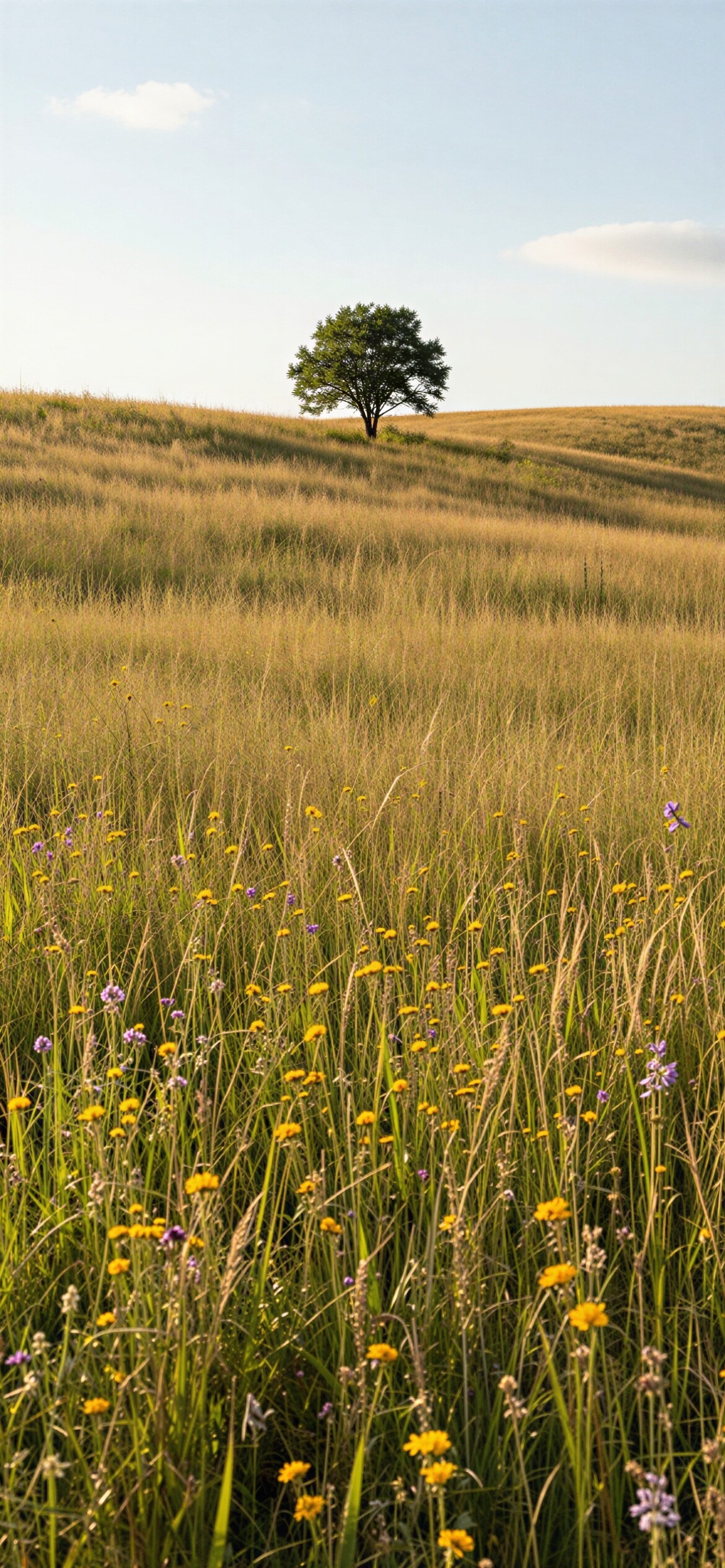
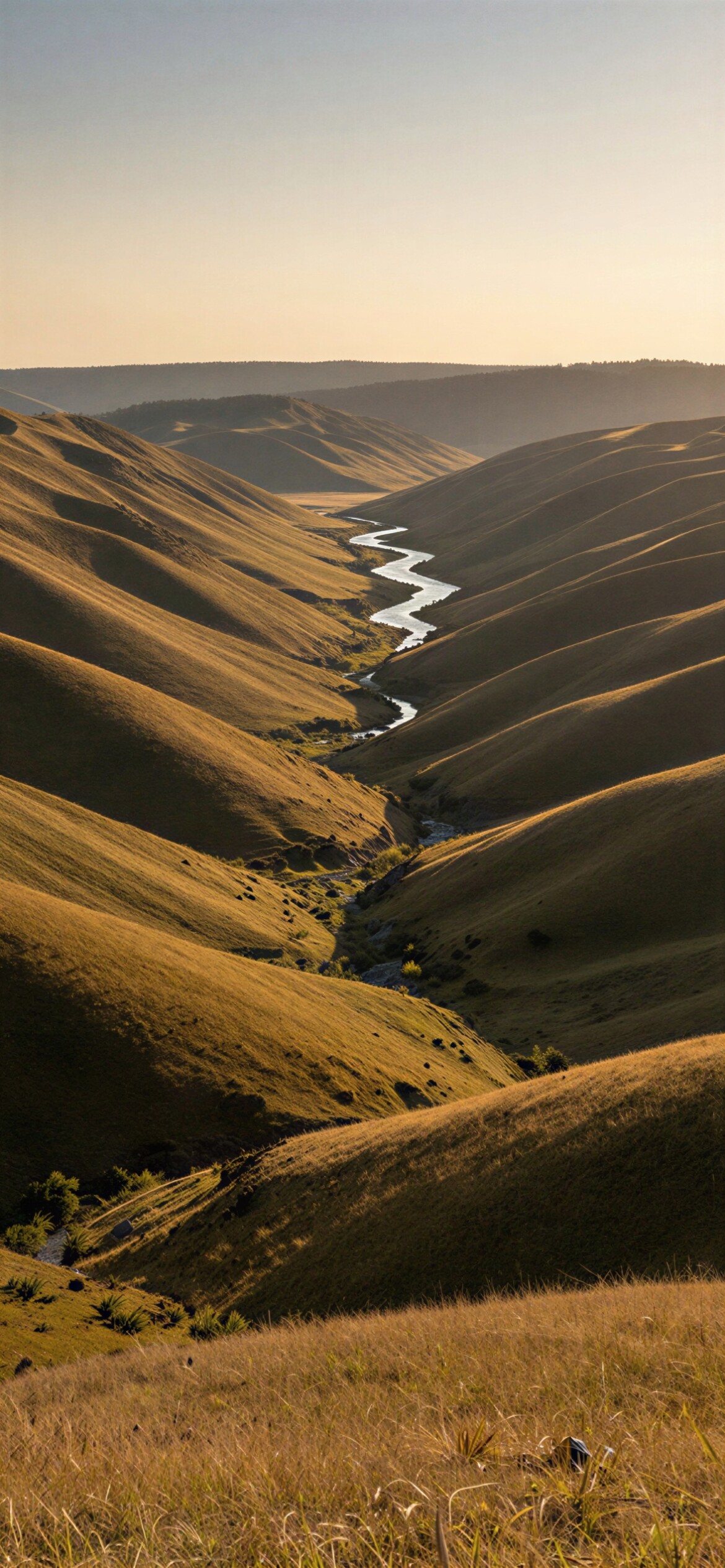
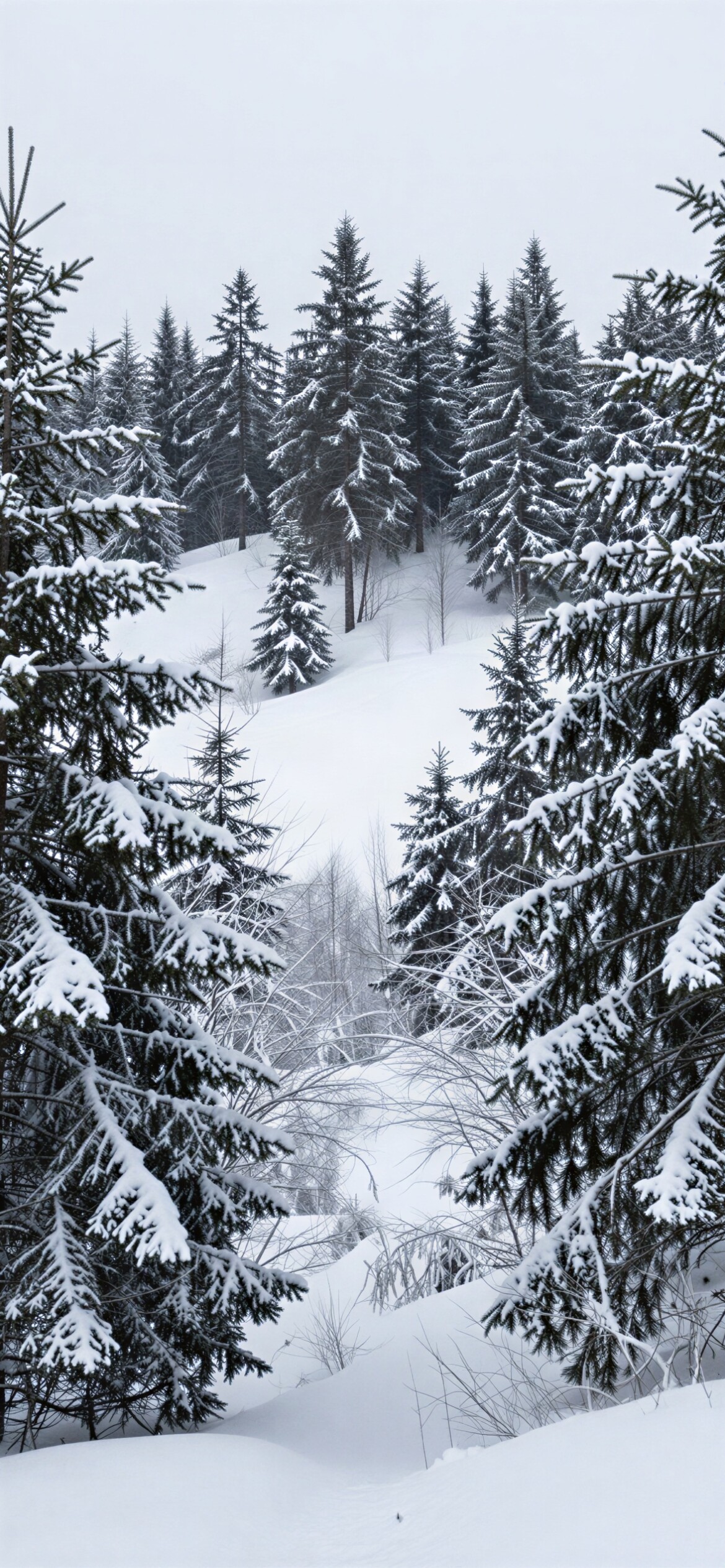
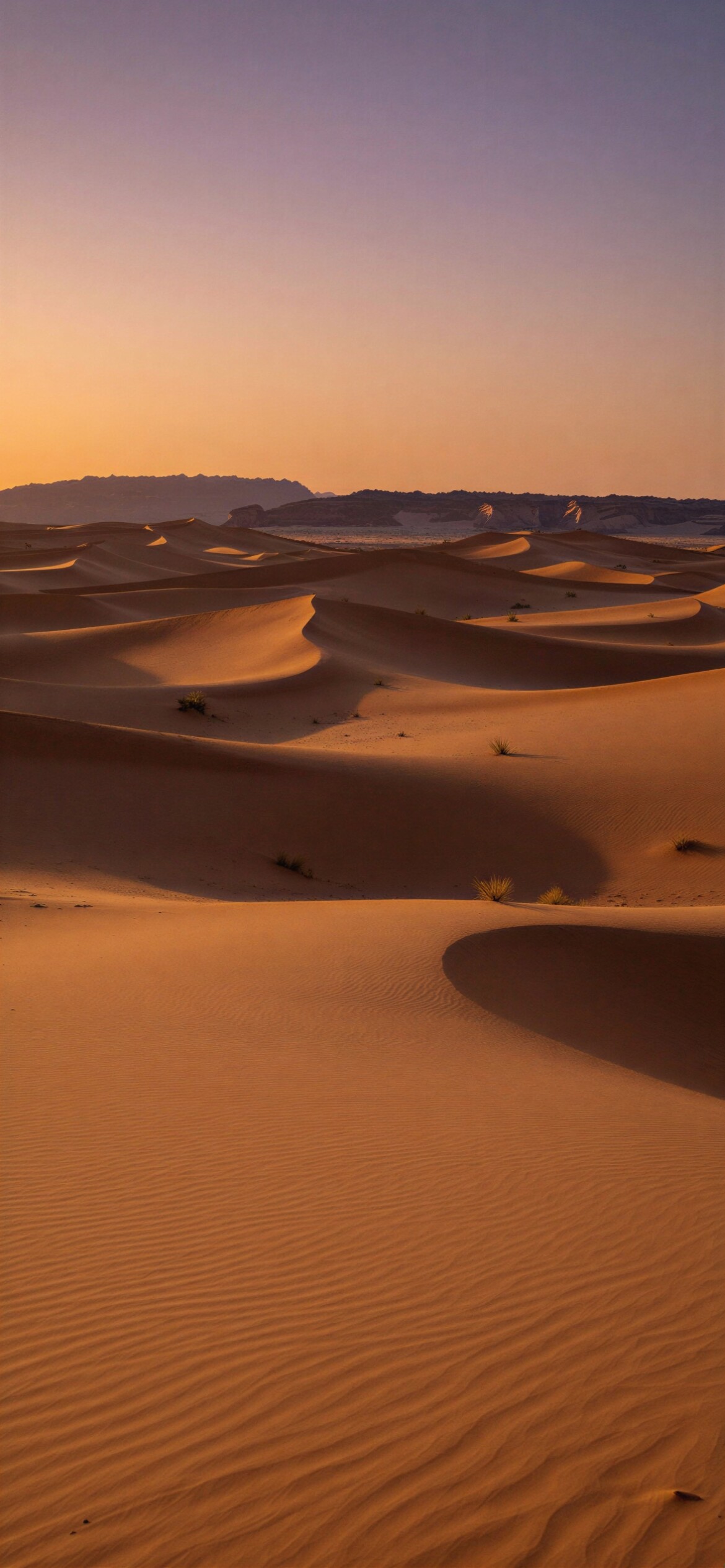
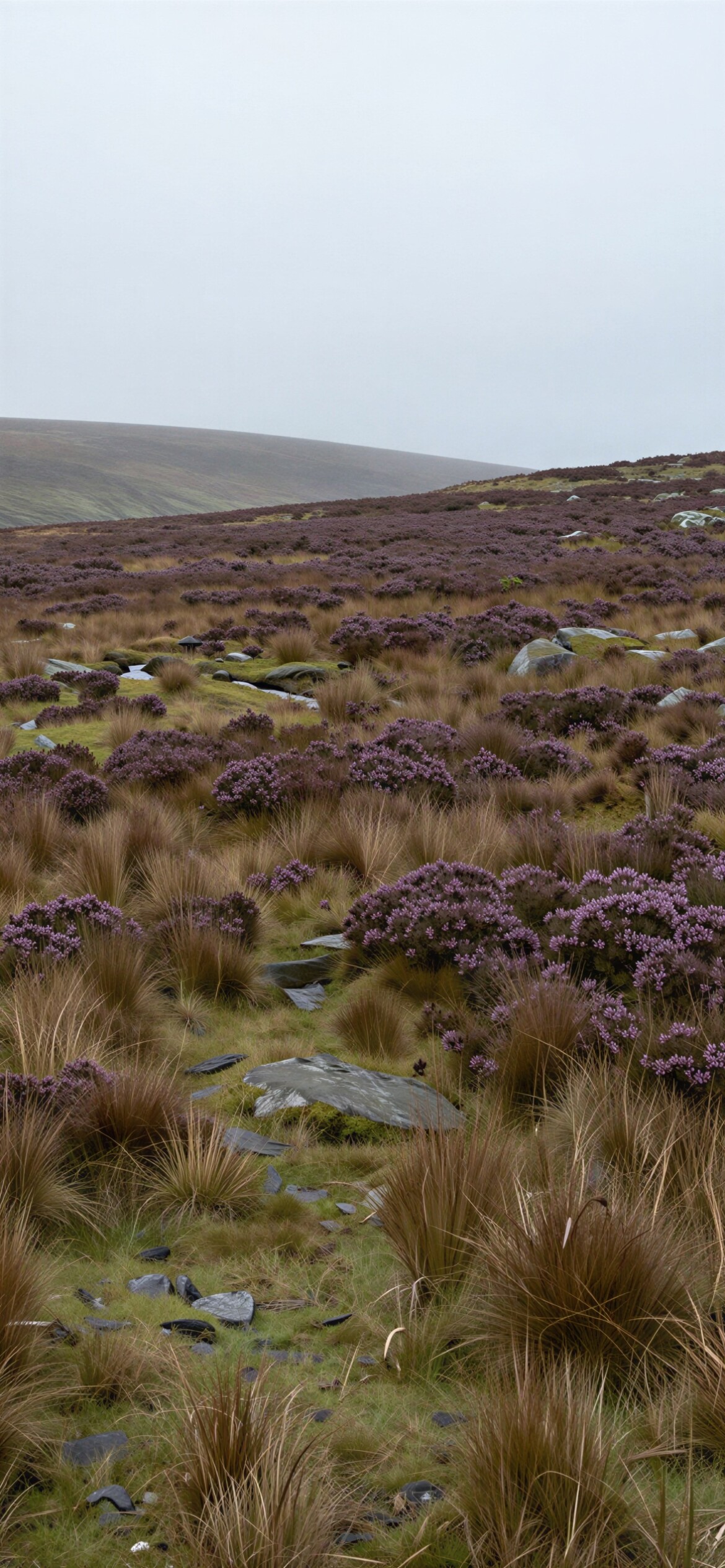
Two are forest pictures. Wallpaper 2 follows a winding trail between tall evergreens in soft grey light, and number 8 shows a winter wood with snow on the branches and gentle drifts underfoot. The open-country scenes are 4, a meadow of wildflowers with one tree standing alone in golden afternoon light, 7, a wide valley of golden hills cut by a winding river with mountains behind at sunset, and 10, a moorland plateau of low heather and grass fading into misty hills. Wallpaper 9 is the odd one out, a desert of ochre and tan dunes with rock formations dark against the dusk.
How mist settles, rivers bend and dunes keep moving
The fog in wallpaper 1 has a simple cause. On clear, still nights the ground loses heat, the air touching it cools, and that cold air drains downhill and pools in the valley floor. If it cools enough, its moisture condenses into mist, which usually burns off once the morning sun warms things up. That is why valley fog is a sunrise scene and rarely an afternoon one.
The river in number 7 winds for a reason too. Water flows faster around the outside of each bend, wearing that bank away, while slower water on the inside drops sand and gravel. Over time the loops grow wider. The word for these loops, meander, comes from the Maeander, a winding river in what is now western Turkey.
Dunes like those in number 9 are never quite still. Wind rolls sand up the gentle side and it tumbles down the steeper face on the far side, so a whole dune slowly creeps downwind. The heather in number 10 belongs to a very different world: on upland moors it covers whole hillsides and turns them purple when it flowers in late summer.
Bright day, golden hour or grey hush?
- Clear and bright: 5, the only scene with a full blue sky and sunlit water.
- Warm gold: 4, 7 and 9, all lit by low afternoon or evening sun.
- Cool dawn and dusk blues: 1 and 3, with still water doubling the sky.
- Green shade: 2 and 6, both under the trees with softer, filtered light.
- Pale and quiet: 8 and 10, snow white and moorland grey, the calmest of the ten behind a busy home screen.
If you want more of the outdoors, the landscape wallpapers take a wider view, the mountain set climbs closer to the peaks, and the waterfall collection follows streams like the one in number 6 to where they drop.
How to set it on your iPhone
- Tap Download and save the image to Photos.
- Open Settings, tap Wallpaper, then Add New Wallpaper, and choose Photos.
- Pick the wallpaper, pinch to position it, then tap Add and choose the lock screen, home screen or both.
Stuck on a step? The iPhone and iPad guide has screenshots for each one.
Questions
Will these scenery wallpapers fit my iPhone screen?
Yes. These designs are sized at 1170x2532 pixels for modern iPhones, and some older models may crop slightly at the edges. Download and set directly as your lock screen or home screen wallpaper.
Can I use these wallpapers for personal use?
Yes. These scenery wallpapers are free to download and use on your own devices. Selling them, printing them for sale, or reposting them on other wallpaper sites is not allowed. See our Terms page for full details.
Which scenery wallpapers work best for lock screens?
Designs with simple skies or soft gradients at the top work best for lock screens because they keep your time and date display readable. Mountain valleys, lakes at blue hour, and meadows with clear skies all work well. Avoid heavily detailed foregrounds for lock screen use.
Can I use the same scenery wallpaper on both lock and home screens?
You can, but for best results use different designs. Pick scenery with simple tops for your lock screen and detailed foregrounds for your home screen. This way your lock screen time stays clear and your home screen icons don't hide the main landscape.