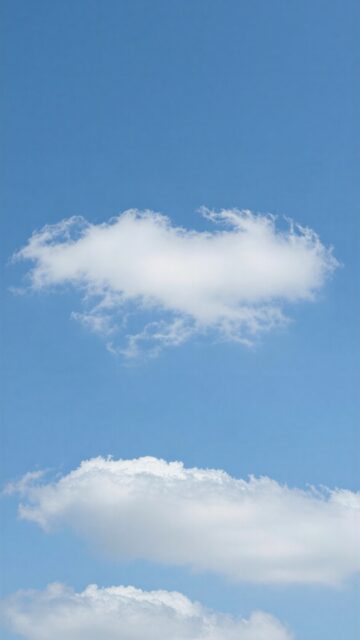
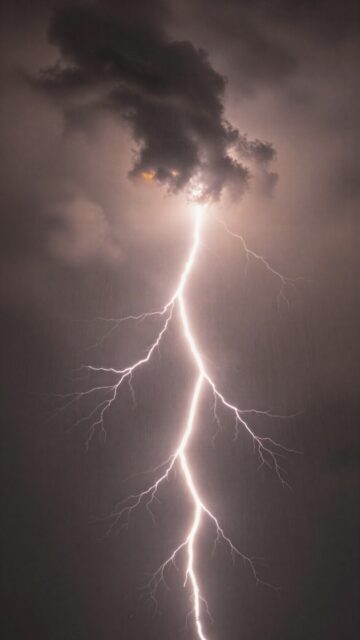
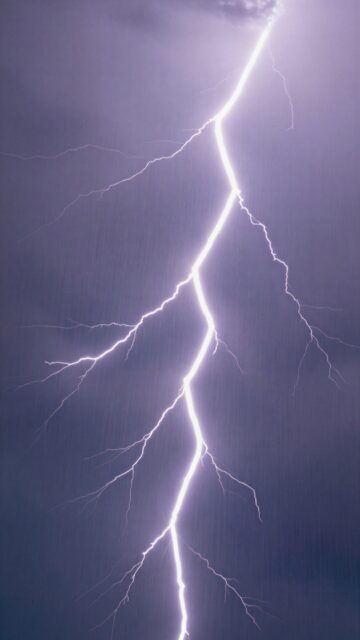
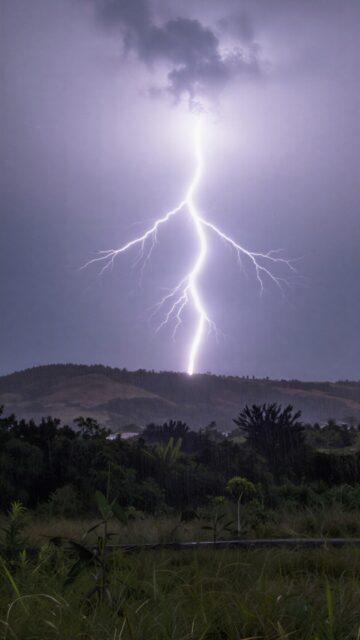
Landscape Wallpaper iPhone
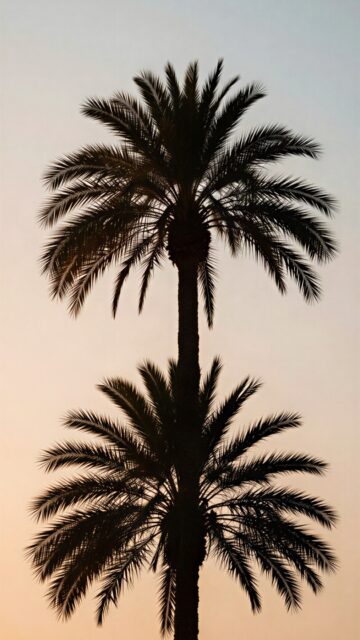
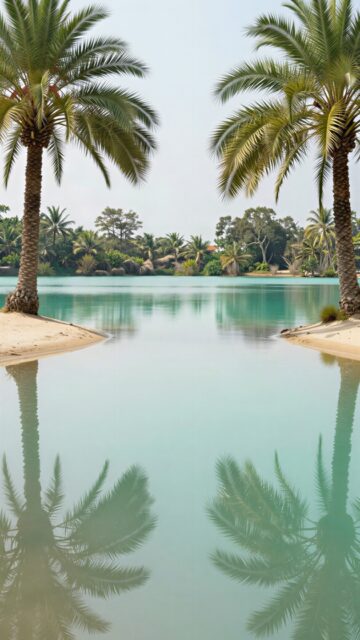
Landscape wallpaper for iPhone brings outdoor scenery to your home screen with rolling hills, forests, mountains and meadows in natural light. These vertical designs fit the iPhone screen perfectly and work year-round. Each landscape wallpaper is original artwork, checked by hand before publishing. The collection ranges from soft pastoral views to dramatic mountain vistas, all in calming earth tones and clear skies. Pick a landscape that matches your mood and refresh your lock screen or home screen whenever you want.
10 wallpapers at 1170 × 2532 px for iPhone. Checked by hand on 2 Oct 2026.
About this set
This set features natural outdoor scenery in realistic photography style, with soft natural lighting and true earth tones. Each landscape wallpaper uses the full height of the iPhone screen, with a simple sky at the top and the main scenery in the middle or lower half so your home screen icons remain visible and readable.
The lock screen designs work well as-is since they do not need icon space. For your home screen, the simpler landscape wallpapers with clear sky areas pair best with dark or light icon themes. All designs complement both light and dark mode, and the cool and warm options in the set let you choose based on your current mood or season.
A Dutch painters' word on a tall screen
The English word landscape comes from the Dutch landschap. It reached English around 1600 as a painters' term, and through the 1600s Dutch artists sold pictures of fields, dunes and skies with no story or saint in them at all. The two screen shapes are named after painting too: a wide canvas suited a view of the land, a tall one suited a person, which is why your phone still calls its sideways mode landscape and its upright mode portrait. Every picture in this set is the upright kind, so the scenery has been framed as a tall slice of the view rather than a wide panorama.
Hills, woods, water and sand
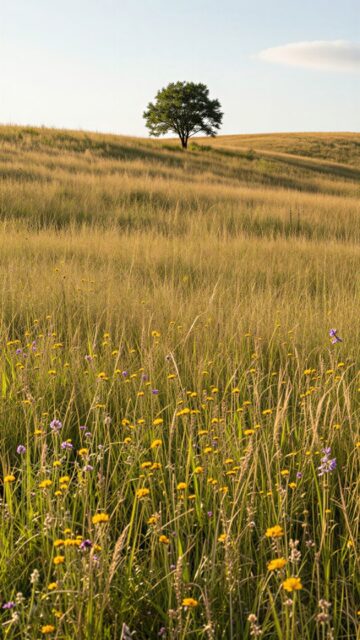
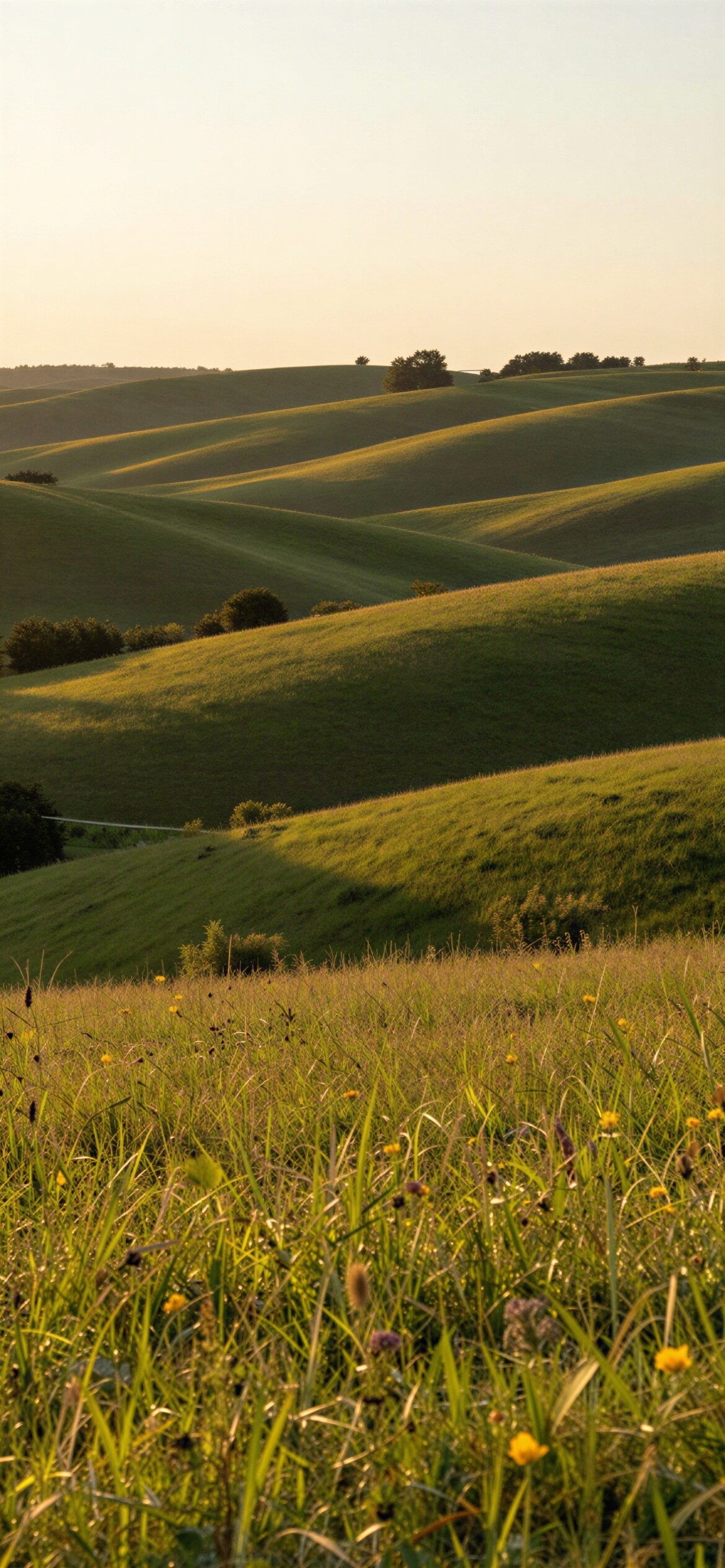
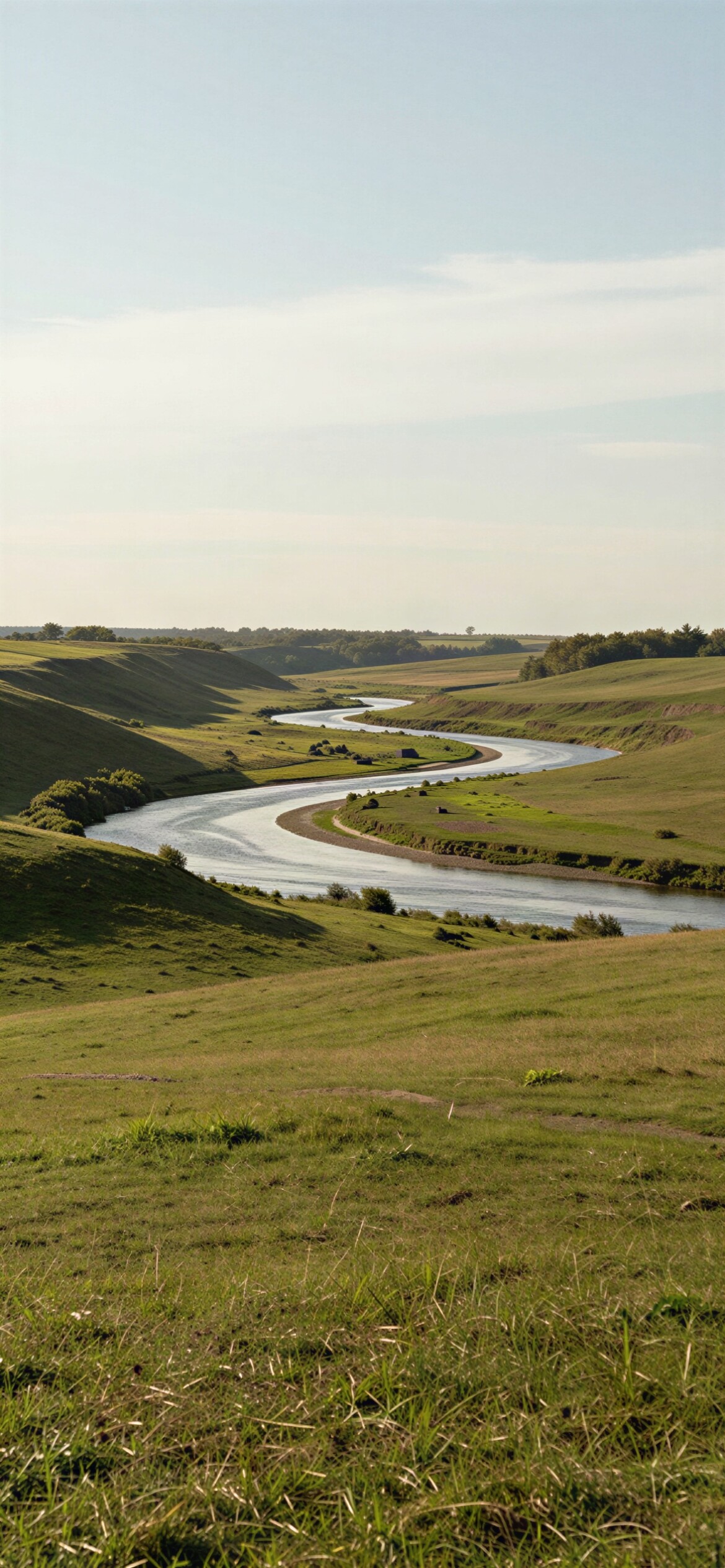
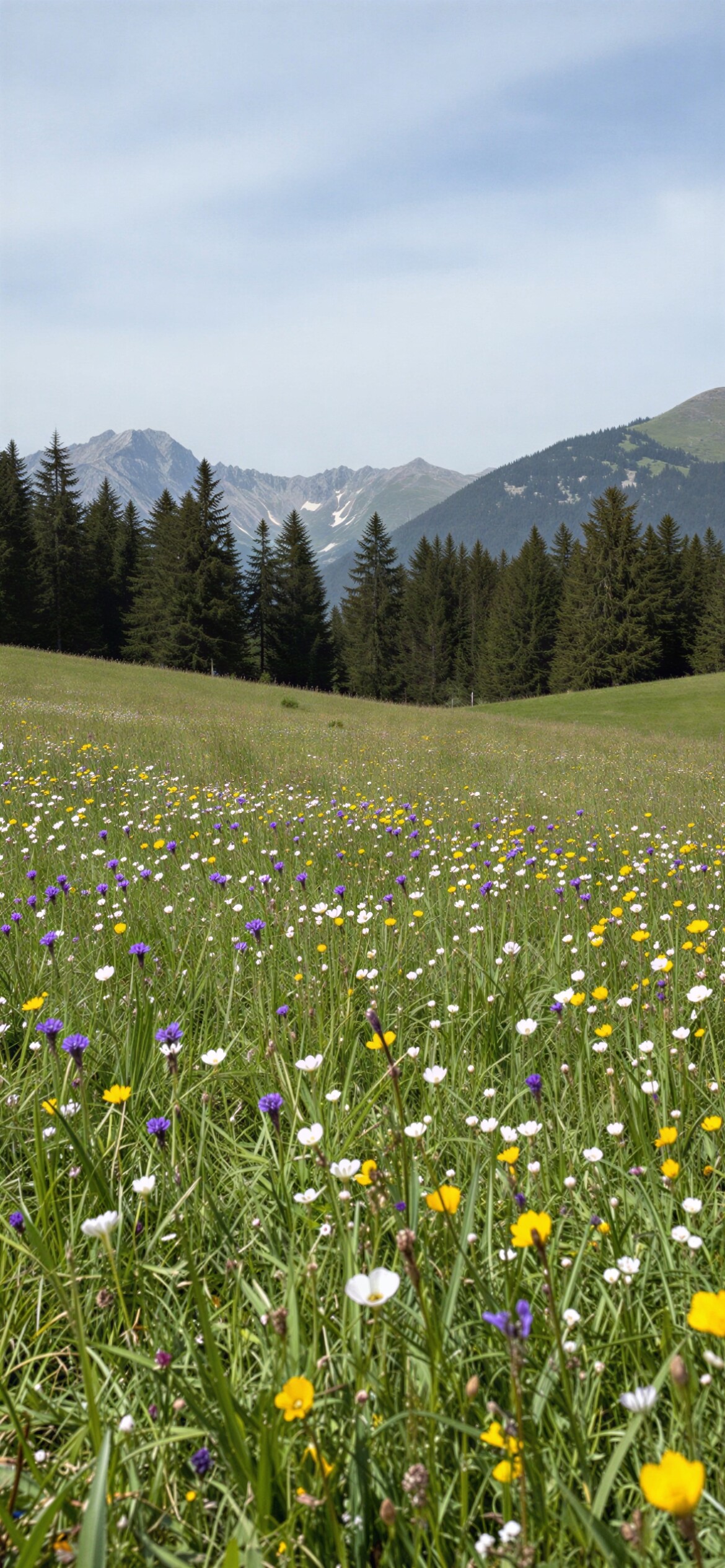
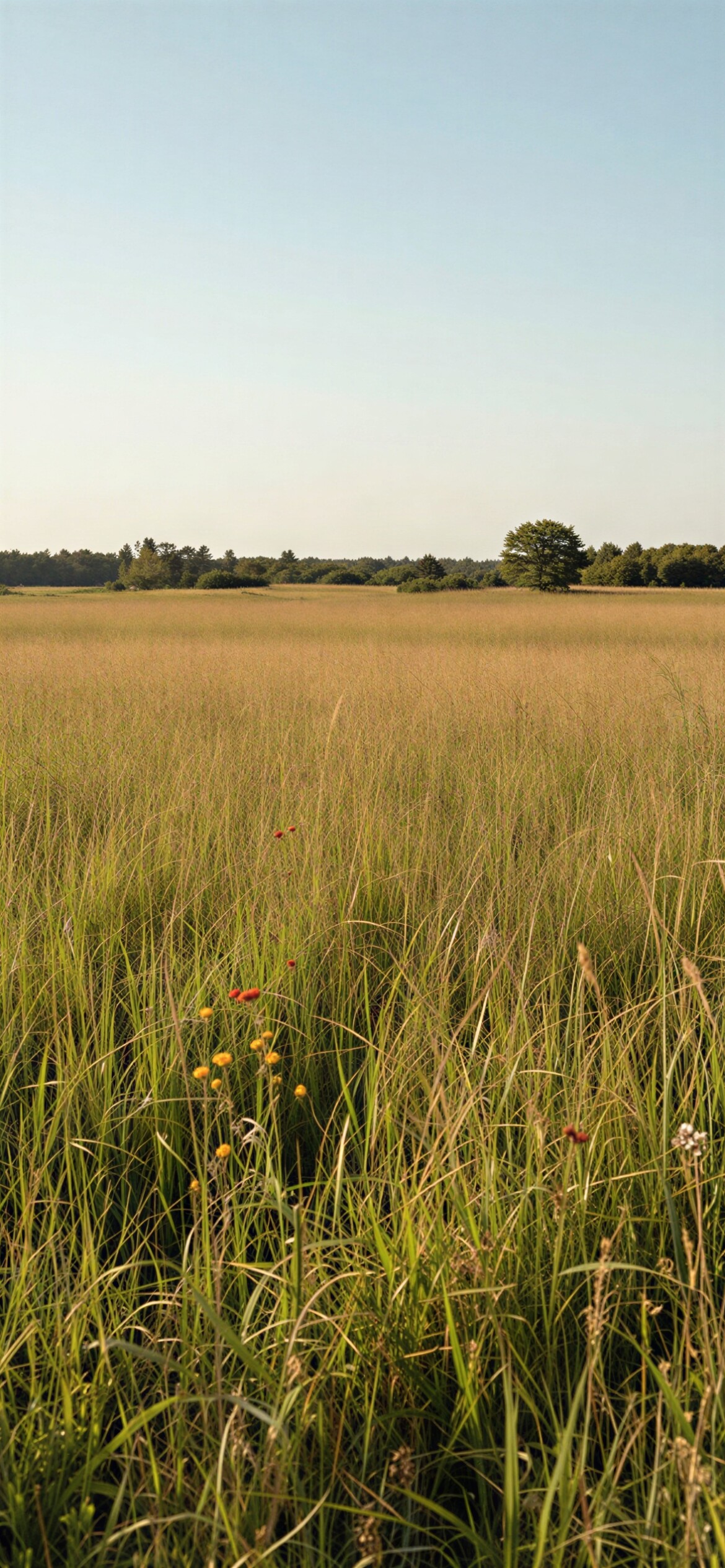
Four of the ten are open, gentle country. Number 1 shows rolling green hills lit by golden hour sun, number 5 looks down a wide valley where a river winds through meadows, number 7 is an alpine meadow full of wildflowers with peaks far behind, and number 10 is prairie grassland with flowers in the grass and a line of trees at the back. Alpine meadows like the one in number 7 bloom fast, because the snow-free summer up high is short.
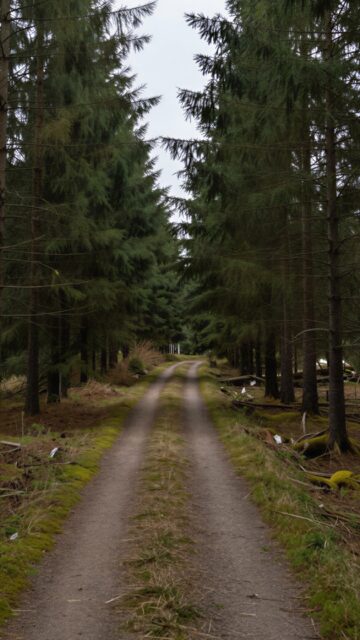
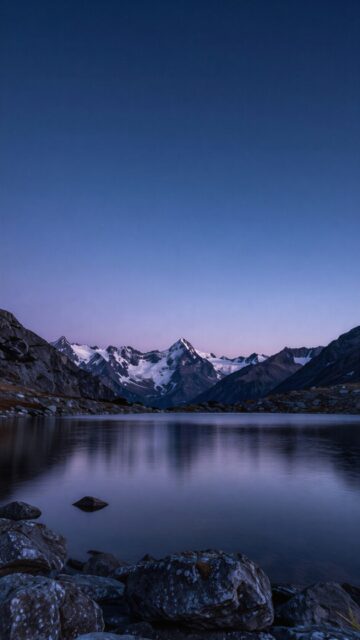
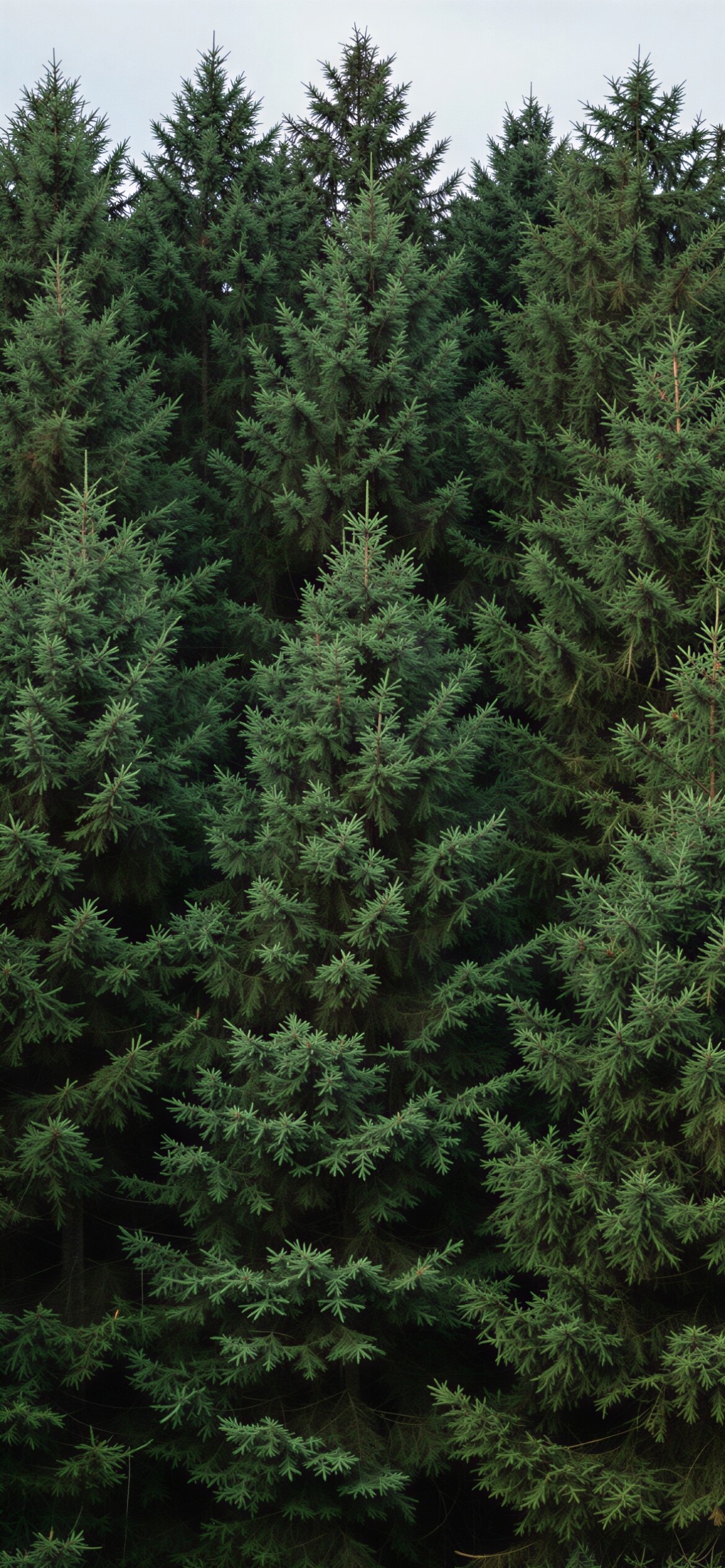
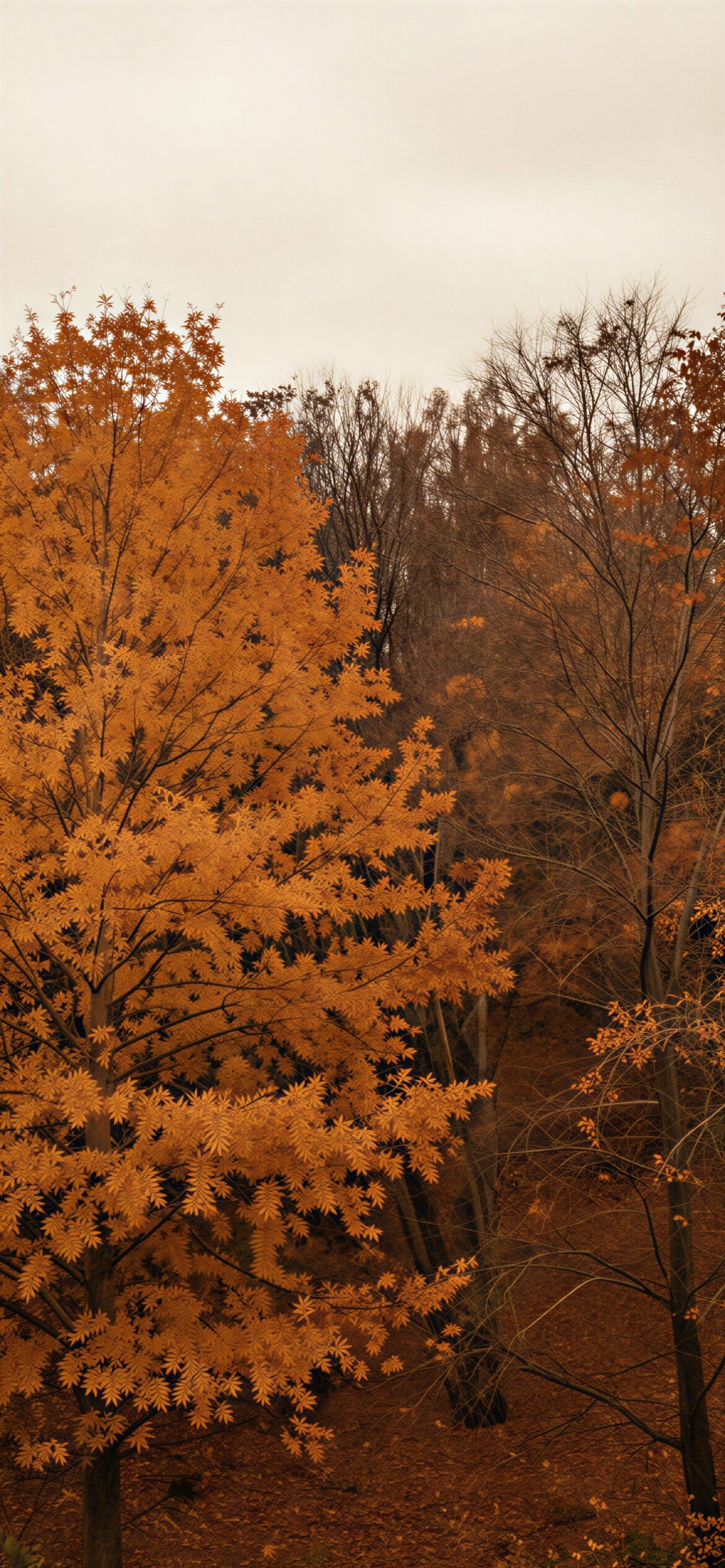
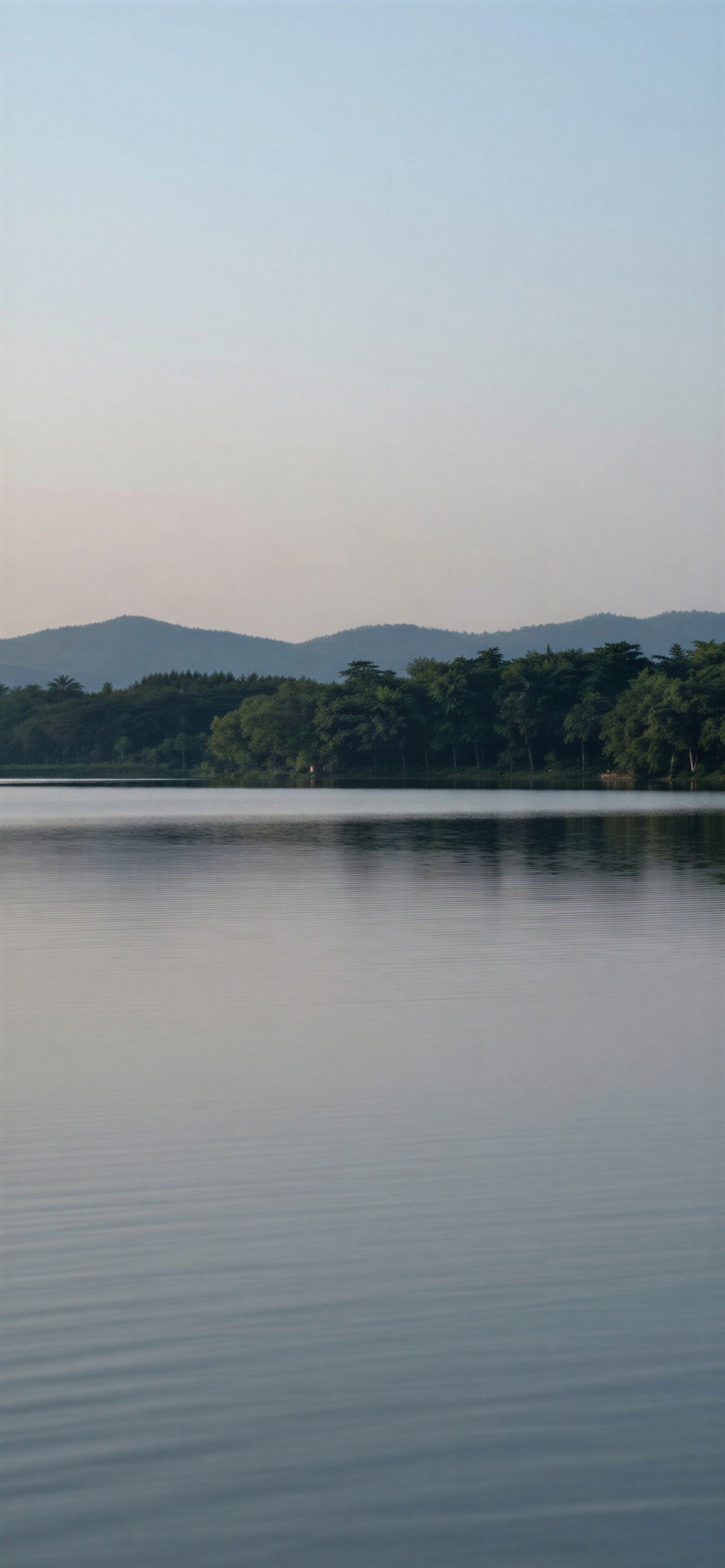
Three are about trees and still water. Number 3 is a dense evergreen forest with soft light coming through the canopy, number 6 is the same kind of scene in autumn with gold leaves, and number 9 is a calm lake that mirrors the sky and the wooded shore.
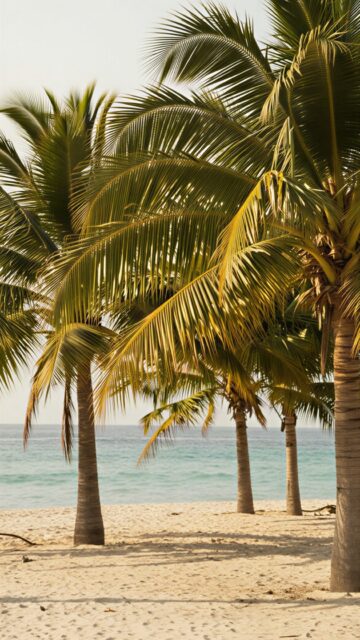
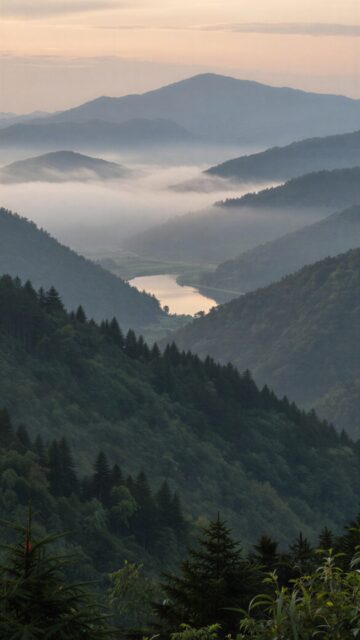
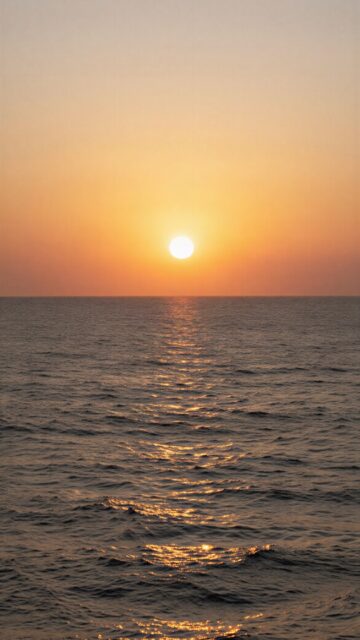
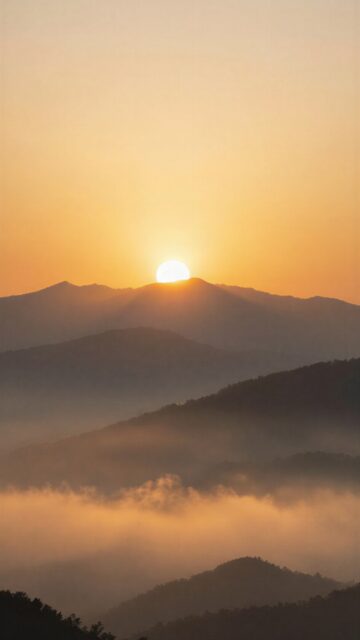
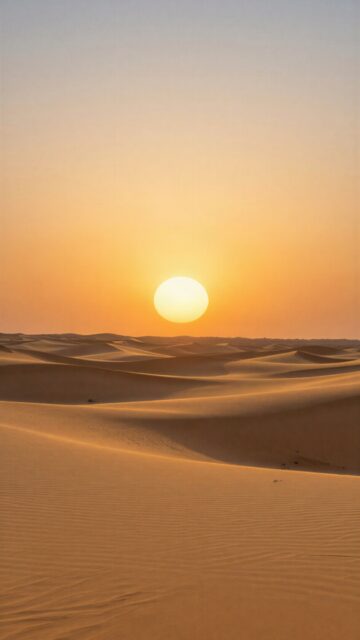
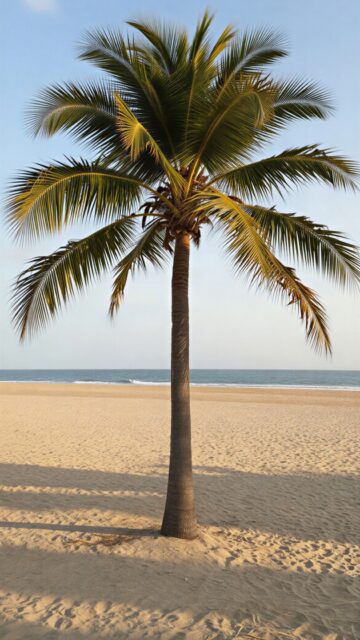
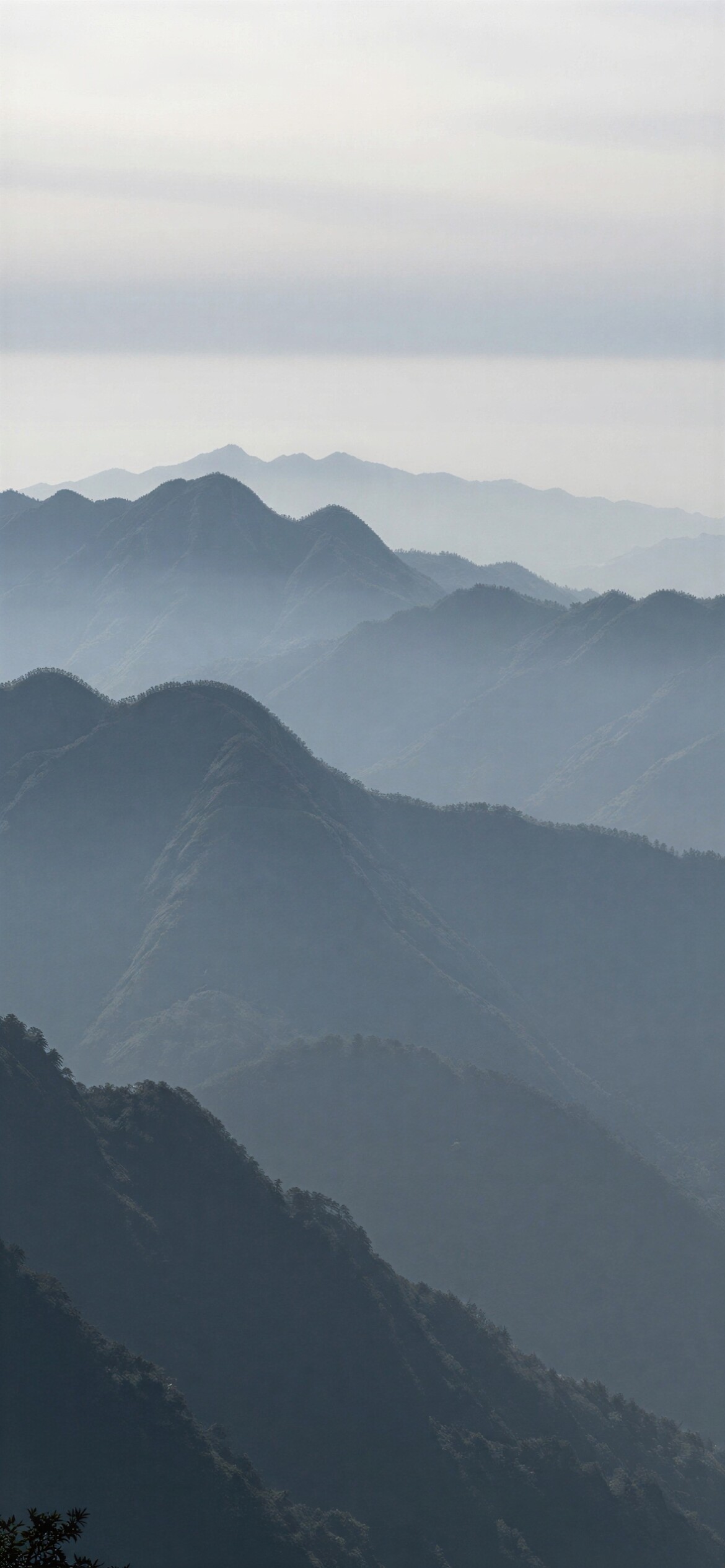
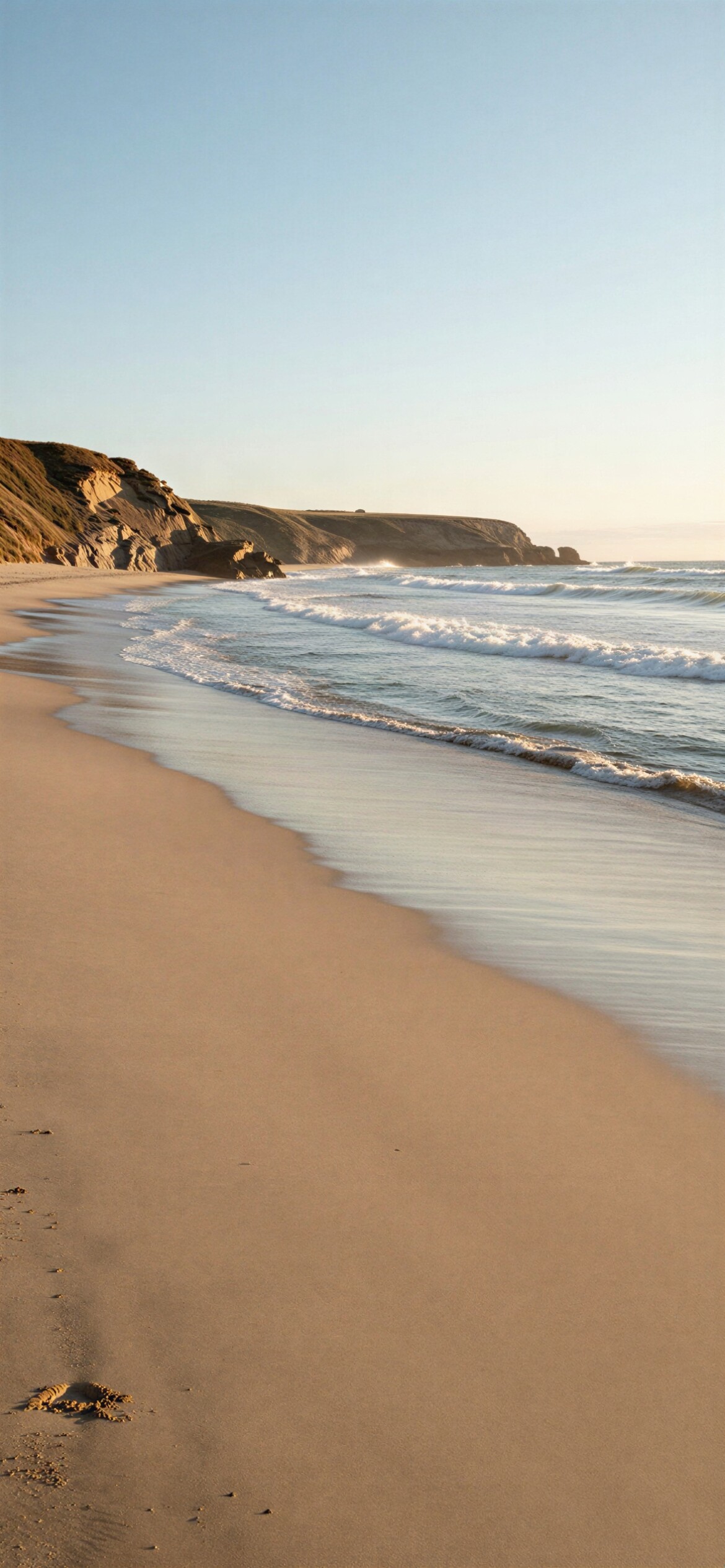
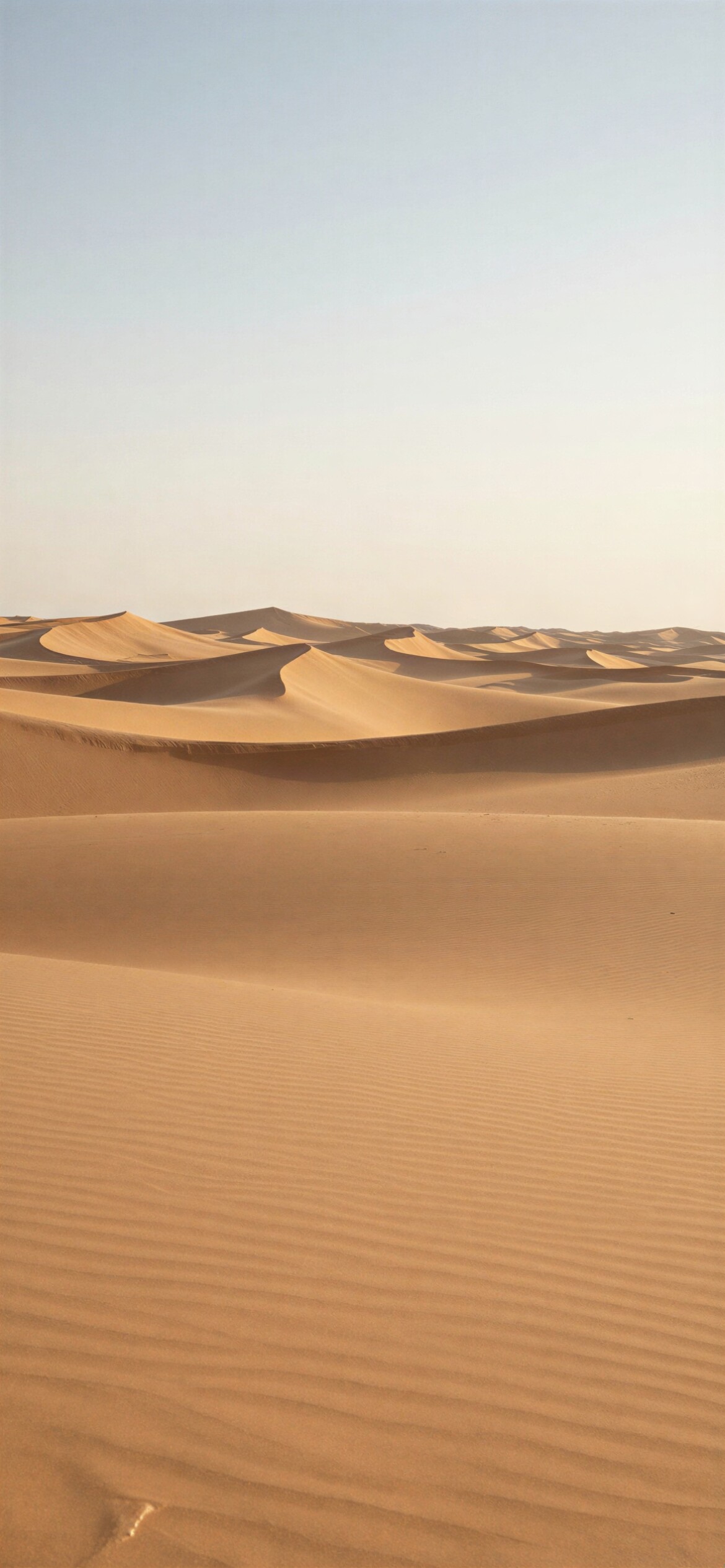
The last three sit at the edges of the land. Number 2 is a range of misty blue mountains; that blue haze is real, and the Great Smoky Mountains take their name from it, as forests give off natural compounds that scatter light. Number 4 is a sandy beach with low waves and cliffs, and number 8 is a field of desert dunes in warm tones.
Gold, green or misty blue?
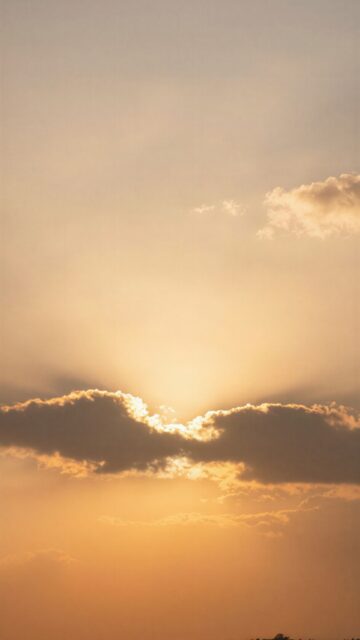
- Warm and glowing: 1, 6 and 8, with low sun, autumn leaves and sand.
- Cool and quiet: 2, 3 and 9, mostly blue and deep green, and the calmest behind a busy row of icons.
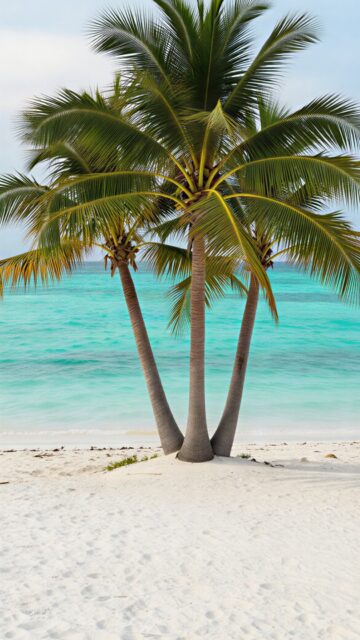
- Clear daylight: 4, 5, 7 and 10, with fresh greens, bright sky and a little colour from the flowers or the sea.
If you like wide outdoor views, the scenery set has more rivers and open ground, the waterfall wallpapers stay with falling water, and the calming collection leans into softer, slower scenes.
How to set it on your iPhone
- Tap Download and save the image to Photos.
- Open Settings, tap Wallpaper, then Add New Wallpaper, and choose Photos.
- Pick the wallpaper, pinch to position it, then tap Add and choose the lock screen, home screen or both.
Stuck on a step? The iPhone and iPad guide has screenshots for each one.
Questions
Will this landscape wallpaper fit my iPhone screen?
Yes. This set is sized at 1170x2532 pixels, the resolution used by modern iPhones. The tall vertical composition matches those screens closely, though some older models may crop slightly at the edges. Simply download the image and set it as your lock screen or home screen wallpaper through your iPhone settings.
Can I use these wallpapers commercially or share them elsewhere?
These wallpapers are free for personal use on your own devices only. You may not sell them, print them for sale, or repost them on other websites or wallpaper apps. For complete terms and permissions, visit the Terms page on Free Wallpaper Daily.
Which landscape wallpapers work best for the lock screen versus home screen?
The simpler designs with more sky space work better for home screens so your app icons remain visible and readable. Any landscape wallpaper can work for your lock screen since there are no icons there. Try the mountain or forest designs on your lock screen and the meadow or valley designs on your home screen for a balanced look.
Do these landscape wallpapers work in both light and dark mode?
Yes. The natural earth tones, greens and blues in this set pair well with both light and dark mode on iPhone. If your chosen wallpaper feels too dark behind light icons, switch to dark mode in your settings. If it feels too light behind dark icons, switch to light mode for better contrast and readability.