Mountain Wallpaper iPhone
Mountain wallpaper for iPhone brings scenic peaks, forests and alpine views to your lock and home screens. These vertical designs fill your entire display with dramatic ridgelines, misty valleys and natural light that shifts from dawn to dusk. Each mountain iPhone wallpaper is original photography, checked by hand before publishing. The set works year-round on any iPhone model.
10 wallpapers at 1170 × 2532 px for iPhone. Checked by hand on 6 Oct 2026.
About this set
These mountain wallpapers capture alpine scenery in real daylight, from misty dawn valleys to golden hour peaks and cool blue ridgelines. The vertical format keeps the composition tall and balanced, with simple sky at the top and detailed landscape in the lower half. Each design works well as a lock screen backdrop since important content sits in the safe area below the mountain slopes.
For home screens, these wallpapers pair well with clean icon layouts and work behind both light and dark themed apps. The natural color palette of stone greys, forest greens and sky blues complements most phone themes without competing for attention. Stack these with your favorite apps and watch the landscape anchor your daily interface.
Ten views, from the valley floor to the summit
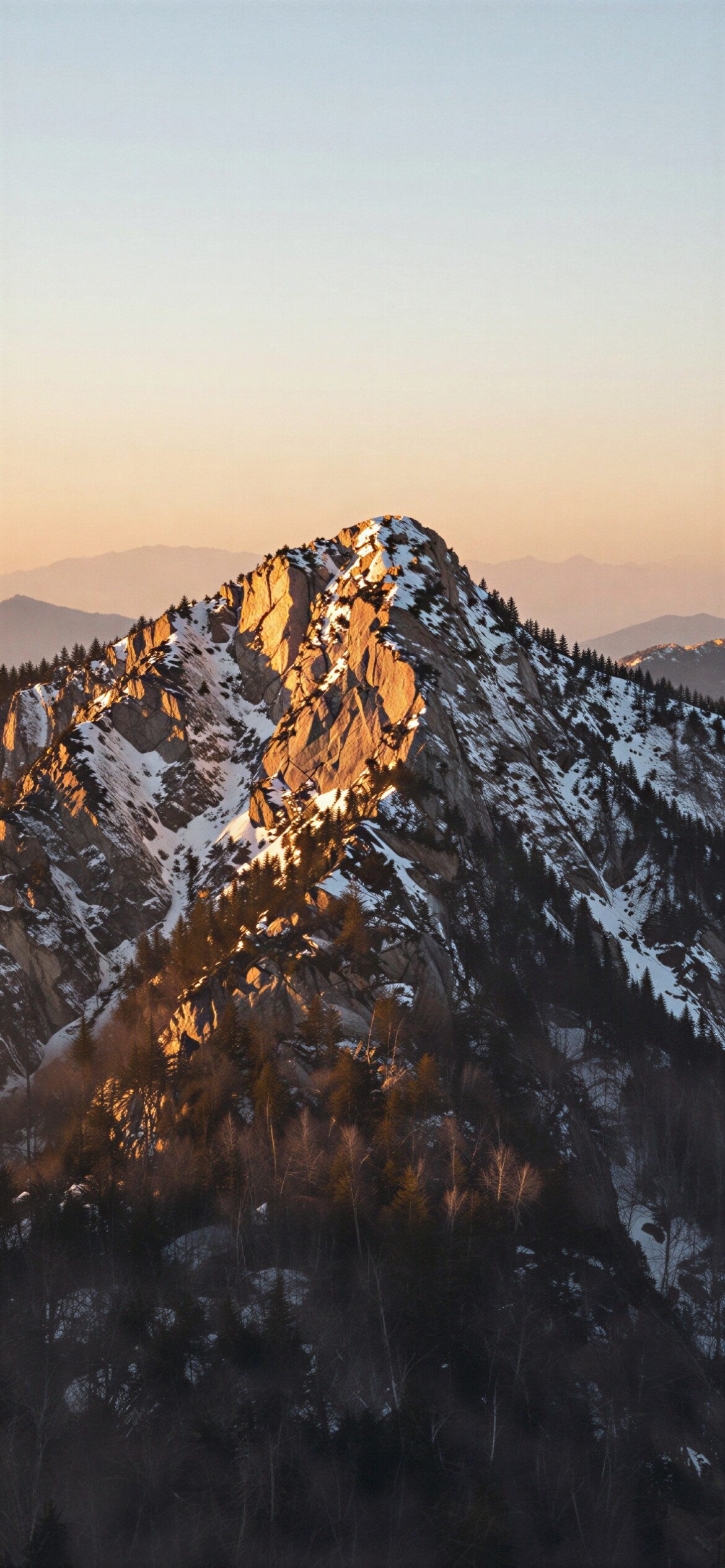
- Wallpaper 1: a snow-capped peak catching golden hour light above a dark forest. The bright summit against the shadowed trees gives a lock screen a strong focal point.
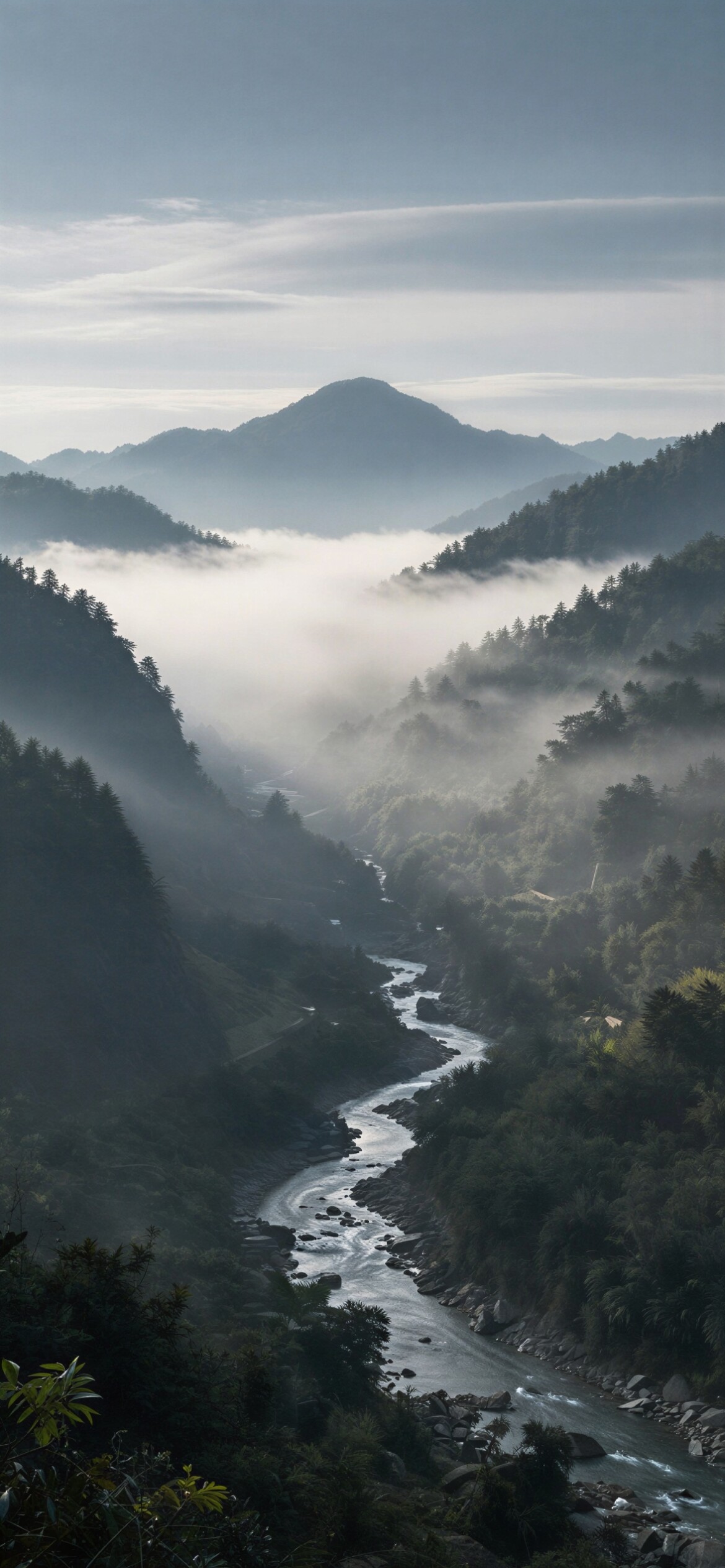
- Wallpaper 2: a misty alpine valley with a winding river and a distant peak coming out of the fog. Soft and low in contrast, so it sits quietly behind a full page of icons.
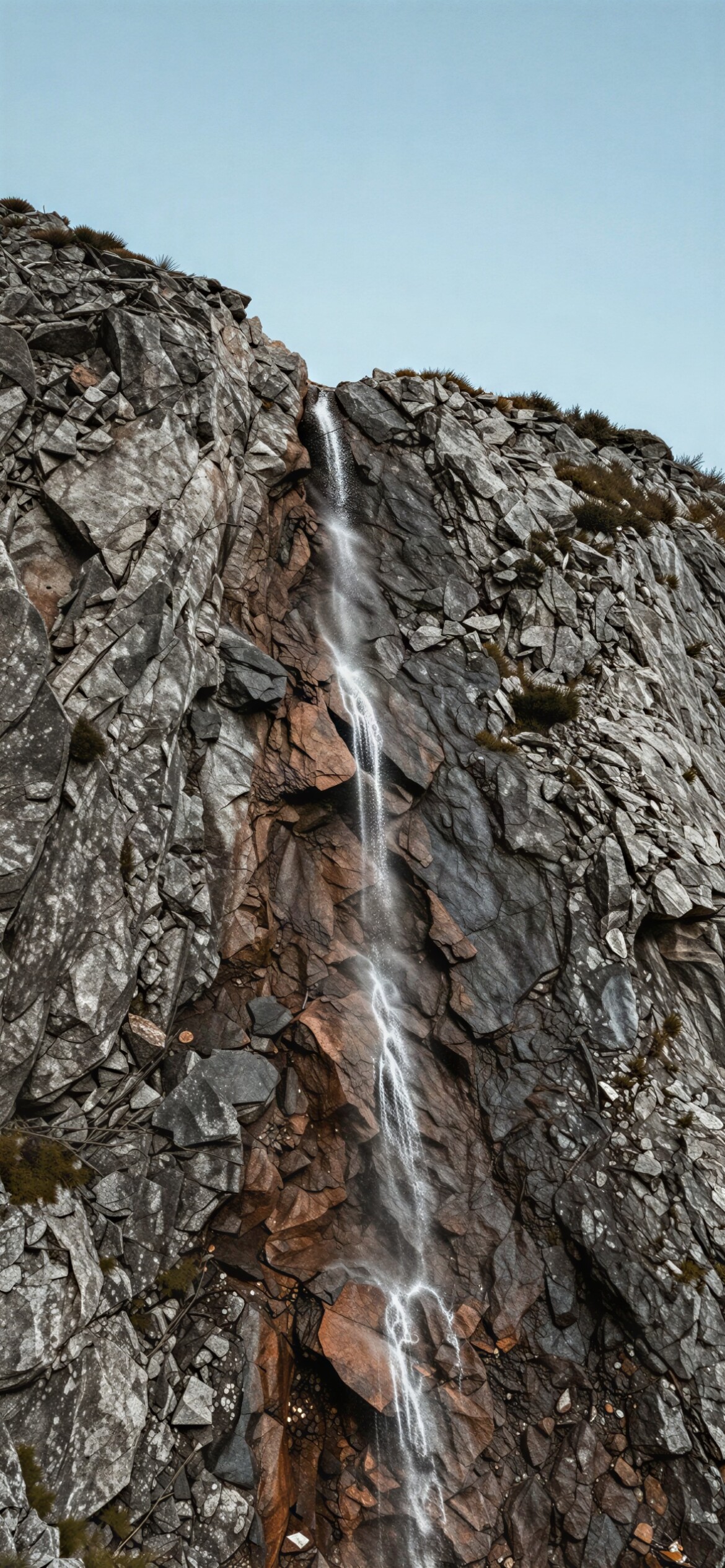
- Wallpaper 3: a steep rock face with a thin waterfall lit by sunshine. The vertical line of falling water suits the tall phone format well.
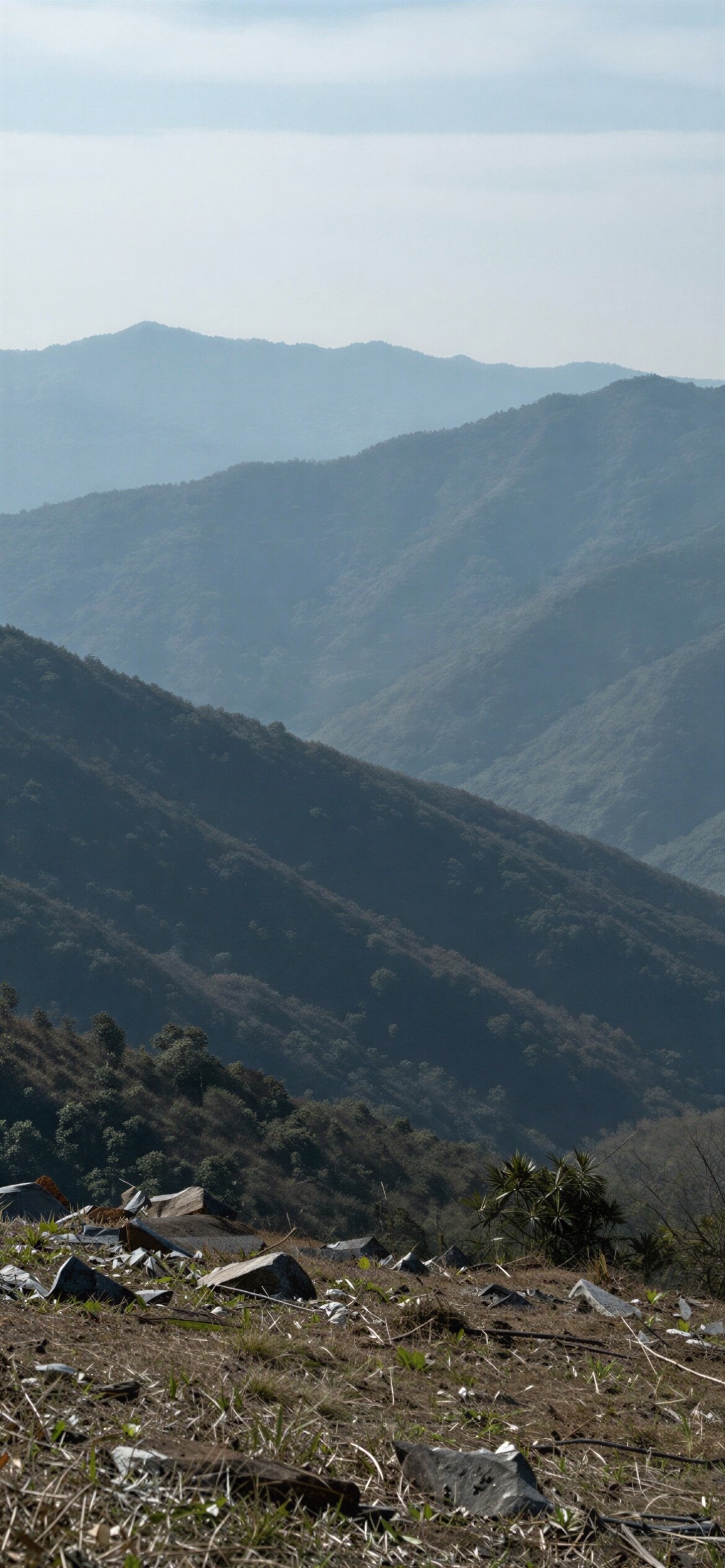
- Wallpaper 4: a wide, layered view of meadow, forest and misty peaks one behind the other. Good if you like a sense of distance on your home screen.
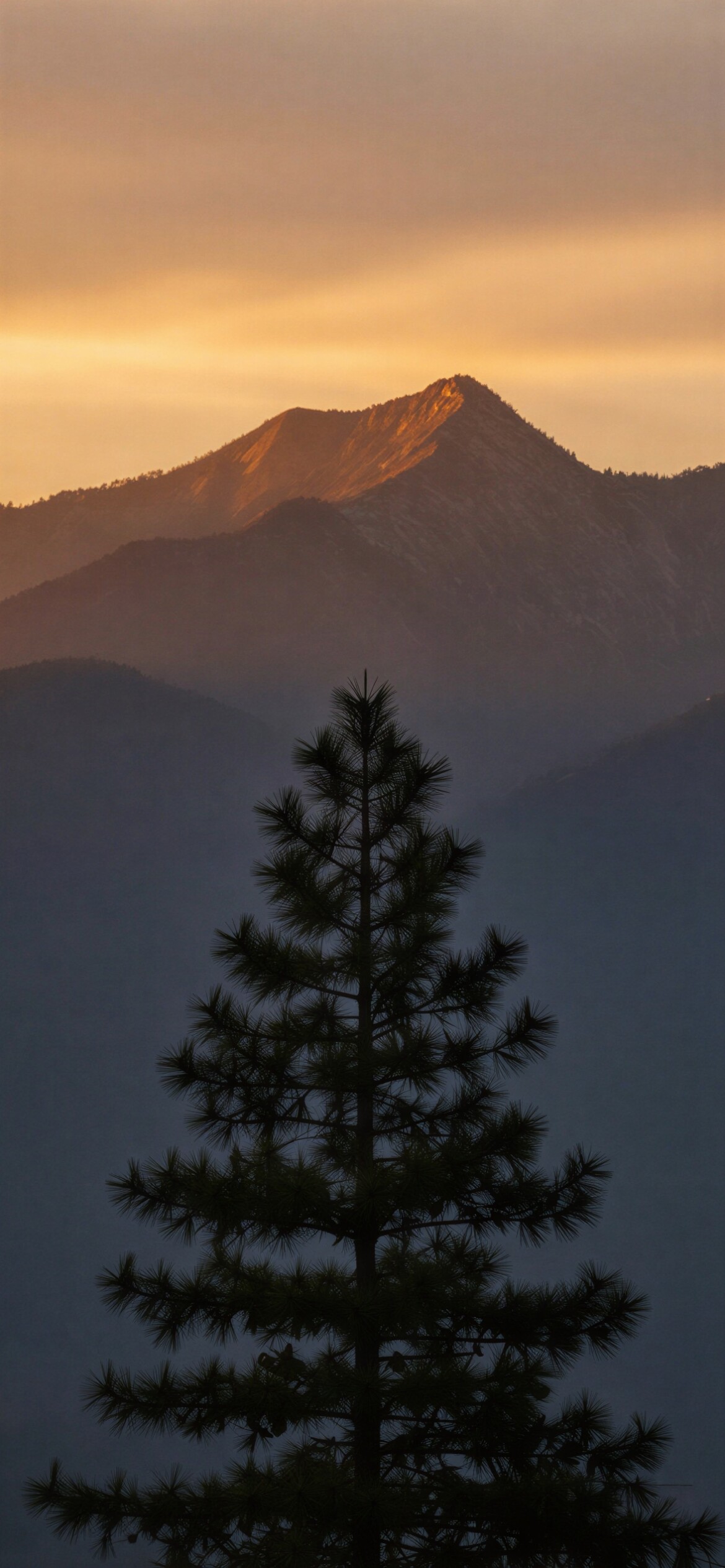
- Wallpaper 5: a pine tree in silhouette against a ridge backlit by an orange sunset. The darkest and warmest of the ten, and a nice choice for evenings.
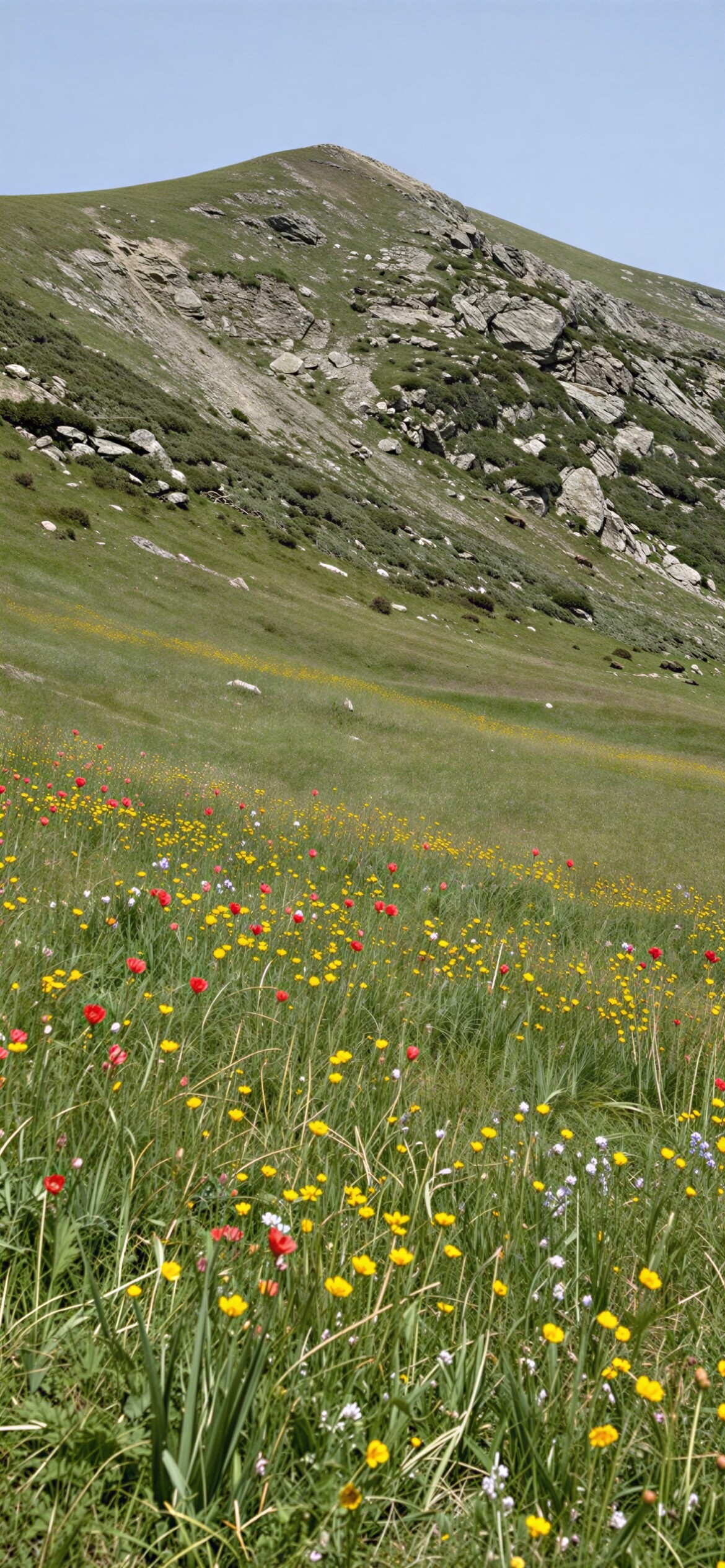
- Wallpaper 6: a high meadow full of wildflowers below a steep slope. The busy flowers sit low, which leaves the top clear for the clock.
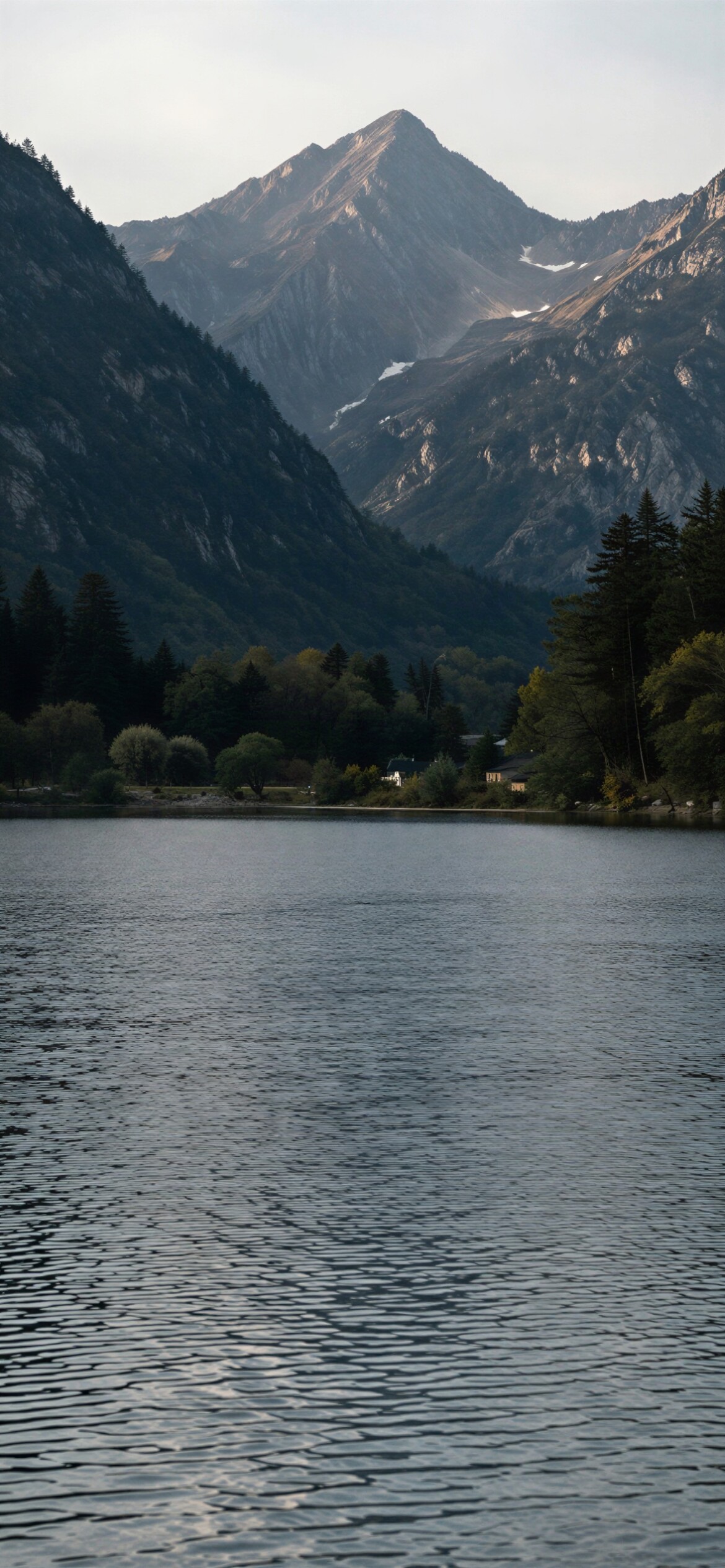
- Wallpaper 7: a mountain lake reflecting the peaks around it, with forest along the shore. The mirror image makes it calm and balanced.
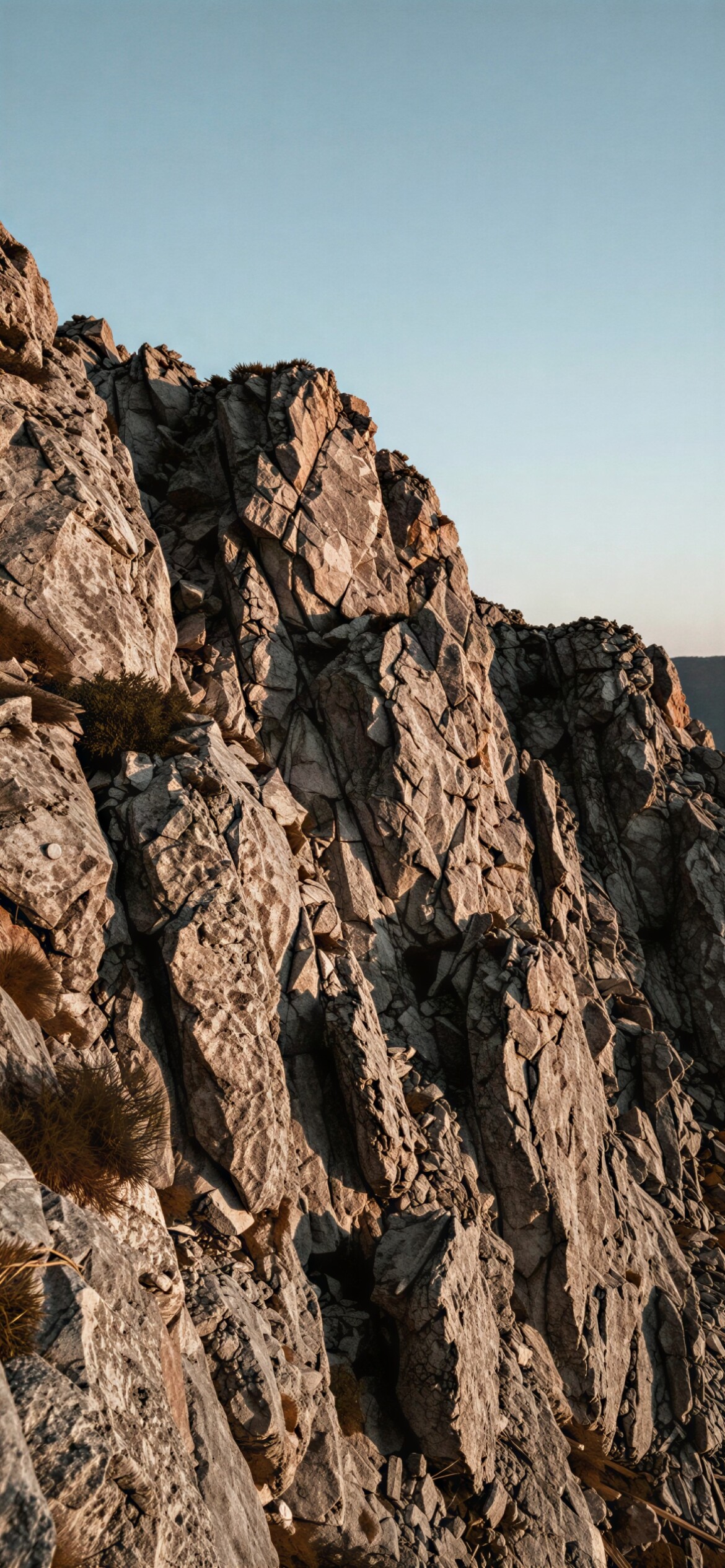
- Wallpaper 8: a rocky ridge of sharp stone formations with small alpine plants. Rugged and textured, best with fewer icons on top.
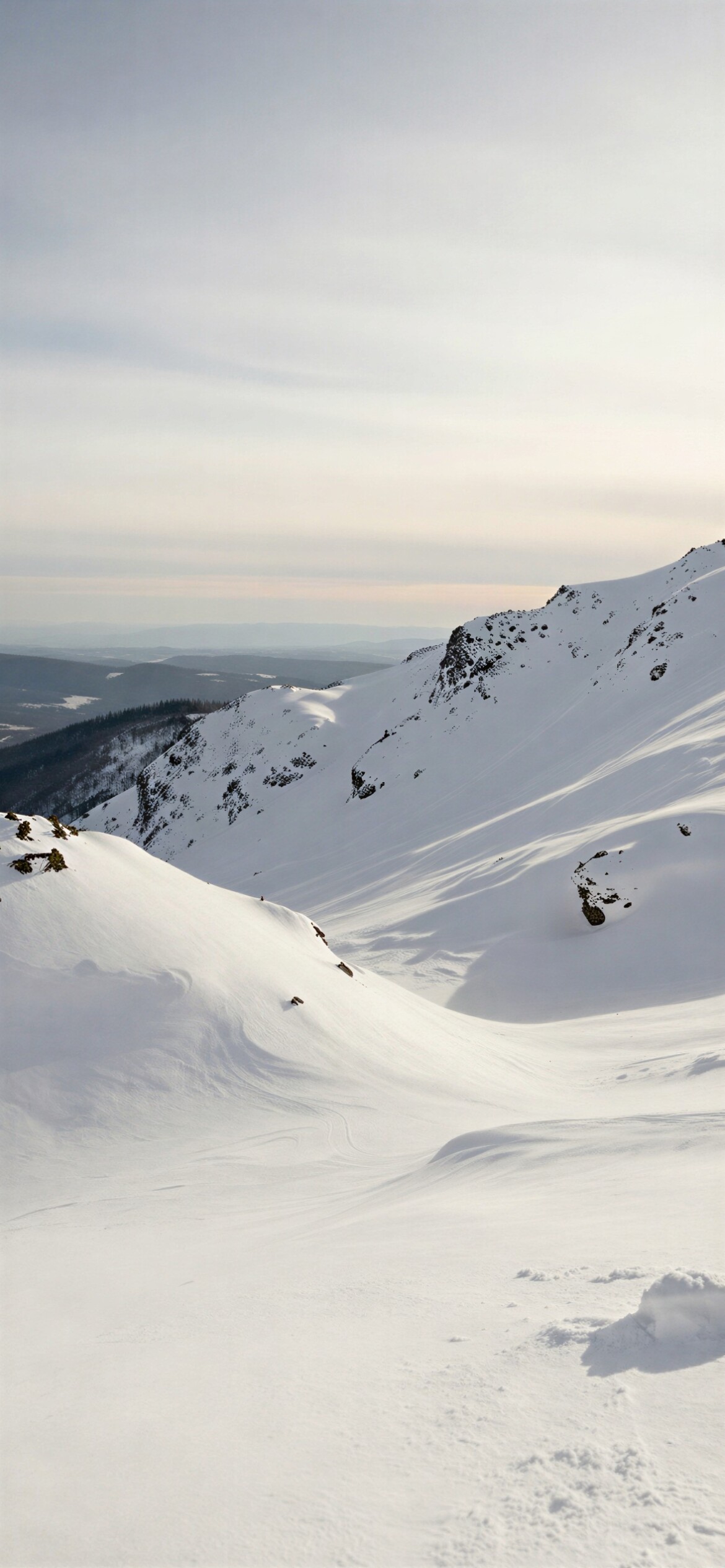
- Wallpaper 9: a snowy slope with drifts and patches of dark exposed rock. Clean and graphic, almost black and white.
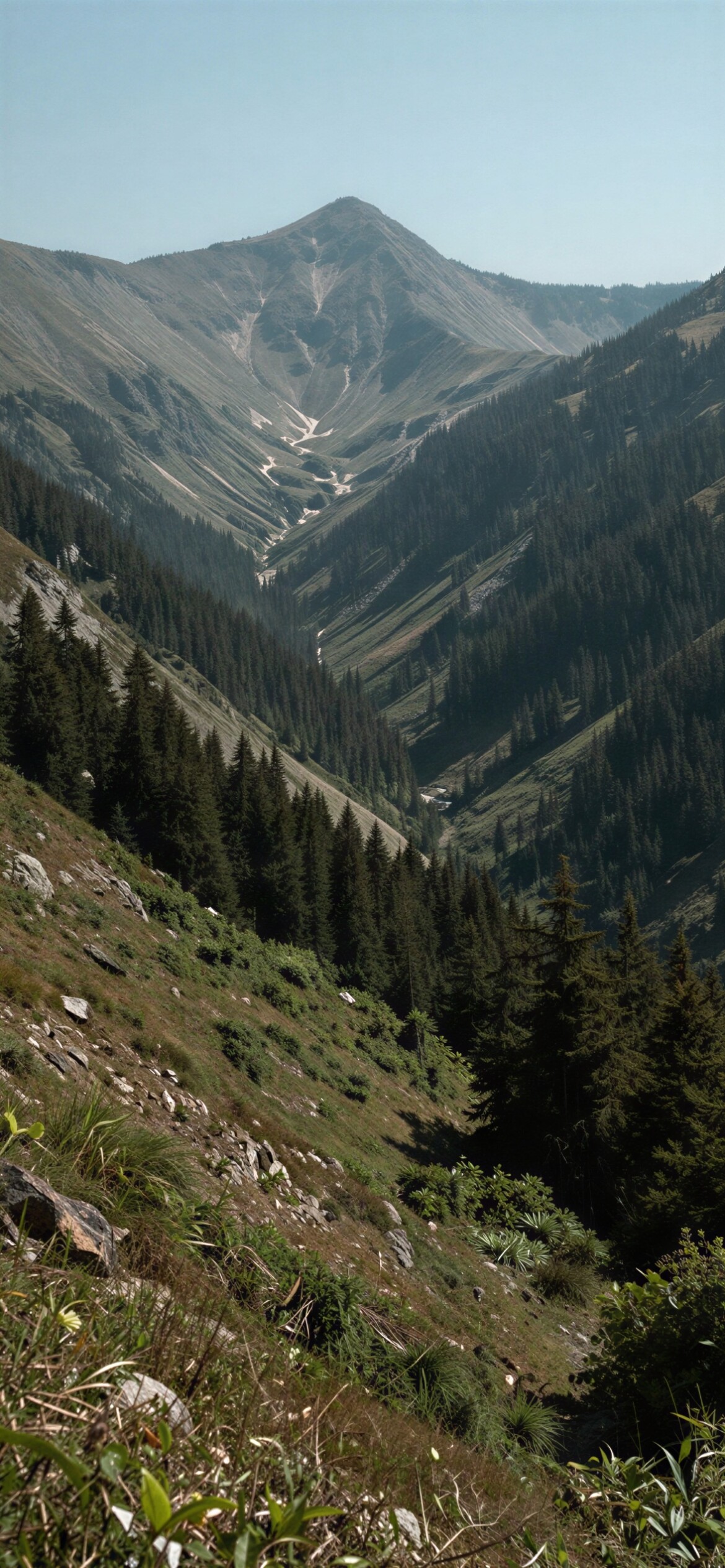
- Wallpaper 10: a mountain pass looking down a valley toward a single centred peak under blue sky. The centred subject works well with a symmetrical icon layout.
Why the trees stop and the snow stays
Air gets colder as you climb, by roughly 6.5°C for every 1,000 metres on average. That is why the summit in wallpaper 1 and the slope in wallpaper 9 can hold snow while the land below is green. Higher still, the growing season becomes too short and cold for trees, so forests give way at what is called the treeline. Above it you get the low plants and open meadows seen in wallpapers 6 and 8.
The fog in wallpaper 2 has a simple cause too. On clear nights, cold air is heavier than warm air and drains down into valleys, where moisture condenses into mist that often lingers until the morning sun burns it off. Many mountain lakes, like the one in wallpaper 7, fill hollows that glaciers carved out long ago.
Golden, misty or icy blue
For warmth, go with 1 or 5, both lit by a low sun. The softest, most hazy pair is 2 and 4. If you want plain clear daylight with plenty of blue and green, pick from 3, 6, 7 and 10. Wallpapers 8 and 9 are the coolest and starkest, mostly stone and snow.
If you like falling water, our waterfall wallpapers continue where wallpaper 3 leaves off, the landscape set has more wide open views, and the snowy winter collection pairs well with wallpaper 9.
How to set it on your iPhone
- Tap Download and save the image to Photos.
- Open Settings, tap Wallpaper, then Add New Wallpaper, and choose Photos.
- Pick the wallpaper, pinch to position it, then tap Add and choose the lock screen, home screen or both.
Stuck on a step? The iPhone and iPad guide has screenshots for each one.
Questions
Will these mountain wallpapers fit my iPhone screen?
Yes. These wallpapers are sized at 1170x2532 pixels, which suits modern iPhones; some older models may crop slightly at the edges. Whether you use an iPhone 14, 15 or any recent model, the image will display at full resolution with no stretching needed.
Can I use these wallpapers commercially or share them elsewhere?
These wallpapers are free for personal use on your own devices only. Selling them, printing them for sale, or reposting them on other wallpaper sites is not allowed. For full details, please see our Terms page.
Which mountain wallpapers work better as lock screens versus home screens?
The designs with simple, open sky at the top work best as lock screens since your clock and notifications display there. For home screens, any of these wallpapers pair well with icon layouts. The misty and atmospheric designs add depth behind your apps without creating visual clutter.
Do these mountain wallpapers work year-round?
Yes. This set includes both snow-covered peaks and green alpine meadows, so the collection suits any season. The cool blue and grey tones feel fresh in summer, while the snow-covered designs feel natural in winter. Mix and match throughout the year based on your mood.