Planet Wallpaper iPhone
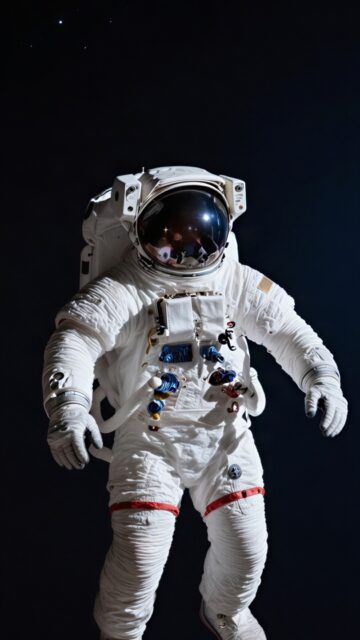
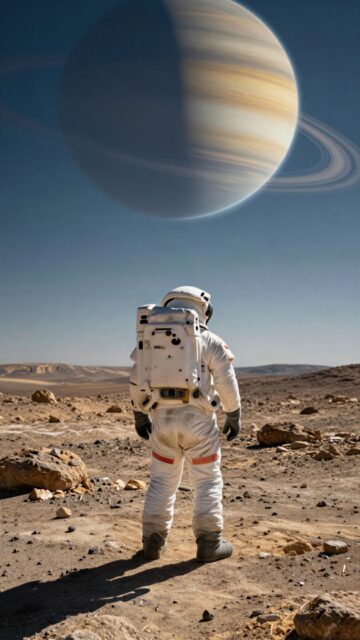
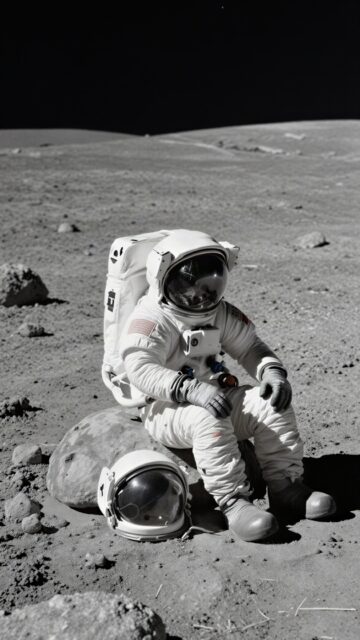
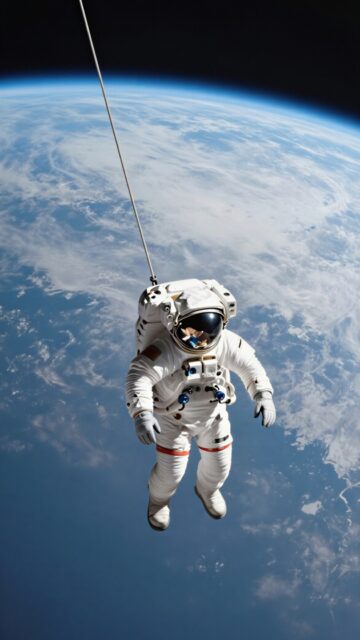
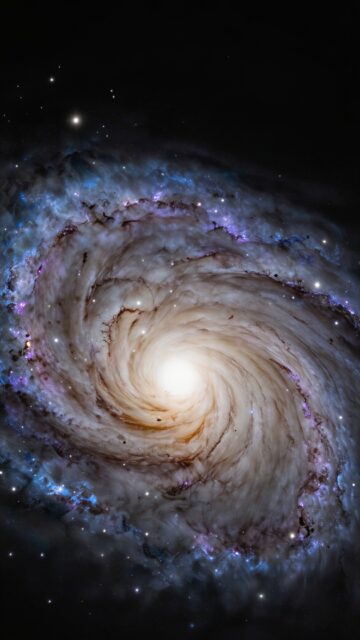
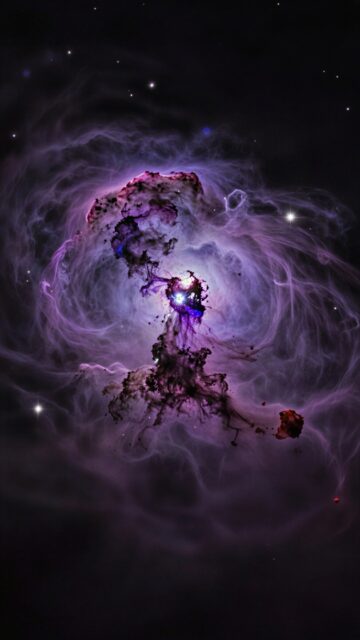
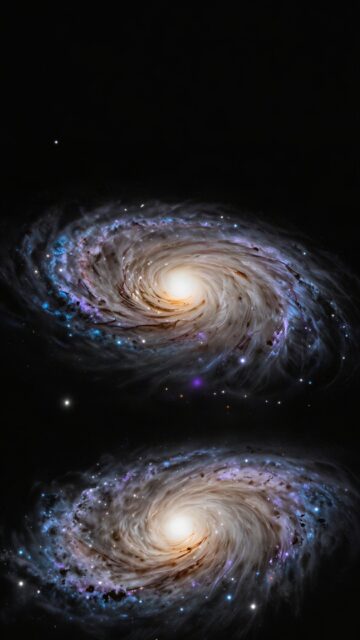
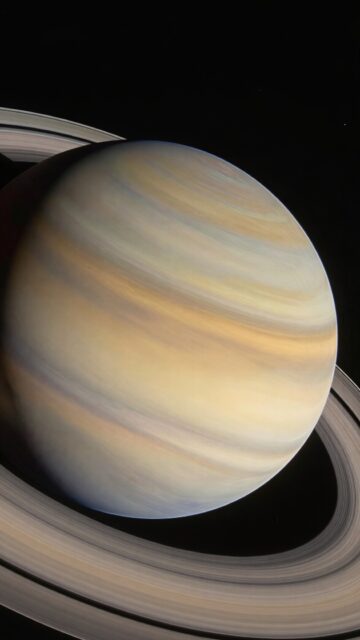
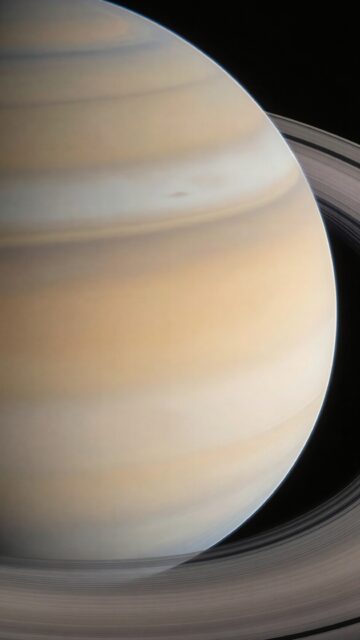
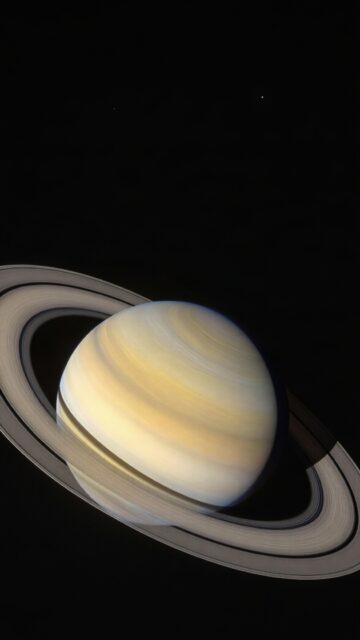
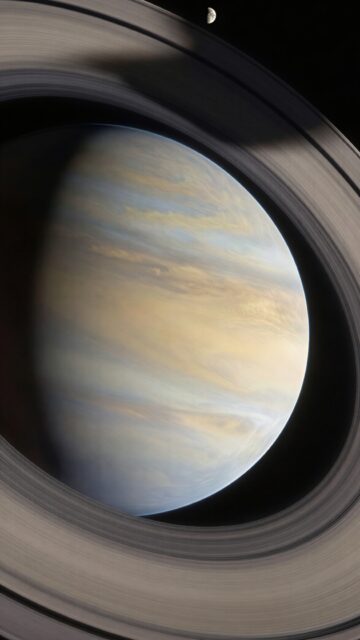
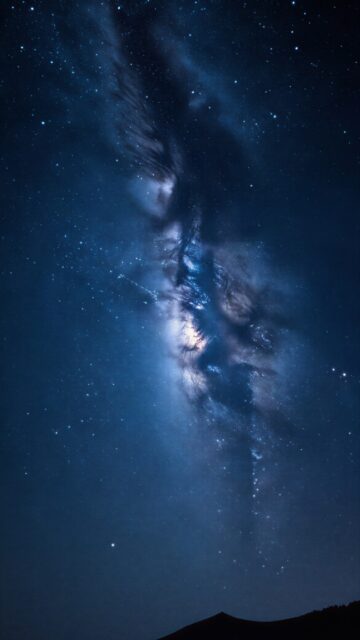
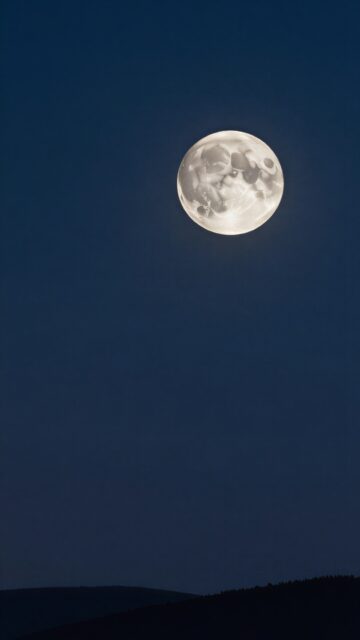
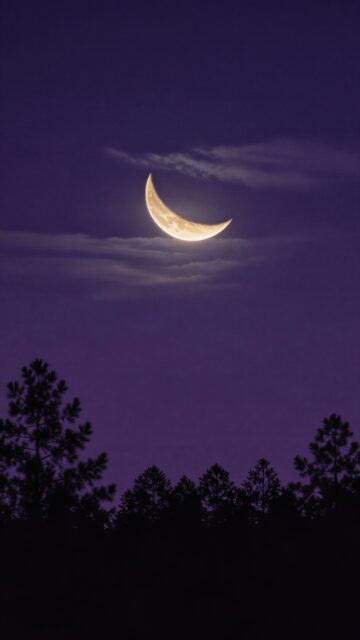
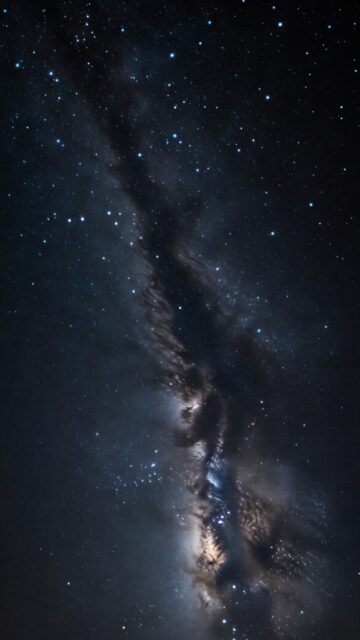
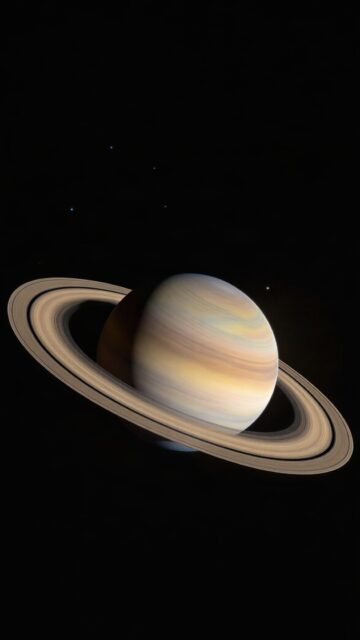
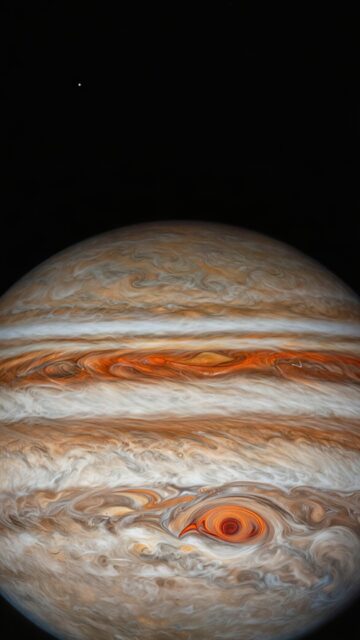
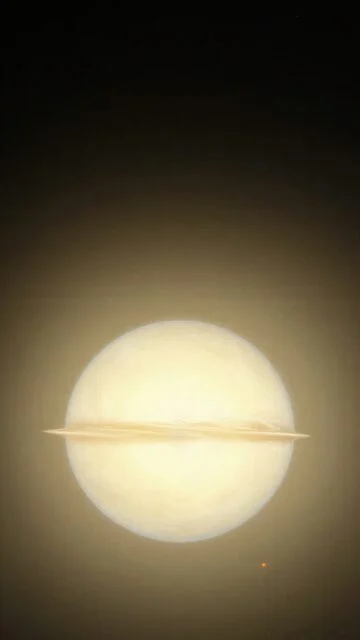
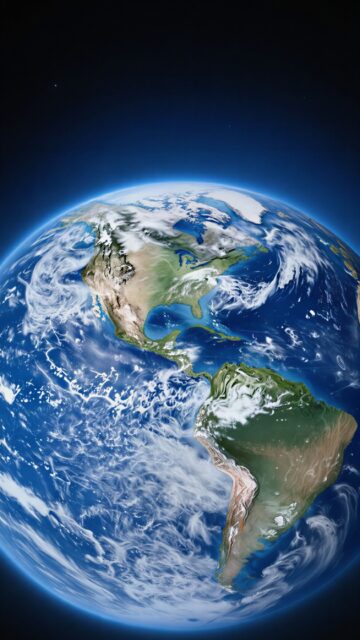
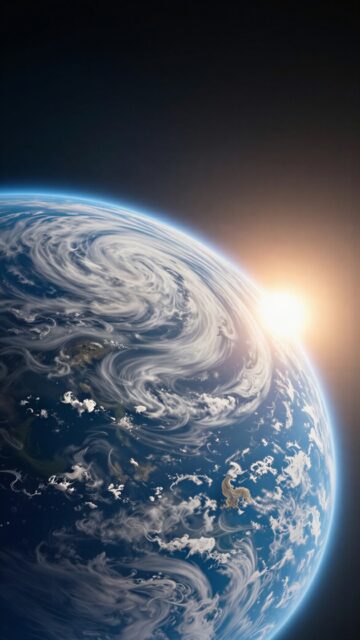
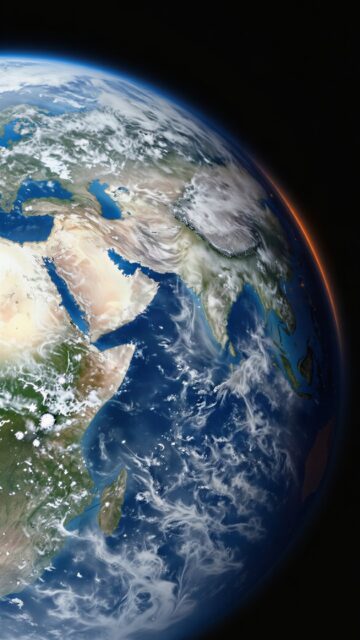
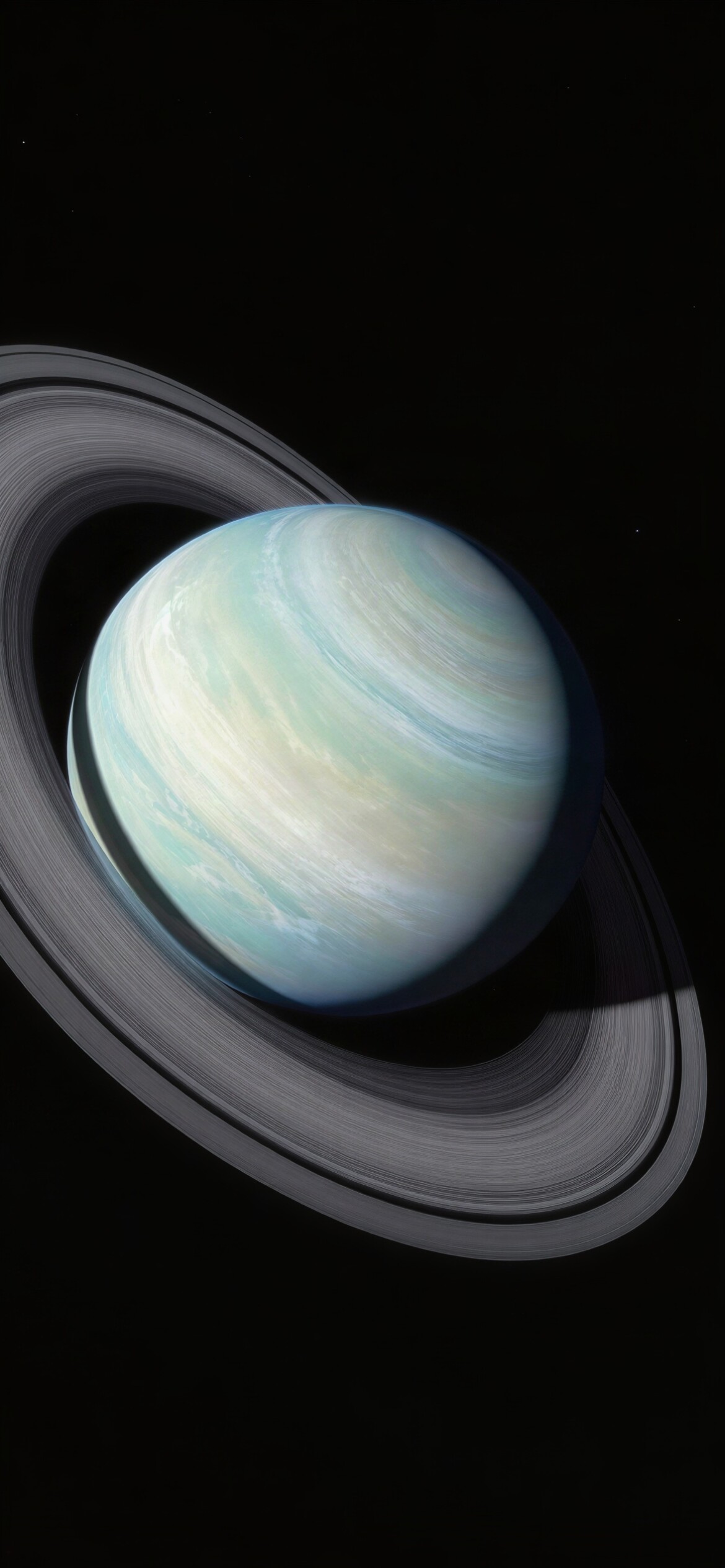
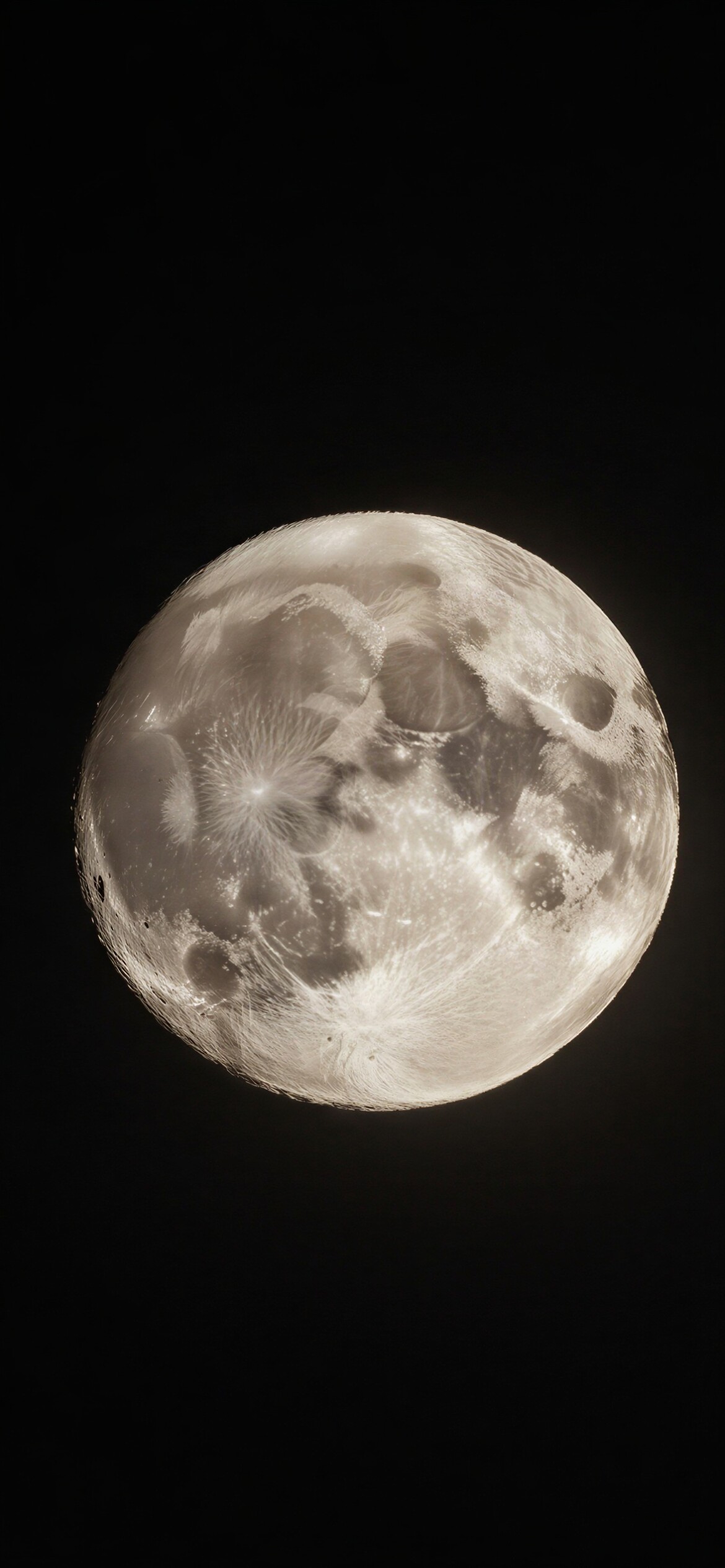
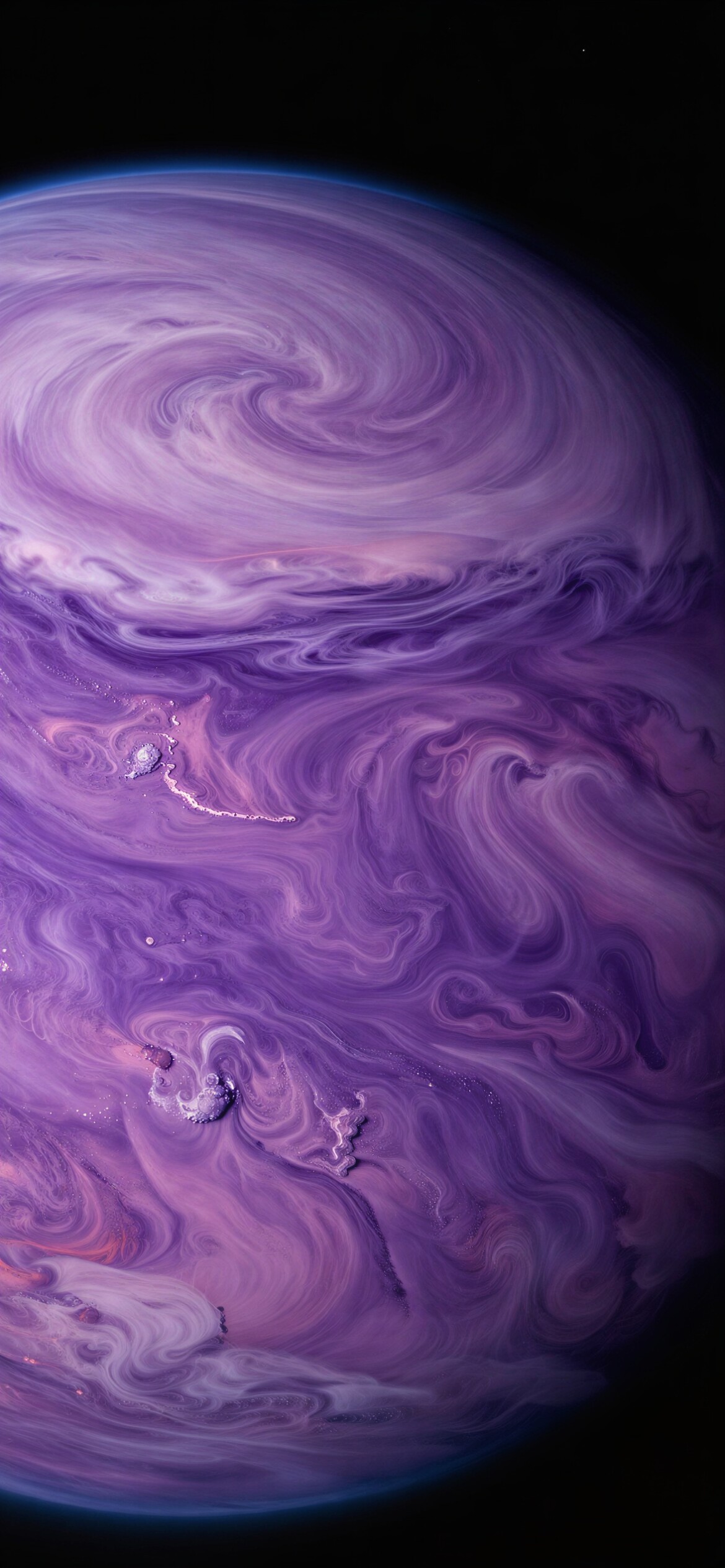
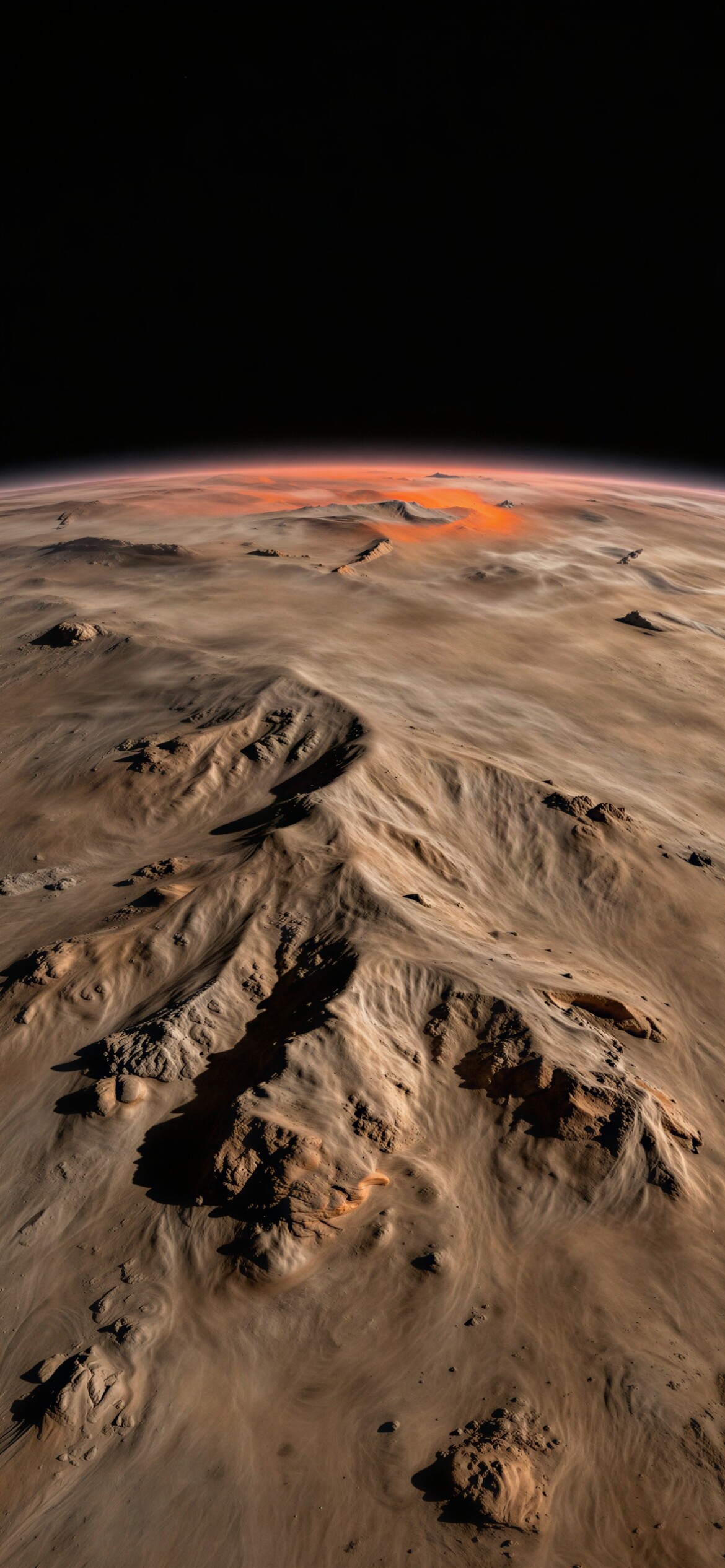
Planet wallpaper for iPhone features detailed worlds floating in space with cosmic skies and orbital views, free to download for your phone. Each design shows a different planet or moon with realistic textures, atmospheric layers and distant stars. The set works well on lock screens and home screens, with compositions that leave room for icons and text. These planet iPhone wallpapers suit anyone who loves space, astronomy or science fiction aesthetics.
10 wallpapers at 1170 × 2532 px for iPhone. Checked by hand on 8 Oct 2026.
About this set
These planet wallpapers showcase realistic worlds suspended in the vacuum of space, each with distinct surface features, atmospheric effects and natural lighting. The designs use pure black backgrounds with scattered stars to create depth and let the planets stand out clearly. Colors range from rust reds and oranges to cool blues and purples, giving you options to match your phone’s theme or mood.
The lock screen wallpapers work well with simple icon layouts and keep detail in the center where notifications appear. Home screen picks have empty space at the top for your apps and can work with both light and dark mode icons. Pair these with minimal icon packs or monochrome themes for the best contrast and readability.
Rock, gas or ice: sorting the ten worlds
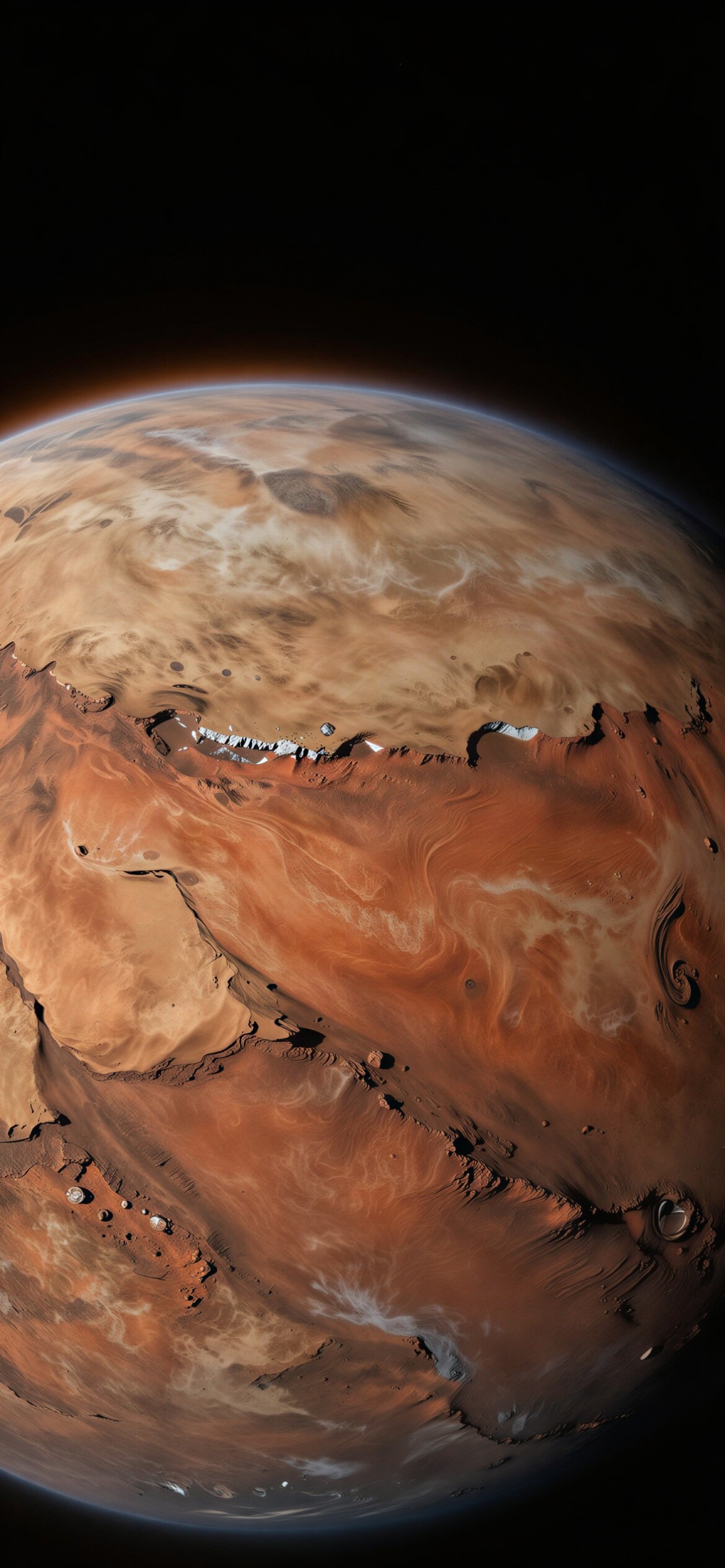
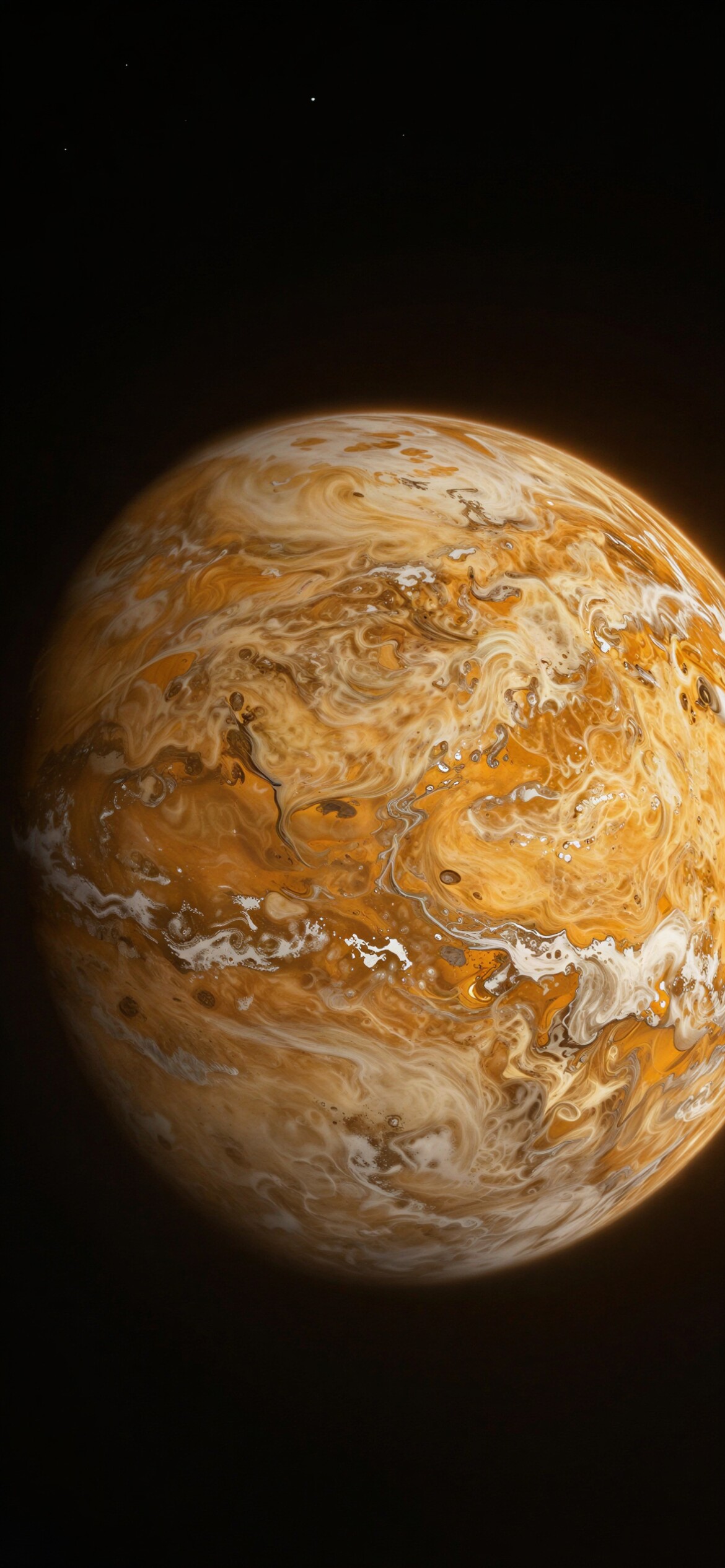
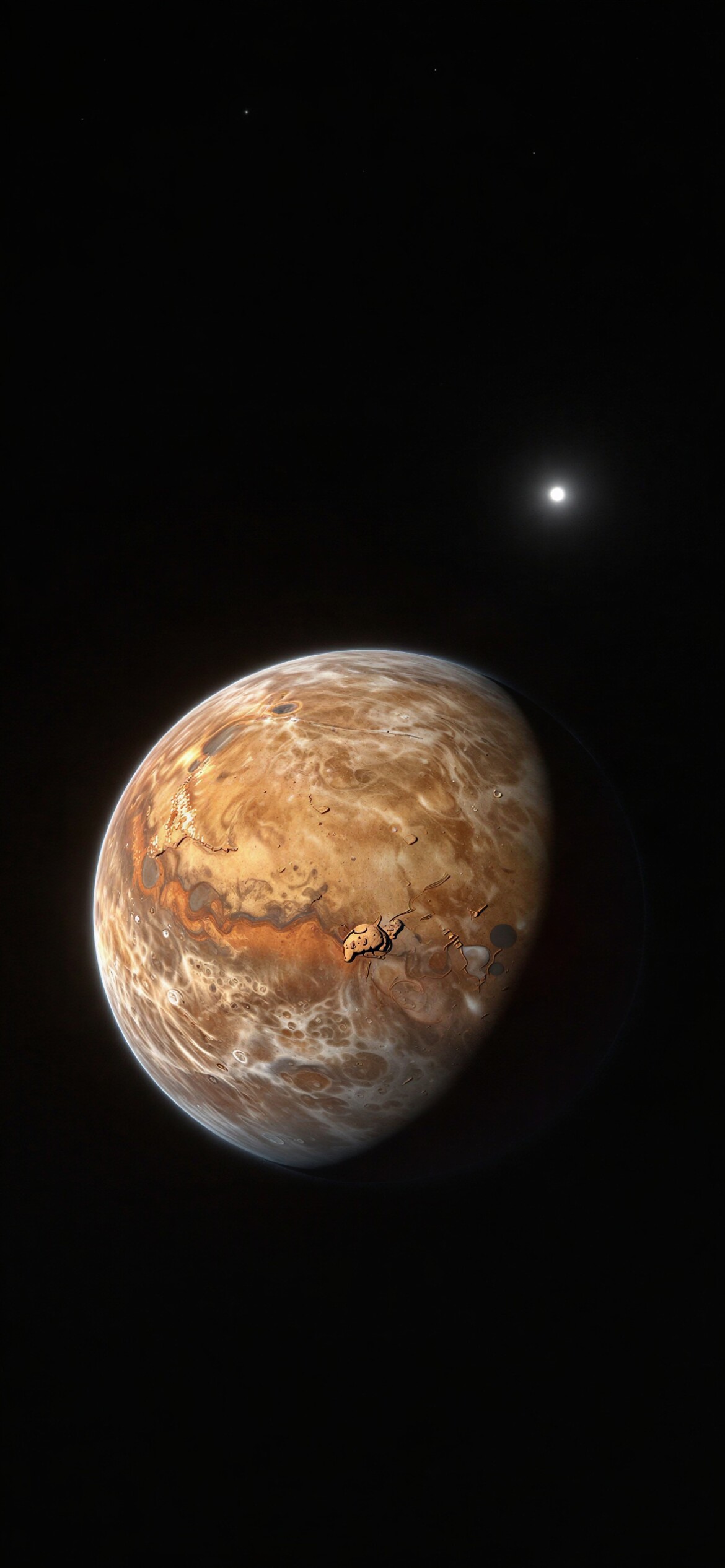
Five of these are rocky planets, the kind with solid ground. Wallpaper 1 is a rust-red world with canyons and ice caps, a look most people will connect with Mars, whose colour comes from iron oxide in its dust. Wallpaper 4 trades the red for golden orange, with continents and drifting clouds, so it reads more like a living world. Wallpaper 7 is the stormiest of the group, purple and pink with weather systems swirling over it, while 8 and 10 go back to tan, rust and ochre ground marked by canyons, volcanoes and craters.
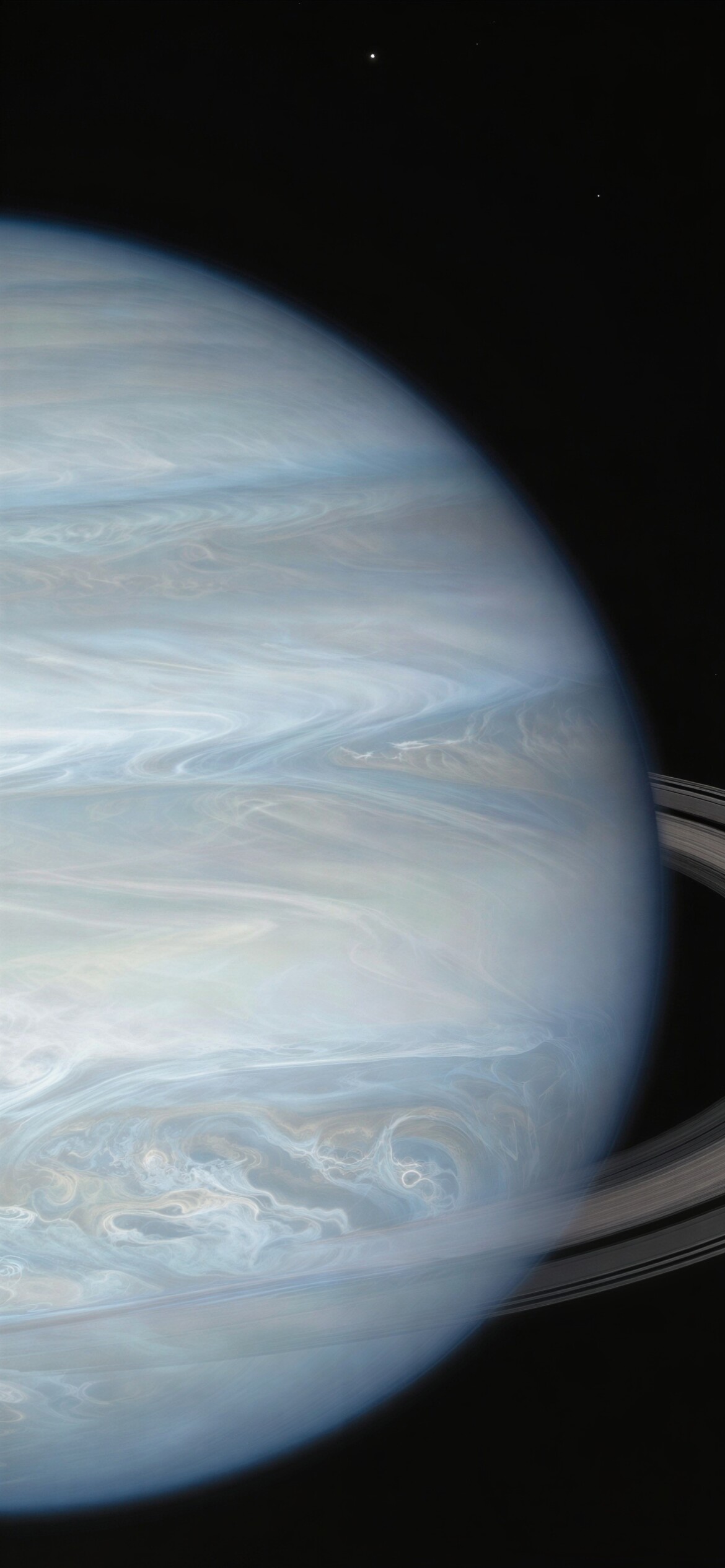
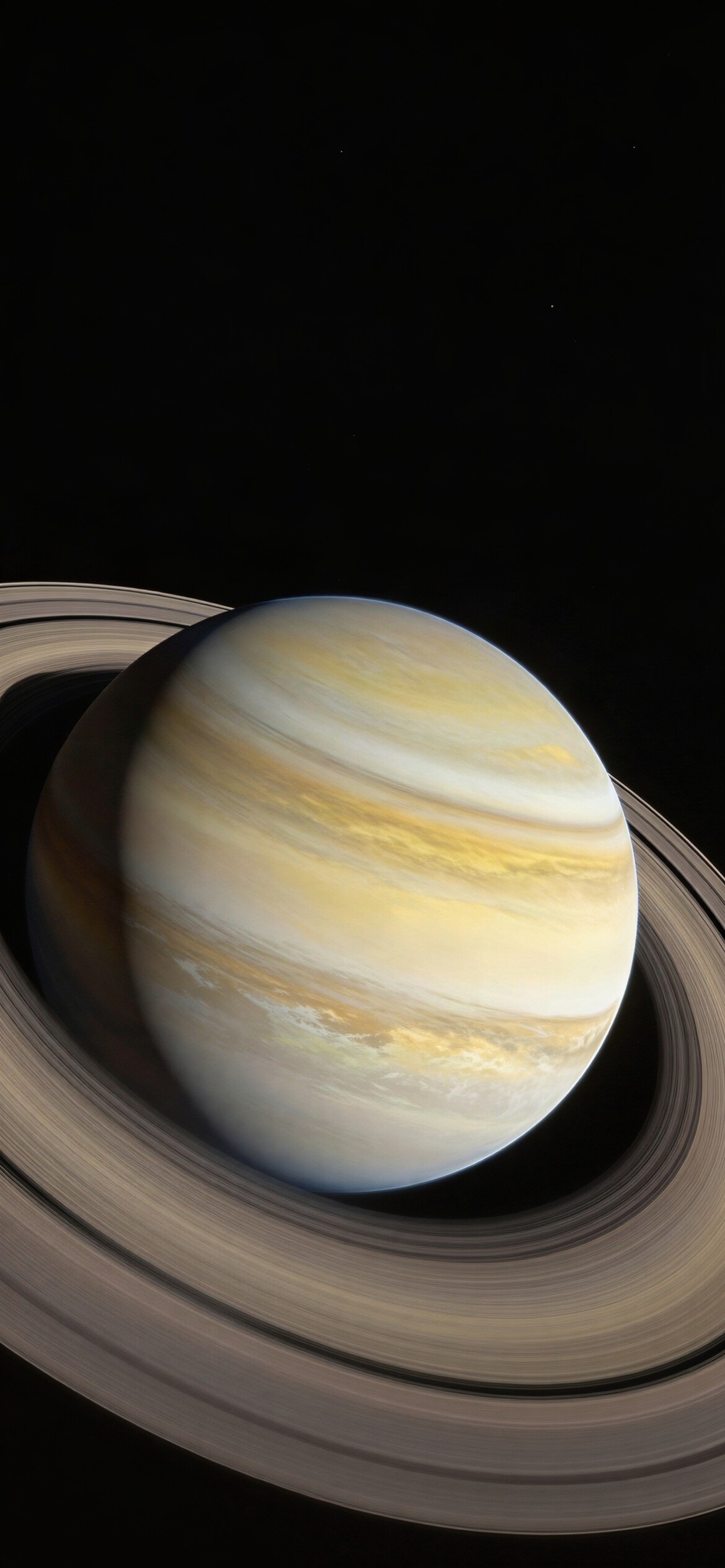
The giants are another kind of planet entirely, with no surface to land on, only thicker and thicker layers of gas. Wallpaper 2 is a blue and white gas giant with a thin, tilted ring, and 9 is a pale yellow one with cloud bands and rings, the nearest thing here to the classic ringed planet. Wallpaper 5 is an ice giant in pale cyan. In our own solar system Uranus and Neptune belong to that group, and their blue tint comes from methane in their atmospheres, which absorbs red light. Rings are not only a Saturn thing, either: Jupiter, Uranus and Neptune have them too, just much fainter.
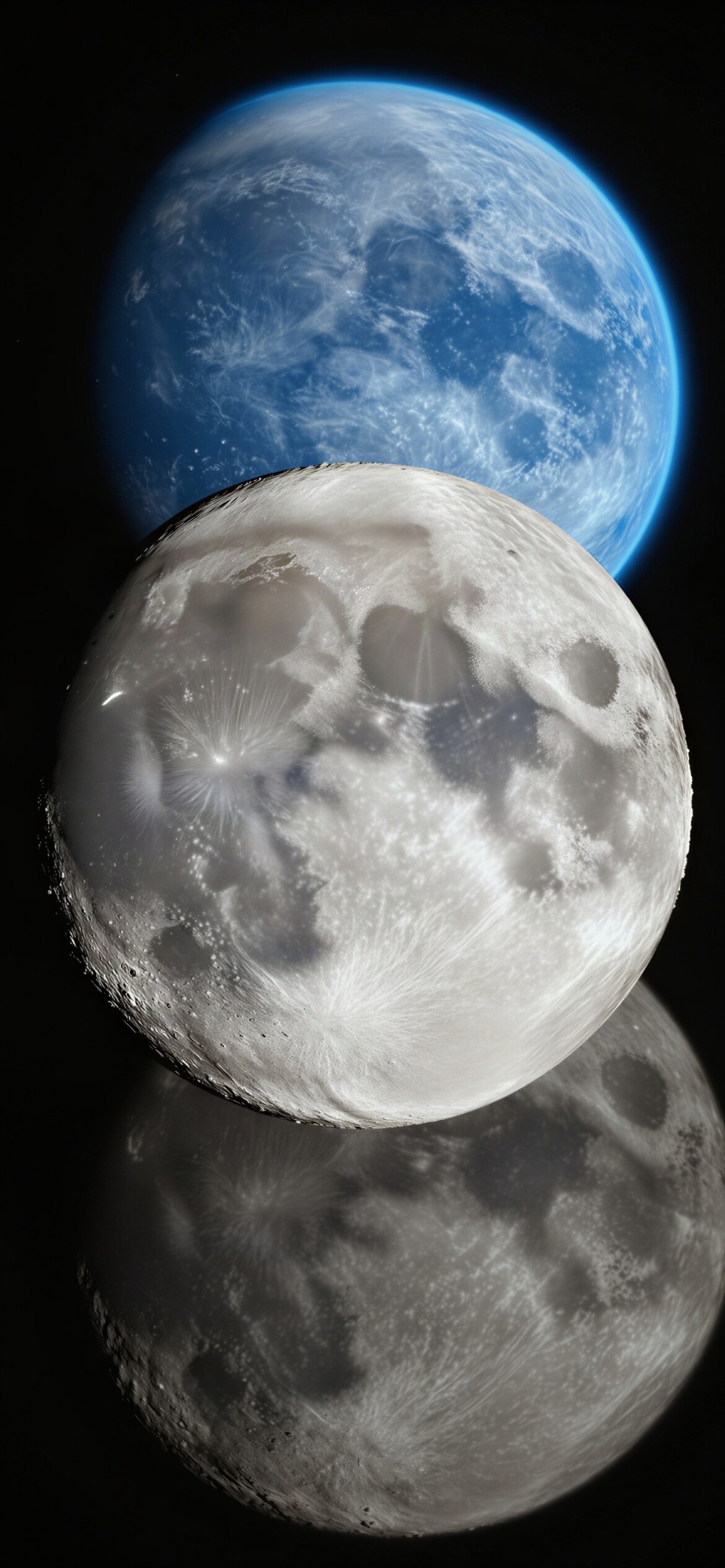
The last two are moons. Wallpaper 3 puts a grey cratered moon in front of a larger blue planet, and 6 shows a dark grey moon with deep craters and a thin glowing rim of atmosphere.
Why the craters stay and where the shadows grow
Craters last a very long time on worlds with little air or water. On Earth, wind, rain and shifting plates slowly wear impact scars away, but on a body like our Moon there is almost nothing to erase them, which is why the surfaces in wallpapers 3, 6 and 10 look so pitted.
Wallpaper 8 shows a detail astronomers like: the terminator, the line between day and night on a planet. Close to that line the Sun sits low on the horizon, so even small hills and crater rims throw long shadows, and the landscape stands out more sharply than anywhere else on the disc.
Rust, gold or cold blue?
- Warm and dusty: 1, 8 and 10, all reds, tans and ochres.
- Bright and sunny: 4 and 9, golden orange and pale yellow.
- Cool and quiet: 2, 3 and 5, in blues, whites and pale cyan.
- Dark and moody: 6 and 7, a charcoal moon and a purple storm world.
If you like real planets as much as imagined ones, our Saturn wallpapers and Mars wallpapers stay close to two worlds you can spot in the night sky, and the universe set pulls back for a much wider view of space.
How to set it on your iPhone
- Tap Download and save the image to Photos.
- Open Settings, tap Wallpaper, then Add New Wallpaper, and choose Photos.
- Pick the wallpaper, pinch to position it, then tap Add and choose the lock screen, home screen or both.
Stuck on a step? The iPhone and iPad guide has screenshots for each one.
Questions
Will these wallpapers fit my iPhone screen size?
Yes. These designs are created at 1170x2532 pixels, which is the standard resolution for modern iPhones. They are sized for modern iPhones, though some older models may crop slightly at the edges. When you download, your phone will fit the image to your specific model automatically.
Can I use these wallpapers commercially or share them elsewhere?
These wallpapers are free for personal use on your own devices only. Selling prints, reposting them on other wallpaper sites or using them in commercial projects is not allowed. See our Terms page for the full usage rights and restrictions.
Which planet wallpapers work best for lock screens versus home screens?
Lock screen wallpapers look best with planets in the center or lower half, leaving the top clear for notifications. Home screen wallpapers need more empty space at the top so app icons stay readable. Choose designs with simple upper quarters and lots of black space for your home screen arrangement.
Do these planet designs look good with dark mode and OLED displays?
Yes. All designs use pure black backgrounds with planets and stars as the only bright elements. This creates sharp contrast on OLED screens, saves battery life and pairs perfectly with dark mode. The minimal color palette also works well with any icon theme you choose.