Lightning Wallpaper iPhone
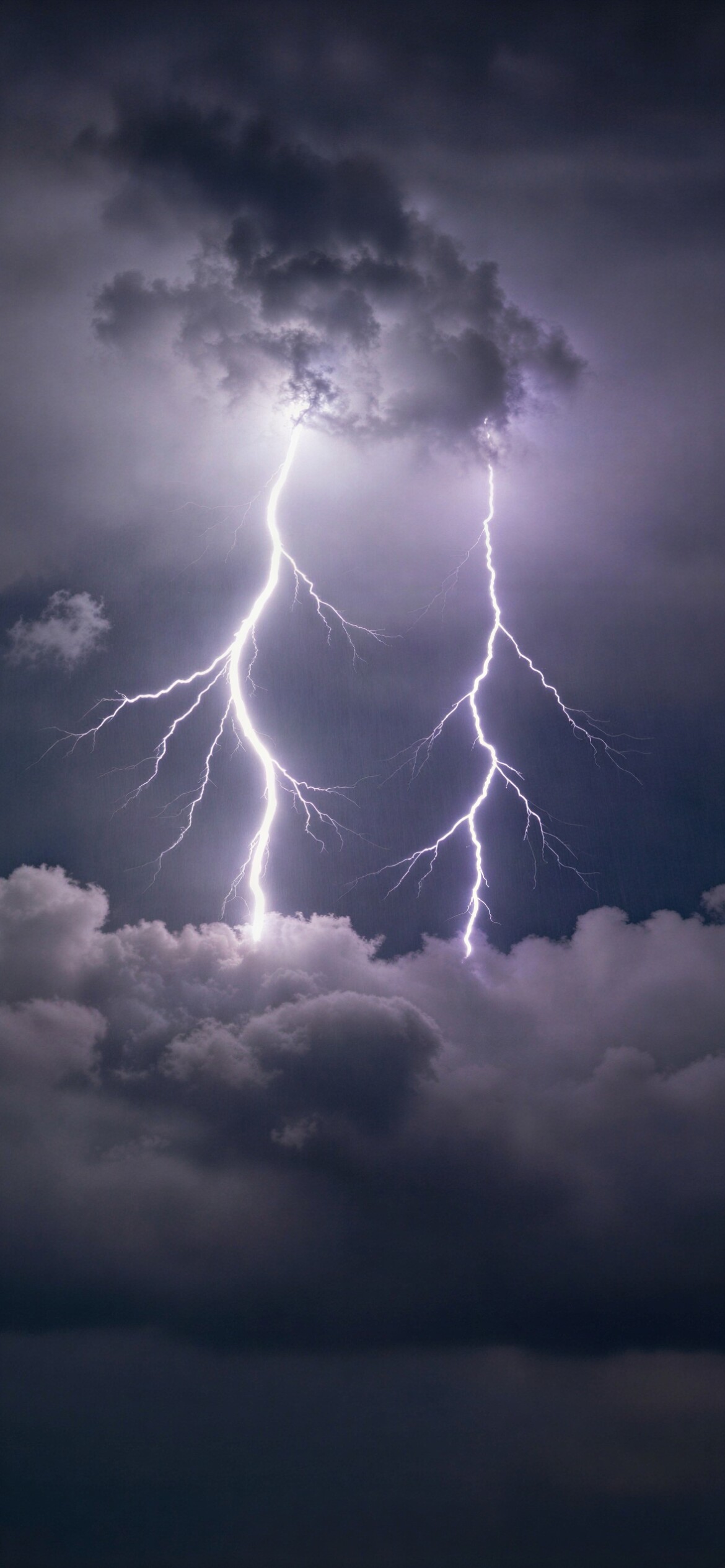
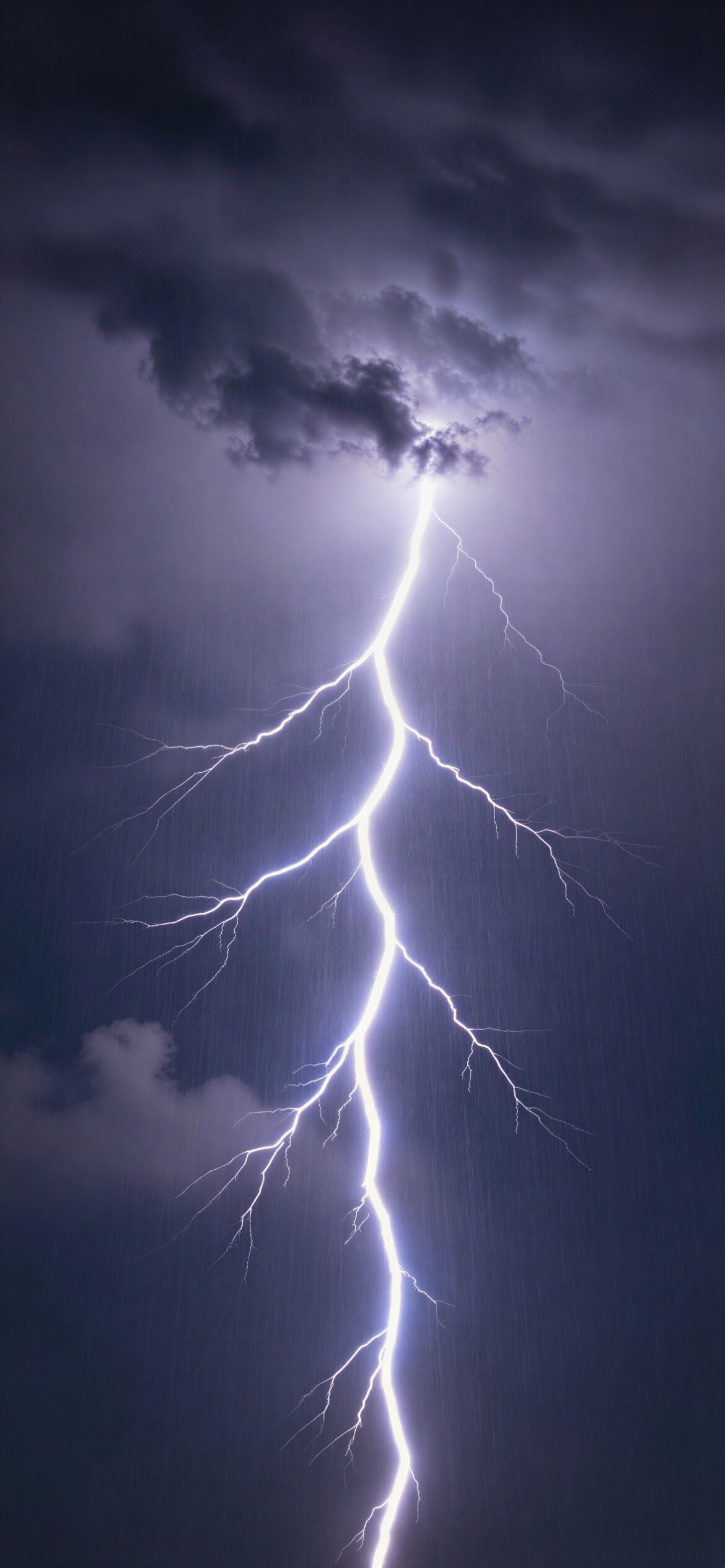
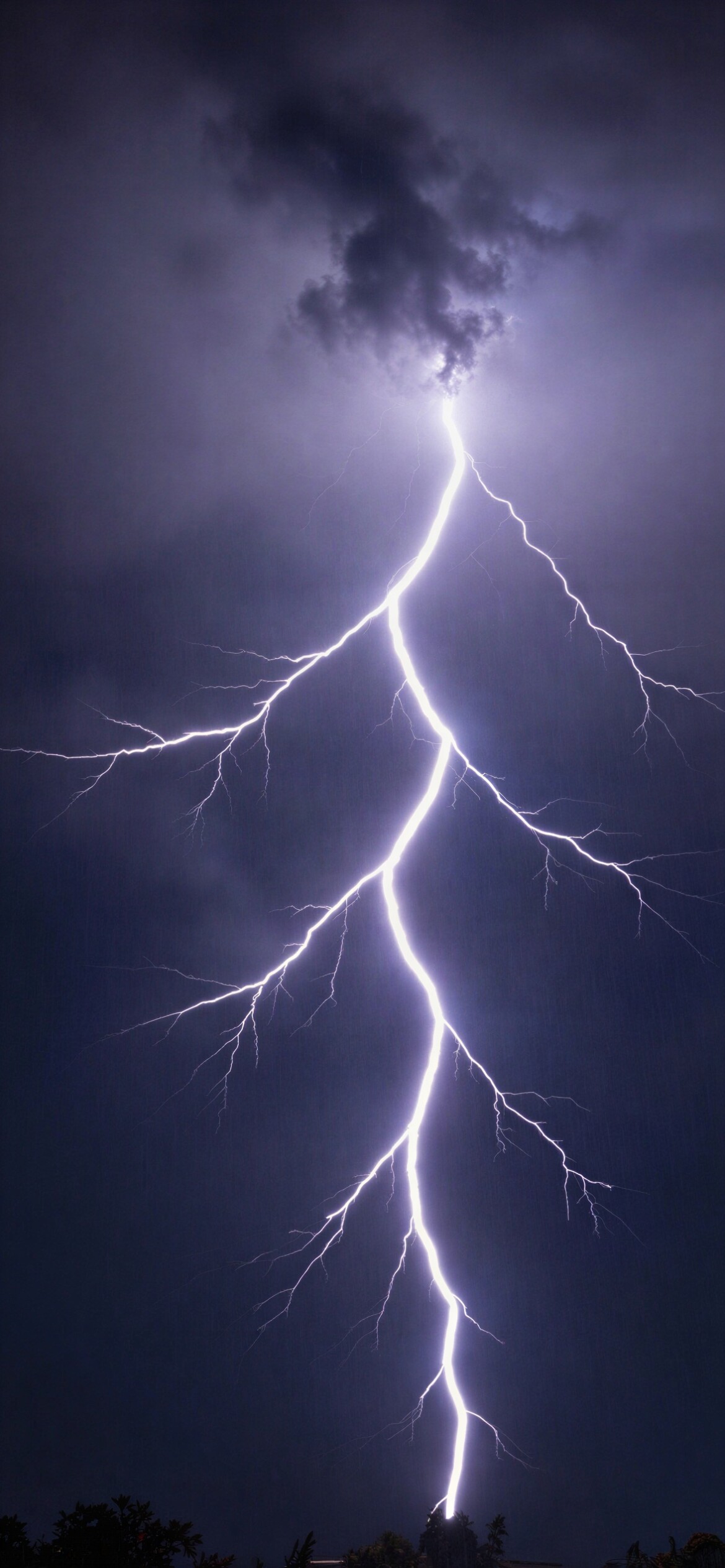
Lightning wallpaper for iPhone displays dramatic storm scenes with electric bolts, dark clouds and charged skies, free to download for your device. Each design captures the raw power and beauty of thunderstorms in their moment. Whether you prefer a single bright strike cutting through darkness or multiple bolts illuminating a turbulent sky, these lightning wallpapers bring energy and atmosphere to your lock screen or home screen. The moody color palettes work well on any iPhone model and pair nicely with minimal icon layouts.
10 wallpapers at 1170 × 2532 px for iPhone. Checked by hand on 8 Oct 2026.
About this set
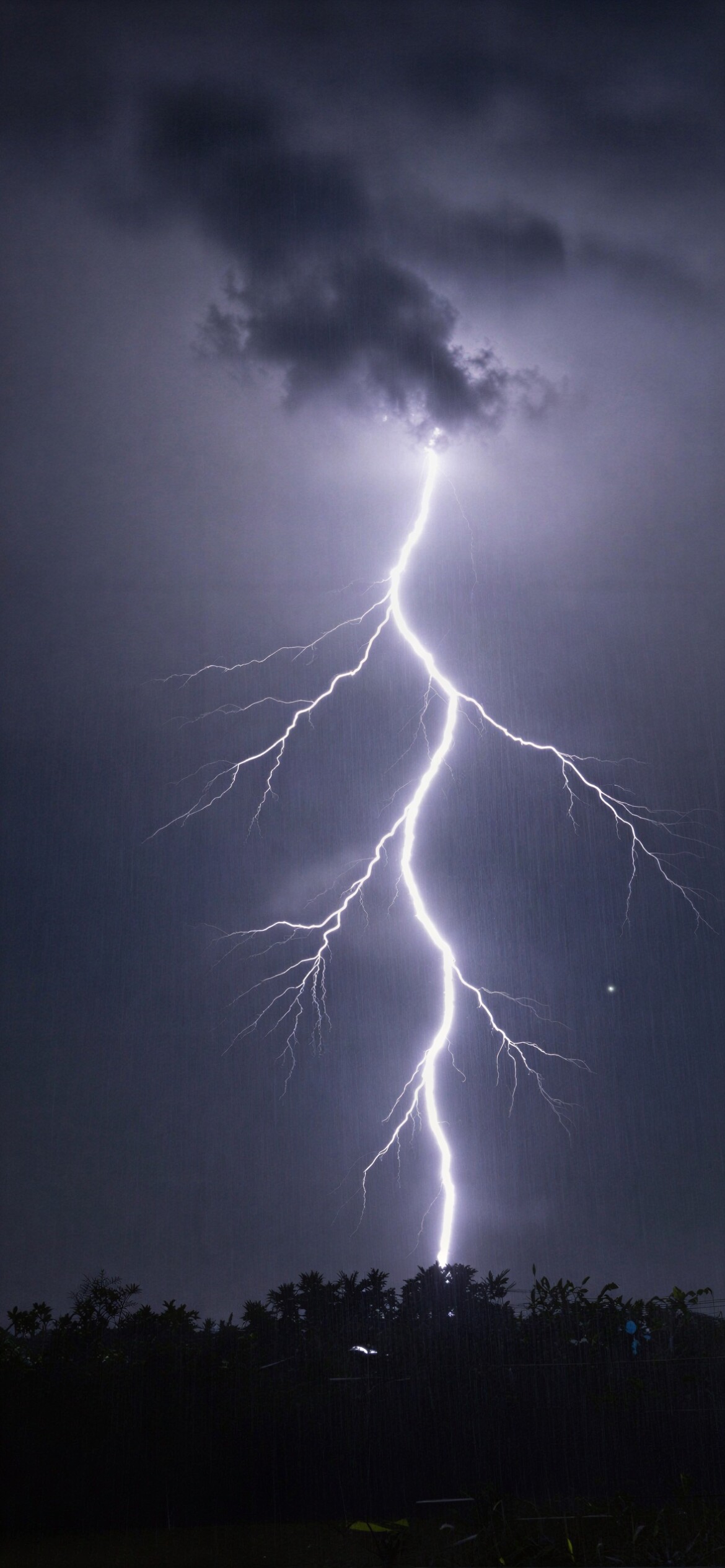
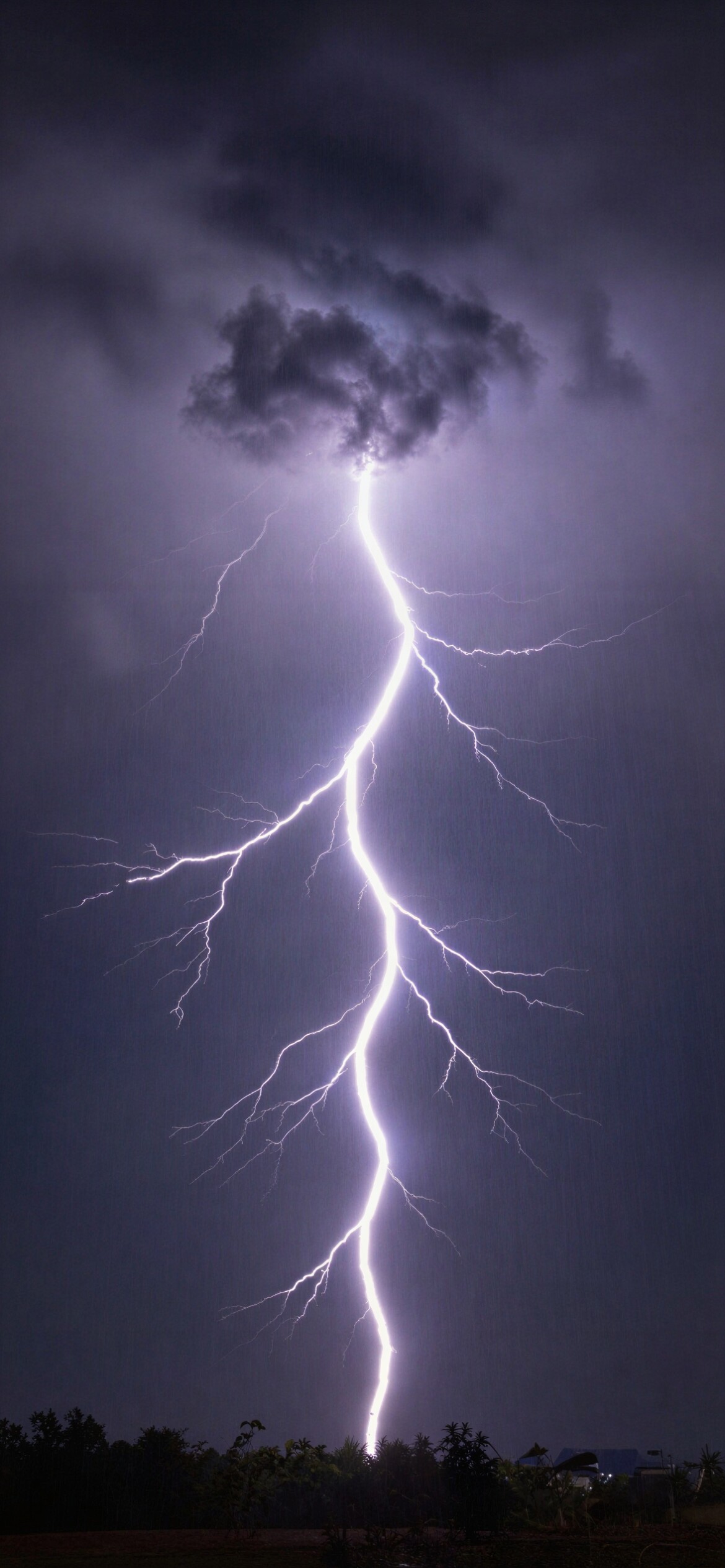
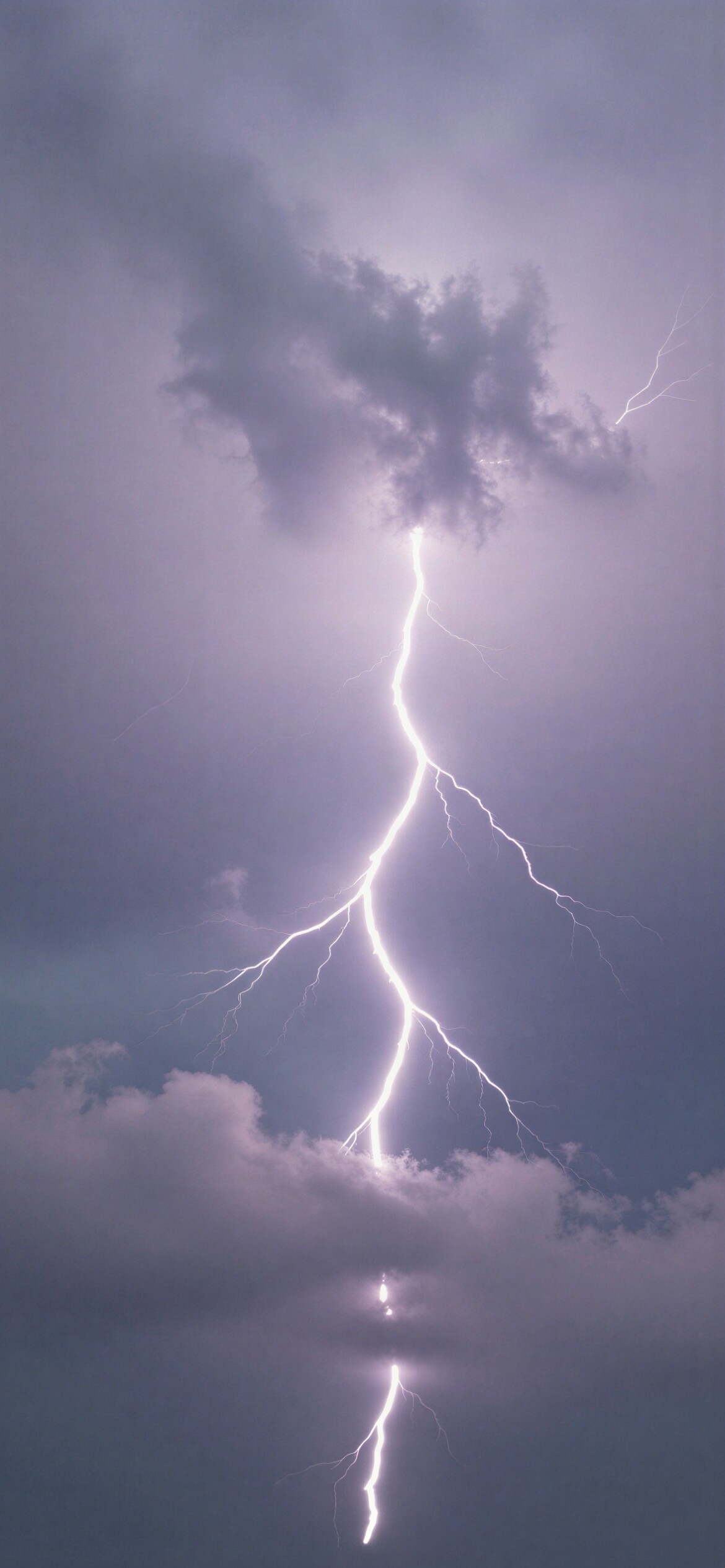
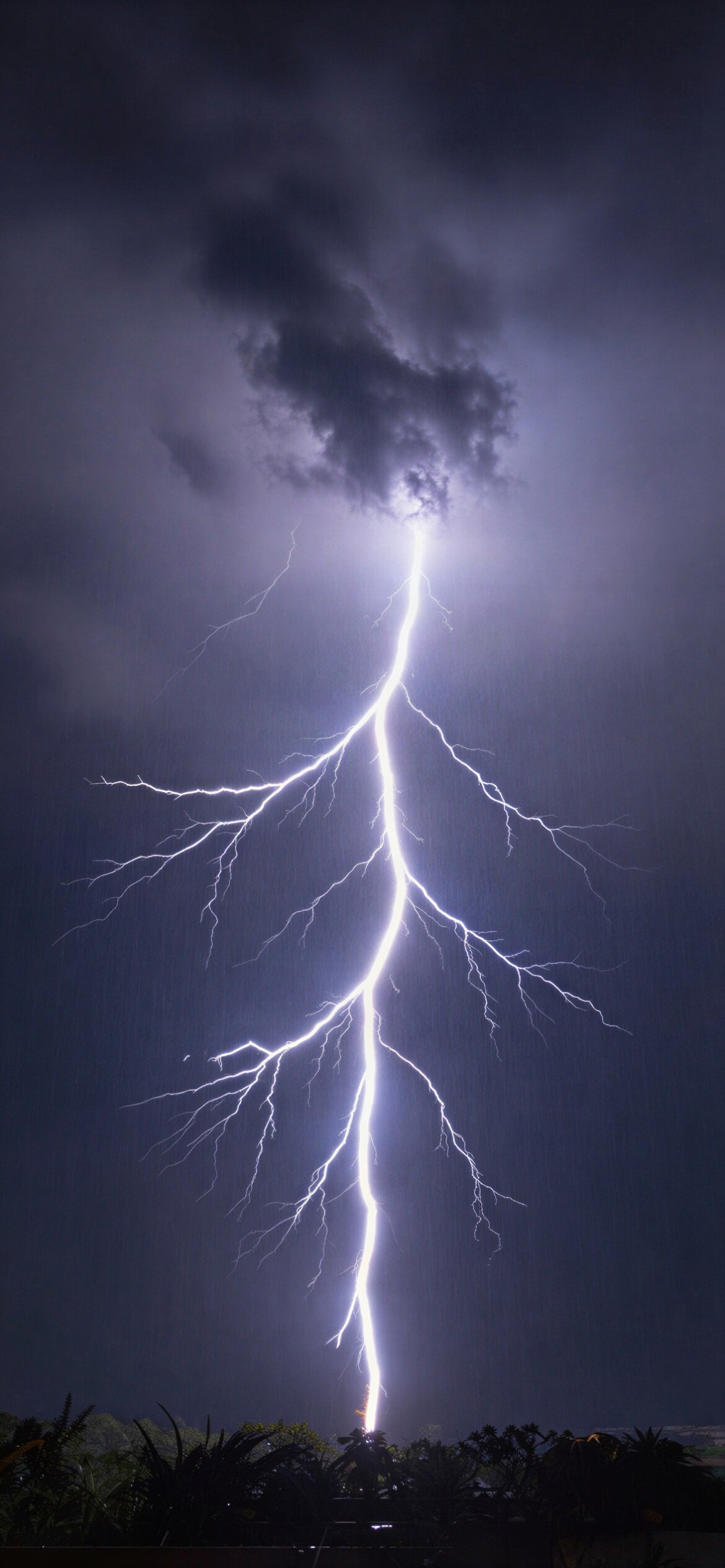
These lightning wallpapers showcase the raw intensity of electrical storms with dramatic bolts, dark clouds and charged skies. The designs use a moody palette of charcoal, deep grey, purple and electric blue to create atmosphere and energy. The vertical composition works perfectly for iPhone screens, with the main lightning strike positioned in the middle or lower half and simpler sky tones at the top for a clean look.
The darker designs work best as lock screen wallpapers, where they frame notifications and time displays without distraction. For home screens, pair these with minimal icon sets that won't compete with the dramatic storm imagery. The moody tones complement both light and dark mode interfaces well.
Hotter than the surface of the Sun
A lightning channel heats the air around it to roughly 30,000 kelvin for a split second, several times hotter than the visible surface of the Sun. The air expands so fast that it sends out a shock wave, and that is the thunder you hear. Light reaches you almost instantly while sound covers about a kilometre every three seconds, so counting the gap between flash and rumble tells you roughly how far off the storm is.
Most flashes never touch the ground. Many stay inside or between clouds, and some spread sideways for long distances under the cloud base, which is the kind of web shown in wallpaper 4. The forked bolts in the rest of the set are the cloud-to-ground type, where the bright main channel is often trailed by fainter branches that stop short of the ground.
Strike by strike
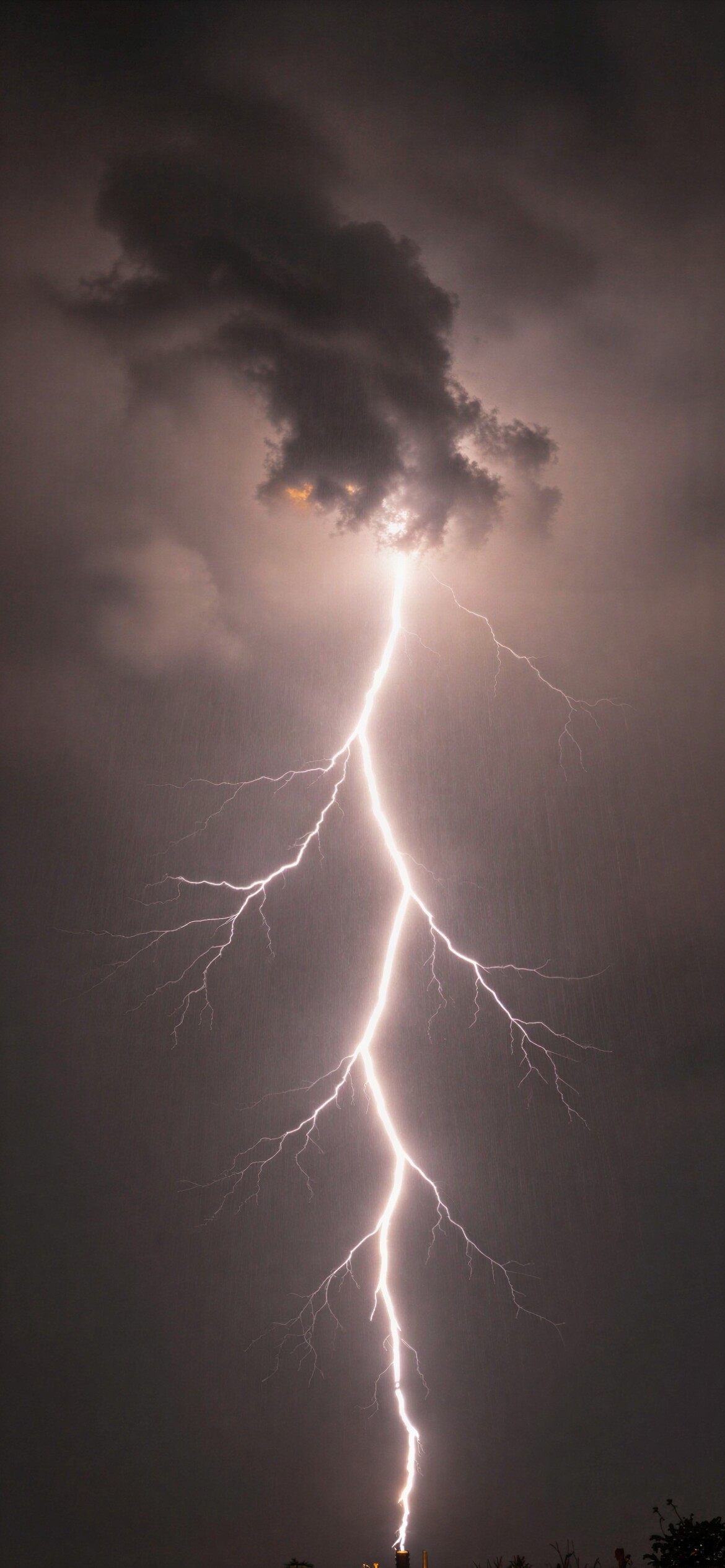
- One white bolt dropping straight through dark cloud. The cleanest design here and the easiest to read the clock over.
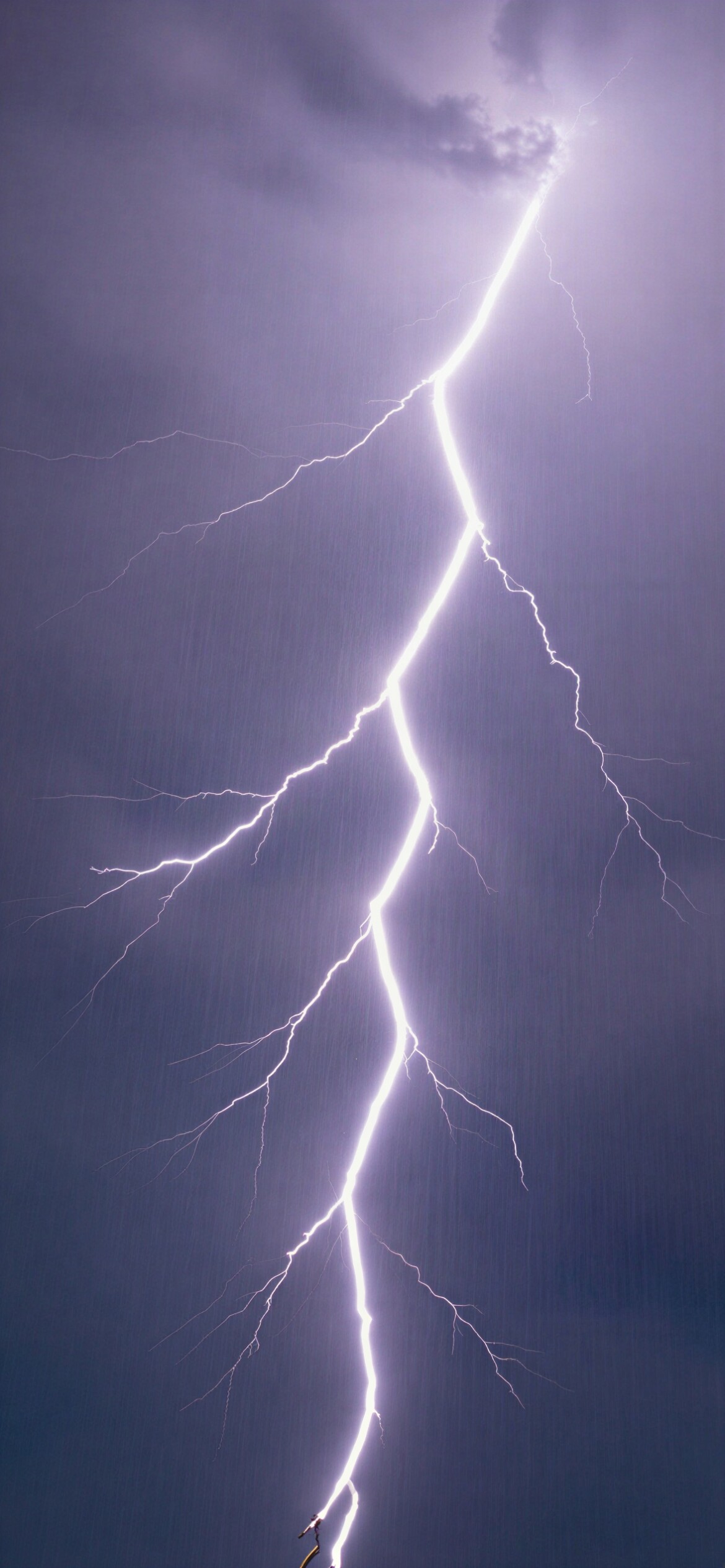
- Three forked branches in a purple-grey sky, with heavy rain.
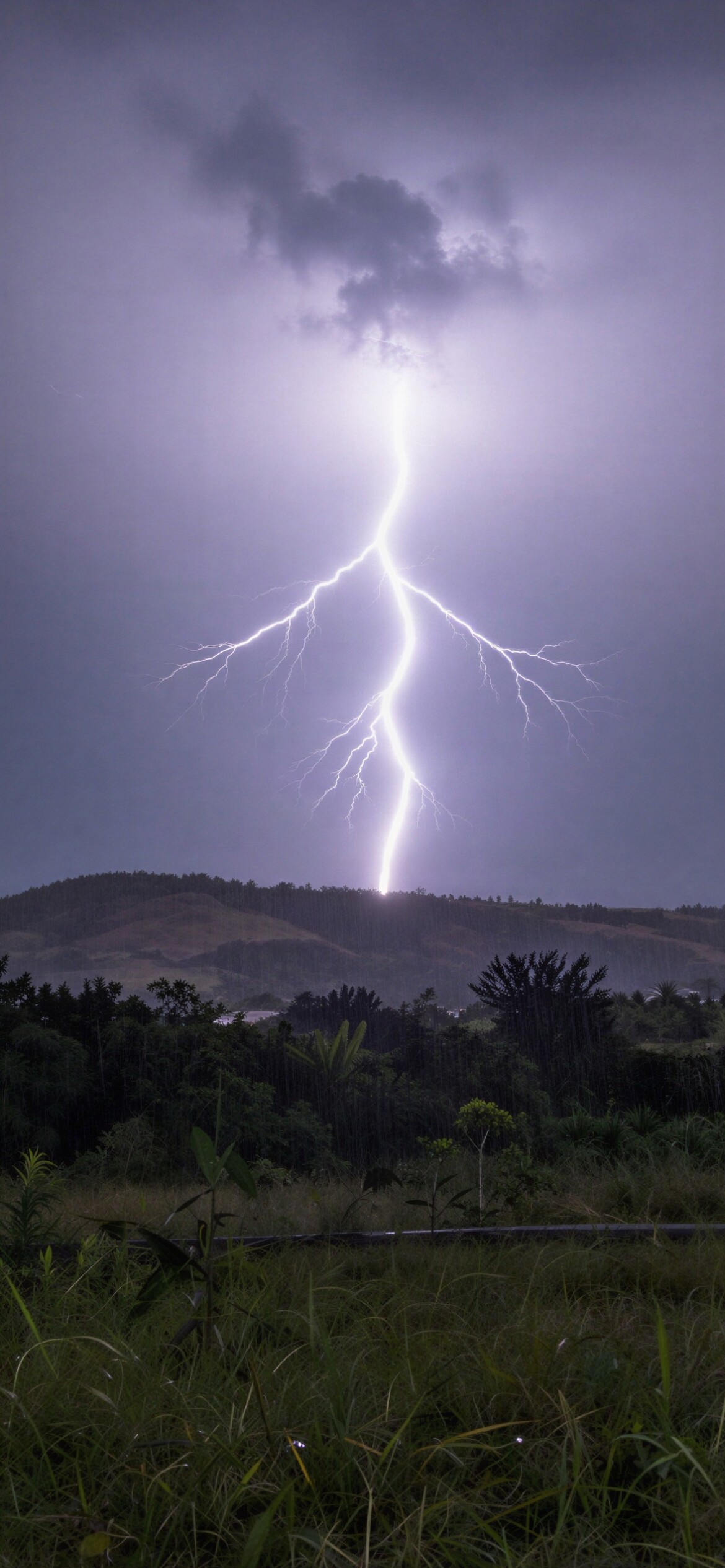
- A huge strike lighting up hills and silhouetted trees, the only scene in the set with land in it.
- A horizontal web of lightning crawling under the cloud, softened by rain mist.
- A tall vertical bolt and its branches, set in grey and indigo cloud.
- Several bolts flashing at once across a churning sky. It is busy, so it suits a lock screen better than a page of icons.
- A white trunk splitting into electric blue branches through rolling storm cloud.
- Two strikes forking down through swirling dark cloud.
- A bolt with a glowing white core passing through stacked layers of cloud.
- Branching lightning with purple and blue accents against a dark sky.
Purple storms and steel-grey ones
The set splits fairly evenly by tint. Wallpapers 2, 5 and 10 carry purple and indigo, which feels a little softer at night. Numbers 1, 7 and 9 are the cold, high-contrast ones, with white or blue-white bolts against near-black cloud. Numbers 4, 6 and 8 are grey, rainy and full of movement, and 3 stands apart thanks to its dark hills and trees.
On an iPhone with an OLED display, dark areas of an image use less power than bright ones, so a storm scene like these is a little easier on the battery than a white background, though the difference is small. For more weather and night skies, try the clouds collection, the night sky set or the calmer sky wallpapers.
How to set it on your iPhone
- Tap Download and save the image to Photos.
- Open Settings, tap Wallpaper, then Add New Wallpaper, and choose Photos.
- Pick the wallpaper, pinch to position it, then tap Add and choose the lock screen, home screen or both.
Stuck on a step? The iPhone and iPad guide has screenshots for each one.
Questions
Do these wallpapers fit my iPhone screen size?
Yes. These designs are created at 1170x2532 pixels, the standard size for iPhone screens. They are sized for modern iPhones, and some older models may crop slightly at the edges. The vertical composition is optimized for the full screen height with the main lightning subject positioned in the middle or lower half.
Can I use these wallpapers commercially or share them elsewhere?
These wallpapers are free for personal use on your own devices only. You may not sell them, print them for sale, or repost them on other websites or wallpaper apps. For complete details on usage rights, please see our Terms page.
Which wallpapers work best for lock screens versus home screens?
All of these designs work well as lock screen wallpapers, where the dramatic lightning and dark tones frame your time and notifications beautifully. For home screens, choose designs with simpler cloud cover at the top to avoid visual competition with your app icons. The darker designs pair best with minimal icon layouts.
What makes these lightning wallpapers different from other storm designs?
These designs focus specifically on the lightning itself as the main subject, with the bolts positioned prominently and lit dramatically against dark clouds. The color palette emphasizes the electric blues and whites of the strikes rather than landscape details, creating high-contrast, energetic imagery that stands out on your screen.