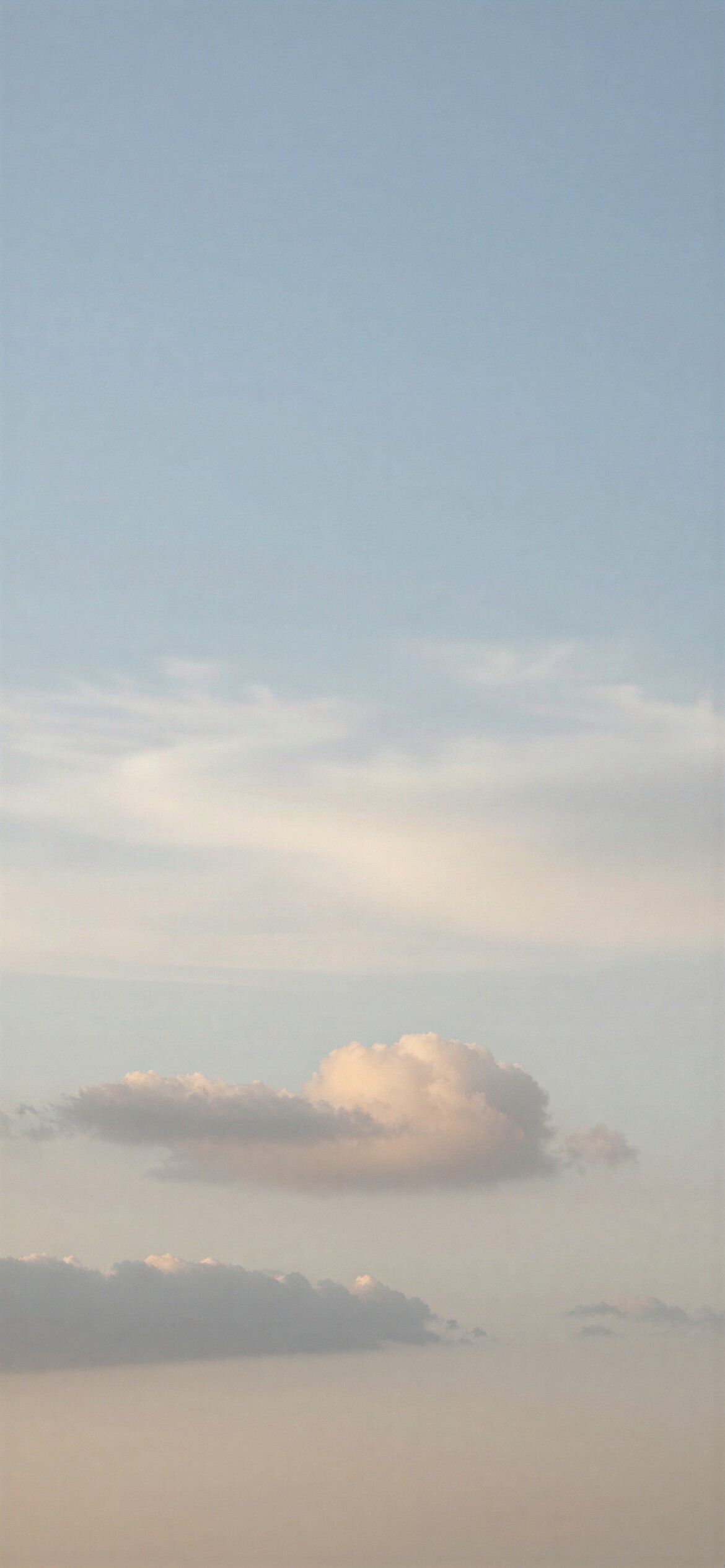
Clouds Wallpaper iPhone
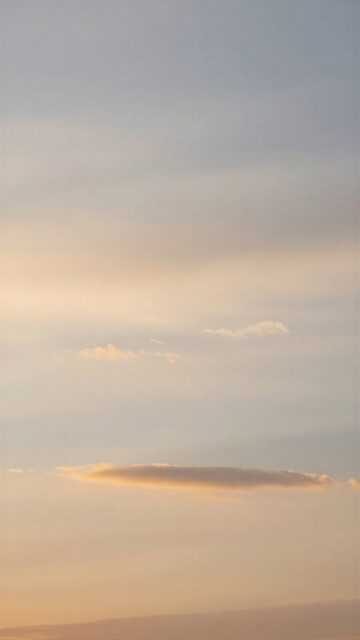
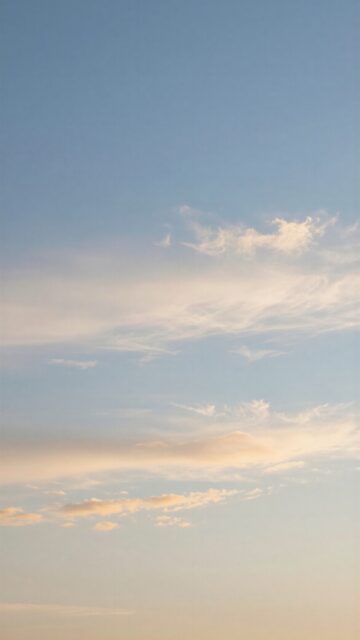
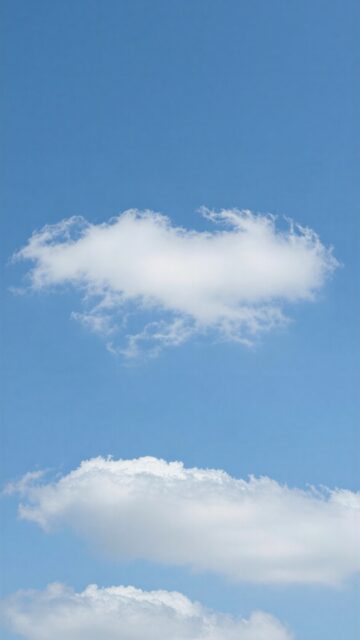
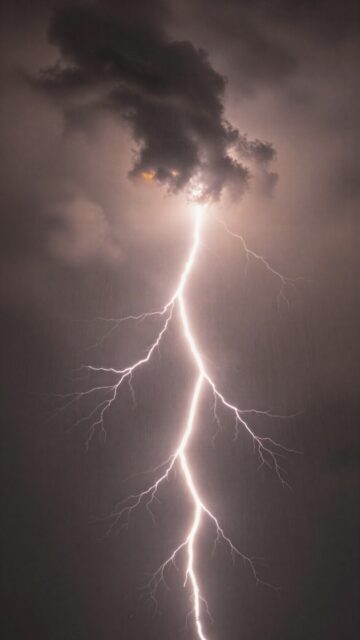
Clouds wallpaper for iPhone offers serene sky views with soft light and peaceful atmospheres, ready to download free for all iPhone sizes. These vertical designs fill your screen with natural cloud formations, golden hour glow and calm blue skies. Each wallpaper works well as a lock screen or home screen backdrop, bringing quiet beauty to your phone throughout the year.
10 wallpapers at 1170 × 2532 px for iPhone. Checked by hand on 6 Oct 2026.
About this set
This set captures the quiet beauty of clouds in natural light, from soft dawn skies to golden hour glow. Each wallpaper uses real cloud formations and atmospheric depth to create a serene, spacious feel on your screen. The designs work equally well as lock screens and home screens, with simple upper areas that keep text readable and don’t compete with app icons.
Pair these wallpapers with minimal lock screen widgets or focus modes that let the sky remain the main focus. They suit both light and dark mode setups, and work year-round without seasonal themes. The soft, cool tones complement most app colors and notification badges without visual clutter.
A pharmacist who named the sky
Most of the cloud names we still use go back to 1802, when Luke Howard, a London pharmacist and keen amateur weather watcher, gave a talk sorting clouds into a few families with Latin names. Cumulus means heap, cirrus means a curl of hair and stratus means a layer. Meteorologists built on his system rather than replacing it.
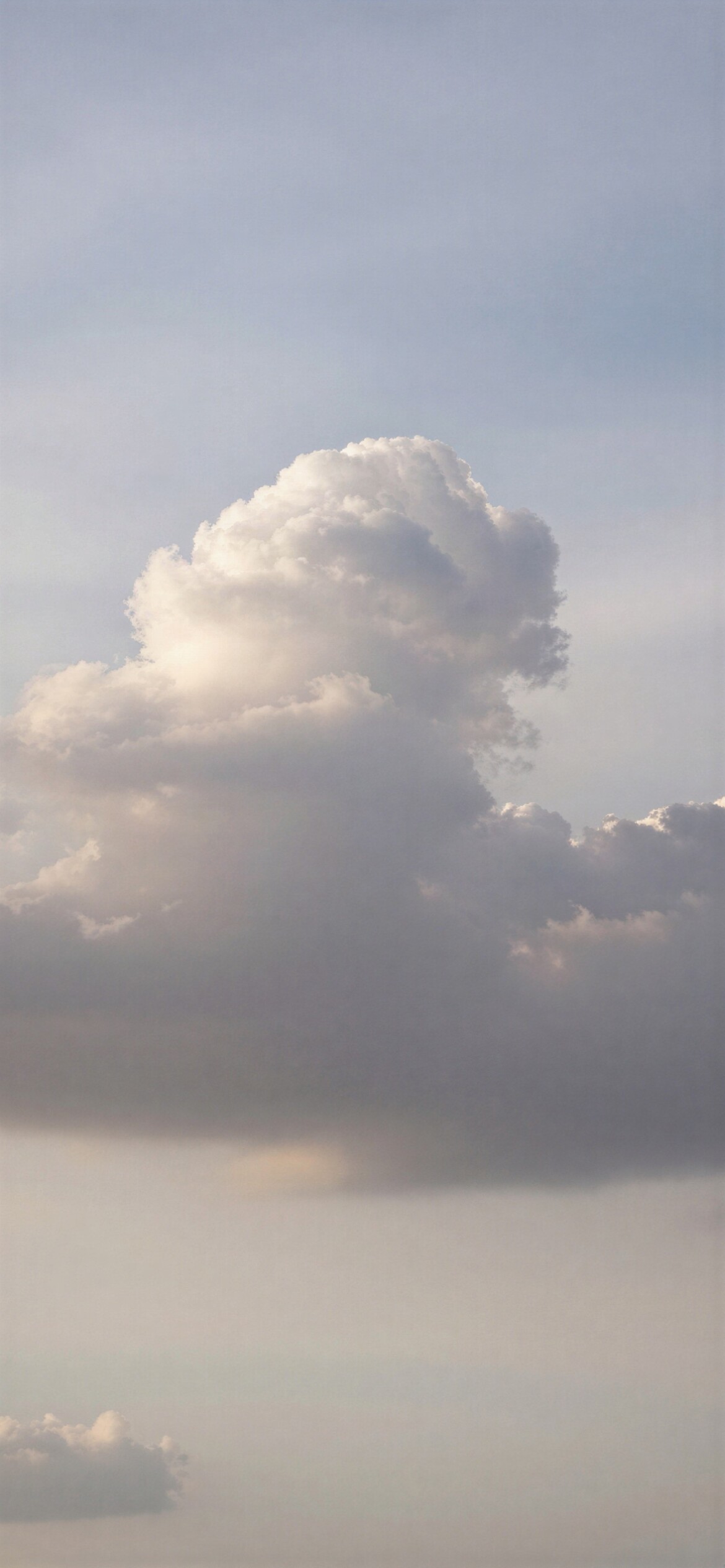
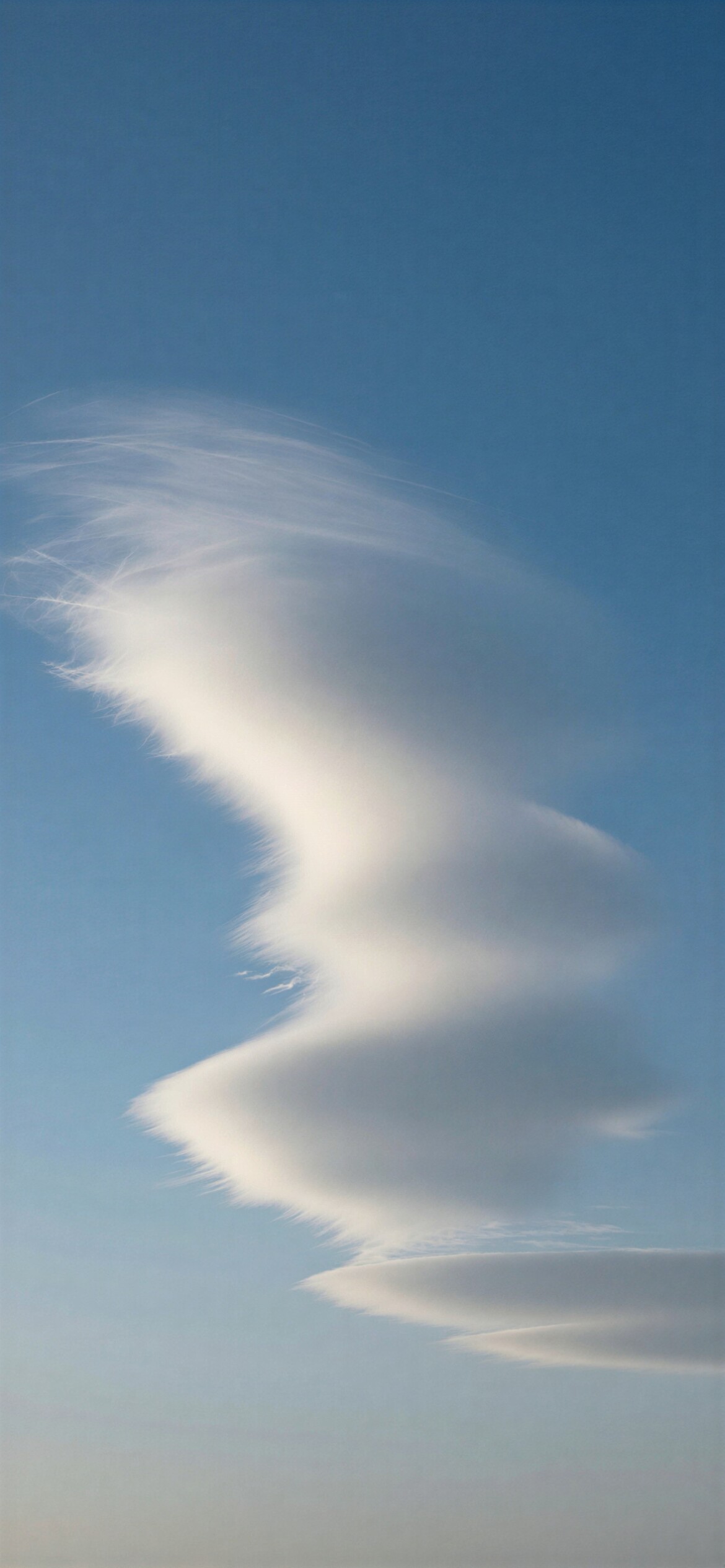
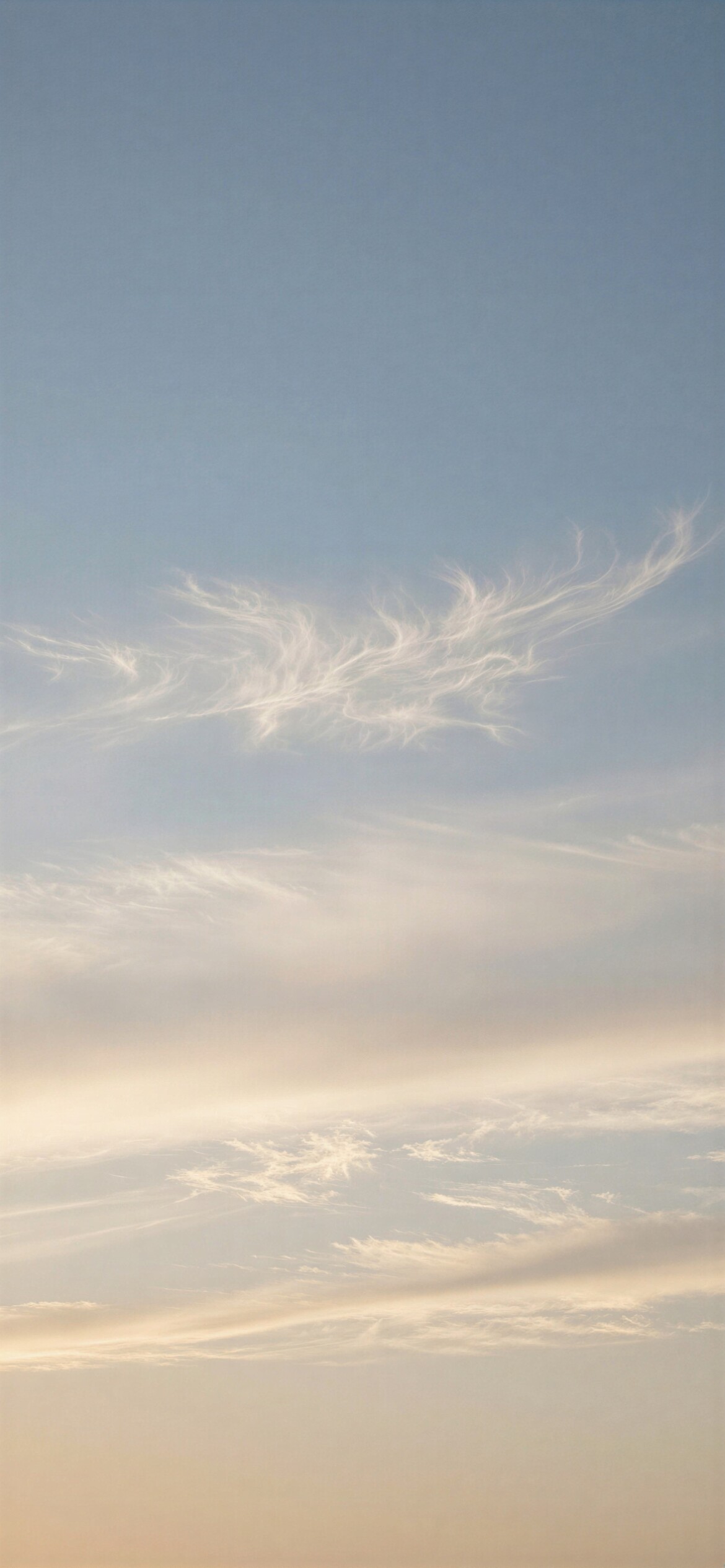
Those families live at different heights. Cirrus, as in wallpapers 5 and 10, forms high up where the air is cold enough for the cloud to be made of ice crystals, which is why it looks thin and streaky. Cumulus, like the tower in 2 and the puffy one in 9, is a lower cloud pushed up by rising warm air; with enough moisture it can keep climbing until it becomes a storm cloud. The smooth lens in 4 is a lenticular cloud. These usually form where wind passes over mountains and sets up standing waves in the air, and they have been mistaken for flying saucers more than once.
Cloud by cloud
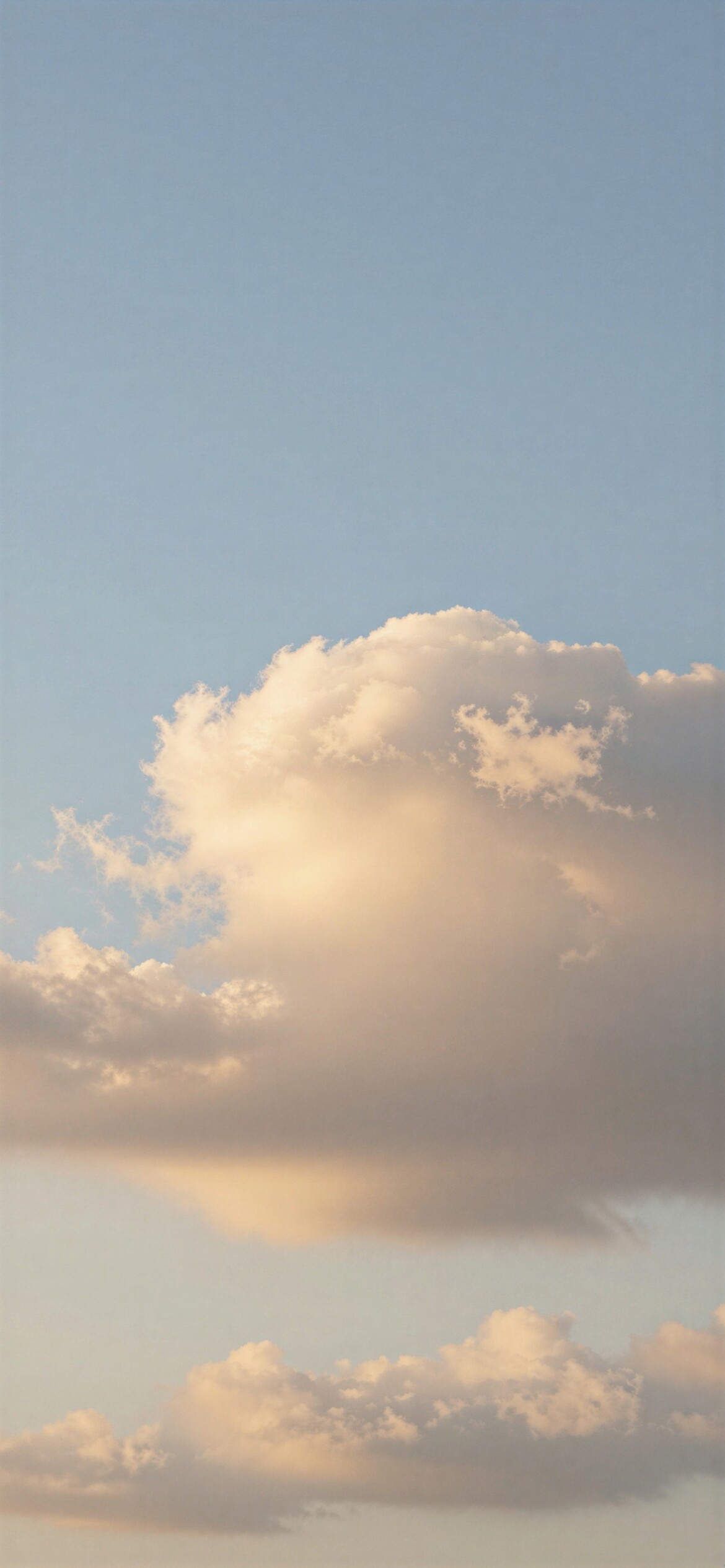
- 1: a white billow glowing in golden hour light against pale blue, the brightest picture in the set.
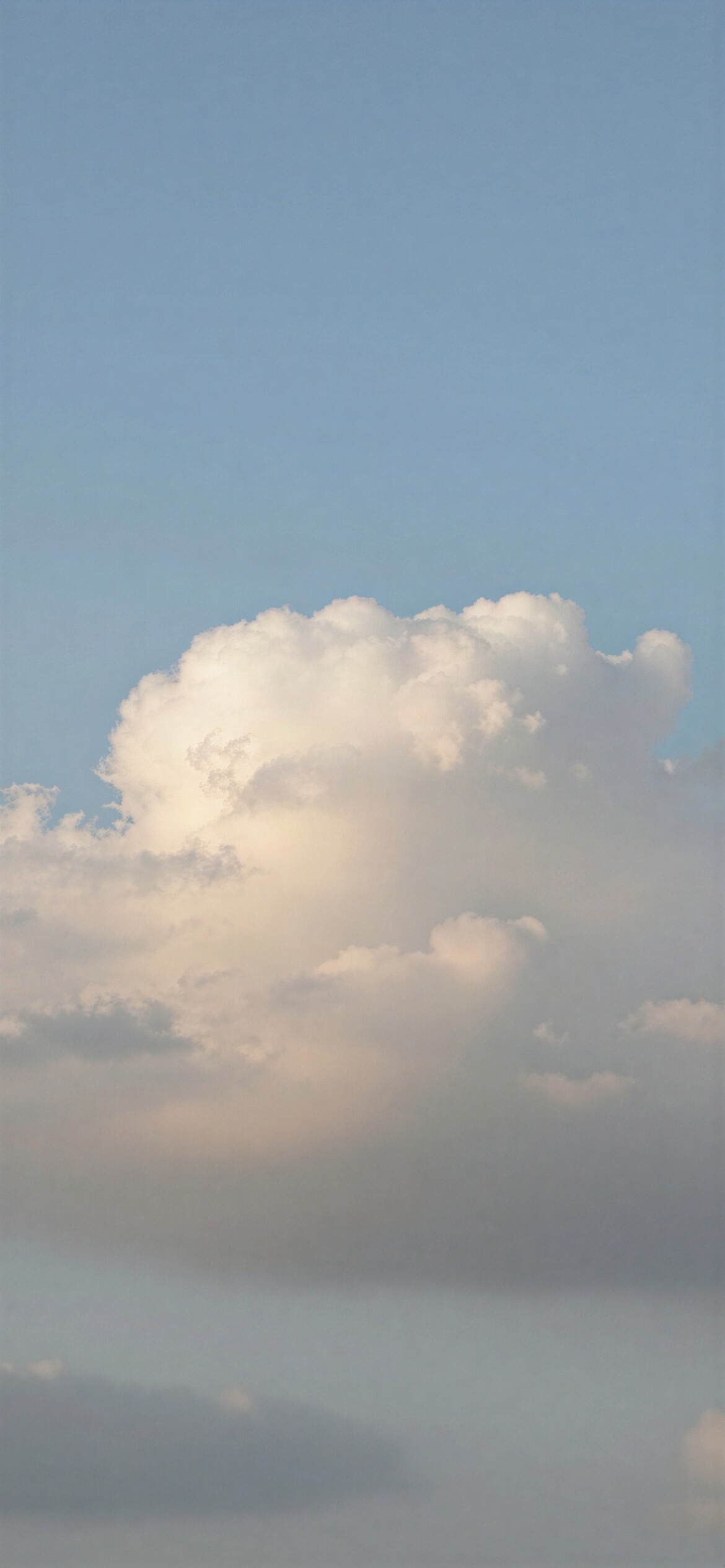
- 2: a tall cumulus rising from the lower part of the frame, leaving the top almost empty for the clock.
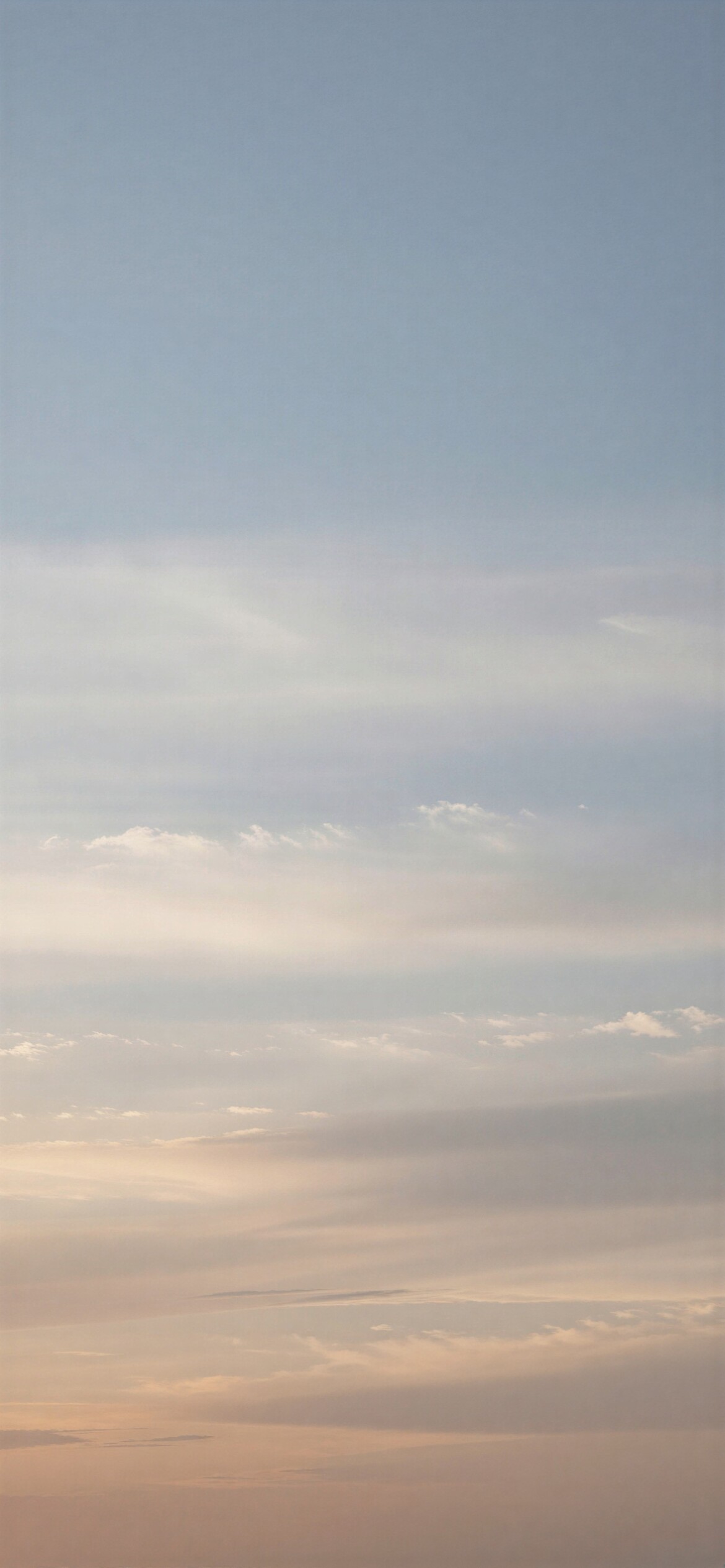
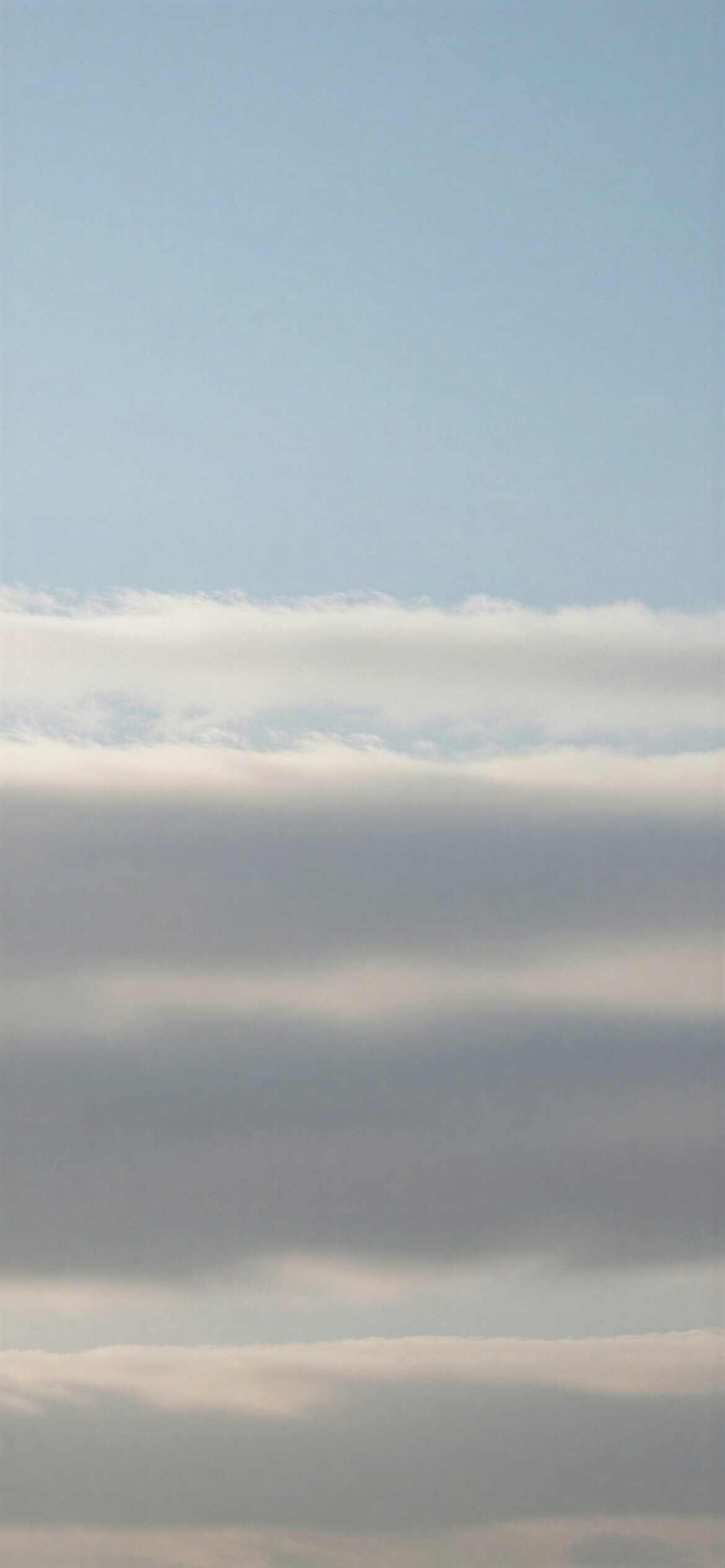
- 3: wispy white and grey layers stretched across a calm sky, easy to keep behind a full grid of icons.
- 4: the lenticular cloud, catching sun in clear blue. Simple and almost graphic.
- 5: fine cirrus spreading low in the frame, very light and soft.
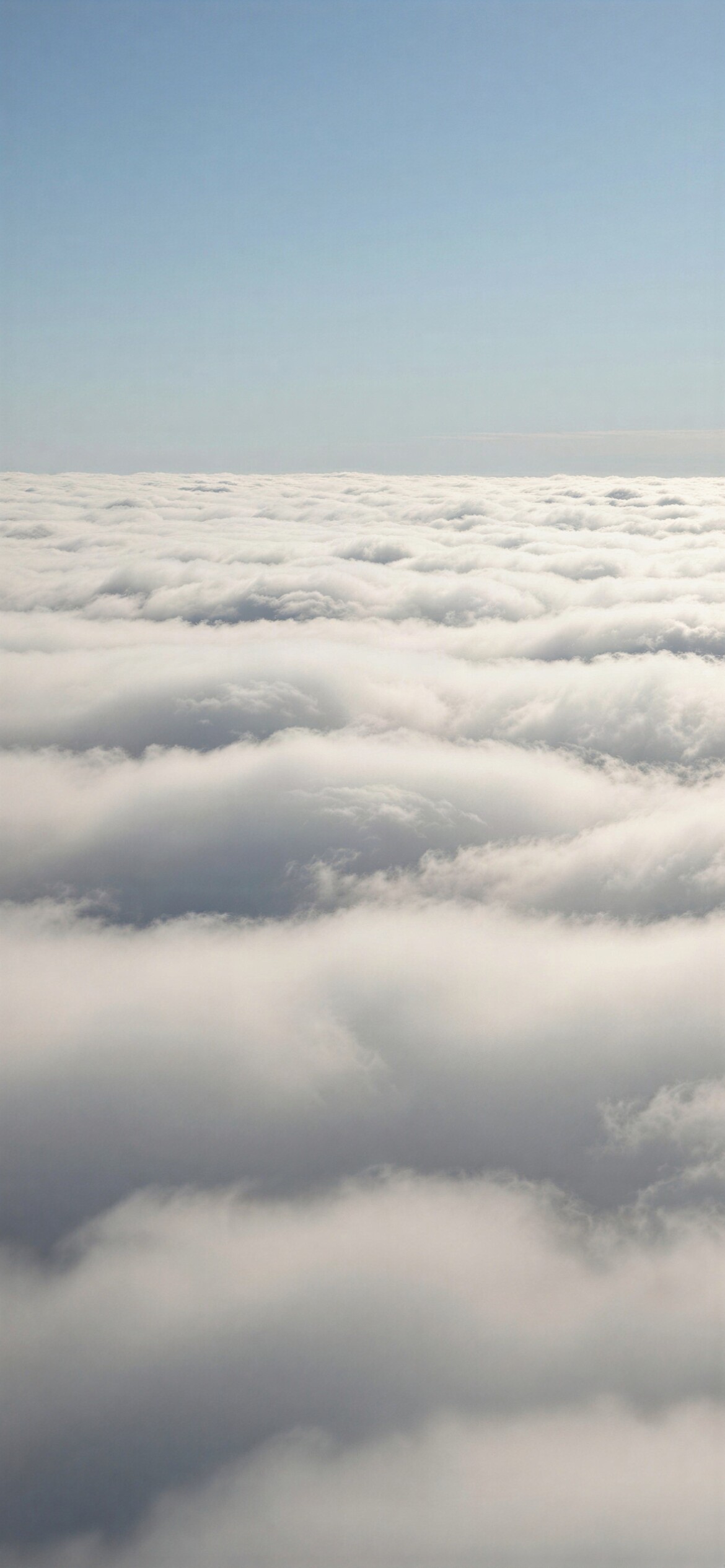
- 6: a thick white blanket of cloud with blue sky above it.
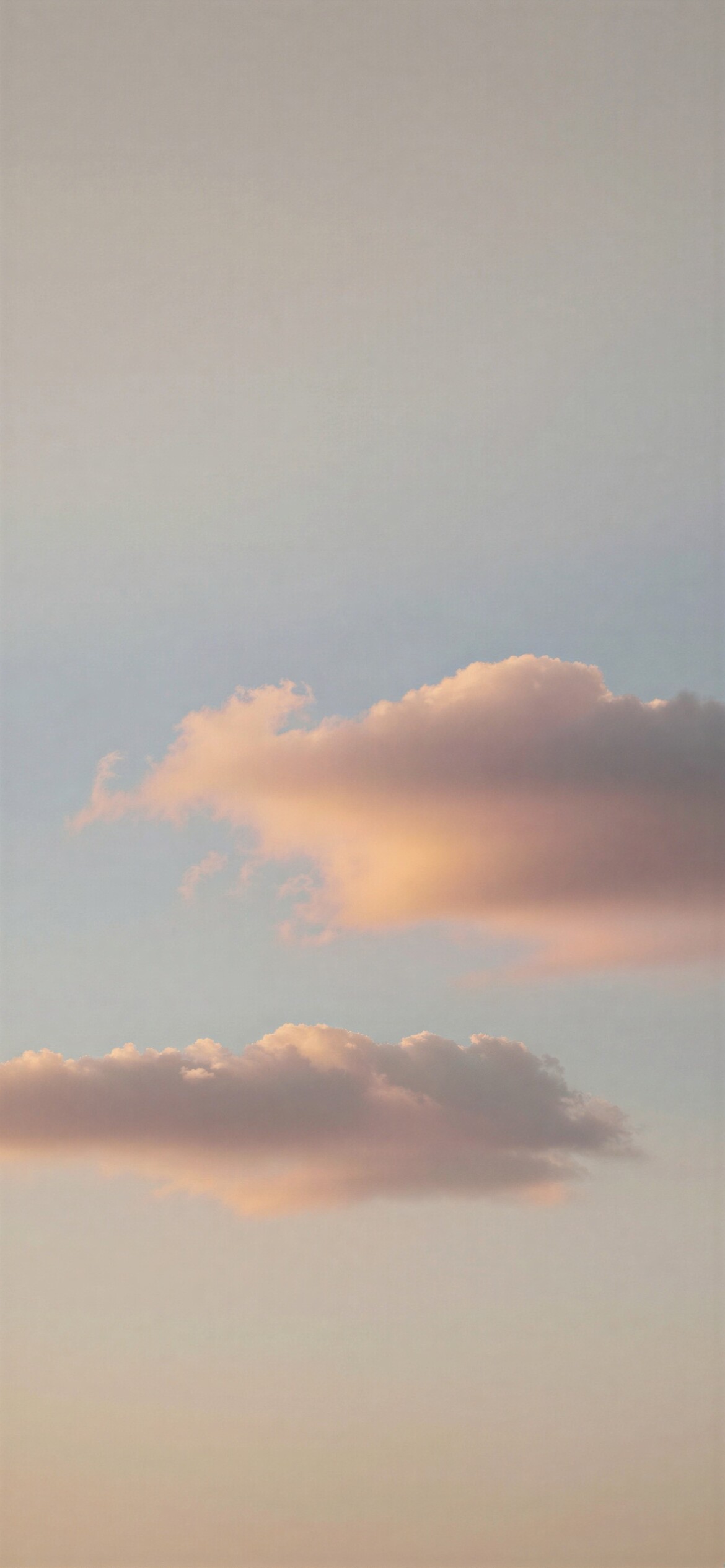
- 7: a pink-tinted cloud in warm golden hour light.
- 8: soft white and grey layers against a clear sky, a quieter cousin of 3.
- 9: a puffy cloud lit warm on one side and cool on the other.
- 10: thin clouds scattered across a gradient sky, the most minimal of the ten.
Gold edges, clear blue or soft grey
The warm ones are 1, 7 and 9, where low sun turns the cloud gold or pink. That colour shows up because light from a sun near the horizon travels through much more air, and most of the blue is scattered away before it reaches you. For clean, cool blue, pick 2, 4, 5 or 6. The softest and greyest options are 3, 8 and 10, which sit quietly behind widgets. For more open air, try the sky wallpapers or the sunset set, and when you want weather with more drama, the lightning collection has it.
How to set it on your iPhone
- Tap Download and save the image to Photos.
- Open Settings, tap Wallpaper, then Add New Wallpaper, and choose Photos.
- Pick the wallpaper, pinch to position it, then tap Add and choose the lock screen, home screen or both.
Stuck on a step? The iPhone and iPad guide has screenshots for each one.
Questions
Will these wallpapers fit my iPhone screen?
Yes. This set is designed for the full 1170x2532 pixel height and width of modern iPhones. The images fill edge to edge without cropping. If you use an older iPhone model, your device will scale the wallpaper to fit, though you may see slight cropping on the sides or top.
Can I use these wallpapers for personal use?
Yes, these wallpapers are free to download and use on your own devices for personal use only. You may not sell them, print them for sale, or repost them on other wallpaper sites or social media without permission. See our Terms page for full details.
Which wallpapers work best as lock screens versus home screens?
All of these designs work well for both. Use them as lock screens to showcase the cloud details without app icon interference, or set as home screens with your app icons arranged in the lower third. The simple upper sky areas keep time and notifications clearly readable on lock screens.
Do these cloud wallpapers work with dark mode?
Yes. The soft blues, whites and warm tones in this set complement both light and dark mode setups. The cloud formations remain visible and beautiful against either mode, and the designs don't clash with system elements or app colors.