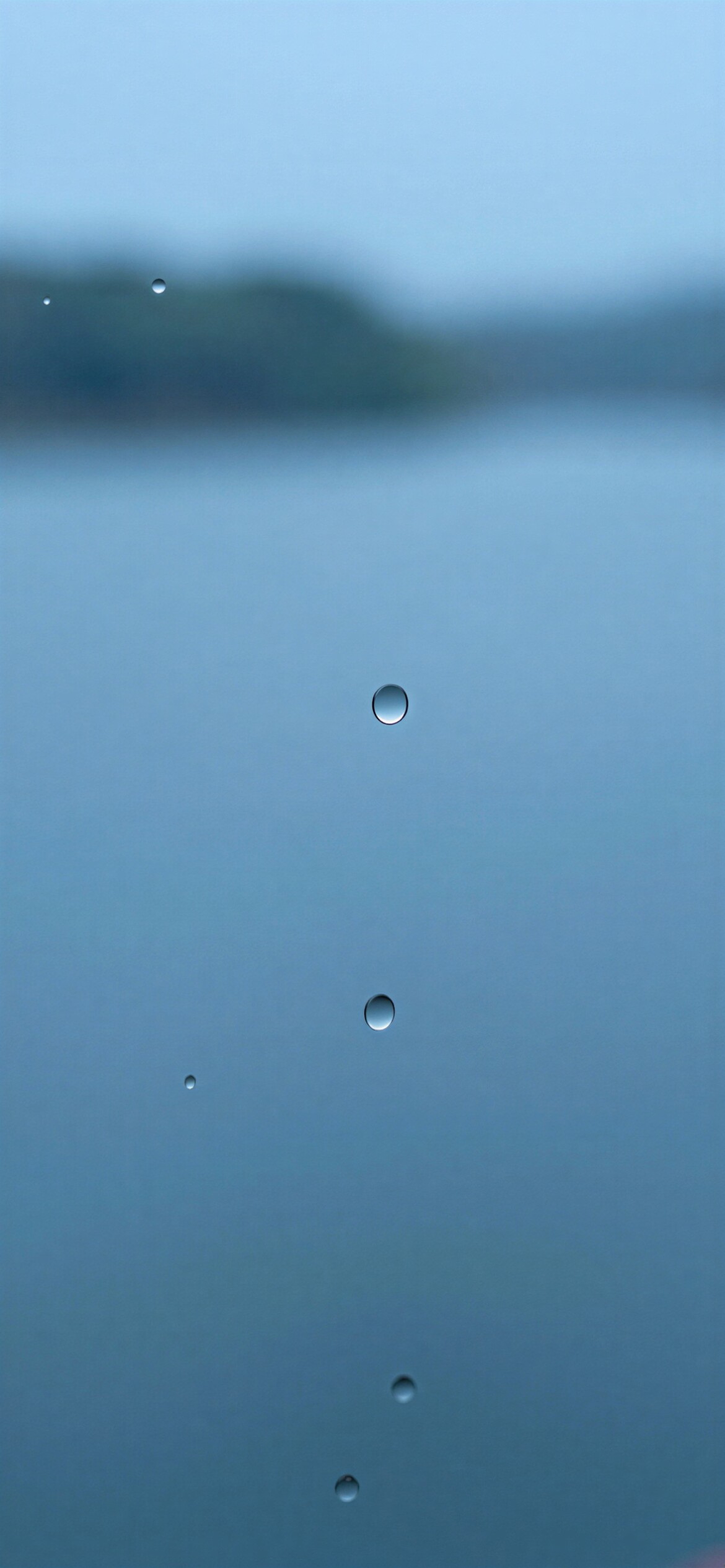
Water Wallpaper iPhone
Water wallpaper for iPhone brings calm scenes of lakes, oceans, waterfalls and rain to your lock screen. These free iPhone wallpapers show peaceful water in natural light, from misty mornings to golden hour reflections. Each design works on any iPhone and pairs well with your existing home screen layout. Download water backgrounds that match your mood and refresh your phone whenever you want.
10 wallpapers at 1170 × 2532 px for iPhone. Checked by hand on 7 Oct 2026.
About this set
This set captures water in its many forms: still lakes, flowing streams, ocean waves and rain. Each wallpaper uses natural light to show the texture and movement of water, from mirror-smooth reflections to splashing cascades. Cool blues and greens dominate, with warm tones in sunrise and sunset scenes.
Use the landscape views with simple skies as lock screen backgrounds, since they look good behind status bars and widgets. The macro close-ups of water ripples and raindrops work well on home screens where they sit behind app icons. Pair these with minimal icon sets or nature-themed app covers for a cohesive look.
Lake, sea, stream and window: the ten scenes
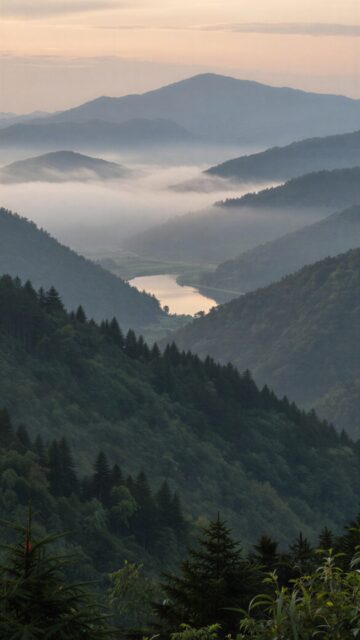
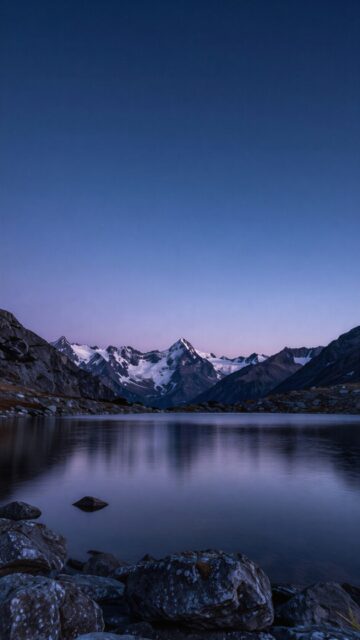
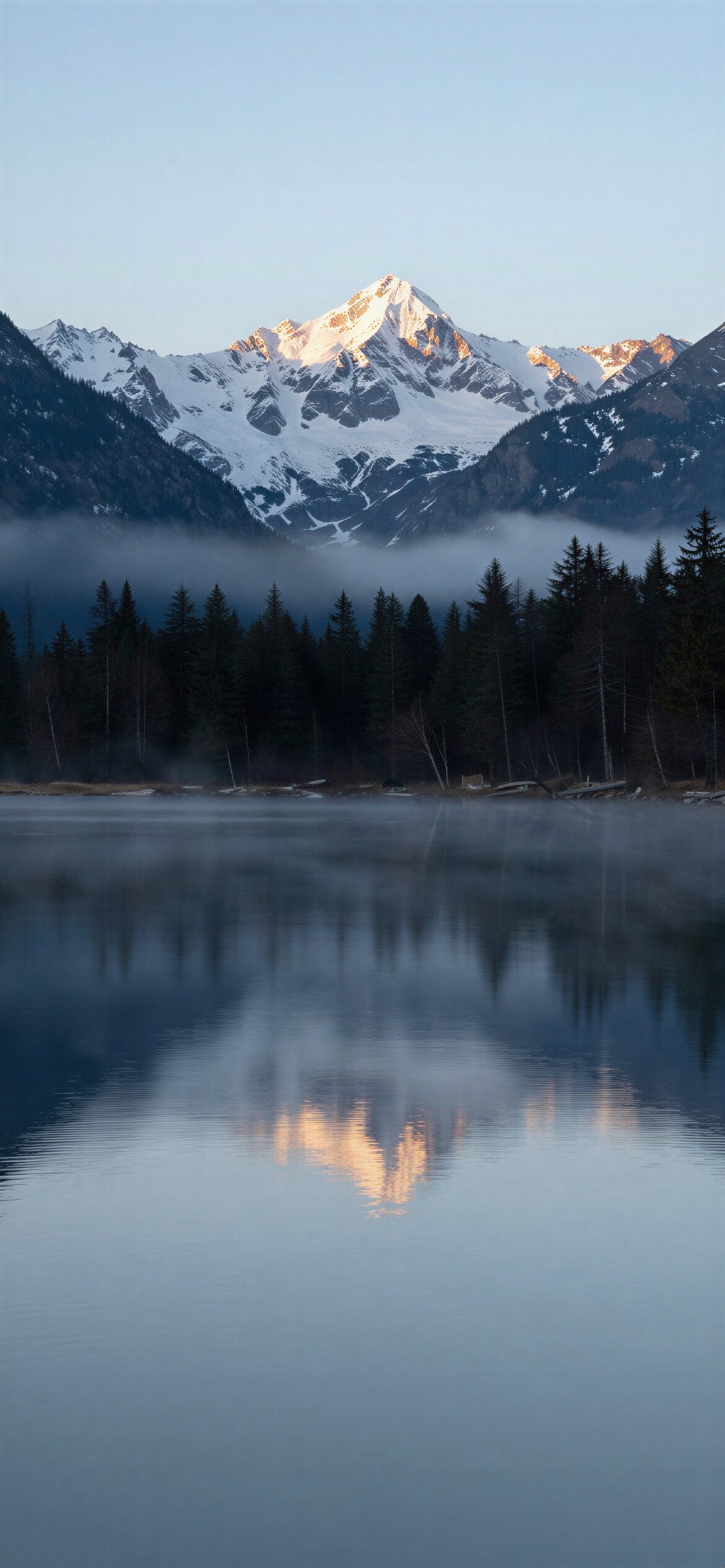
- An alpine lake at dawn, so still it doubles the snowy peaks and the misty forest. The calm upper half sits well under a lock screen clock.
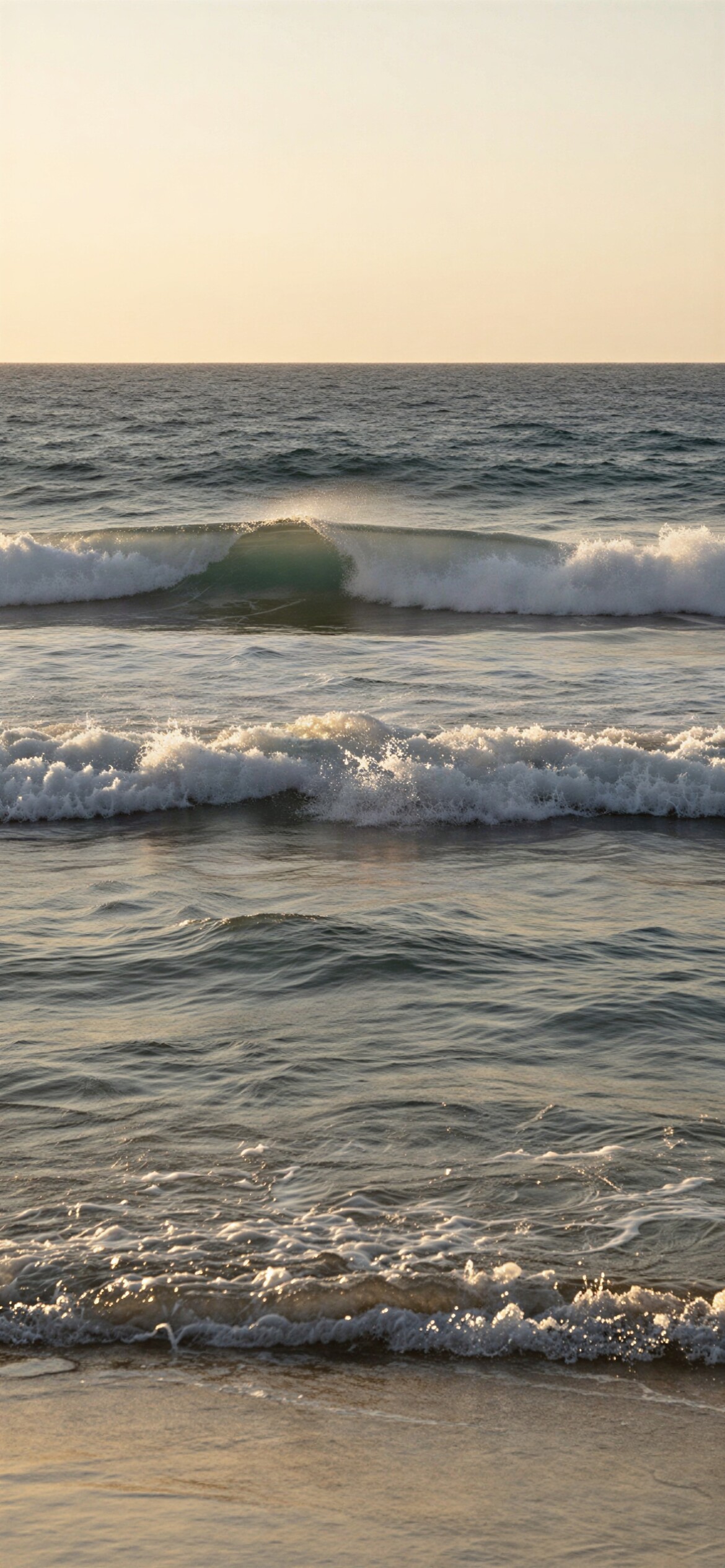
- Waves breaking in golden hour light, the liveliest picture in the set.
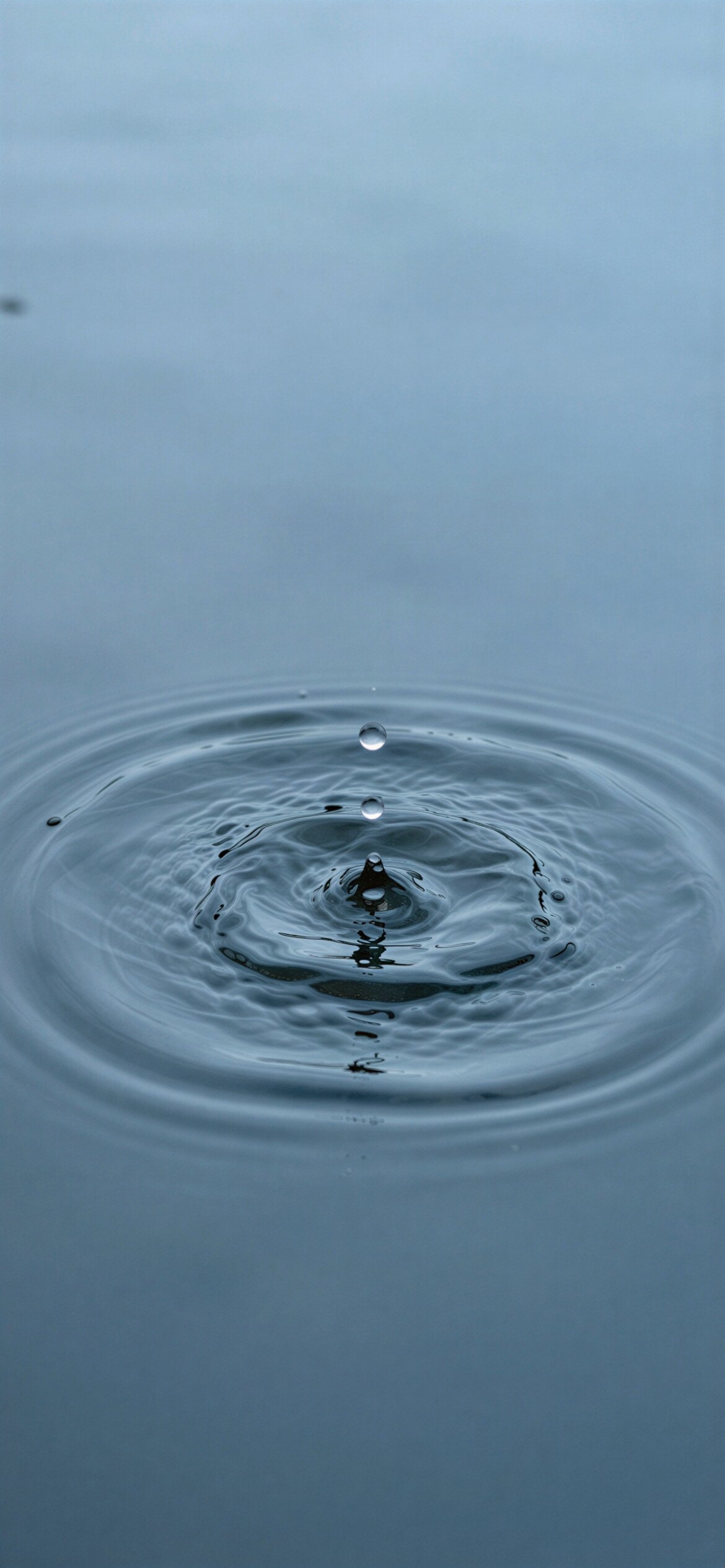
- Rings spreading across a flat surface, with almost nothing else in the frame, so app labels stay easy to read.
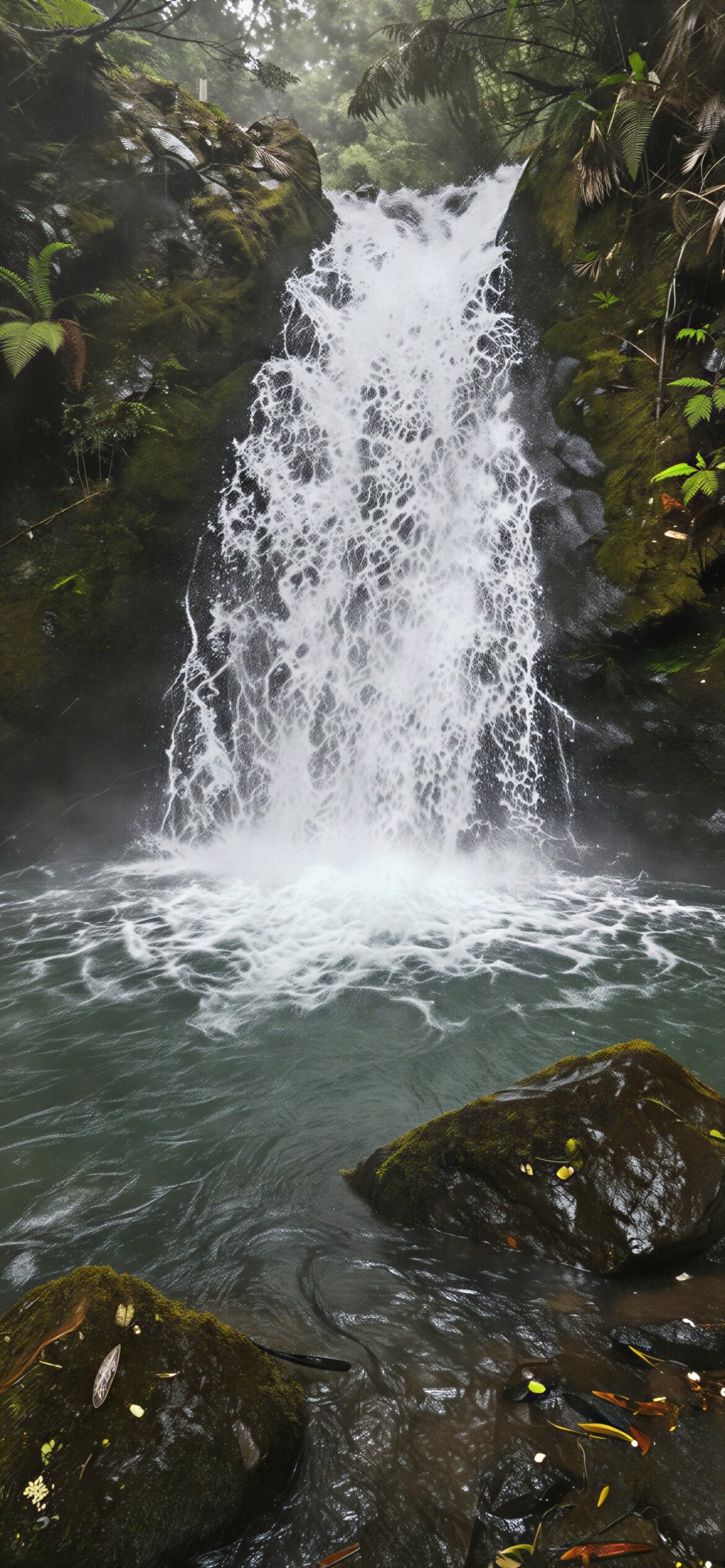
- A waterfall dropping over mossy rocks into a forest pool.
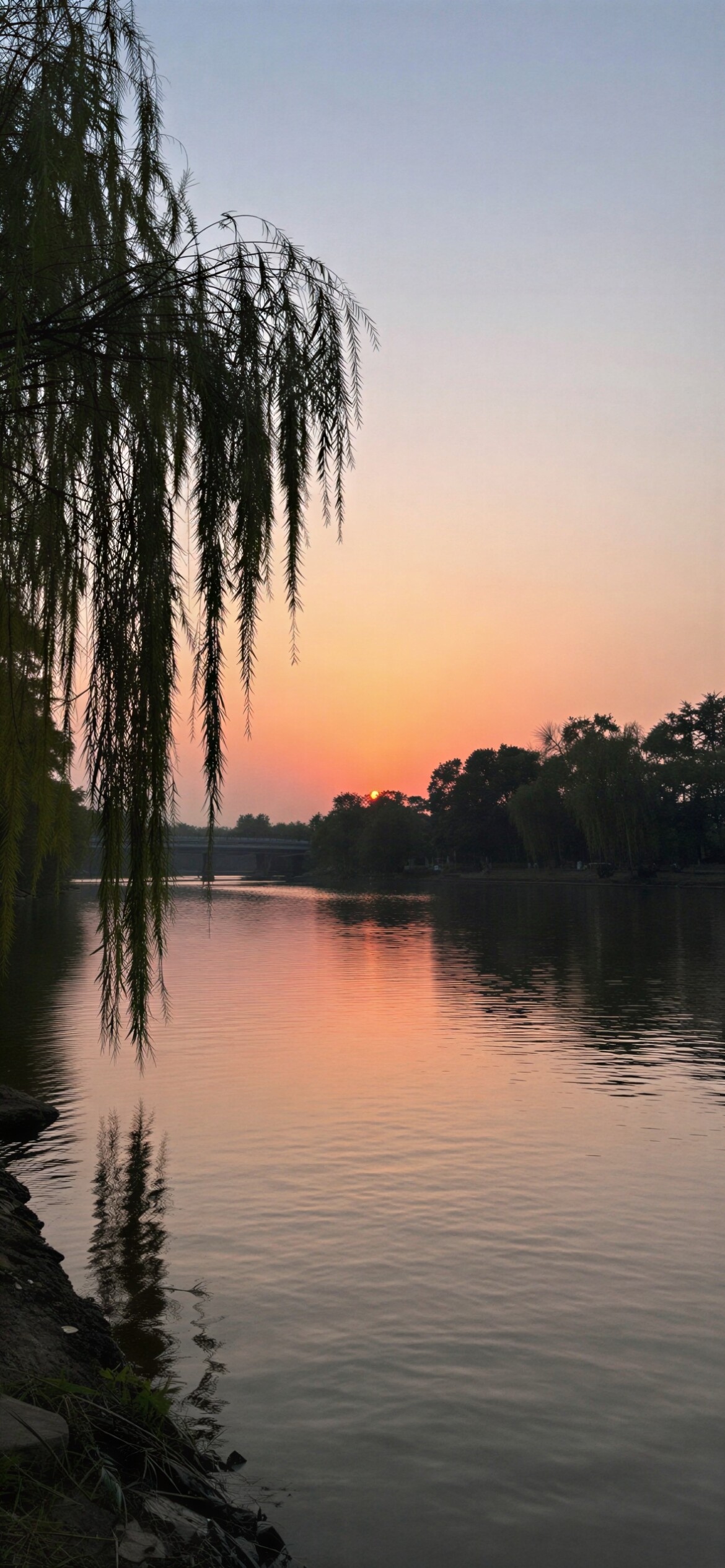
- A river at sunset, holding the orange and pink of the sky between willow branches.
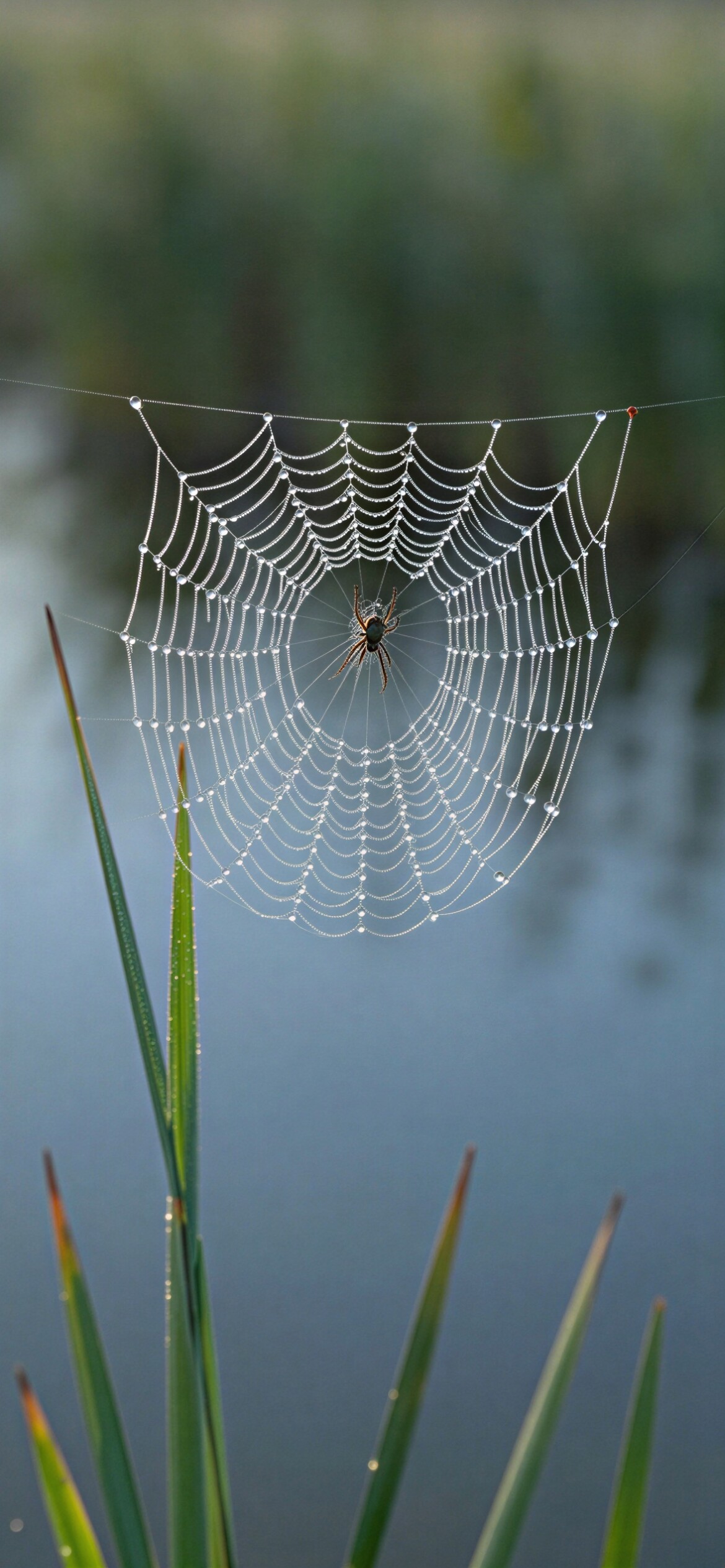
- Dew drops strung along a spider web above still water. It is small and detailed, so give it the lock screen where nothing covers it.
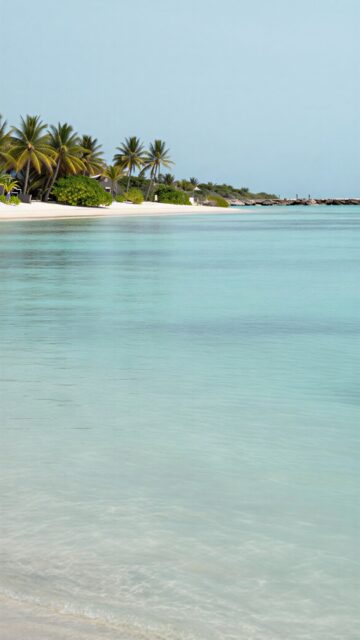
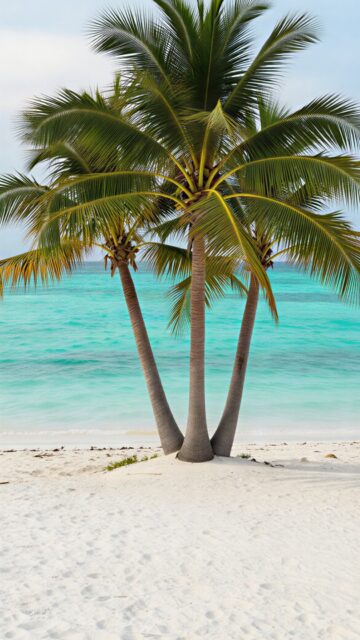
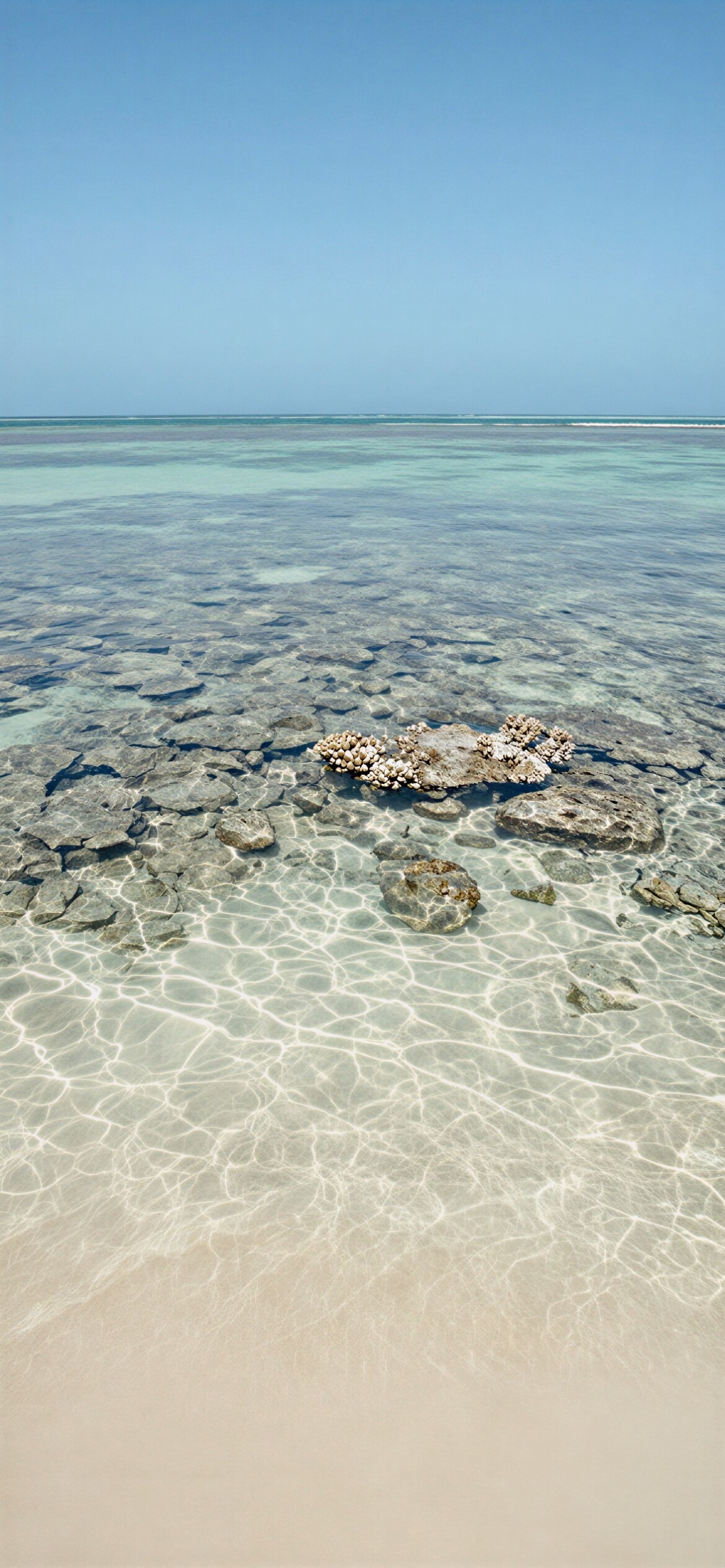
- A tropical lagoon with clear turquoise water and a strip of sandy beach.
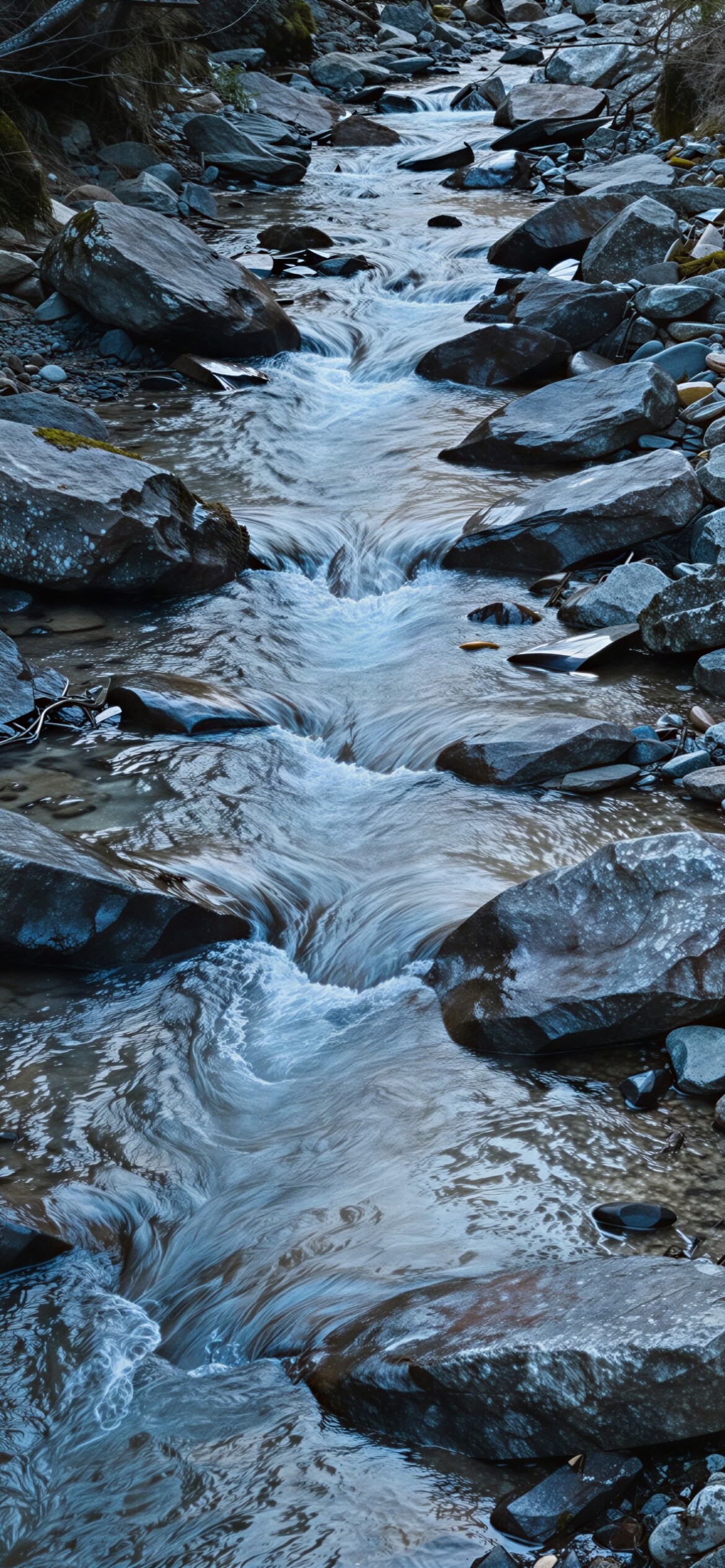
- A mountain stream running over smooth rocks in forest light.
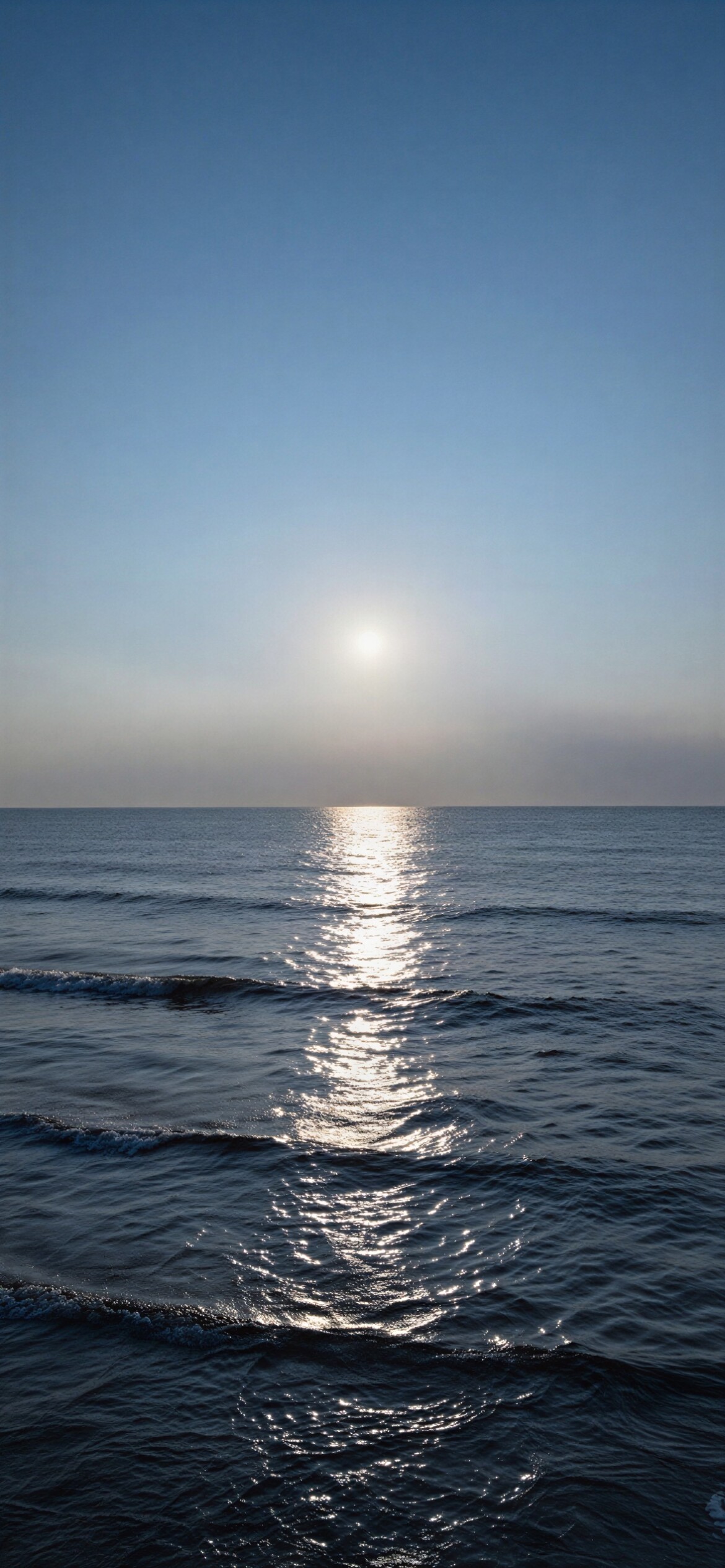
- A seascape at blue hour, with dark, calm water meeting the horizon.
- Raindrops on a window, with blurred blue water behind the glass.
Mirrors, rounded stones and a lagoon that glows
The reflection in wallpaper 1 only works because the surface is flat. Lakes are often at their calmest around dawn, before the wind picks up, and even a light breeze breaks a mirror image into scattered pieces. Wallpaper 3 shows the opposite moment, when one touch sends rings out across water that was perfectly still a second earlier.
The stones in wallpaper 8 are smooth for a reason: moving water rolls sand and gravel against them year after year, slowly wearing the sharp edges away. The turquoise in wallpaper 7 comes from shallow water over pale sand, where sunlight bounces off the bottom and back up through a thin layer of water. Dew like the drops in wallpaper 6 forms overnight, when cooling air can no longer hold all its moisture and it settles on whatever is coldest, and raindrops on glass, as in wallpaper 10, act like tiny lenses that bend the light from the view behind them.
Bright, warm, misty or after dark?
- Cool and clear: 3, 4, 7 and 8, where blue and green water is the main colour.
- Warm light: 2 and 5, both lit by a low sun in gold, orange and pink.
- Soft and early: 1 and 6, morning scenes with pale, quiet tones.
- Deep blues: 9 and 10, rain and blue hour, the darkest pair and a good match for dark mode.
If the waterfall in wallpaper 4 is your favourite, there is a full waterfall set. For open sea, try the ocean wallpapers, and the calming collection has more slow, quiet scenes like that lake at dawn.
How to set it on your iPhone
- Tap Download and save the image to Photos.
- Open Settings, tap Wallpaper, then Add New Wallpaper, and choose Photos.
- Pick the wallpaper, pinch to position it, then tap Add and choose the lock screen, home screen or both.
Stuck on a step? The iPhone and iPad guide has screenshots for each one.
Questions
Do these wallpapers fit my iPhone screen?
Yes. This set is made at 1170x2532 pixels, sized for modern iPhones, and some older models may crop slightly at the edges. When you set a wallpaper, you can adjust the zoom in Settings > Wallpaper > Customize to fit your exact screen and preference.
Can I use these wallpapers for other purposes?
These wallpapers are free for personal use on your own devices. You can't sell them, print them for sale, or post them on other wallpaper sites. For details on what's allowed, see our Terms page.
Which water wallpapers work best on the lock screen?
The landscape views with simple skies at the top work best on lock screens because they won't hide your time and notifications. Scenes like the alpine lake, ocean waves and seascape give you a clear view of the top quarter while showing the water below. Save the macro close-ups for your home screen.
Are these water wallpapers seasonal or can I use them year-round?
Water scenes work all year. Lakes, oceans and streams look beautiful in every season. This set uses evergreen colors and lighting that feel natural in spring, summer, fall and winter, so you can keep your favorite water wallpaper on your phone as long as you like.