Ocean Wallpaper iPhone
Ocean wallpaper for iPhone brings calm coastal views to your lock and home screens. These designs show peaceful seascapes, dramatic wave action and sandy beaches in natural light. Each wallpaper captures the mood and color of the ocean, from soft morning blues to deep twilight tones. The vertical format fits iPhone screens perfectly, with simple skies at the top and the ocean as the focal point below.
10 wallpapers at 1170 × 2532 px for iPhone. Checked by hand on 10 Oct 2026.
About this set
These ocean wallpapers show real coastal scenes in natural light, from tranquil dawn to moody twilight. The vertical tall format leaves the top quarter simple and open, keeping your status bar and notifications clear. Lock screen wallpapers work best with minimal sky, while home screen picks can feature more detail in the lower half where app icons sit.
Pair these with calm, minimal icon themes or leave icons in muted tones to complement the water and sky. The soft blues, greens and warm golds suit both light and dark mode setups. Rotate between morning, sunset and night versions to match your mood or time of day.
Why the sea looks blue, and where the light goes
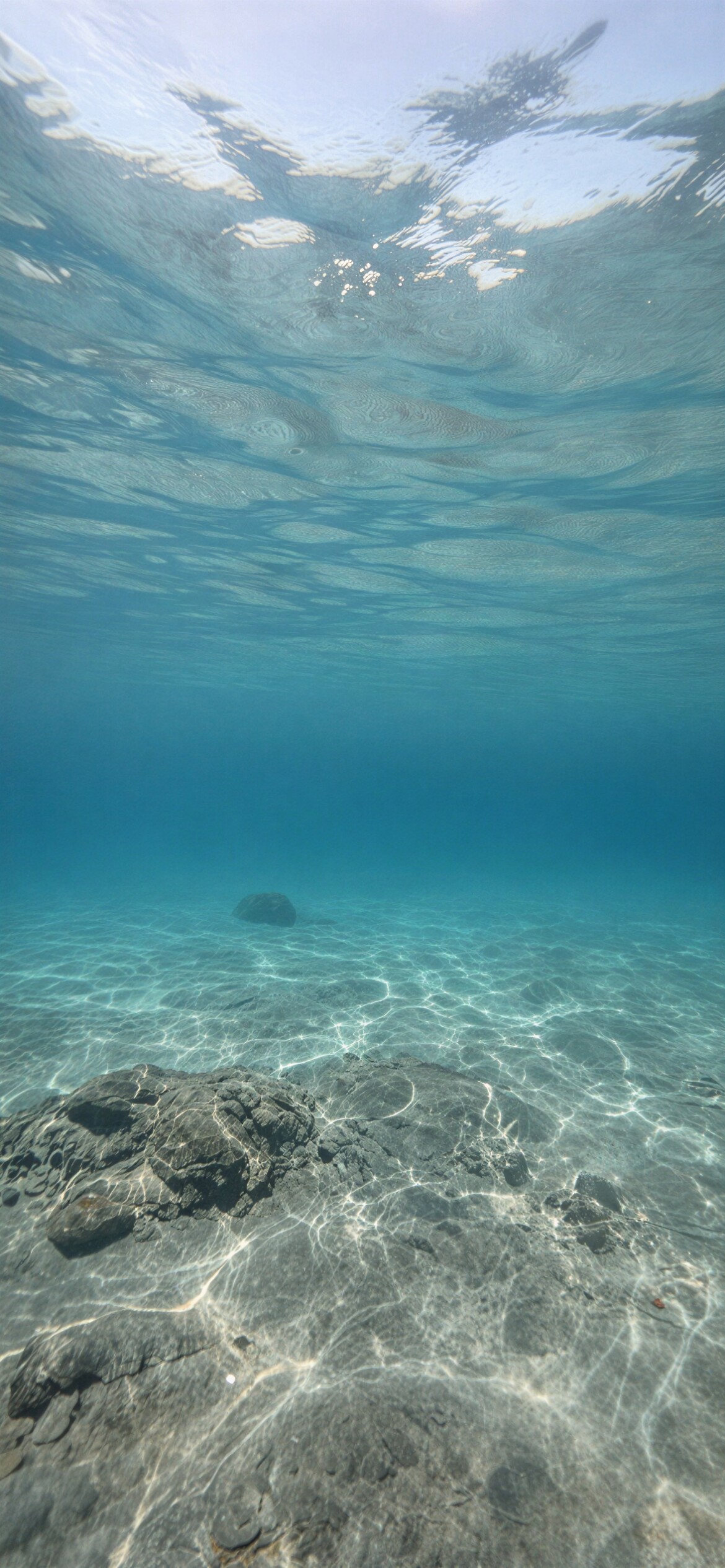
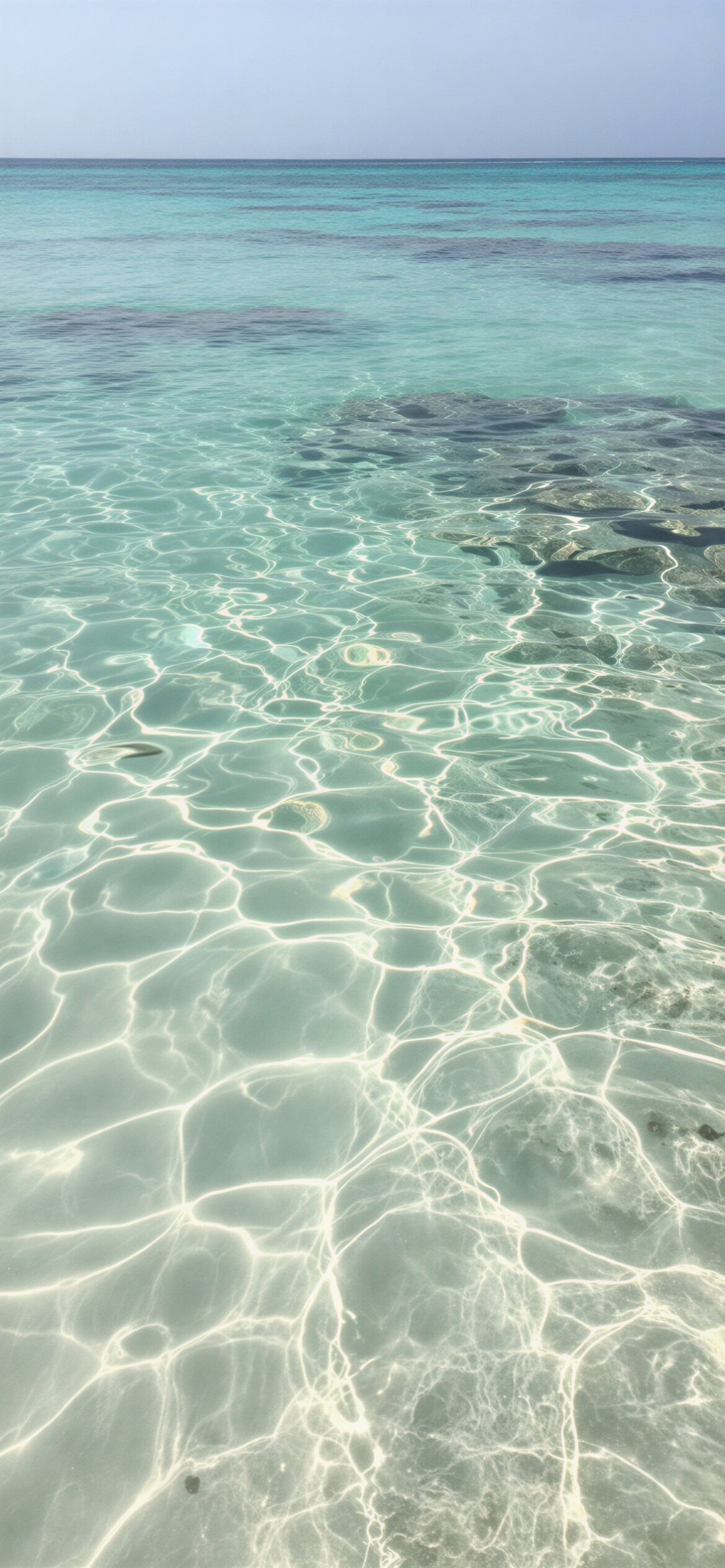
Seawater soaks up red and orange light faster than blue, so the deeper and clearer the water, the bluer it looks. That is why the shallow tropical water in #9 turns pale and see-through over white sand, while #6, seen from below the surface, is almost all blue. Sunlight also fades quickly with depth. Below about 200 metres very little of it is left, so the bright rays in #6 belong to the top layer of the sea.
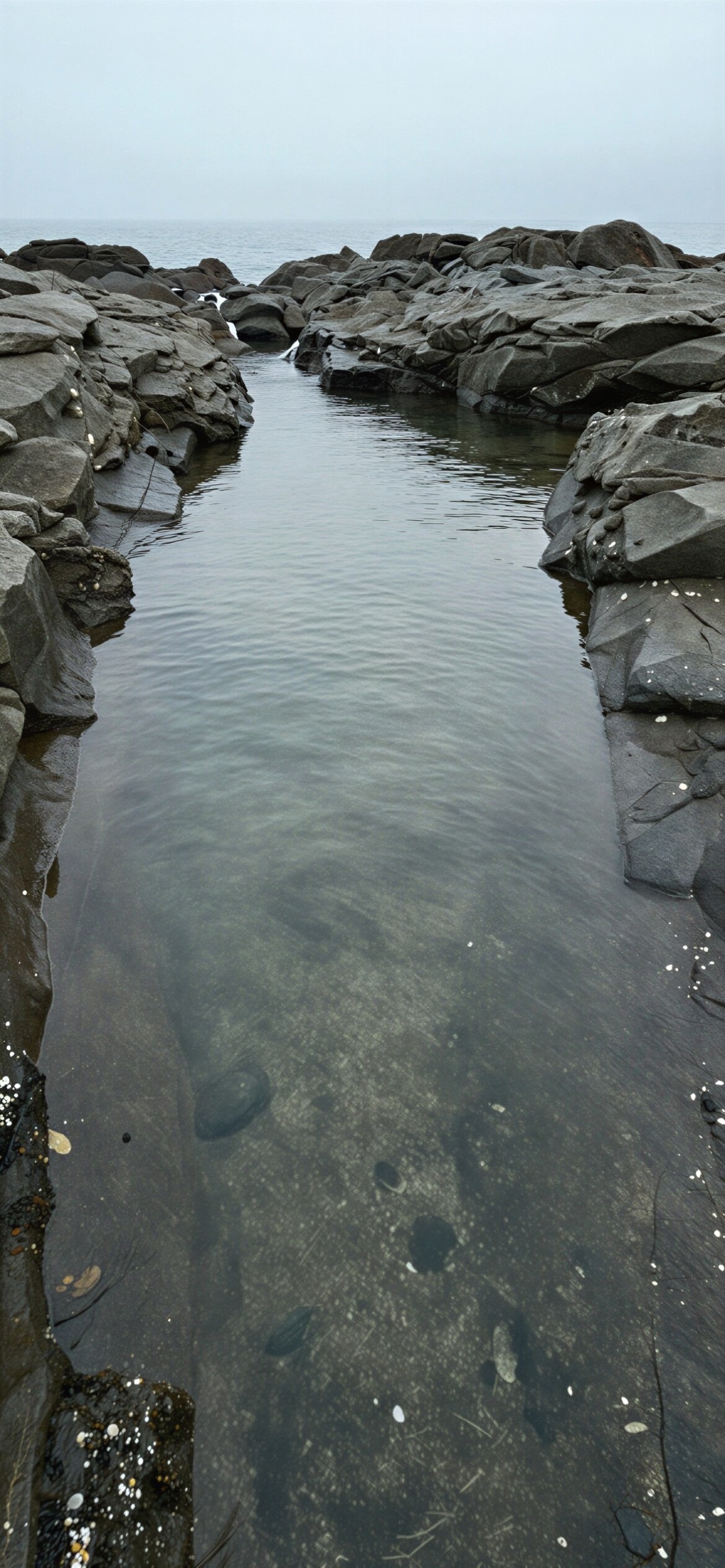
Tides shape a couple of these scenes too. They are driven mostly by the pull of the Moon, with a smaller share from the Sun, and a tide pool like the one in #3 only shows itself when the water pulls back at low tide.
From the sand line to the cliff top
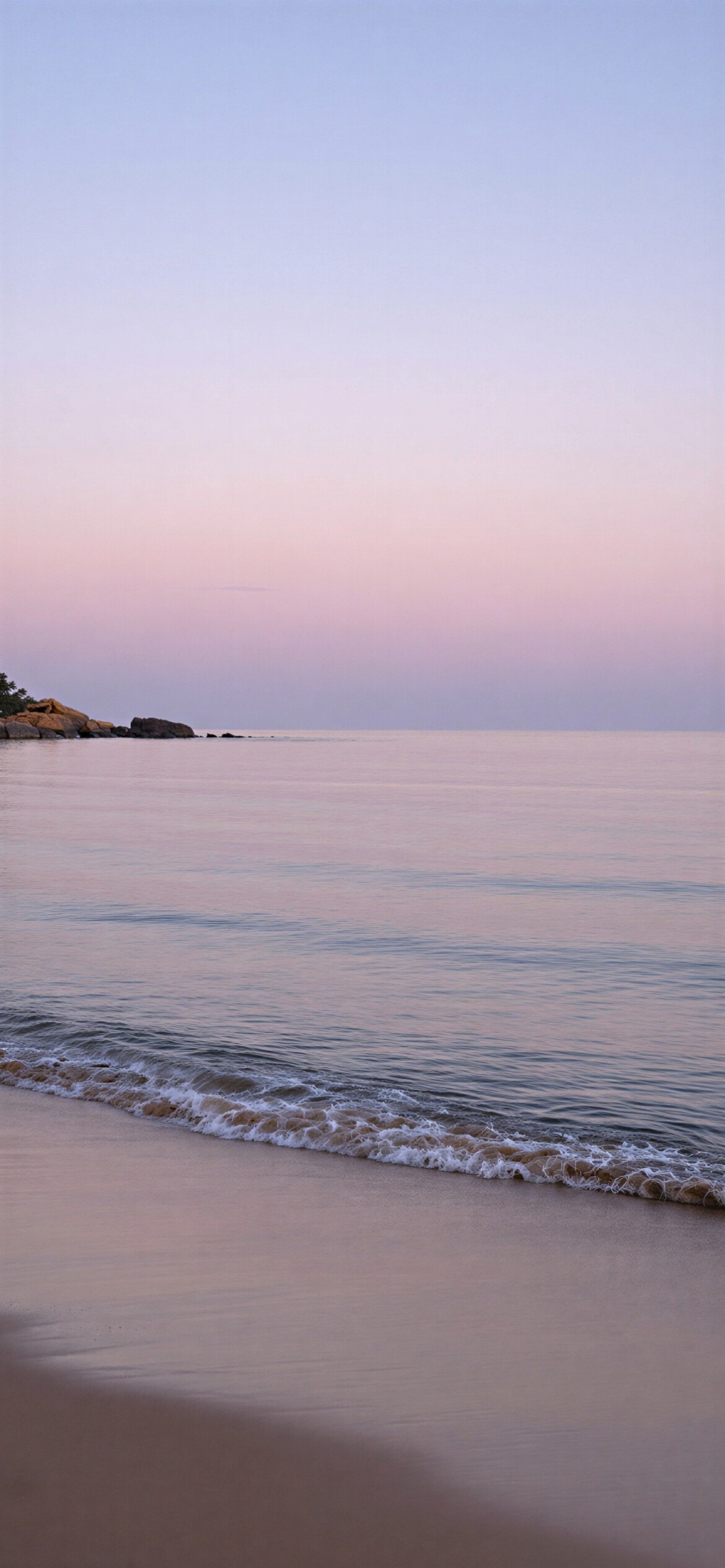
- #1 Dawn over an empty beach, with a pink sky mirrored in calm water. Gentle enough for the screen you see first thing.
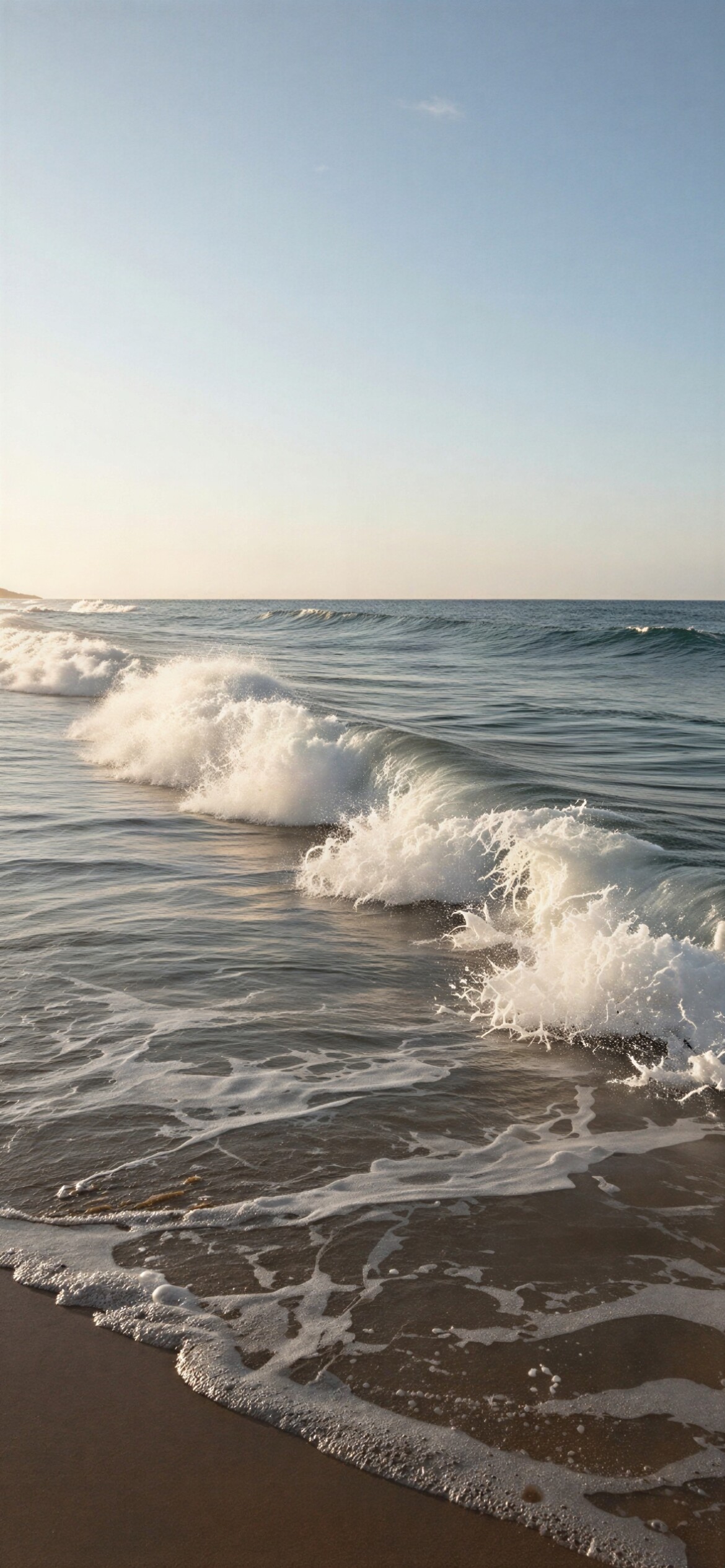
- #2 A wave breaking at golden hour, its foam lit from the side. Lots of movement, so it looks best with only a few icons on top.
- #3 A clear tide pool ringed by wet rocks on a misty coast. The grey haze keeps the clock easy to read.
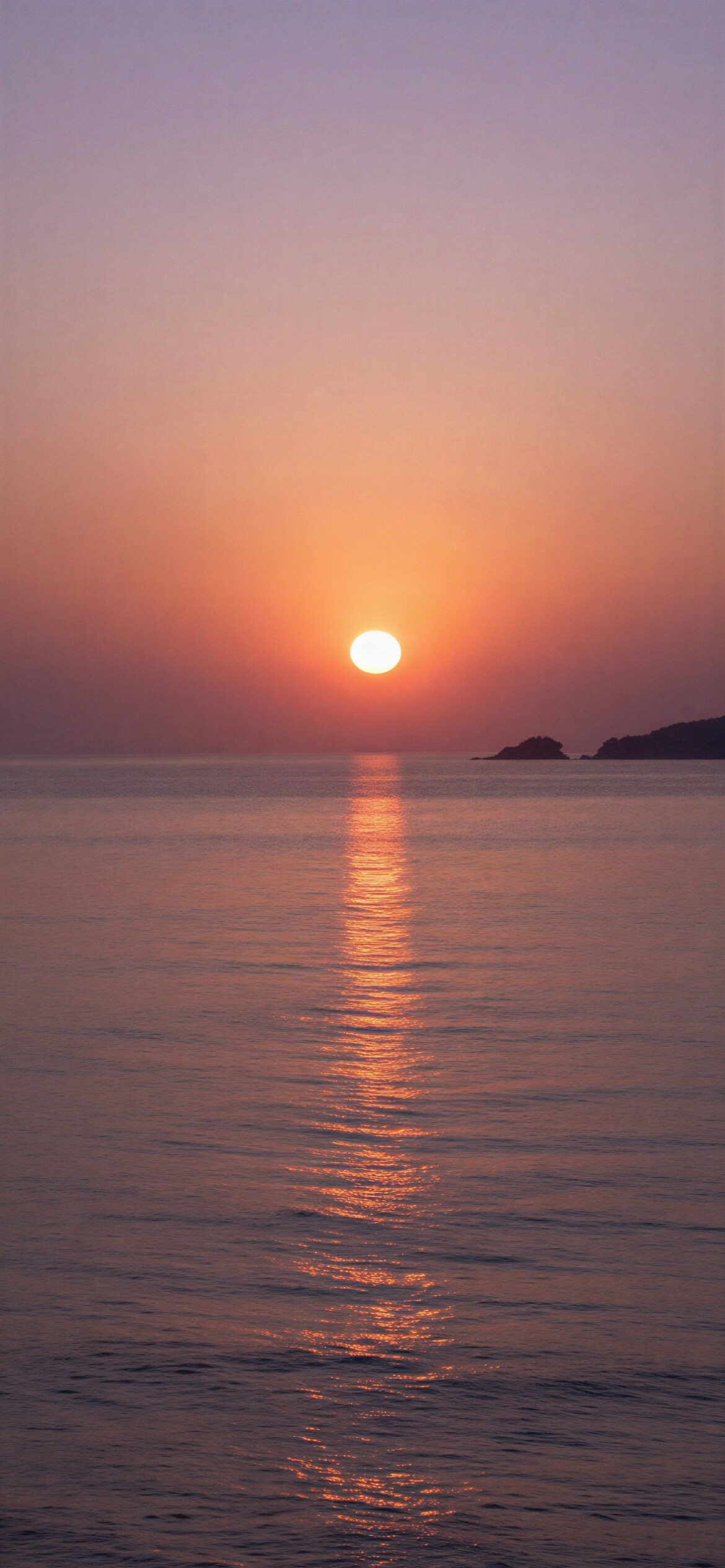
- #4 Sunset on glassy water, with orange and pink running across the surface. Works on either screen.
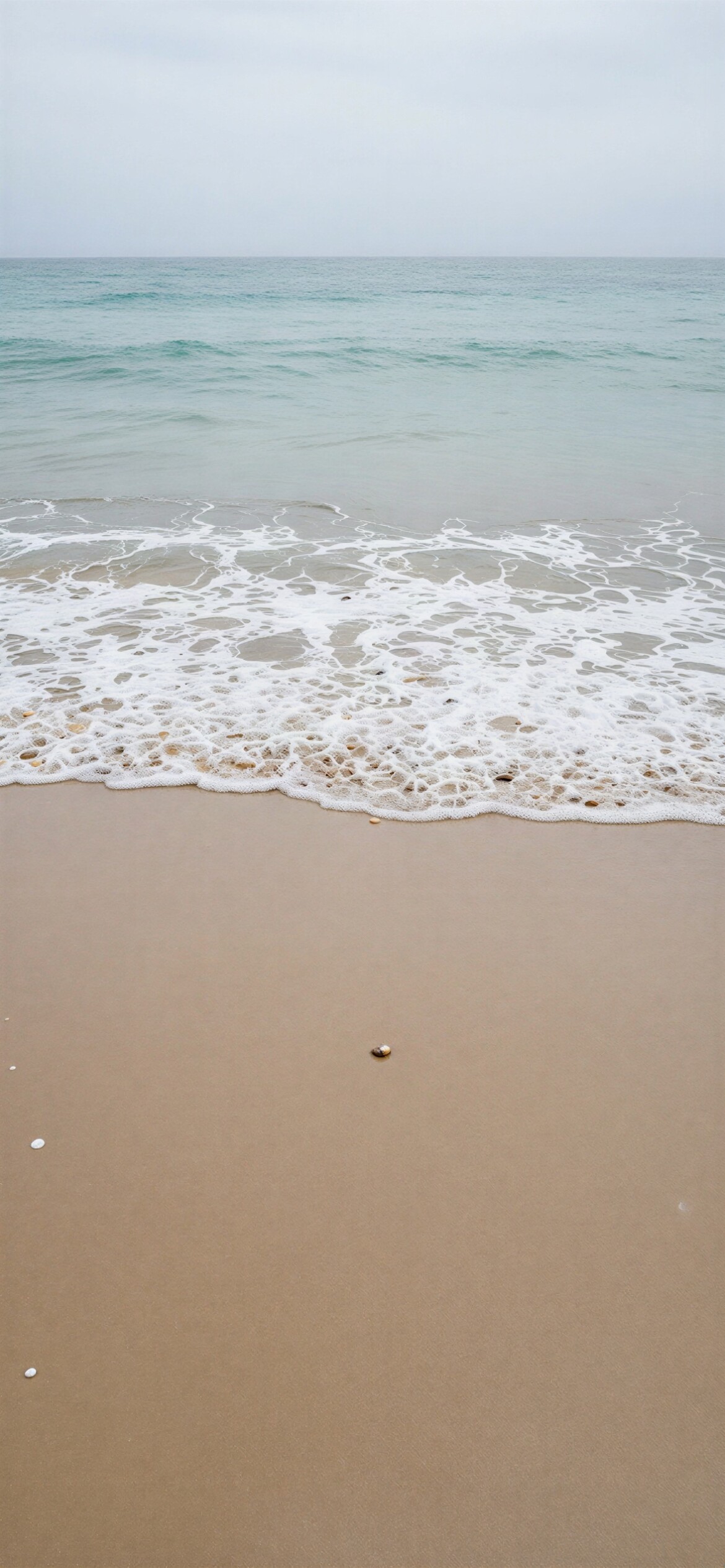
- #5 Wet sand, foam patterns and turquoise water. The foam lines make a nice texture behind a row of widgets.
- #6 An underwater view with sunlight coming down through blue water. Quiet and cool.
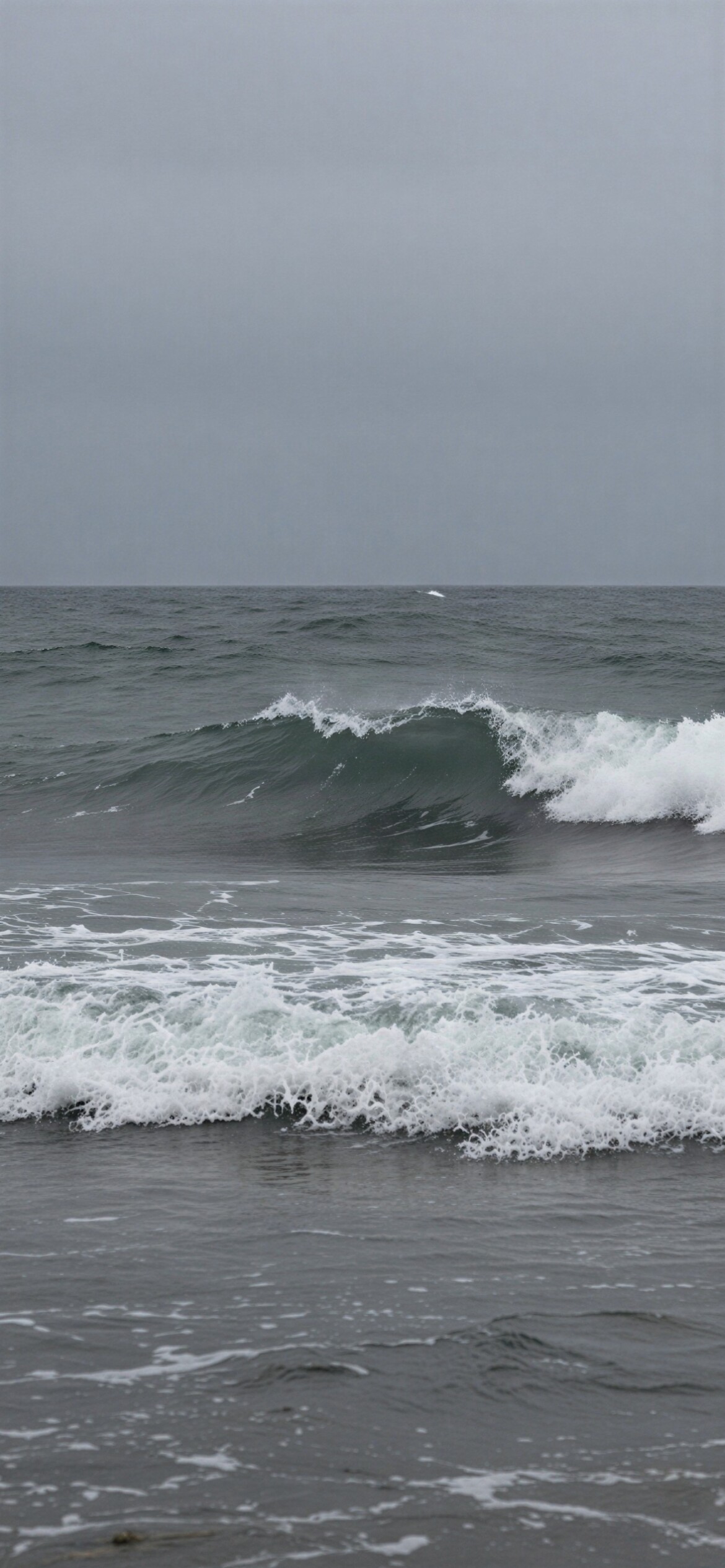
- #7 A stormy grey sea with white caps. The moodiest one here.
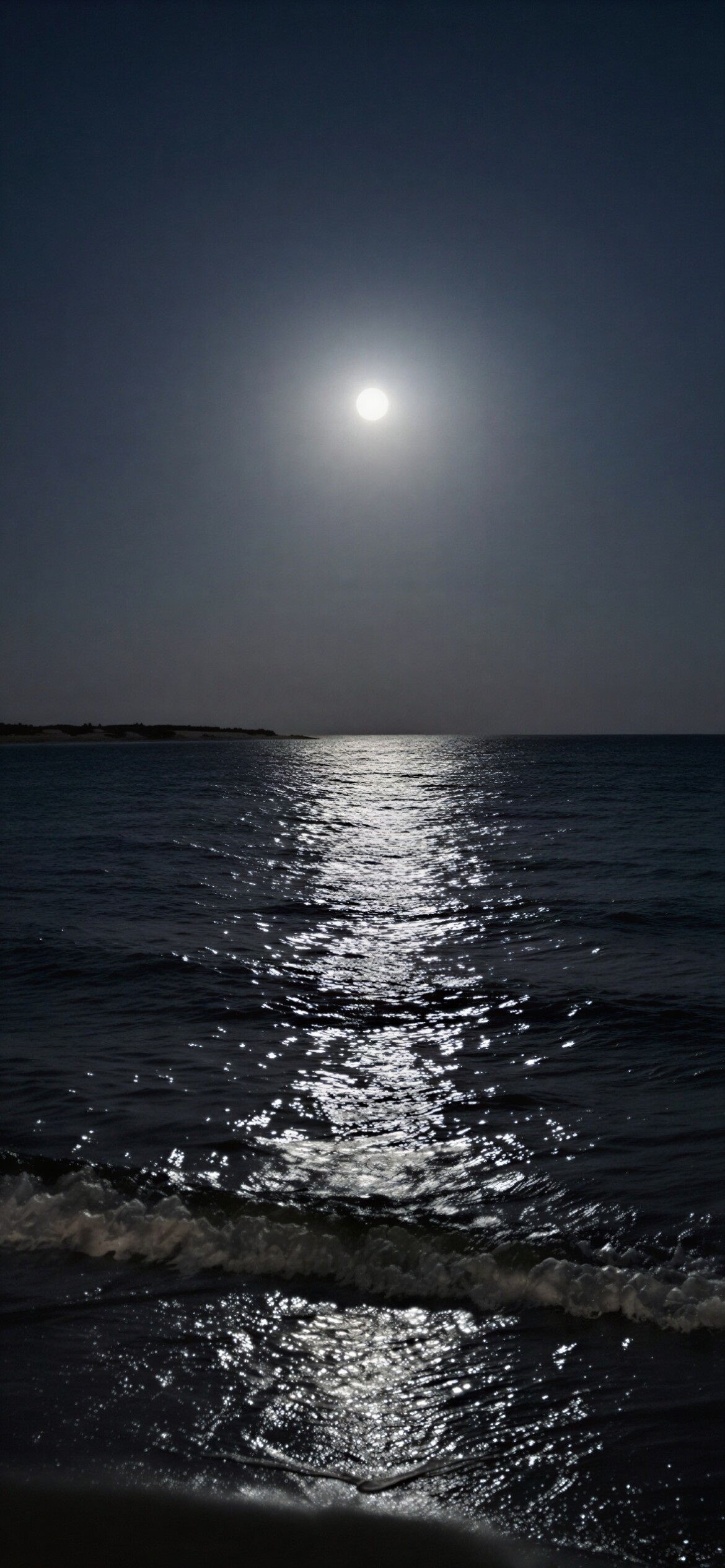
- #8 A moonlit sea with a silver path of light under a starry sky. Mostly dark, so it is easy on the eyes at night.
- #9 Clear tropical water over white sand and ripples. The brightest of the ten.
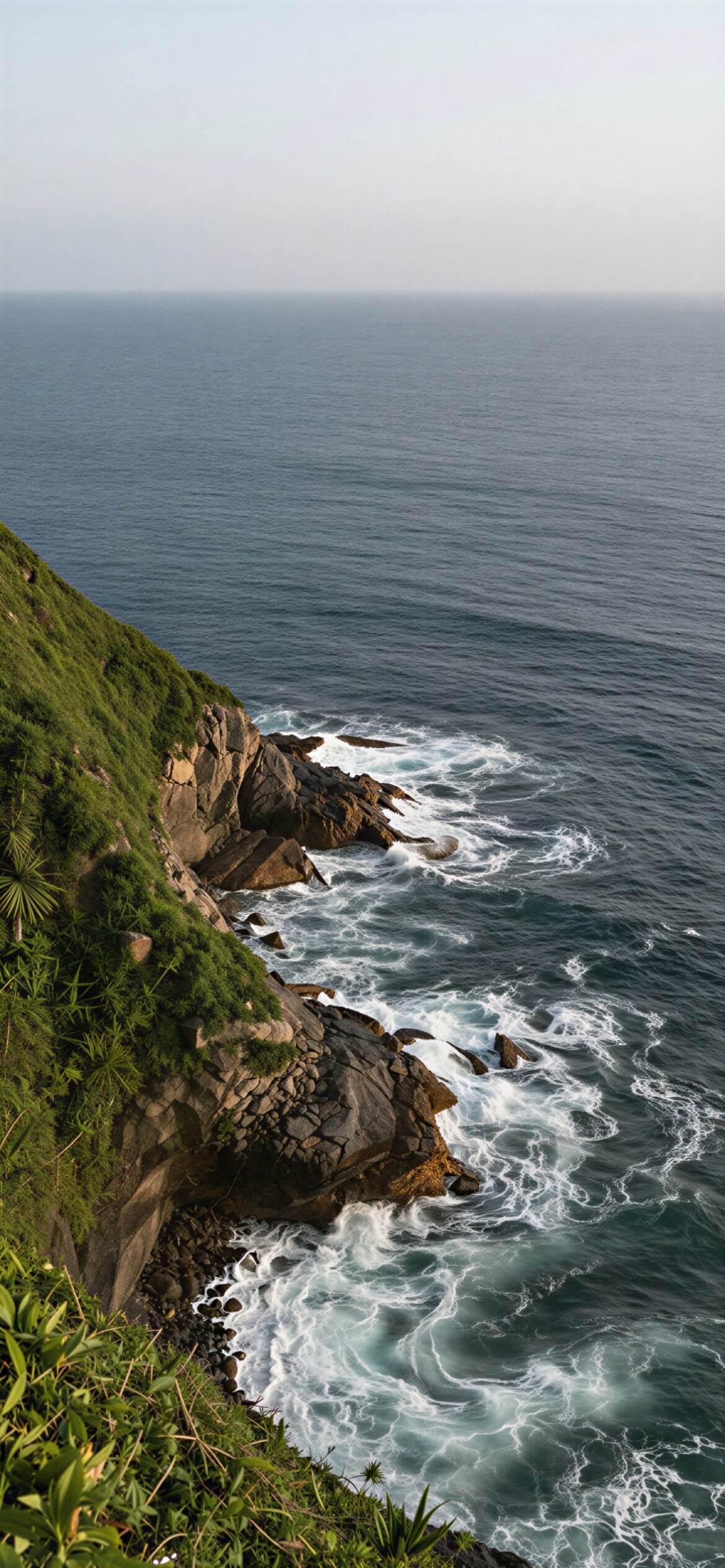
- #10 A cliff edge looking out over distant waves and a rocky shore, for anyone who likes a sense of height and space.
Warm glow, clear water or heavy weather
For warm colour, go with #1, #2 and #4, the three sunrise and sunset scenes. #5, #6 and #9 hold the clean blues and turquoise of clear water. The other four lean cooler and moodier: the mist in #3, the storm in #7, the night sky in #8 and the open cliff view in #10. On an iPhone with an OLED screen, the dark areas of #8 also draw less power than a bright beach scene would.
Want more water? The wave wallpapers stay close to the surf, the shark set goes under the surface, and the turquoise collection picks up the colour of #9.
How to set it on your iPhone
- Tap Download and save the image to Photos.
- Open Settings, tap Wallpaper, then Add New Wallpaper, and choose Photos.
- Pick the wallpaper, pinch to position it, then tap Add and choose the lock screen, home screen or both.
Stuck on a step? The iPhone and iPad guide has screenshots for each one.
Questions
Will these ocean wallpapers fit my iPhone screen?
Yes. These wallpapers are made at 1170x2532 pixels, the standard resolution for iPhone. They are sized for modern iPhones, and some older models may crop slightly at the edges. When you download and set one as your lock screen or home screen, iOS automatically positions it to your device.
Can I use these wallpapers commercially or share them elsewhere?
These are free for personal use on your own devices only. You cannot sell them, print them for sale, or repost them on other wallpaper sites or social media. For full terms and permissions, visit our Terms page.
Which ocean wallpapers work better for lock screen vs home screen?
Lock screen picks are the calm, minimal scenes with simple skies that keep your time and notifications readable. Home screen wallpapers can show more detail and movement in the lower half, since they sit behind your app icons. Sunset and wave scenes work well on both.
Do these ocean wallpapers work in dark mode and light mode?
Most of these designs work in both modes because they use natural colors from real ocean light. Darker seascapes and moonlit scenes pair well with dark mode, while bright dawn and tropical water scenes complement light mode. The soft blues and greens are neutral enough to suit either.