Night Wallpaper iPhone
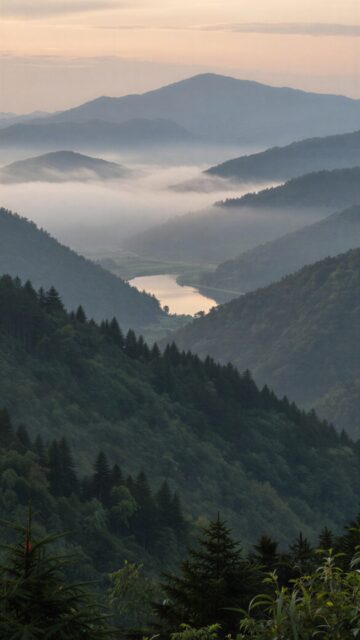
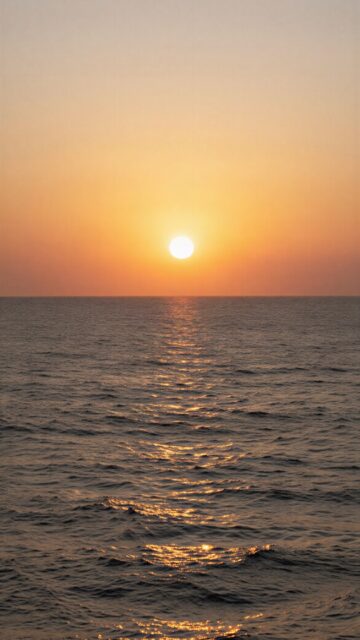
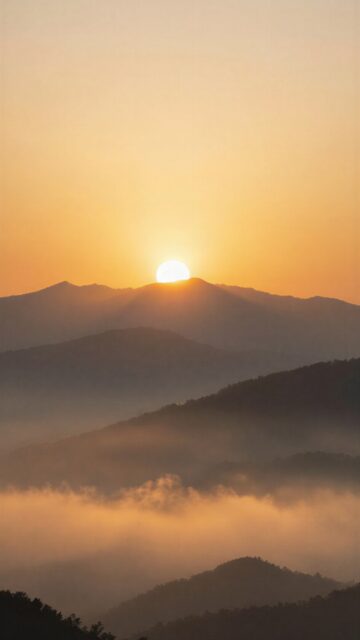
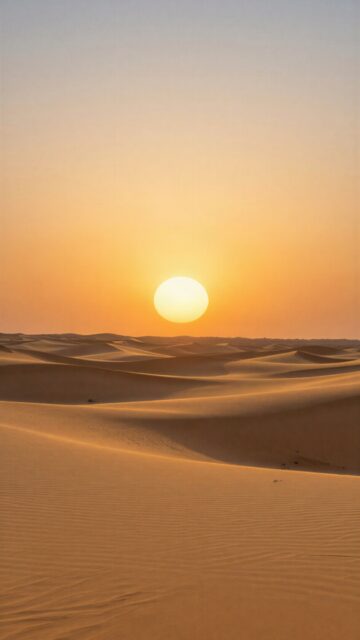
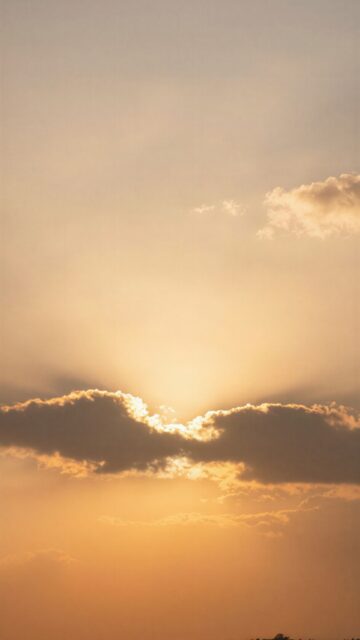
Night wallpaper for iPhone brings calm, dark skies and peaceful nocturnal scenes to your lock screen and home screen. These designs show starlit forests, moon-lit mountains, quiet lakes under stars and gentle night scenes in deep blues, blacks and silver tones. The vertical format fits iPhone screens perfectly and works well with dark mode.
10 wallpapers at 1170 × 2532 px for iPhone. Checked by hand on 7 Oct 2026.
About this set
These night wallpapers capture the quiet beauty of dark skies, starlight and peaceful nocturnal landscapes. Each design uses deep blues, blacks and silver tones to create a calm, contemplative mood that works perfectly on lock screens and home screens. The vertical format fits iPhone proportions naturally, with simple starry skies at the top and more detailed scenery in the middle and lower portions.
Night wallpapers pair well with minimal icons and dark mode, letting the starlight and landscape details shine through. Choose scenes with more sky detail for lock screens where widgets or time displays might sit, and landscapes with stronger foreground elements for home screens where icons will cover parts of the image.
Why the moon looks so big over the hills
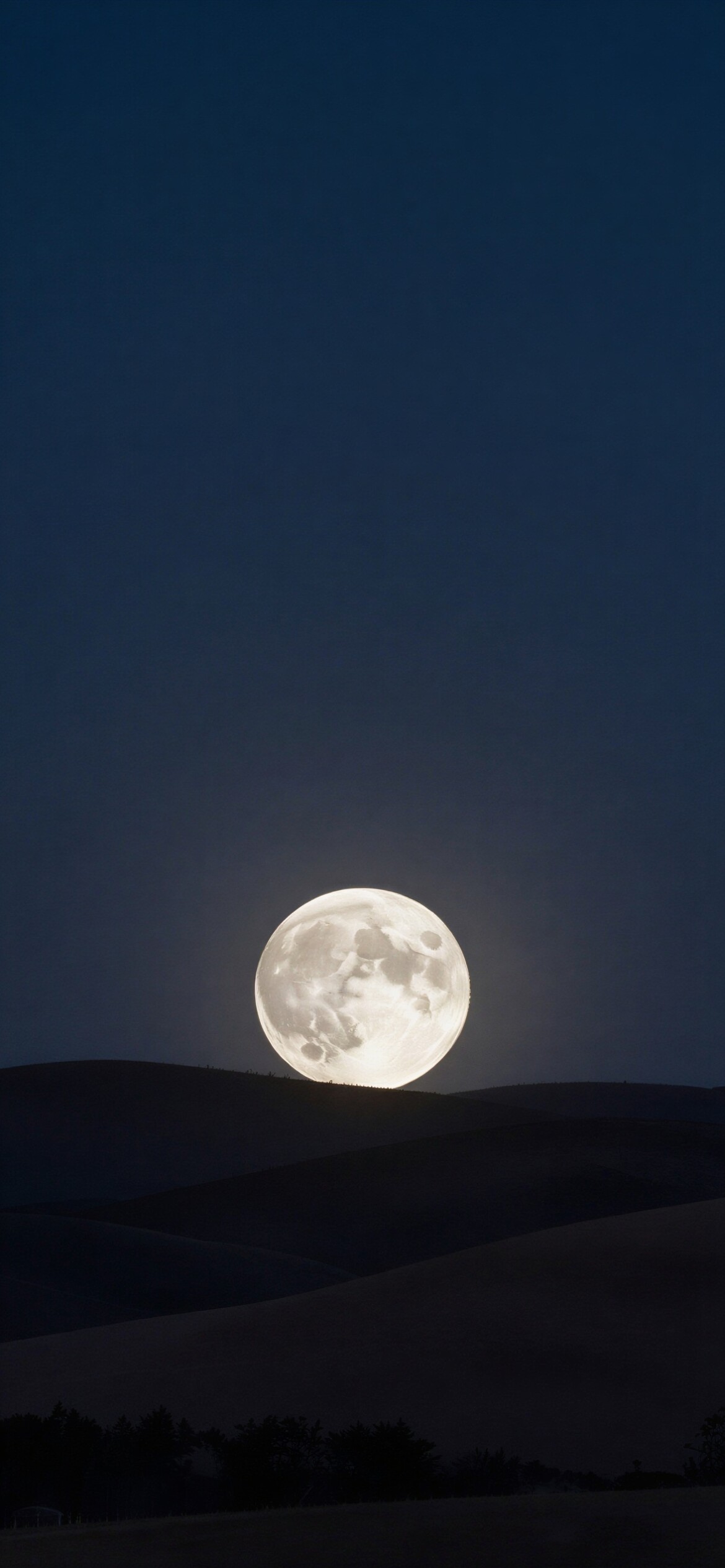
Wallpaper 4 shows a full moon rising over dark rolling hills, and anyone who has watched one come up knows it can look enormous. The size on the sky does not really change. Measured with a camera, the rising moon is about as wide as it is high overhead, and the extra size is an illusion that still has no single agreed explanation. A full moon always rises close to sunset, because it sits on the opposite side of the Earth from the Sun, so a scene like this belongs to early evening.
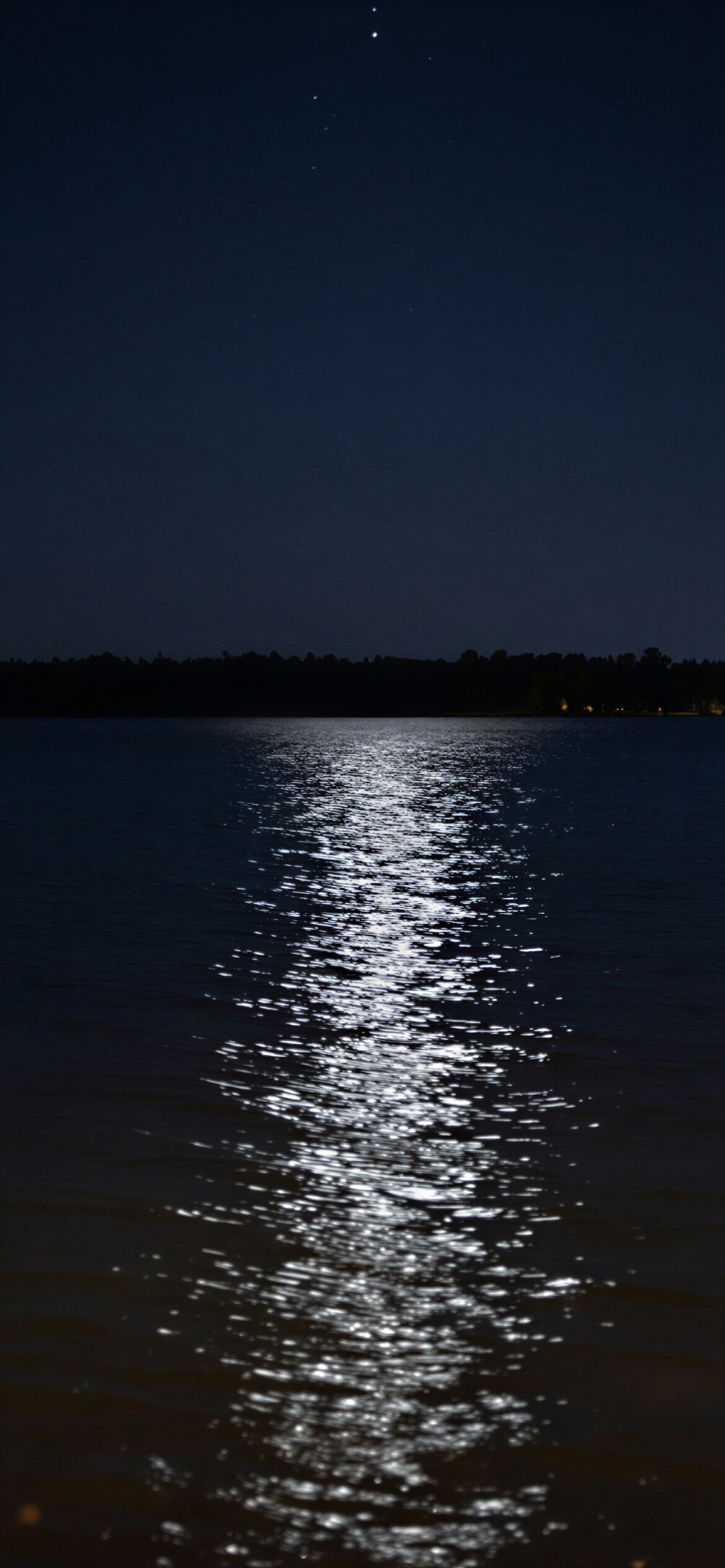
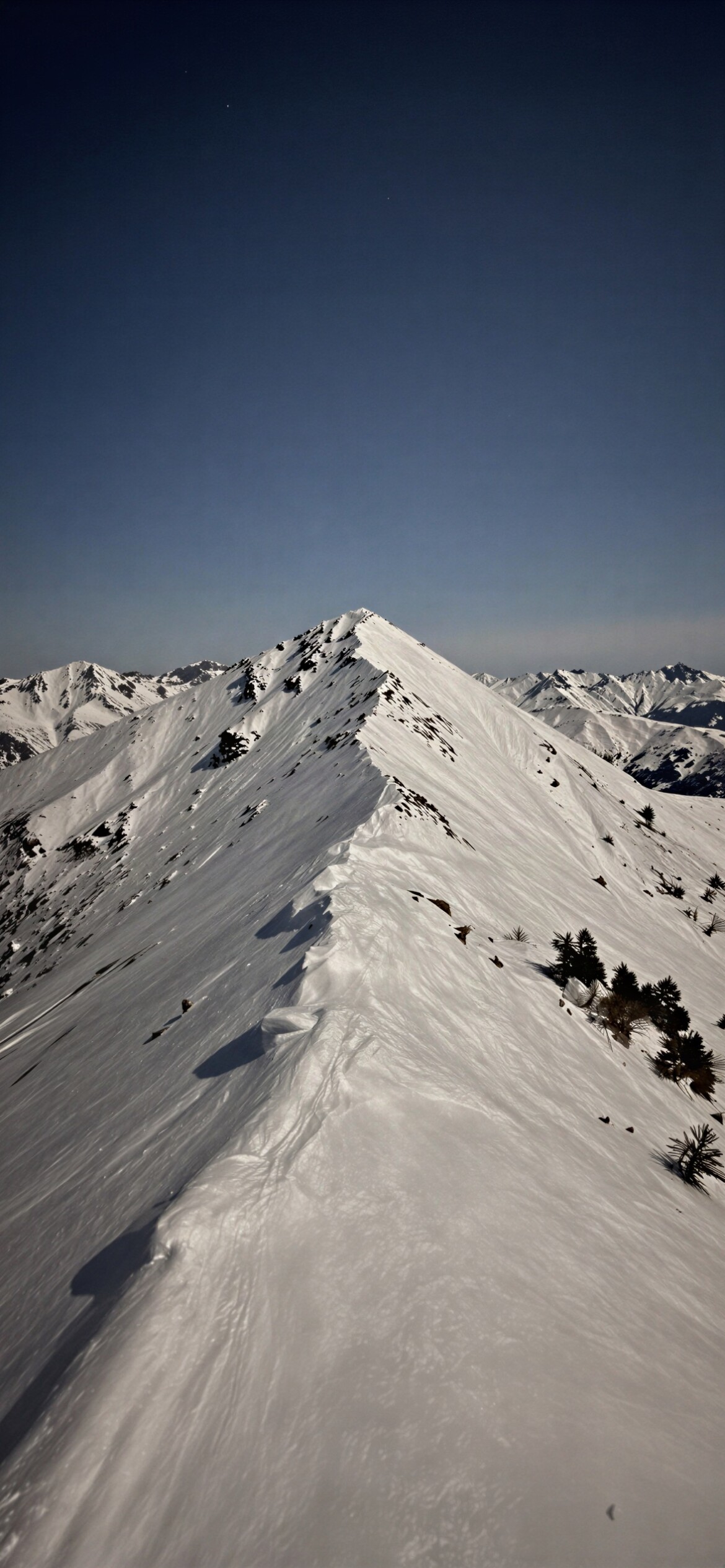
Snow changes a night scene too. Fresh snow reflects most of the light that reaches it, so a snowy slope like the one in number 3 looks brighter under starlight than bare ground would. Still water does something similar in its own way: a lake only gives back a clean copy of the stars, as in number 1, when there is almost no wind on its surface.
Ten places to spend a dark hour
- 1: a still lake with stars mirrored in it and a dark treeline. Lots of calm sky for the clock.
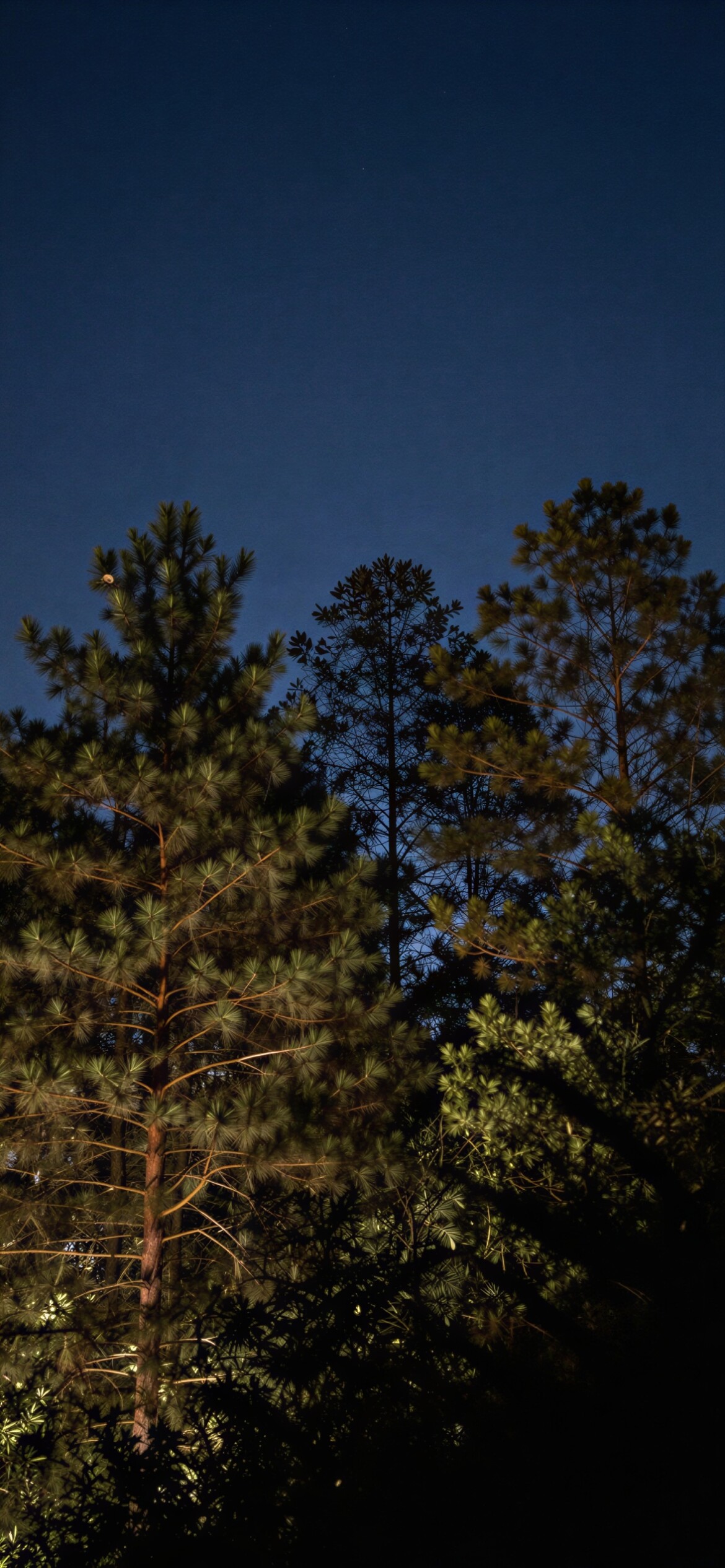
- 2: tall pines in silhouette against a starry sky, with strong vertical lines.
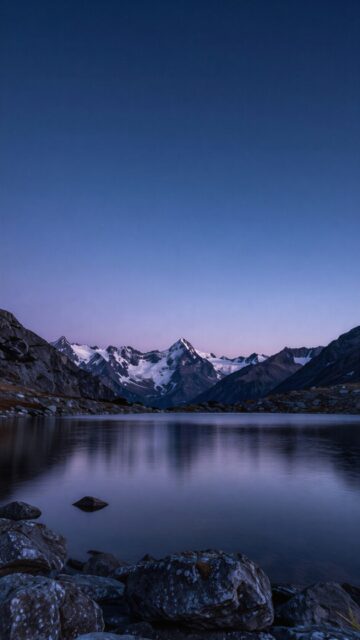
- 3: a snow-covered mountain slope under starlight and deep blue sky.
- 4: the bright full moon rising over the hills, the brightest single point in the set.
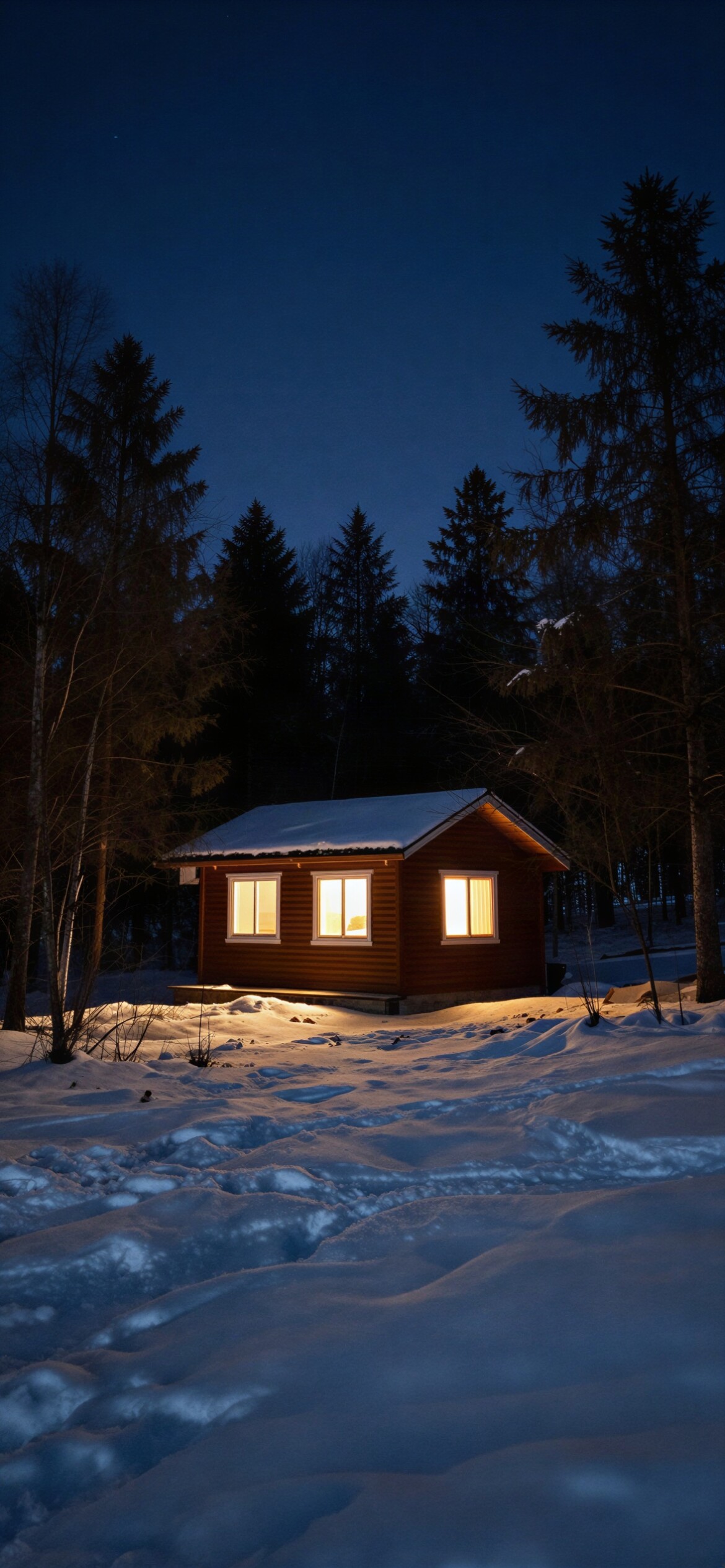
- 5: a cabin glowing in a forest clearing under stars, the only scene with a lit window.
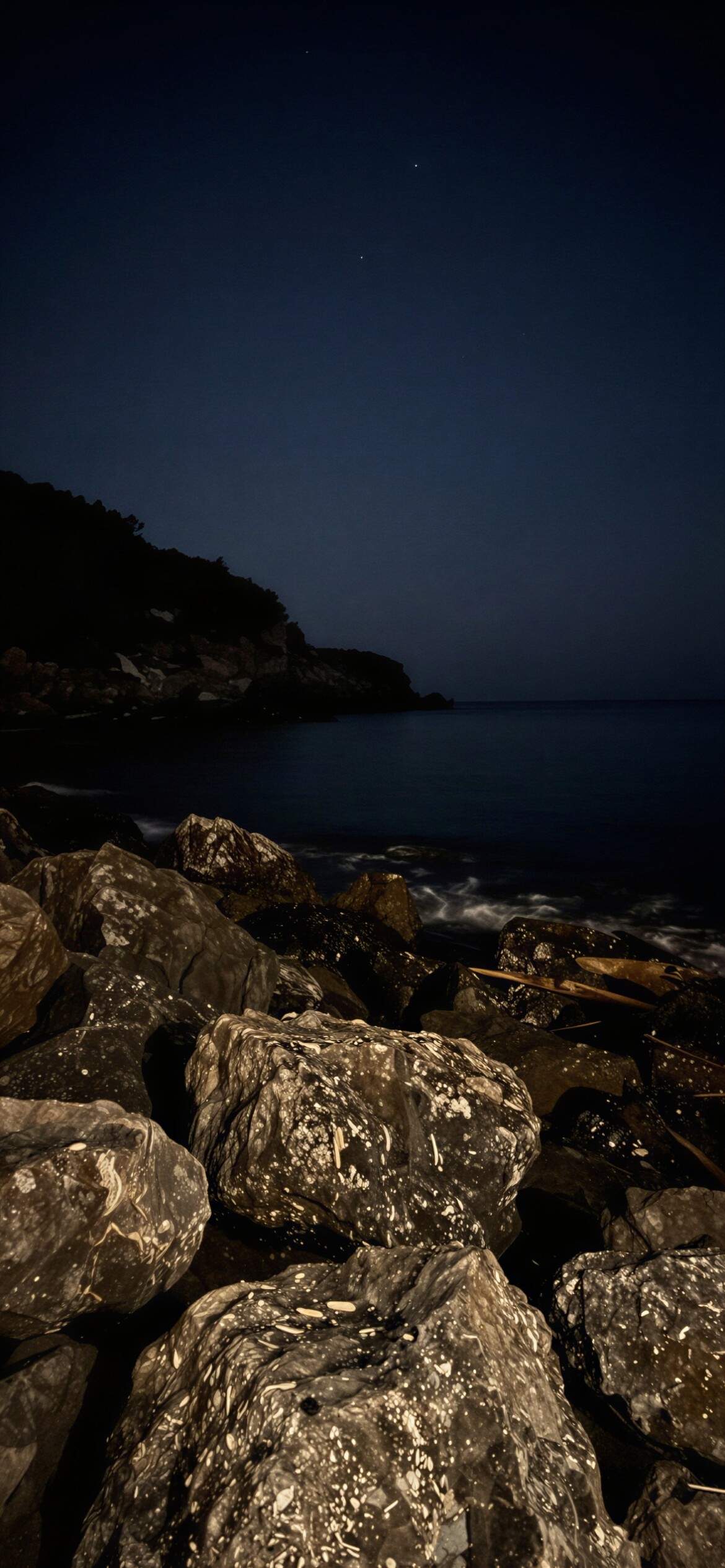
- 6: a rocky coastline with dark cliffs and starlit water.
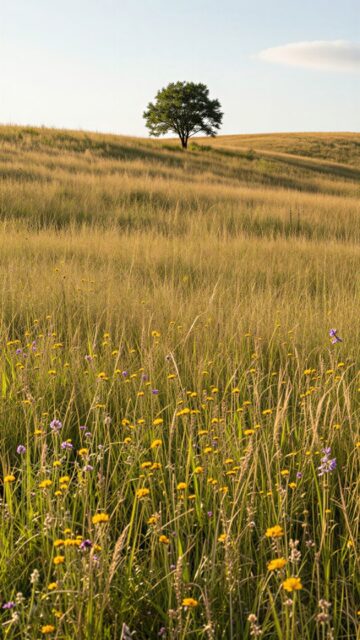
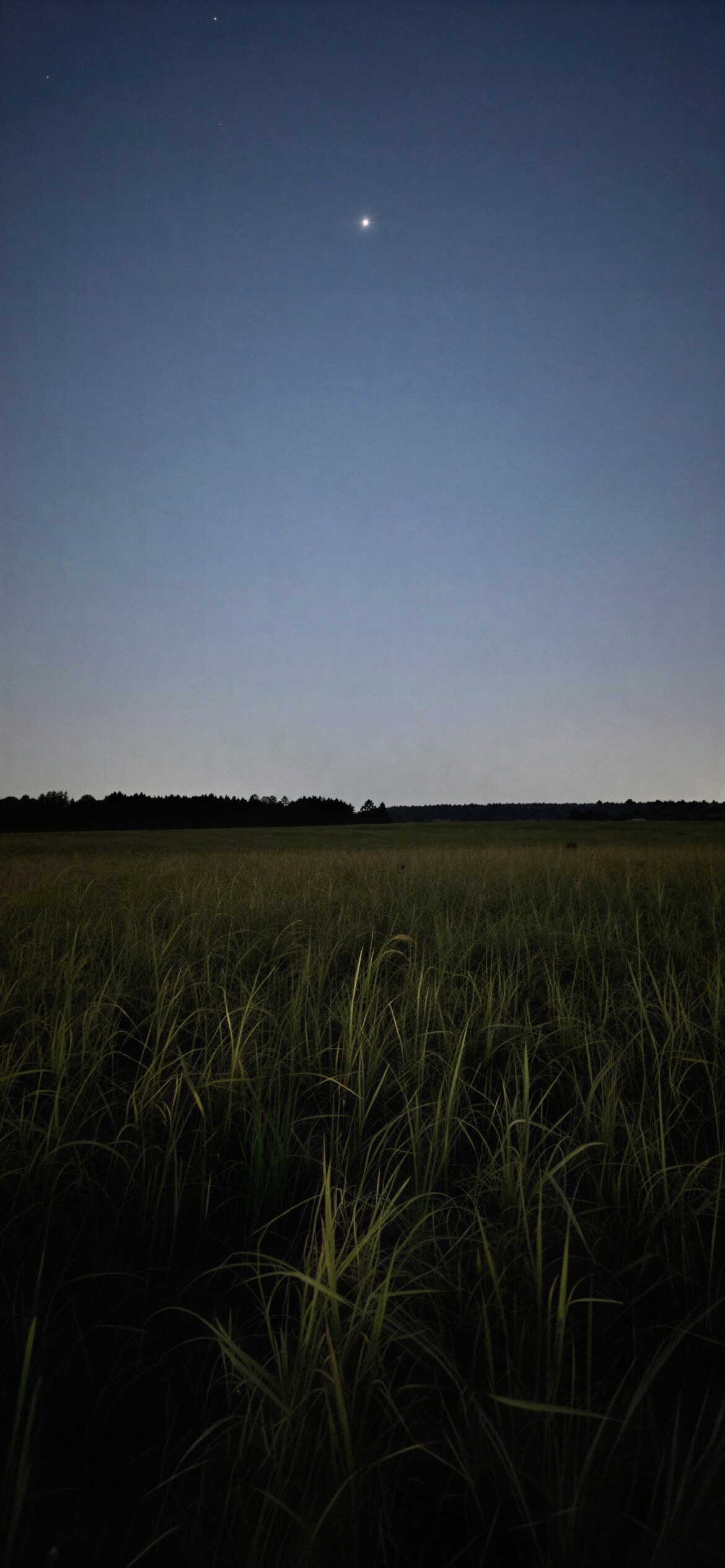
- 7: an open meadow under a huge starry sky, the simplest layout here.
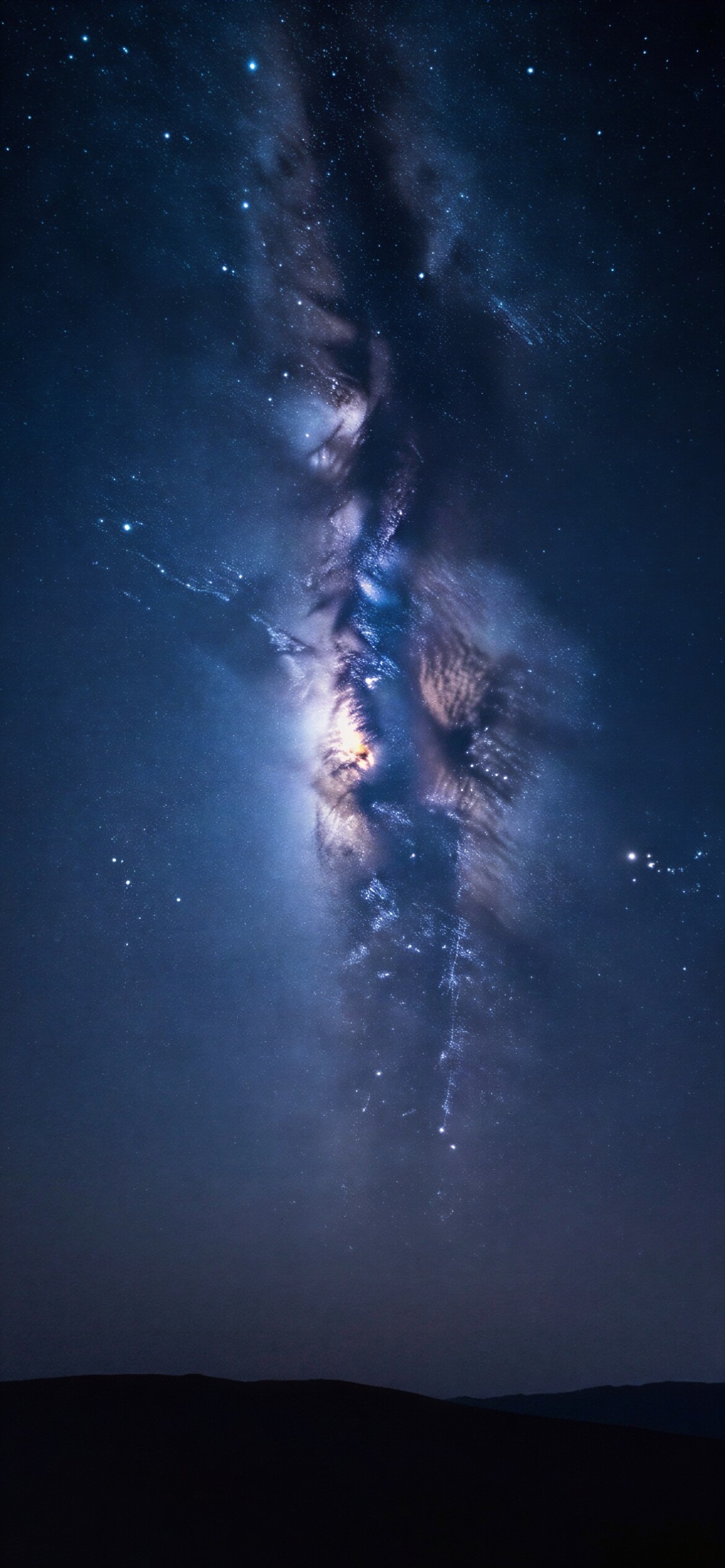
- 8: the Milky Way arching over a dark landscape, the busiest sky of the ten.
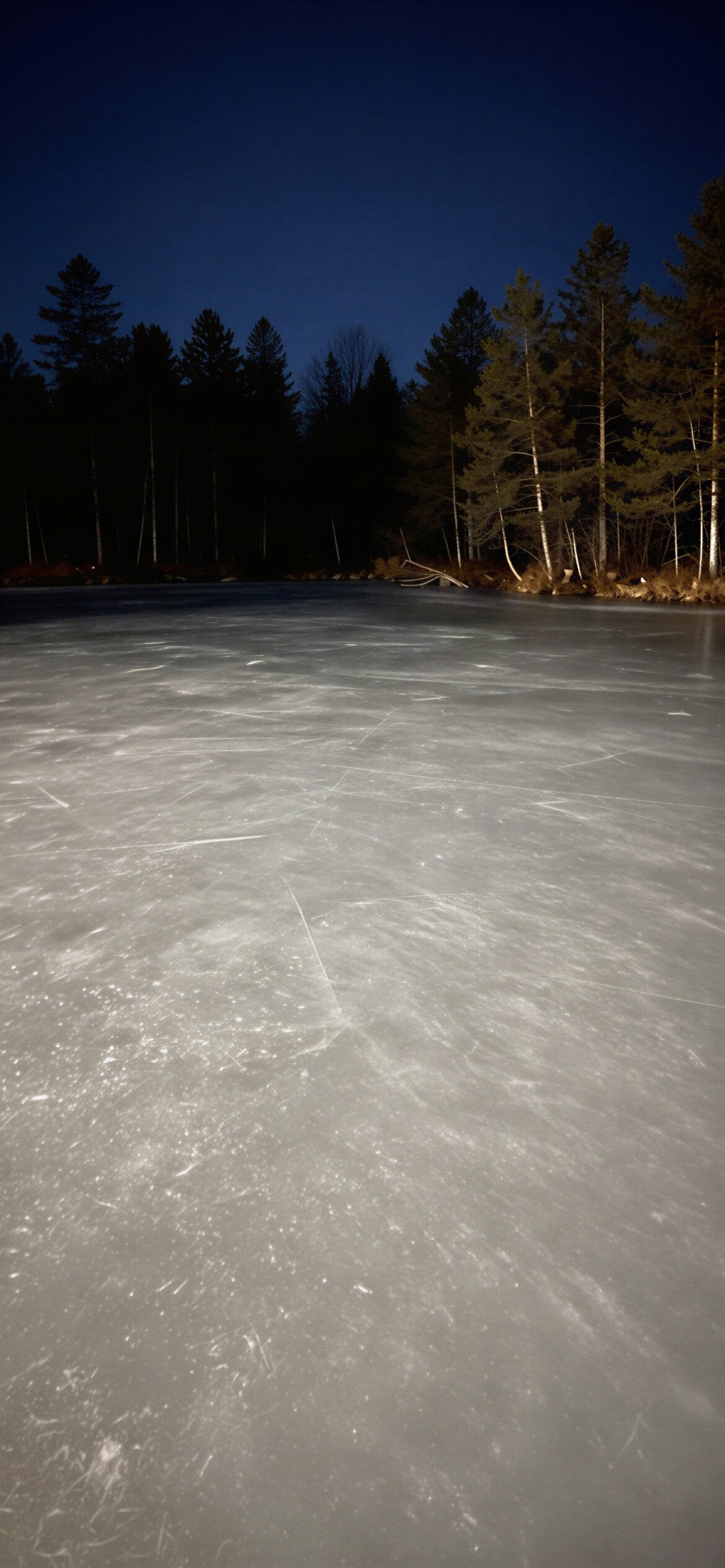
- 9: a frozen lake ringed by evergreens, lit by starlight.
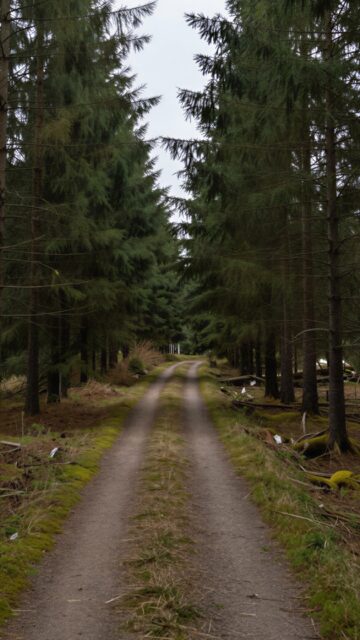
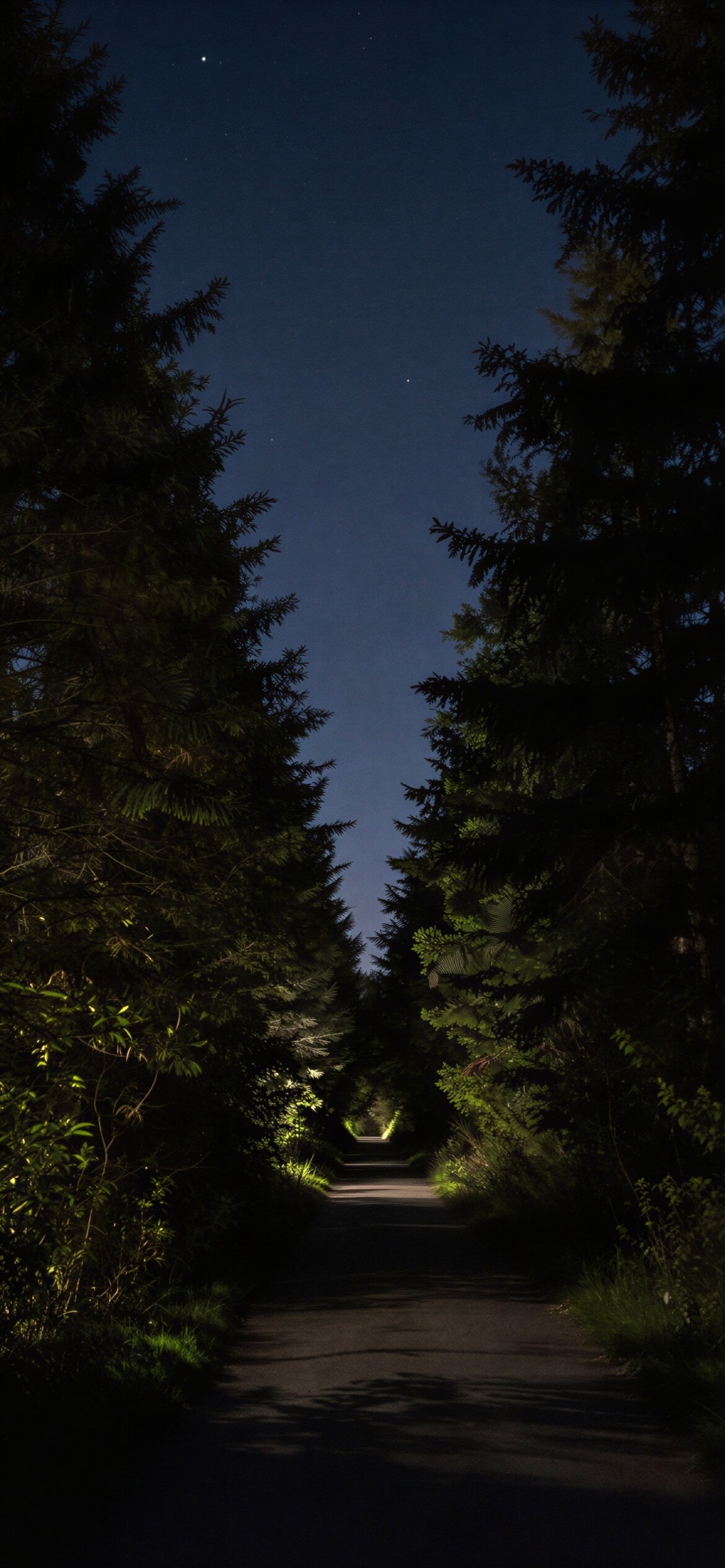
- 10: a forest path running toward the horizon under the stars.
Silver, deep blue or one warm light
The coldest looks come from 3 and 9, where snow and ice push the whole picture toward silver and pale blue. Numbers 1, 6 and 7 sit in deep blue, with water or open grass under a wide sky. Numbers 2, 8 and 10 are the darkest, with black trees or land and the stars doing all the work. Two scenes add warmth: the moon in 4 and the glowing cabin in 5. If you want one picture that feels friendly rather than wild, start with 5.
If you want more of the sky itself, the night sky set and the stars set go further out, and the moon wallpapers stay close to the scene in number 4.
How to set it on your iPhone
- Tap Download and save the image to Photos.
- Open Settings, tap Wallpaper, then Add New Wallpaper, and choose Photos.
- Pick the wallpaper, pinch to position it, then tap Add and choose the lock screen, home screen or both.
Stuck on a step? The iPhone and iPad guide has screenshots for each one.
Questions
Will these night wallpapers fit my iPhone screen?
Yes, these designs are created at 1170x2532 pixels, which is sized for modern iPhones in portrait orientation. Some older models may crop slightly at the edges, but the main scene stays visible. You can download and apply them directly as lock screen or home screen wallpapers.
Can I use these night wallpapers for personal use?
Yes, these wallpapers are free to download and use on your own devices for personal enjoyment. Selling them, printing them for sale, or reposting them on other wallpaper sites is not allowed. See our Terms page for the complete usage policy.
Which night wallpapers work best for lock screens versus home screens?
Night wallpapers with more open sky and fewer details work great on lock screens, since time and notifications will sit at the top without competing with landscape details. Designs with stronger foreground elements and more visual interest work better on home screens, where app icons will cover parts of the image anyway.
Do night wallpapers look good in light mode or only dark mode?
Night wallpapers are designed for dark mode, where deep blacks and starlight really stand out and create the intended calm, peaceful mood. In light mode, the dark tones may look muddy or lose contrast. For the best experience, use these wallpapers with dark mode enabled on your iPhone.