Dragon Wallpaper iPhone
Dragon wallpaper for iPhone shows powerful creatures perched on cliffs, soaring through clouds and guarding ancient temples, free to download for your lock and home screens. These designs pair detailed scales, smoke and fire with moody skies and natural landscapes. Each dragon wallpaper captures a different mood, from serene mountain scenes to dramatic storms. The set works well on any iPhone and suits both lock screens and home screens behind your icons.
10 wallpapers at 1170 × 2532 px for iPhone. Checked by hand on 6 Oct 2026.
About this set
These dragon wallpapers blend detailed creature design with natural landscapes and atmospheric lighting. Each design uses a tall vertical composition that keeps the top simple and calm, so your status bar and time display stay readable. The subjects sit in the middle or lower half, leaving room for icons on your home screen.
The lock screen picks are the serene scenes with soft gradients and mist, which look elegant behind a clean lock screen. For home screens, choose the dramatic high-contrast designs with bold colors and clear subjects, which frame your app icons well. The color palette ranges from cool silvers and purples to warm golds and reds, so you can match your iPhone theme.
Fire in the West, rain in the East
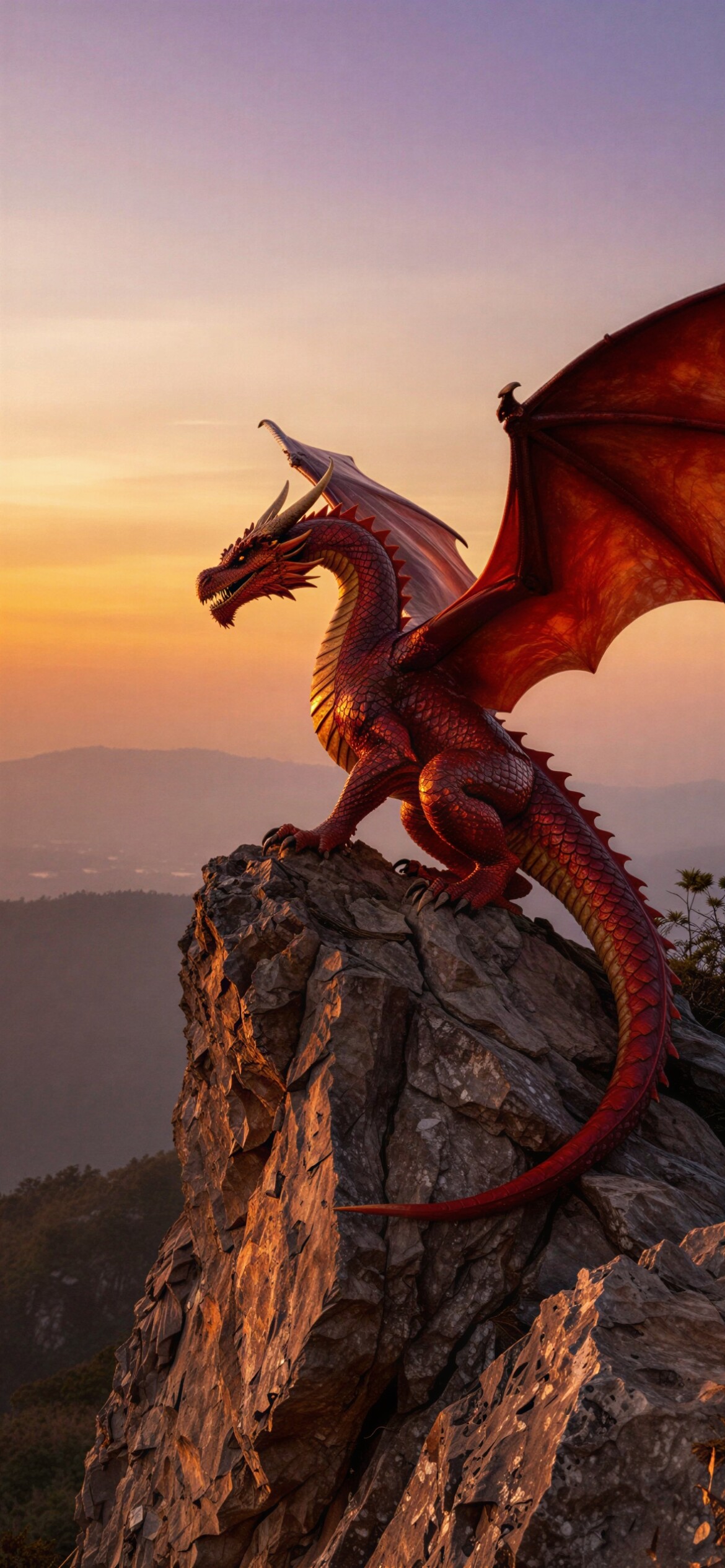
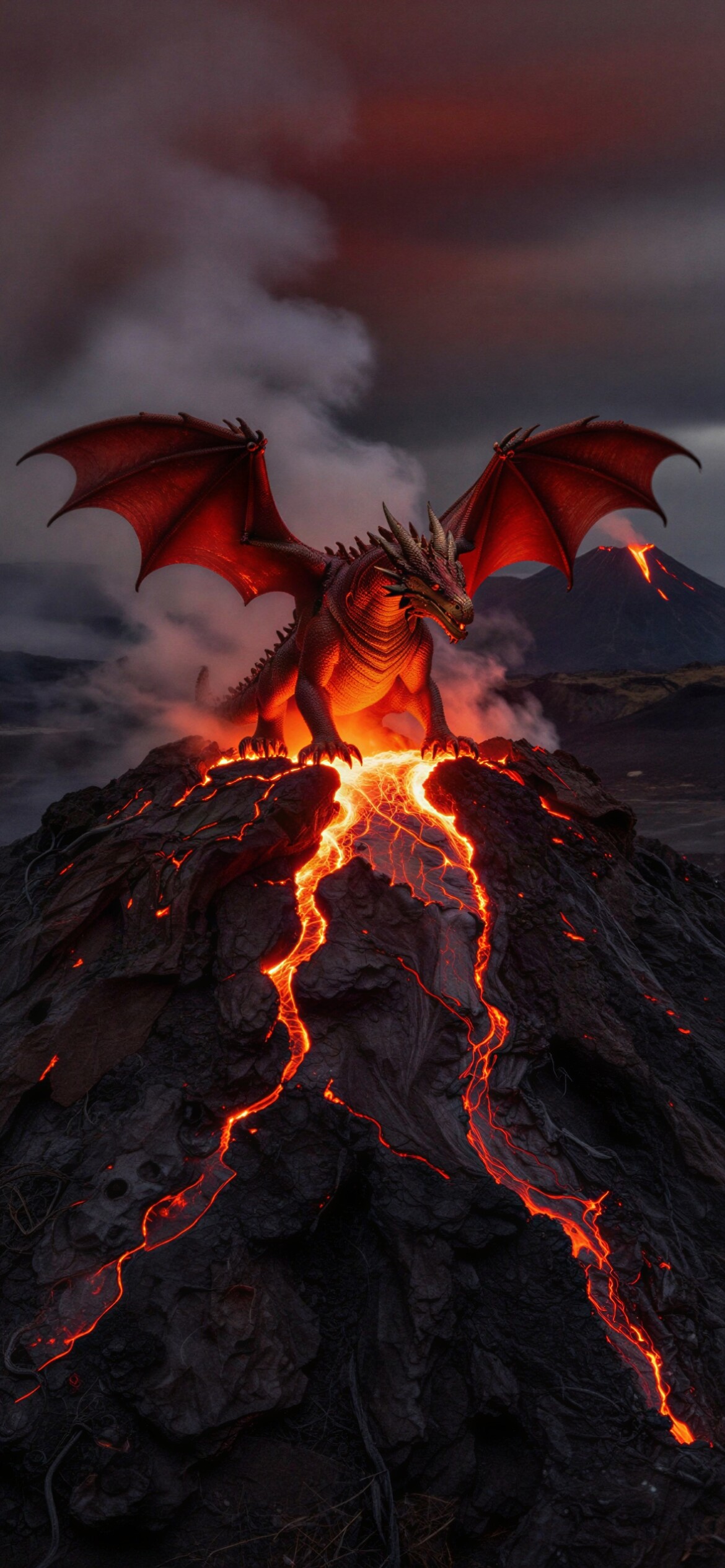
Dragons turn up in myths all over the world, but they do not mean the same thing everywhere. In European stories the dragon is usually a winged, fire-breathing beast that guards treasure, like the one Beowulf fights at the end of the Old English poem, or Fafnir in Norse legend. The red dragon on the mountain peak in wallpaper 1 and the crimson one on the volcanic ridge in wallpaper 9 sit closest to that tradition.
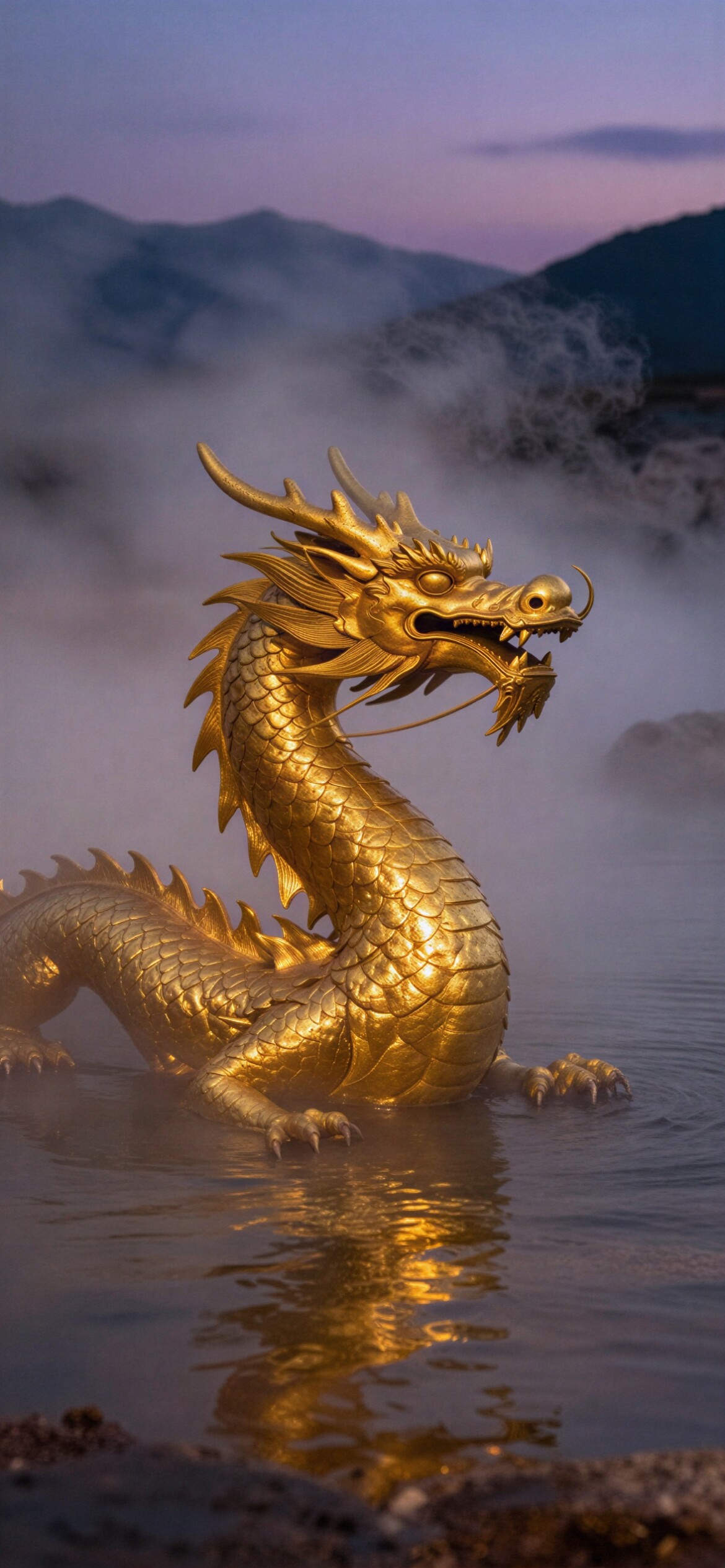
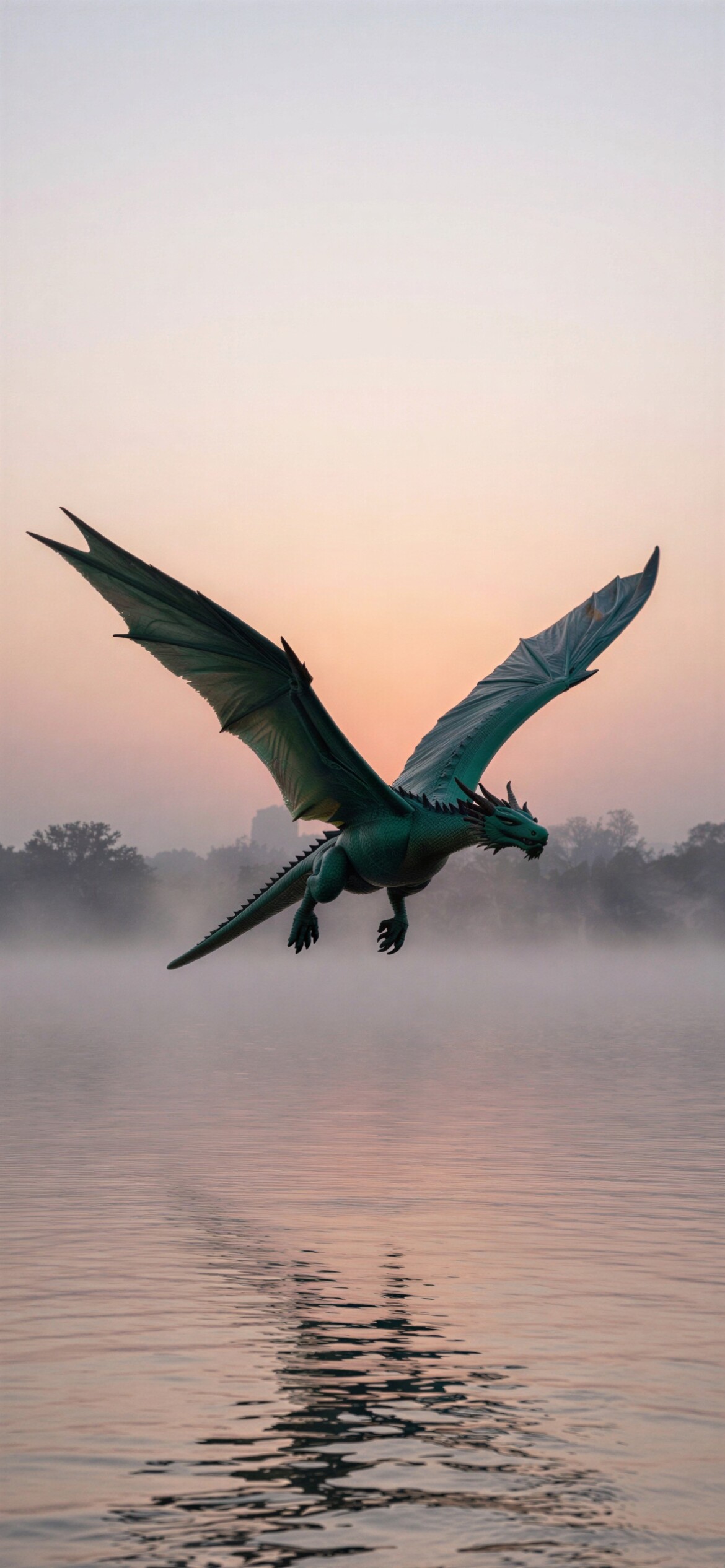
In China the dragon, or long, brings rain and rules over rivers and seas, so it belongs to water rather than fire, and for centuries it was a symbol of the emperor. It is also the only mythical animal among the twelve signs of the Chinese zodiac. Wallpapers 5 and 10, a gold dragon rising from a steaming hot spring and a jade dragon over a misty lake at sunrise, lean toward that gentler, watery side.
Ten dragons and where they live
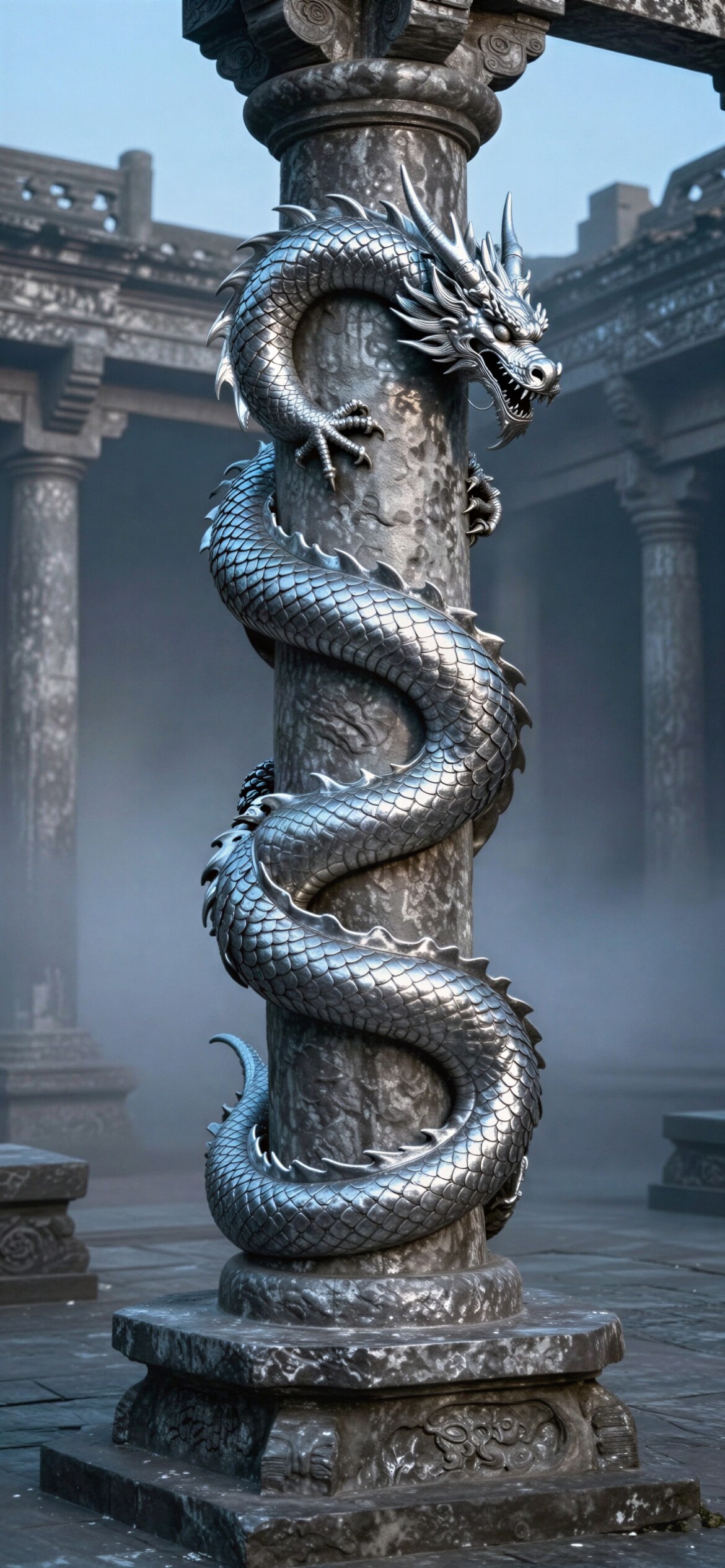
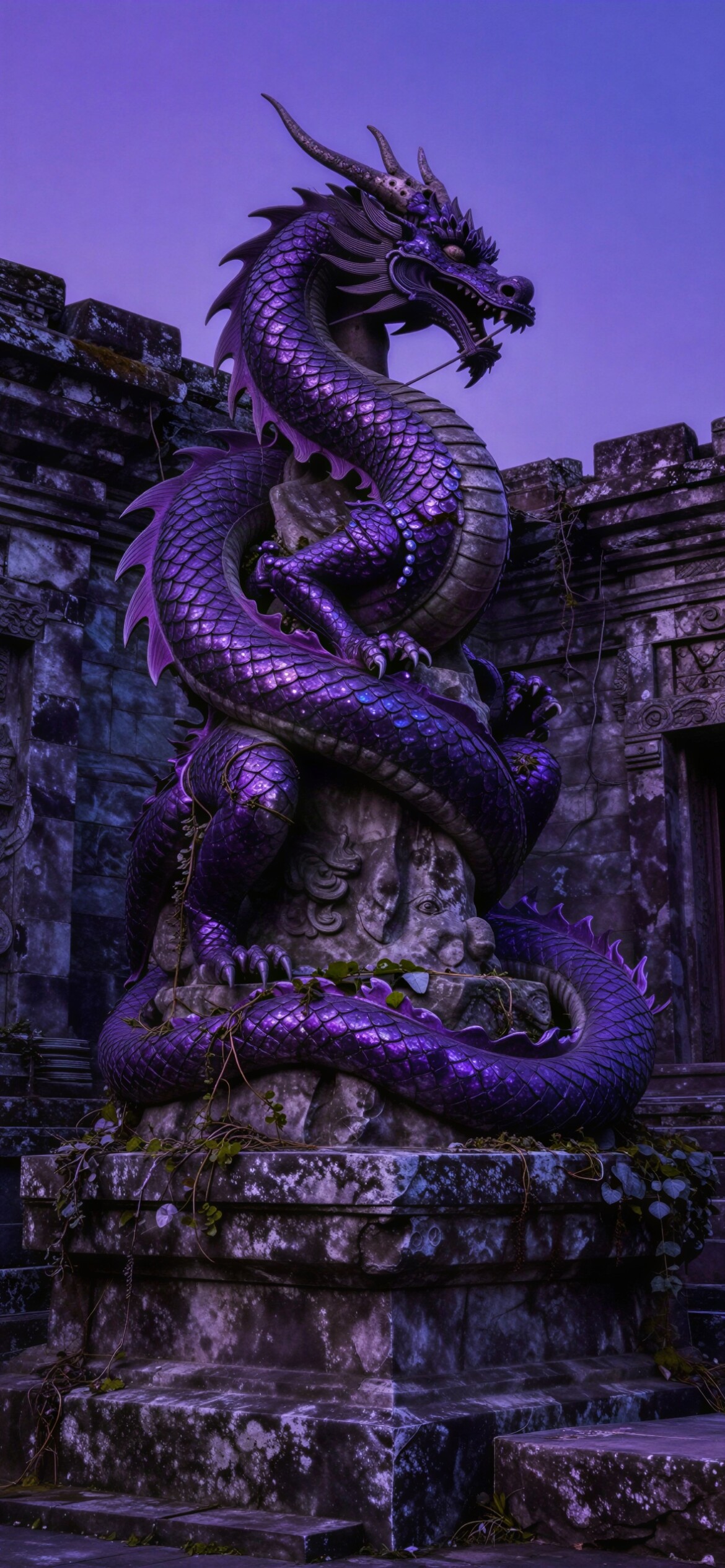
Two of the designs are set in temples: a silver dragon wrapped around a stone pillar (2) and a purple one coiled around an old statue (8). Both have a strong upright shape, so the body runs up the screen like a frame around a large lock screen clock.
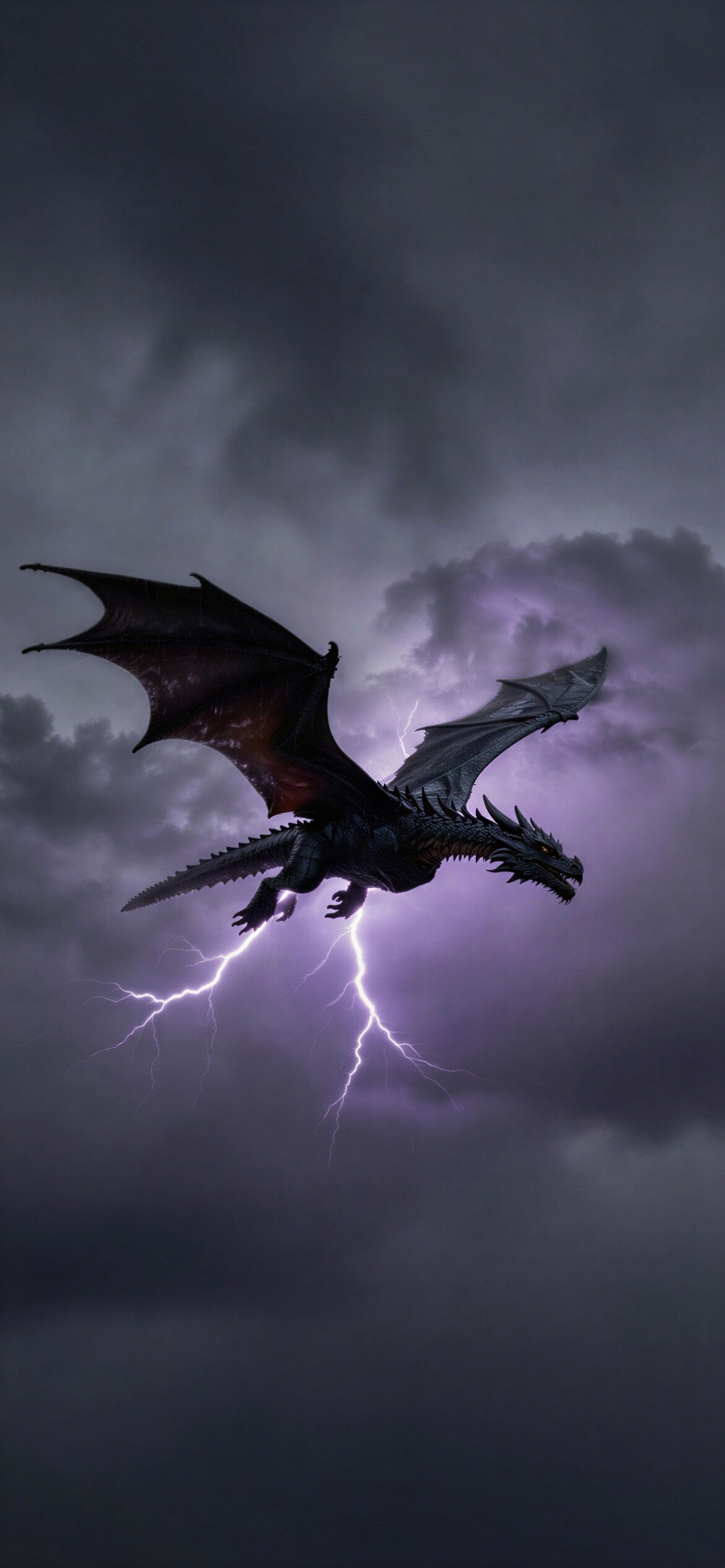
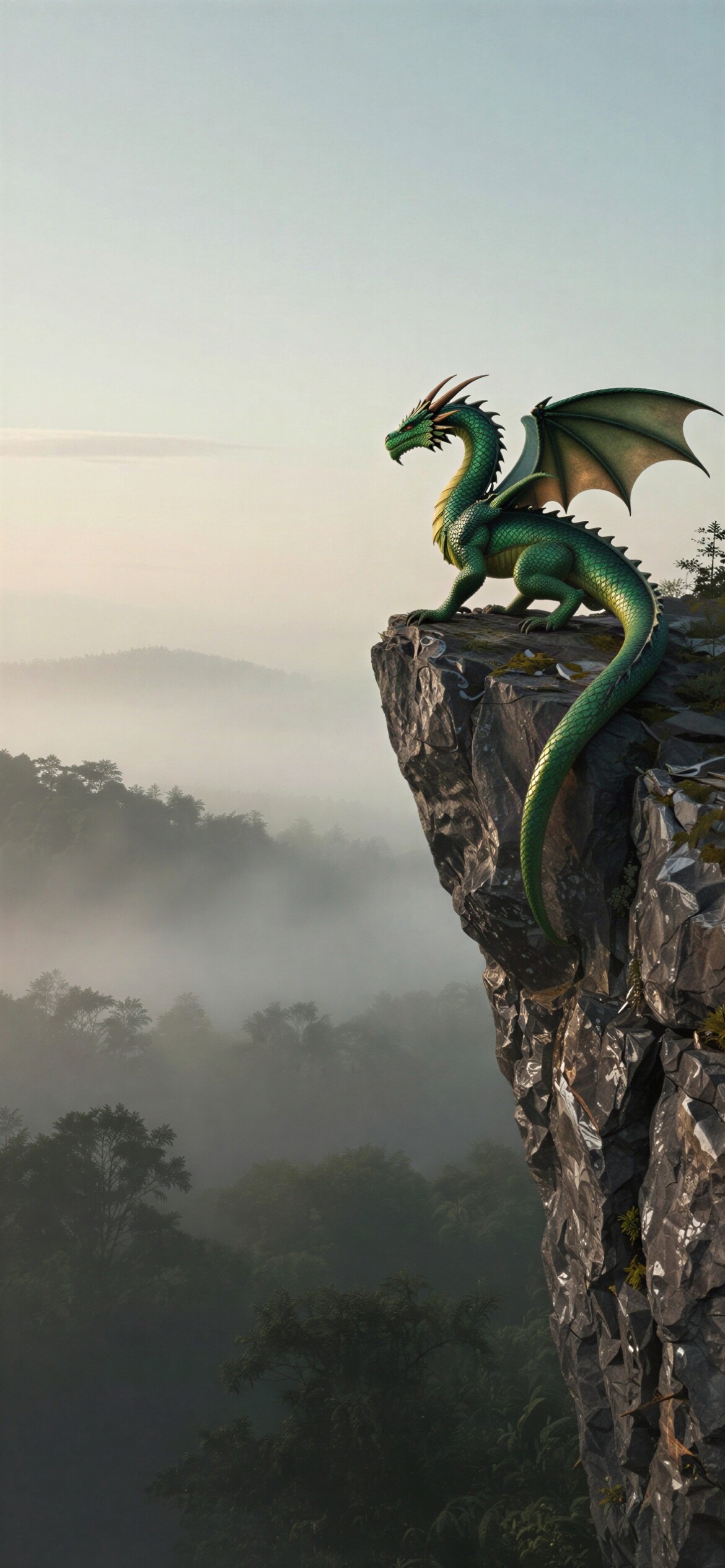
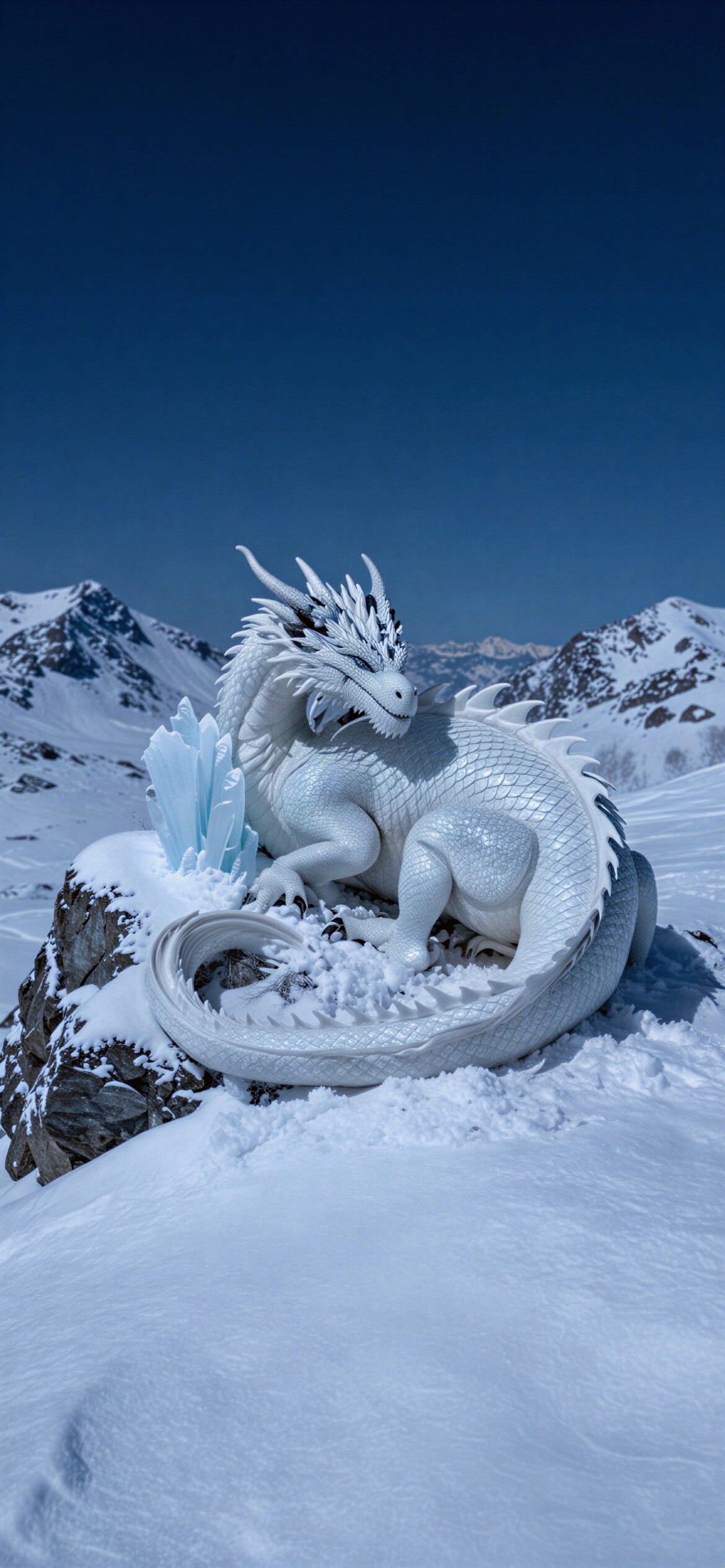
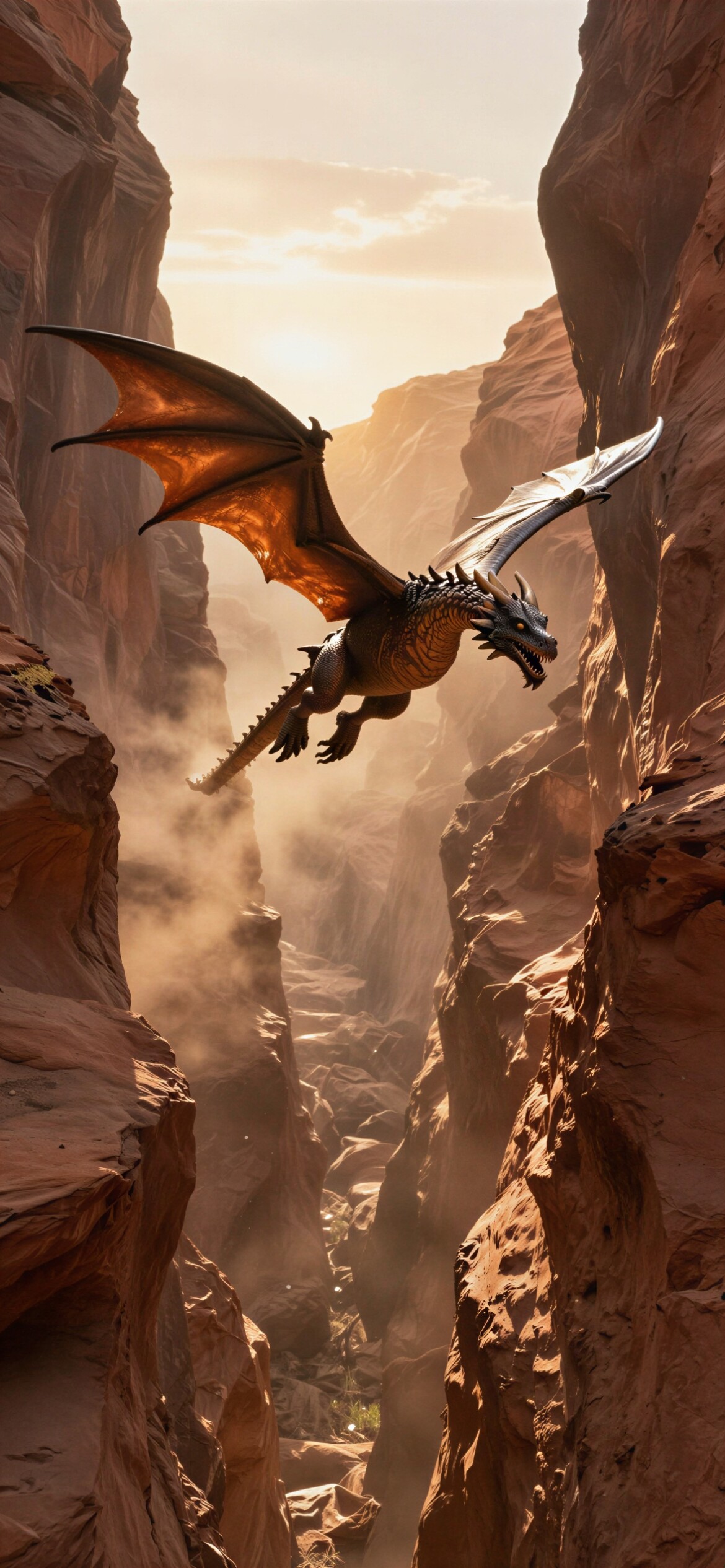
Wallpaper 3 is the loudest of the ten, a black dragon cutting through storm clouds and lightning. Wallpaper 6 goes the other way, with a white dragon resting on snowy peaks under the stars, a quiet choice for night. The green dragon in 4 looks out over a misty forest valley, and the bronze dragon in 7 flies down a canyon in golden-hour light, which gives the strongest sense of movement in the set.
Night and storm scenes like 3 and 6 are mostly dark sky, which tends to look richer on iPhones with OLED screens, where black areas are shown by pixels that are simply switched off.
Sorting them by temperature
- Fire and low sun: 1, 7 and 9, lit by sunset, golden hour and lava.
- Stone and storm: 2, 3 and 8.
- Mist and snow: 4 and 6.
- Water at the edges of the day: 5 at twilight and 10 at sunrise.
If you like big creatures in wild places, the tiger wallpapers and the peaks in our mountain wallpaper set sit well beside these, and the night sky collection makes a good match for the white dragon in 6.
How to set it on your iPhone
- Tap Download and save the image to Photos.
- Open Settings, tap Wallpaper, then Add New Wallpaper, and choose Photos.
- Pick the wallpaper, pinch to position it, then tap Add and choose the lock screen, home screen or both.
Stuck on a step? The iPhone and iPad guide has screenshots for each one.
Questions
Will these dragon wallpapers fit my iPhone without cropping?
Yes. These wallpapers are made for iPhone at 1170x2532 pixels. They are sized for modern iPhones, and some older models may crop slightly at the edges. The composition keeps the top simple so your status bar and time stay clear and readable.
Can I use these wallpapers for personal use?
Yes, these wallpapers are free to download and use on your own devices. Selling them, printing them for sale, or reposting them on other wallpaper sites is not allowed. See our Terms page for the full license.
Which dragon wallpapers work best on lock screens versus home screens?
Soft, misty designs with gentle gradients work best on lock screens because they stay calm behind your time and notifications. Bold, high-contrast dragons with clear subjects suit home screens better, as they frame your app icons without competing for attention.
Can I match these dragon wallpapers to my iPhone theme?
Absolutely. The set includes cool-toned dragons in silver, purple and green for light mode, and warm-toned designs in gold, red and bronze for dark mode. Pick the color palette that matches your app icons and accent colors for a cohesive look.