Tiger Wallpaper iPhone
Tiger wallpaper for iPhone brings wild felines to your screen with striking close-ups, jungle scenes and wildlife portraits. Free to download for all iPhone models, no sign up needed. Each design is original artwork, curated and checked by hand. Whether you prefer a tiger face filling the frame or a distant jungle cat in natural habitat, this set has options for every mood and lock screen style.
10 wallpapers at 1170 × 2532 px for iPhone. Checked by hand on 5 Oct 2026.
About this set
This set features realistic wildlife portraits and natural habitat scenes with tigers in their element. Each wallpaper captures the raw power and beauty of these big cats through close-ups, full-body poses and jungle settings. Warm orange and black tones dominate, paired with natural greens, golds and earth colors that suit any iPhone aesthetic.
The lock screen designs work best with tight close-ups of the tiger face or head, where the subject stays centered and clear even when time and notification widgets appear. Full-body shots and wider jungle scenes suit the home screen better, giving you room to place app icons without covering the main subject. Pair these with neutral or warm-toned icon packs for a cohesive look.
Ten tigers, from a cub to a full-grown hunter
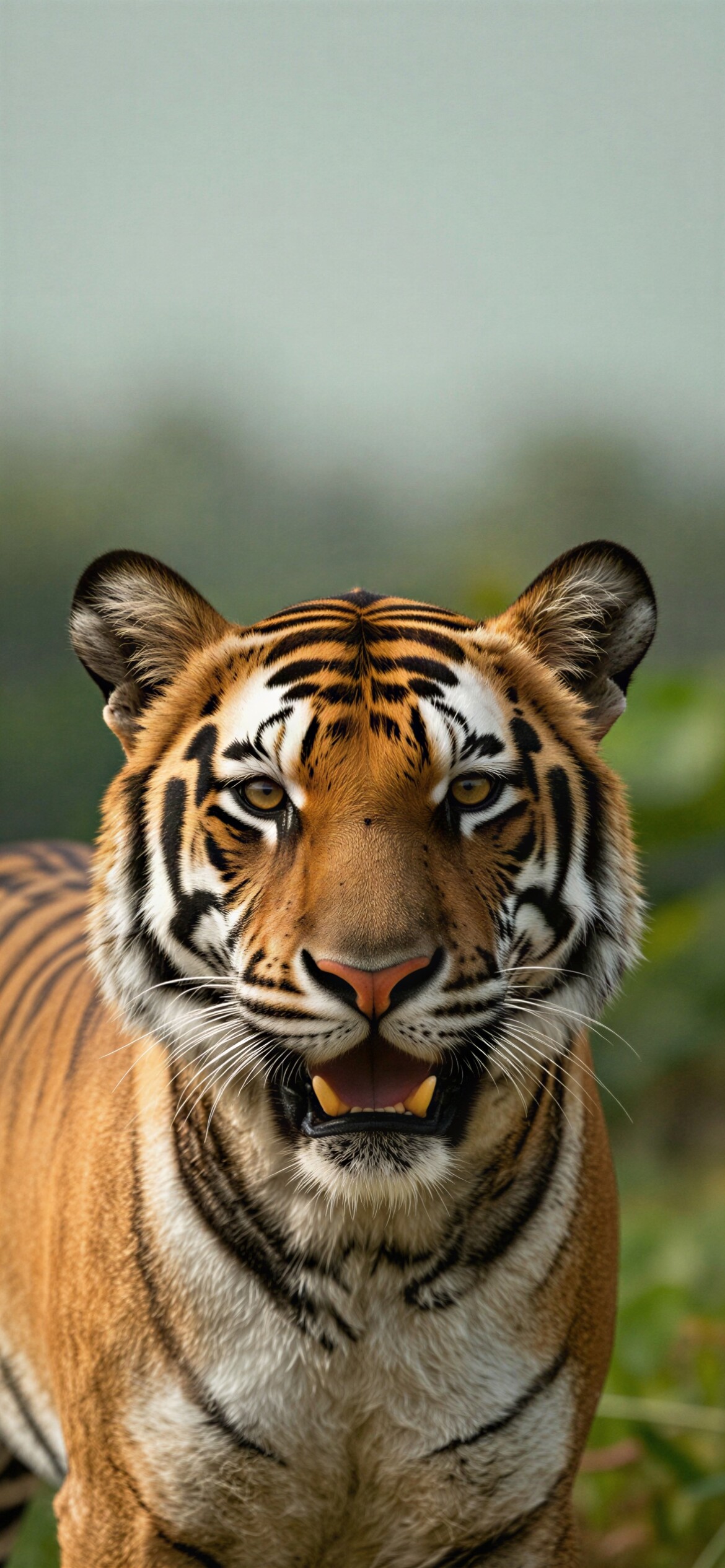
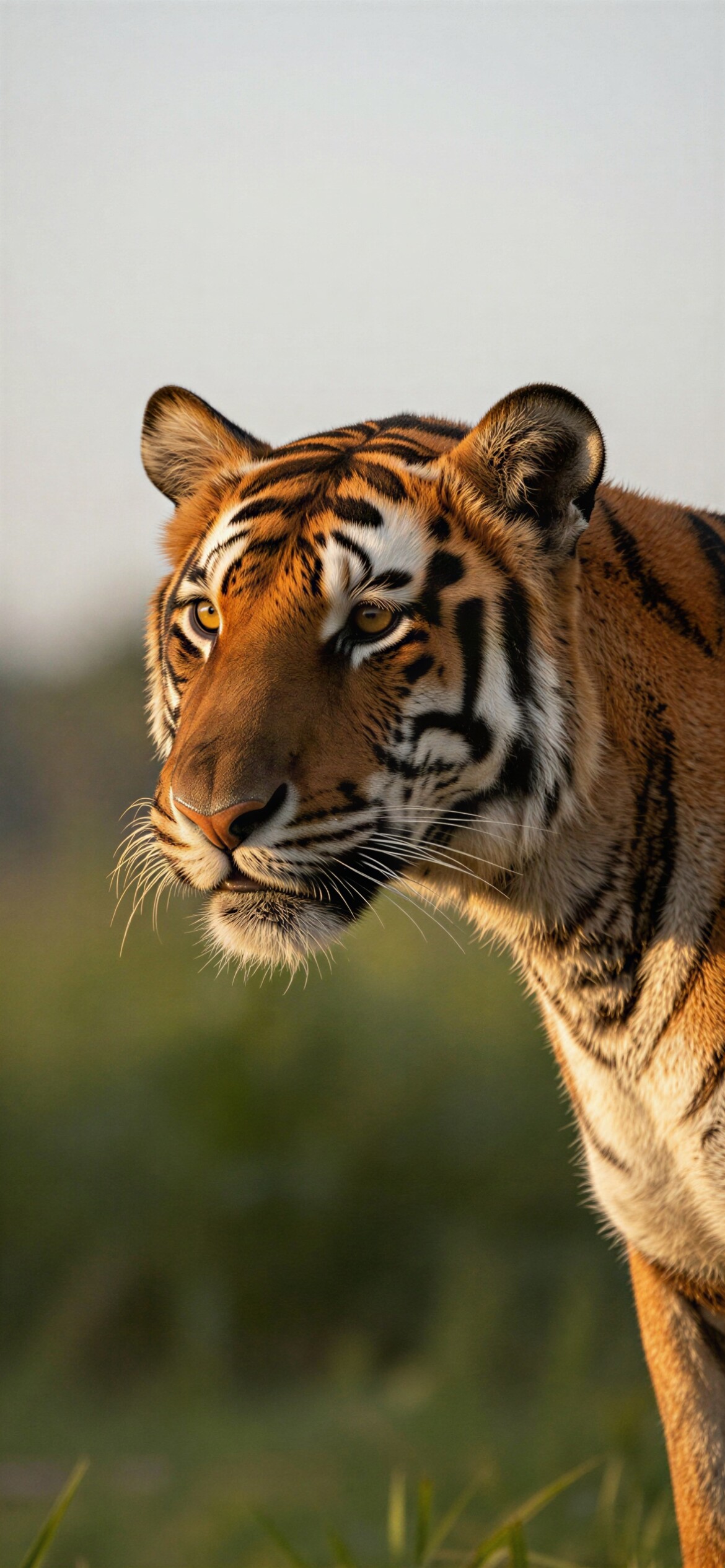
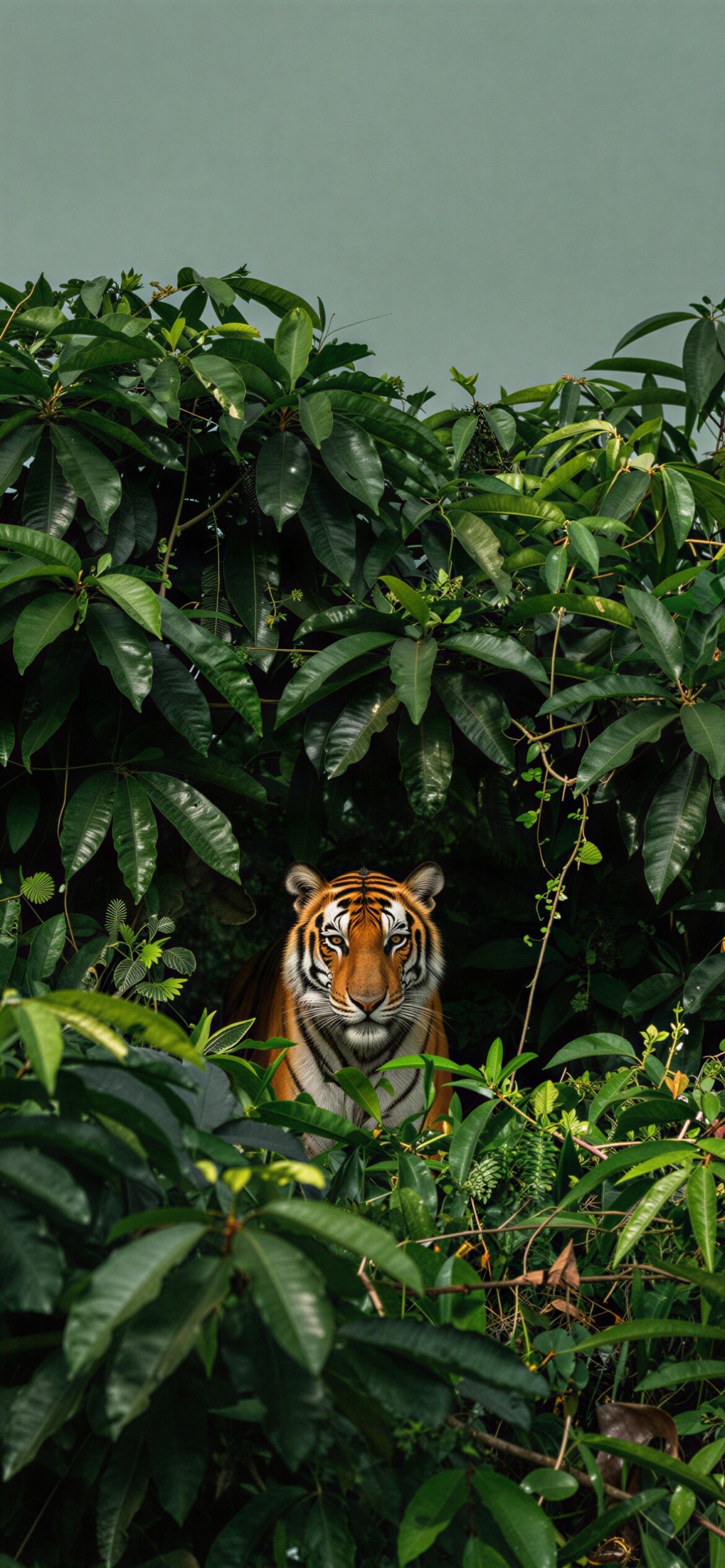
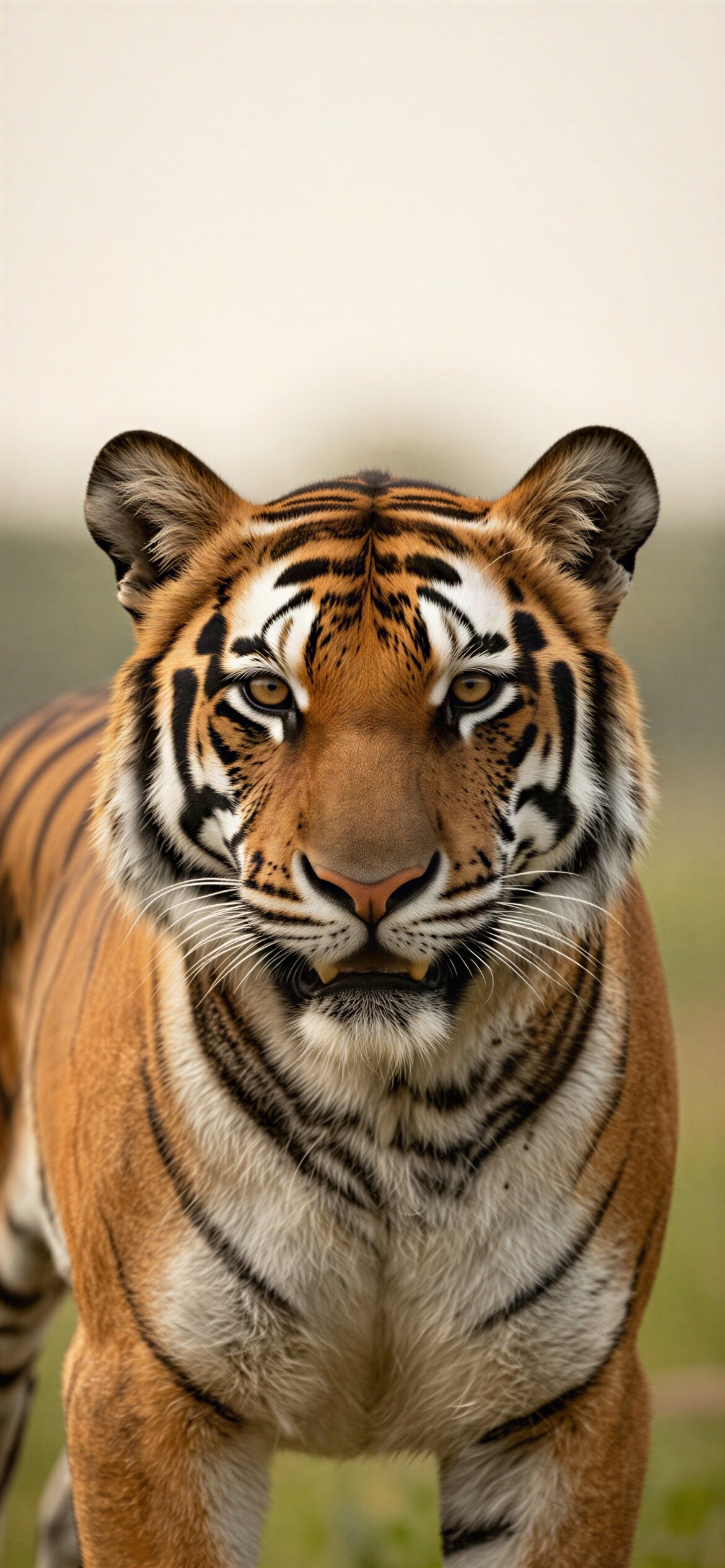
Four of the designs are all about the face. Wallpaper 1 is a tight Bengal tiger close-up where the eyes do the work, 4 turns the head side-on so the whiskers and alert expression read clearly, 7 shows a face pushing out of jungle leaves, and 9 frames the head closely enough to see the markings on the ears. These hold up well on a lock screen because the animal sits in one compact block.
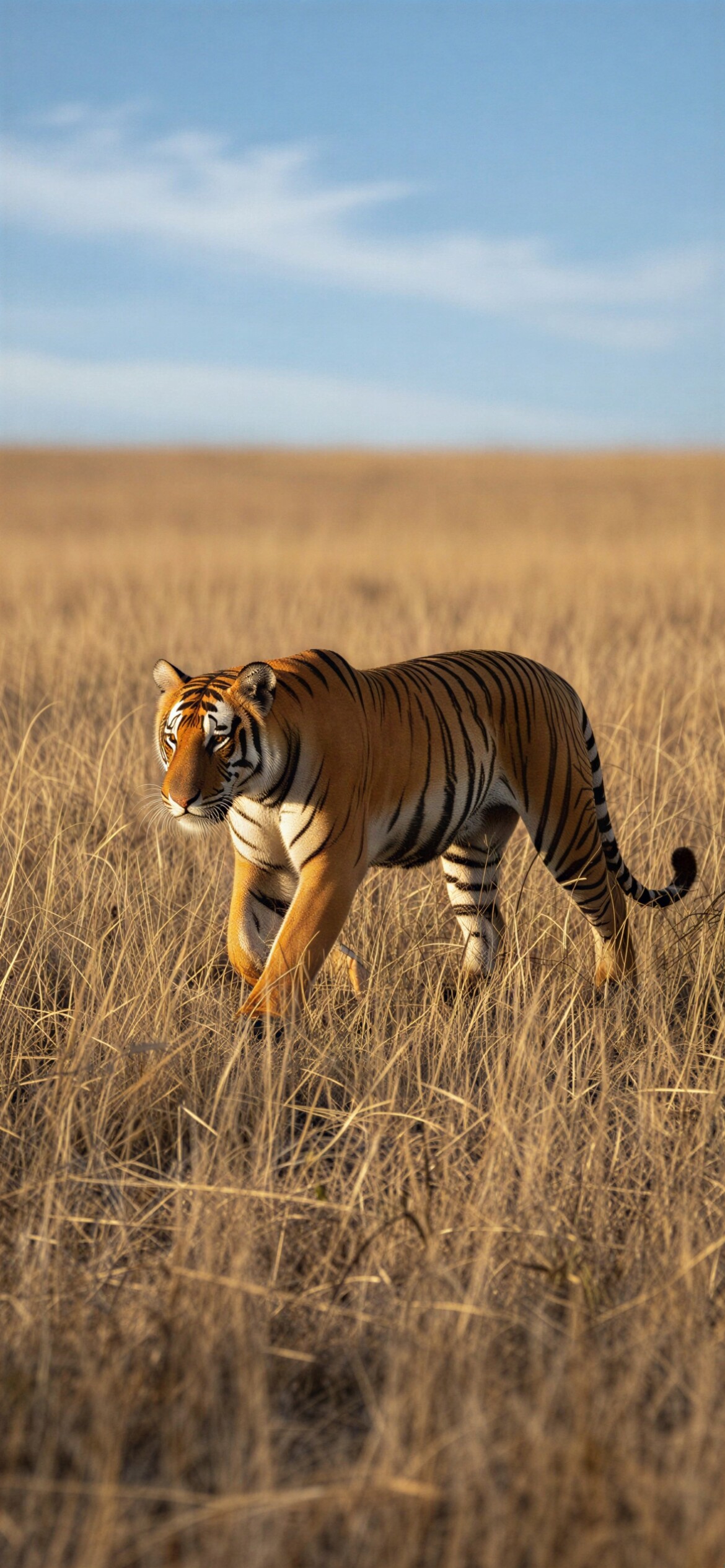
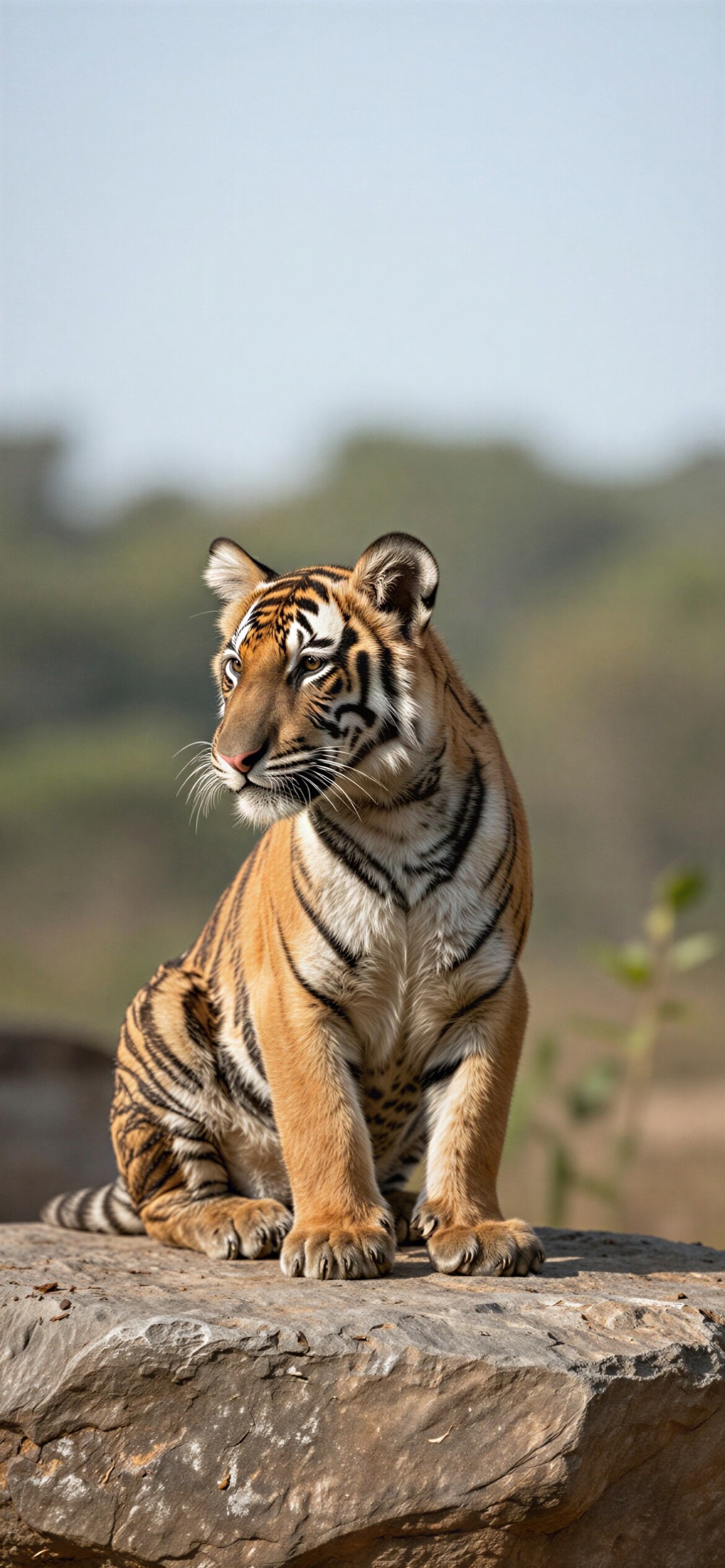
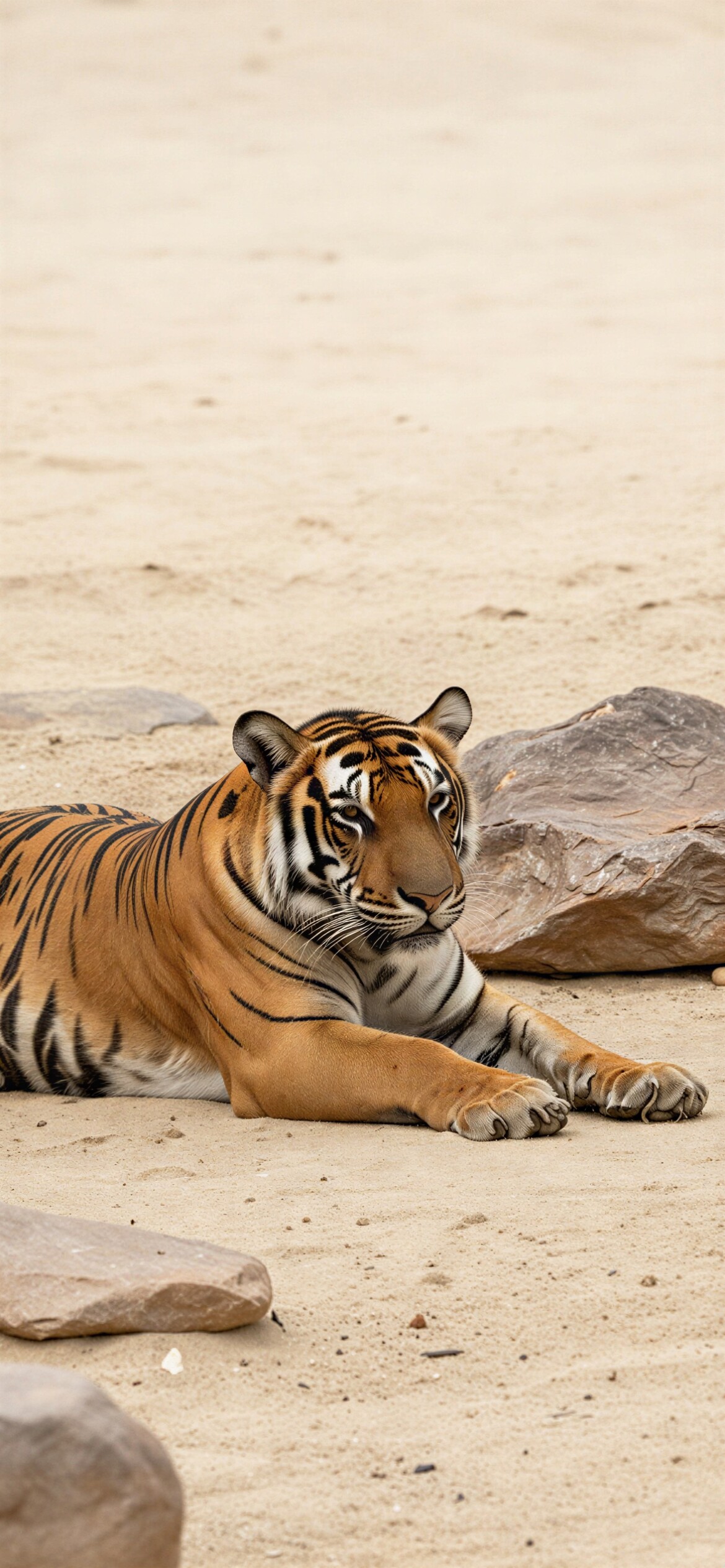
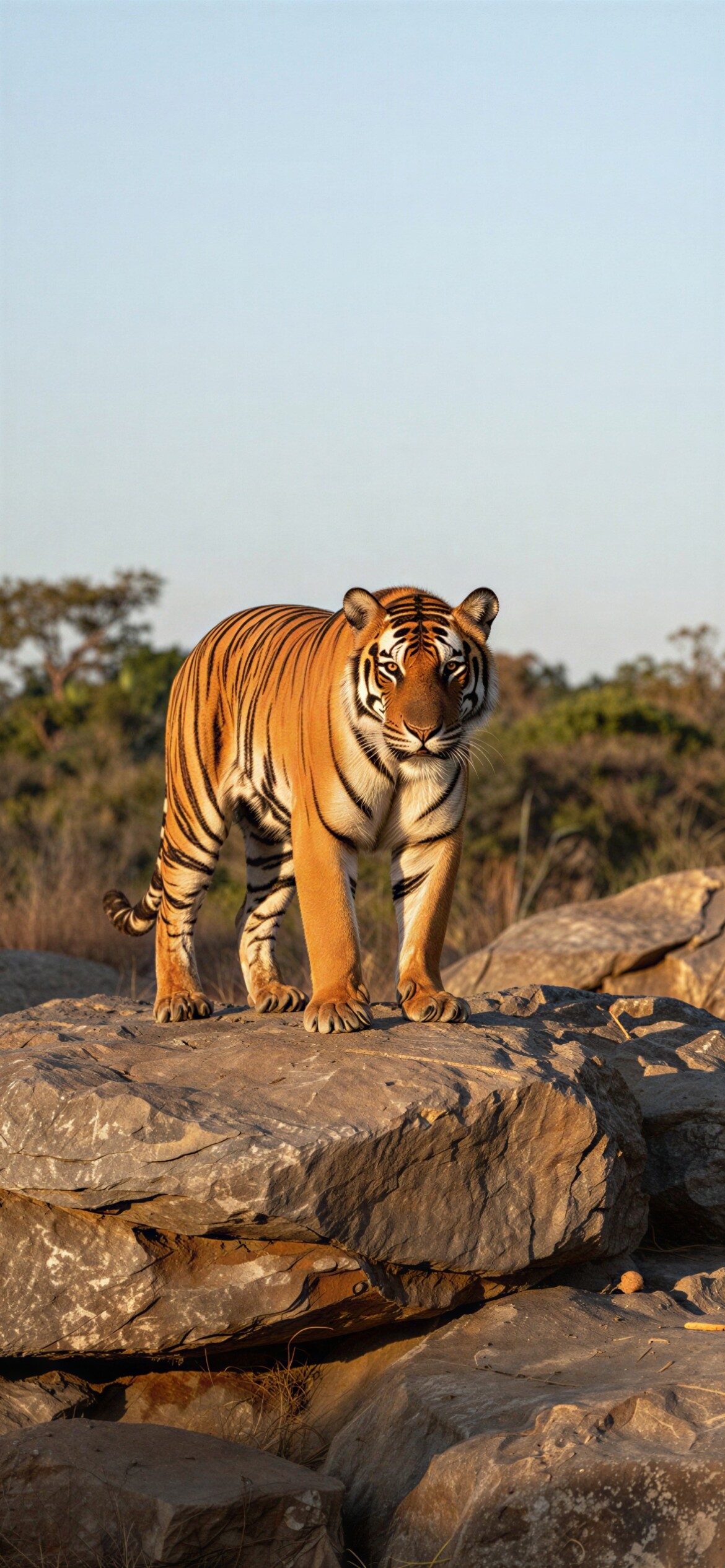
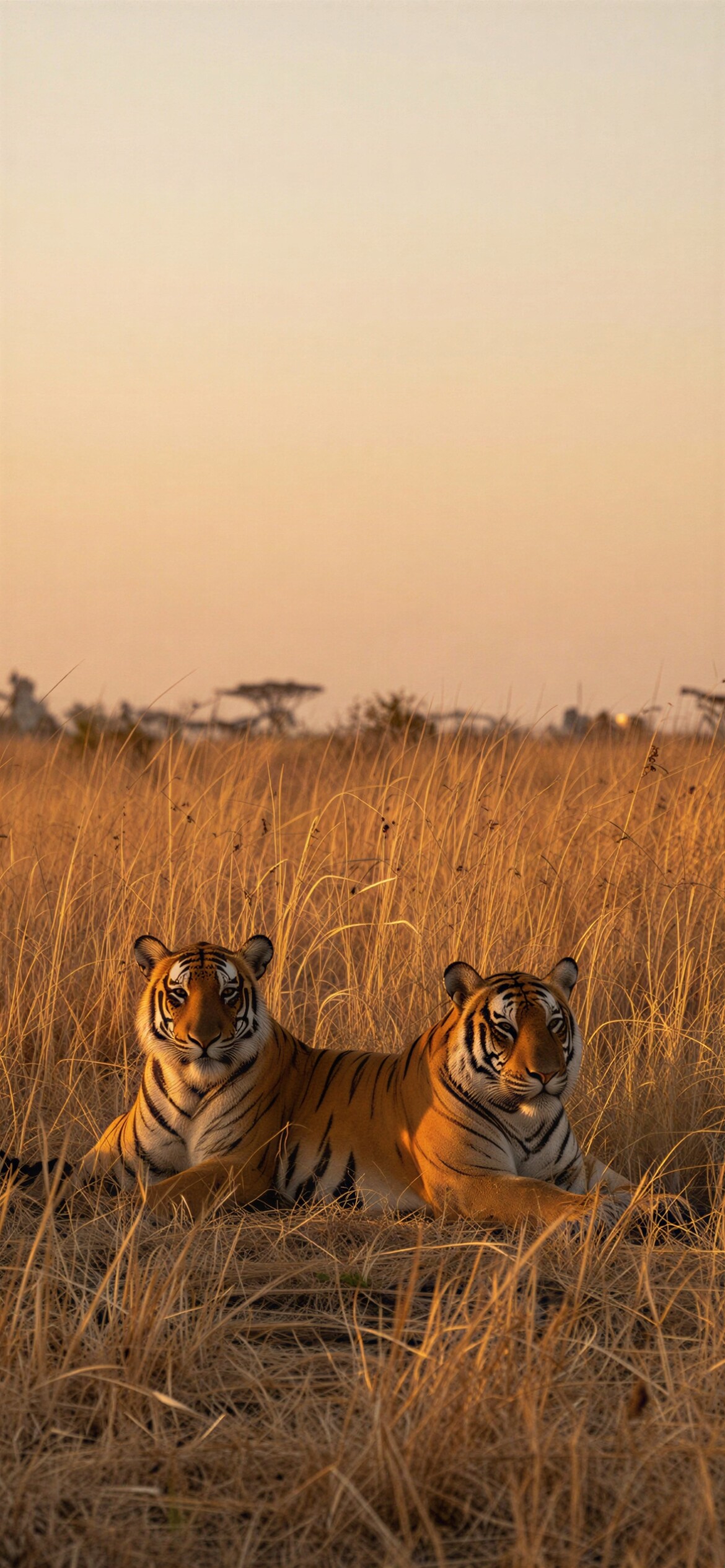
The rest step back. Wallpaper 2 follows a tiger walking through dry grass in golden hour light, and 10 shows one lying in golden grass at sunset. Number 3 is the only cub in the set, sitting on a rock. In 6 a tiger rests on sandy ground with a calm gaze, 8 puts one on a rocky outcrop in a strong standing pose, and 5 is the odd one out: a tiger swimming, with only its head above dark water.
Why no two tigers look the same
Tigers are the largest of the wild cats, and each one carries its own stripe pattern, a bit like a fingerprint. The stripes are not only in the fur; the skin underneath is striped too. Compare the face shots in 1, 4 and 9 and you can see the markings above the eyes and on the cheeks change from one animal to the next.
The white spots on the back of a tiger's ears, visible in wallpaper 9, are thought to help cubs follow their mother or to send signals to other tigers. Number 5 shows a habit that sets tigers apart from most cats: they are strong swimmers and often lie in water to cool off on hot days. A cub like the one in wallpaper 3 usually stays with its mother for around two years before heading off alone.
Gold grass, green leaves or dark water?
- Warm and golden: 2, 6 and 10, lit by low sun or set on sand and dry grass.
- Orange fur up close: 1, 4 and 9, where the coat itself fills most of the frame.
- Stone and earth: 3 and 8, both set on rock.
- Green and shaded: 7, with leaves framing the face.
- Dark and dramatic: 5, with black water all around the head.
For more big animals, see the lion wallpapers and the wider safari set, or try the tropical wallpapers if the jungle leaves in number 7 are what you like most.
How to set it on your iPhone
- Tap Download and save the image to Photos.
- Open Settings, tap Wallpaper, then Add New Wallpaper, and choose Photos.
- Pick the wallpaper, pinch to position it, then tap Add and choose the lock screen, home screen or both.
Stuck on a step? The iPhone and iPad guide has screenshots for each one.
Questions
Will these wallpapers fit my iPhone screen?
Yes. These wallpapers are sized at 1170x2532 pixels for modern iPhones, and some older models may crop slightly at the edges. The tall vertical format fills the entire screen edge to edge. If you need to adjust the crop on your phone, use the built-in wallpaper preview tool to move and zoom before saving.
Can I use these wallpapers for personal use?
Yes, these wallpapers are free to download and use on your own devices for personal use only. Selling them, printing them for sale, or reposting them on other wallpaper sites is not allowed. See our Terms page for the full license.
Which wallpapers work best for lock screen vs home screen?
Close-up tiger face designs are ideal for the lock screen because the subject stays centered and visible behind widgets and time displays. Full-body and jungle scene wallpapers suit the home screen better, allowing you to arrange app icons around the tiger without blocking the main subject.
Do these tiger wallpapers work with both light and dark mode?
Yes. The warm orange, black and earth tones in these designs work well in both light and dark modes on iPhone. The natural color palette doesn't clash with system elements. Try pairing them with a matching warm tone theme in your settings for a unified look.