Stars Wallpaper iPhone
Stars wallpaper for iPhone brings night sky views to your lock and home screens with constellations, planets and cosmic light. These free designs show starry scenes in different moods and colors, from deep midnight blue to soft twilight. Each wallpaper suits vertical iPhone displays and works year-round as a backdrop to your apps and widgets.
10 wallpapers at 1170 × 2532 px for iPhone. Checked by hand on 5 Oct 2026.
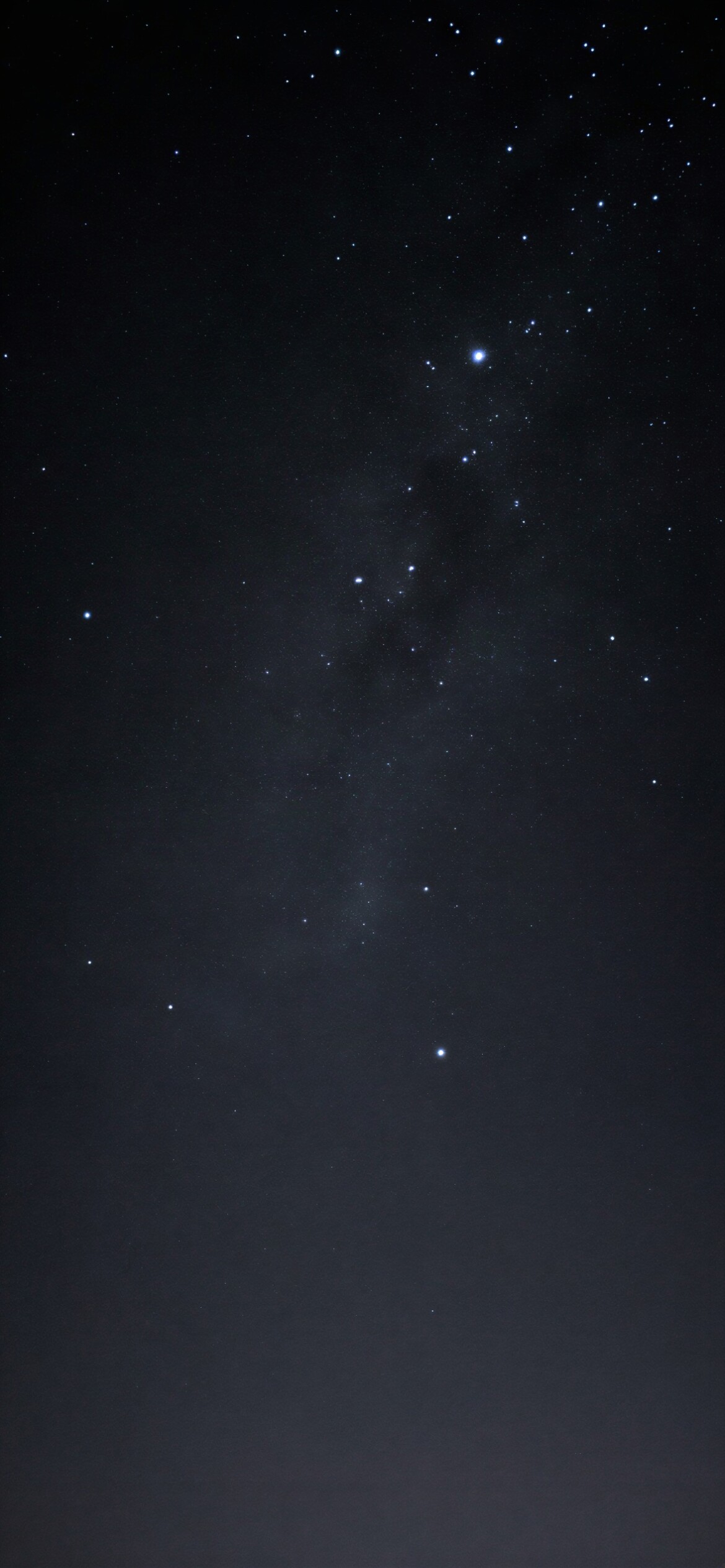
About this set
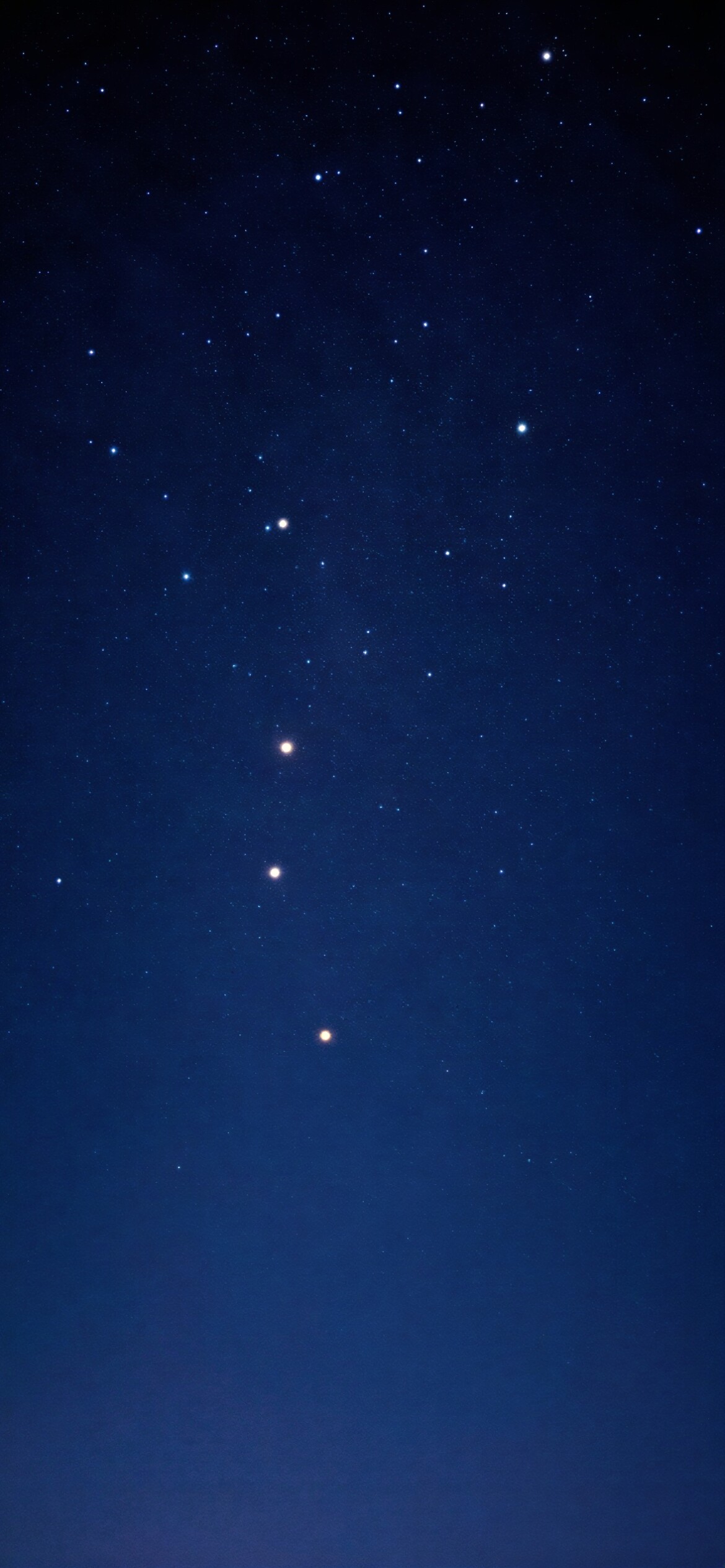
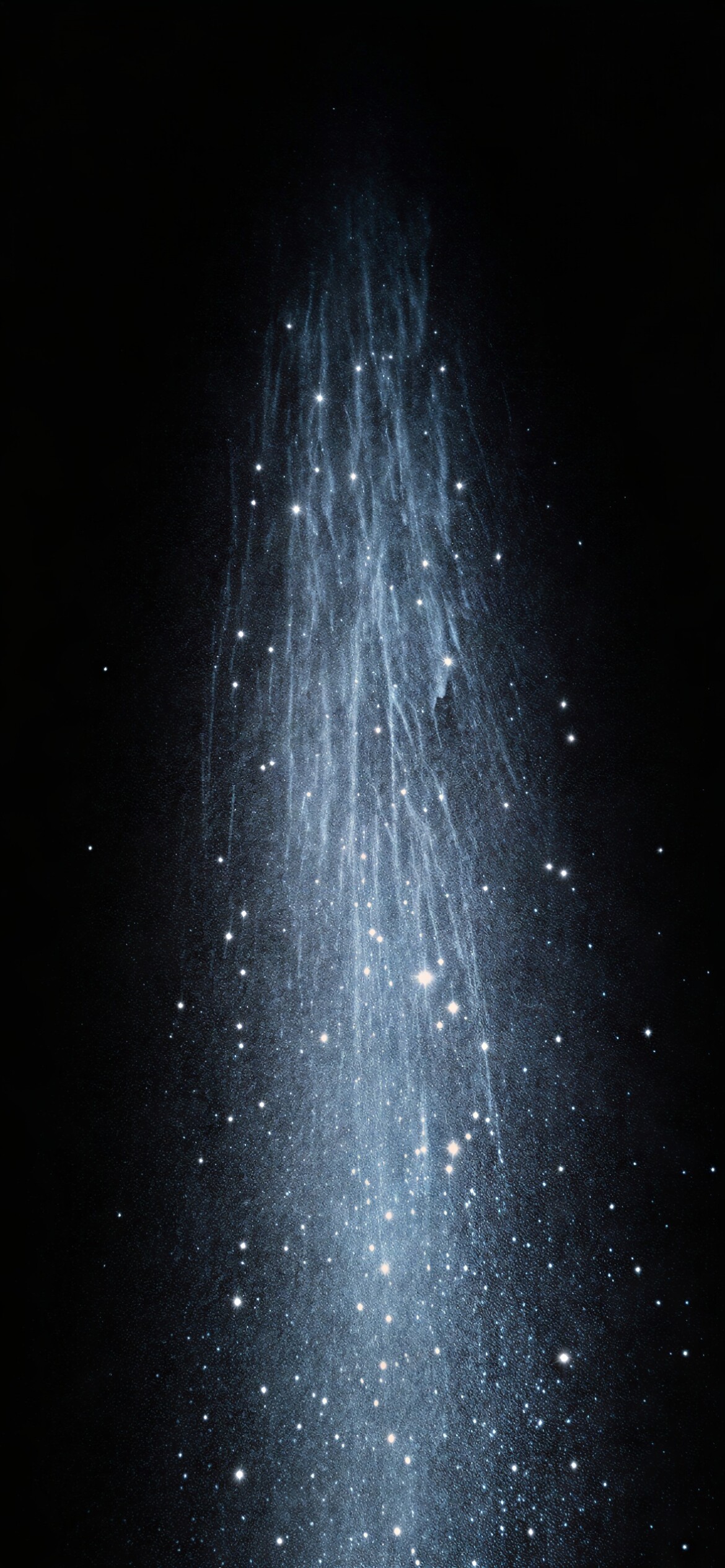
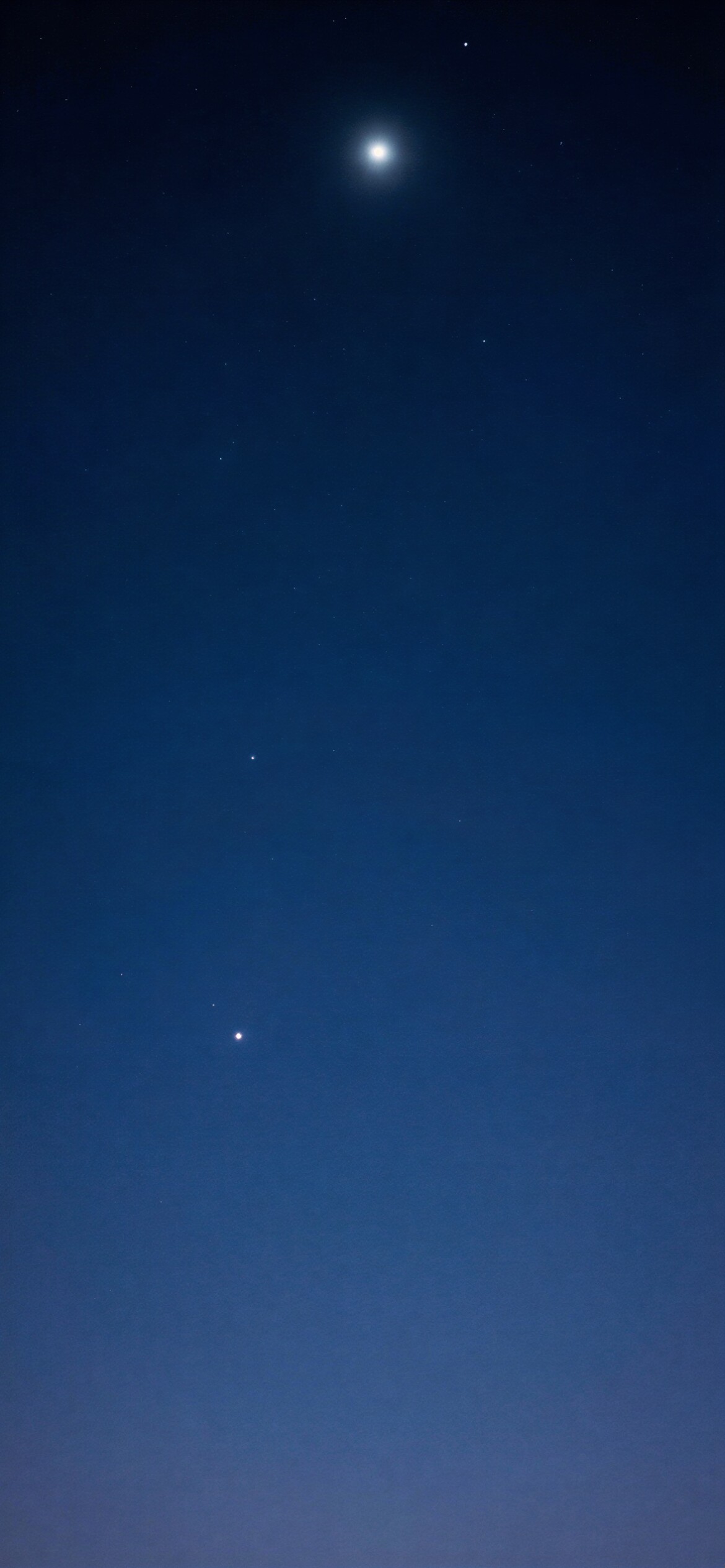
These star wallpapers feature night sky views with constellations, planets and cosmic light in cool, calm tones. The designs work well on lock screens where they frame notifications and time, and on home screens where they sit behind app icons without competing for attention. Pair these with minimal icon layouts or light-colored widgets for best contrast.
Each wallpaper uses vertical composition with the top portion kept simple and open, letting the star field and celestial elements anchor the lower half of your screen. The predominantly dark tones suit night mode and reduce screen brightness, while the scattered stars add visual interest without distraction.
Meteors, planets and a band of stardust
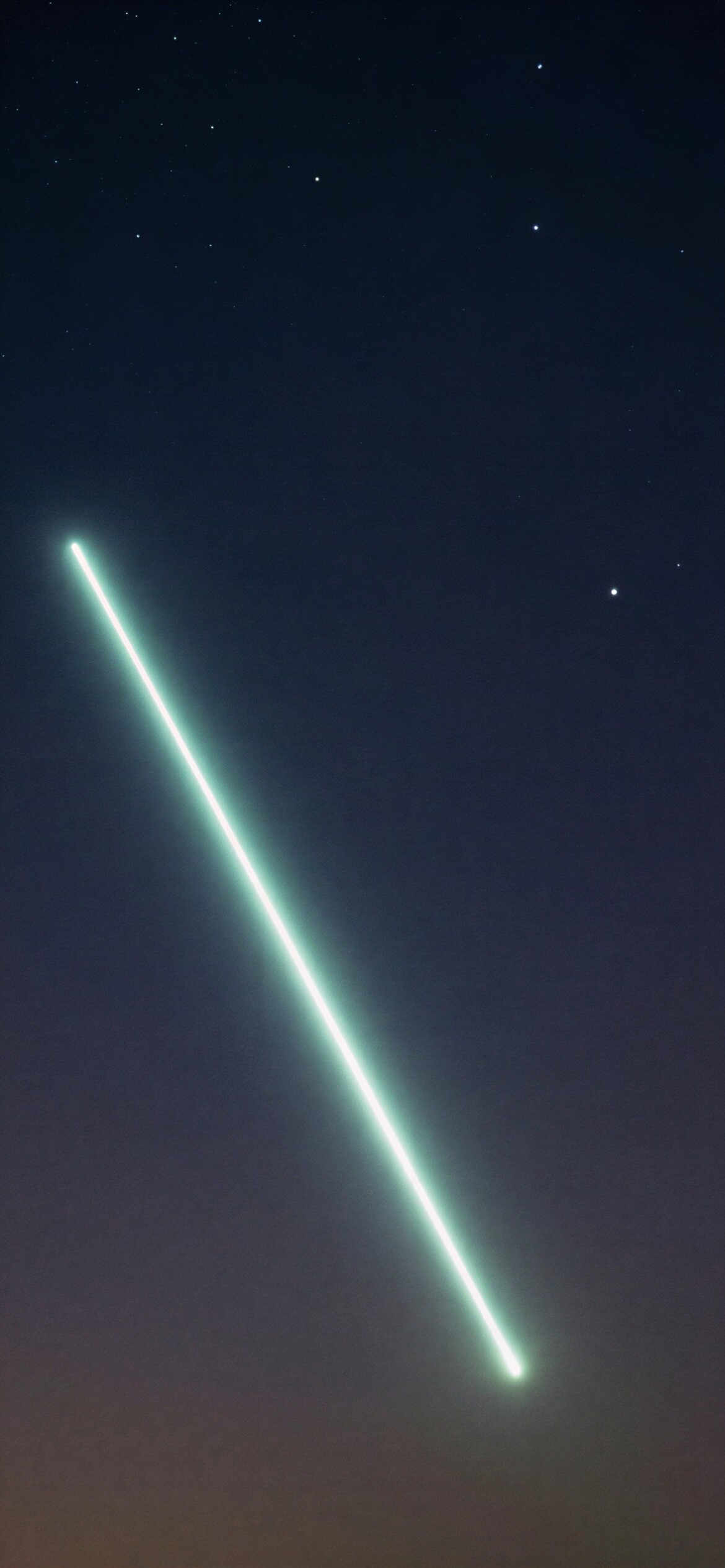
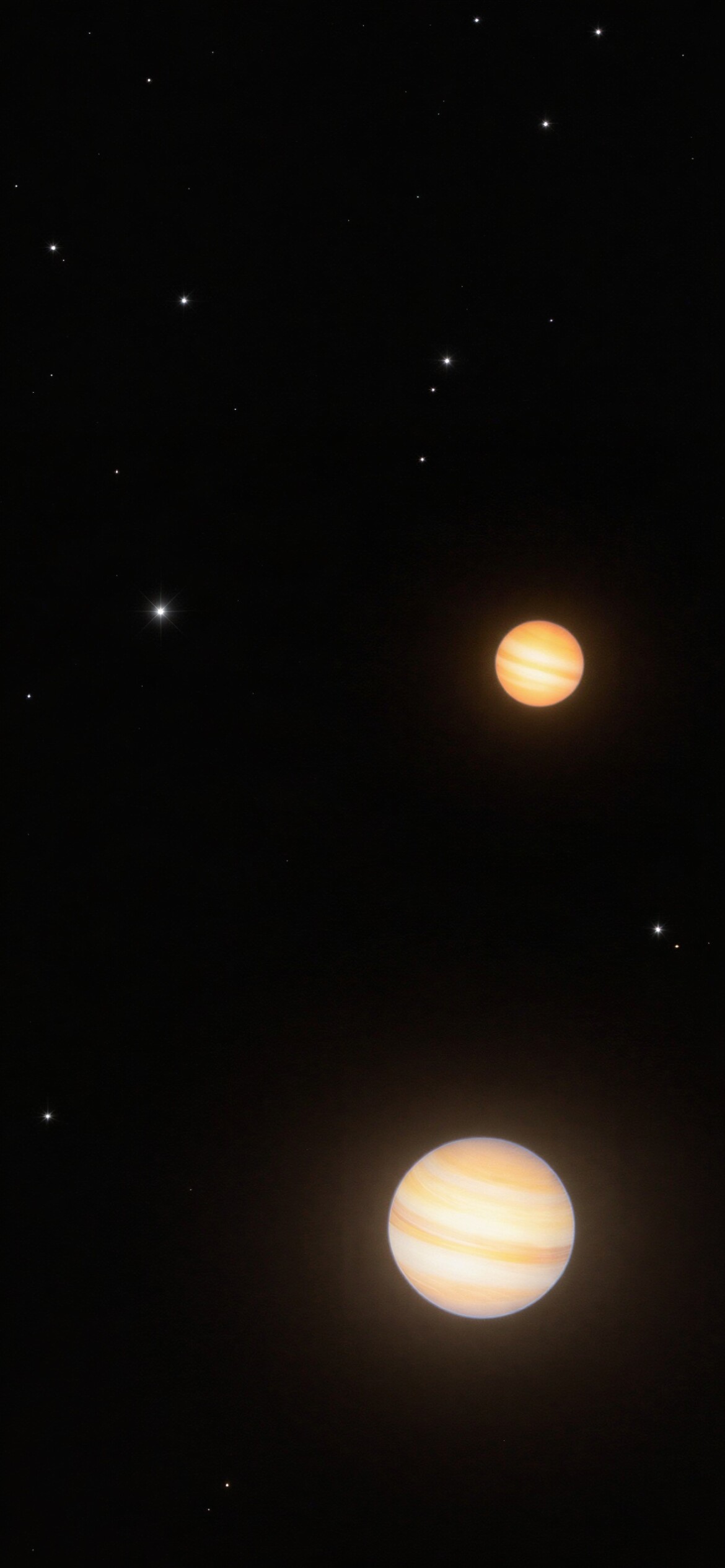
A few of these skies hold things that are not stars at all. The bright streak in wallpaper 6 is what people call a shooting star, but it is really a meteor: a grain of space dust or a small piece of rock burning up as it hits the upper atmosphere. The glowing planets in wallpapers 2 and 7 shine by reflected sunlight, and to the naked eye planets usually hold a steadier light than the twinkling stars around them.
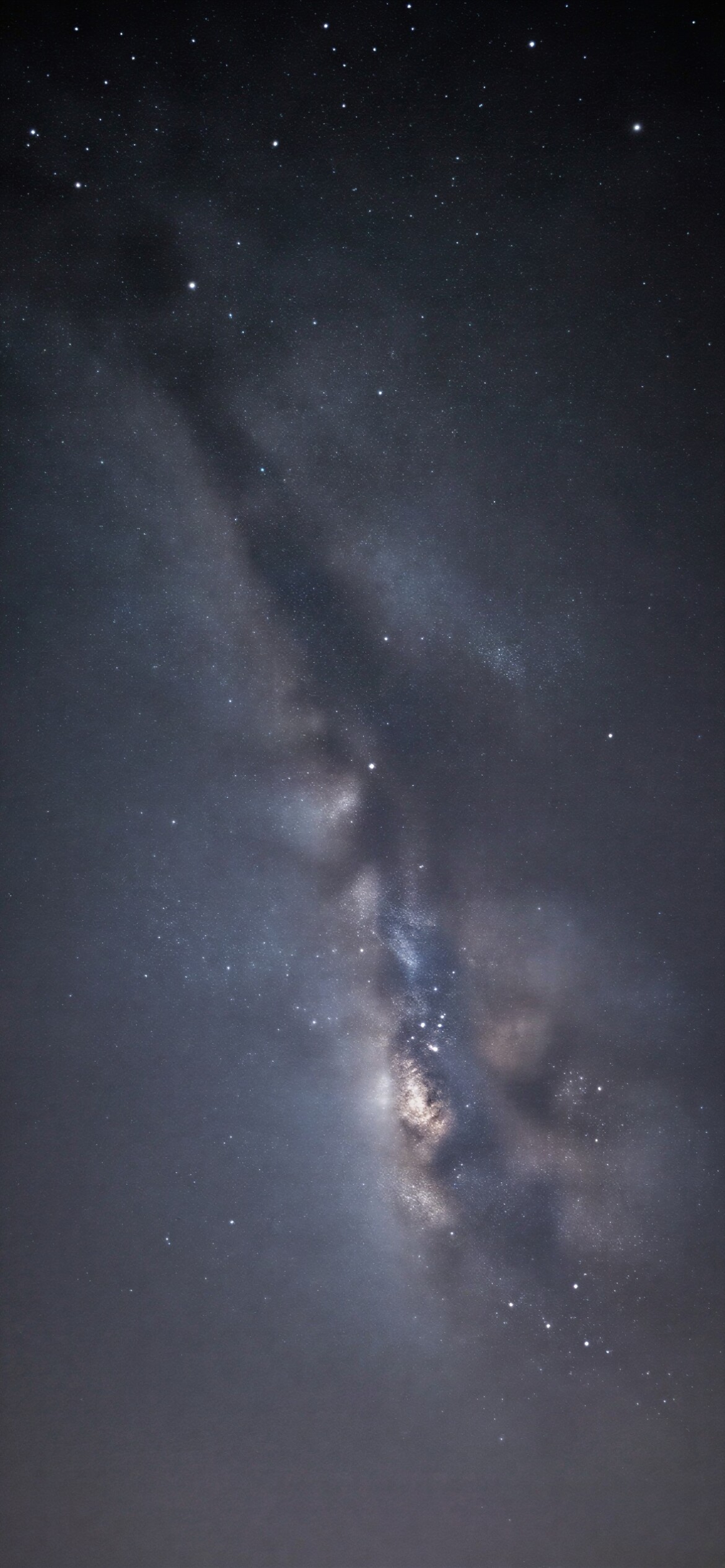
The silver band in wallpaper 3 recalls the Milky Way, which is our own galaxy seen edge-on from the inside. It only shows up well from properly dark places, far from street lights. The soft glow in wallpaper 8 is drawn as a nebula, the name for a cloud of gas and dust in space, and many nebulae are places where new stars are forming.
Ten night skies, one by one
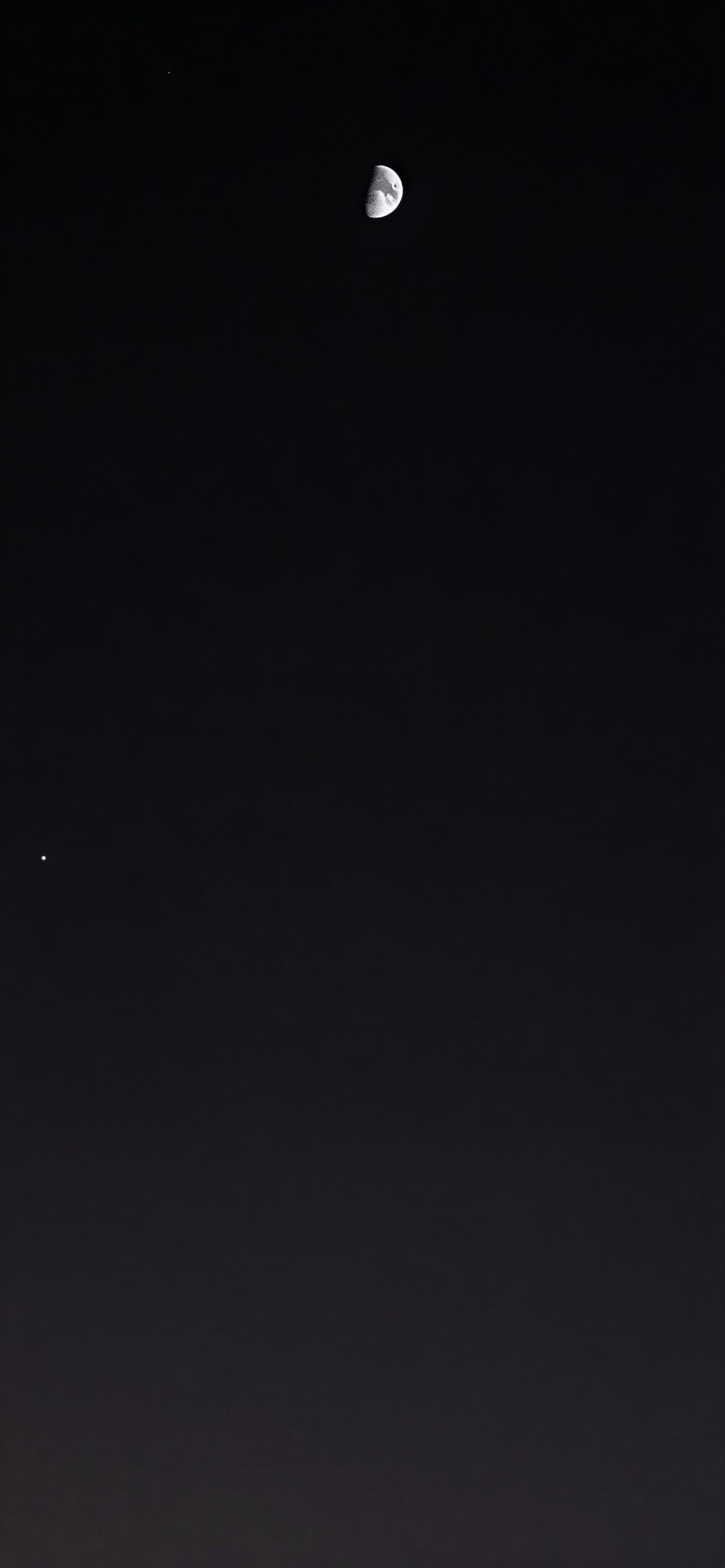
- 1: plain black with scattered white stars. The quietest of the set, and an easy lock screen.
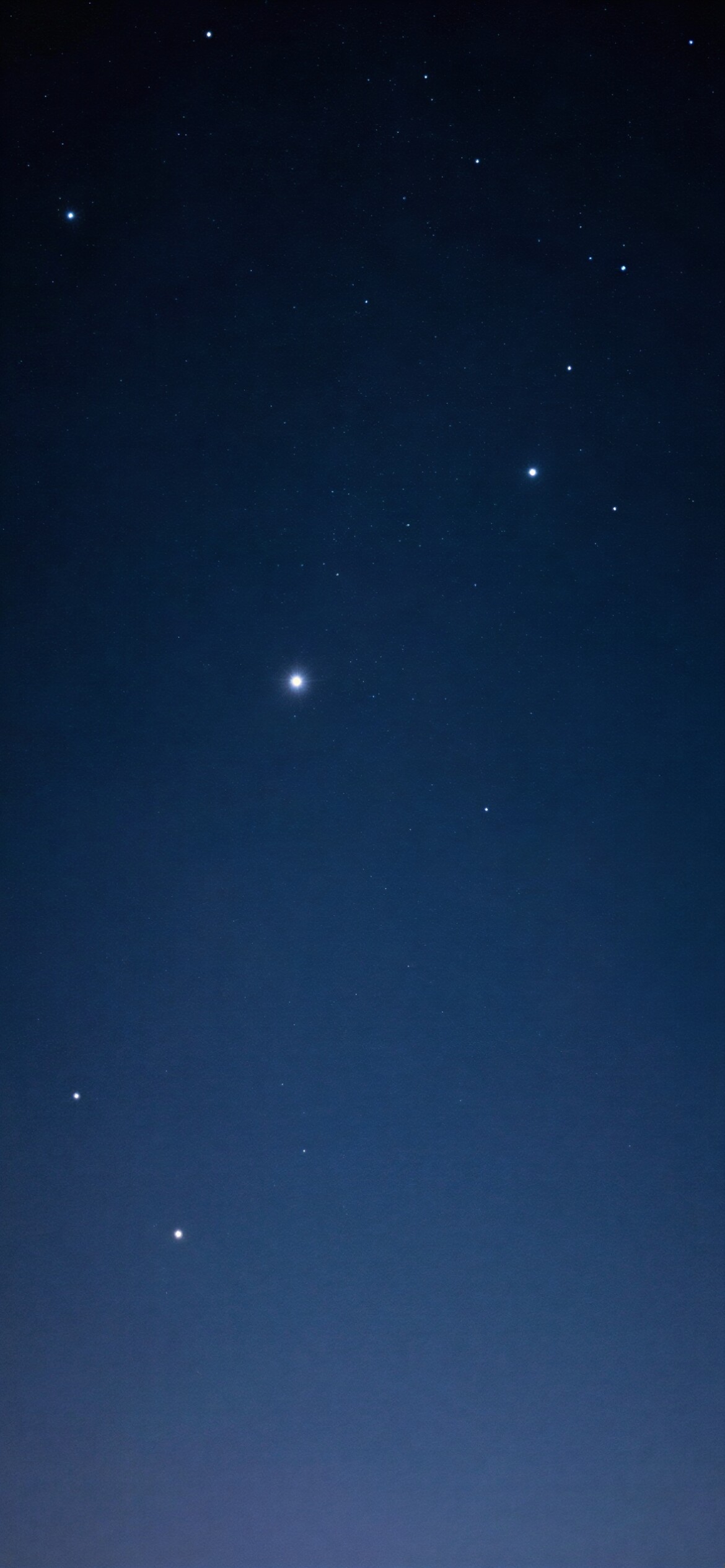
- 2: a navy twilight sky with white stars and glowing planets, for the hour just after sunset.
- 3: a silver stardust band across black, with tiny stars on either side. The band gives the eye a line to follow behind a column of icons.
- 4: midnight blue fading down into black, packed with hundreds of stars.
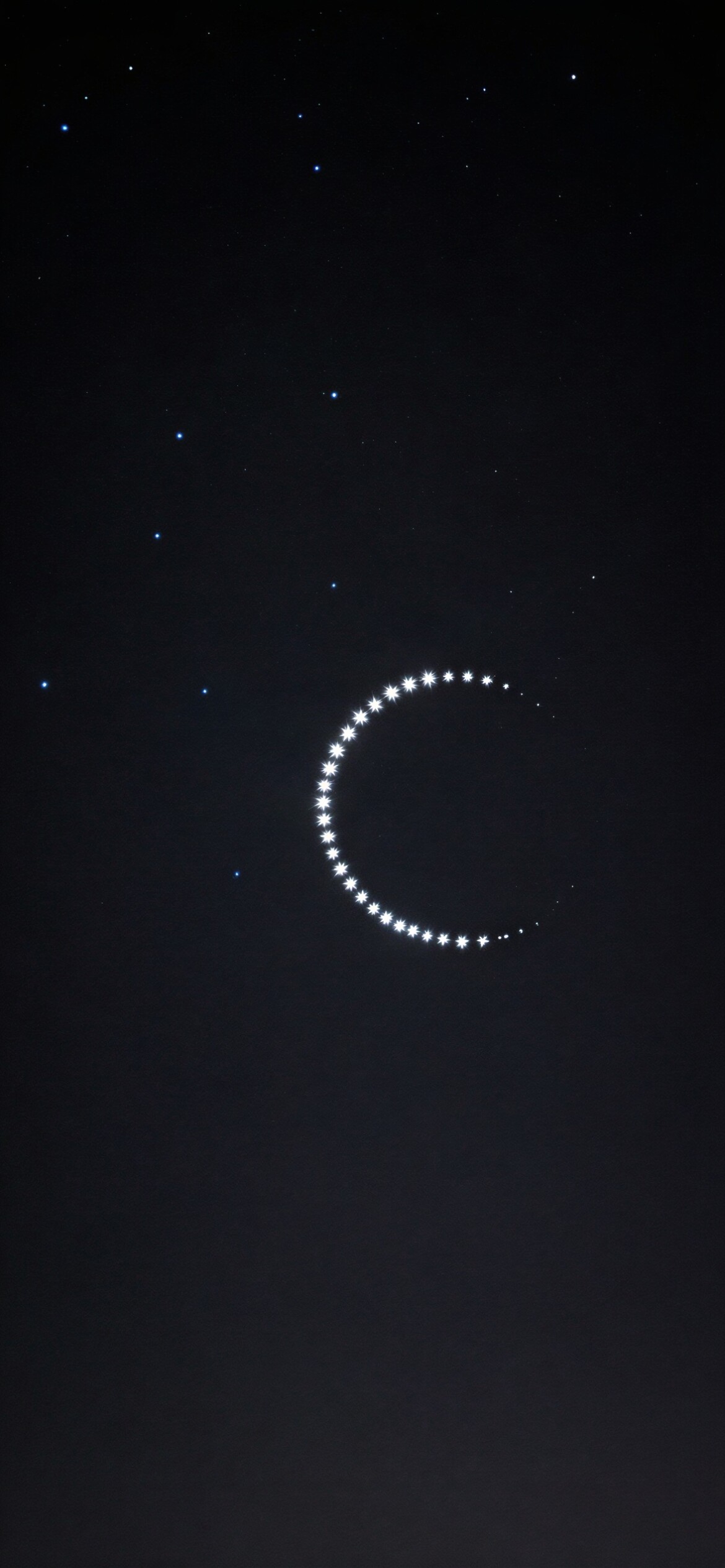
- 5: bright white stars gathered into a spiral cluster on pure black, the most graphic design here.
- 6: deep indigo with one shooting star crossing a field of smaller ones.
- 7: a black sky with glowing planets and loose white stars, a darker partner to number 2.
- 8: charcoal crowded with white and blue stars and a nebula glow. It is the busiest of the ten, so it reads best on a home screen with few widgets.
- 9: a crescent moon over thousands of white stars on pure black.
- 10: deep blue-black with white and pale blue stars scattered across the whole screen.
Pure black or a hint of blue?
Wallpapers 1, 3, 5, 7 and 9 sit on true black, so the stars do all the work. On iPhones with OLED screens, black pixels are switched off completely, which makes these five look especially crisp in a dark room. Wallpapers 2, 4, 6 and 10 bring in navy, indigo and blue-black, a softer choice if pure black feels too stark. Wallpaper 8 is the odd one out, with a charcoal base and a coloured glow.
The blue tint on some stars is true to life, by the way. A star's colour depends on its surface temperature, and blue-white stars are far hotter than orange or red ones, so the pale blue points in wallpapers 8 and 10 match what astronomers actually see. For more night views, try the Galaxy wallpapers, the wider Universe set or the quieter Night Sky collection.
How to set it on your iPhone
- Tap Download and save the image to Photos.
- Open Settings, tap Wallpaper, then Add New Wallpaper, and choose Photos.
- Pick the wallpaper, pinch to position it, then tap Add and choose the lock screen, home screen or both.
Stuck on a step? The iPhone and iPad guide has screenshots for each one.
Questions
Will these stars wallpapers fit my iPhone screen?
Yes. This set is sized at 1170x2532 pixels for modern iPhones, and some older models may crop slightly at the edges. The wallpapers fill the screen edge to edge and work with both lock and home screens. If your iPhone asks you to crop, the composition keeps the main stars in the lower two-thirds so they stay visible no matter what you trim.
Can I use these wallpapers for personal use?
Yes. These wallpapers are free to download and use on your own iPhone. Selling them, printing them for sale, reposting them on other wallpaper sites or using them in commercial work is not allowed. See our Terms page for full details on personal use rights and restrictions.
Which wallpapers work better on the lock screen versus the home screen?
Most of these designs work on both. For lock screens, pick wallpapers with stars spread evenly so notifications and time displays stay readable. For home screens, any design works well since the stars sit cleanly behind app icons. The simpler top quarters let lock screen widgets and status bars show clearly without visual clutter.
Do these stars wallpapers work year-round?
Yes. Night sky and cosmic themes are timeless and not tied to seasons or holidays. These wallpapers look fresh in January and December alike. Stars are always visible, so you can keep them on your phone as long as you like without them feeling out of date or out of place.