Galaxy Wallpaper iPhone
Galaxy wallpaper iPhone shows swirling nebulae, distant stars and cosmic dust clouds in deep space. These free iPhone wallpapers work year-round and suit any mood, from contemplative mornings to late-night scrolling. Each design captures the scale and beauty of the cosmos with realistic starfields, colored gas clouds and the vast darkness of space. Download any galaxy wallpaper for your iPhone home or lock screen.
10 wallpapers at 1170 × 2532 px for iPhone. Checked by hand on 8 Oct 2026.
About this set
These galaxy wallpapers capture the wonder of deep space through realistic starfields, swirling nebulae and distant planets rendered in natural cosmic colors. The designs work beautifully on both lock and home screens, with subjects positioned in the lower half to keep the top clear for notifications and widgets. The pure black backgrounds make these wallpapers ideal for iPhone displays and pair well with light-colored app icons and minimalist home screen layouts.
Use any of these designs to bring a sense of scale and mystery to your iPhone. The vertical compositions suit portrait orientation perfectly, whether you prefer dense star fields or single focal points like planets or nebula columns. These wallpapers remain timeless year-round and work across all iPhone models at the standard 1170x2532 resolution.
Ten corners of the night sky
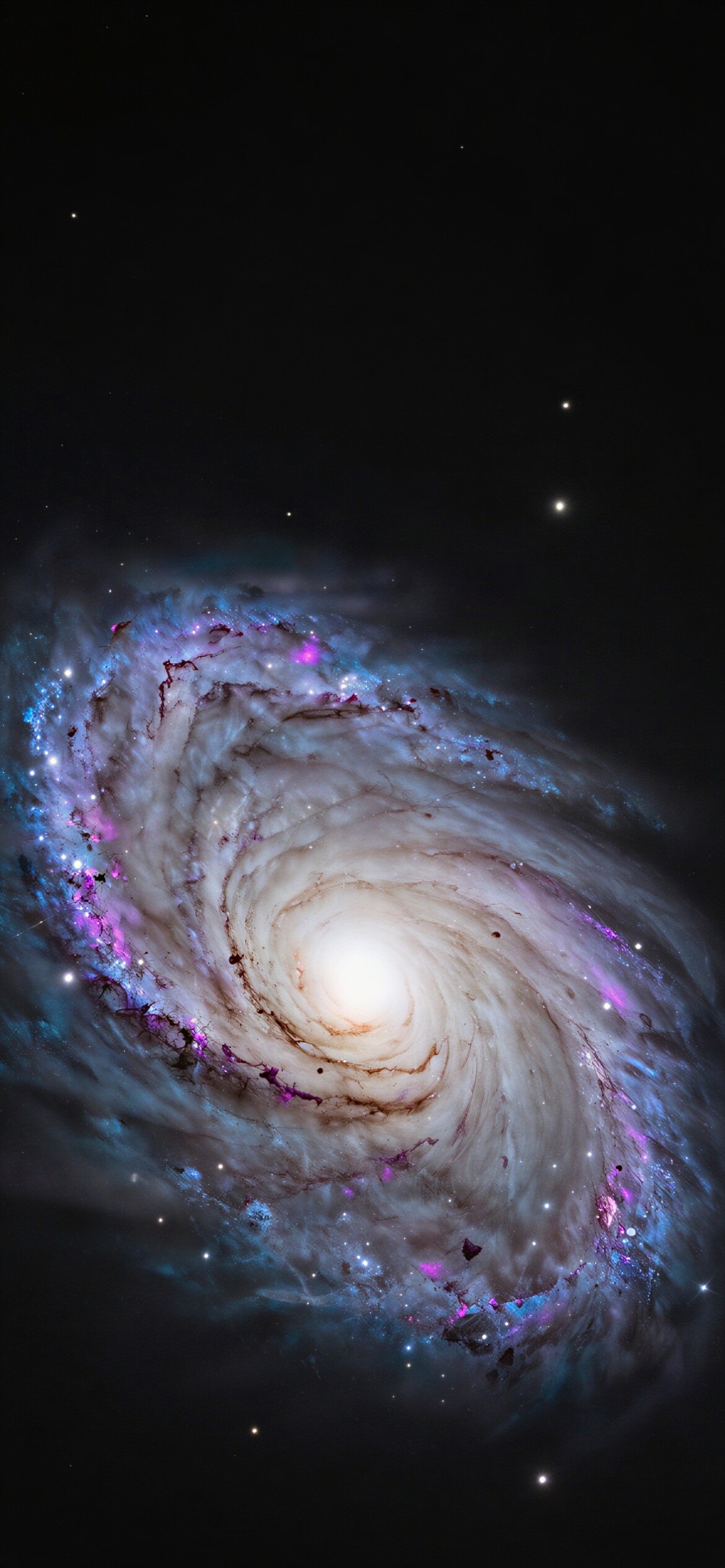
- A spiral galaxy with blue and purple arms on black. The shape sits in the middle of the frame, which makes it a strong lock screen.
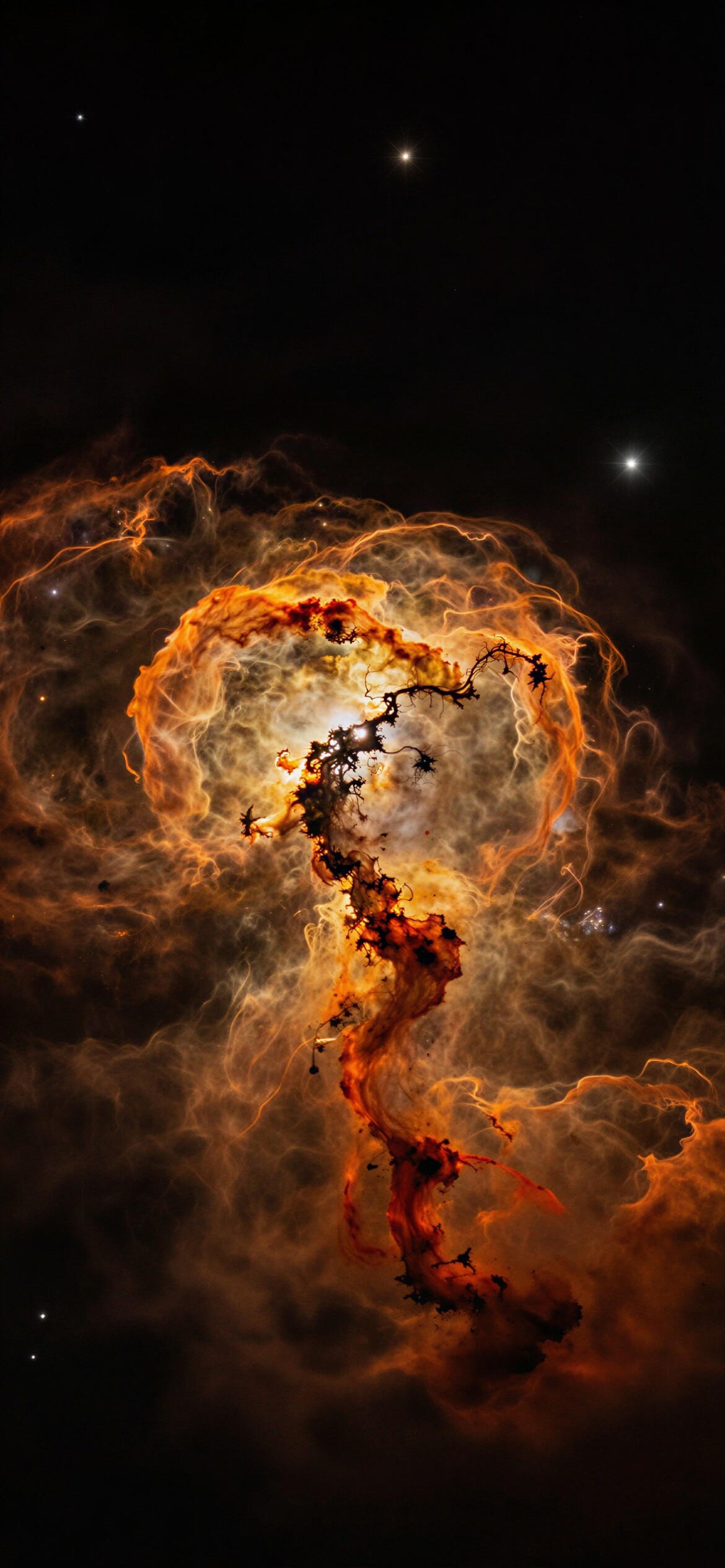
- An orange and red nebula with stars all around it, the warmest picture in the set.
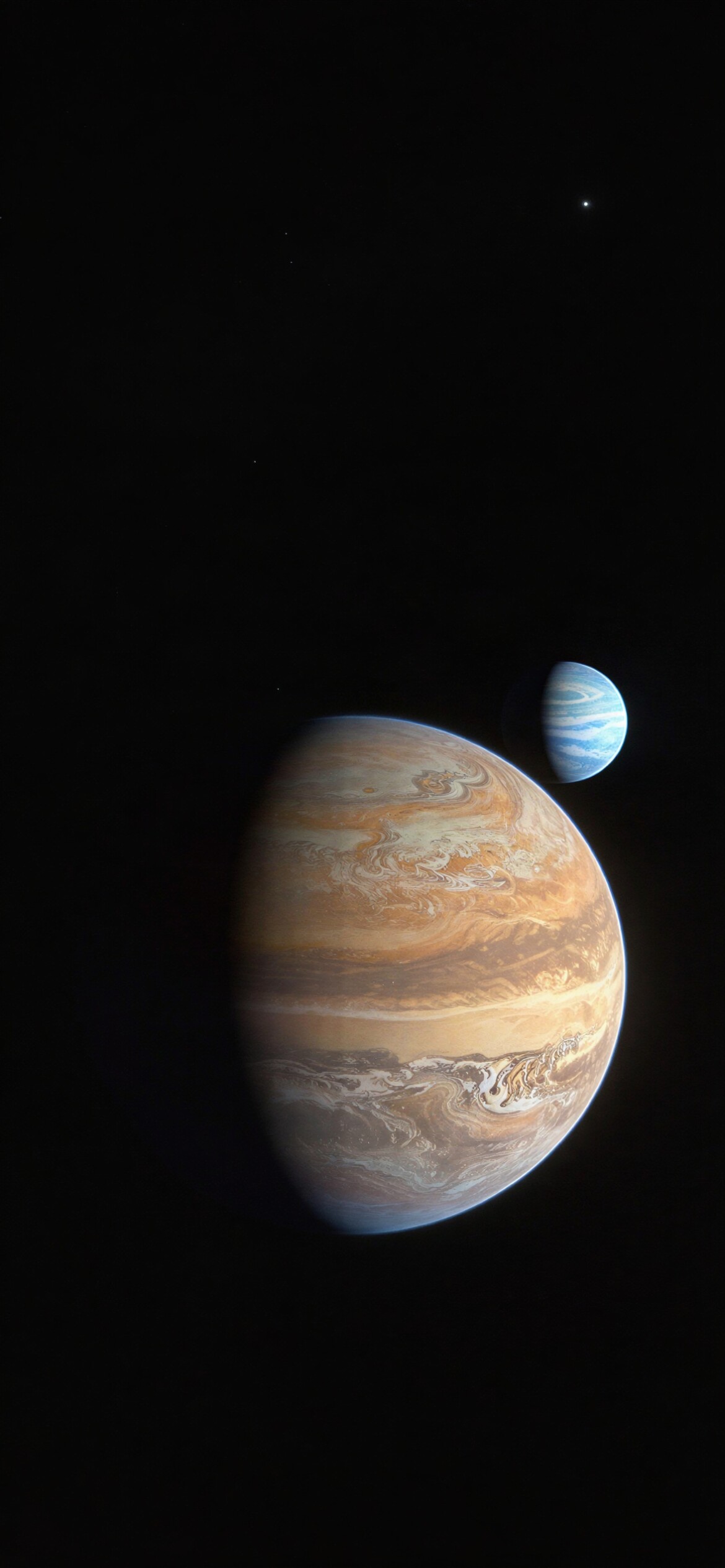
- Two planets low in the frame under scattered stars, leaving the top almost empty for the clock.
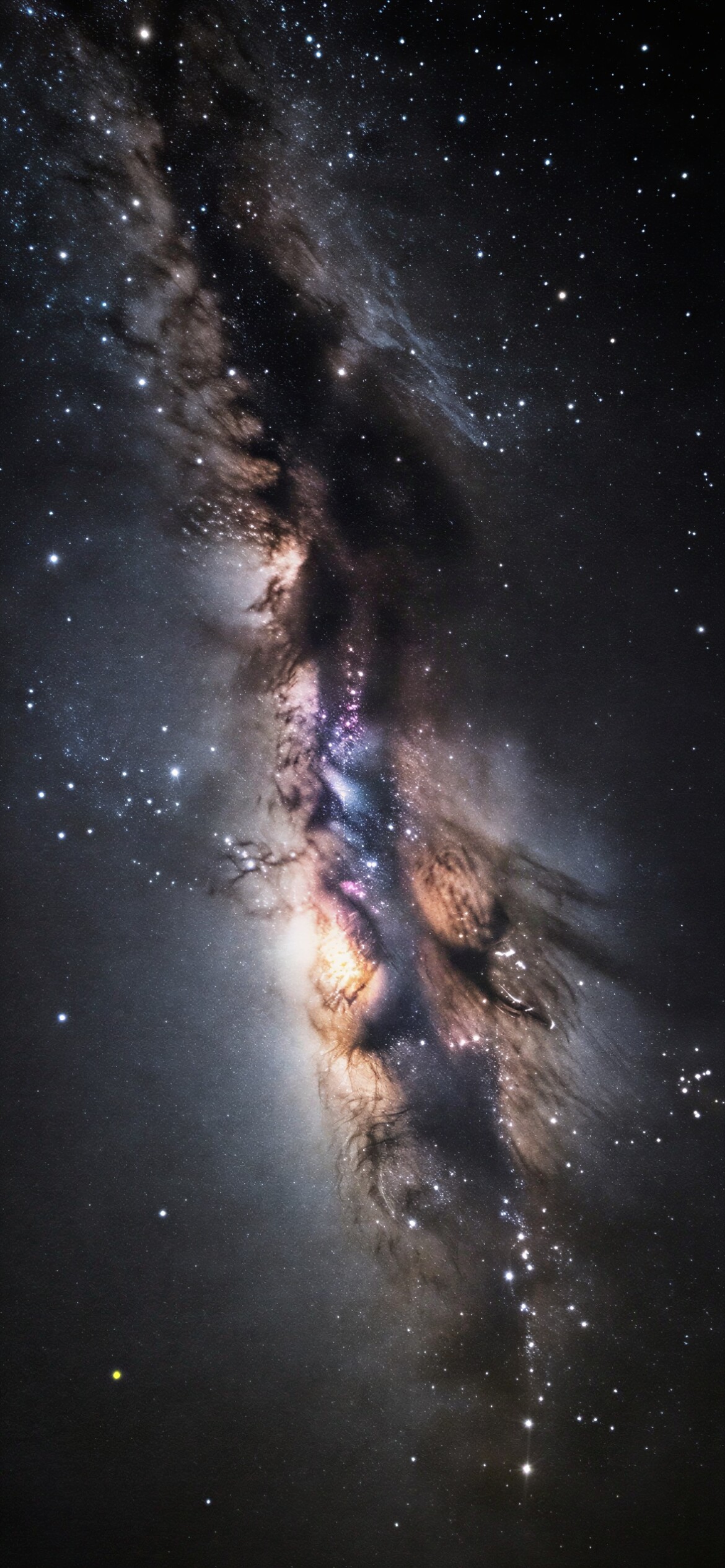
- A band of the Milky Way packed with stars and patches of coloured nebula. It is busy, so it reads best with only a row or two of icons.
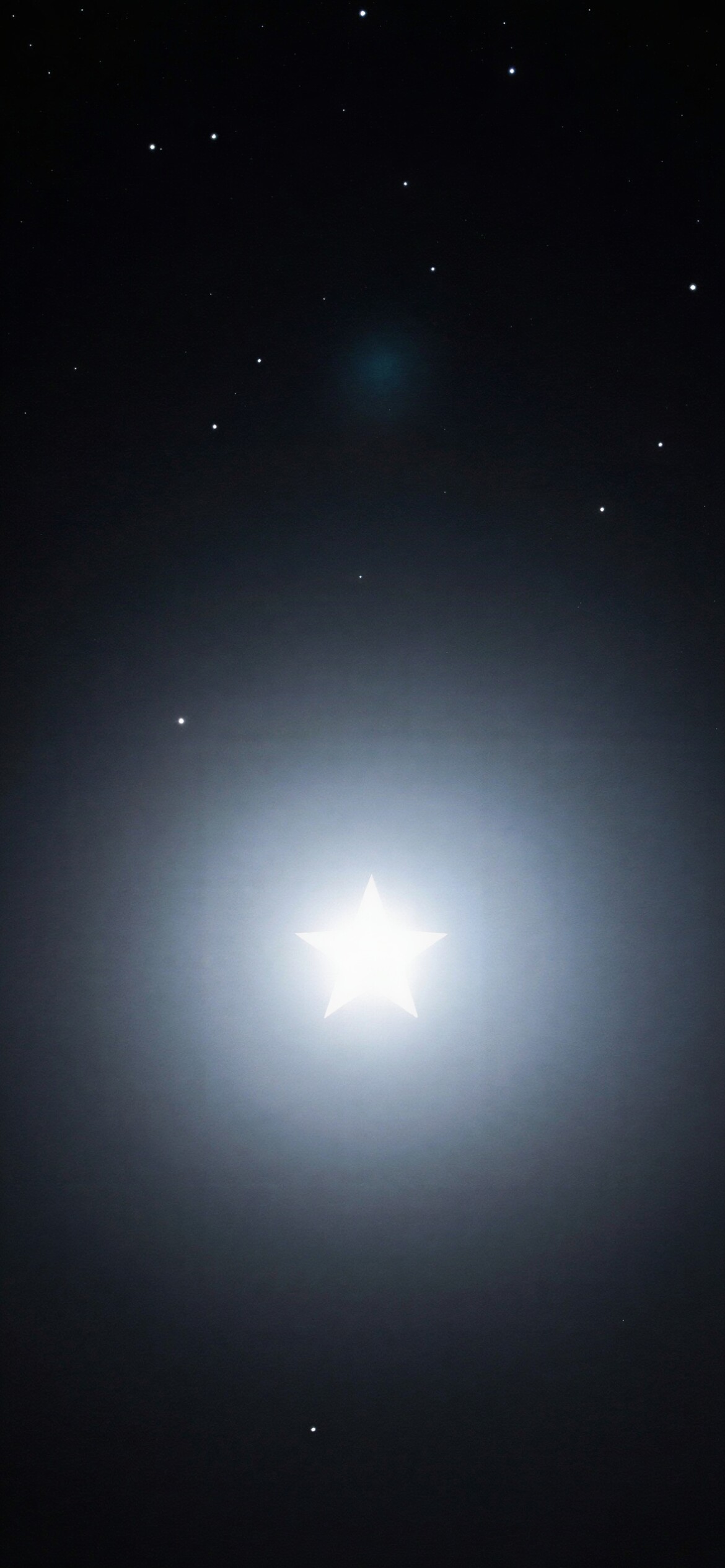
- One bright star ringed with light. Very plain, and good under widgets.
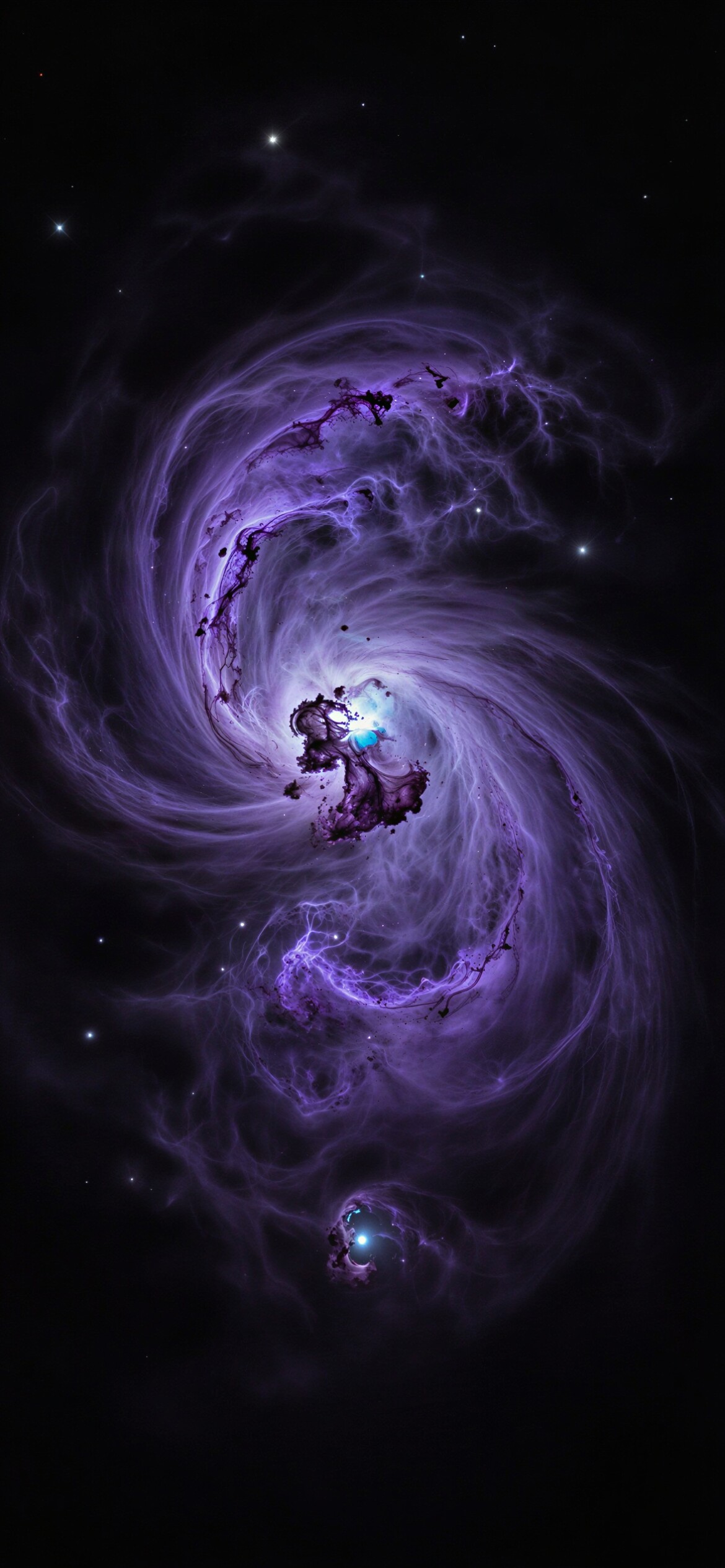
- A swirling column of purple nebula with white highlights, tall and narrow like the screen itself.
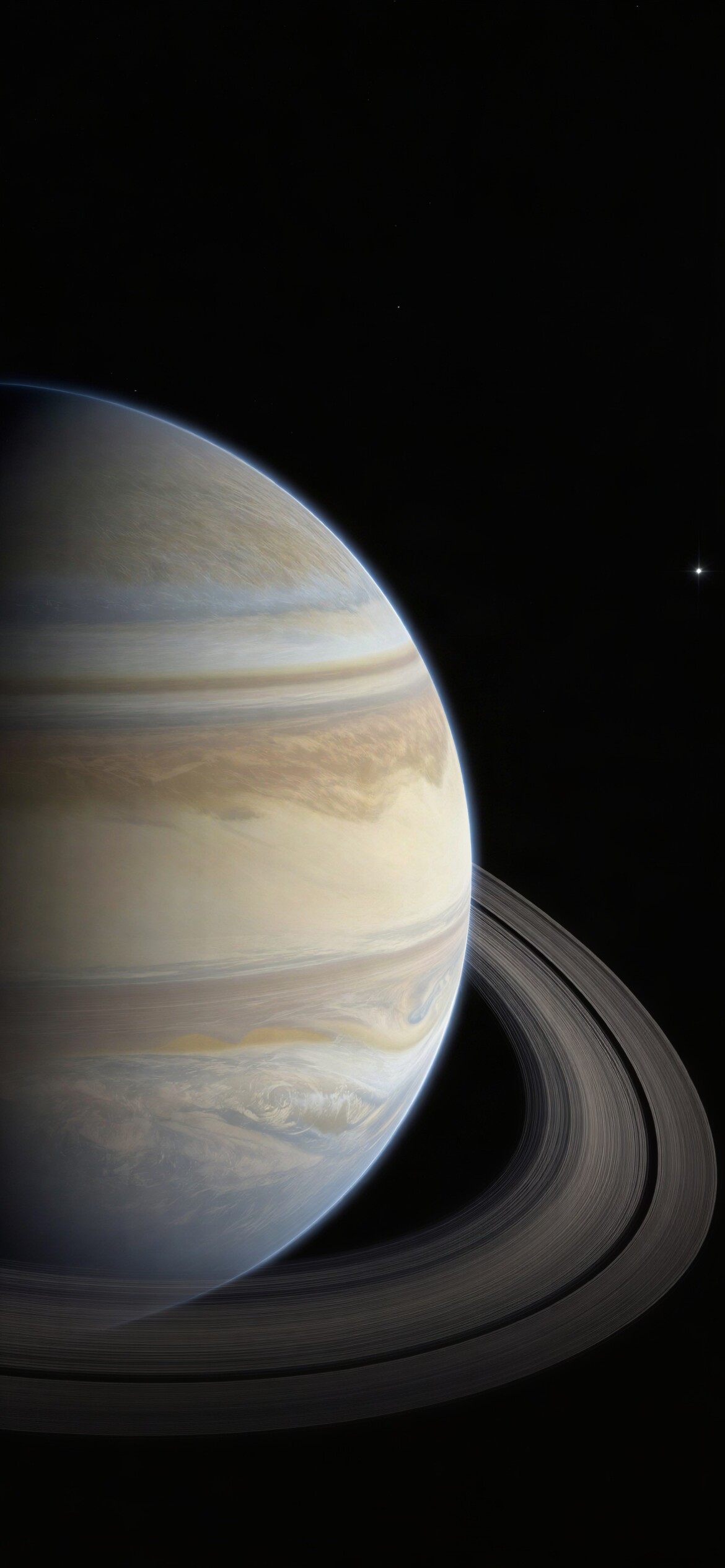
- A ringed planet with visible surface detail, set among stars.
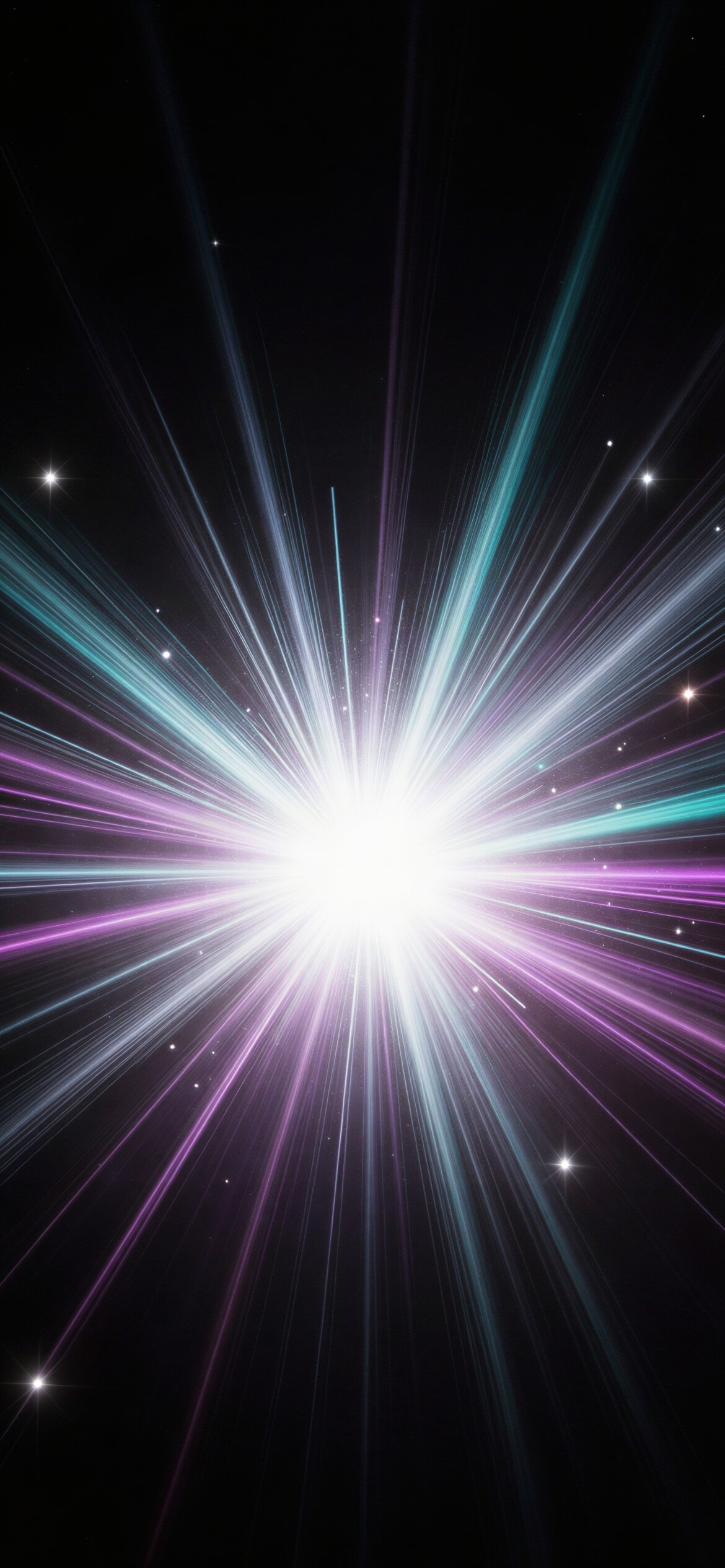
- A burst of magenta and cyan energy against black, the boldest design here.
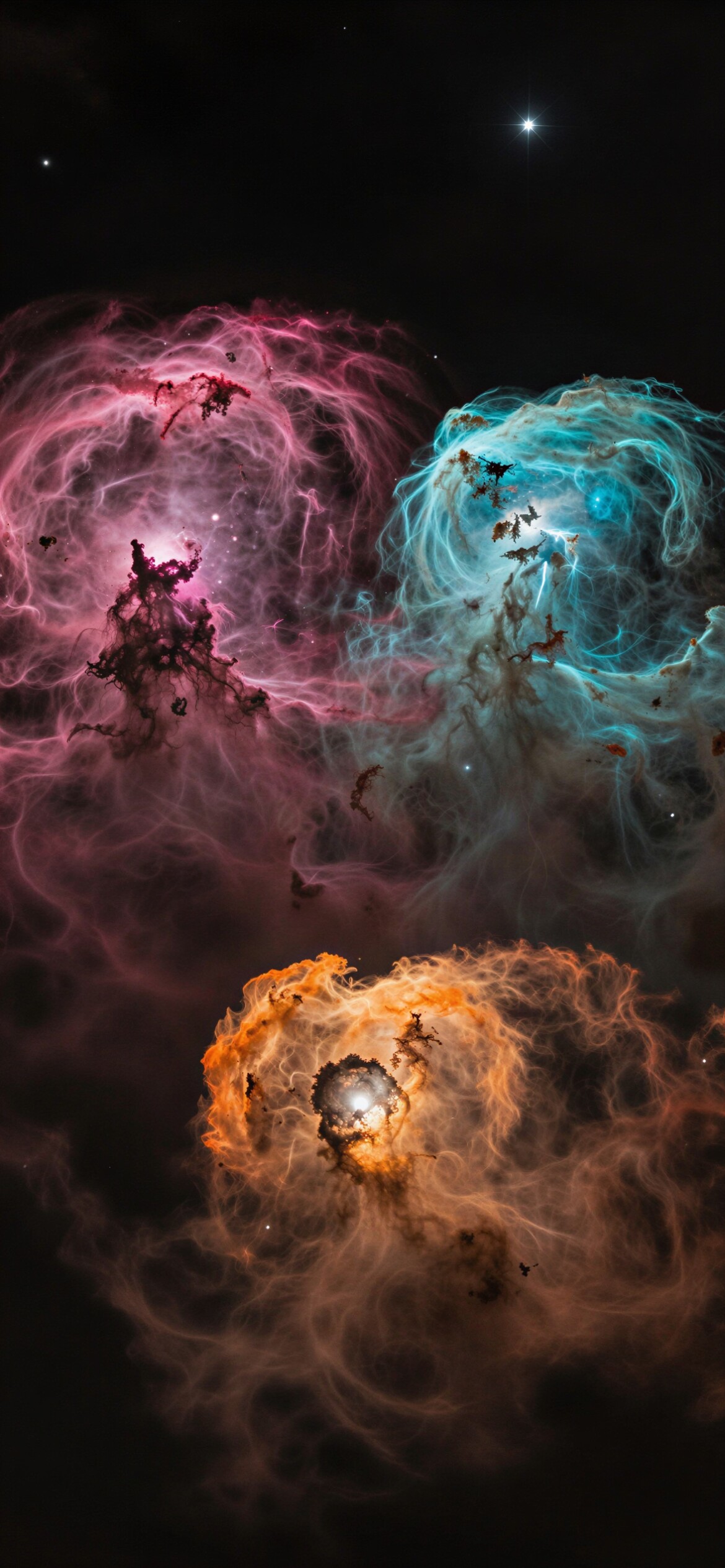
- Three nebula clouds at different depths, which gives the picture a real sense of distance.
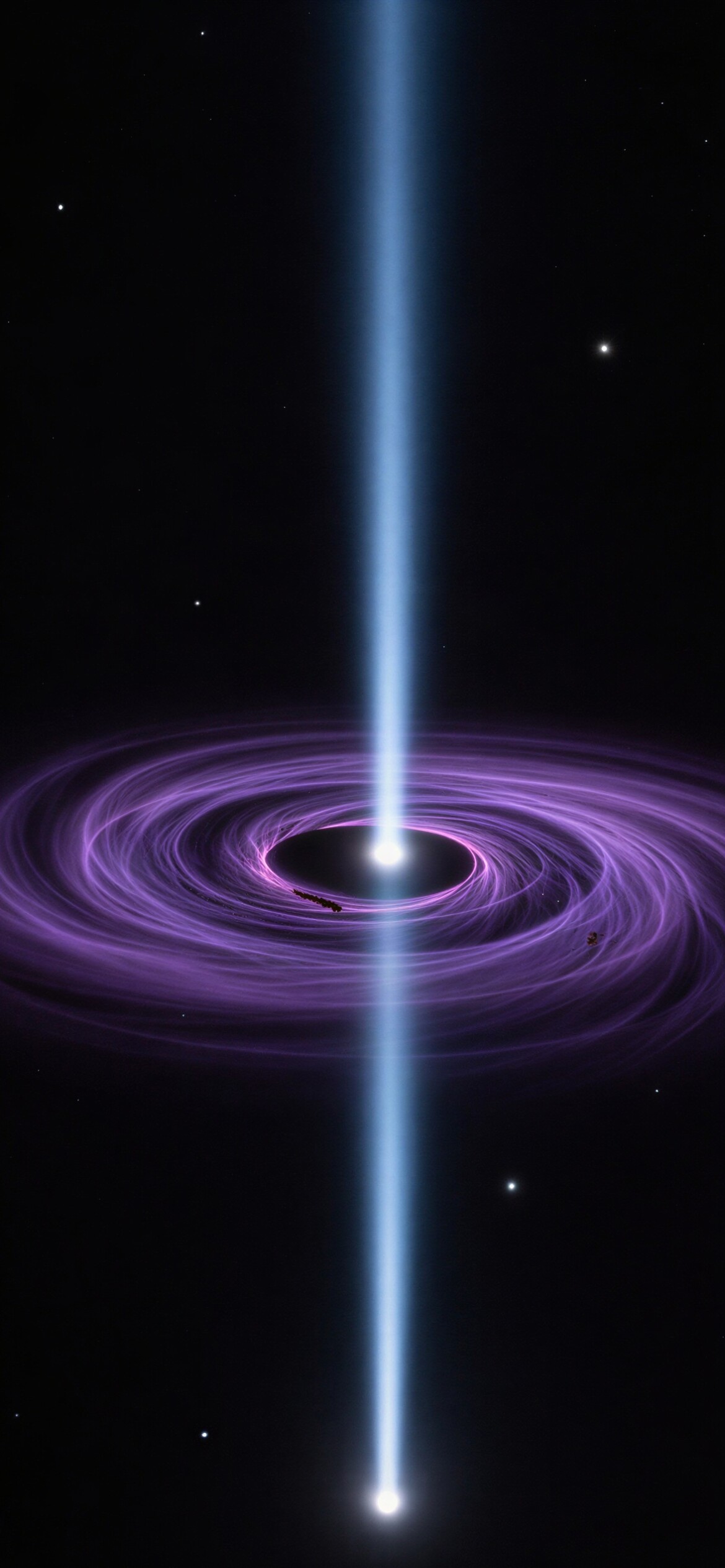
- A vertical beam of blue light with purple waves and stars around it.
Why it is called milky, and why the clouds glow
The word galaxy comes from the Greek galaxias, meaning milky. It was first a name for the pale band of light across the night sky that we still call the Milky Way, the band you see in wallpaper 4. That band is our own galaxy seen from the inside. When Galileo turned a telescope on it in 1610, he found it was made of countless faint stars. Our galaxy is a spiral too, with arms like the ones in wallpaper 1, though from where we sit we can never see it face on.
Nebulae, the clouds in wallpapers 2, 6 and 9, are huge regions of gas and dust, and many are places where new stars are forming. In telescope photos their colour often comes from the gas itself: hydrogen glows a deep red when hot young stars nearby energise it, while dust that scatters starlight tends to look blue. The same split runs through this set, between the warm cloud in wallpaper 2 and the cooler violets elsewhere.
Blue and violet, or fire red?
Most of the set leans cool. Wallpapers 1, 6 and 10 stay in blues and purples and feel calm late at night. Wallpaper 2 is the one warm choice, all orange and red. Wallpapers 4, 8 and 9 mix several colours at once, so they look best with simple icons. Wallpapers 3, 5 and 7 are mostly black around a single subject, which makes them the easiest to read text over.
If you want more of space after this, try the universe wallpapers, the planet set with more worlds like the ones in 3 and 7, or the astronaut collection.
How to set it on your iPhone
- Tap Download and save the image to Photos.
- Open Settings, tap Wallpaper, then Add New Wallpaper, and choose Photos.
- Pick the wallpaper, pinch to position it, then tap Add and choose the lock screen, home screen or both.
Stuck on a step? The iPhone and iPad guide has screenshots for each one.
Questions
Do these galaxy wallpapers fit my iPhone?
Yes. All wallpapers in this set are designed for iPhone at the standard resolution of 1170x2532 pixels. They are sized for modern iPhones, and some older models may crop slightly at the edges. When you set a wallpaper, iOS automatically crops it to your screen size, so the vertical composition with the subject in the lower half keeps your content visible and unobstructed.
Can I use these wallpapers for personal use?
Yes. These galaxy wallpapers are free to download and use on your own iPhone and other personal devices. Selling them, printing them for sale, or reposting them on other wallpaper sites is not allowed. See our Terms page for the full personal use license and restrictions.
Which galaxy wallpapers work best for lock screens versus home screens?
The designs with single focal points like bright stars or planets work beautifully as lock screen wallpapers because they remain simple and uncluttered. Denser star fields and nebula clouds work better for home screens behind your app grid. Try a simple design on your lock screen and a more detailed one on your home screen for visual variety.
Why are these wallpapers mostly black?
The black backgrounds are intentional and serve several purposes. Pure black reduces battery drain on iPhone displays, especially on models with OLED screens. Black also makes colored app icons pop and improves readability of notifications. The darkness also creates a true deep-space atmosphere that makes stars, planets and nebulae appear to glow naturally.