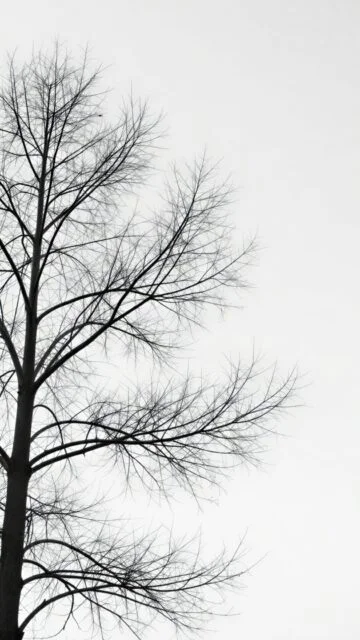
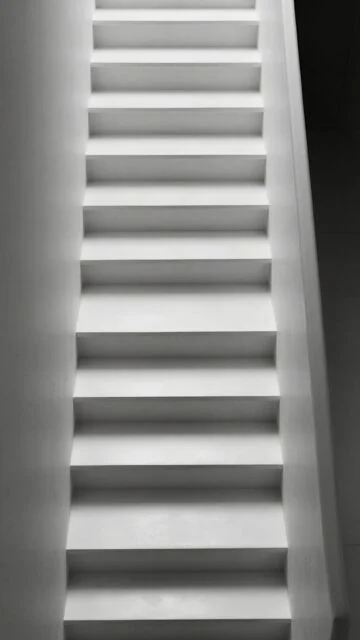
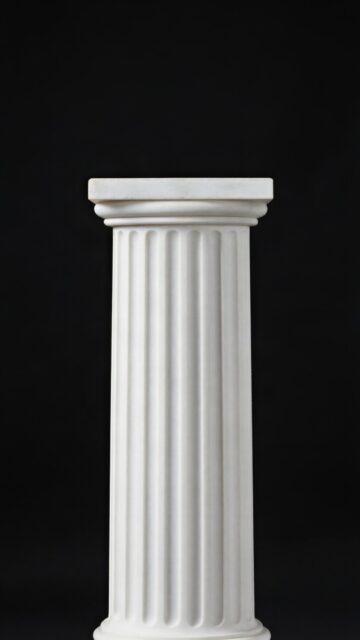
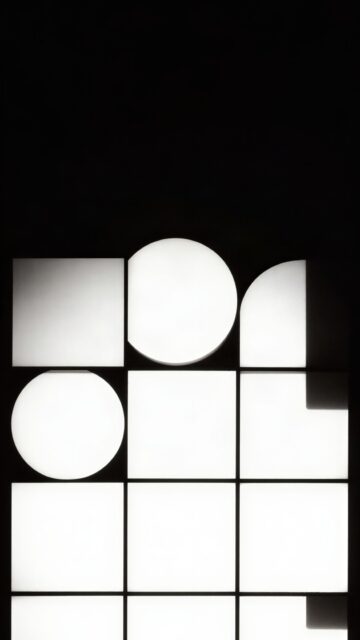
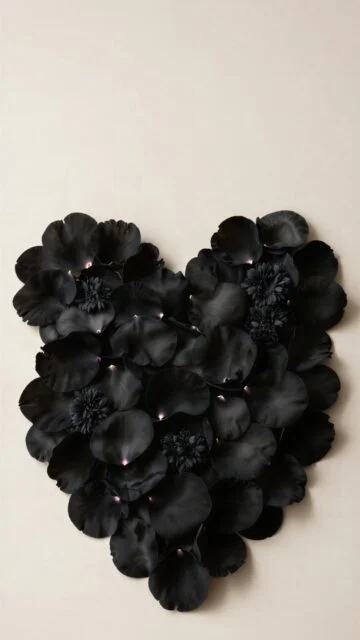
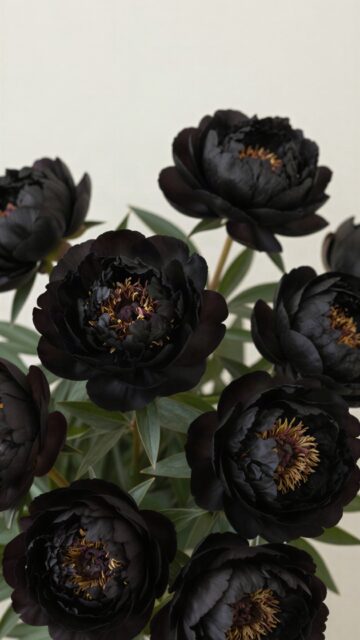
30 wallpapers in 3 collections · last added 18 Nov 2026 · sizes for iPhone, Android, desktop and tablet
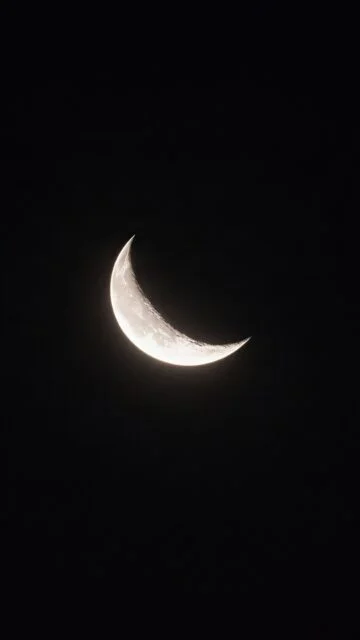
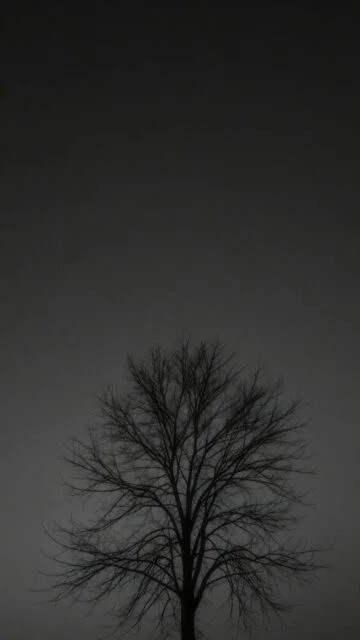
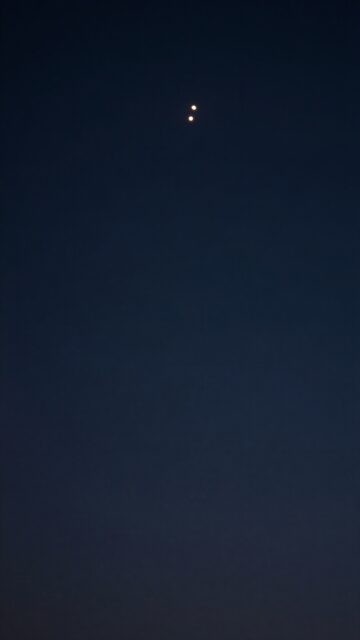
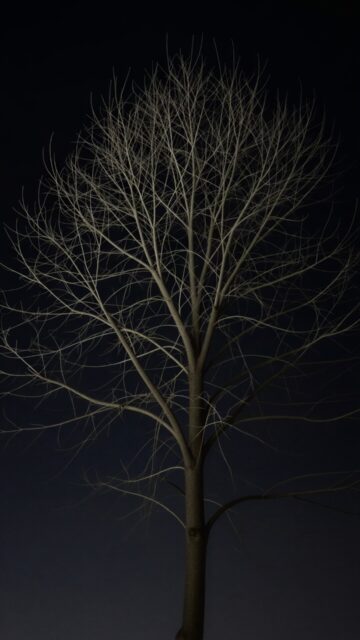
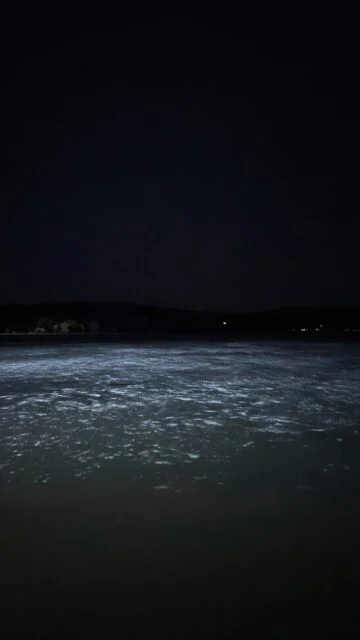
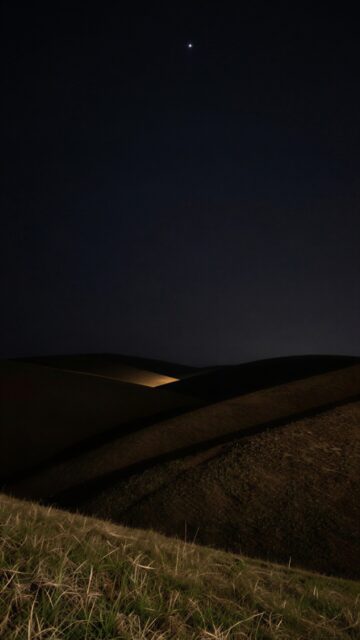
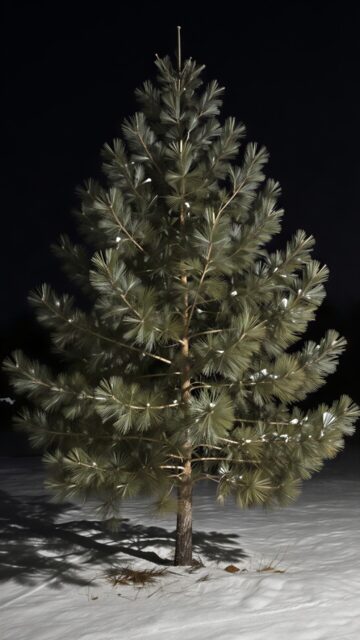
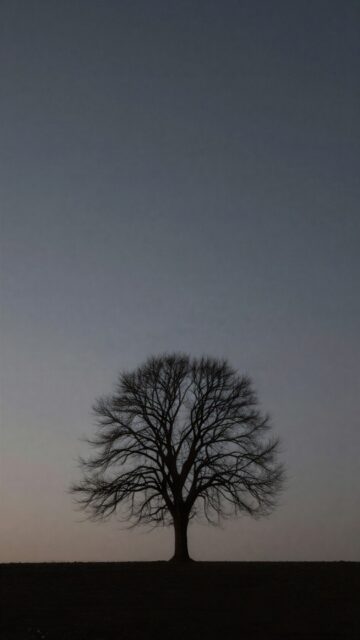
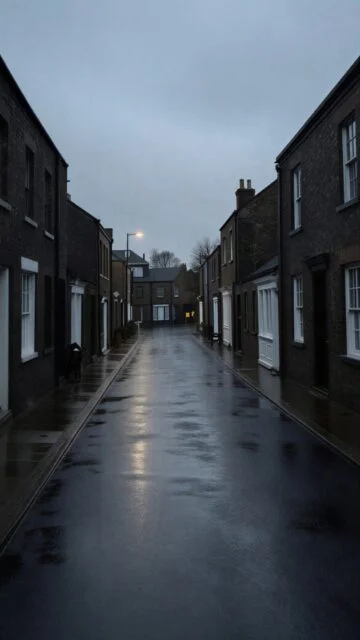
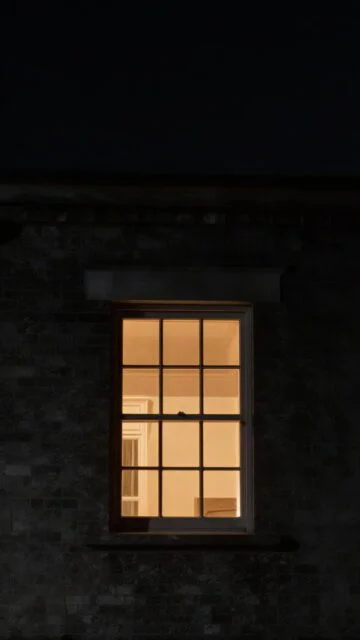
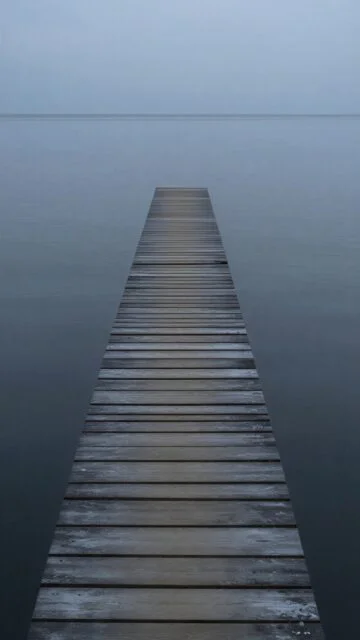
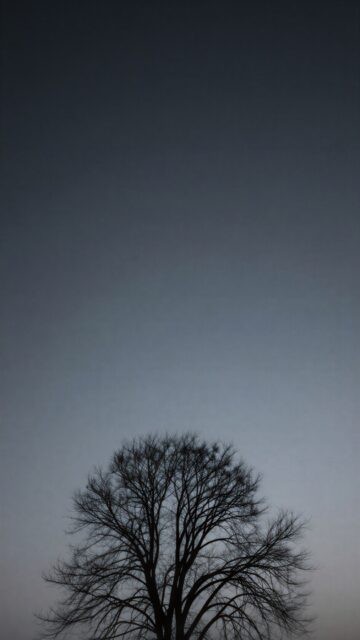
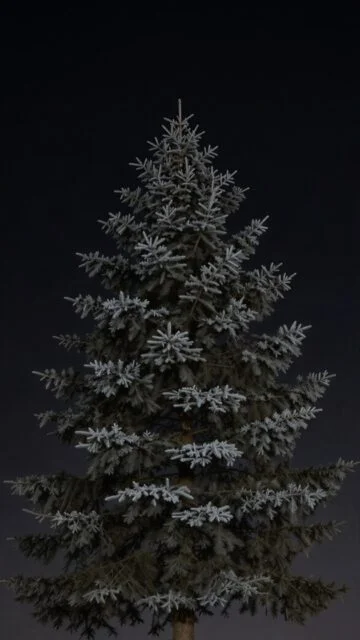
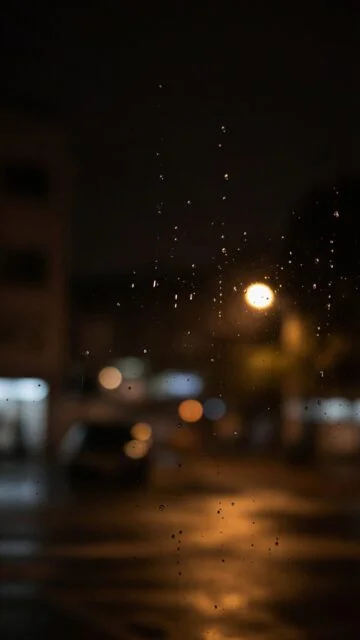
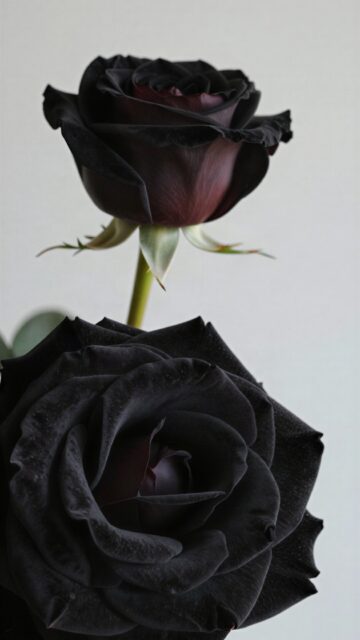
A dark wallpaper keeps your screen easy on the eyes at night and gives colorful icons a clean backdrop during the day. Our collection of dark backgrounds goes beyond plain black, covering night skies, shadowy forests, stormy oceans, city lights after sundown, deep space, dark abstract shapes and dim, moody landscapes. It lives inside the broader black wallpaper category but leans toward scenes and textures with real depth rather than flat color.
Each collection holds 10 wallpapers in one theme and one size, so a set looks consistent across devices. Choose from 1170x2532 for iPhone, 1080x2400 for Android, 2048x2732 for iPad, 1920x1080 for laptops and 3840x2160 for a 4K desktop. For a dark home screen or lock screen, these designs keep notifications and the clock clear while still giving you something interesting to look at. Every design is original and checked by hand before it is published, and weak images are removed, so the shadows hold detail instead of turning to mud.

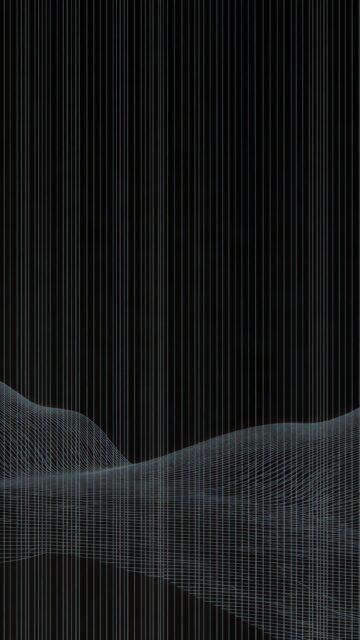
Dark doesn't have to mean gloomy. A starry sky or a city skyline at night feels peaceful, deep ocean blues feel calm, and dark abstract waves or glowing lines feel modern and techy. For a lock screen, look for a design where the top third is the darkest part, so white text pops. For the home screen, softer, low-contrast images work best behind icons. A dark design also pairs naturally with your phone's dark mode, giving the whole interface one consistent look from lock screen to settings. If you switch between light and dark modes, keep a mid-dark image that looks fine under both.
Before setting a dark wallpaper, lower your screen brightness to your usual night level and preview it; some dark images lose all their detail when dimmed, while ones with a few mid-tone highlights still read well.
Use 1170x2532 pixels, our iPhone size. It fills current iPhone screens edge to edge, and dark images with soft gradients stay smooth at that resolution. Each crop is checked so the key detail sits clear of the clock. Our iPhone wallpaper guide shows the steps.
Our Android size is 1080x2400 pixels, which fits most current Android phones. On AMOLED screens, the darkest areas display as true black and look especially deep. If your phone is a slightly different shape, centered designs crop best. See the Android wallpaper guide for setup help.
In a dim room, a dark wallpaper gives off less light than a bright one, which many people find more comfortable when they check their phone at night. It isn't a medical fix, though, and in bright daylight a light screen can be easier to read. Use whichever feels better for you.
On OLED and AMOLED displays, darker pixels draw less power, and pure black pixels are switched off, so a dark wallpaper can save a little battery. The difference is modest and depends on how dark the image is. On LCD screens, the backlight is always on, so there's essentially no saving.
Choose an image that is darkest near the top, where the clock and date sit, and keep the brightest detail in the lower half. Turn on dark mode so notifications match. If your phone allows it, pick a clock color taken from the wallpaper, such as soft blue or silver.
Yes, for personal use as a background on your own phone, tablet, computer or watch, with no sign up and no watermark. Commercial use, resale and sharing on other websites aren't allowed. You can read the full details on the Terms of Use page before you save any wallpaper.
Use our dual monitor size, 5120x1440 pixels, which spans two side-by-side screens as one continuous image. Night skylines and starfields look great stretched that wide. The dual monitor wallpaper guide explains how to span a single image on both Windows and Mac.
The site publishes new collections every day, and dark designs appear regularly in that rotation. To see the newest sets, visit the latest wallpapers page. If you like a quick daily change, today's pick features one wallpaper every morning, US time.
Every wallpaper is reviewed by a person before it goes live: we remove images with odd details or blur and check the crop for each device. How we check wallpapers
Something wrong with an image? Report an image · Free for personal use, see the Terms.