Rock Wallpaper iPhone
Rock iPhone wallpaper offers free downloads of towering cliffs, boulder formations and stone landscapes for your phone. These rock wallpapers show dramatic peaks, weathered stone textures and natural geological formations in vertical layouts that fill your screen edge to edge. Each rock wallpaper is original artwork, curated by hand and ready to download without signing up. The set suits both lock screen and home screen, with designs that work in any season.
10 wallpapers at 1170 × 2532 px for iPhone. Checked by hand on 4 Oct 2026.
About this set
These rock wallpapers showcase natural stone in its many forms: towering cliffs, weathered boulders, layered formations and dramatic peaks. The vertical layouts work on both lock screen and home screen, with compositions that keep the top area simple so widgets and time displays stay readable on the lock screen.
The cool greys, warm earth tones and natural textures pair well with minimal iPhone icons and work across light and dark modes. Choose the close-up stone texture for a lock screen that reveals detail, or pick a distant landscape view for a home screen that sits cleanly behind your app grid.
Fire-made, water-laid: the stone in these pictures
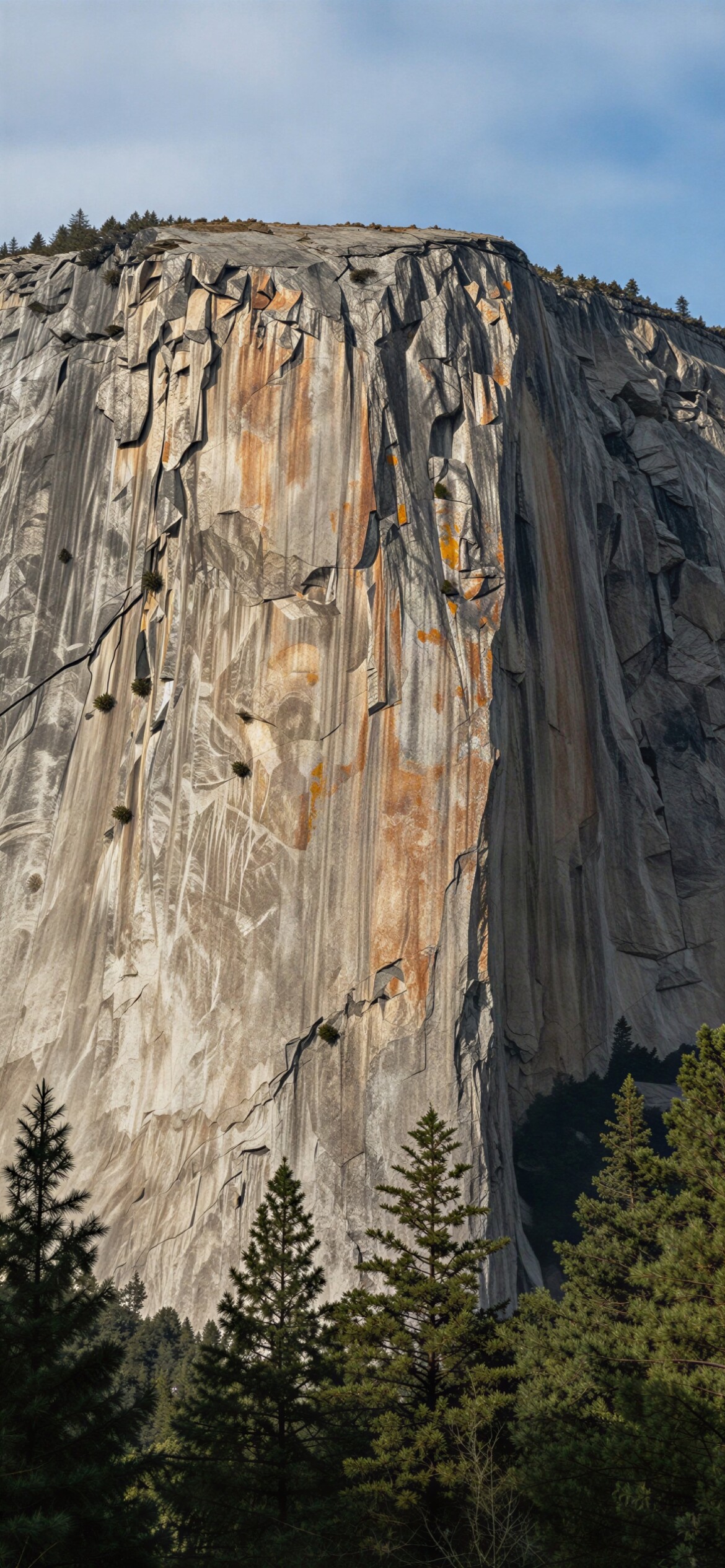
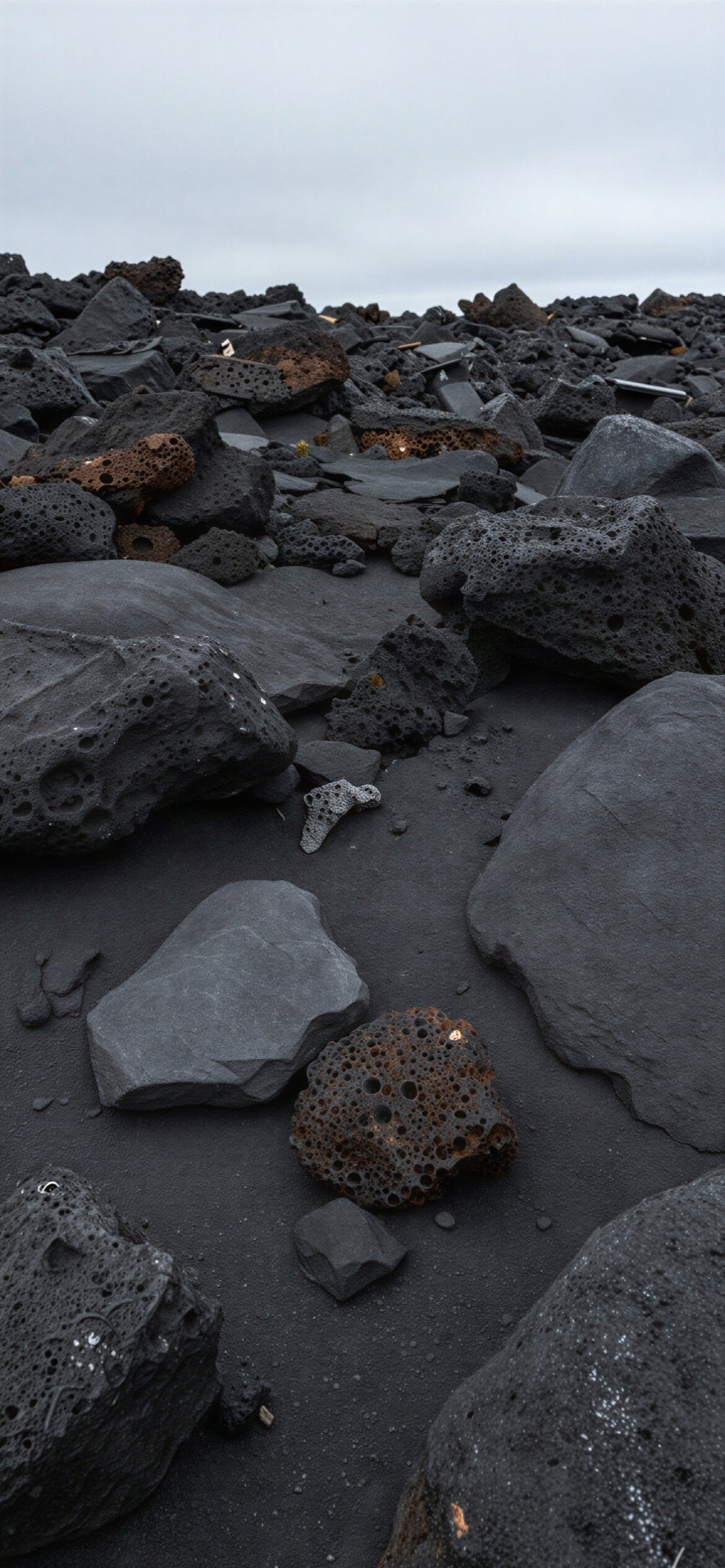
Geologists sort rock into three families, and two of them are easy to spot here. Igneous rock forms from molten material. Granite, like the cliff in wallpaper 1, cooled slowly deep underground, which gave its crystals time to grow large enough to see. Volcanic rock, like the dark formations in wallpaper 8, cooled quickly at the surface, so it tends to be finer grained and darker.
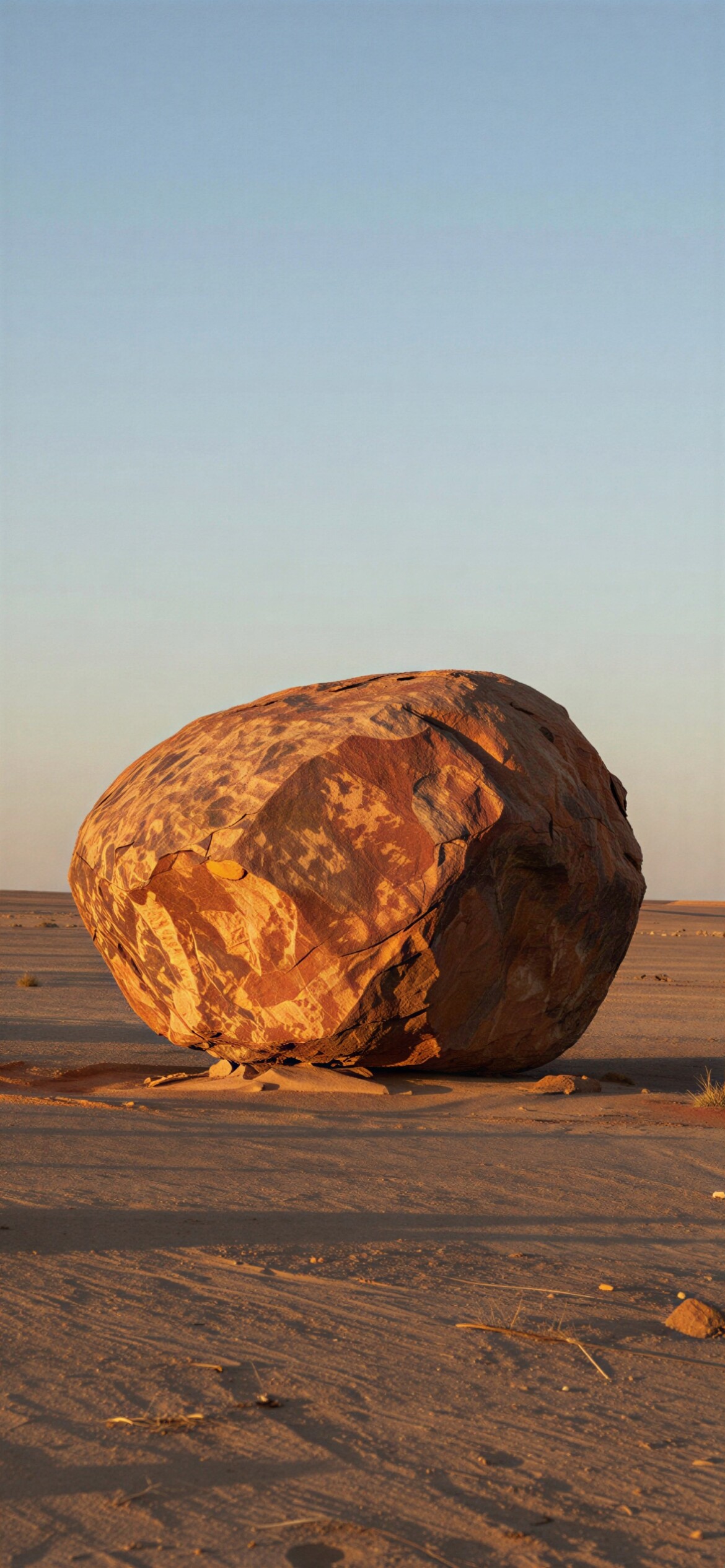
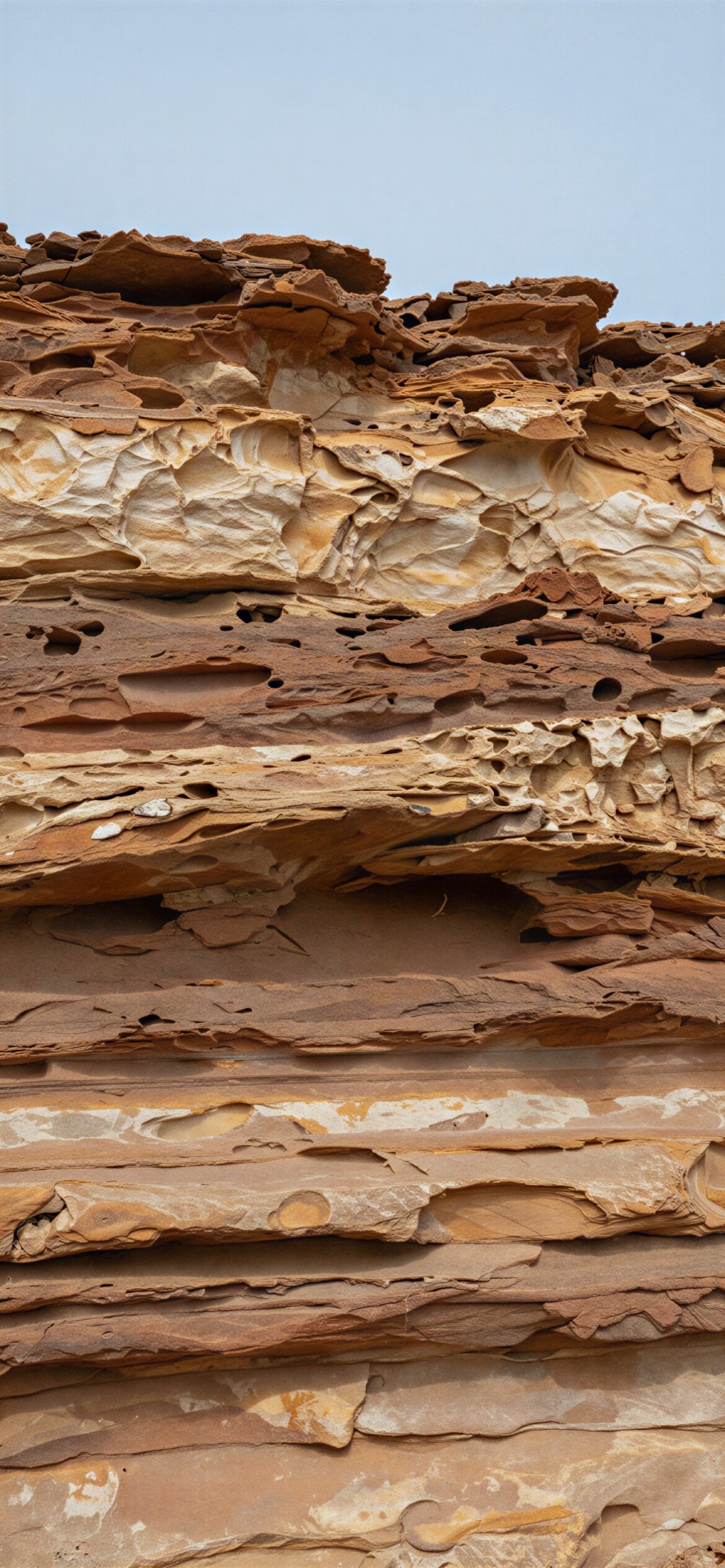
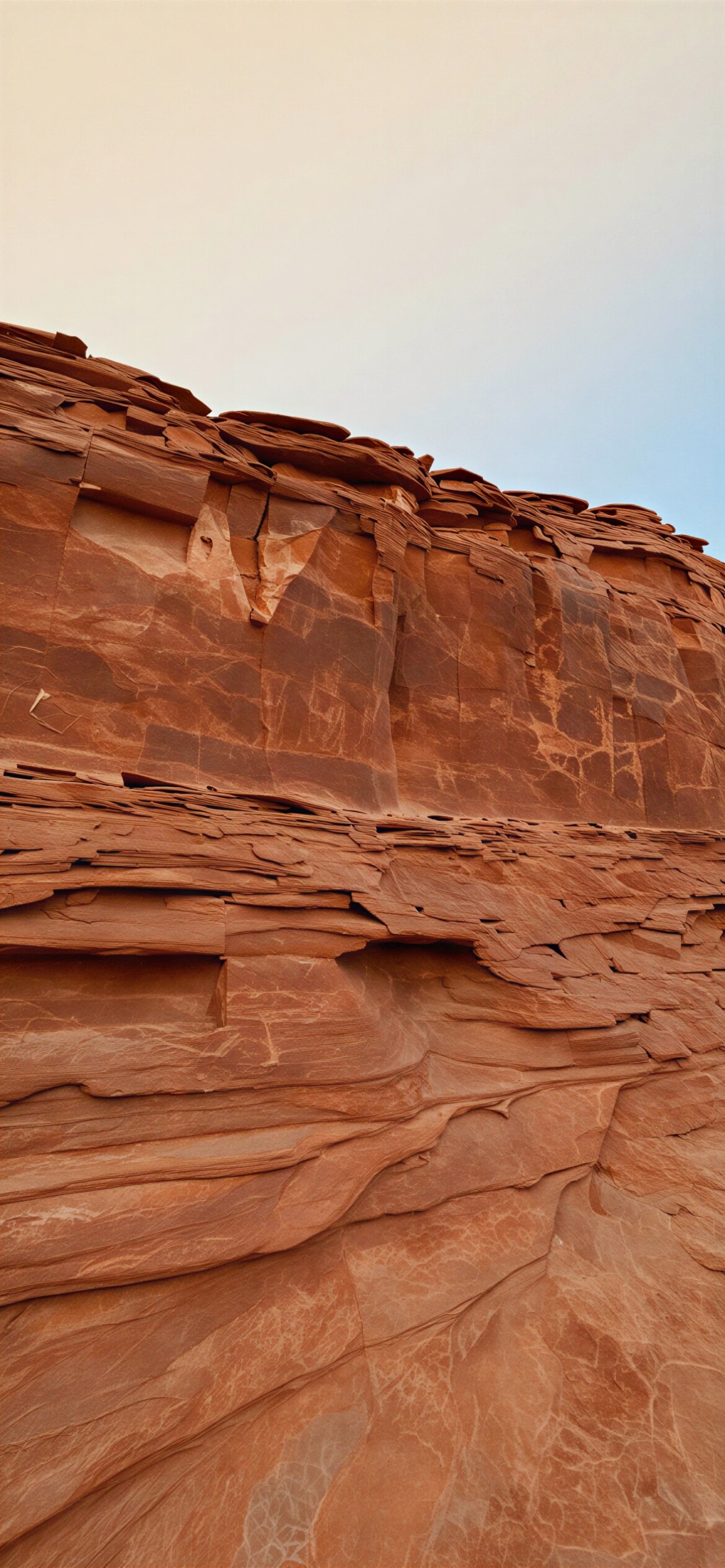
Sedimentary rock is built from sand, mud and shell laid down in layers, often under water, then pressed and cemented over a very long time. Those layers are the bands you can see in wallpaper 4. The red and orange of sandstone cliffs like wallpaper 6, and the rust tone of the desert boulder in wallpaper 2, come mostly from iron oxide, the same compound as rust, coating the grains.
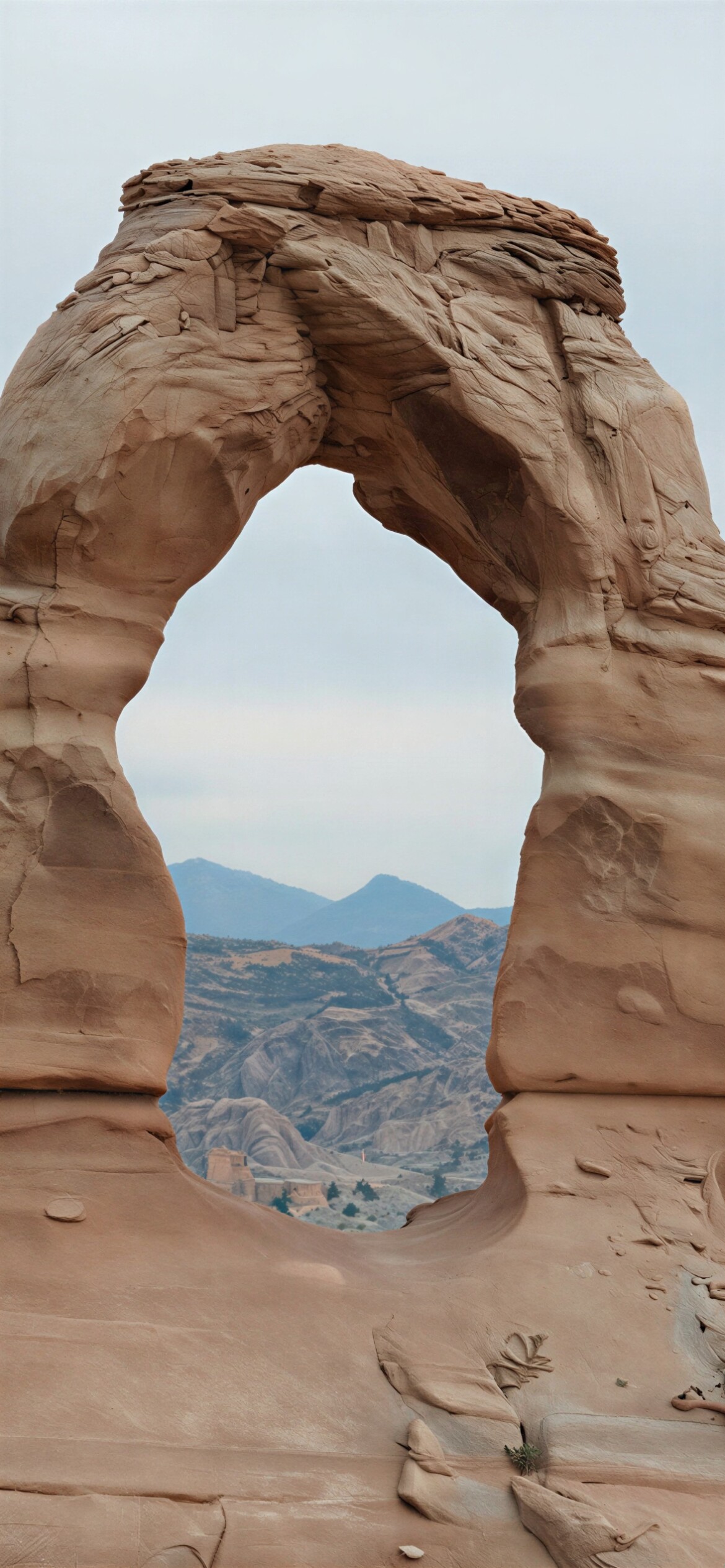
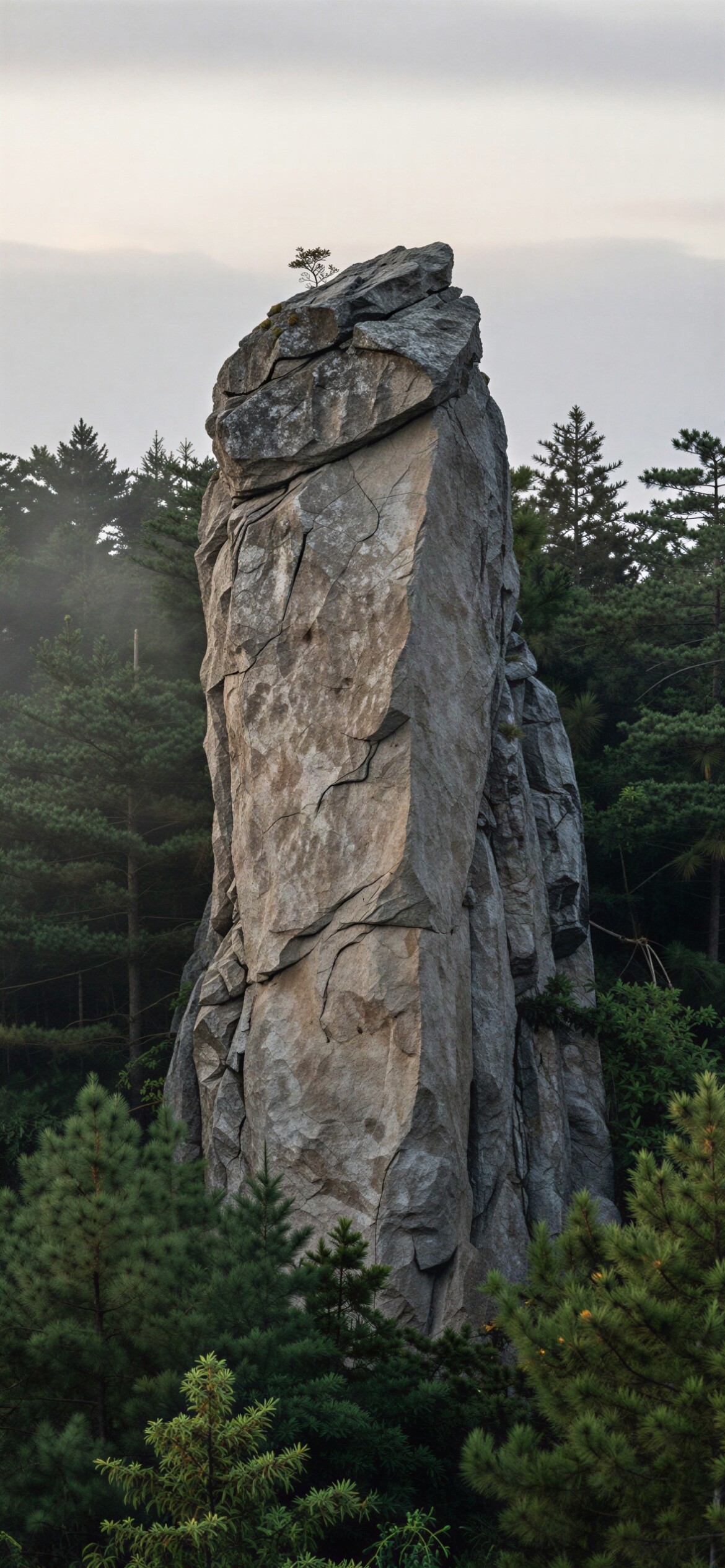
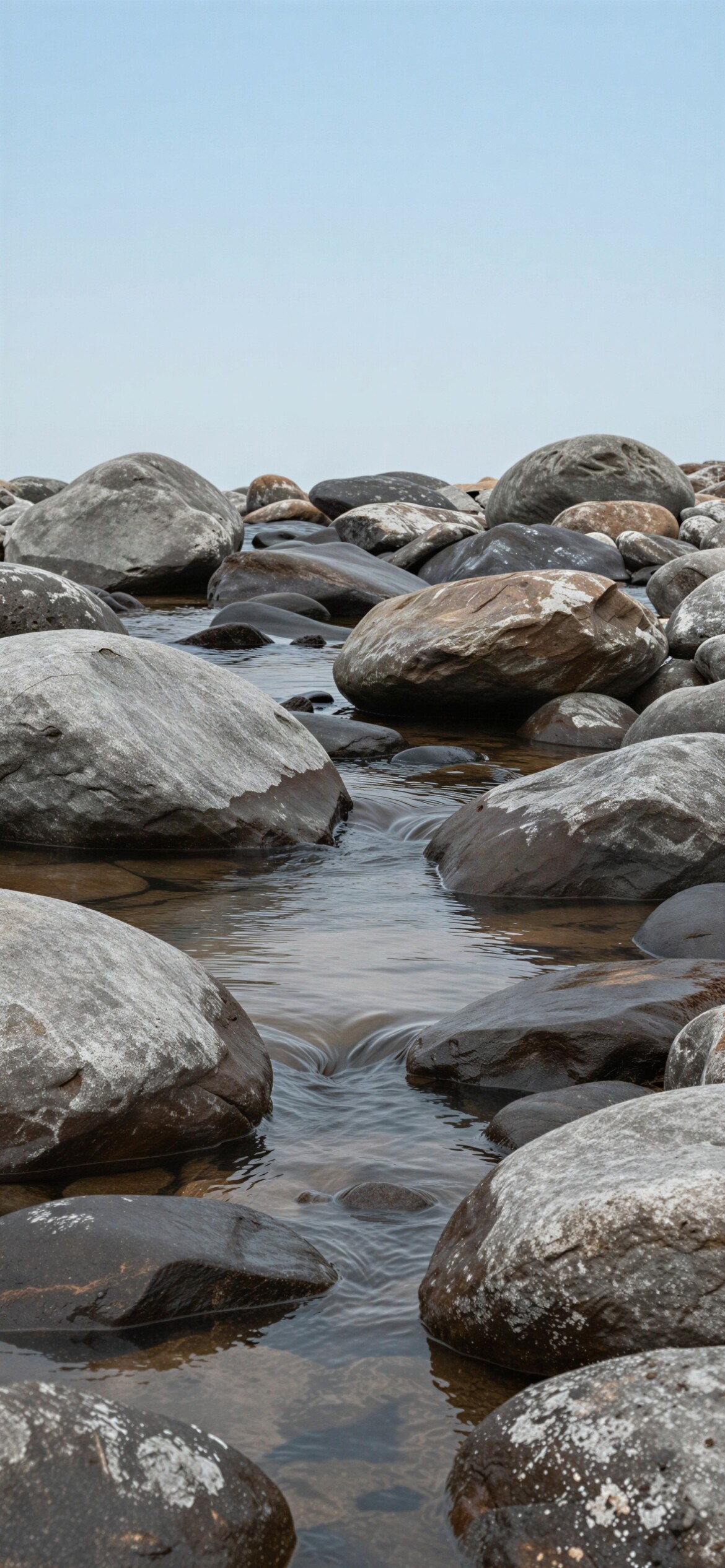
The shapes are the work of water, ice and wind. An arch like the one in wallpaper 7 forms when weathering wears a hole through a thin wall of rock; Arches National Park in Utah has more than 2,000 of them, most cut from sandstone. Pinnacles such as wallpaper 9 are what is left standing after softer rock around them wears away, and the round stones in wallpaper 10 got their shape from years of knocking against each other in moving water.
From cliff top to streambed
- A granite cliff with lichen on its face and evergreens at its foot, with plenty of clear sky above for the clock.
- One rust-red boulder on a flat plain at golden hour, its long shadow stretching across the ground.
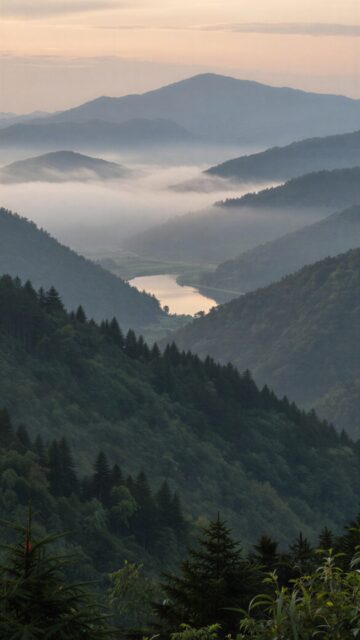
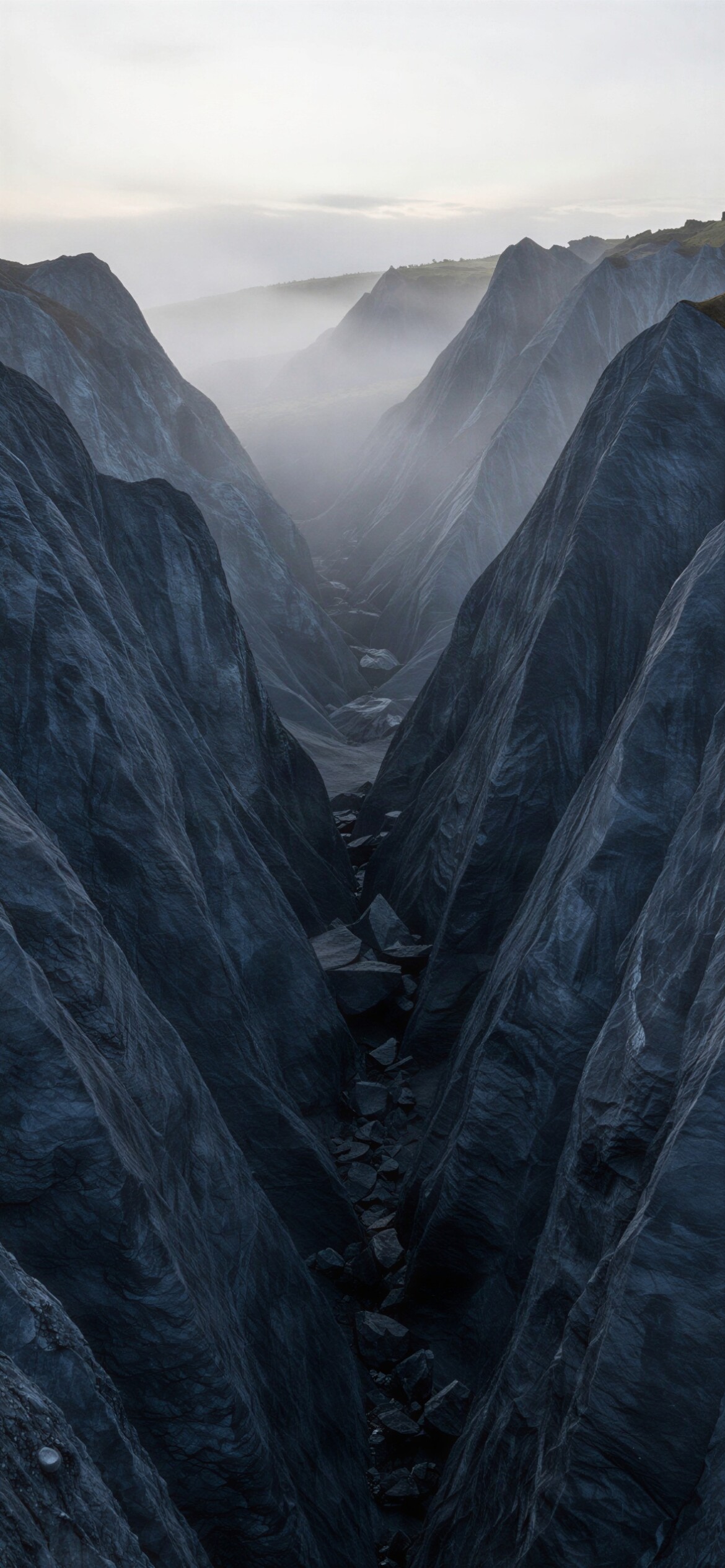
- Jagged grey peaks over a misty valley in hazy morning light, a soft choice for a busy home screen.
- A close-up of layered rock in brown and tan bands, more texture than landscape.
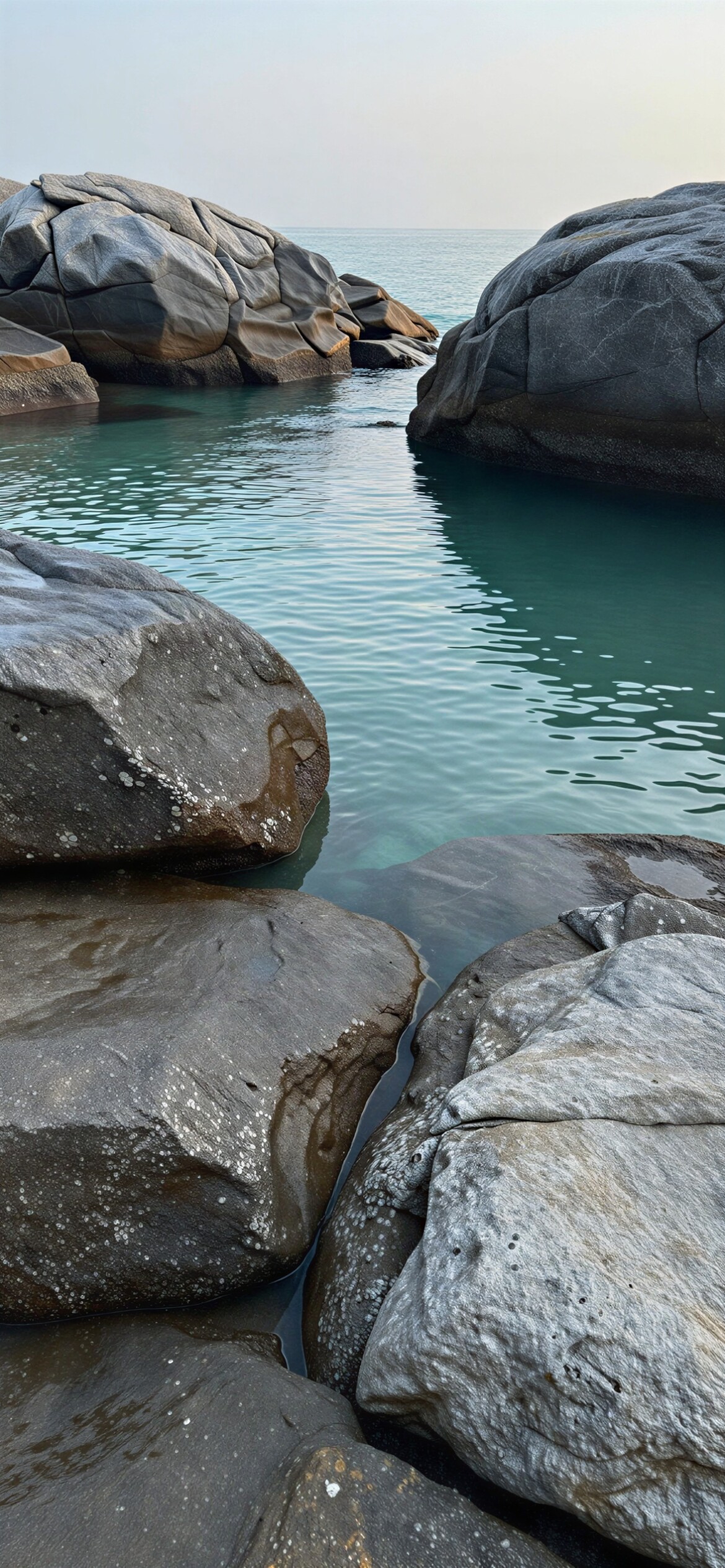
- Wet boulders along a shoreline running into turquoise water.
- Red and orange sandstone cliffs carved with erosion patterns under a pale blue sky.
- A pale stone arch that frames distant mountains, like a window inside the picture.
- Dark, jagged volcanic formations under flat, overcast light, the one to choose for a dark setup.
- A grey stone pinnacle rising out of pine forest and morning mist.
- Smooth grey and brown river stones with water slipping between them.
Red desert or grey granite?
The set splits fairly cleanly by colour. Wallpapers 2 and 6 are the warm ones, all rust and orange. Wallpapers 4, 7 and 10 sit in the middle with tans, browns and pale stone. The cool group is 1, 3, 5 and 9, where grey rock meets blue sky, water or mist, and wallpaper 8 stands alone as the darkest and heaviest of the ten.
For more stone and open country, see the Mountain set, the desert plants in Cactus, or water pouring over rock ledges in Waterfall.
How to set it on your iPhone
- Tap Download and save the image to Photos.
- Open Settings, tap Wallpaper, then Add New Wallpaper, and choose Photos.
- Pick the wallpaper, pinch to position it, then tap Add and choose the lock screen, home screen or both.
Stuck on a step? The iPhone and iPad guide has screenshots for each one.
Questions
Do these wallpapers fit my iPhone screen without cropping?
Yes. These rock wallpapers are designed for iPhone in 1170x2532 resolution, which is the standard tall format for iPhone screens. The vertical composition fills the display on modern iPhones, though some older models may crop slightly at the edges.
Can I use these rock wallpapers for personal use?
Yes, these wallpapers are free to download and use on your own iPhone. Selling them, printing them for sale or reposting them on other wallpaper sites is not allowed. See our Terms page for full details on personal use rights.
Which rock wallpapers work best for the lock screen?
The close-up stone texture designs and the layered sedimentary rock work well on the lock screen because they show detail without distraction. The simple sky at the top keeps your time and notifications readable. Landscape views work too if you prefer a wider sense of space.
Do these rock wallpapers work with both light and dark mode?
Yes. The natural stone colors—greys, tans, browns and rust tones—sit comfortably in both modes. They pair with light app icons on a home screen and work as a lock screen backdrop regardless of your system settings.