Dream Wallpaper iPhone
Dream wallpaper for iPhone brings surreal, imaginative scenes to your lock screen with floating islands, soft pastel skies and peaceful otherworldly settings. These original designs capture the quiet wonder of dreams through gentle colors and impossible landscapes. Each dream iPhone wallpaper suits both lock and home screens, and the vertical format fills the full display without cropping. The collection offers a range of dreamy moods from serene and meditative to whimsical and fantastical.
10 wallpapers at 1170 × 2532 px for iPhone. Checked by hand on 5 Oct 2026.
About this set
These dream wallpapers feature surreal landscapes, impossible architecture and soft, soothing color palettes that evoke the quiet magic of dreams. The scenes use warm and cool gradients, floating elements and gentle lighting to create a sense of peaceful wonder and escape.
The lock screen designs work best with simple, luminous subjects that remain visible and striking when covered by time and notification text. For your home screen, choose the more detailed scenes with layered backgrounds—they look beautiful behind your app icons and pair naturally with both light and dark mode themes. Pair these with calming apps and minimal icon sets for a cohesive dreamy aesthetic.
Ten places you might wake up from
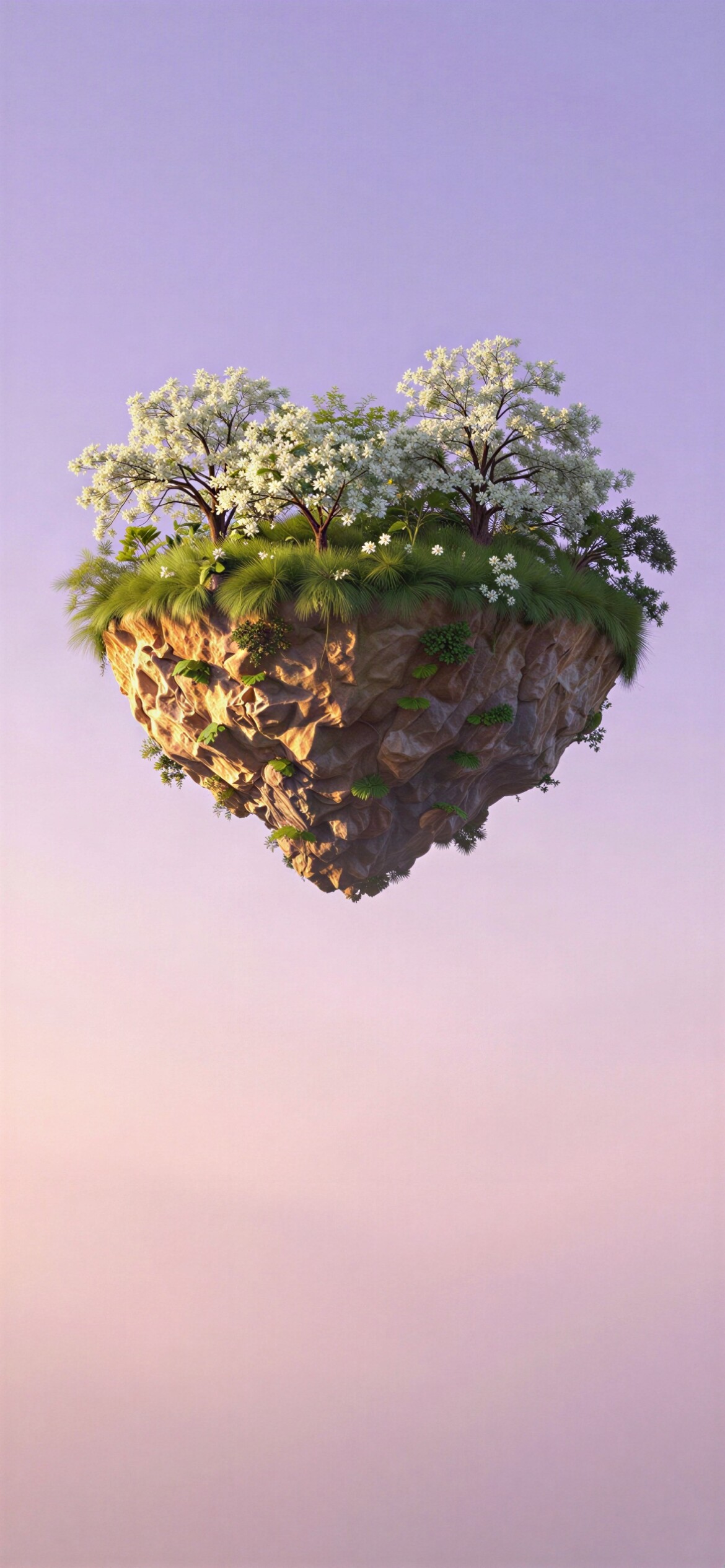
- A floating island with trees on it, hanging in a lavender sky. A good one if you want a single shape in the middle of the screen.
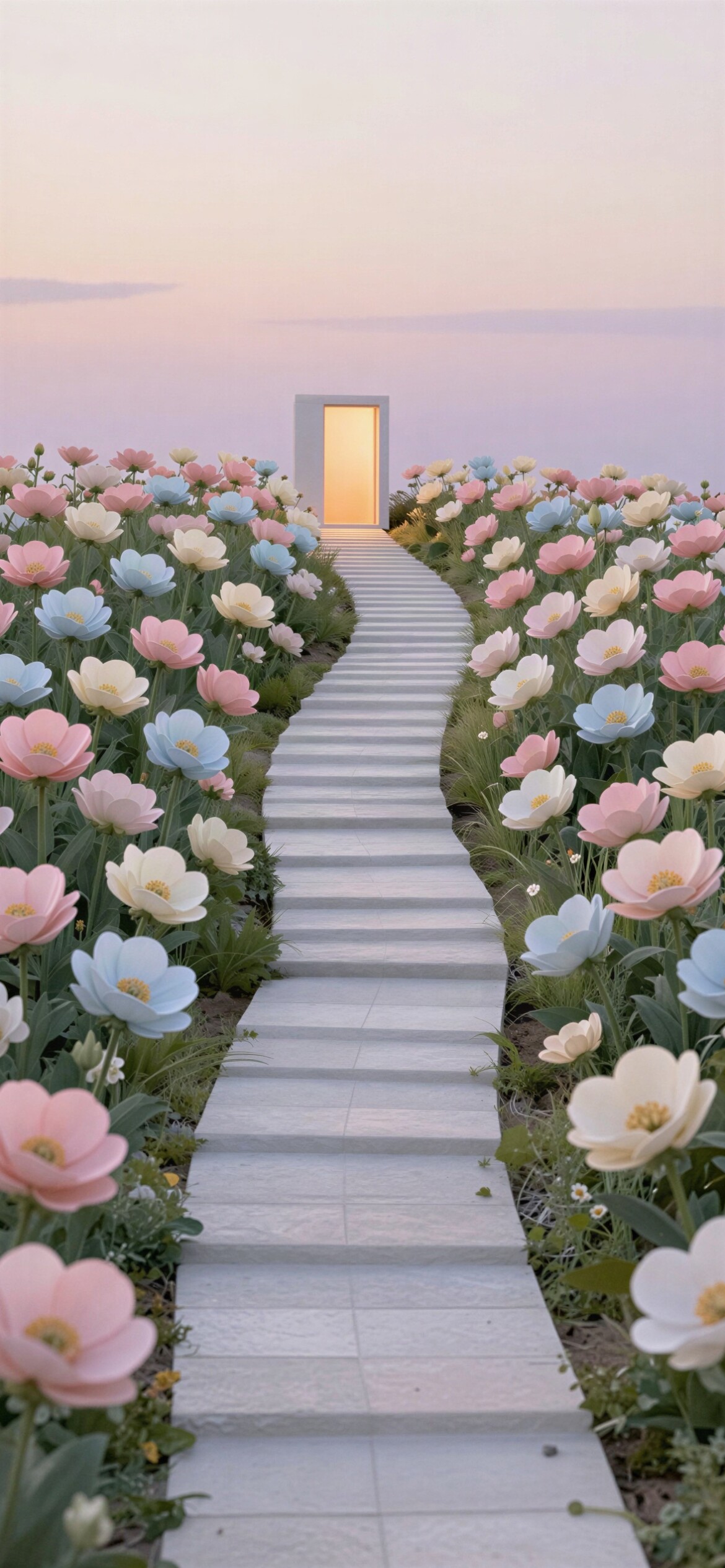
- A winding stone path through pastel flowers that ends at a glowing doorway, so the eye travels from the bottom of the screen to the top.
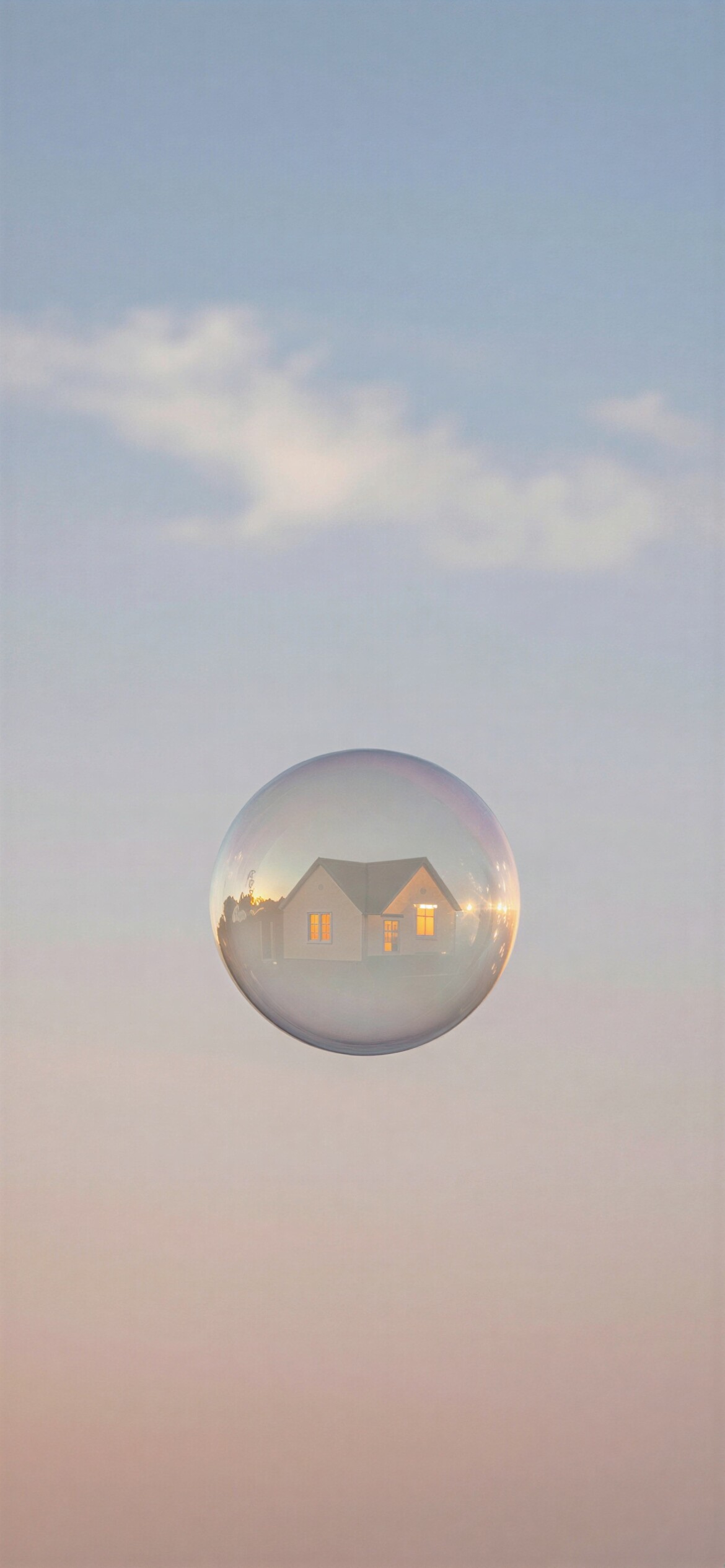
- A clear bubble with a cottage reflected in its surface. Small and quiet, with plenty of open sky around it.
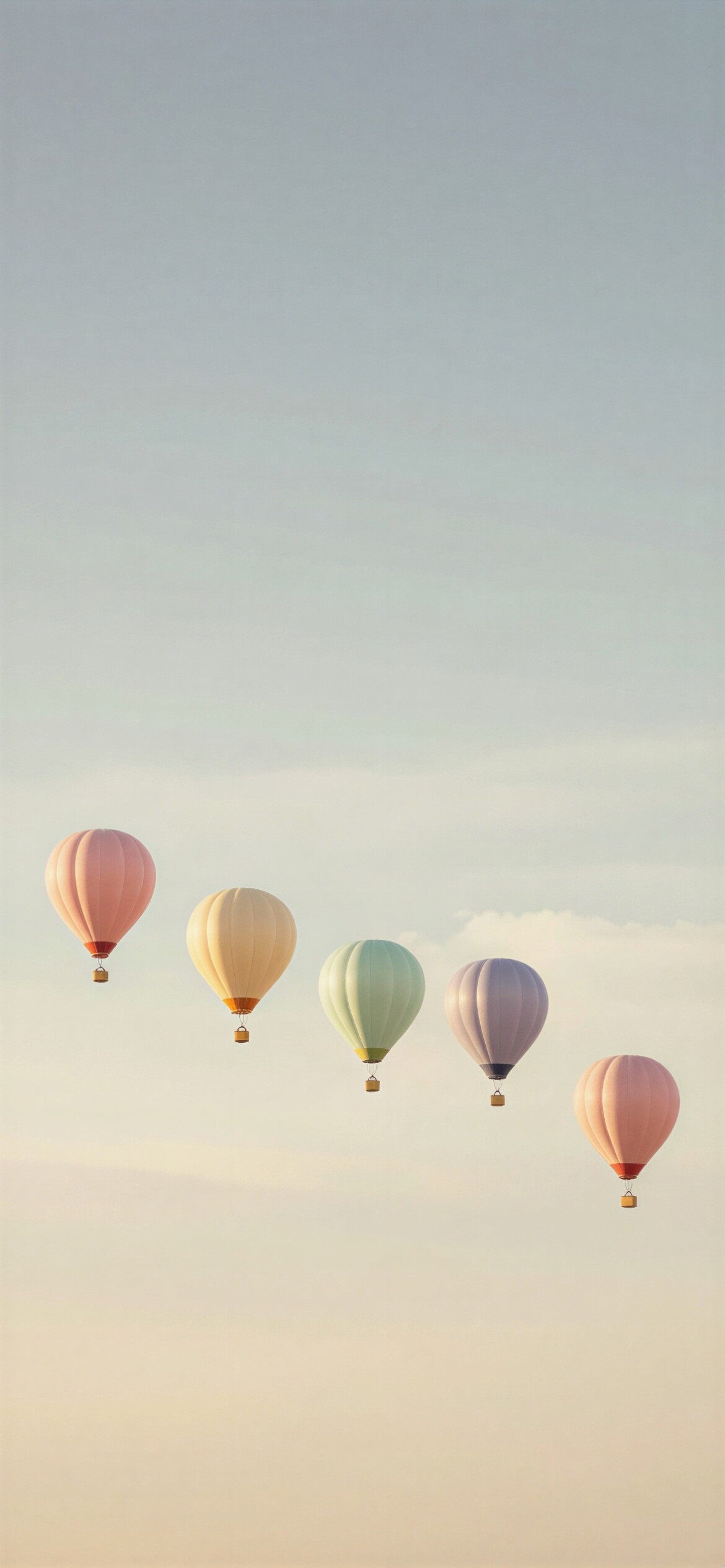
- Pastel hot air balloons drifting over clouds, light and cheerful for a morning lock screen.
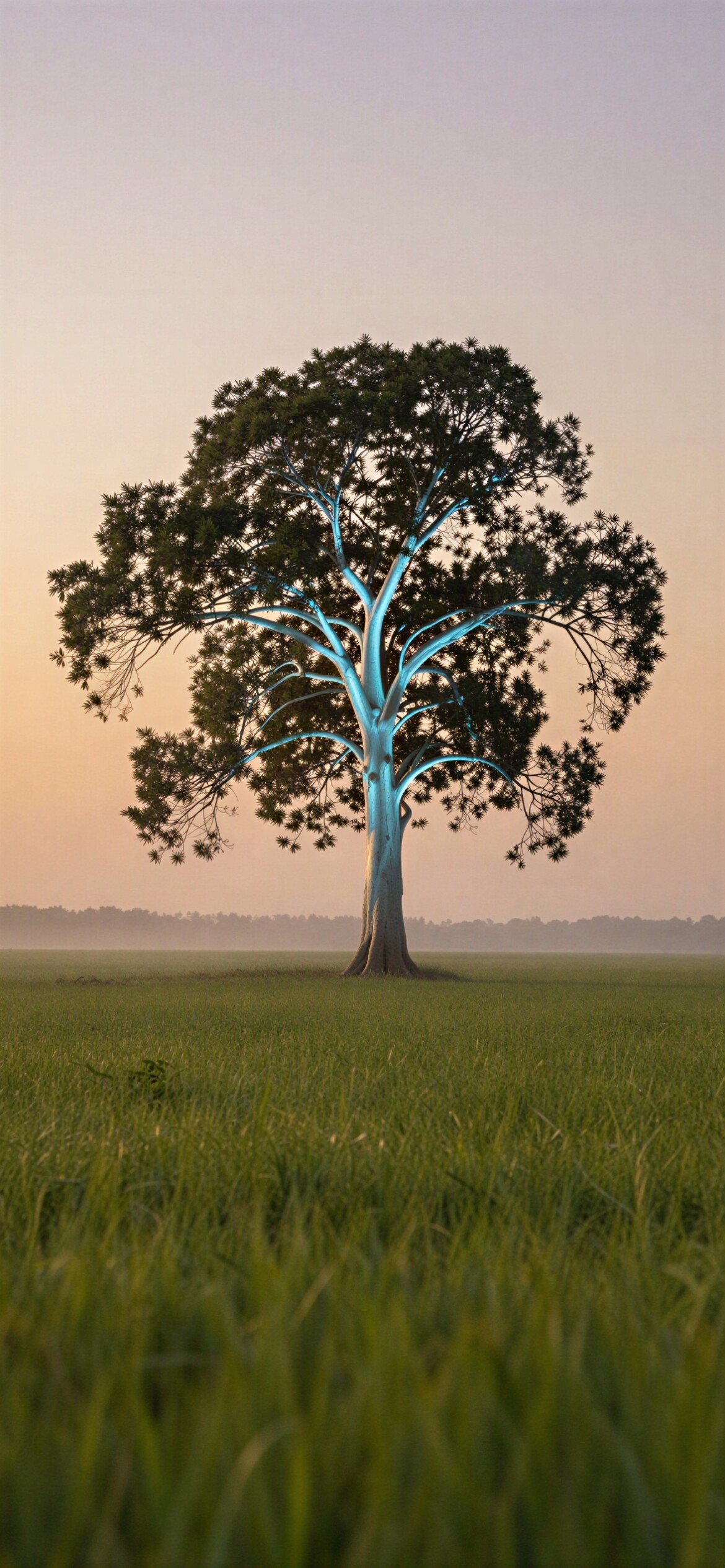
- One glowing tree alone in a wide field. The emptiness around it is the point.
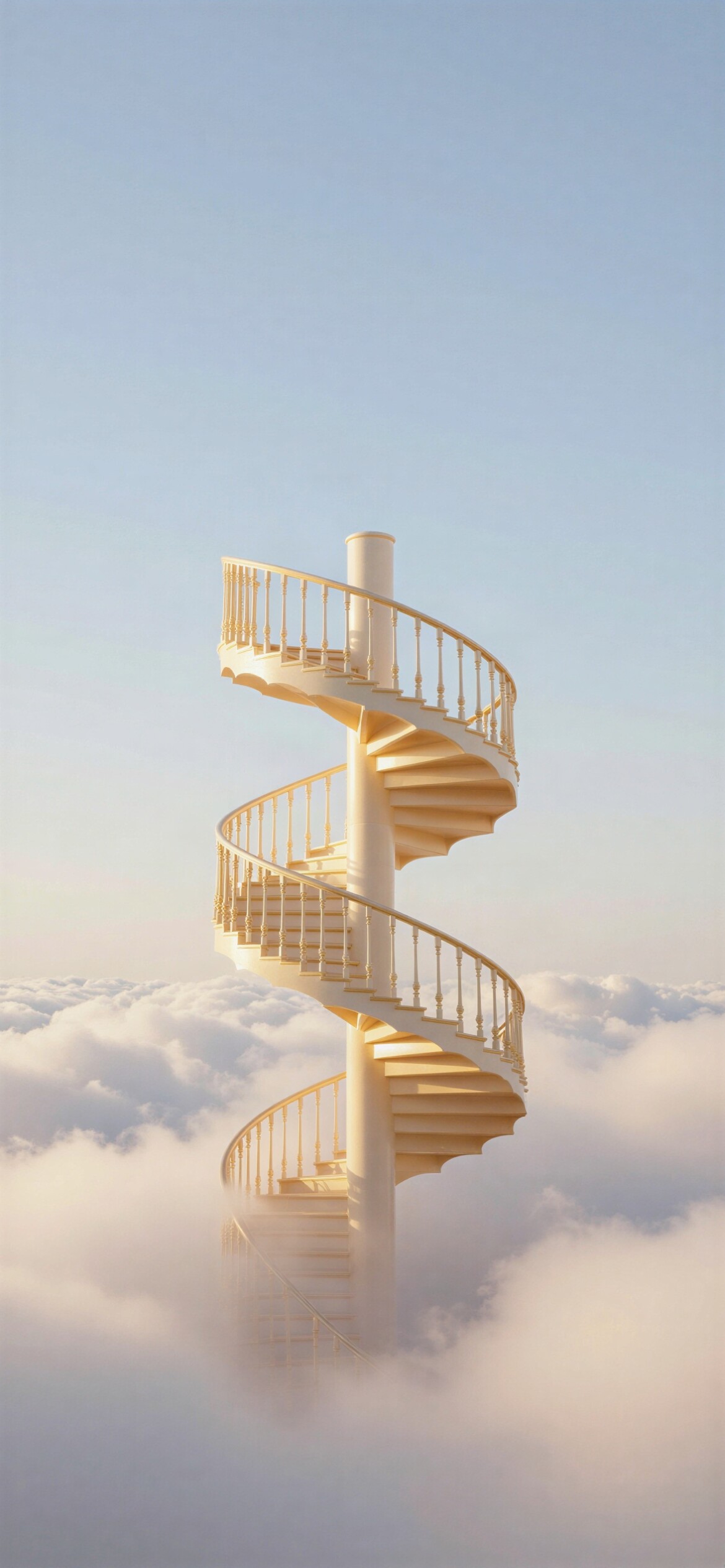
- An ornate spiral staircase going down into the clouds, the most architectural picture in the set.
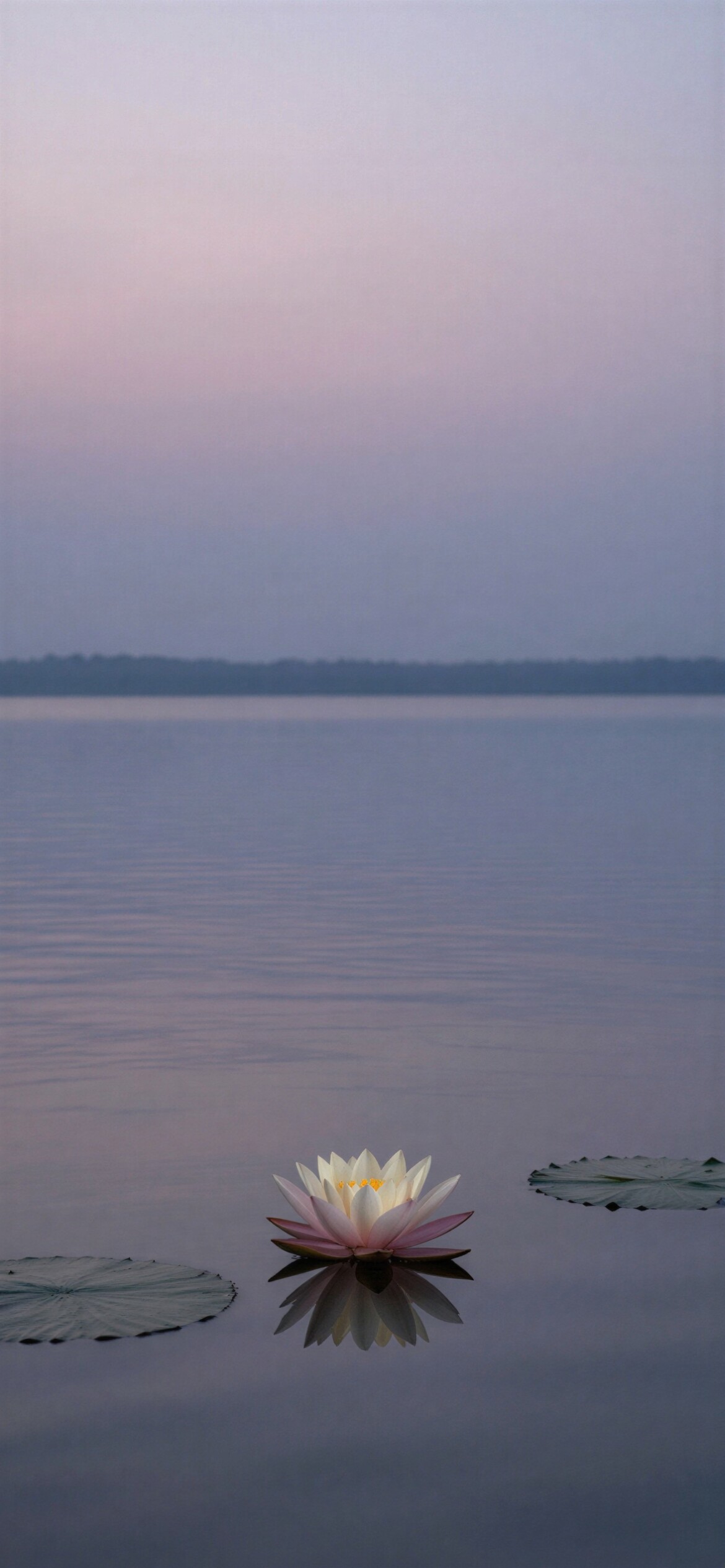
- A still lake mirroring a gradient sky, with a lotus in bloom on the water.
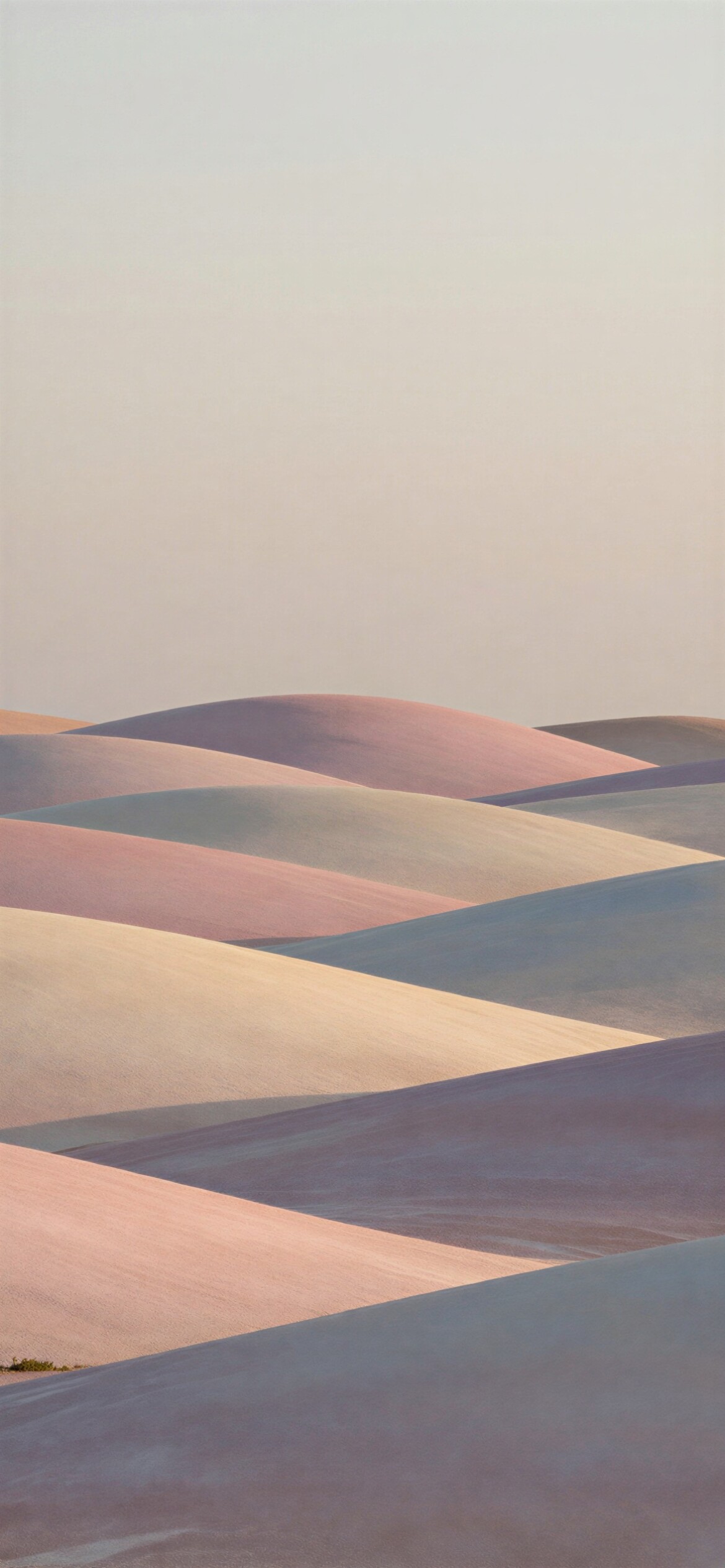
- Rolling hills in soft pastel colours, the calmest and least busy of the ten.
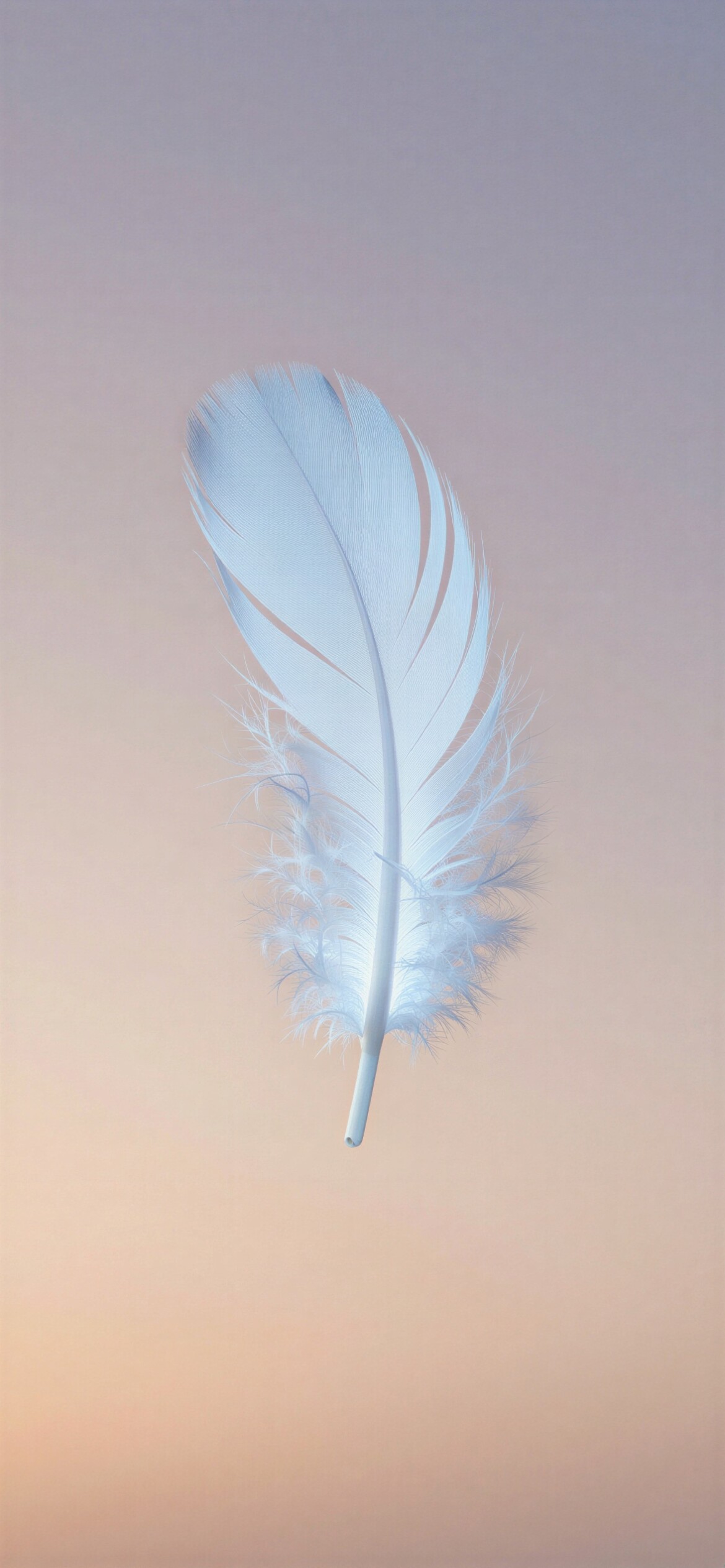
- A single giant feather glowing against a gradient sky.
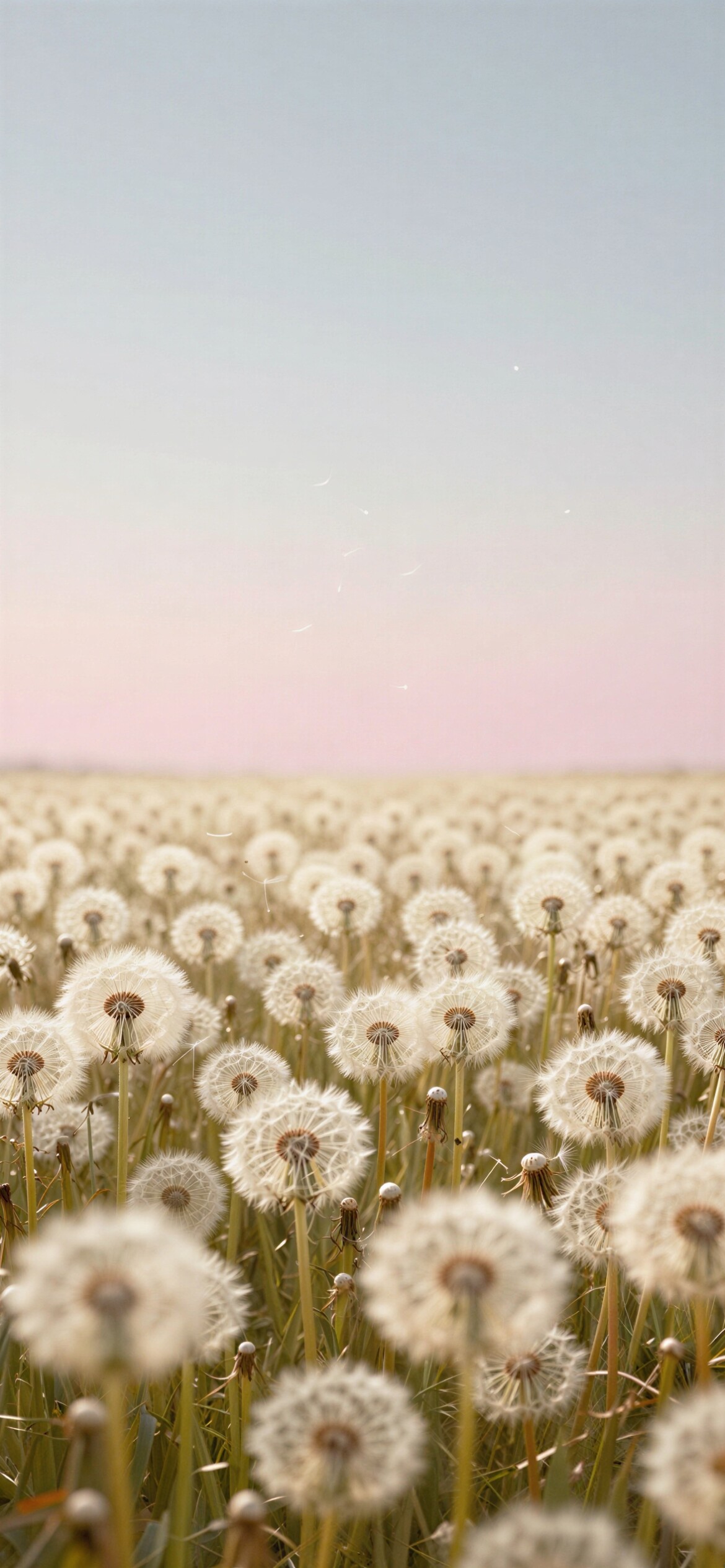
- A field of glowing dandelion seeds rising upward, full of small points of light.
Floating castles and the first balloon flight
Painting things that cannot happen became a whole movement in the 1920s. André Breton published the first Surrealist manifesto in Paris in 1924, and the group drew on Sigmund Freud's The Interpretation of Dreams for its interest in the sleeping mind. René Magritte later painted The Castle of the Pyrenees (1959), a castle sitting on a huge rock that floats above the sea, an idea very close to the island in #1.
The balloons in #4 have a real history too. On 21 November 1783, Pilâtre de Rozier and the Marquis d'Arlandes made the first free flight with people aboard, in a hot air balloon built by the Montgolfier brothers, drifting over Paris. And the dandelion seeds in #10 are not as far-fetched as they look: researchers reported in Nature in 2018 that the fluffy top of each seed creates a ring of swirling air above it, which helps it stay aloft for a long time.
Glowing, pastel or wide open sky?
Four of the scenes carry their own light: the doorway in #2, the tree in #5, the feather in #9 and the seeds in #10. Each gives the screen a natural point of focus. The balloons in #4 and the hills in #8 are pure daytime pastel, soft and low in contrast. The remaining four, #1, #3, #6 and #7, are mostly sky, cloud or water, with one small subject set against a lot of open space.
For more scenes in the same spirit, try the fairy wallpapers, the soft clouds collection, or the Alice in Wonderland set, a story that famously ends with Alice waking up.
How to set it on your iPhone
- Tap Download and save the image to Photos.
- Open Settings, tap Wallpaper, then Add New Wallpaper, and choose Photos.
- Pick the wallpaper, pinch to position it, then tap Add and choose the lock screen, home screen or both.
Stuck on a step? The iPhone and iPad guide has screenshots for each one.
Questions
Will these wallpapers fit my iPhone screen?
Yes, all wallpapers in this set are designed at 1170x2532 pixels, which is the standard resolution for iPhone. They are sized for modern iPhones, and some older models may crop slightly at the edges, whether you use them on your lock screen or home screen.
Can I use these wallpapers commercially or repost them elsewhere?
These wallpapers are free for personal use on your own devices only. You cannot sell them, print them for sale, or repost them on other wallpaper sites or social media. See our Terms page for the full license agreement.
Which wallpapers work best for the lock screen versus the home screen?
Lock screen wallpapers should have a clear focal point in the lower half—try the floating island, glowing tree, or feather designs so time and notifications stay readable. Home screen wallpapers can be busier—the dandelion field, flower path, and rolling hills work beautifully behind app icons and maintain visual interest.
What makes these designs feel dreamy rather than just surreal?
The key is soft, muted color palettes with warm and cool gradients, gentle lighting, and a sense of peaceful calm rather than chaos. Floating elements like balloons and feathers, impossible but serene landscapes, and the absence of harsh shadows all contribute to that ethereal dream quality that feels inviting rather than strange.