Alice in Wonderland Wallpaper iPhone
Alice in Wonderland iPhone wallpaper brings the whimsical world of Wonderland to your lock and home screens with free original designs. These wallpapers feature curious characters, tea parties, playing cards and garden scenes from the classic tale. Each design captures the dreamlike mood and bright colors of Wonderland in tall vertical compositions that work perfectly on iPhone. Download any of these wallpapers free and no sign up is needed.
10 wallpapers at 1170 × 2532 px for iPhone. Checked by hand on 4 Oct 2026.
About this set
This set captures the dreamlike wonder and whimsy of Wonderland through original artwork featuring iconic scenes and characters. The designs use soft, natural light and storybook colors to bring the classic tale to life on your iPhone. Most wallpapers work best as lock screen backgrounds because the main subjects sit in the lower half of the frame, leaving the top clear for time and notifications.
The home screen wallpapers from this set pair well with app icons organized in the lower portion of your screen, letting the garden scenes and characters shine above. The muted pastels and warm lighting complement both light and dark mode icon styles. Mix and match lock and home screen designs from the set to create a cohesive Wonderland theme across your entire phone.
A story first told on a river
The book began as a tale Charles Dodgson, a mathematics lecturer at Oxford, made up for three young sisters during a boat trip on the Thames in July 1862. One of them, Alice Liddell, asked him to write it down. It came out in 1865 under his pen name, Lewis Carroll, with drawings by John Tenniel, a cartoonist for Punch magazine. The book has long been in the public domain, which is why its characters can be drawn afresh, as they are in this set.
Following Alice through the ten scenes
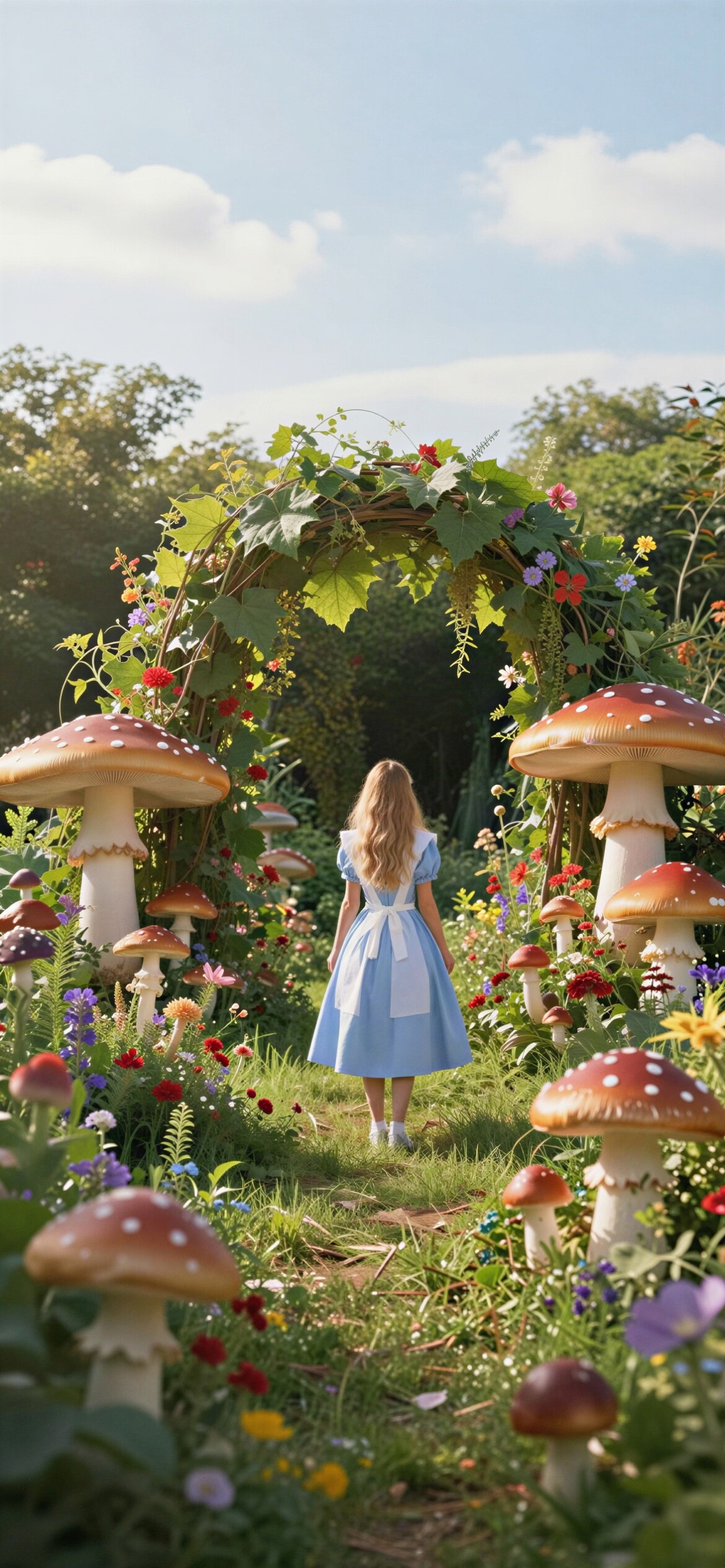
- Alice in a blue dress in a sunlit garden among giant mushrooms and flowers. She changes size again and again in the book, so the oversized plants fit the story.
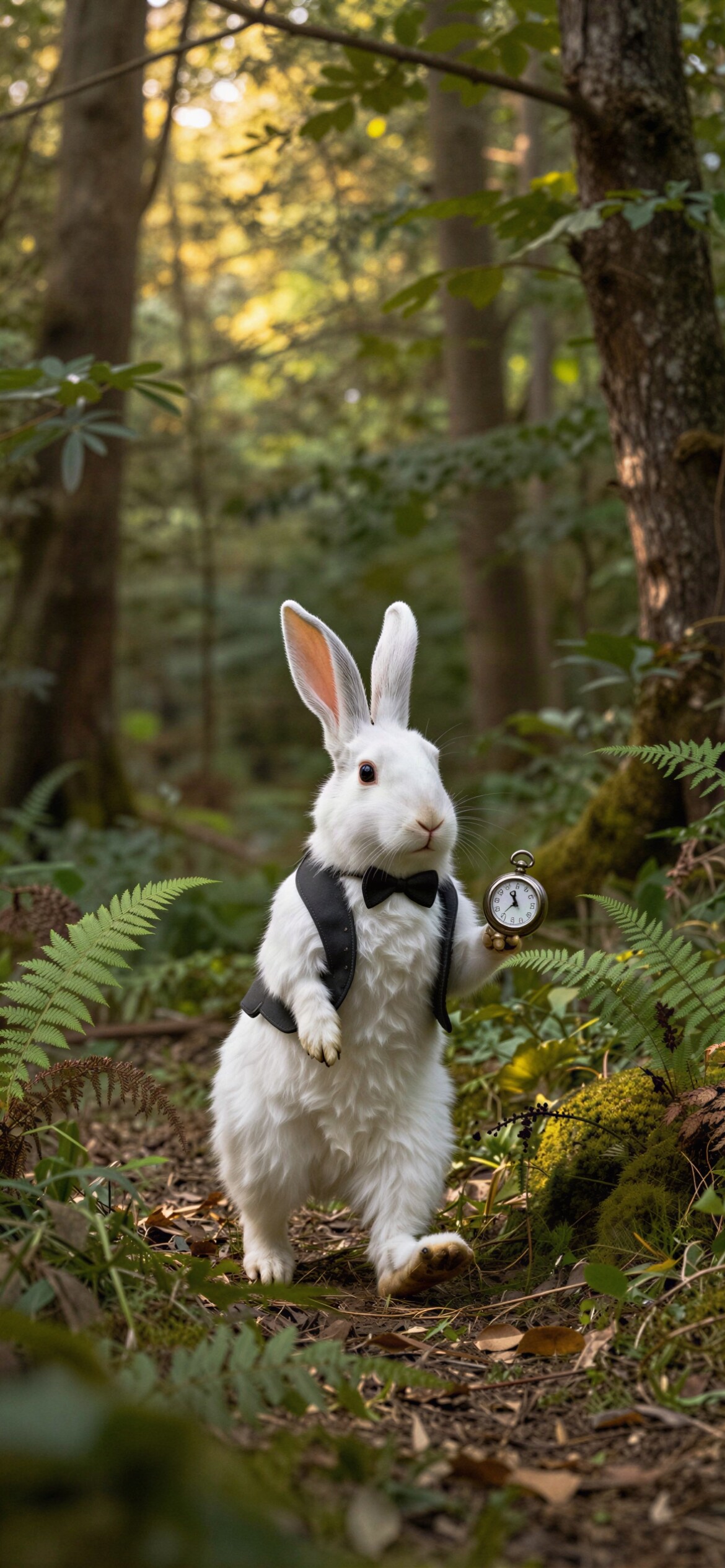
- The White Rabbit in his waistcoat, hurrying through dappled forest light with his pocket watch, the character who leads Alice down the rabbit hole.
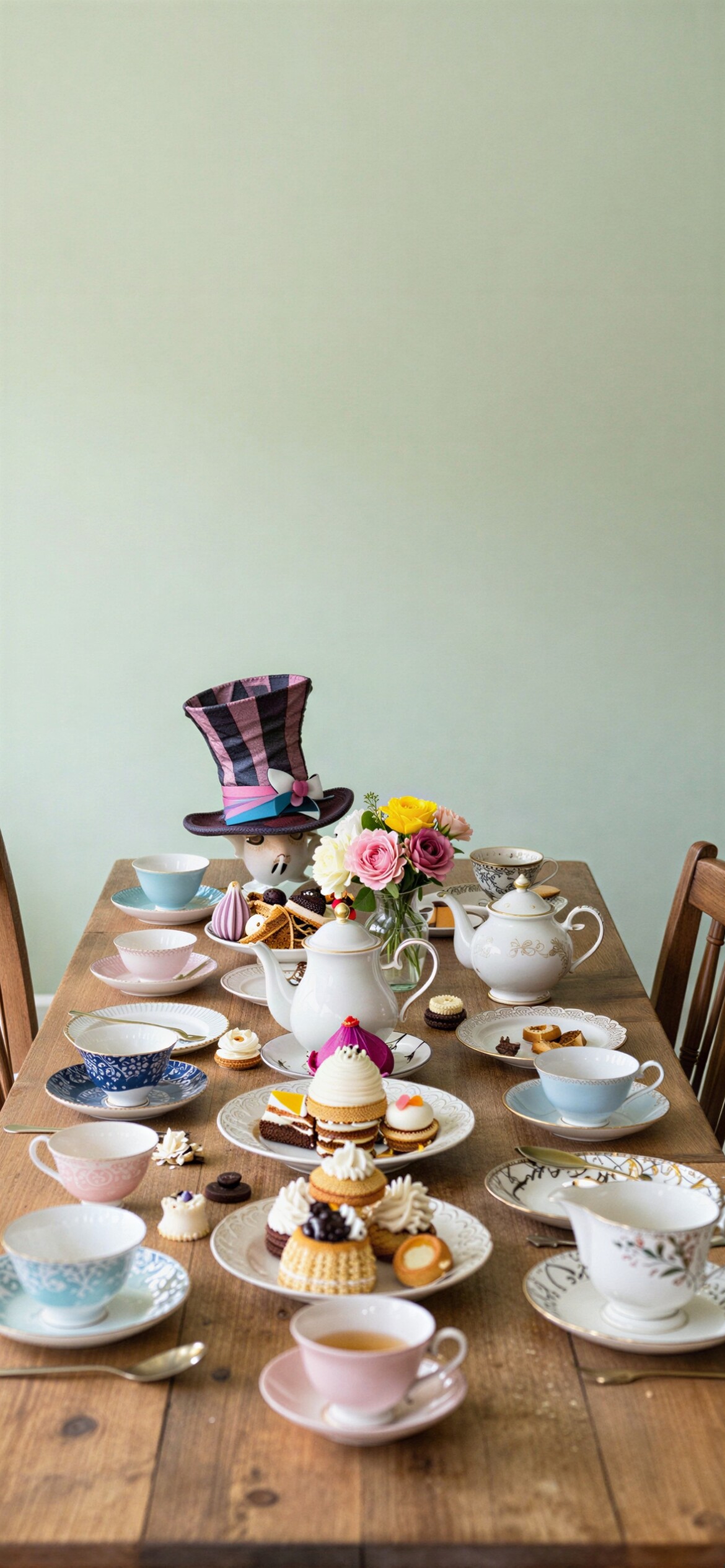
- The long tea table, crowded with cups, teapots and pastries, with the Hatter's hat on it. In the story the party never ends, because for the Hatter it is always six o'clock, always tea time.
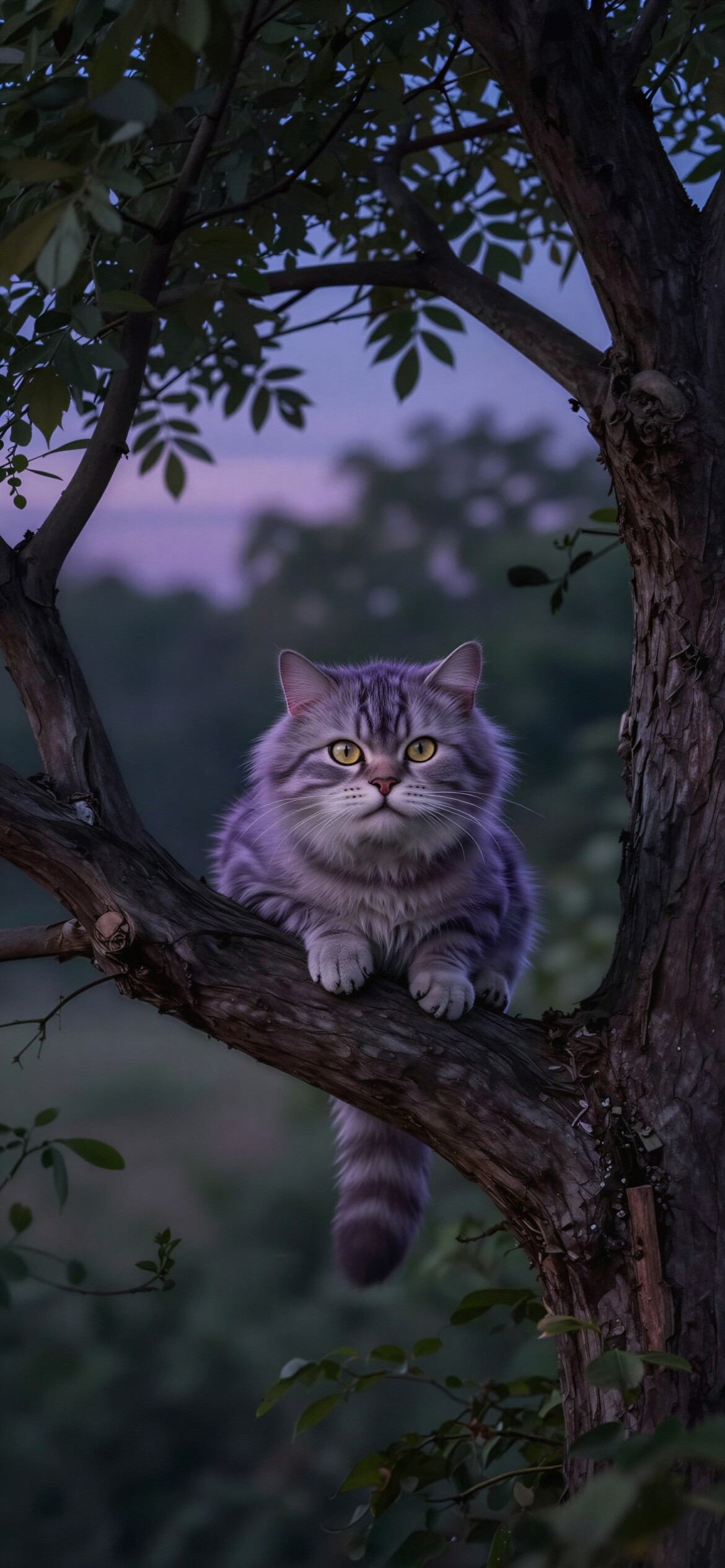
- The Cheshire Cat grinning on a gnarled branch at twilight. People were already saying "grin like a Cheshire cat" before Carroll gave the phrase a body.
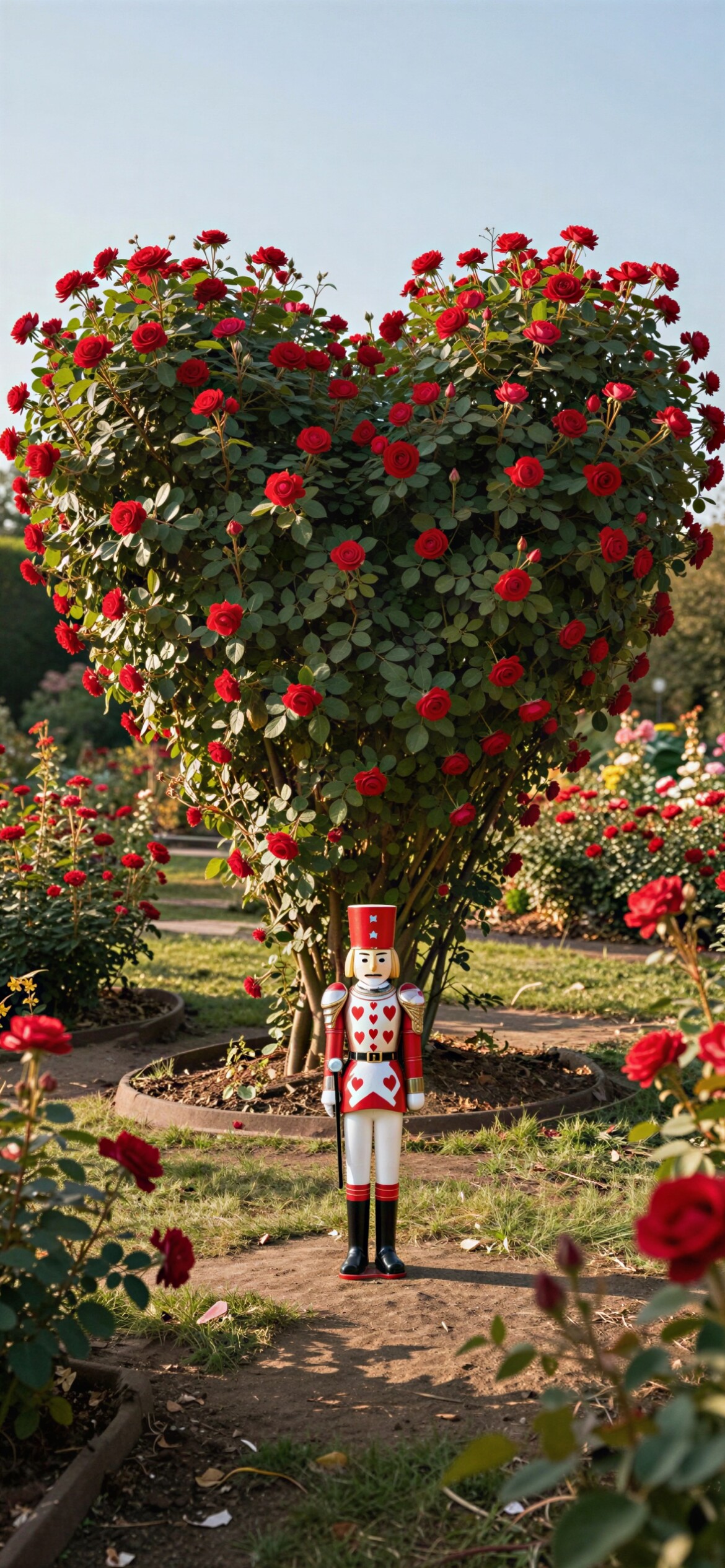
- A playing card soldier in a heart-shaped rose garden. In the book, card gardeners paint white roses red to hide a mistake from the Queen.
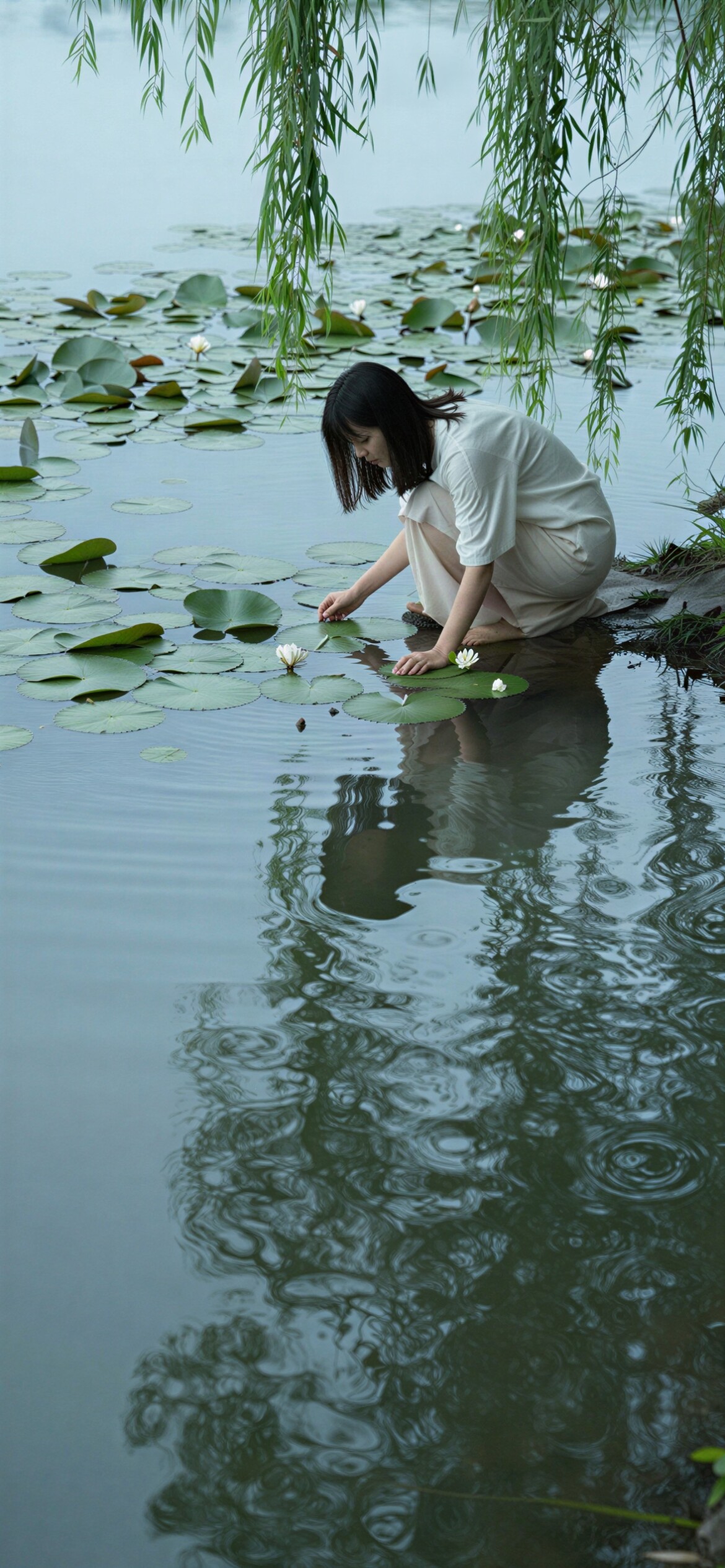
- Alice kneeling in shallow water among lily pads, a calm scene that recalls the pool of tears she swims through early on.
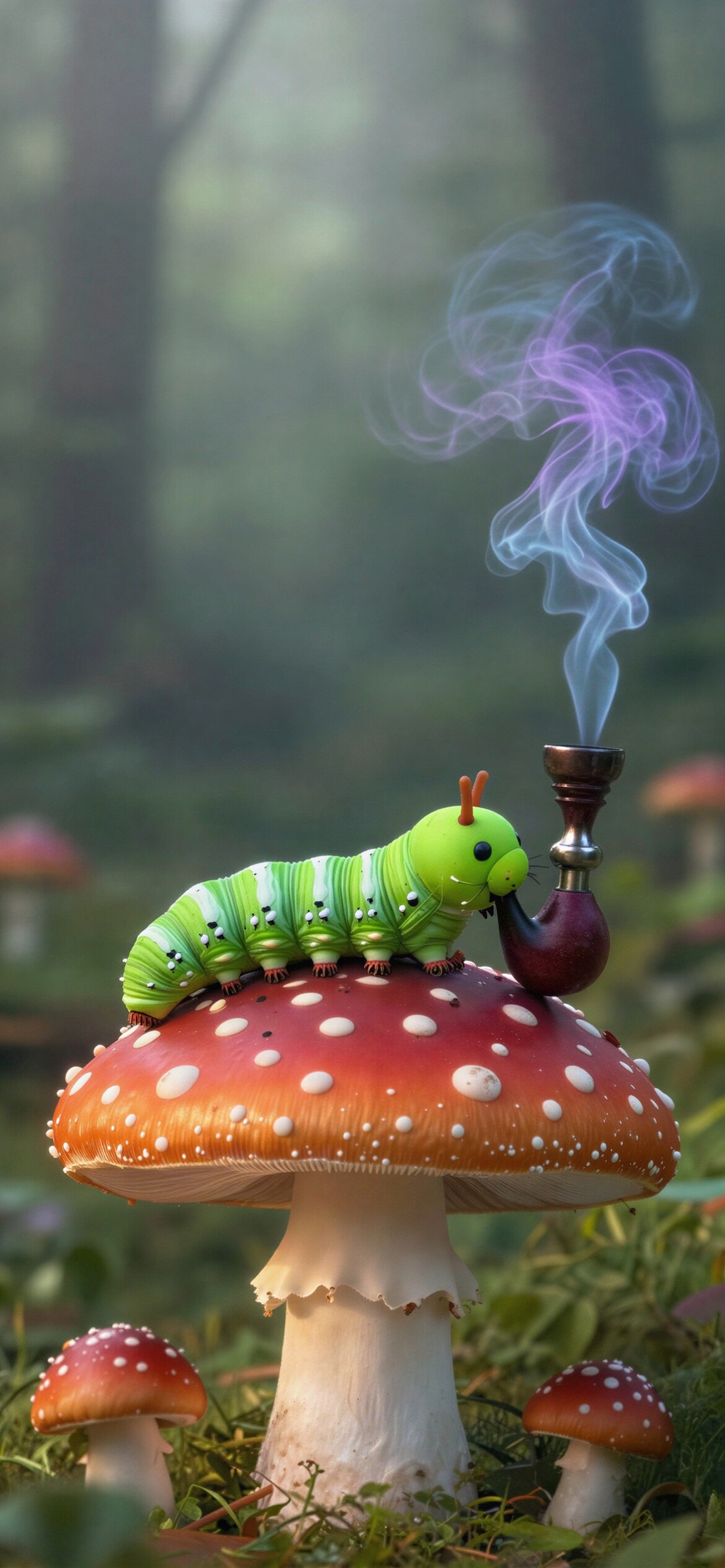
- The Caterpillar with his hookah on a red and white spotted mushroom, the one who greets Alice with "Who are you?"
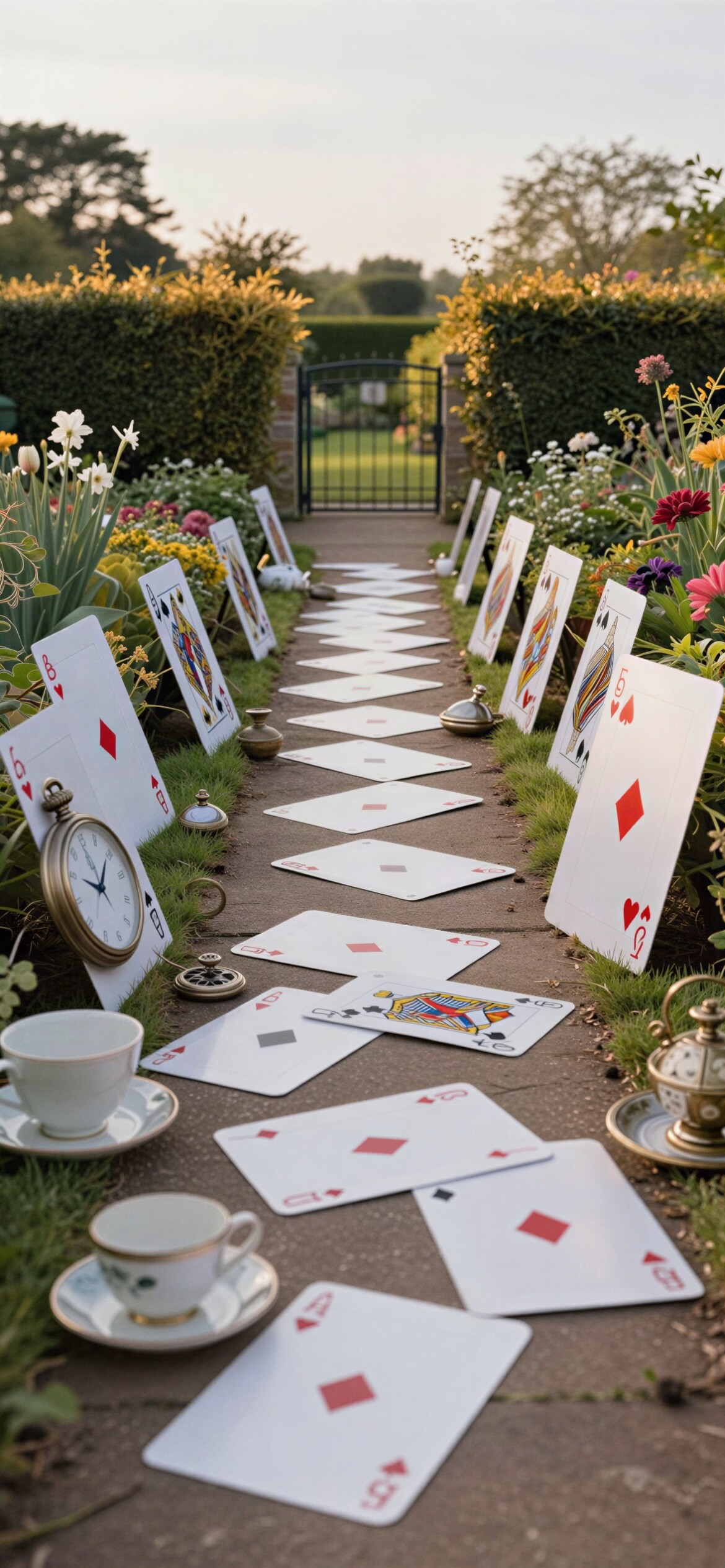
- A winding path lined with giant playing cards and teacups, leading into the garden.
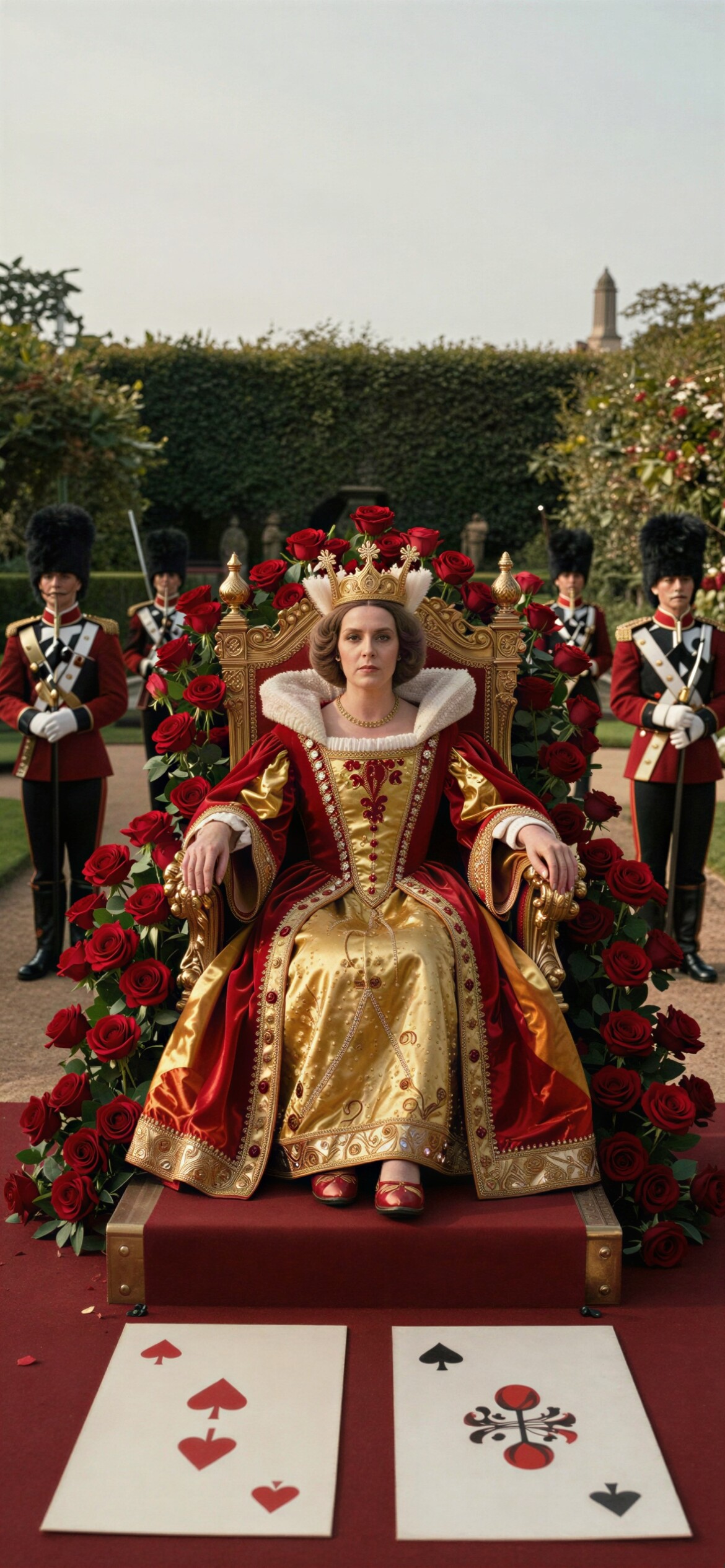
- The Queen of Hearts on her throne among roses and card guards, best known for shouting "Off with their heads!"
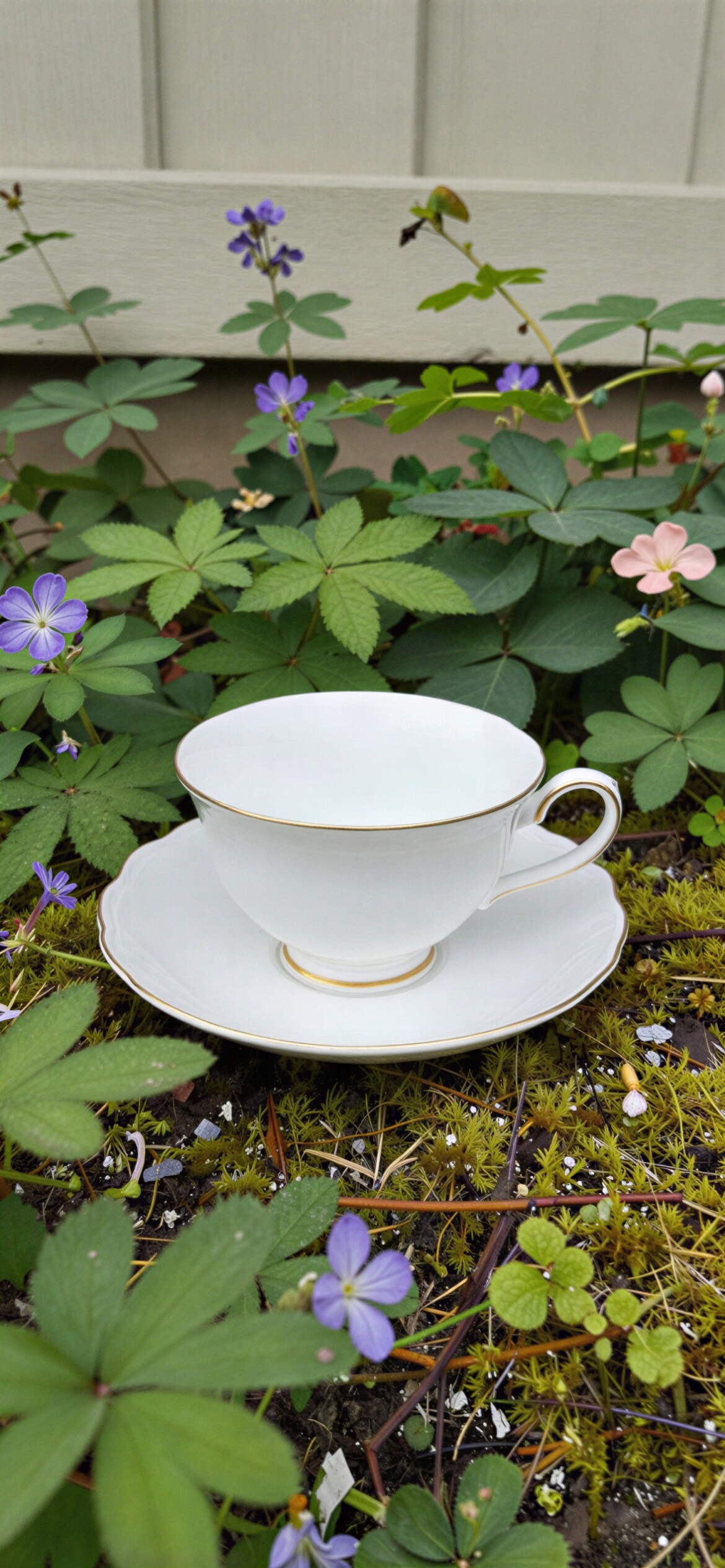
- An abandoned teacup and saucer in an overgrown garden corner, the quietest image and the easiest one behind app icons.
Bright gardens, soft corners and a little strangeness
The liveliest designs are #1, #3, #5 and #9, full of daylight, roses and party colour. #2, #6, #8 and #10 are softer, with dappled light, still water and quiet paths. That leaves #4 and #7, the grinning cat at twilight and the Caterpillar on his mushroom, as the strangest pair, and the ones that feel most like a dream.
For more of this storybook mood, the fairy wallpapers, the mushroom set and the magic wallpapers all sit close to Wonderland.
How to set it on your iPhone
- Tap Download and save the image to Photos.
- Open Settings, tap Wallpaper, then Add New Wallpaper, and choose Photos.
- Pick the wallpaper, pinch to position it, then tap Add and choose the lock screen, home screen or both.
Stuck on a step? The iPhone and iPad guide has screenshots for each one.
Questions
Will these wallpapers fit my iPhone screen?
Yes. All wallpapers in this set are sized at 1170x2532 pixels, the resolution used by modern iPhones, so they fit your lock screen and home screen well, though some older models may crop slightly at the edges. Simply download the image and set it as your wallpaper through Settings.
Can I use these wallpapers for personal use?
Yes, these wallpapers are free to download and use on your own iPhone for personal enjoyment. Selling them, printing them for sale, reposting them on other websites or wallpaper apps, or using them commercially is not allowed. See our Terms page for the full license details.
Which wallpapers work best for lock screen versus home screen?
Most designs in this set are ideal for lock screens because the main subject sits in the lower half, keeping the top clear for time and date. For home screen, choose designs with simpler backgrounds like the garden path or teacup scenes, which won't clash with your app icons when arranged at the bottom of your screen.
Do these designs match a specific aesthetic or theme?
This set follows a storybook aesthetic with soft, natural lighting and muted pastels mixed with vibrant accents. The designs evoke a dreamlike, whimsical mood that works year-round. They pair well with vintage-inspired or cottagecore app icons and complement both minimalist and eclectic home screen setups.