10 wallpapers in 1 collections · last added 5 Oct 2026 · sizes for iPhone, Android, desktop and tablet
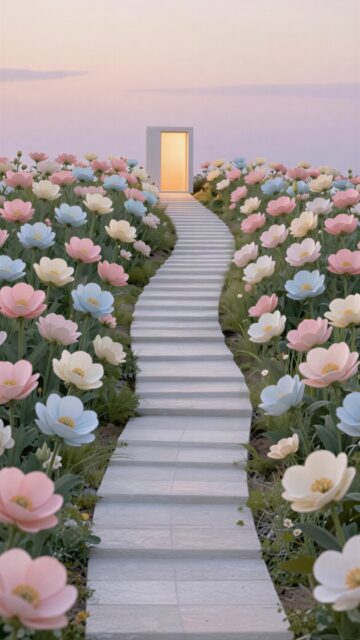
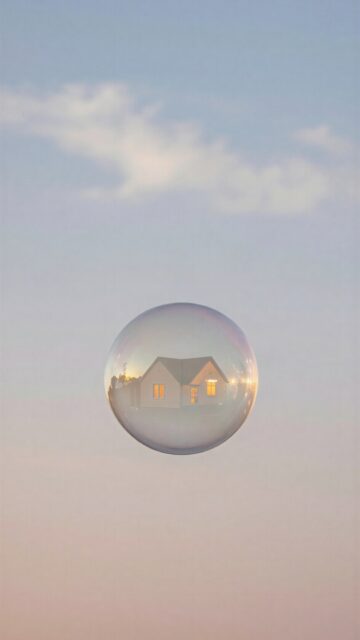
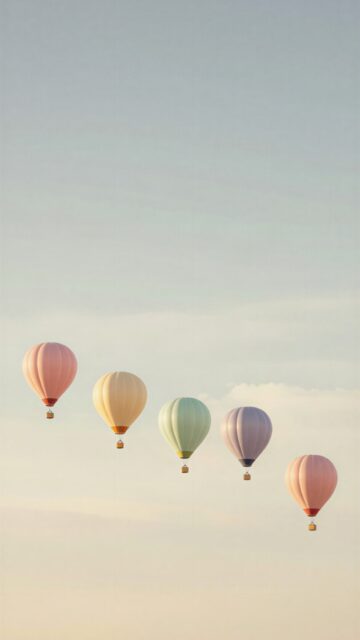
A dream wallpaper feels like the moment just before you fall asleep: soft, floating and a little unreal. This collection covers pastel clouds drifting across glowing skies, crescent moons and starry nights, floating islands and staircases into the clouds, misty pink and lavender landscapes, surreal scenes where whales swim through the air, and gentle "dream" lettering on soft backgrounds. Every dreamy background aims for calm rather than drama.
Each collection has 10 wallpapers in one theme and one size. Phone files are 1170x2532 for iPhone and 1080x2400 for Android, and the soft, airy compositions make a peaceful lock screen to wake up to. Some sets come in iPad size (2048x2732) for reading in bed, and in laptop (1920x1080) or 4K desktop (3840x2160) sizes for a calmer workspace. Each design is original and checked by hand before it is published, and anything that looks harsh or cluttered is removed. Free to download for your own devices, with no sign up and no watermark.
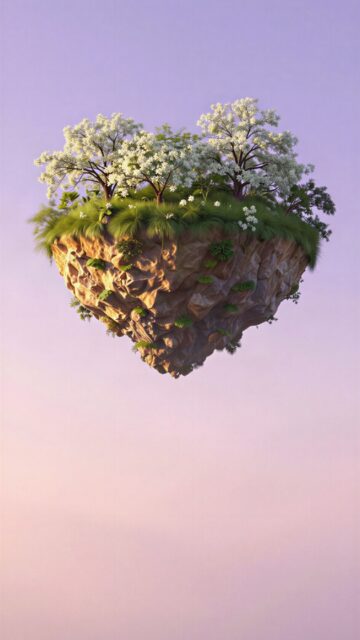
Dreamy art works through softness: blurred edges, haze, glow and low contrast. Pinks, lilacs, peach and pale blue feel like sunrise dreams, while deep indigo with silver stars feels like a midnight one. On a lock screen, a scene with open sky at the top lets the clock float naturally; on a home screen, a hazy gradient or cloud texture keeps icons legible. Many people switch to dreamy designs at night or for bedtime routines. Floating skies continue in cloud wallpapers, the night side lives in moon wallpapers, and if you'd like the scenery to get more magical, see fantasy wallpapers. Moods to explore:
Soft pastel skies can make a white clock disappear, so pick a dream wallpaper with slightly deeper color near the top or turn on your phone's option to tint the clock.
Soft focus, gentle light and low contrast are the main ingredients. Dreamy images use pastel or twilight colors, haze and glow, and often include clouds, moons, stars or water reflections. Surreal touches, like objects floating in the sky, add a sense that you're somewhere between waking and sleeping.
Use the 1170x2532 file for iPhone and the 1080x2400 file for Android. Both are tall portrait images that keep soft gradients smooth. Phones with a slightly different shape will trim a little from the edges, which rarely matters for airy cloud and sky scenes.
Many people find a calm, soft image more relaxing to see before sleep than a busy or bright one. Darker dreamy designs, like a moonlit sky, are gentler on the eyes in a dim room. Pair one with your phone's night or sleep mode, which lowers brightness and reduces interruptions in the evening.
For the lock screen, choose a scene with a clear focal point, like a moon or floating island, below an open stretch of sky where the clock can sit. For the home screen, a hazy gradient or soft clouds without a central subject keeps icons easy to read. Two images from the same set will match in color.
Yes, every dream wallpaper is free for personal use on your own phone, tablet, computer or watch. There's no sign up and no watermark. Commercial use, reselling and reposting on other websites aren't allowed, as explained in our Terms of Use.

The site publishes new collections every day, and soft, dreamy themes come up often. Each collection has 10 wallpapers in one theme and one size. For something new every morning, check today's pick, or browse the latest page to see every recent upload.
Some dream designs include short, soft lettering, such as a single word over a cloudy sky. If you want encouraging words like "dream big" as the main focus, the motivational wallpapers collection is a better match, with quotes designed to be readable on a phone screen.
Download a laptop set at 1920x1080 or a Desktop 4K set at 3840x2160, which also looks sharp on 1080p and 1440p screens. Our Windows and Mac guide explains each step. Wide, open cloudscapes look especially calm stretched across a large monitor.
Every wallpaper is reviewed by a person before it goes live: we remove images with odd details or blur and check the crop for each device. How we check wallpapers
Something wrong with an image? Report an image · Free for personal use, see the Terms.