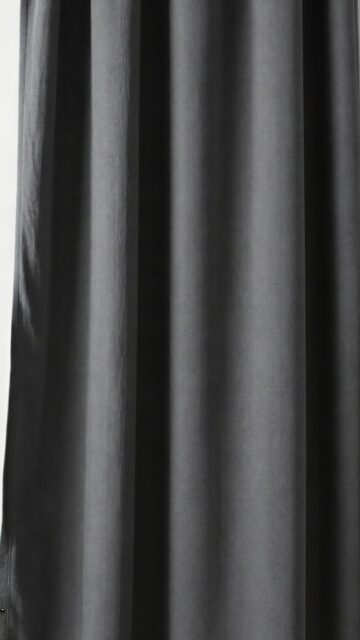
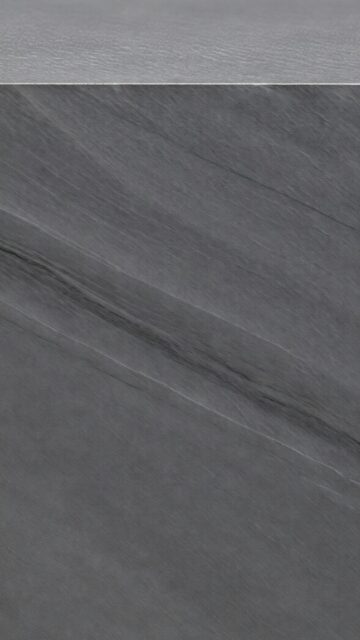
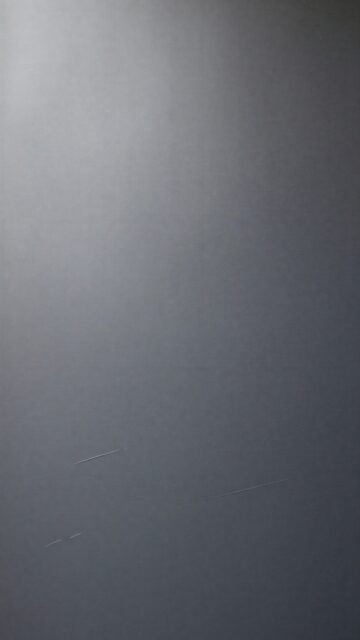
10 wallpapers in 1 collections · last added 2 Oct 2026 · sizes for iPhone, Android, desktop and tablet
A grey wallpaper gives your phone or computer a calm, neutral base that never fights with apps, widgets or notifications. These grey backgrounds range from pale dove and silver mist to slate, charcoal and graphite, with textures like concrete, brushed stone, soft fabric, fog and smooth gradients. Some designs keep it completely plain, while others add subtle lines, shadows or geometric shapes for a little depth. If you want something brighter or more metallic, the silver wallpapers are a close neighbor.
Every collection has 10 wallpapers in one size, including iPhone (1170x2532), Android (1080x2400), iPad (2048x2732), laptop (1920x1080), 4K desktop and dual monitor. Grey is especially popular as a clean laptop wallpaper or a quiet home screen behind busy app grids. All designs are original and checked by hand, and weak images are removed before publishing, so the grey aesthetic wallpapers you see here are crisp rather than dull or banded.
Neutral tones are popular with people who change themes often, because a mid-tone backdrop lets colorful icons, photos and widgets take the spotlight. Light shades feel airy and modern, while charcoal reads as sleek and professional. Picking between them is mostly about contrast: the clock on your lock screen is white by default on most phones, so a darker shade keeps it sharp, while a pale shade works better if you switch to dark text. Texture matters too: concrete and stone feel urban, while fog and fabric feel soft and quiet. A few pairings to try:
Smooth grey gradients can show visible banding on some screens; if you see stripes, switch to a design with light grain or texture, which breaks up the steps and looks smoother.
Choose the iPhone set at 1170x2532 pixels, which matches the tall portrait shape of recent iPhones. Plain grey and soft gradient designs scale well, so they also look fine on older or larger models. If you notice stepping in a smooth gradient, try a textured grey instead, since texture hides compression bands.
Yes, Android collections are sized at 1080x2400 pixels, which fits most current Samsung, Pixel, Motorola and OnePlus phones. Because grey designs usually have no single focal point, they crop gracefully if your launcher trims the edges or adds a slight scrolling effect across home screen pages.
Dark grey keeps a white clock and notification text sharp, which is the default look on both iPhone and Android. Light grey suits a lock screen if you use dark clock text or a tinted clock color. For the home screen, a mid grey is a safe middle ground that works in both light and dark mode.
Yes, they are free to use on your own devices, with no account to create and no watermark on the images. They are for personal use only, so commercial projects, resale and sharing them on other sites are not allowed. You can read the details in the Terms of Use.
Only a little, and less than black. OLED pixels use less power the darker they are, but only pure black switches pixels fully off. A charcoal grey uses less power than white or light grey, so if battery life matters to you, lean toward the darkest designs in the set.
Grey pairs with almost anything, which is why designers love it. Yellow and grey is a classic combination, and blush pink, sage green, navy and teal all look sharp against it. Warm greys with a hint of beige suit wood tones and cream, while cool blue-greys match silver and icy blue.
It is one of the most practical choices. A neutral grey screen looks tidy on video calls when you share your desktop, keeps folder and file icons easy to spot, and doesn't distract while you work. The laptop size at 1920x1080 fits most Windows laptops, and the 4K version suits sharper displays.
Use the 4K desktop file at 3840x2160 for one screen, or the dual monitor file at 5120x1440 to span two side by side. Follow the Windows and Mac wallpaper guide for a single display, or the dual monitor guide to stretch one image across both.
Every wallpaper is reviewed by a person before it goes live: we remove images with odd details or blur and check the crop for each device. How we check wallpapers
Something wrong with an image? Report an image · Free for personal use, see the Terms.