Dark Winter Wallpaper iPhone
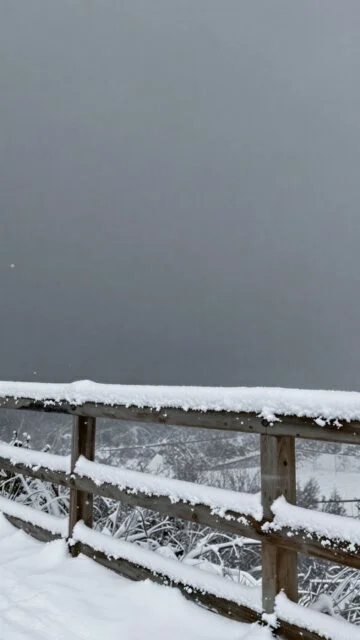
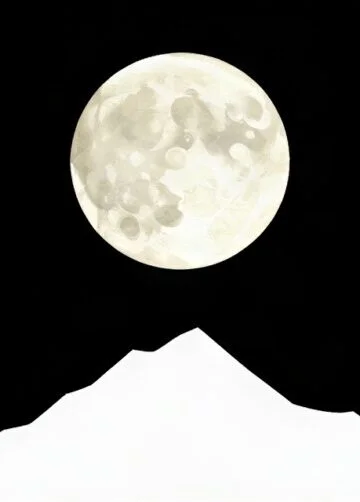
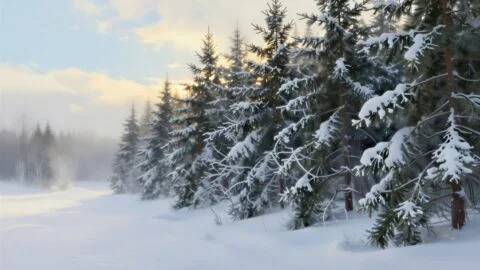
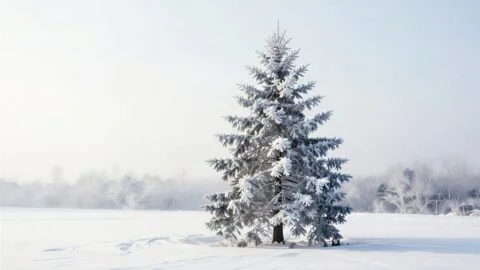
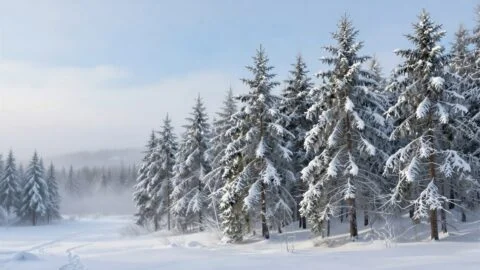
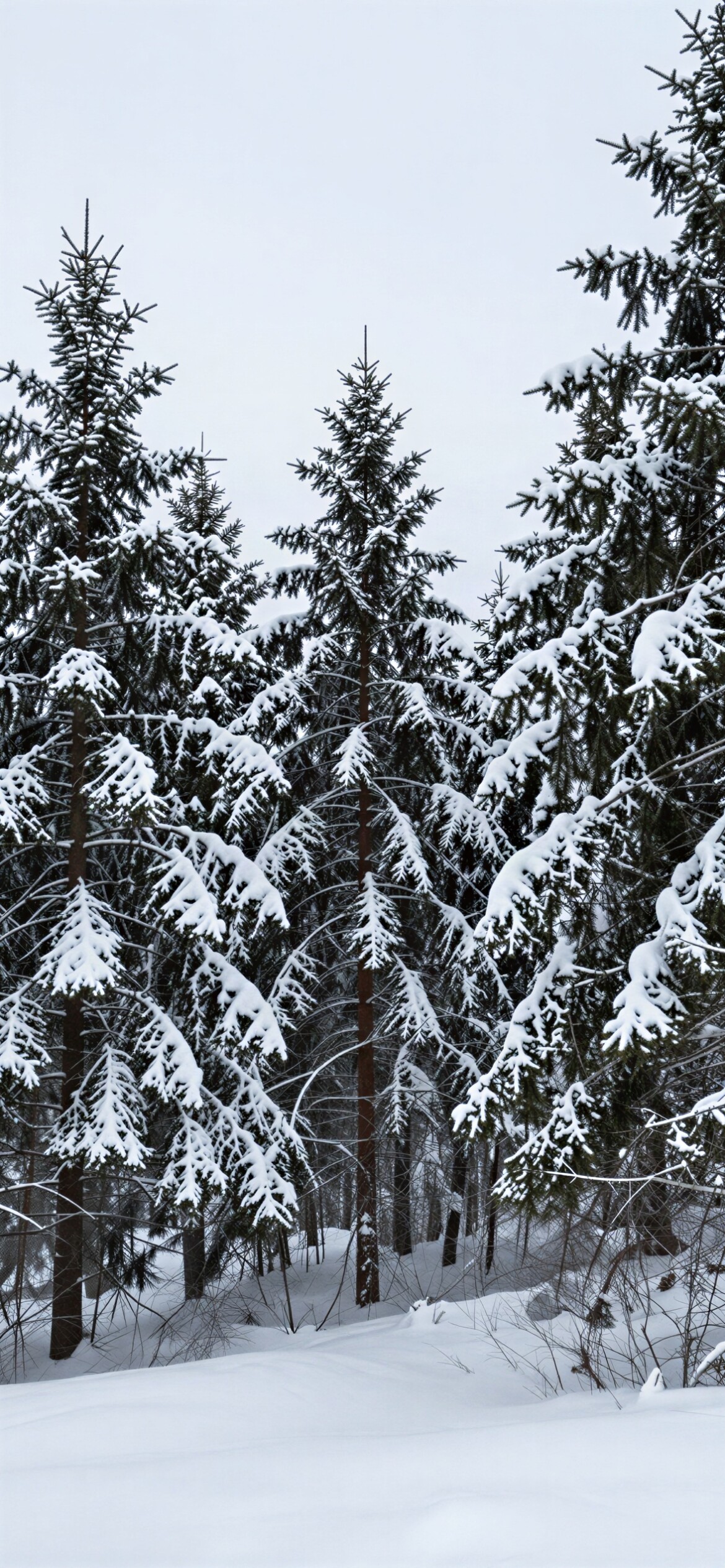
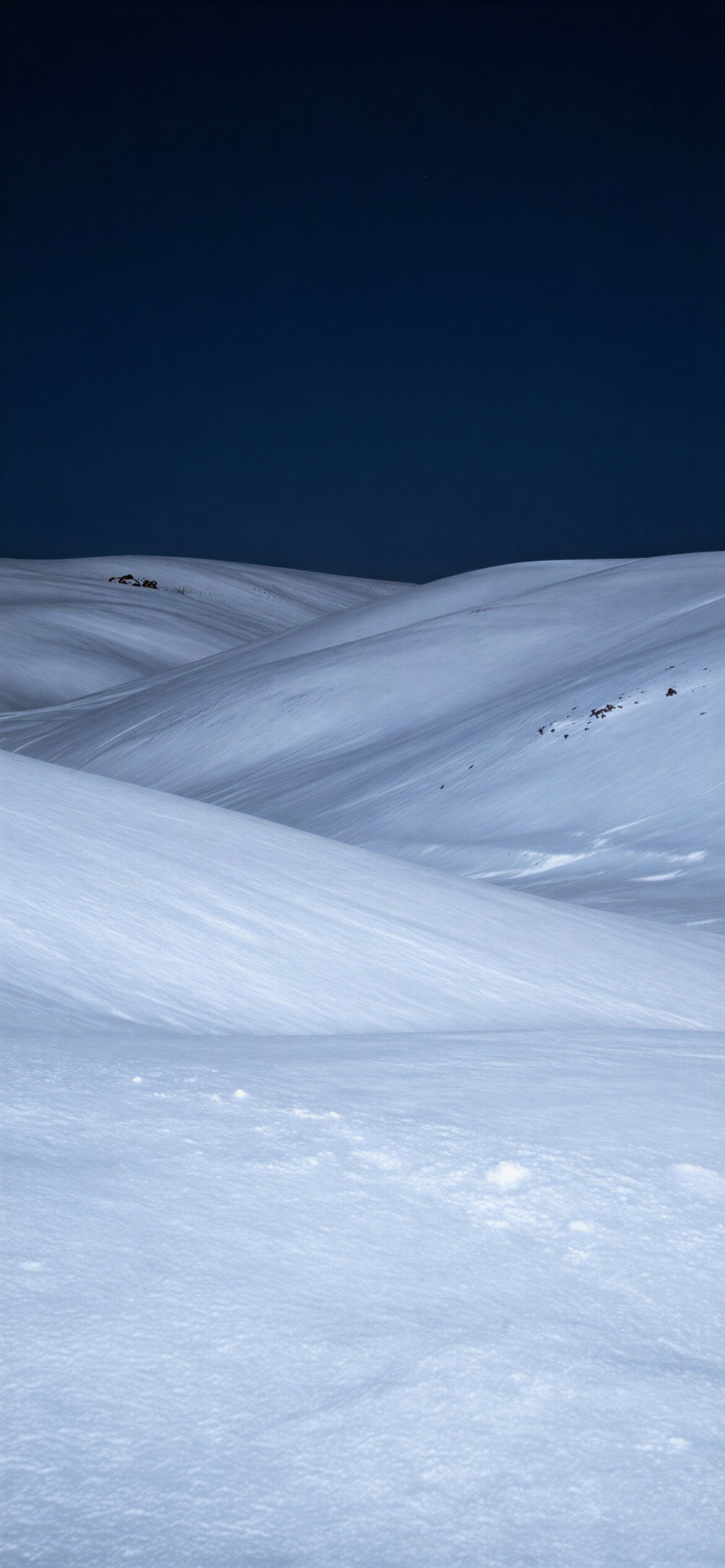
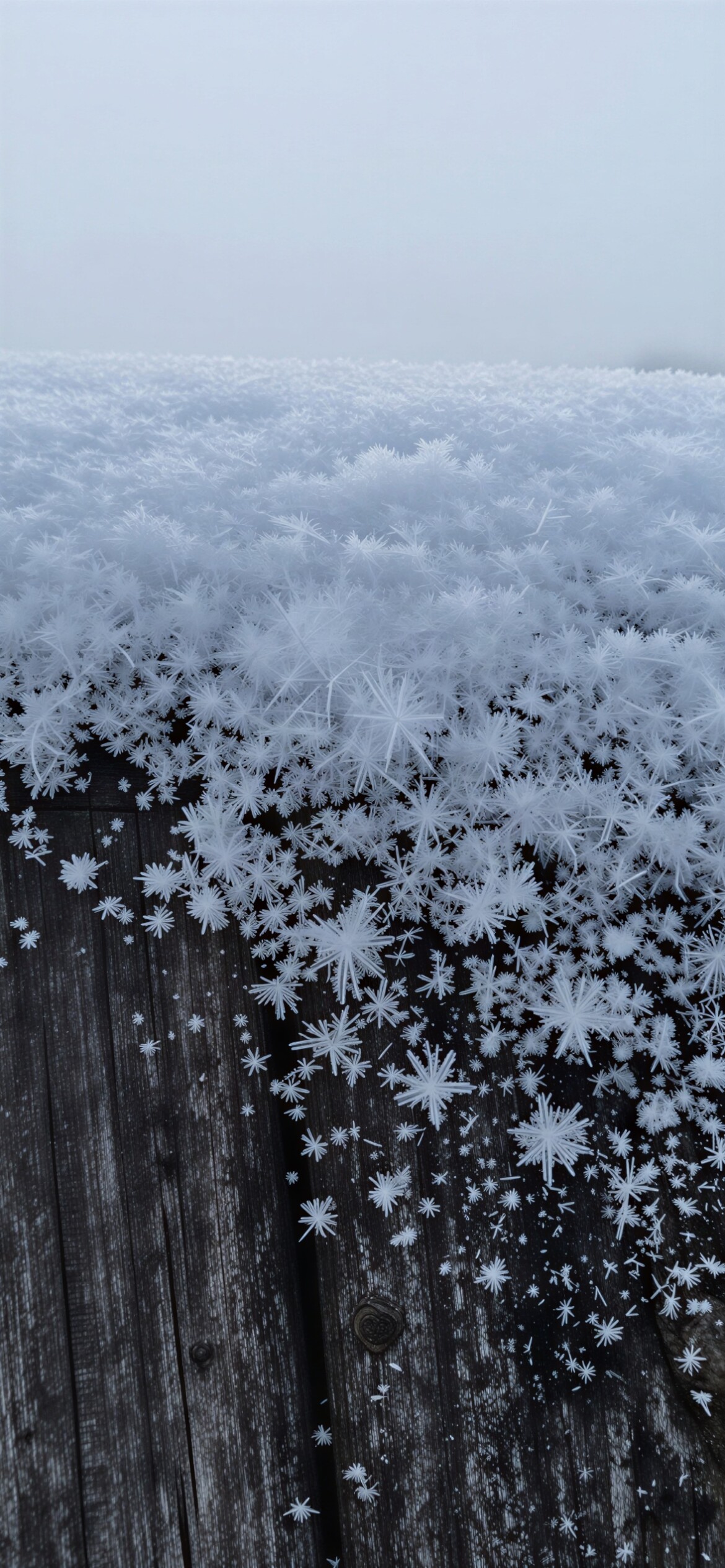
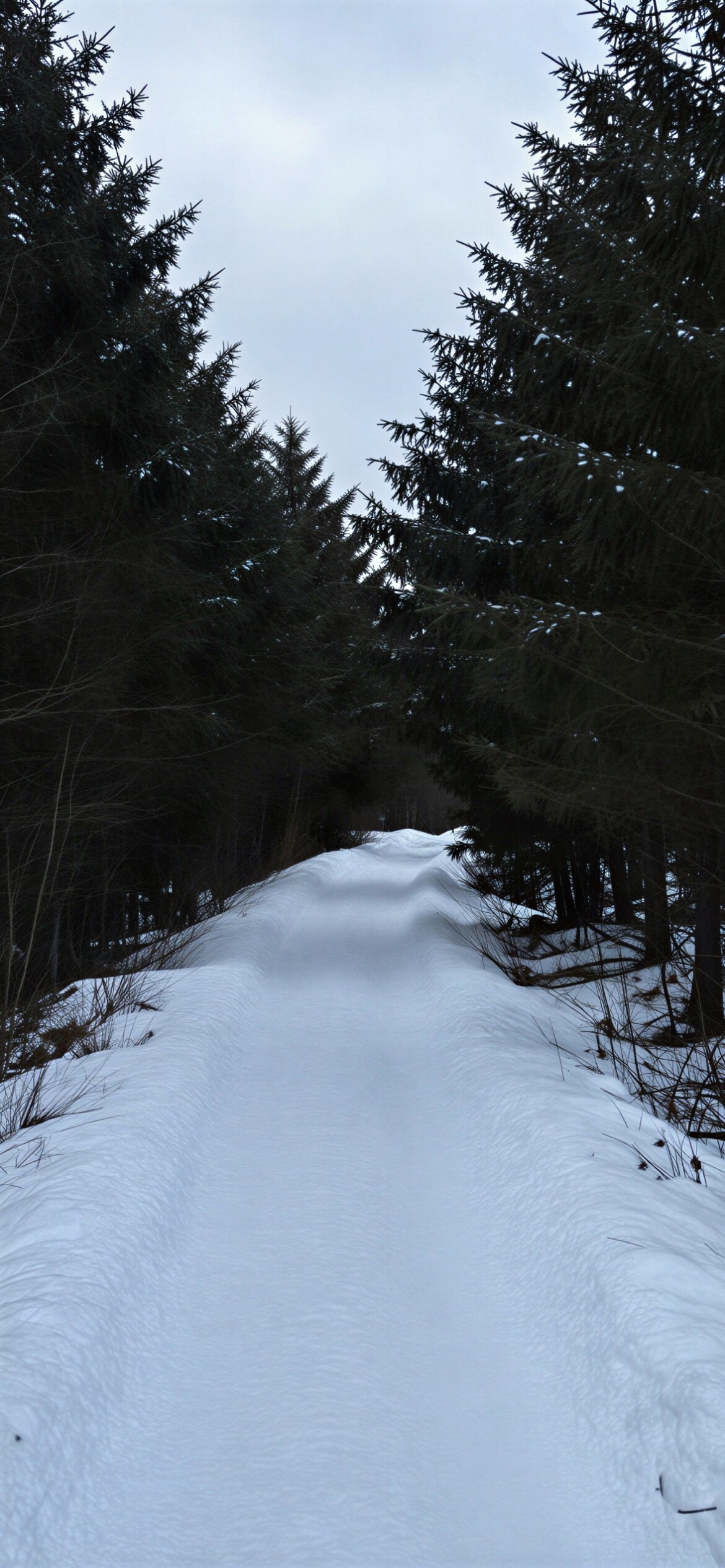
Dark winter wallpaper for iPhone brings moody, atmospheric scenes to your lock and home screens. These designs feature snow-laden trees, frozen landscapes, quiet mountain views and frost-touched details set against deep blue and charcoal skies. The color palette ranges from near-black shadows to pale ice and silver accents, creating a calm, introspective mood that suits winter mornings and long evenings. Each dark winter iPhone wallpaper is original artwork, carefully composed for the tall vertical format and sized for modern iPhones. They work best as lock screen backgrounds where the simple top areas leave room for time and notifications, or as home screens where the darker tones make icons stand out. Whether you prefer solitary winter scenes or subtle texture, this set captures the quiet beauty of the coldest season.
10 wallpapers at 1170 × 2532 px for iPhone. Checked by hand on 18 Nov 2026.
About this set
These dark winter iPhone wallpapers blend deep blues, charcoals and near-blacks with clean whites and pale greys, creating a sophisticated, restful palette. The designs emphasize texture and light: frost crystals catching pale daylight, snow textures with subtle shadows, icicles glowing against darkness, and the quiet geometry of frozen surfaces. Composition places the main subject in the middle or lower half of the frame, keeping the top quarter simple with plain skies or soft gradients. This leaves space for your lock screen time and notifications while maintaining visual balance. The mood is calm and introspective, capturing winter's quiet beauty rather than festive brightness.
Wallpapers 1, 2, 4 and 6 work best as lock screen backgrounds. Their bold focal points (the snow-laden tree, frost detail, ice cracks and glowing icicle) command attention while the simple top areas keep time readable. Wallpapers 3, 5, 7, 8, 9 and 10 suit home screens better. The forests, mountain, birch trees, hills and path have distributed visual interest that complements icon layouts without overwhelming them. All designs pair well with dark mode and work equally well with light icon sets or darker custom icons.
What each wallpaper shows
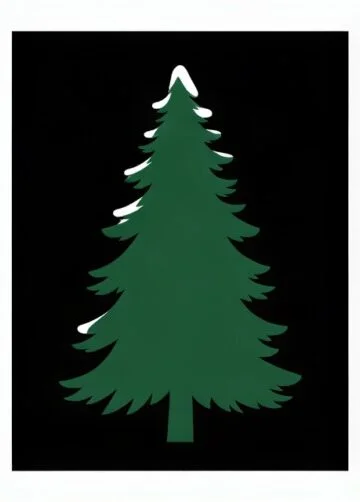
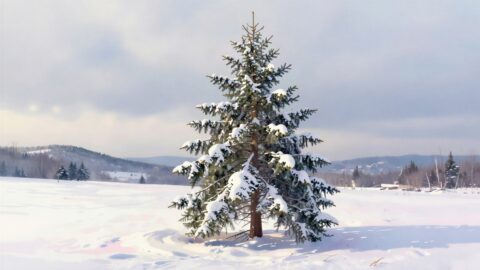
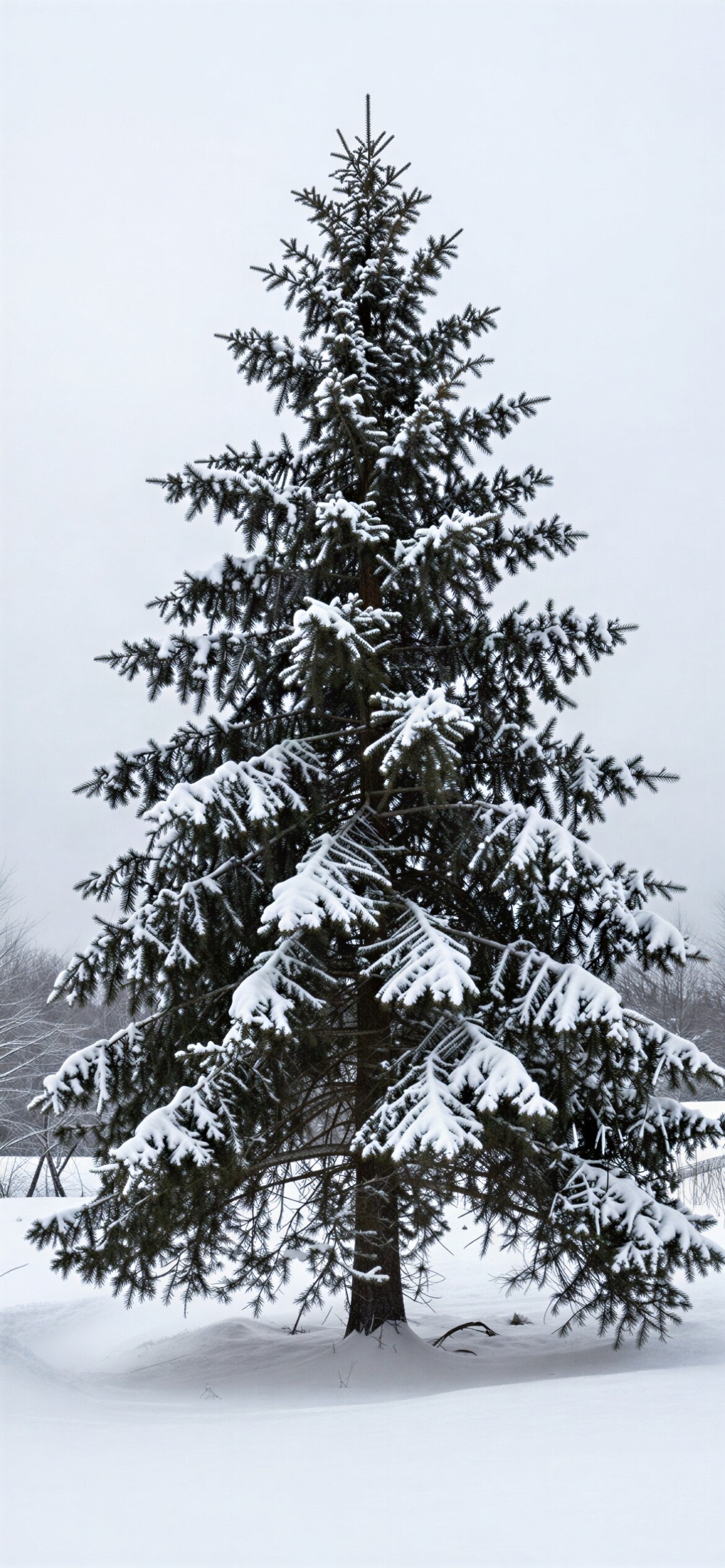
- Snow-laden tree: A single evergreen heavy with fresh snow in a clearing. Strong, solitary composition works well on lock screens.
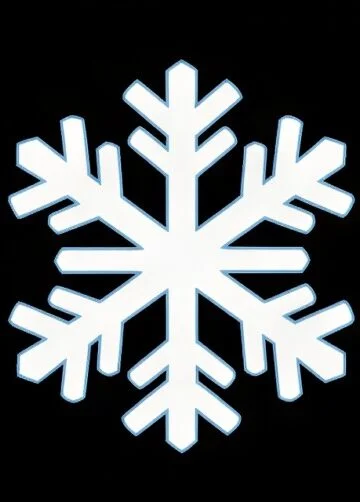
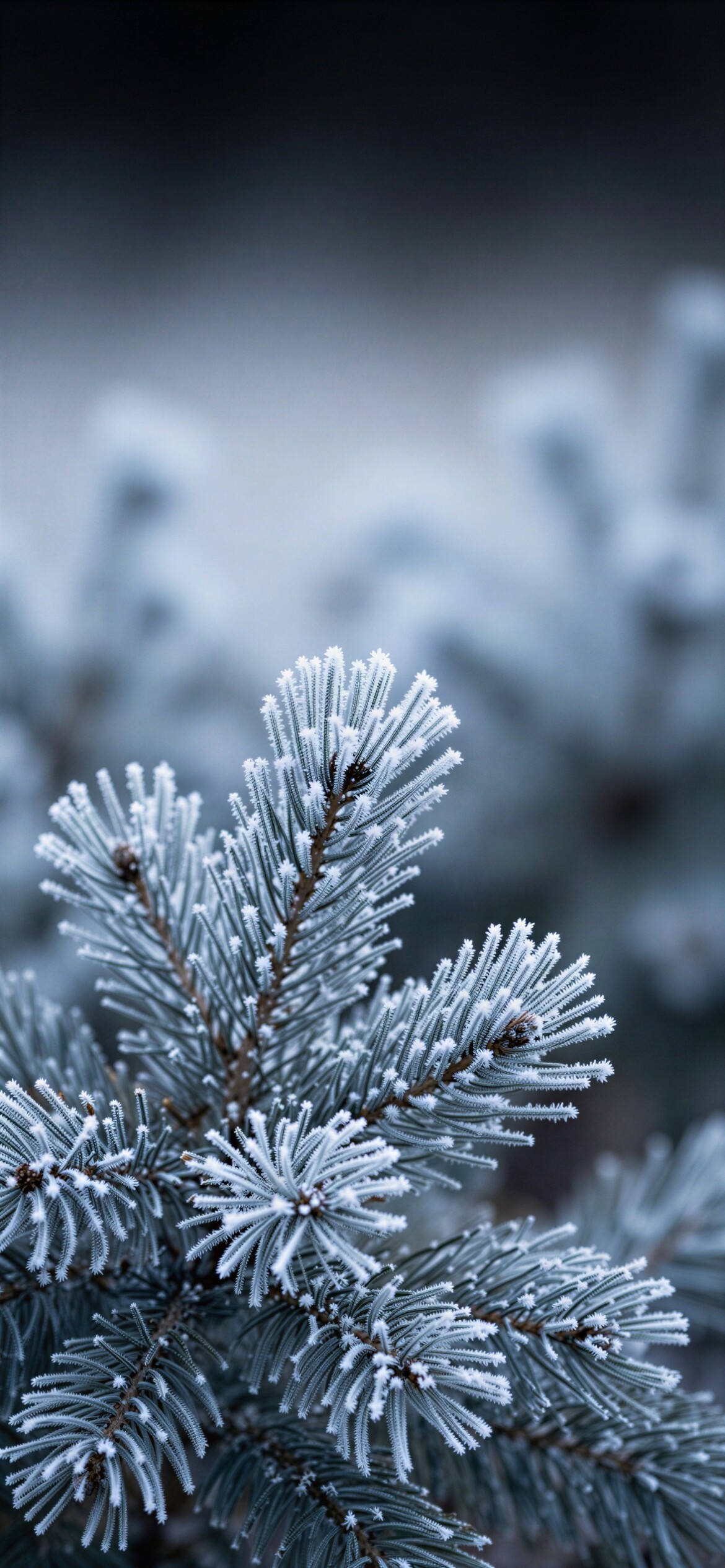
- Frost crystals: Macro view of ice on needles with soft forest blur. Intricate detail draws the eye; suited to lock screens where the image is the focus.
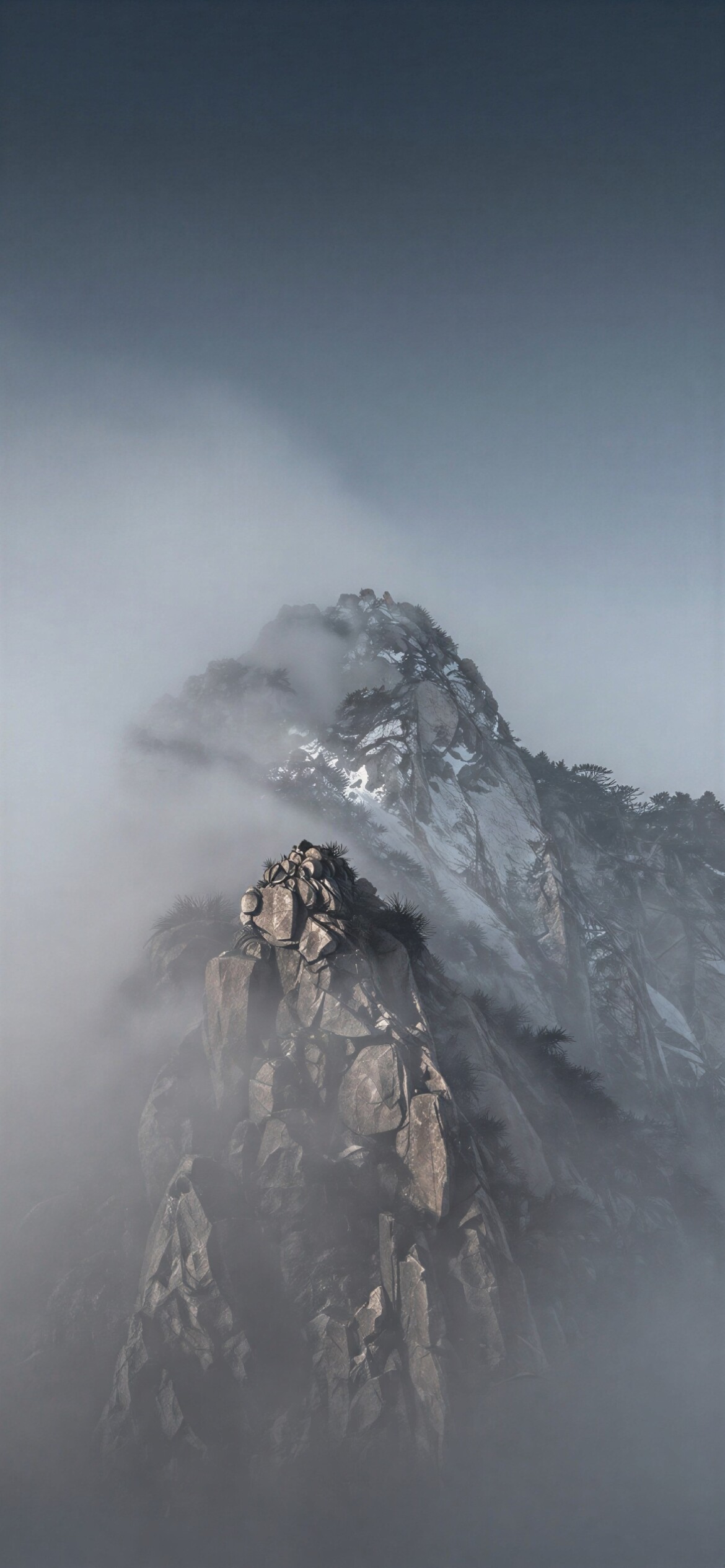
- Mountain in fog: A peak rising through mist under dark sky. Atmospheric and meditative; good for lock screens that benefit from a single dominant shape.
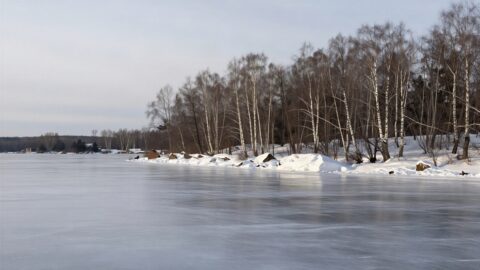
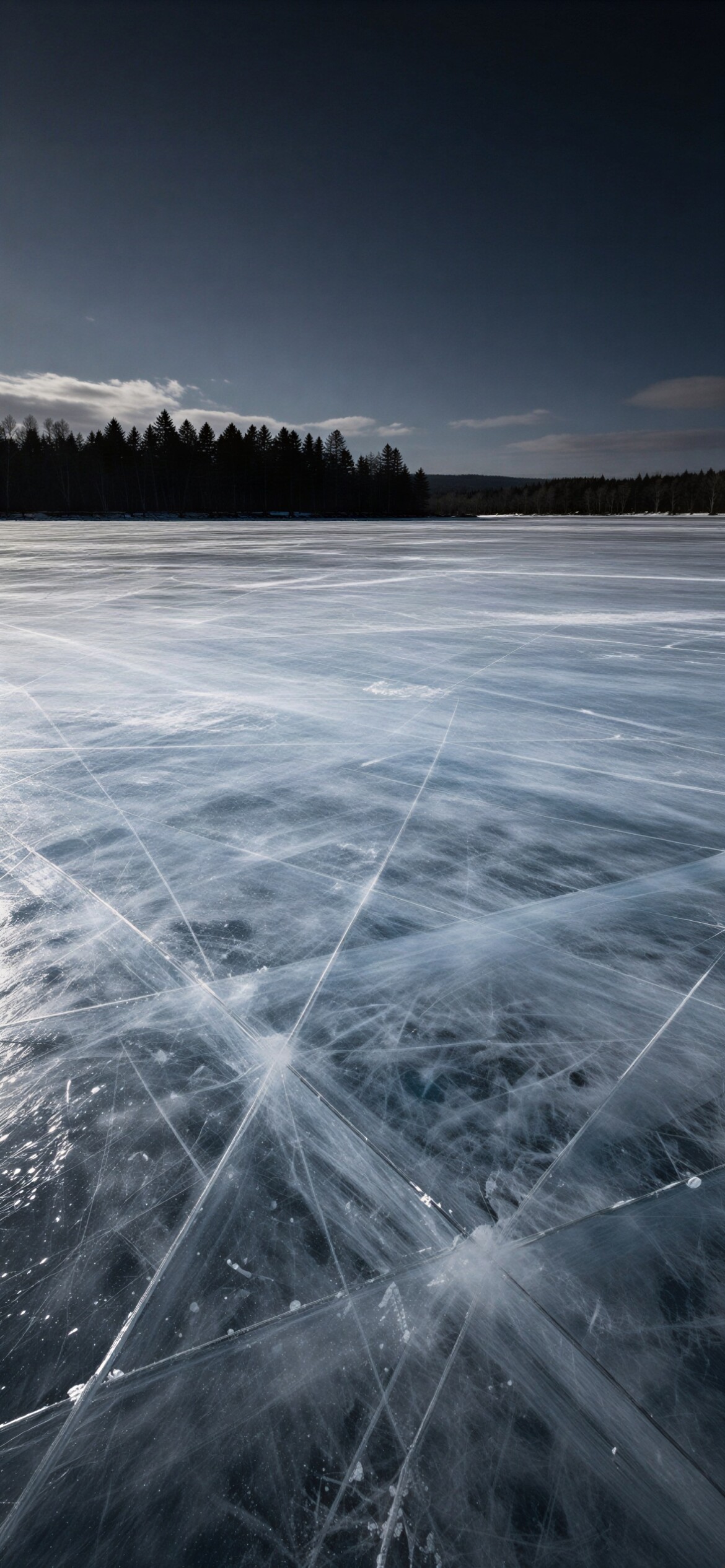
- Frozen lake: Ice patterns in the foreground with dark forest beyond. The geometric cracks create visual interest for home screens without distraction.
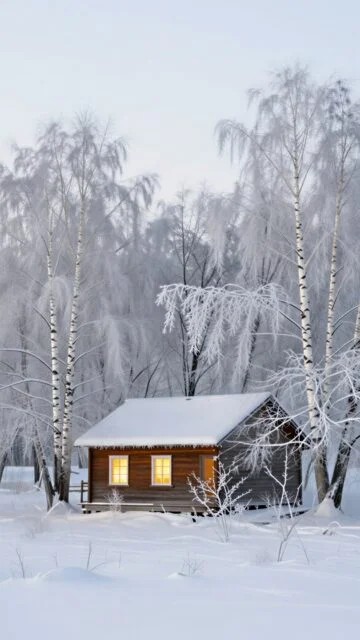
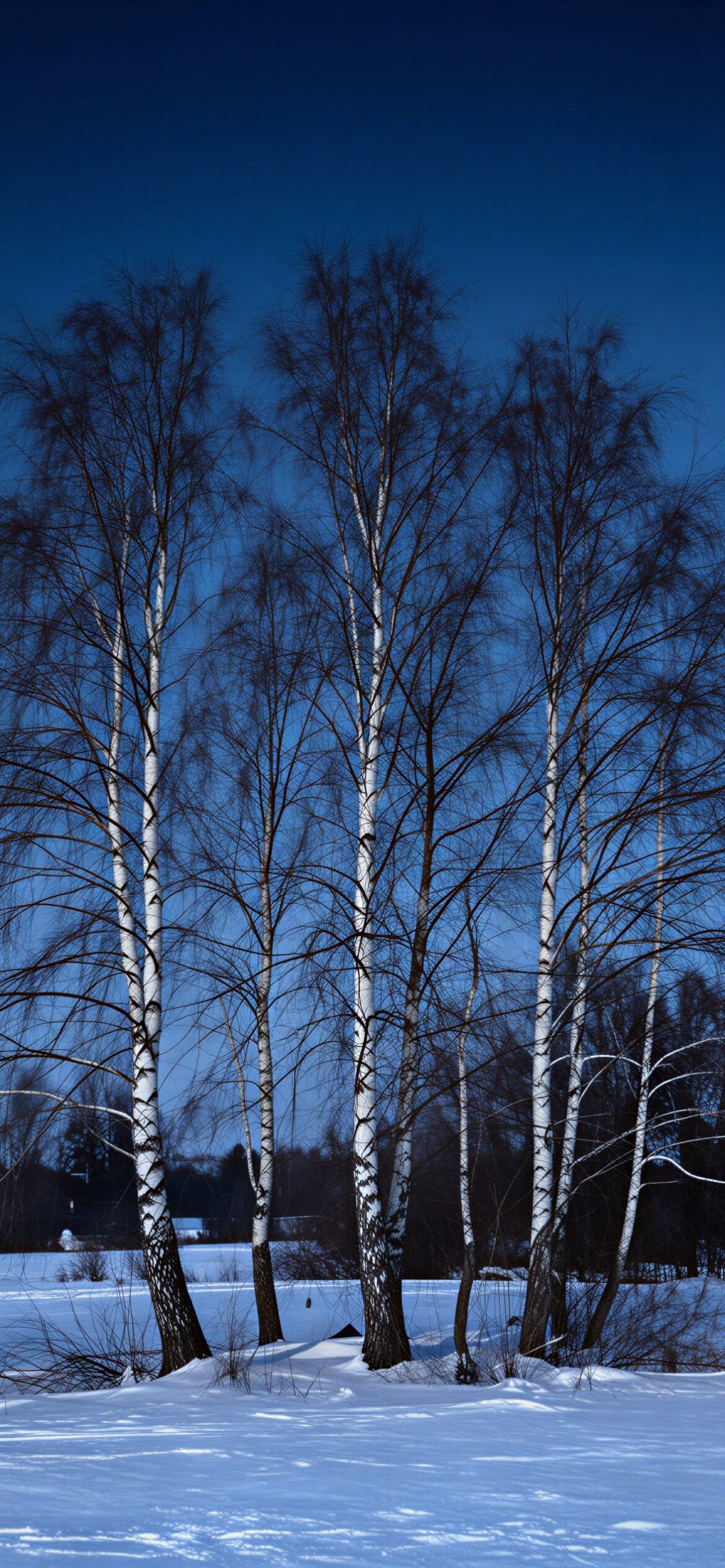
- Birch trees at dusk: White trunks and dark branches reaching upward. Vertical lines echo iPhone's portrait format; strong for lock screens.
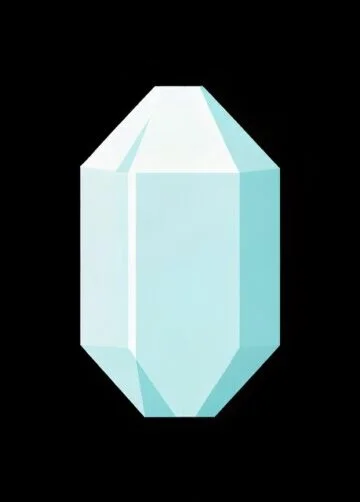
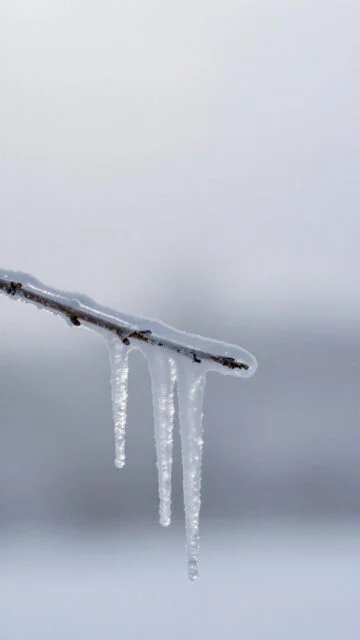
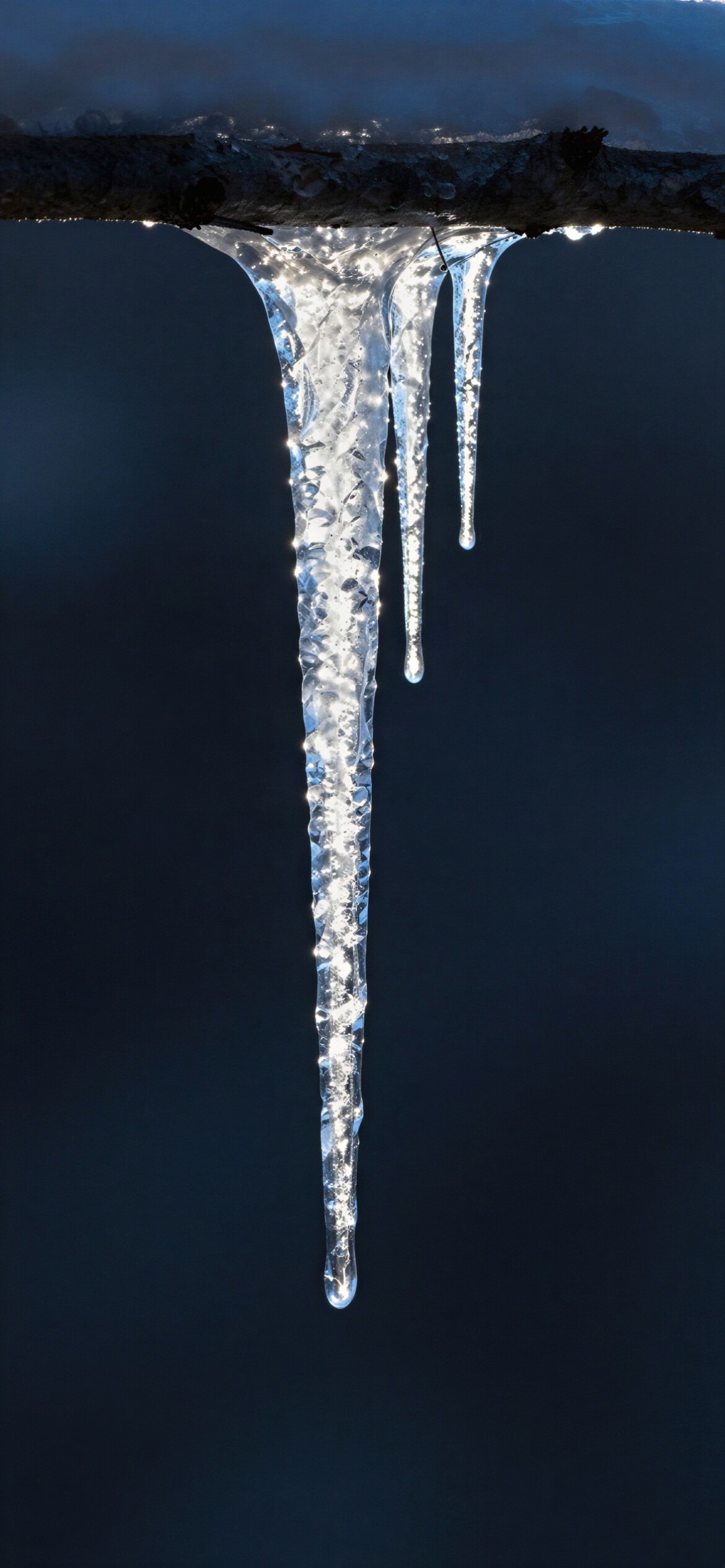
- Glowing icicle: A single ice formation backlit against darkness. Minimal and striking; excellent lock screen choice with plenty of space above.
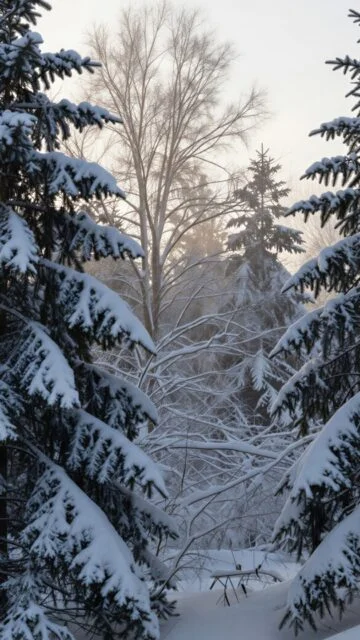
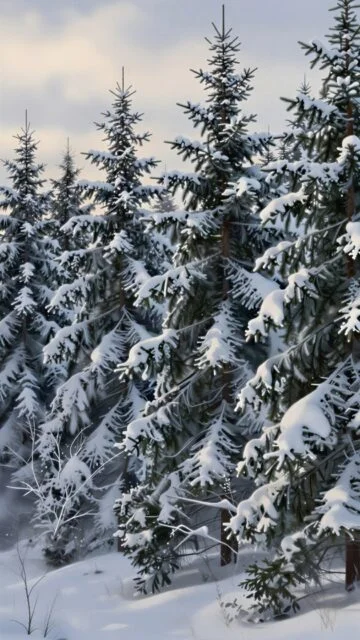
- Snow-covered forest: Dense trees blanketed in snow, viewed from within. Peaceful and immersive; distributed composition suits home screens.
- Snowy hills under stars: Rolling landscape under a night sky. Landscape orientation and starfield work well as a home screen backdrop.
- Frost on wood: Close texture of ice and snow on dark surface. Abstract quality and fine detail work on both lock and home screens depending on your icon style.
- Forest path: A gentle trail through snowy woods. The path draws the eye inward; balanced composition suits home screens.
Winter's quiet in design and mood
Dark winter imagery has roots in Northern European art and photography, where the long, dim season demanded a new visual language. Rather than depicting winter as harsh or barren, artists learned to find beauty in restraint: the glow of ice under low light, the texture of snow, the geometry of frost patterns. These wallpapers follow that tradition, emphasizing atmosphere and subtle detail over bright color.
Wallpapers 1, 3 and 7 capture solitude and stillness: a single tree, a mountain alone in mist, and a quiet forest. They evoke the meditative quality of winter mornings or late afternoons. Wallpapers 2, 4 and 9 focus on texture and crystal detail, inviting close observation of frost, ice and snow patterns. Wallpapers 5, 8 and 10 emphasize landscape and scale: birch trees reaching skyward, hills under stars, and a path through forest. These broaden the view while keeping the mood introspective. Wallpaper 6, the glowing icicle, stands alone as a moment of singular beauty, where light transforms a simple ice formation into something luminous.
How to set it on your iPhone
- Tap Download and save the image to Photos.
- Open Settings, tap Wallpaper, then Add New Wallpaper, and choose Photos.
- Pick the wallpaper, pinch to position it, then tap Add and choose the lock screen, home screen or both.
Stuck on a step? The iPhone and iPad guide has screenshots for each one.
Questions
Do these wallpapers fit all iPhone models?
These wallpapers are sized at 1170x2532 pixels for modern iPhones with the standard 9:19.5 aspect ratio. Older iPhone models with different screen dimensions may crop slightly at the top or bottom edges. Test the wallpaper on your device before setting it to confirm it displays as you prefer.
Can I use these wallpapers commercially or share them elsewhere?
These wallpapers are free for personal use on your own devices only. You may not sell them, print them for sale, or repost them on other wallpaper sites or social media. For complete terms of use and permissions, see our Terms page.
Which wallpapers work best for lock screens versus home screens?
Wallpapers 1, 2, 4 and 6 are ideal for lock screens; they have bold focal points and simple top areas that keep your time and notifications readable. Wallpapers 3, 5, 7, 8, 9 and 10 suit home screens, where their distributed composition and atmospheric quality complement your icon layout without overwhelming it.
Will these dark wallpapers work with both light and dark mode?
Yes, all these designs work equally well in both light and dark mode since the wallpapers themselves are inherently dark. They pair beautifully with dark mode and create strong contrast with light-colored icons. If you use light icons, they will stand out sharply against these deep backgrounds.