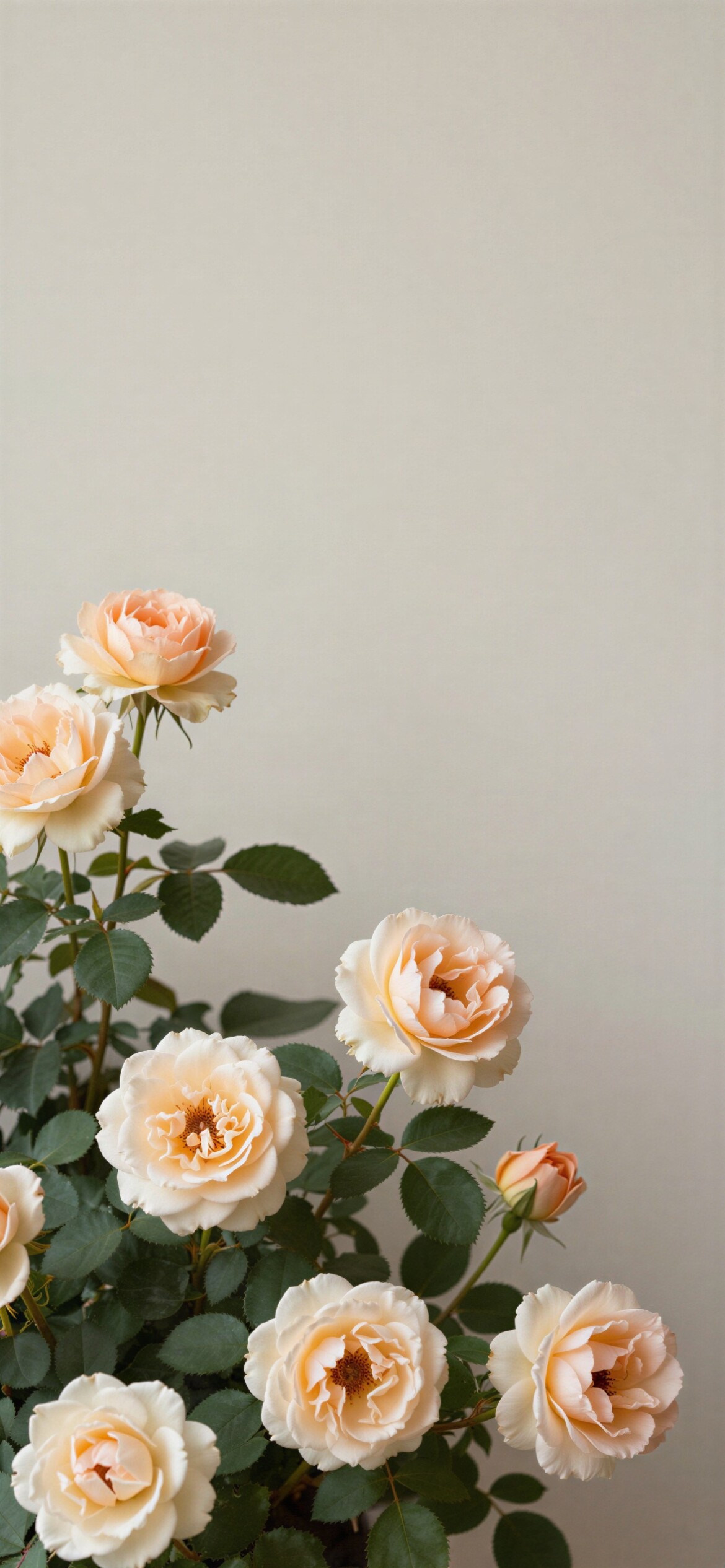
Flower Wallpaper iPhone
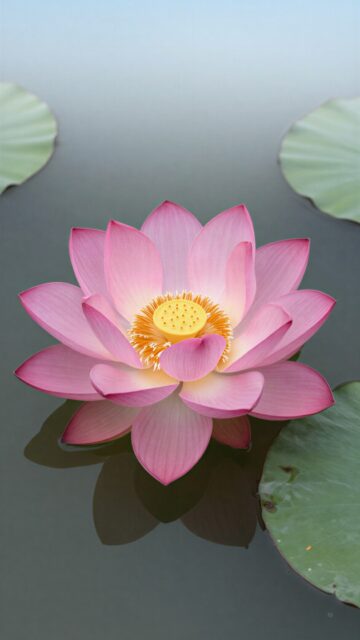
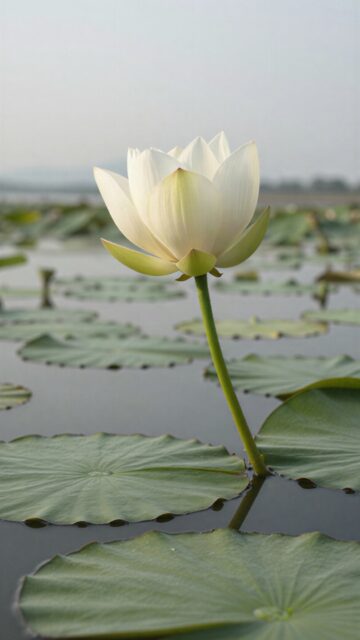
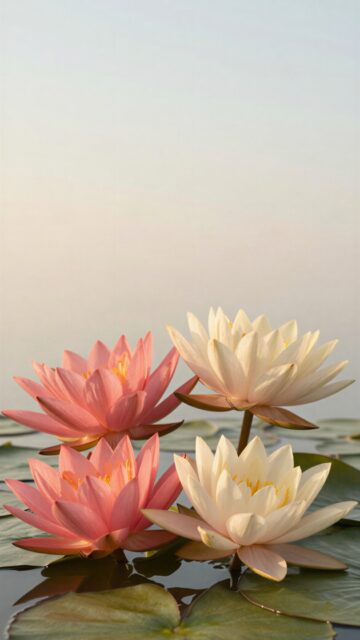
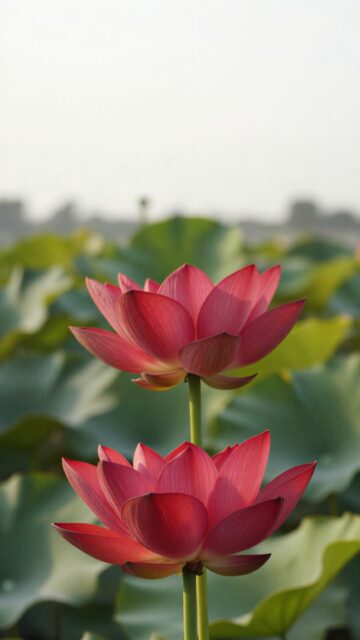
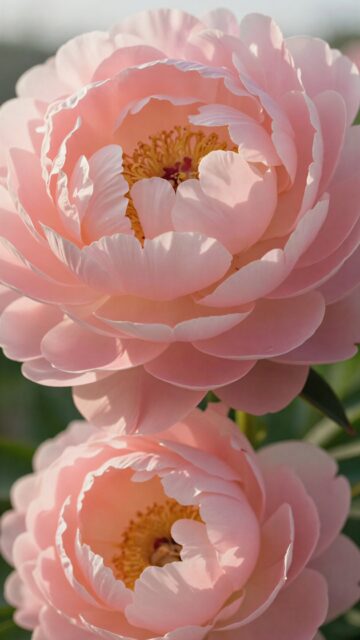
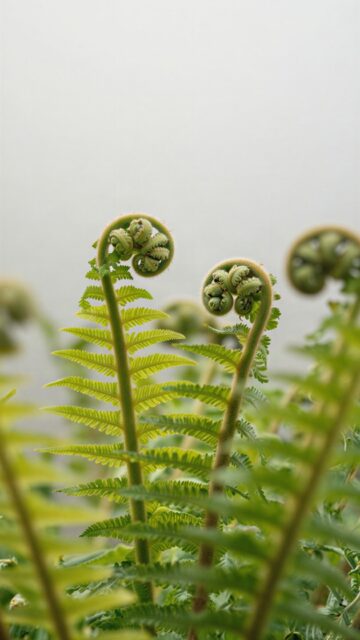
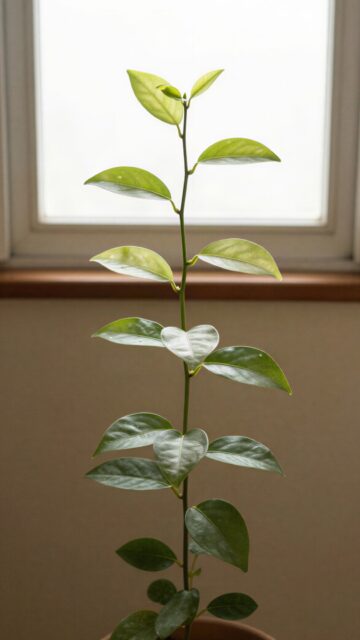
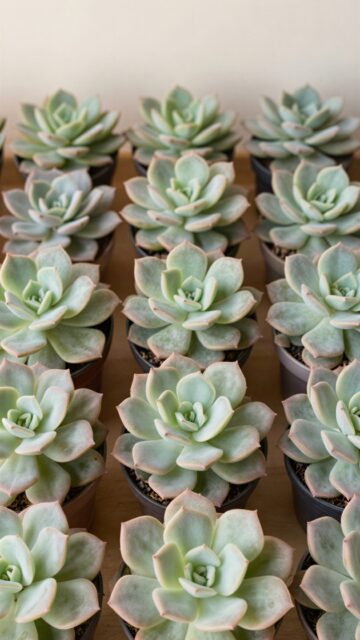
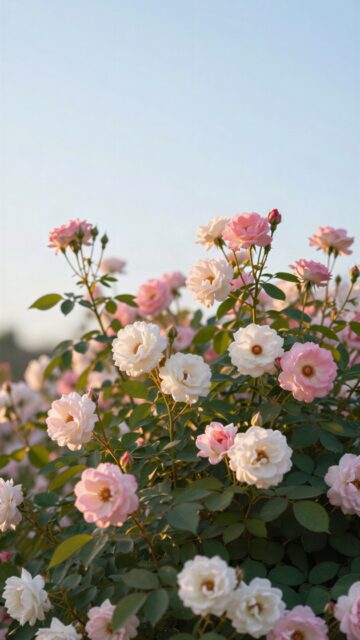
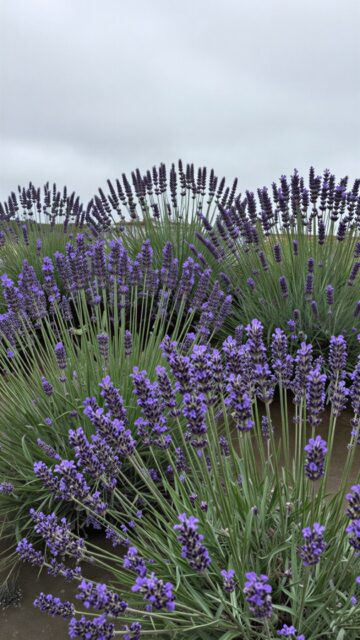
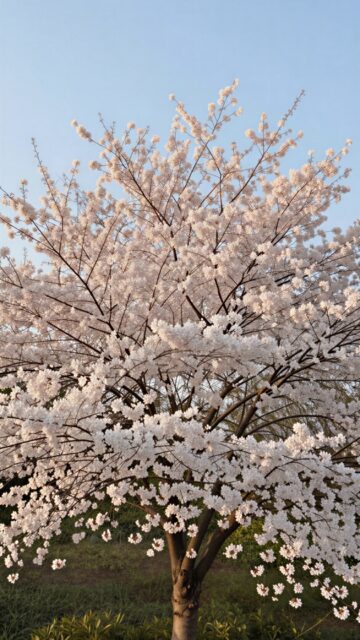
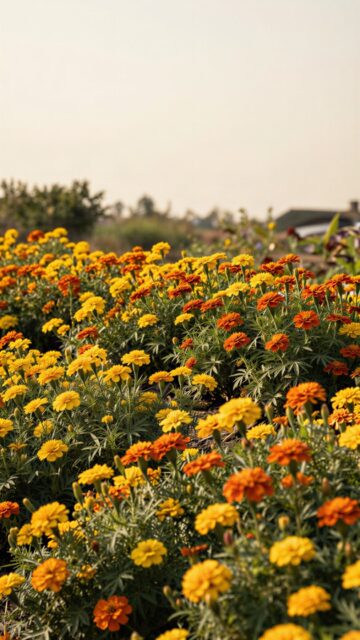
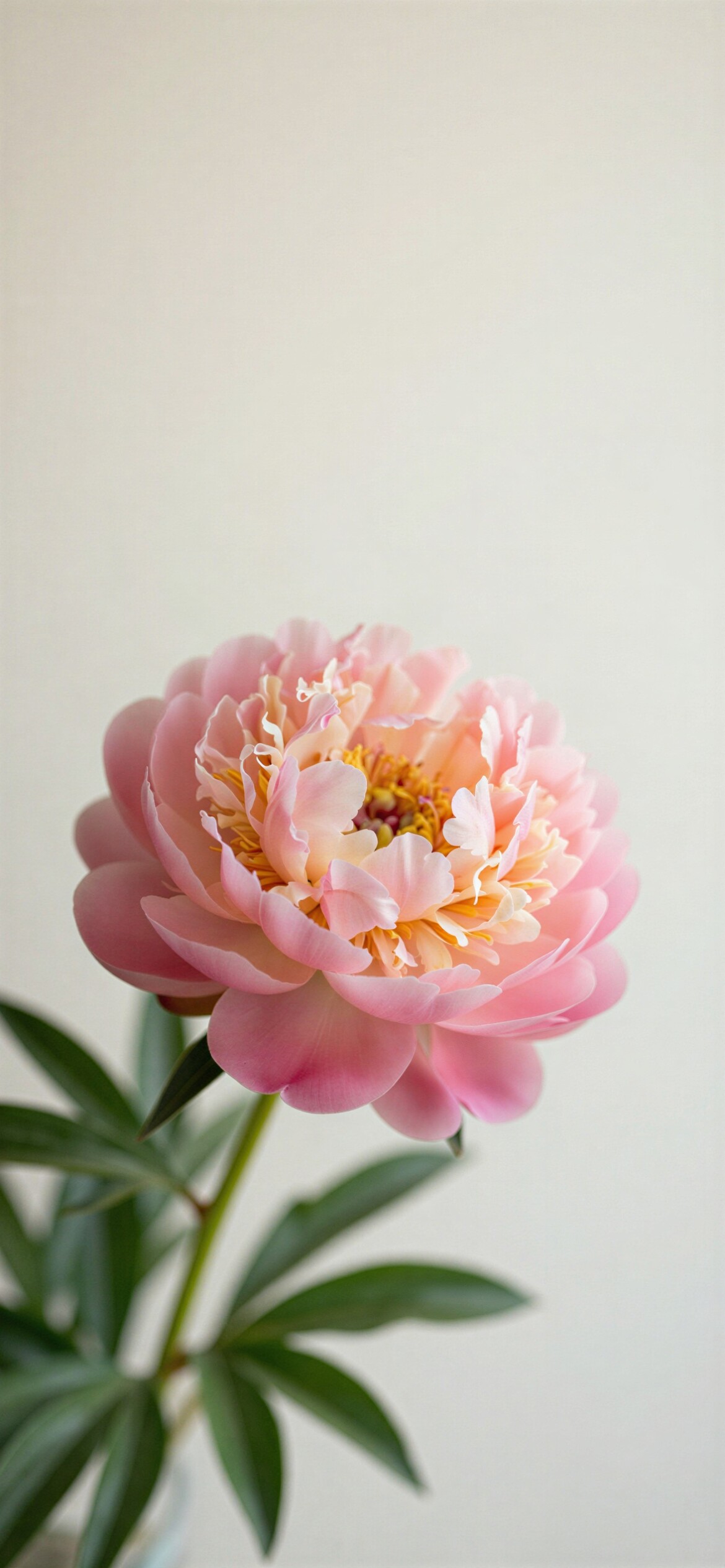
Flower wallpaper for iPhone brings fresh botanical beauty to your lock and home screens with close-up blooms, lush garden scenes and delicate petals in soft pastels and rich jewel tones. Each design captures flowers at different stages, from tightly closed buds to full, open faces, with natural light and real textures that make each petal and leaf feel touchable. The collection mixes intimate macro views with wider garden compositions, so you can choose a single flower that fills the frame or a scattered arrangement of stems and foliage. Whether you want calm, muted hues for a serene mood or deeper colors for more drama, these flower iPhone wallpapers work year-round on any home screen. All designs are original artwork, curated and checked by hand before publishing.
10 wallpapers at 1170 × 2532 px for iPhone. Checked by hand on 25 Oct 2026.
About this set
This collection showcases individual flowers and small botanical arrangements in soft, natural light. Close-up blooms dominate the frame, from tightly packed peony petals to the smooth cups of tulips, with colors ranging from pale creams and soft pinks to deep burgundies and rich purples. Textures matter here: ruffled layers, papery edges, velvety surfaces and waxy leaves are all visible under diffused daylight or gentle window light. Soft, neutral backgrounds in creams, greys and pale blues keep focus on the flowers themselves. Green stems and leaves provide natural framing without overwhelming the composition. The top quarter of each design stays simple and open, leaving room for iPhone status bars and notification badges.
Wallpapers 1, 3, 4, 7 and 10 work best as lock screen designs because they feature bold single blooms or clear focal points that remain readable above widgets and time displays. Wallpapers 2, 5, 6, 8 and 9 suit home screens better, with scattered arrangements and varied heights that work around app icons without losing visual balance. The softer color palette and open composition mean these designs work equally well in light or dark mode and complement both minimalist and colorful icon sets.
What each flower brings to your phone
- Pink peony: A romantic, layered bloom ideal for lock screens. The soft pink and cream tones pair well with muted app icons.
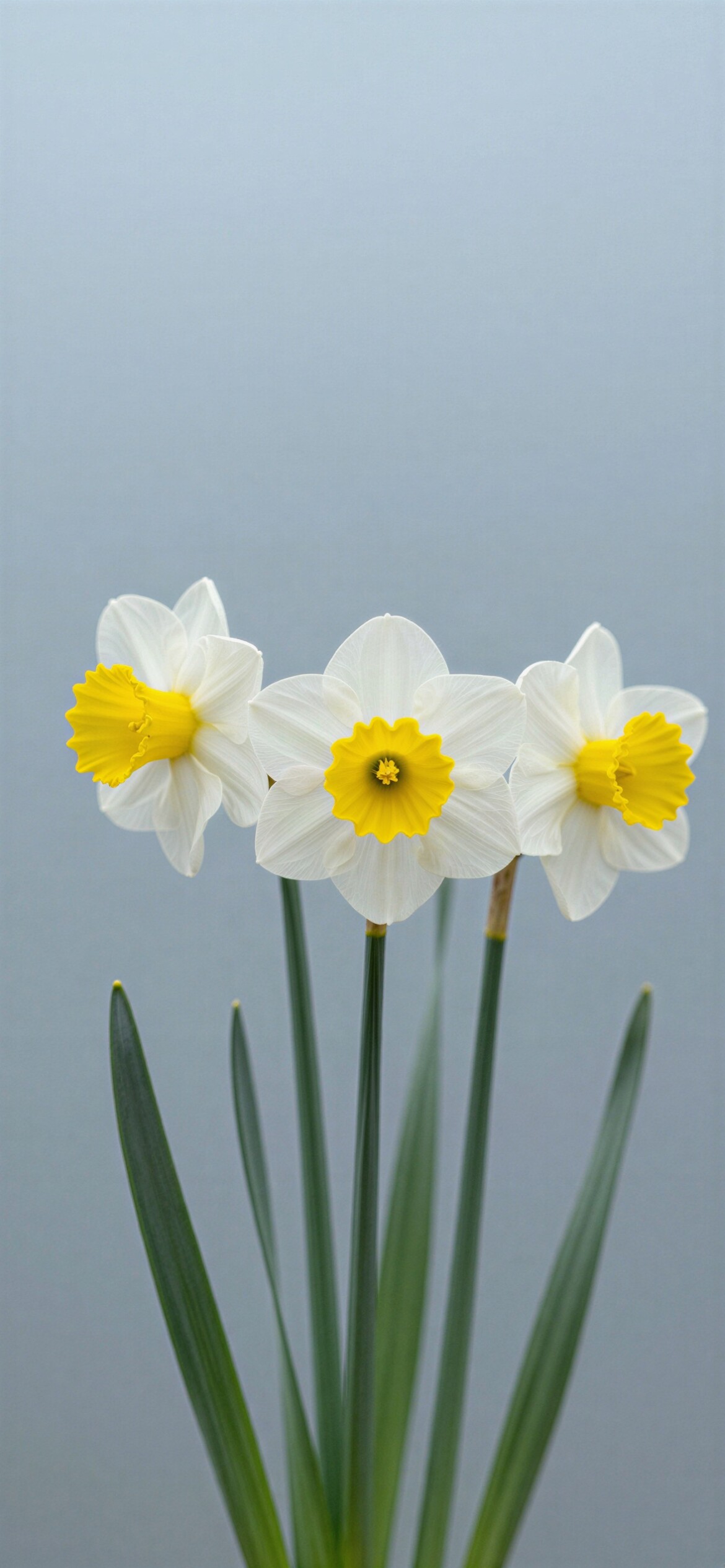
- Daffodils: Spring-like and cheerful on home screens. The upright stems create natural space around icons in the middle of the display.
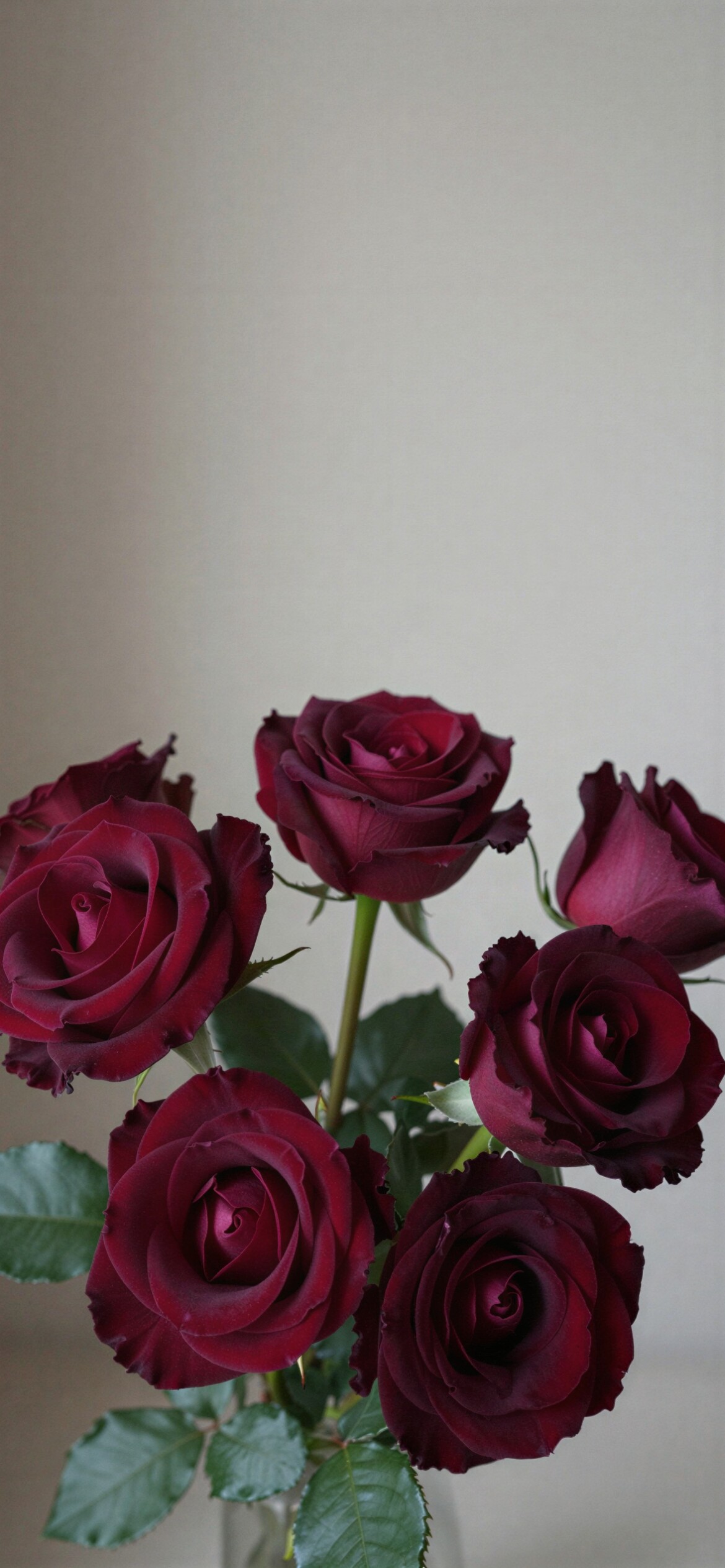
- Burgundy roses: Deep and moody for lock screens. The rich color works with both light and dark app layouts.
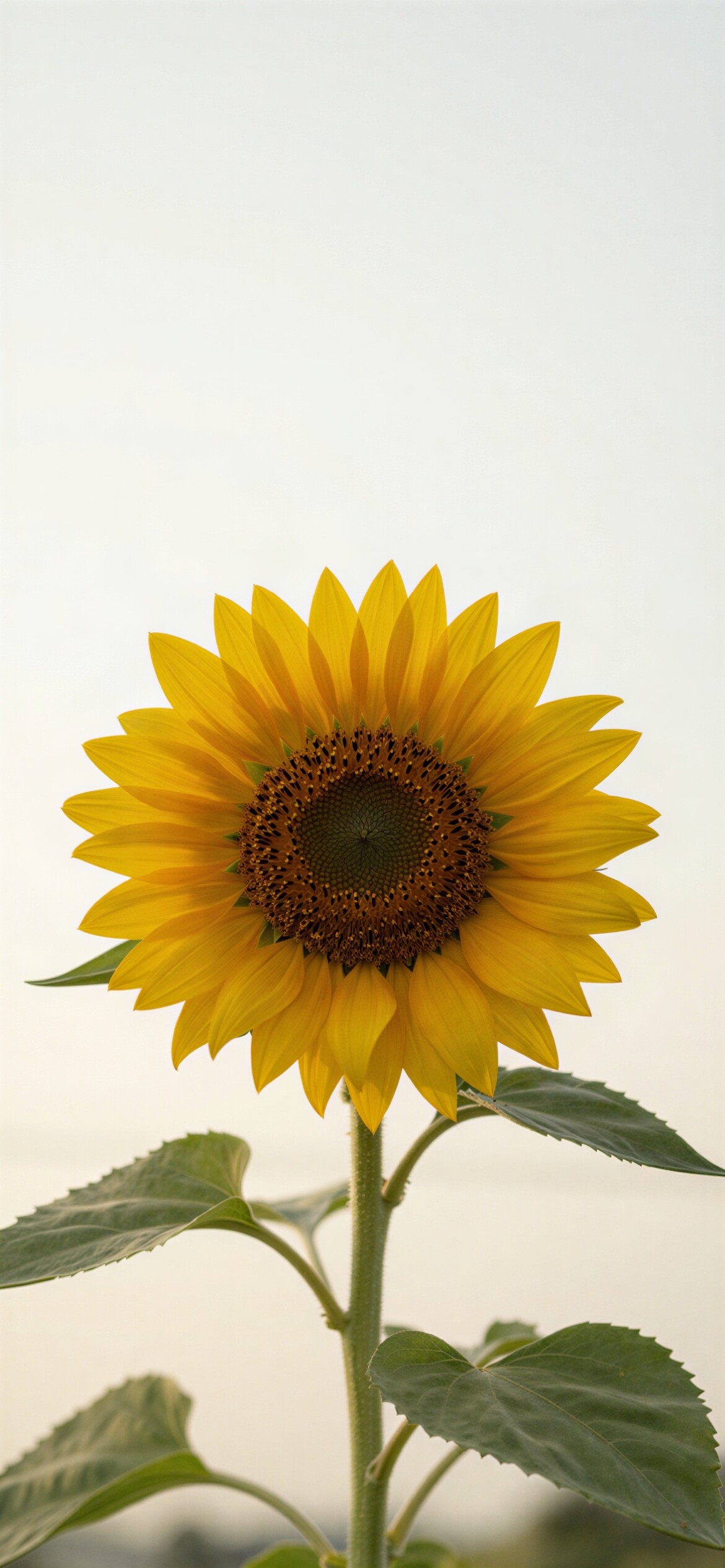
- Sunflower: Warm and grounding on lock screens. The large golden face and centered composition balance status bar elements.
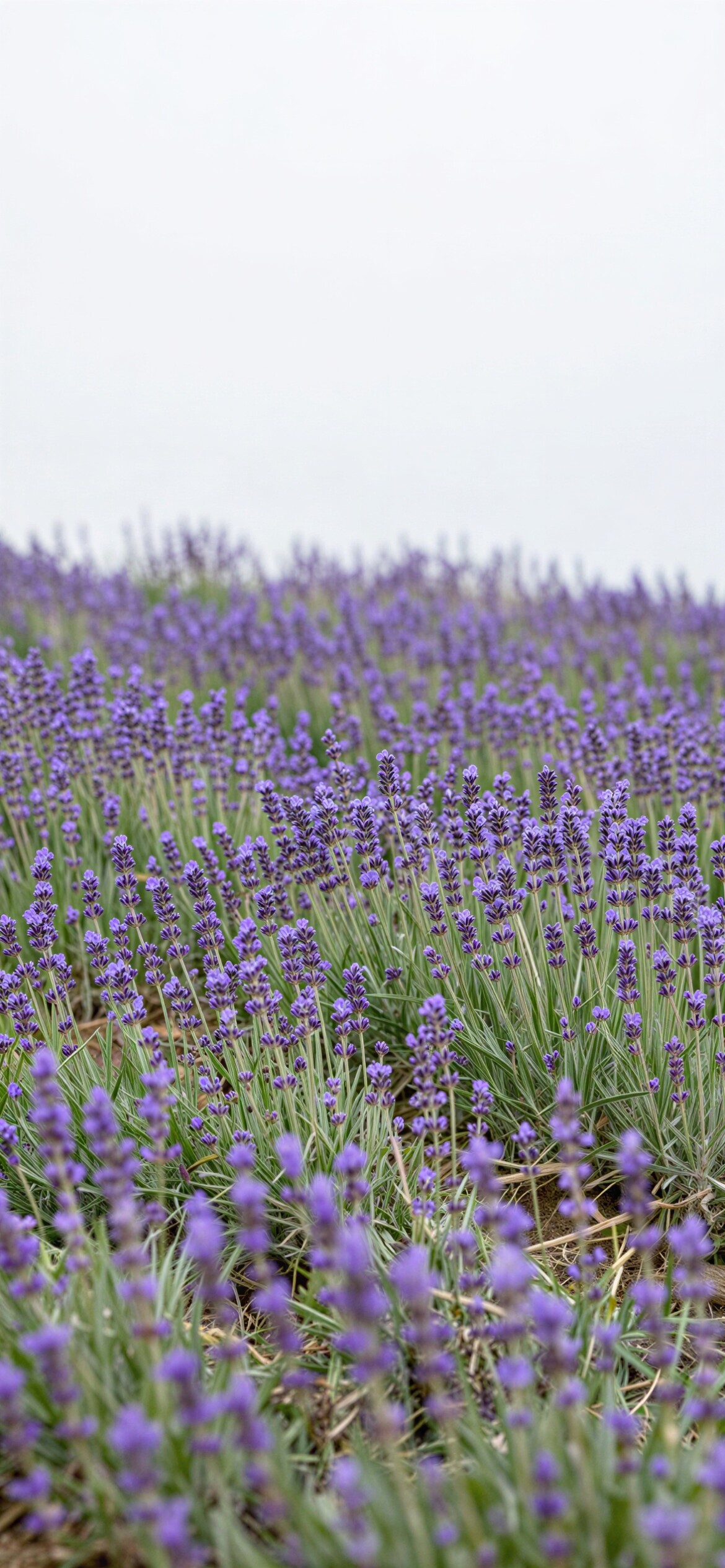
- Wildflowers: Scattered and natural for home screens. Multiple flowers at different heights avoid blocking app rows.
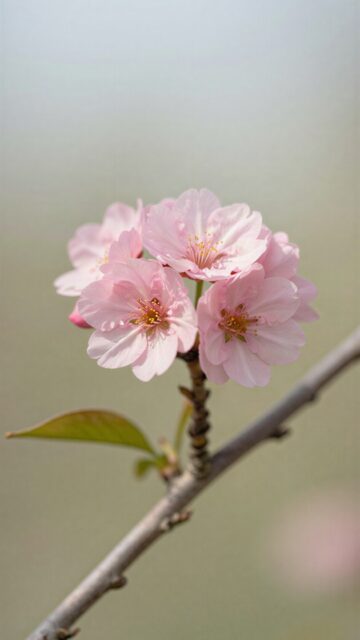
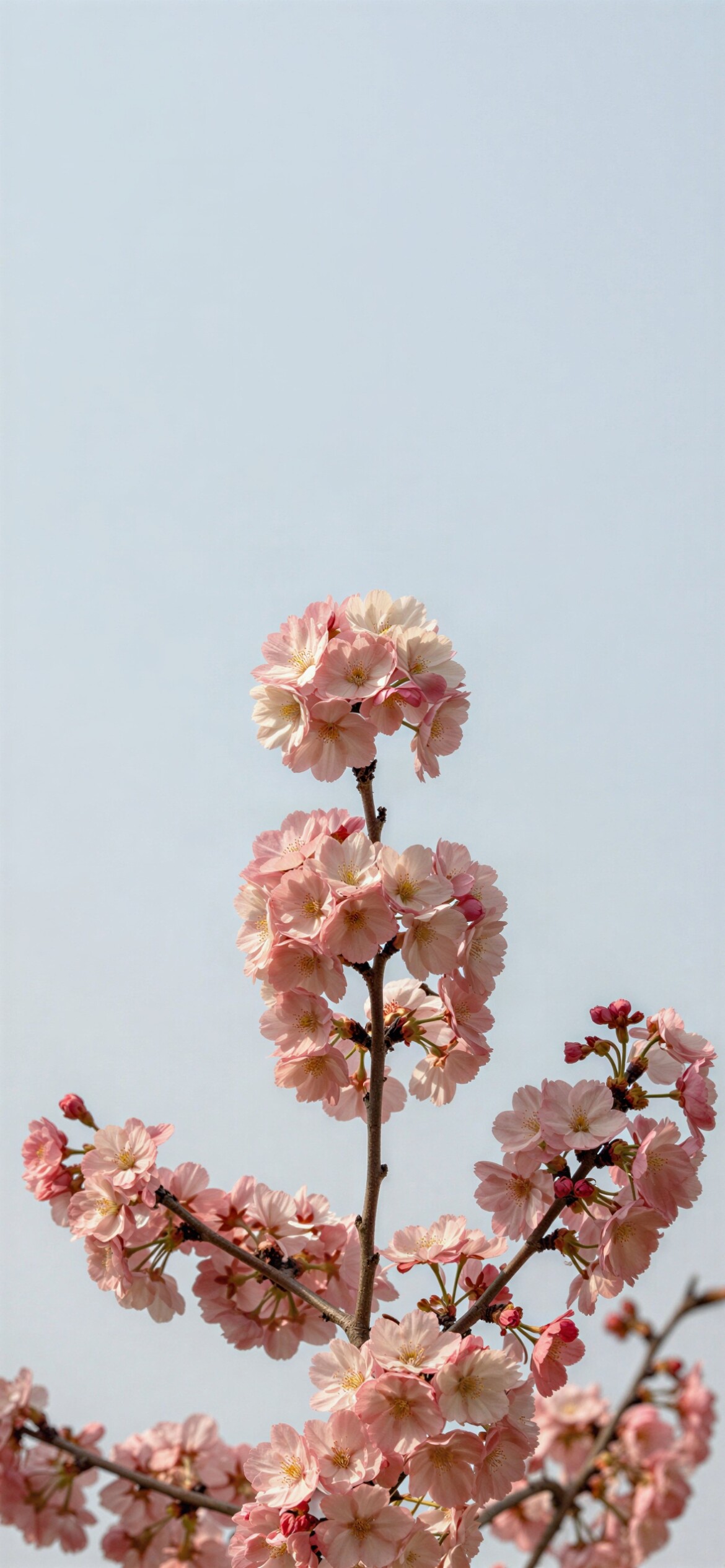
- Cherry blossoms: Delicate and airy for home screens. The thin branches and sparse arrangement leave room for icon placement.
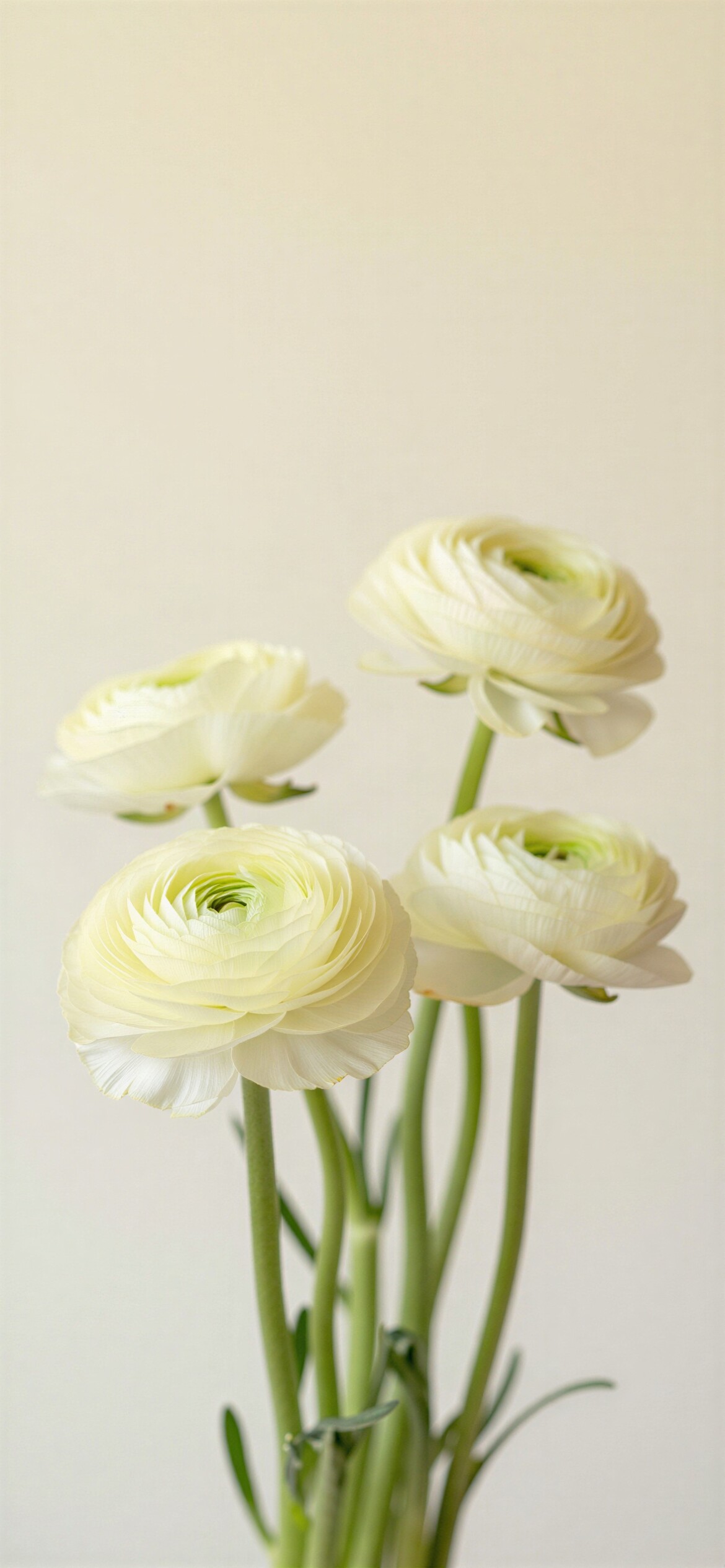
- Ranunculus: Soft and romantic for lock screens. The pale yellow and cream blend seamlessly with light interface elements.
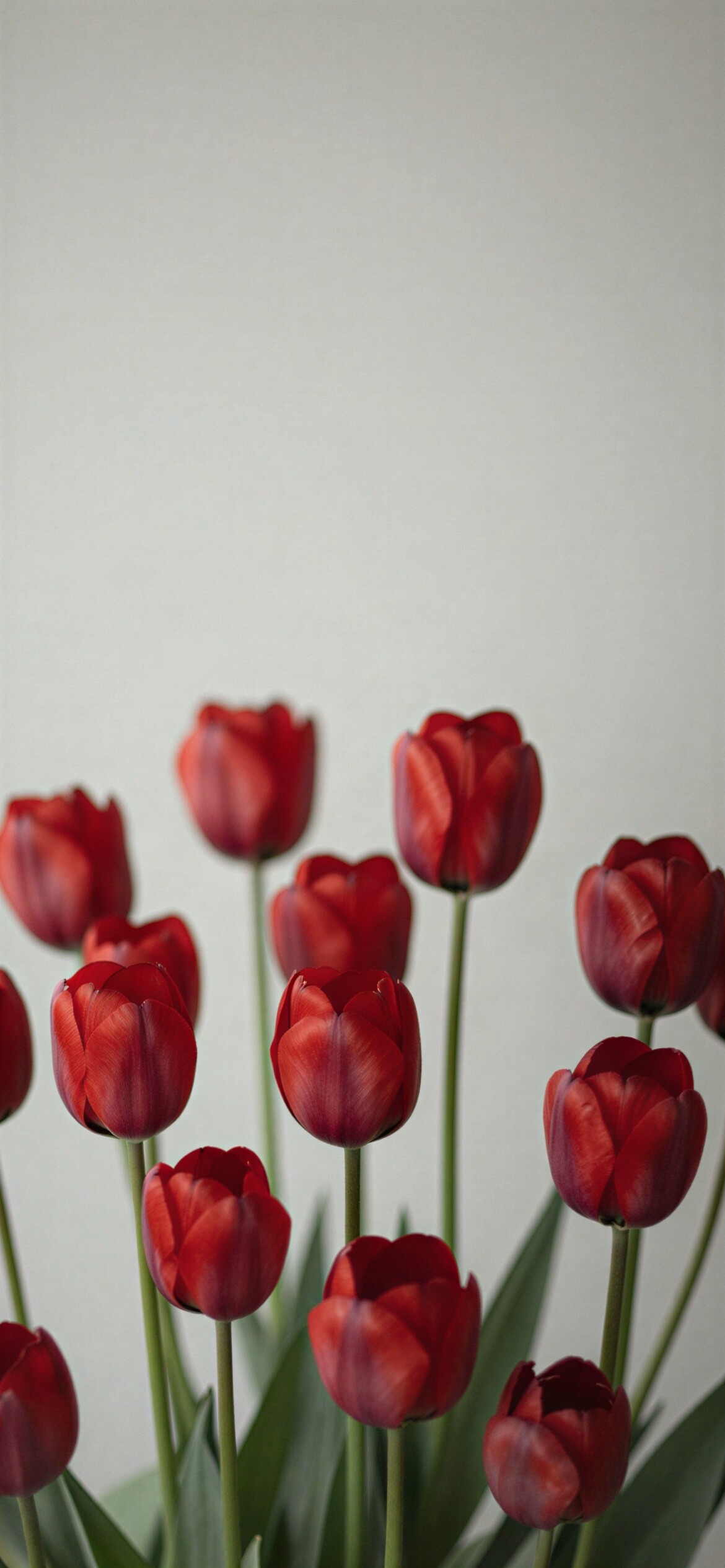
- Tulips: Clean and structured for home screens. Upright stems create vertical lines that guide the eye without interfering with app grids.
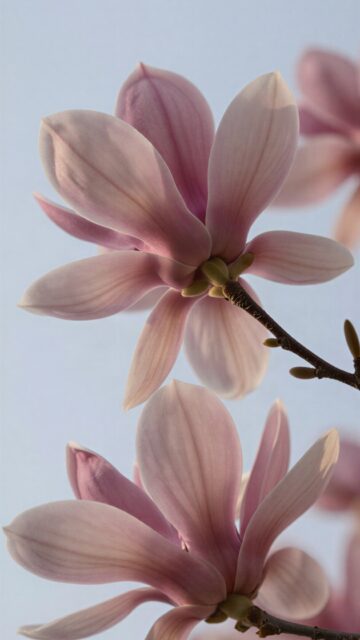
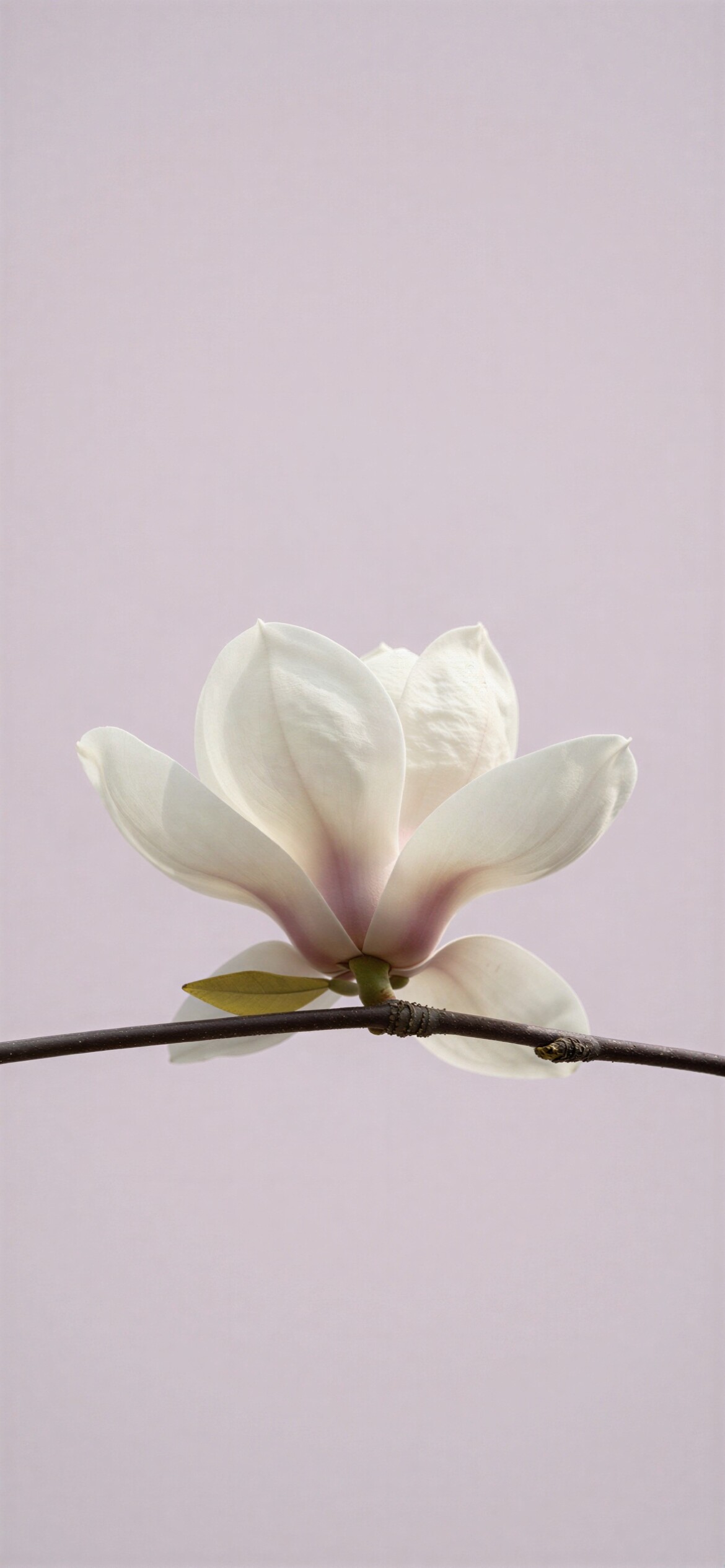
- Magnolia: Elegant and sculptural for lock screens. The single large bloom commands attention without visual clutter.
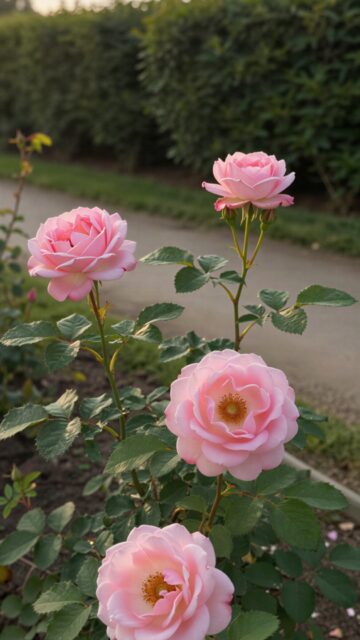
- Garden roses: Lush and full for home screens. The clustered petals and varied heights distribute visual weight evenly across the display.
The enduring appeal of flower wallpapers
Flowers have been a central subject in decorative arts for centuries, from botanical illustrations in herbals and scientific texts to floral patterns in textiles and wallpapers. The Victorian era brought a surge in flower collecting and pressed-flower crafts, and that tradition of celebrating individual blooms continues today. Modern phone wallpapers echo this history by bringing close-up, detailed views of flowers into everyday life. Unlike printed wallpaper that repeats a pattern, each of these designs focuses on the unique character of a single flower or small grouping, drawing from botanical art traditions while embracing contemporary photography's ability to reveal fine details and natural lighting. Flowers also serve a psychological purpose: studies show that views of plants and blooms can reduce stress and improve mood, making them an ideal choice for a device you look at constantly.
Moods and moments
Wallpapers 1, 7 and 10 create a soft, dreamy atmosphere with pale and pastel tones. They suit moments when you want calm and refinement. Wallpapers 3, 4 and 8 offer warmth and boldness, from the deep burgundy of classic roses to the bright energy of sunflowers and the structured elegance of tulips. These work for anyone seeking confidence or a touch of drama. Wallpapers 2, 5, 6 and 9 sit in the middle ground, offering freshness and delicacy without intensity. The daffodils and cherry blossoms evoke spring renewal, while the wildflowers and magnolia suggest natural ease and understated beauty.
How to set it on your iPhone
- Tap Download and save the image to Photos.
- Open Settings, tap Wallpaper, then Add New Wallpaper, and choose Photos.
- Pick the wallpaper, pinch to position it, then tap Add and choose the lock screen, home screen or both.
Stuck on a step? The iPhone and iPad guide has screenshots for each one.
Questions
Do these wallpapers fit all iPhone sizes?
These designs are sized at 1170x2532 pixels for modern iPhones with standard displays. They fit current iPhone models perfectly without cropping. Older iPhone models with different aspect ratios may crop slightly at the edges, particularly at the top or bottom. If you use an older device, you can adjust the wallpaper using your phone's crop tool to frame the flower as you prefer.
Can I use these wallpapers commercially or share them elsewhere?
These wallpapers are free for personal use on your own devices only. You cannot sell them, print them for sale, or repost them on other wallpaper sites or social media without permission. Doing so violates our Terms of Use. For questions about commercial licensing or other uses, please check the Terms page on Free Wallpaper Daily.
Which wallpapers work best for lock screens versus home screens?
Lock screen designs (1, 3, 4, 7, 9) feature bold single blooms or clear focal points that stay readable above time and notification elements. Home screen designs (2, 5, 6, 8, 10) have scattered arrangements and varied heights that work around app icons without losing visual balance. You can use any wallpaper on either screen, but these pairings offer the best functionality and visual harmony with iPhone interface elements.
Will these flower wallpapers work with dark mode and light icon sets?
Yes. The soft, neutral color palette of creams, greys and pale pastels in this collection works equally well with light and dark modes. The designs also complement both minimalist and colorful app icons. If you use very bright or saturated app colors, the muted flower tones may recede slightly, so consider monochrome or pastel icons for a cohesive, calming look across your home screen.